The Inventory Tracking Excel Template for E-commerce Sellers streamlines product management by providing an organized spreadsheet to monitor stock levels, sales, and reorder points. This template enhances accuracy in inventory control, reducing the risk of overstocking or stockouts while facilitating efficient order fulfillment. Customizable features allow sellers to tailor the template to specific product categories and business needs, improving overall operational efficiency.
Product Stock Level Tracker Excel Template
The
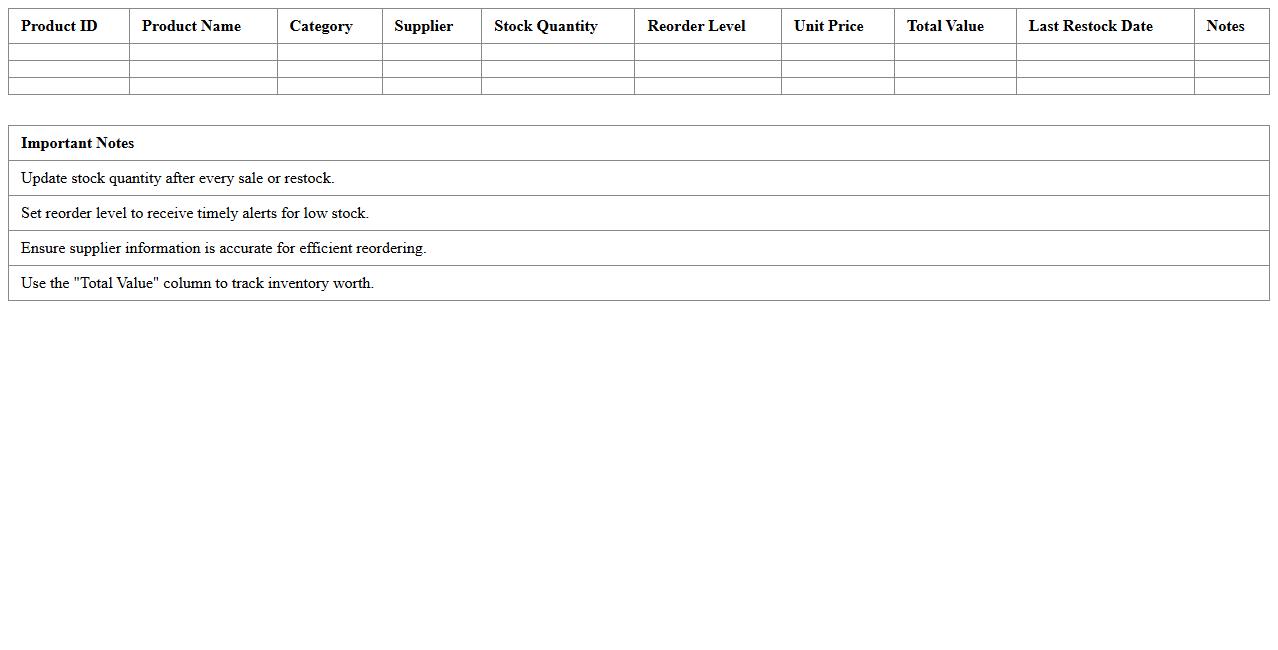
Product Stock Level Tracker Excel Template is a customizable spreadsheet designed to monitor inventory quantities, reorder points, and stock movements effectively. It automates stock level calculations, helping businesses prevent stockouts and overstock situations by providing real-time visibility into current inventory status. This tool enhances inventory management efficiency, reduces manual errors, and supports data-driven decision-making for restocking and sales forecasting.
E-commerce SKU Inventory Management Sheet
An
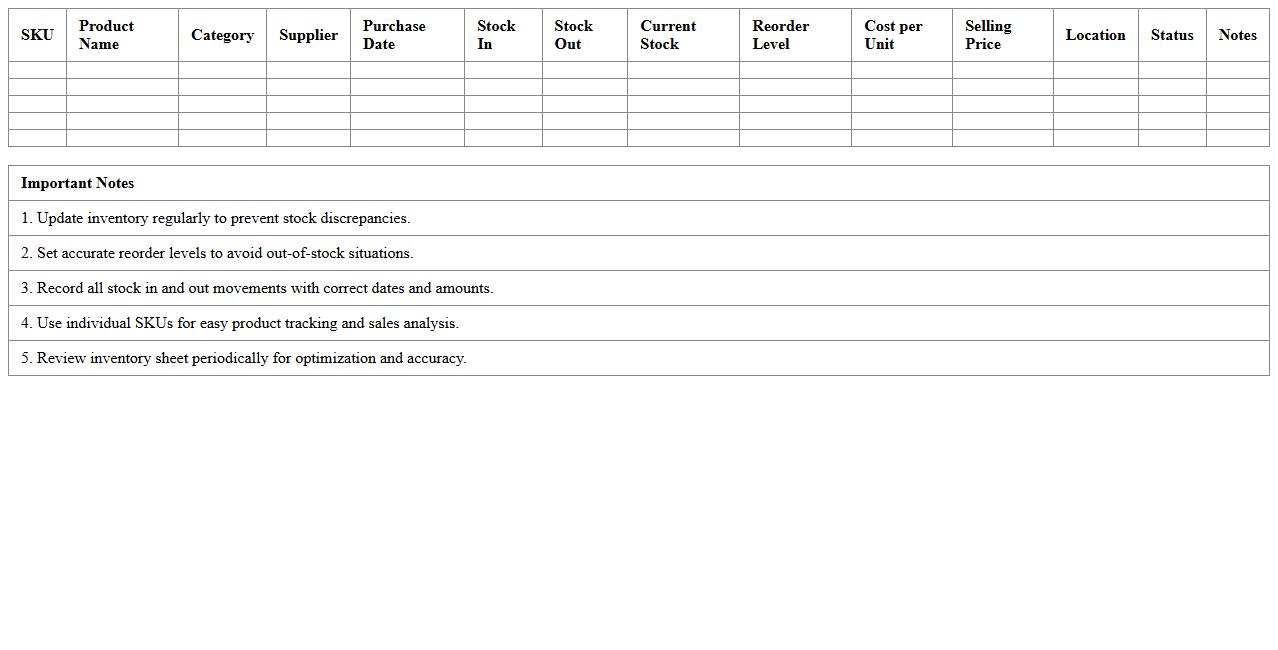
E-commerce SKU Inventory Management Sheet is a detailed tracking document that lists and organizes all Stock Keeping Units (SKUs) for an online store, including quantities, product details, and sales data. It enables efficient management of inventory levels, preventing stockouts and overstock situations by providing real-time insights into product availability. Utilizing this sheet helps streamline order fulfillment, improve supply chain decisions, and enhance overall operational efficiency in e-commerce businesses.
Warehouse Stock In/Out Log Excel
The
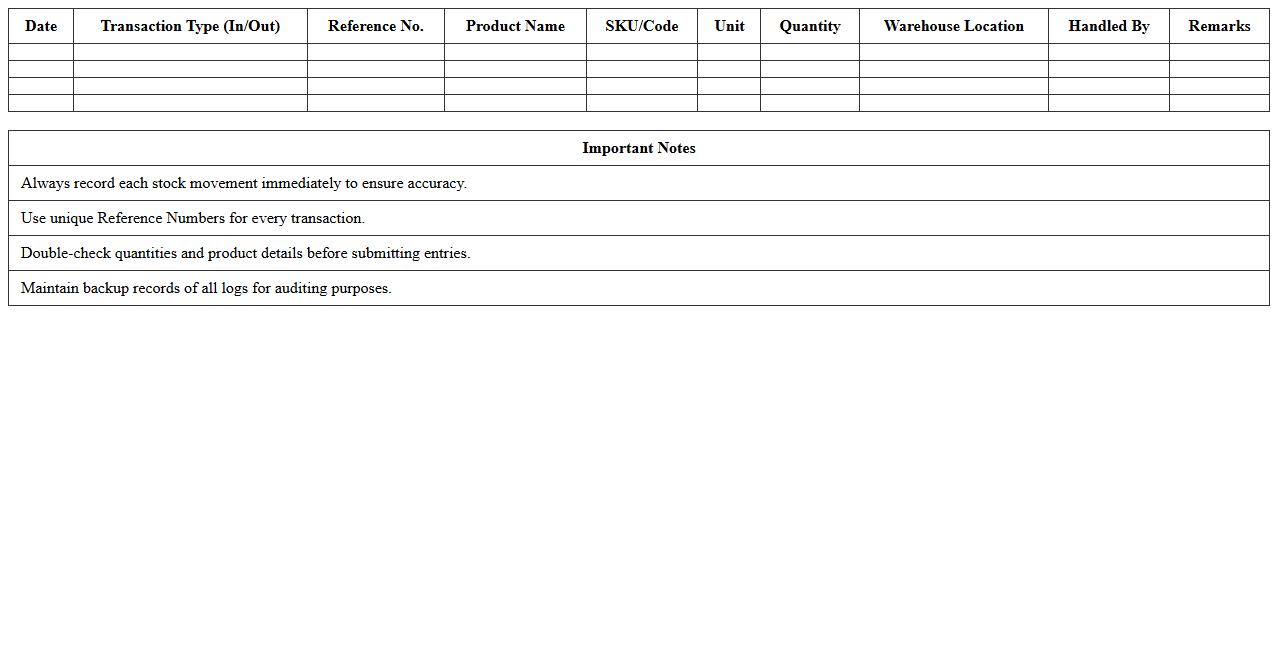
Warehouse Stock In/Out Log Excel document is a detailed record tracking inventory movements, including items received (stock in) and items dispatched (stock out). This log helps manage stock levels accurately, prevents overstocking or stockouts, and enhances supply chain efficiency by providing clear visibility of inventory flow. Using this Excel document enables businesses to maintain organized inventory data, streamline warehouse operations, and make informed decisions based on real-time stock information.
Inventory Reorder Alert Spreadsheet
An
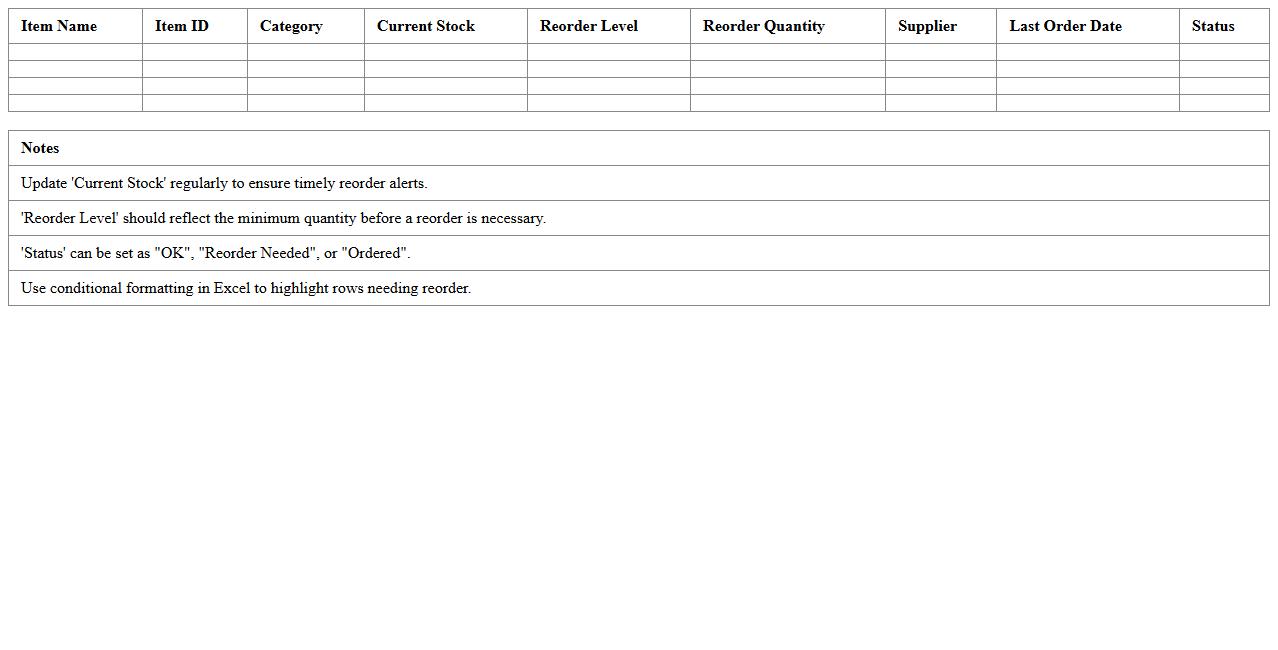
Inventory Reorder Alert Spreadsheet is a tool designed to track stock levels and automatically notify when inventory reaches a predefined reorder point. It helps businesses prevent stockouts by ensuring timely replenishment, optimizing inventory management, and reducing carrying costs. Using this spreadsheet enhances operational efficiency by providing clear visibility into inventory status and supporting data-driven purchasing decisions.
Sales & Inventory Reconciliation Excel
The
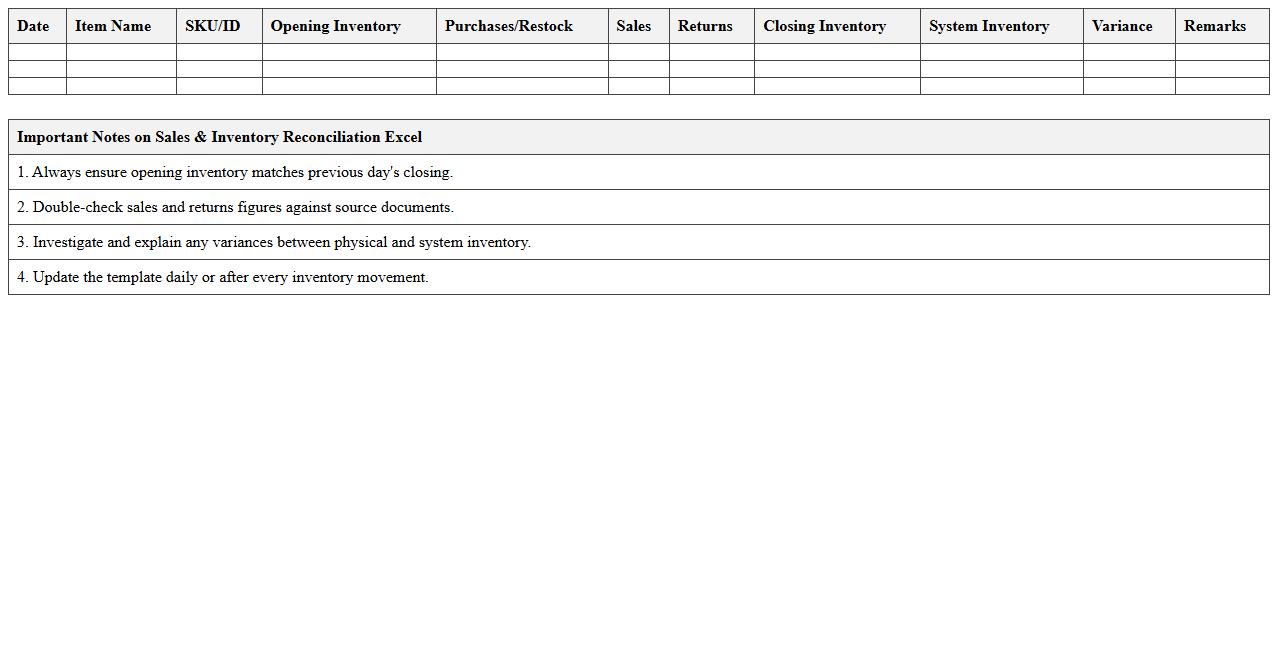
Sales & Inventory Reconciliation Excel document is a powerful tool designed to accurately align sales records with inventory data, helping businesses identify discrepancies between sold and stocked items. It enhances operational efficiency by providing clear visibility into stock levels, preventing stockouts or overstock situations, and enabling timely restocking decisions. Leveraging this document supports improved financial accuracy, streamlined reporting, and better inventory control, ultimately contributing to informed business strategy and increased profitability.
Monthly Inventory Count Log Template
A
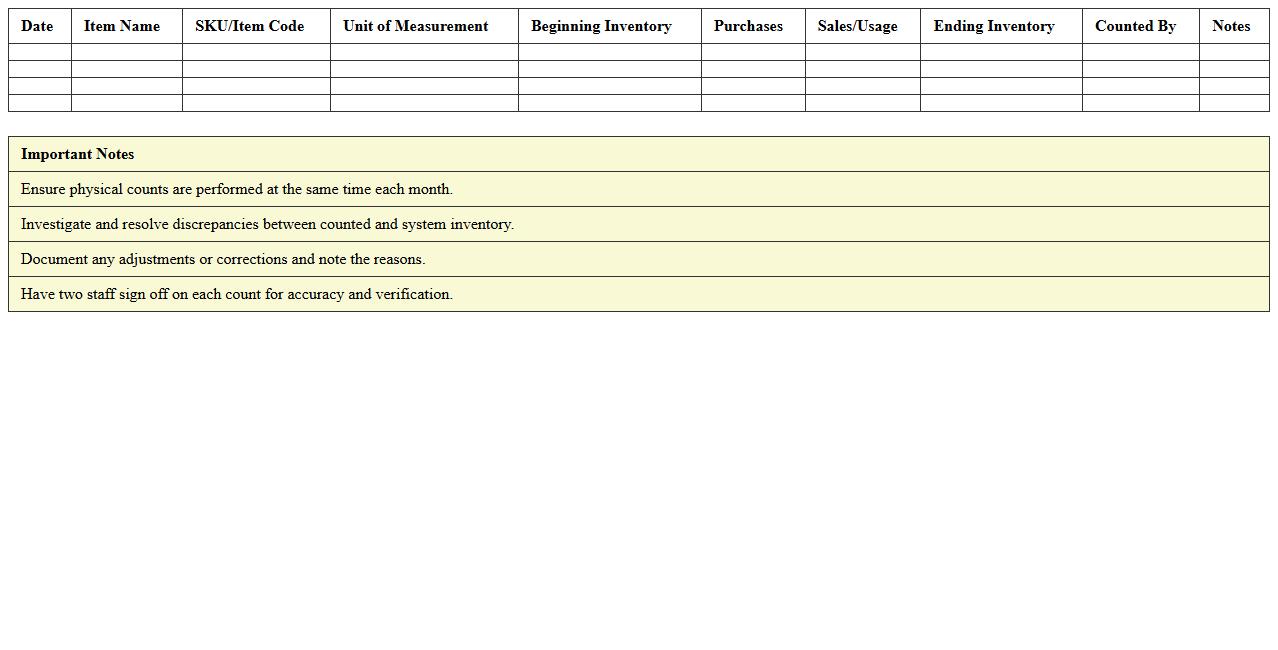
Monthly Inventory Count Log Template document is a structured tool designed to record and track inventory levels on a regular monthly basis, ensuring accurate stock management. It helps businesses identify discrepancies between actual stock and recorded data, minimizing errors and preventing stock shortages or overages. Utilizing this template promotes efficient inventory control, supports financial accuracy, and enhances overall operational productivity.
Expiring Products Inventory Tracker
The
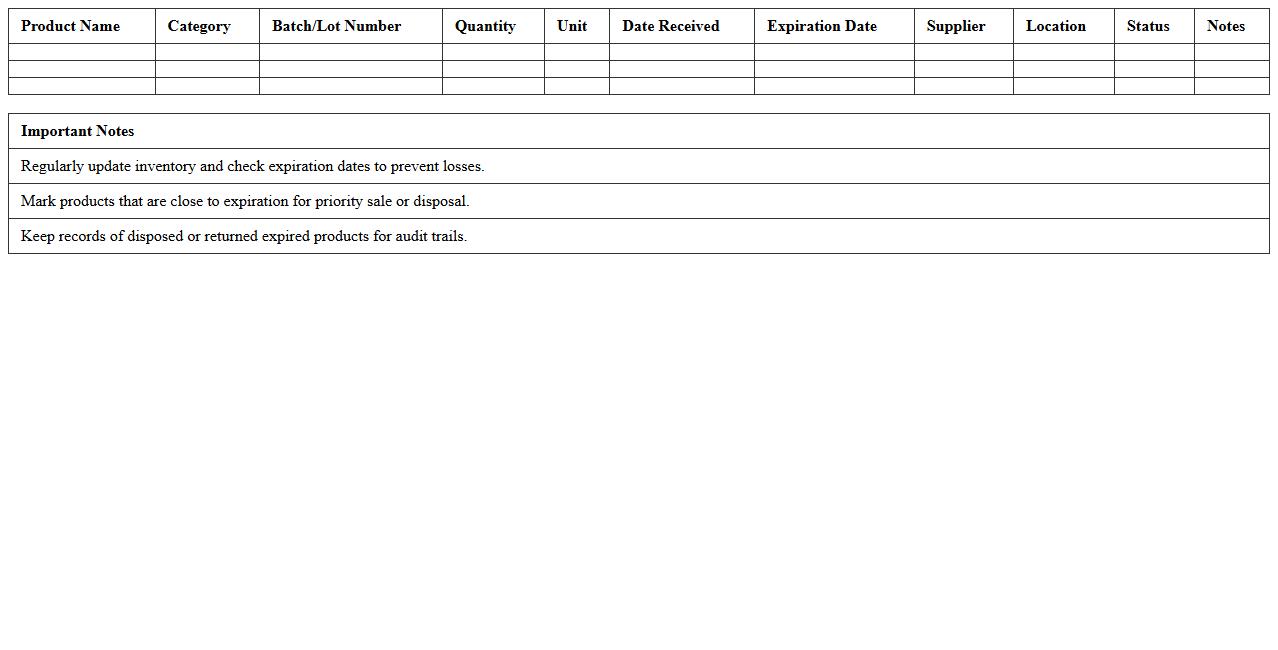
Expiring Products Inventory Tracker document is a tool designed to monitor the shelf life of products, enabling businesses to identify items nearing their expiration dates efficiently. By maintaining accurate records, it helps reduce waste, optimize stock management, and ensure timely sales or usage of products before expiry. This tracker enhances operational efficiency and supports compliance with quality and safety standards across various industries.
Supplier Order Management Excel Template
The
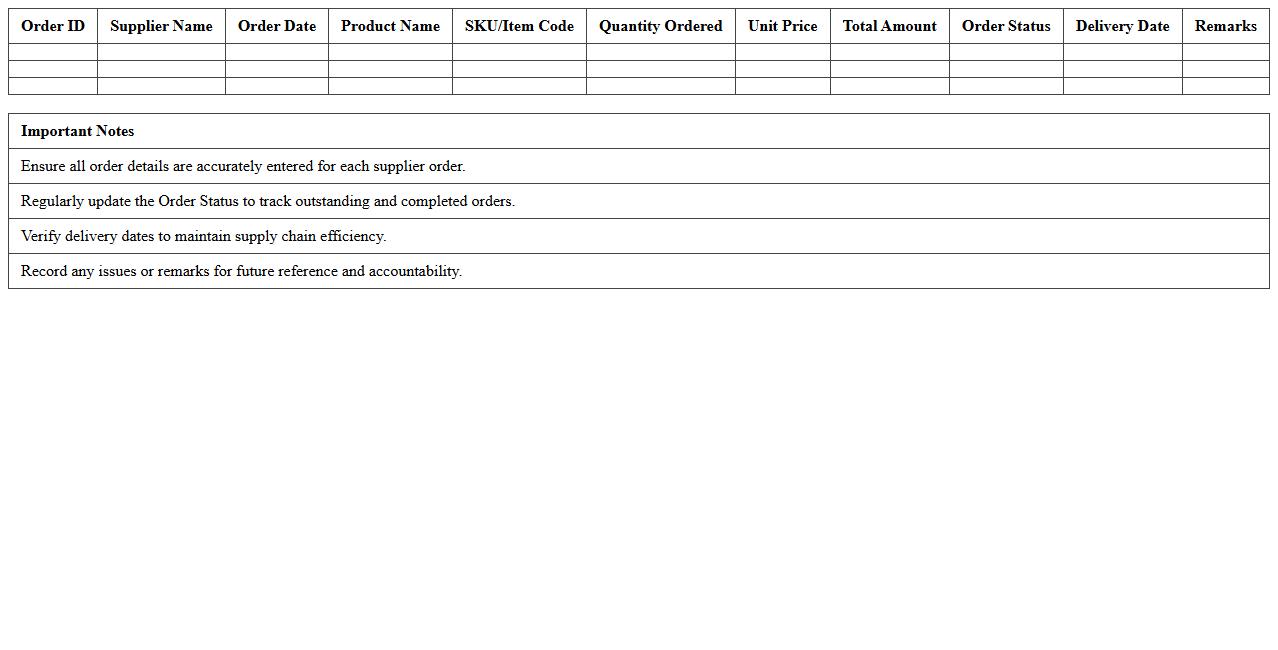
Supplier Order Management Excel Template is a structured document designed to track and organize purchase orders, supplier details, delivery schedules, and payment statuses efficiently. It helps businesses streamline procurement processes by providing clear visibility into order history, pending deliveries, and supplier performance metrics. Using this template improves accuracy in order tracking, reduces errors, and enhances communication between procurement teams and suppliers.
Multi-Channel Inventory Tracking Sheet
A
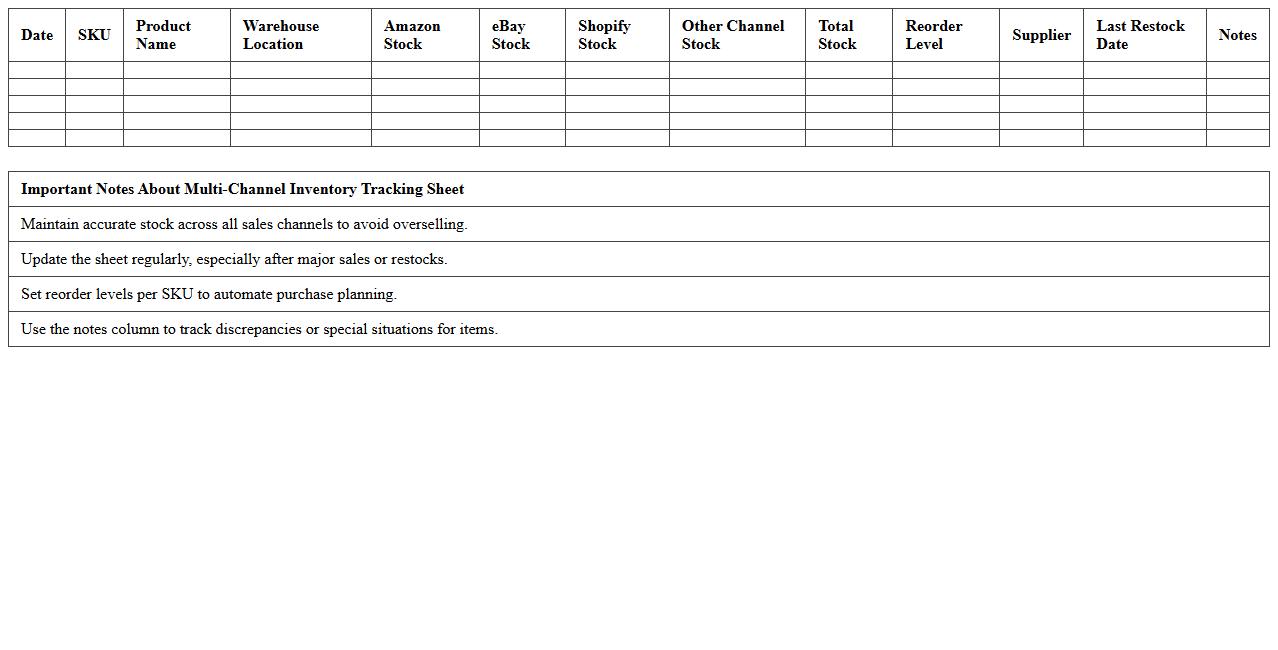
Multi-Channel Inventory Tracking Sheet is a comprehensive document designed to monitor stock levels across various sales platforms such as e-commerce websites, physical stores, and third-party marketplaces simultaneously. It helps businesses maintain accurate inventory data, prevent overselling, and streamline order fulfillment by consolidating information in one centralized system. This tracking sheet enhances operational efficiency and improves customer satisfaction by ensuring products are always available and up-to-date.
Inventory Valuation Dashboard Excel
The
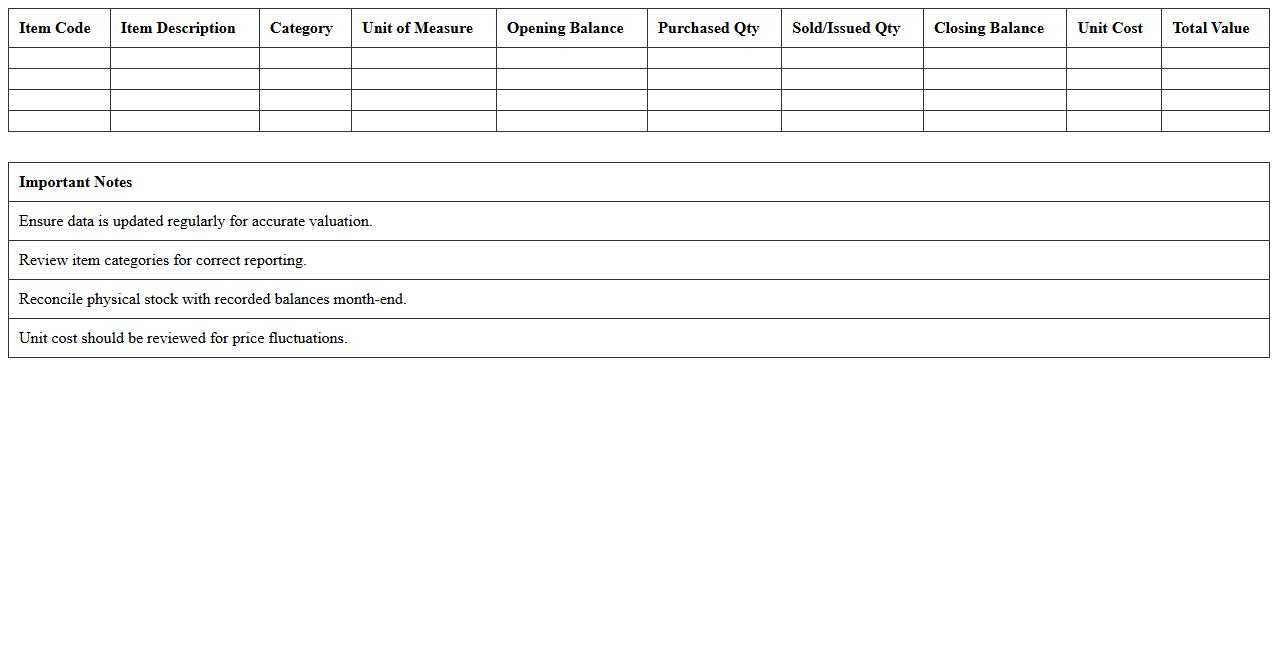
Inventory Valuation Dashboard Excel document provides a dynamic and comprehensive overview of inventory costs, enabling businesses to track stock value in real-time. It helps optimize inventory management by highlighting key metrics such as total stock value, turnover rates, and cost trends, facilitating informed financial decisions. This tool enhances accuracy in accounting and supports efficient resource allocation, reducing the risk of overstocking or stockouts.
How to automate SKU stock level updates in an Inventory Tracking Excel for multi-channel e-commerce?
To automate SKU stock level updates in Excel, use Power Query to consolidate data from multiple sales channels. Linking each channel's sales report to a master inventory sheet allows real-time updating of quantities. Additionally, VBA macros can automate data refresh and stock level recalculations on demand.
What formulas best track reorder points and safety stock in Excel inventory sheets?
The reorder point formula typically calculates demand during lead time plus safety stock, using functions like =AVERAGE(daily_sales)*lead_time + safety_stock. For safety stock, formulas can factor variability in demand and supply with standard deviation and service level multipliers. Combined, these formulas alert when stock reaches a critical threshold for replenishment.
How to integrate sales data imports into Inventory Tracking Excel for real-time quantity adjustments?
Import sales data using Power Query or data connections to update your Excel inventory workbook automatically. Setting scheduled refreshes synchronizes stock quantities with actual sales across channels without manual input. This real-time integration ensures accurate inventory visibility and timely stock adjustments.
Which Excel pivot tables streamline inventory aging analysis for e-commerce sellers?
Pivot tables can classify inventory by SKU, date received, and stock age buckets for clear aging analysis. Grouping stock by time intervals like 0-30, 31-60, and 60+ days helps identify slow-moving items. This approach enables sellers to optimize inventory turnover and reduce holding costs efficiently.
How to design batch or lot tracking within an Inventory Tracking Excel for product recall management?
Create a dedicated batch or lot column in your Excel inventory sheet to uniquely identify product groups. Use lookup functions and data validation to link batches with expiration dates, production info, and stock levels. This batch tracking system streamlines recall processes by quickly isolating affected inventory segments.
More Inventory Excel Templates