The Inventory Excel Template for Farm Produce Tracking streamlines the management of agricultural products by allowing farmers to record stock levels, track harvest dates, and monitor sales efficiently. This customizable template helps optimize inventory control, reduce waste, and improve overall farm productivity. Utilizing detailed data organization, it supports better decision-making for supply chain management and market planning.
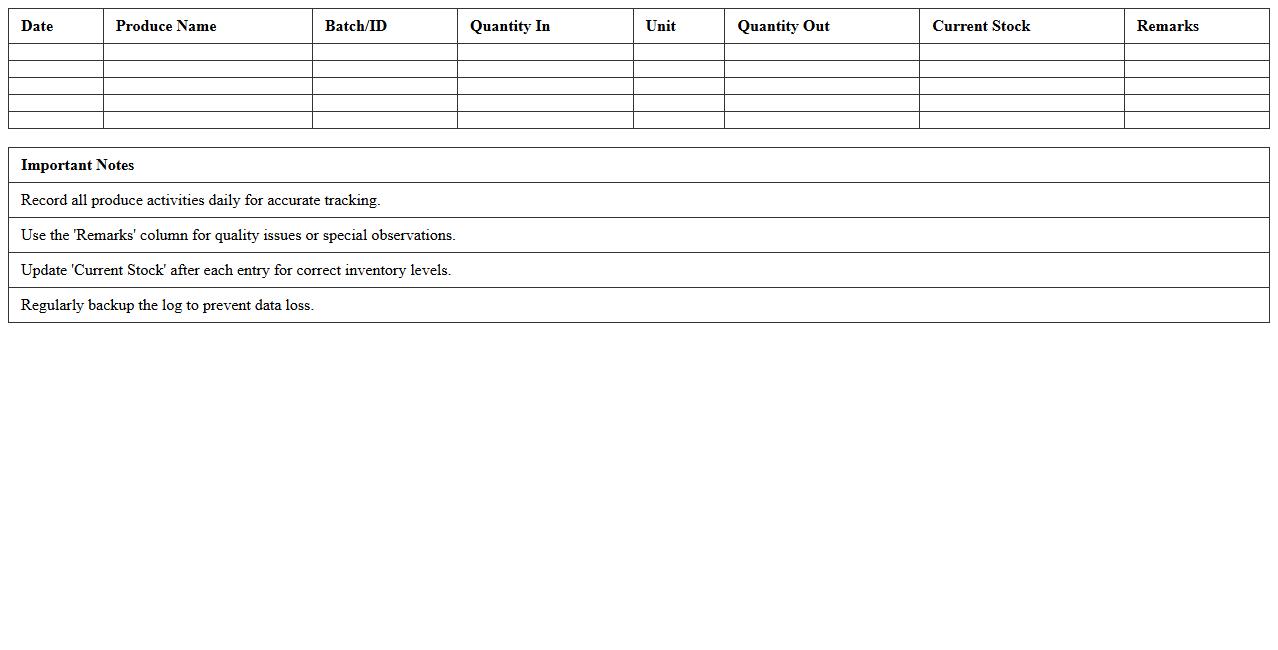
Daily Farm Produce Inventory Log Excel Template
The
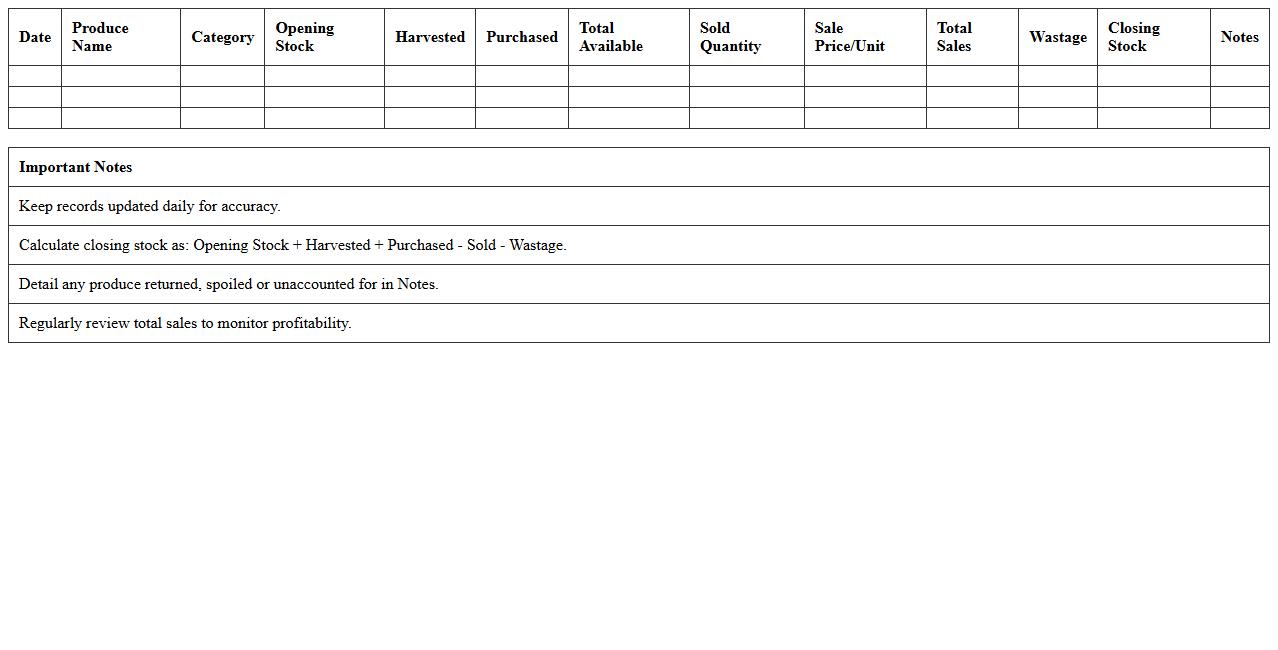
Daily Farm Produce Inventory Log Excel Template is a structured spreadsheet designed to track and manage farm produce quantities, sales, and stock levels efficiently on a daily basis. It helps farmers and agribusiness operators maintain accurate records of harvest dates, product types, and inventory changes, facilitating better resource planning and minimizing losses. By using this template, users gain valuable insights into production trends and optimize supply chain management for improved profitability.
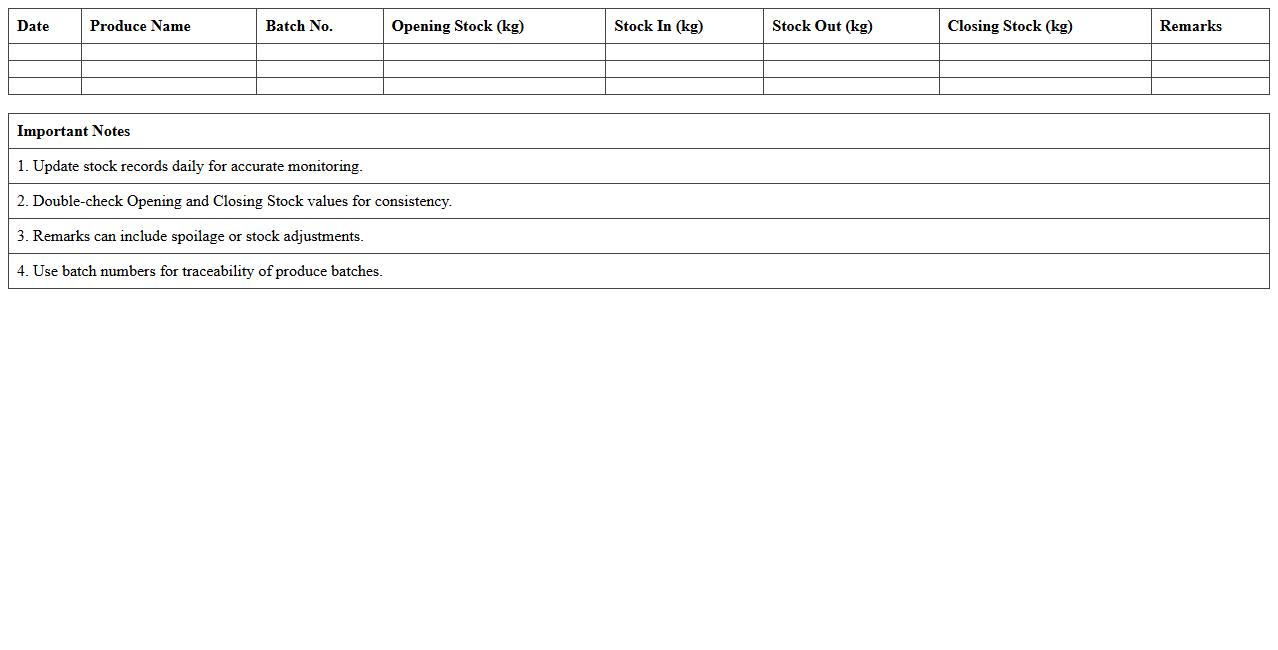
Farm Produce Stock Balance Sheet Excel Template
The
Farm Produce Stock Balance Sheet Excel Template is a structured spreadsheet designed to track the quantity and value of agricultural products available in stock. It enables farmers and agribusinesses to monitor inventory levels, manage supply efficiently, and avoid overstocking or stockouts. Using this template enhances transparency in stock management, supports accurate accounting, and aids in making informed decisions for farm resource planning.
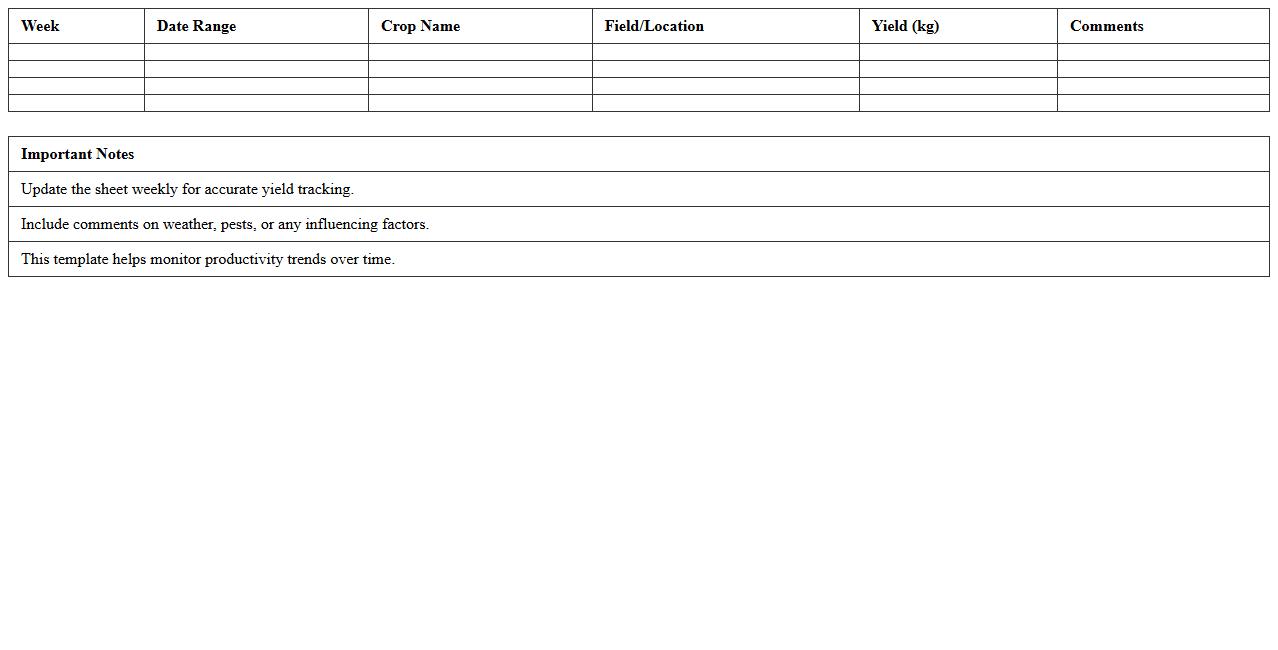
Weekly Crop Yield Tracker Excel Template
The
Weekly Crop Yield Tracker Excel Template is a powerful tool designed to monitor and analyze agricultural productivity on a weekly basis, allowing farmers and agronomists to input and track crop yields, growth patterns, and other vital metrics efficiently. It facilitates data-driven decision-making by providing clear visualizations such as charts and graphs, enabling optimized resource allocation and timely interventions to maximize output. This template enhances farm management by improving accuracy in yield forecasting and ensuring better planning for harvesting and marketing strategies.
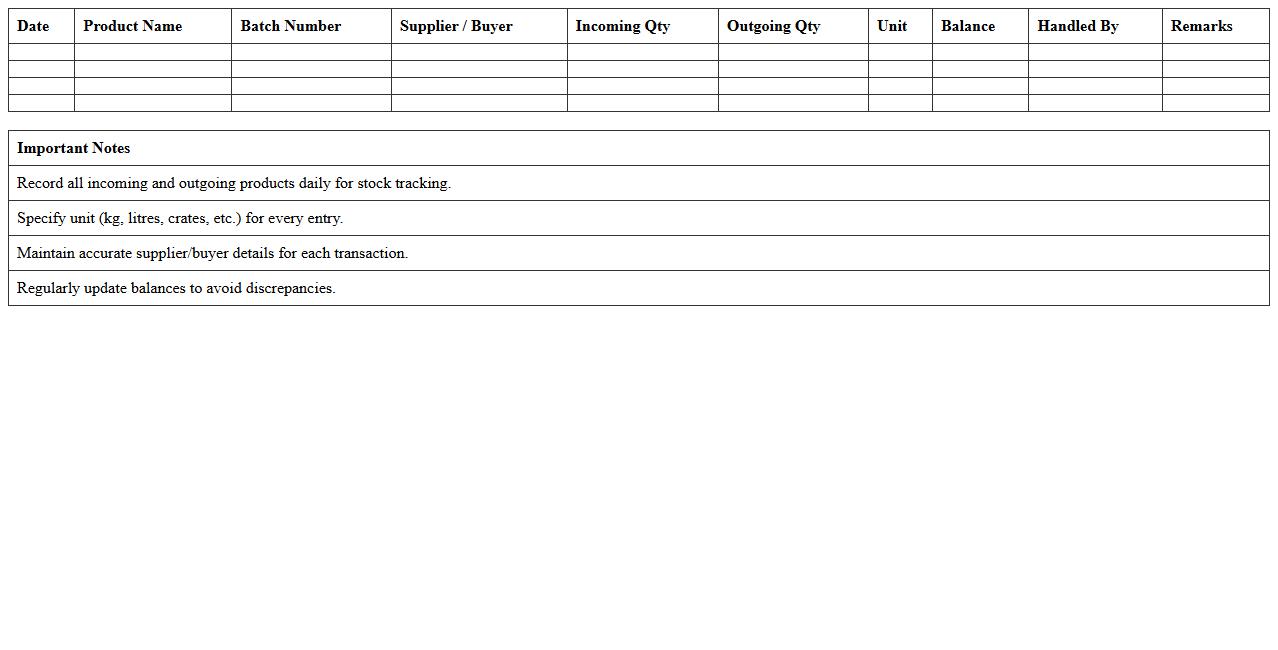
Farm Product Incoming & Outgoing Register Excel Template
The
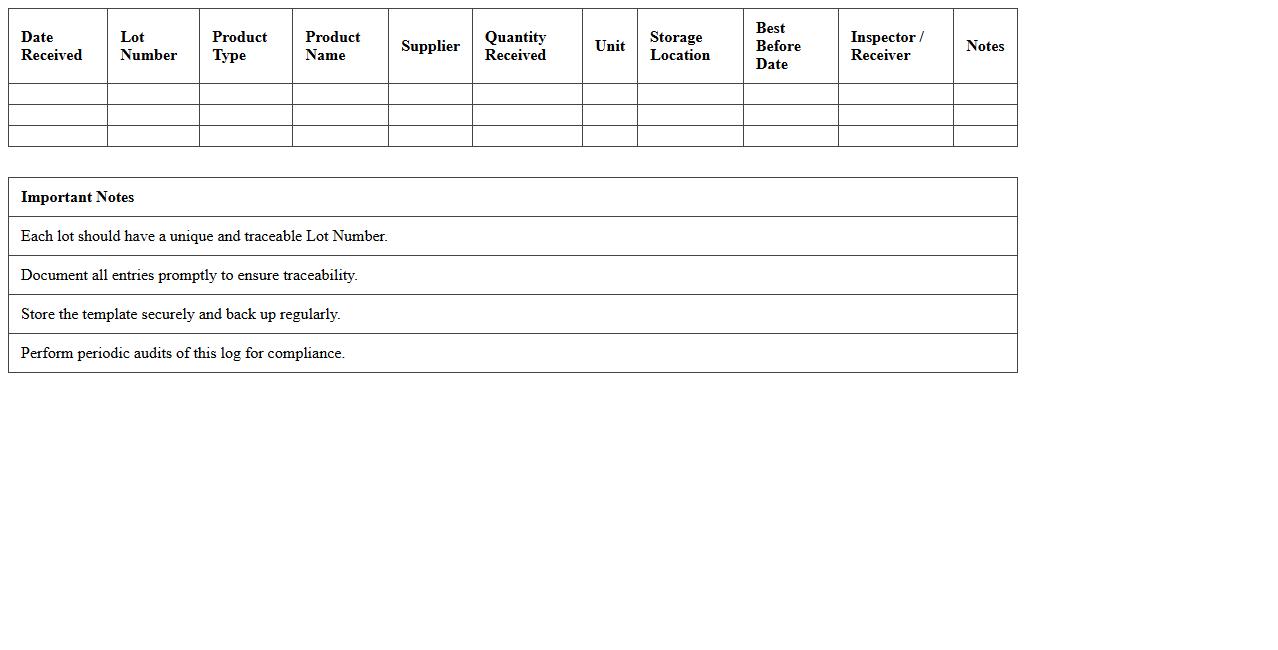
Farm Product Incoming & Outgoing Register Excel Template document is a structured spreadsheet designed to track and manage the receipt and dispatch of agricultural products efficiently. It helps farmers and agribusinesses maintain accurate records of quantities, dates, suppliers, buyers, and product types, ensuring transparency and accountability in inventory management. Using this template streamlines data entry, enhances inventory control, and supports better decision-making related to farm product logistics and sales.
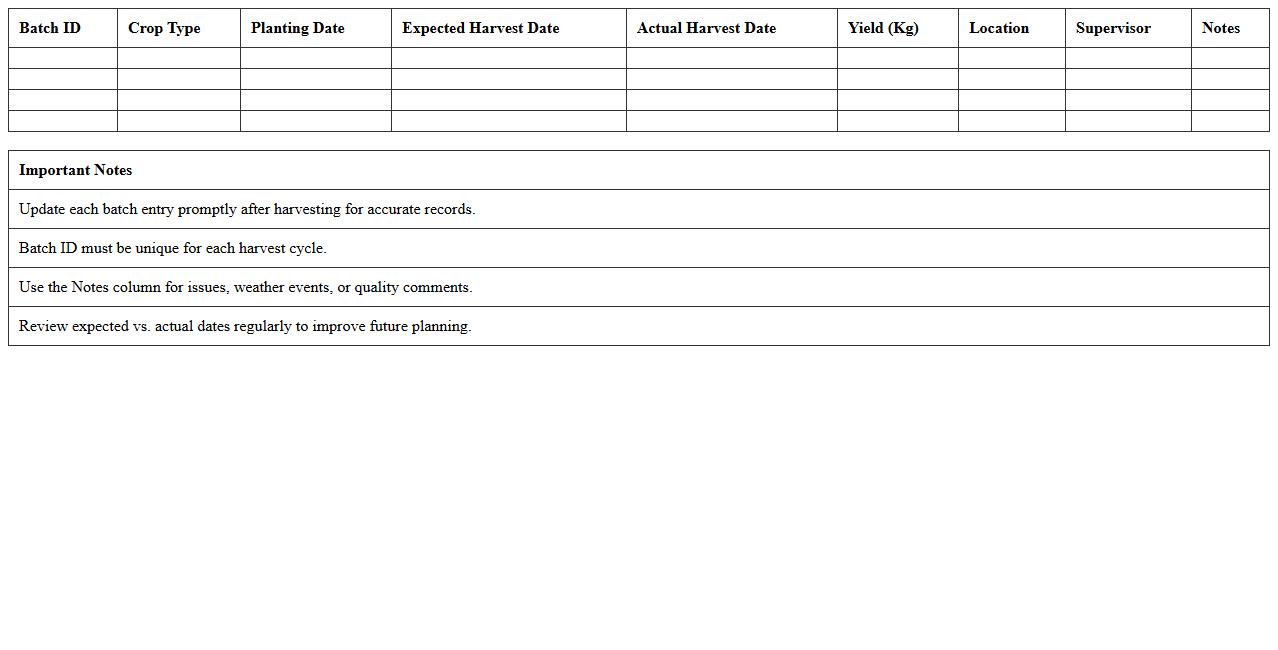
Harvest Batch Tracking Excel Template
The
Harvest Batch Tracking Excel Template document is a structured spreadsheet designed to record and monitor detailed data on individual harvest batches, including dates, quantities, quality metrics, and sources. It is useful for agricultural managers and businesses to ensure traceability, optimize inventory management, and analyze productivity trends effectively. Utilizing this template enhances accuracy in reporting and supports compliance with industry standards by maintaining comprehensive harvest records in one organized file.
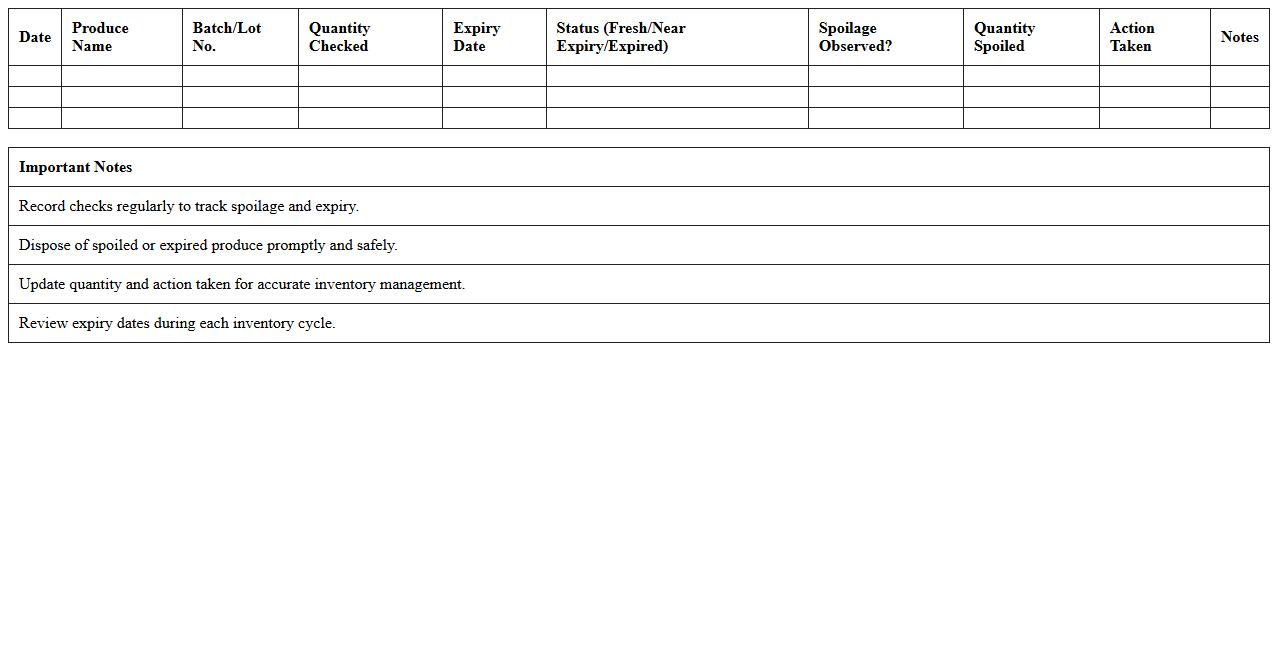
Produce Expiry and Spoilage Record Excel Template
The
Produce Expiry and Spoilage Record Excel Template document is designed to systematically track the shelf life and deterioration of perishable goods. It helps businesses and individuals monitor product expiry dates and document spoilage incidents, thereby reducing waste and ensuring timely usage or disposal. This template enhances inventory management efficiency and supports compliance with food safety regulations.
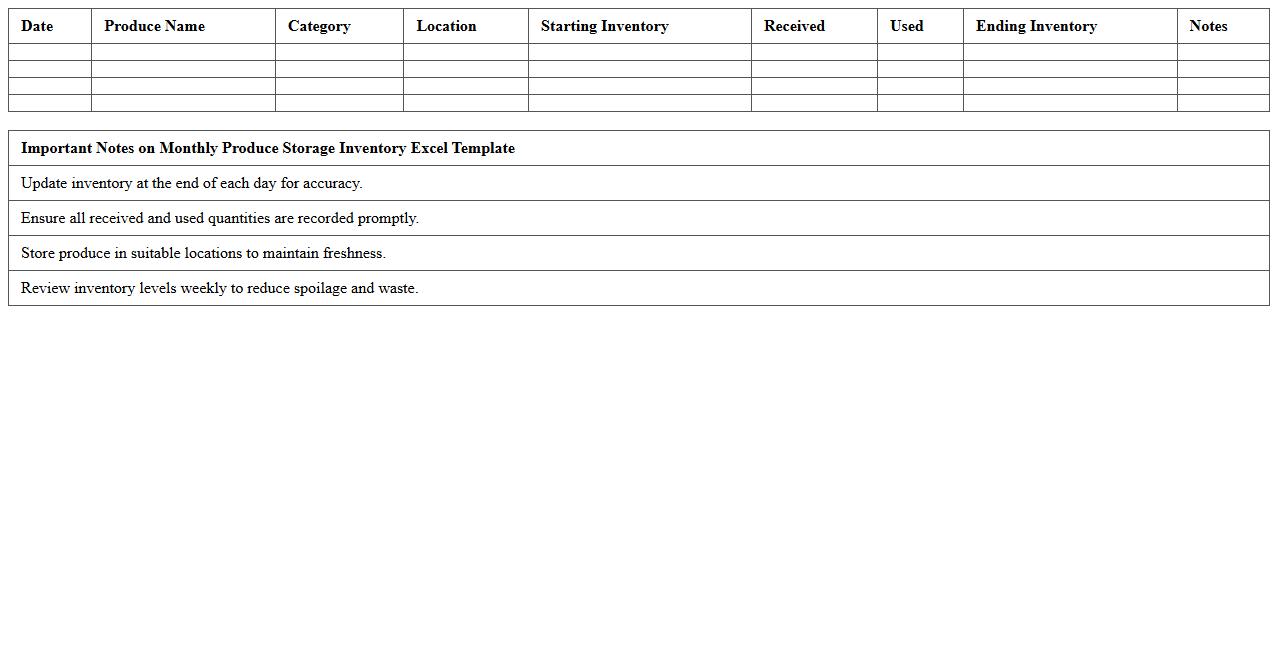
Monthly Produce Storage Inventory Excel Template
The
Monthly Produce Storage Inventory Excel Template is a specialized spreadsheet designed to track the quantity, condition, and storage duration of fresh produce on a monthly basis. This template aids in minimizing waste and optimizing inventory levels by providing clear visibility into stock turnover and expiration dates. Utilizing this tool enhances supply chain efficiency and ensures better decision-making for purchasing and storage management.
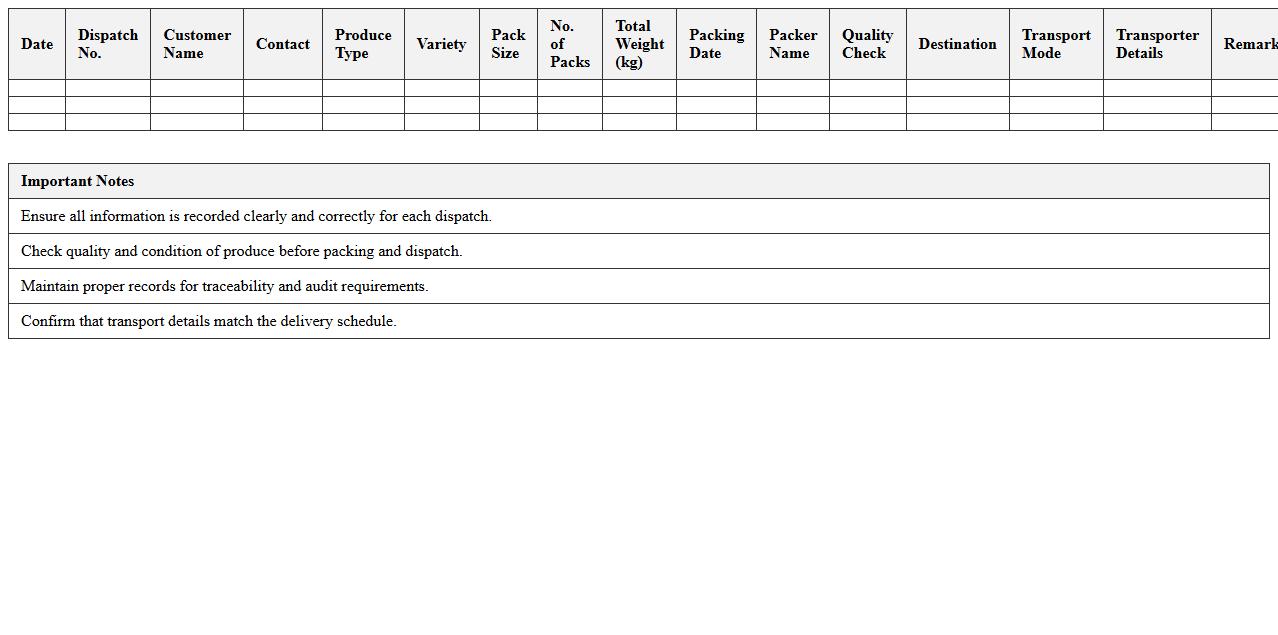
Packing and Dispatch Sheet for Farm Produce Excel Template
A
Packing and Dispatch Sheet for Farm Produce Excel Template is a structured document designed to record details of shipments, including item names, quantities, packing dates, and dispatch schedules. It helps farmers and distributors maintain accurate inventory records, ensure timely delivery, and streamline logistics management. This template enhances operational efficiency by reducing errors and providing clear communication between farm producers and buyers.
Fruit and Vegetable Lot Tracking Excel Template
The
Fruit and Vegetable Lot Tracking Excel Template is a specialized spreadsheet designed to monitor and manage the movement of produce from farm to market efficiently. This document enables users to record detailed information on each lot, including harvest dates, quantities, origin, and quality assessments, facilitating effective traceability and inventory control. By streamlining data entry and providing clear lot histories, it enhances supply chain transparency and supports compliance with food safety regulations.
Farm Produce Sales and Inventory Summary Excel Template
The
Farm Produce Sales and Inventory Summary Excel Template is a comprehensive tool designed to track and manage agricultural product sales and stock levels efficiently. It enables farmers and agribusinesses to monitor quantities sold, revenue generated, and remaining inventory in real-time, facilitating informed decision-making and reducing waste. By consolidating sales data and inventory records into one easy-to-use spreadsheet, this template enhances operational efficiency and supports accurate financial reporting.
How does the inventory Excel template track farm produce expiration dates?
The inventory Excel template uses expiration date columns to monitor the freshness of farm produce. Each batch recorded includes a specific date, allowing users to identify items nearing spoilage. Conditional formatting highlights products close to expiration, enabling timely usage or disposal.
Can multiple storage locations be managed within one Excel sheet?
Yes, multiple storage locations can be efficiently managed in a single Excel sheet by assigning a location identifier to each inventory entry. This allows sorting and filtering based on the specific storage area, such as cold storage or warehouse. With this system, users can track stock levels across different sites seamlessly.
How are harvested quantities vs. sold produce reconciled in the document?
The template maintains separate columns for harvested quantities and sold produce, allowing clear comparison. A reconciliation formula calculates the remaining stock by subtracting sold produce from harvested amounts. This ensures accurate tracking of inventory flow and helps identify discrepancies early.
What formulas automate stock updates after each sale or dispatch?
Formulas such as =SUMIF and simple arithmetic functions automatically update stock levels after recording each sale or dispatch. These calculations adjust the available inventory dynamically, reflecting real-time changes. Automated updates reduce manual entry errors and improve accuracy in stock monitoring.
Is there an integrated alert system for low stock or spoilage in Excel?
Excel can implement an alert system using conditional formatting and data validation rules that flag low stock or impending spoilage. Notifications appear as colored highlights or pop-up warnings when thresholds are crossed. This proactive system helps users respond quickly to inventory issues without additional software.
More Inventory Excel Templates