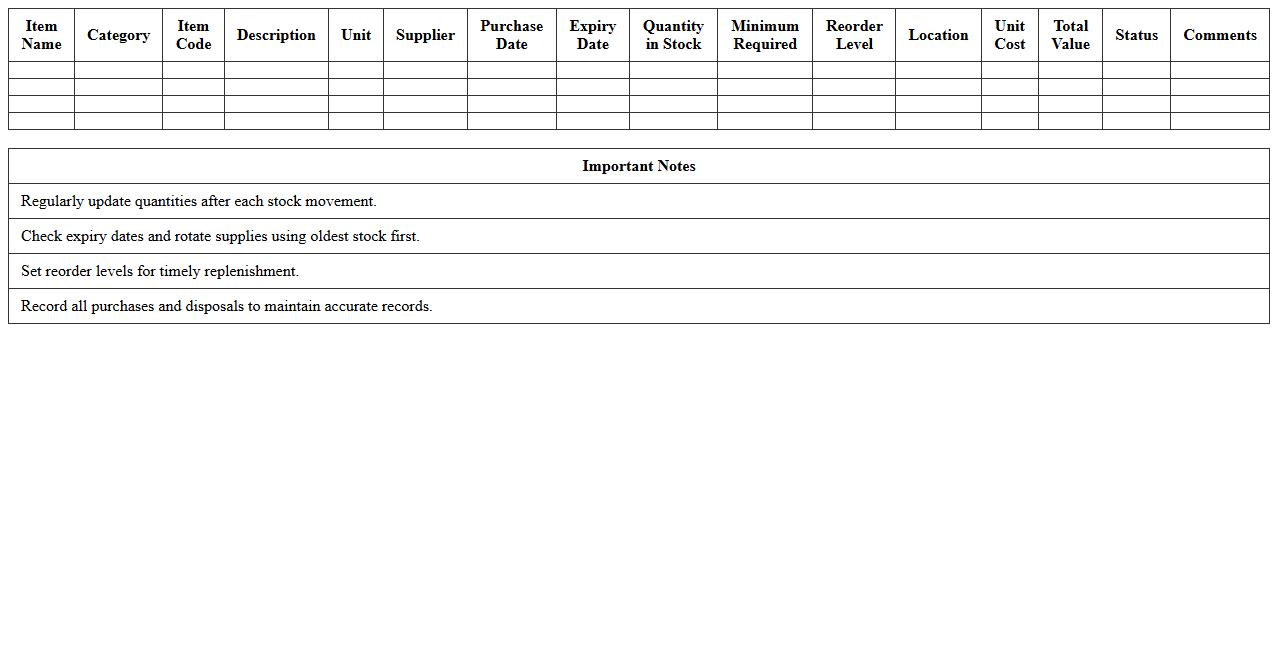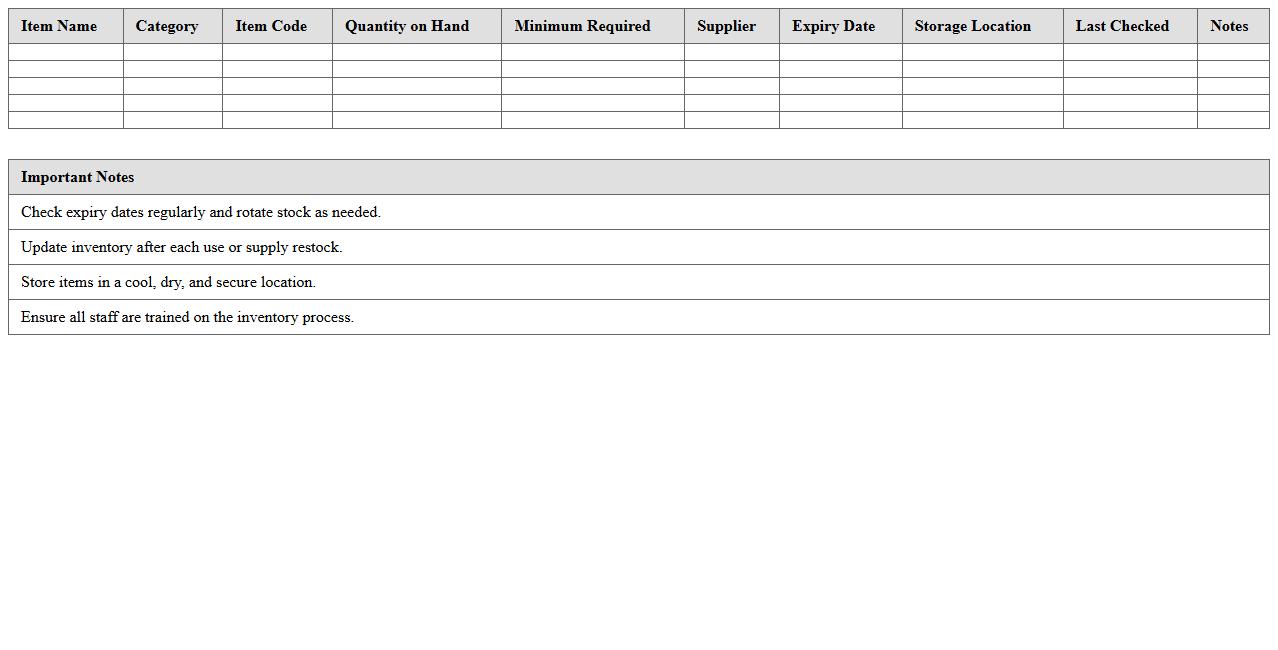
The Inventory Log Excel Template for Medical Supplies streamlines tracking and managing medical stock efficiently. It allows healthcare facilities to monitor quantities, expiration dates, and reorder levels, ensuring timely restocking and minimizing shortages. This template enhances accuracy and organization in maintaining critical medical inventory.
Medical Supply Inventory Tracking Spreadsheet
A
Medical Supply Inventory Tracking Spreadsheet document is a digital tool designed to monitor and manage the quantities, usage, and reorder status of medical supplies in healthcare facilities. It helps prevent shortages and overstocking by providing real-time data on inventory levels, expiration dates, and supplier information. Using this spreadsheet streamlines procurement processes, reduces waste, and ensures the availability of essential medical items for patient care.
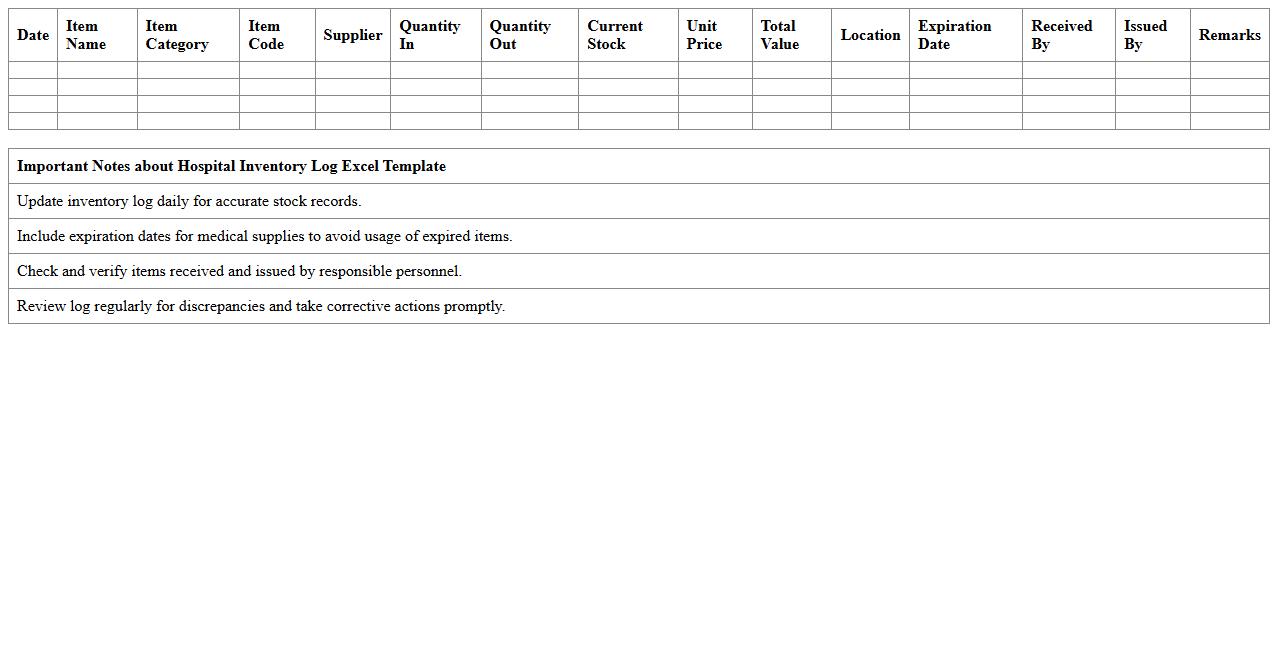
Hospital Inventory Log Excel Template
The
Hospital Inventory Log Excel Template is a structured spreadsheet designed to track and manage medical supplies, equipment, and pharmaceuticals within a healthcare facility. It allows hospital staff to efficiently record stock levels, monitor usage rates, and forecast reordering needs, reducing the risk of shortages or overstocking. Utilizing this template improves operational efficiency, ensures patient care continuity, and supports budget management by providing accurate, real-time data on inventory status.
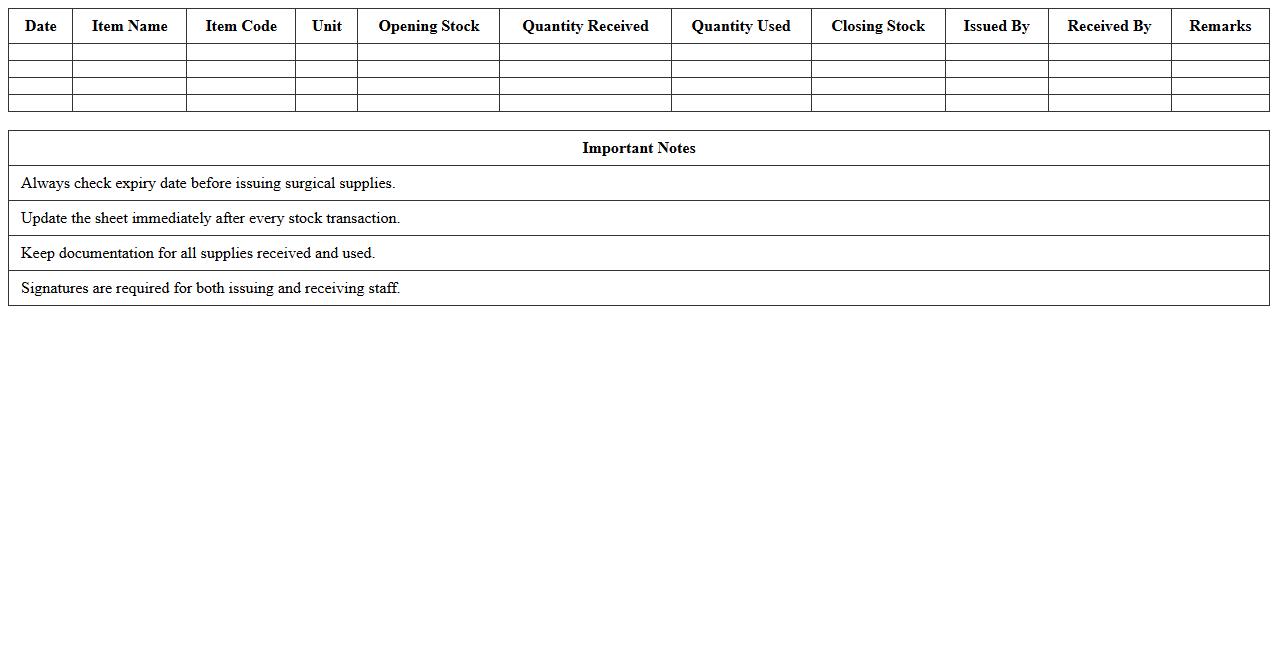
Surgical Supplies Stock Control Sheet
A
Surgical Supplies Stock Control Sheet document is a detailed record used to monitor inventory levels of surgical instruments and consumables, ensuring timely replenishment and preventing shortages. It helps healthcare facilities maintain optimal stock levels by tracking usage rates, expiration dates, and order history, which reduces waste and operational costs. This tool enhances inventory accuracy, supports efficient resource allocation, and ultimately contributes to uninterrupted surgical procedures.
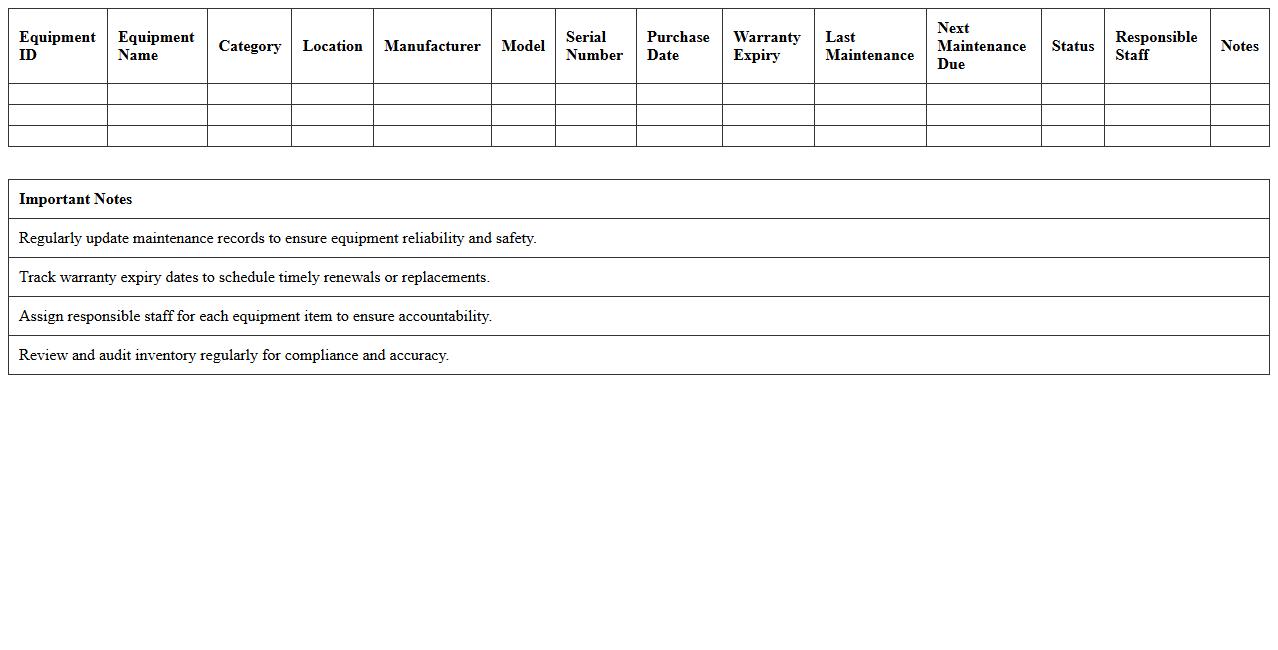
Clinic Medical Equipment Inventory Tracker
A
Clinic Medical Equipment Inventory Tracker document systematically records and monitors all medical devices and tools within a healthcare facility, ensuring accurate tracking of equipment usage, maintenance schedules, and availability. This organized inventory management helps prevent equipment shortages, reduces loss or misplacement, and supports timely maintenance, thereby enhancing operational efficiency and patient care quality. By providing detailed insights into asset status and history, the tracker aids in informed decision-making for procurement and budgeting.
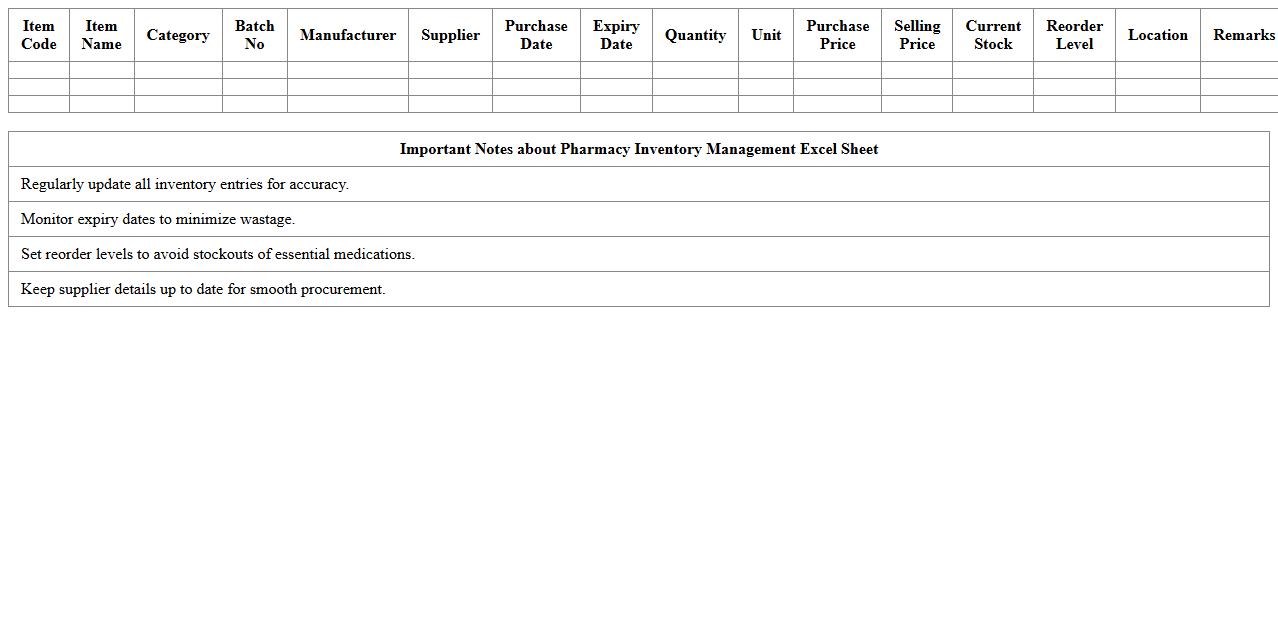
Pharmacy Inventory Management Excel Sheet
A
Pharmacy Inventory Management Excel Sheet is a digital tool designed to track and organize medication stock levels, expiry dates, and order schedules efficiently. It helps pharmacies reduce errors, prevent stockouts, and manage supplies by providing real-time visibility into inventory status. Using this document enhances operational efficiency and supports regulatory compliance by maintaining accurate records.
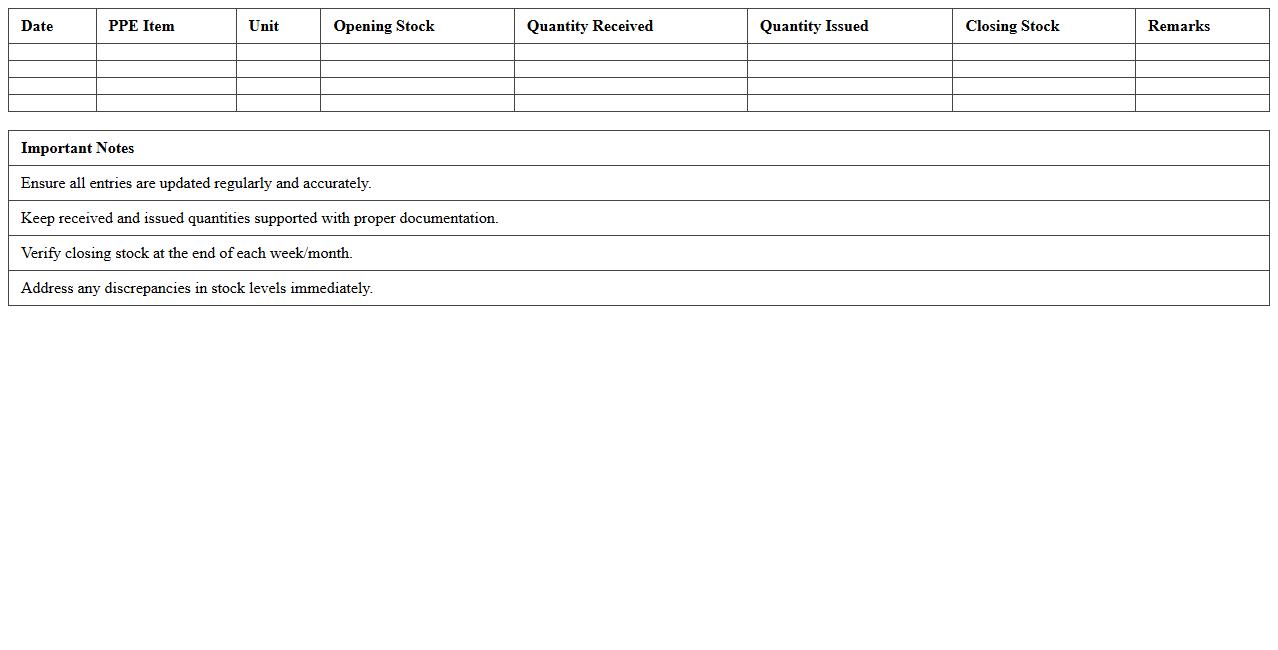
PPE Stock Level Monitoring Template
The
PPE Stock Level Monitoring Template is a structured tool designed to track the quantity and status of personal protective equipment in real-time, ensuring optimal inventory management. This document helps organizations avoid shortages and overstock situations by providing clear visibility into current stock levels, usage rates, and reorder points. Maintaining accurate PPE inventory through this template supports workplace safety compliance and efficient resource allocation.
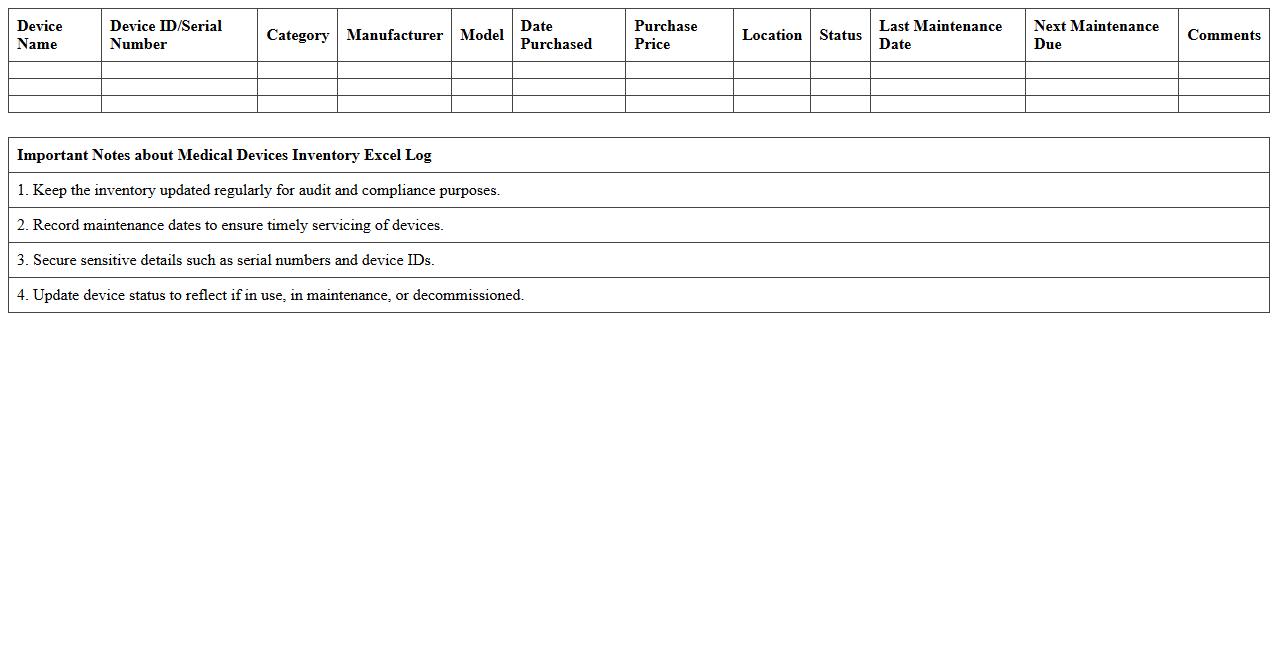
Medical Devices Inventory Excel Log
A
Medical Devices Inventory Excel Log document is a structured spreadsheet used to track and manage the details of medical equipment within a healthcare facility. It helps ensure accurate record-keeping of device quantities, maintenance schedules, and usage history, which is crucial for compliance with regulatory standards and patient safety. This tool streamlines inventory control, enables timely equipment servicing, and reduces the risk of asset loss or malfunction.
Emergency Medical Supplies Inventory Sheet
An
Emergency Medical Supplies Inventory Sheet is a crucial document that tracks the quantity, condition, and expiration dates of medical supplies essential for emergency situations. It ensures timely replenishment and helps maintain readiness by providing a clear overview of available resources during crises. This inventory sheet enhances efficiency, minimizes waste, and supports effective healthcare response in critical moments.
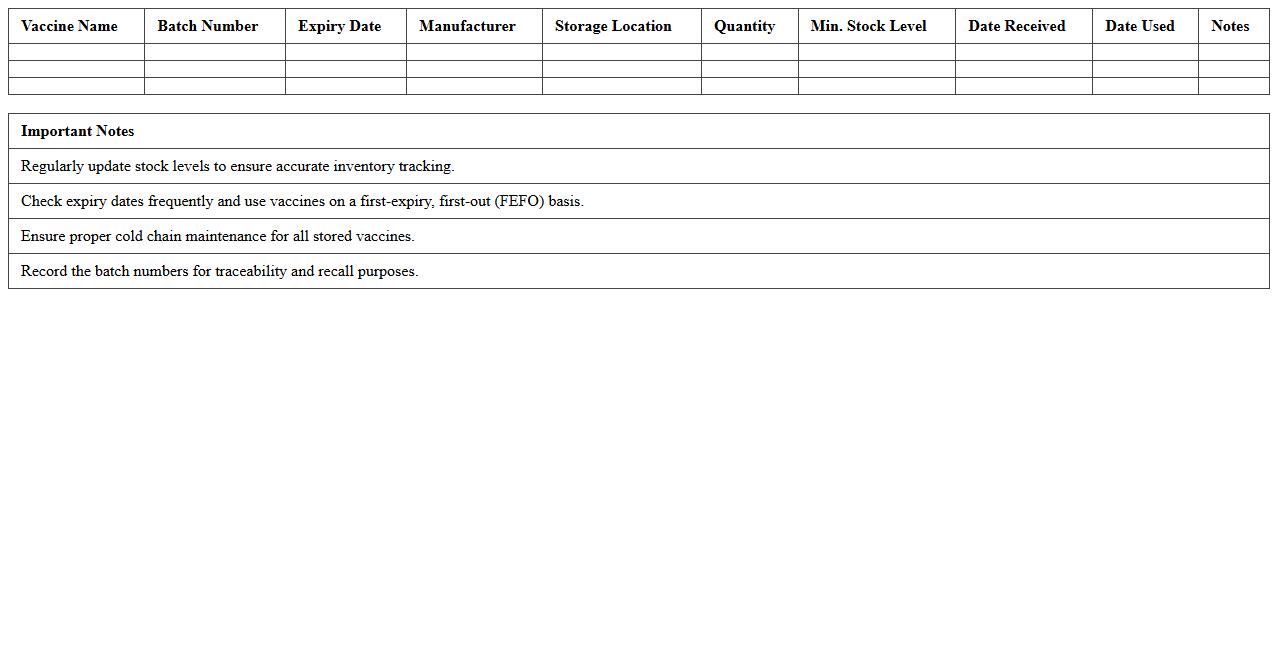
Vaccine Storage Inventory Excel Template
The
Vaccine Storage Inventory Excel Template document is a digital tool designed to systematically track and manage vaccine stock levels, storage conditions, and expiration dates. It helps healthcare providers ensure vaccines are properly stored according to temperature requirements and reduces the risk of wastage by monitoring inventory in real-time. This template enhances operational efficiency by providing clear visibility of vaccine usage patterns and facilitating timely reordering to maintain adequate supply.
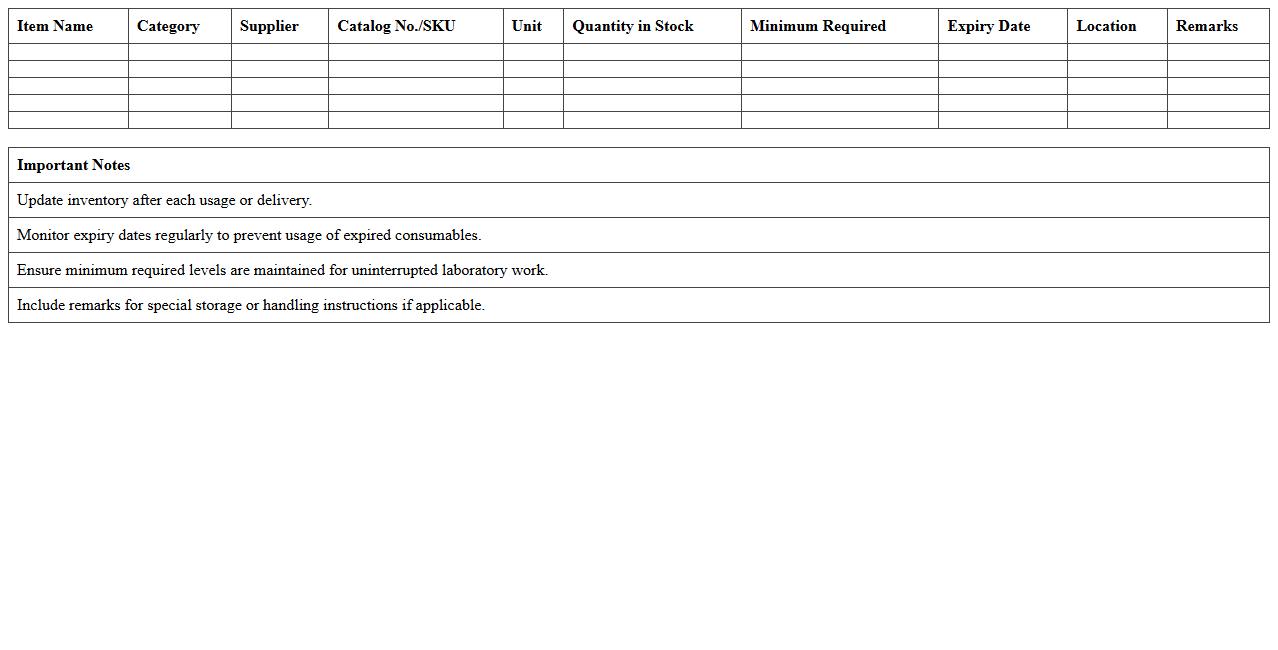
Laboratory Consumables Excel Inventory Form
The
Laboratory Consumables Excel Inventory Form is a structured document designed to track and manage the stock of essential lab supplies such as pipettes, gloves, and reagents. It facilitates accurate monitoring of inventory levels, reducing the risk of shortages or overstocking, which helps maintain efficient laboratory operations. This form also supports budgeting and procurement by providing real-time data on consumable usage and reorder needs.
How can conditional formatting highlight low-stock items in a medical supplies inventory log Excel sheet?
To highlight low-stock items, use Excel's conditional formatting feature by setting a rule based on quantity thresholds. For example, apply a format to cells where the stock level is less than a specified number, such as 10 units. This visual alert instantly identifies items that need restocking, improving inventory management efficiency.
What formula tracks expiry dates for medical supplies in an Excel inventory log?
Use the formula =TODAY()-ExpiryDate to track whether items are expired or nearing expiration. Conditional formatting can then be applied to highlight items with expiry dates within a critical window, such as 30 days. This ensures timely removal or usage of supplies before they become unusable.
How to automate reorder alerts for critical medical items in Excel inventory logs?
Automate reorder alerts by creating formulas that compare current stock levels against reorder points. For instance, use =IF(Stock<=ReorderLevel,"Reorder Now","OK") to trigger alert messages within the sheet. Combining this with conditional formatting highlights critical items, enabling quick response to replenish stock.
Which columns are essential for auditing compliance in a medical supplies Excel inventory log?
Essential columns include Item Name, Batch Number, Expiry Date, Quantity, Supplier Details, and Audit Trail. These ensure traceability, regulatory compliance, and accountability in inventory management. Proper documentation in these columns simplifies audits and maintains the integrity of medical supplies handling.
How to restrict user access to sensitive inventory data in a shared Excel medical log?
Restrict access by protecting the worksheet or workbook with a password and assigning user permissions. Utilize Excel's "Allow Users to Edit Ranges" feature to limit editing capabilities to authorized personnel. This safeguards sensitive information and prevents unauthorized modifications in collaborative environments.
More Inventory Excel Templates