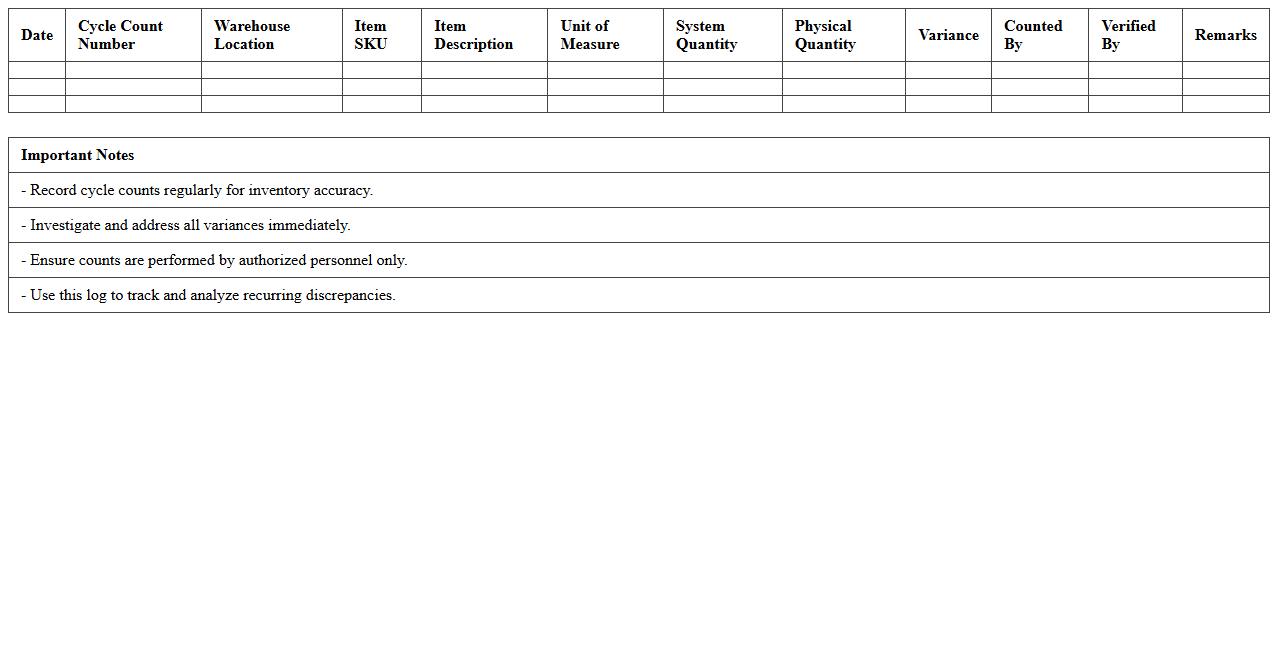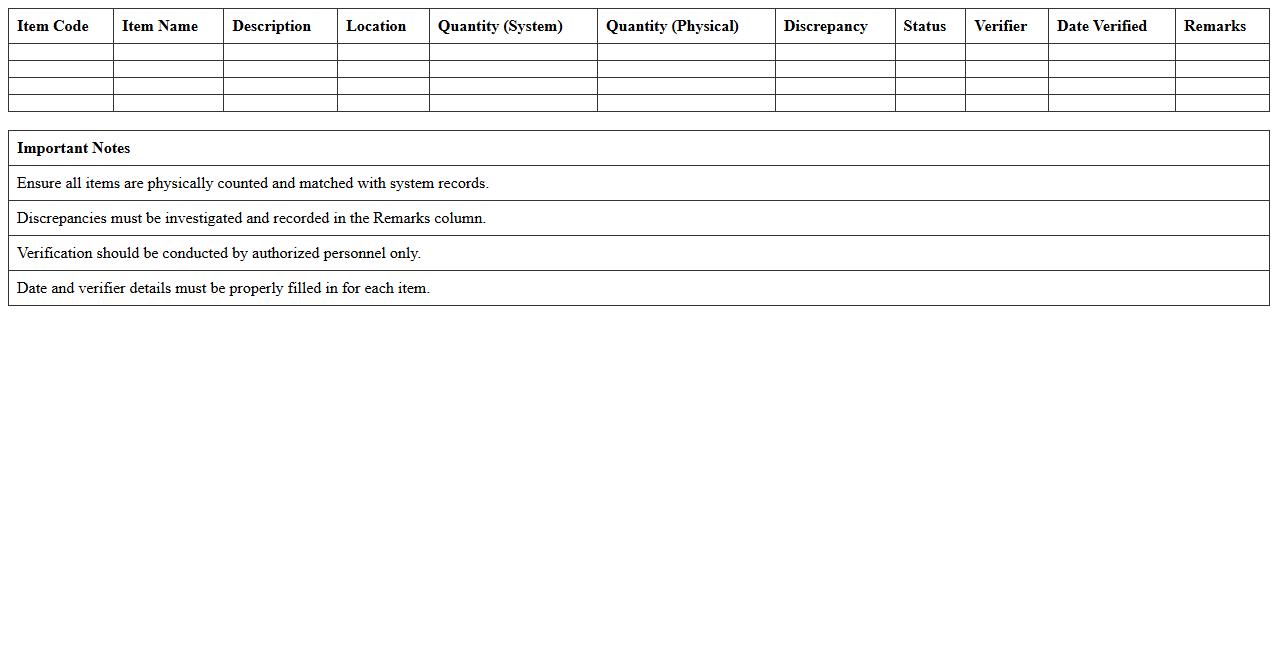
The Inventory Audit Excel Template for Warehouses streamlines the process of tracking stock levels, identifying discrepancies, and ensuring accurate record-keeping. Designed for warehouse managers, this template offers customizable fields for item descriptions, quantities, and audit dates, enhancing operational efficiency. Its user-friendly interface supports real-time updates, helping to reduce errors and maintain inventory accuracy.
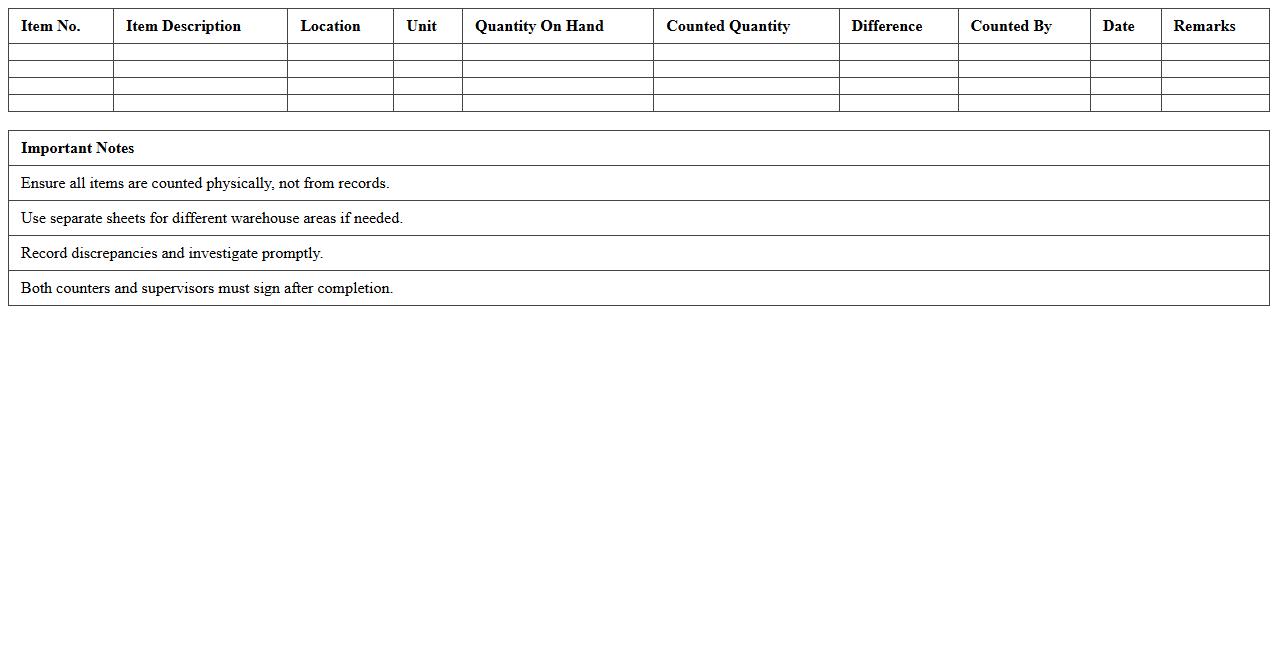
Warehouse Inventory Count Sheet Template
A
Warehouse Inventory Count Sheet Template is a structured document used to record the quantities and condition of stock items during inventory audits. It helps ensure accurate tracking of inventory levels, minimizing errors and discrepancies in stock management. Utilizing this template enhances operational efficiency by streamlining data collection and supporting timely decision-making in warehouse operations.
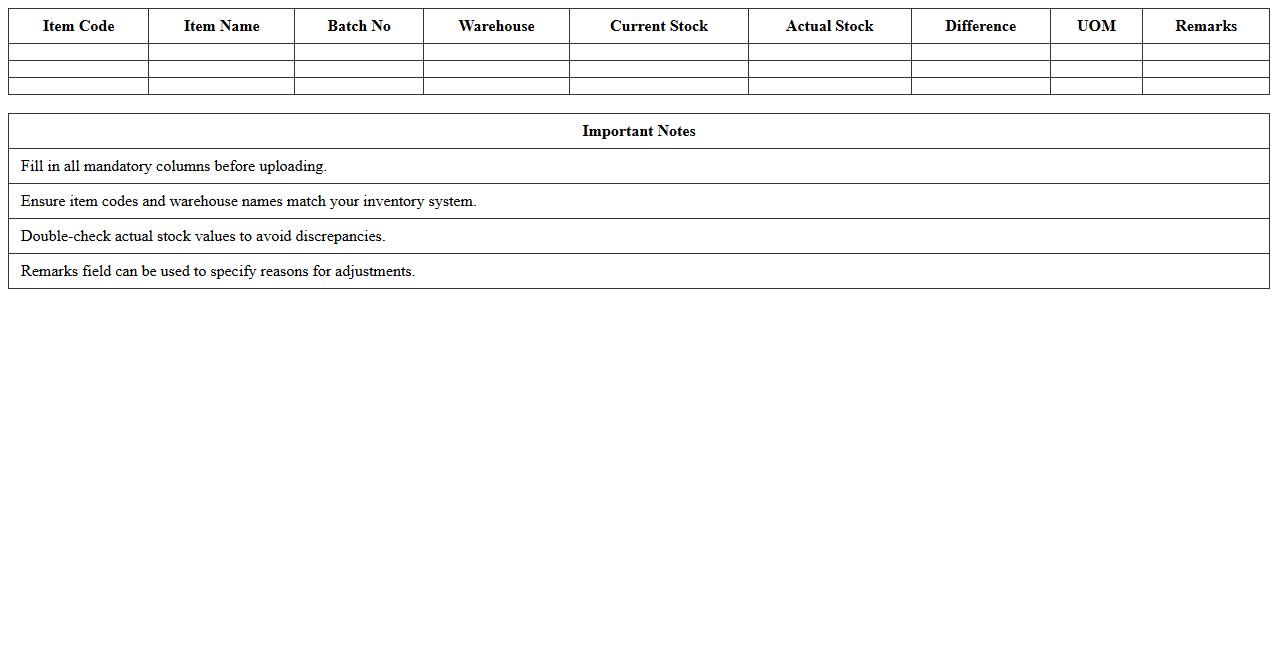
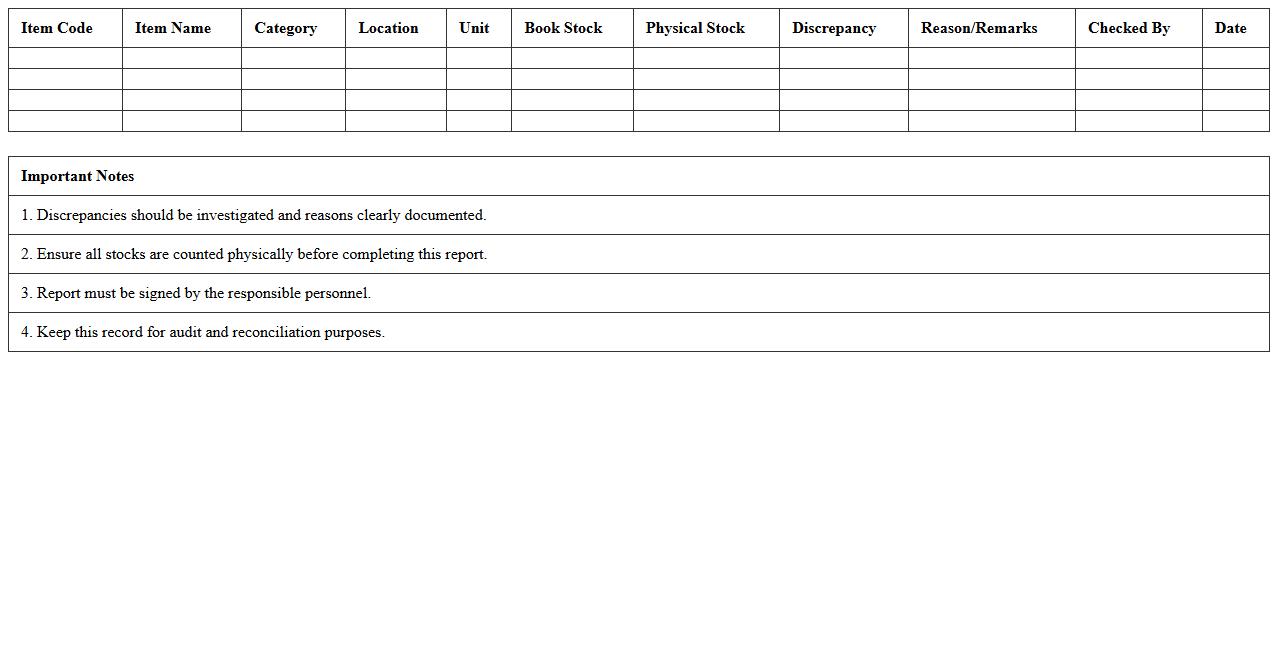
Stock Reconciliation Excel Template
A
Stock Reconciliation Excel Template document is a structured spreadsheet designed to compare and verify the physical inventory against recorded stock levels, ensuring accuracy in inventory management. It helps identify discrepancies such as shortages, surpluses, or expired items, enabling timely corrective actions and minimizing financial losses. Businesses rely on this template to maintain up-to-date stock records, streamline audits, and enhance overall inventory control efficiency.
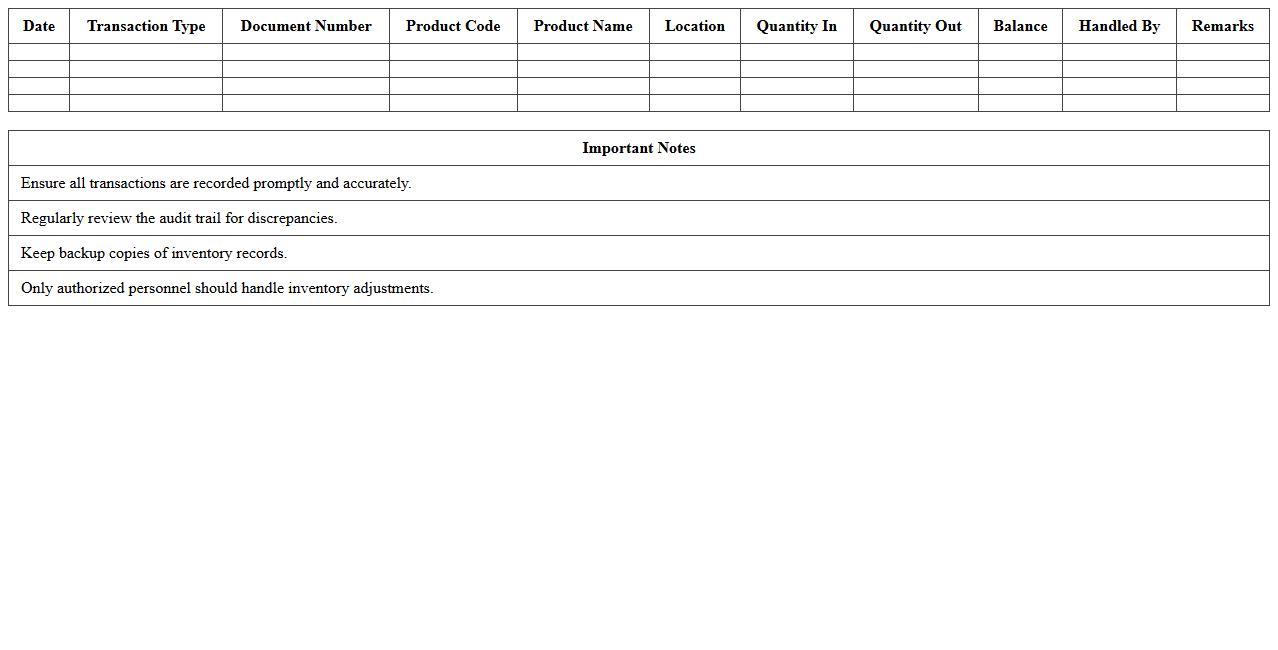
Inventory Audit Trail Report Template
An
Inventory Audit Trail Report Template is a structured document designed to track and record all inventory transactions, including stock movements, adjustments, and discrepancies. It provides detailed insights into inventory history, helping businesses maintain accurate records, ensure compliance, and identify errors or theft. Utilizing this template enhances inventory management efficiency and supports informed decision-making.
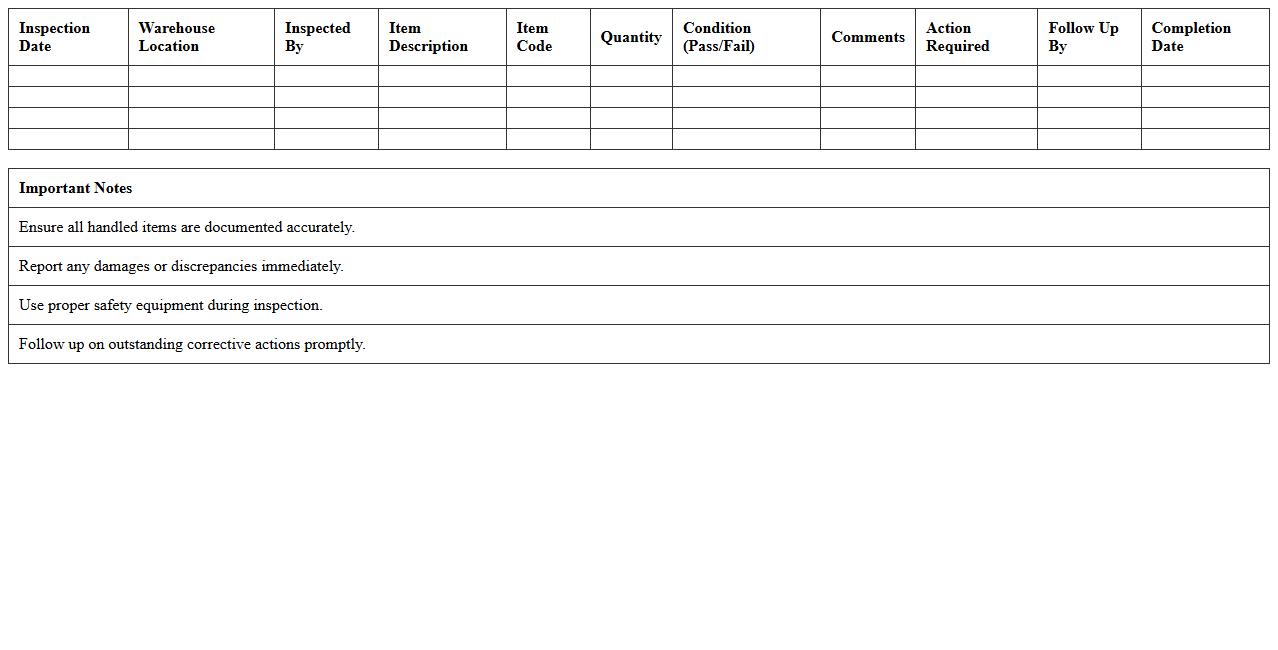
Warehouse Item Inspection Checklist
A
Warehouse Item Inspection Checklist document systematically ensures that all received, stored, and shipped items meet quality and safety standards, minimizing errors and damages. It streamlines inventory management by providing a consistent framework for verifying item conditions, quantities, and compliance with regulatory requirements. This checklist enhances operational efficiency, reduces costly delays, and supports accurate record-keeping essential for audit and inventory control.
Inventory Discrepancy Report Template
An
Inventory Discrepancy Report Template is a structured document used to identify and record differences between physical inventory counts and recorded stock levels. It helps businesses quickly pinpoint issues such as theft, damage, or data entry errors, enabling efficient resolution and improved inventory accuracy. Utilizing this template streamlines audits and supports better decision-making for inventory management and supply chain operations.
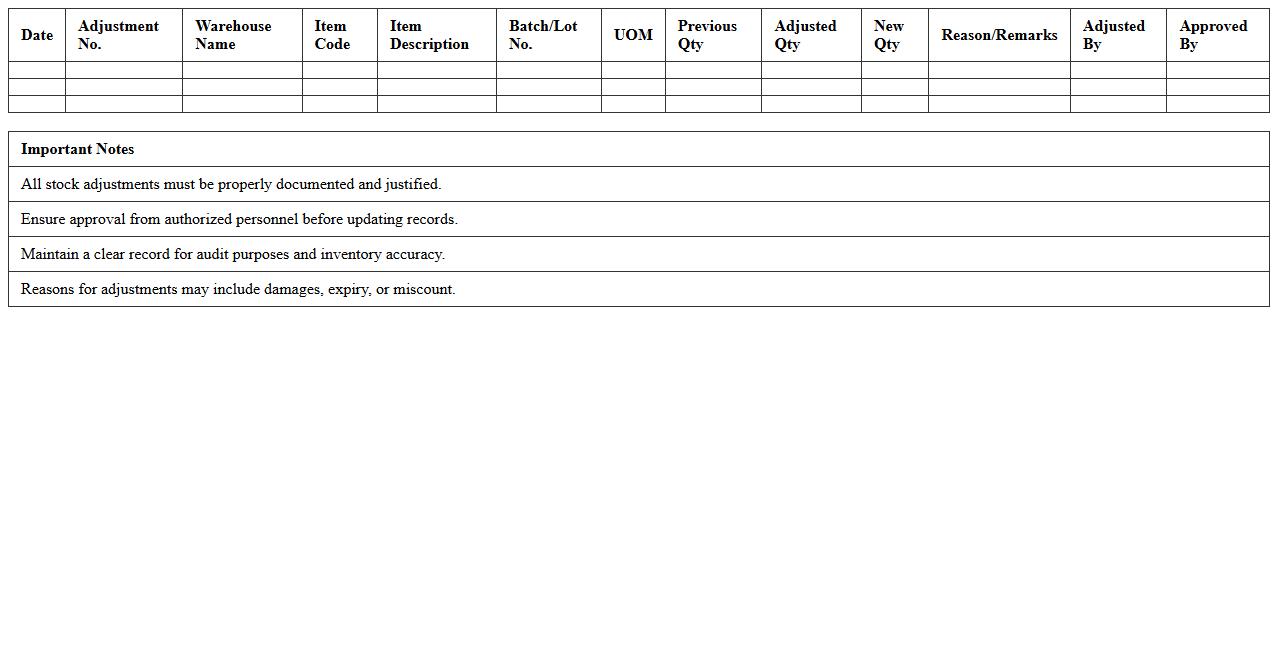
Warehouse Stock Adjustment Log Template
The
Warehouse Stock Adjustment Log Template document is a structured record used to track changes in inventory levels within a warehouse, including additions, removals, and corrections. This template helps maintain accurate inventory data, minimizes discrepancies, and supports efficient stock management by providing clear documentation for stock adjustments. Using this log ensures accountability, improves audit trails, and enhances decision-making related to inventory control.
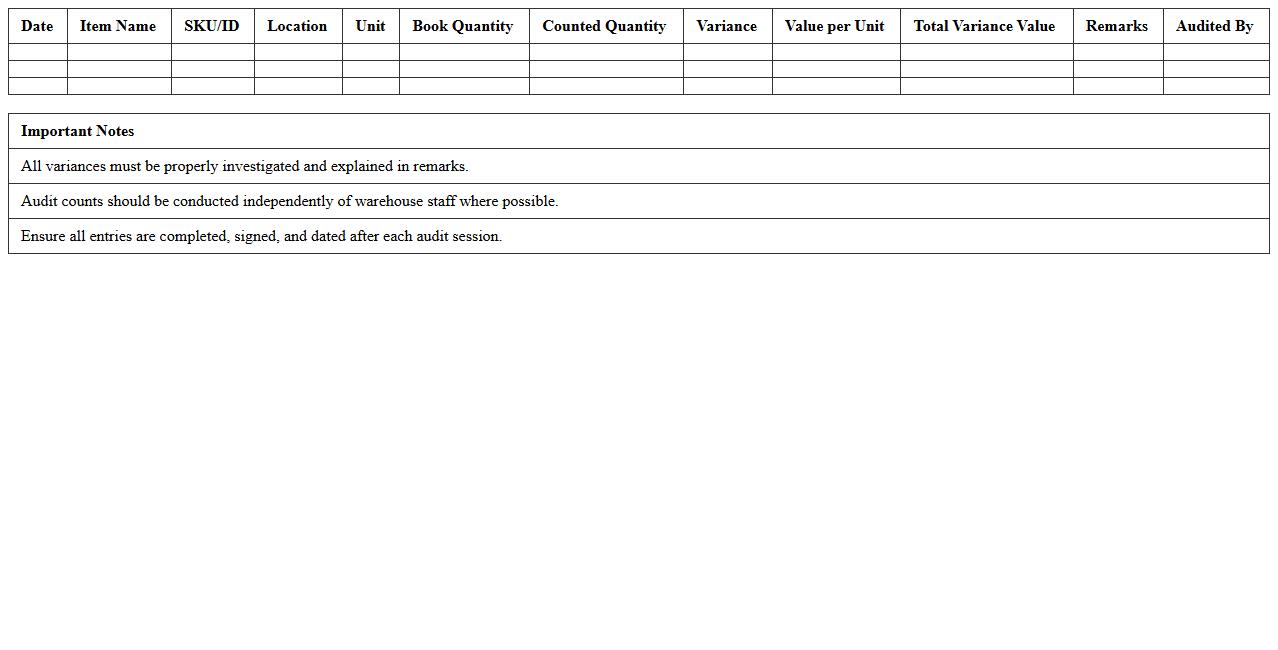
Inventory Audit Summary Sheet
An
Inventory Audit Summary Sheet is a critical document that compiles and summarizes the results of a physical inventory audit, highlighting discrepancies between recorded stock and actual inventory. It provides a clear overview of stock accuracy, helping businesses identify issues such as theft, damage, or misplacement of goods. Using this sheet enables efficient inventory management, supports accurate financial reporting, and aids in optimizing stock levels to improve operational efficiency.
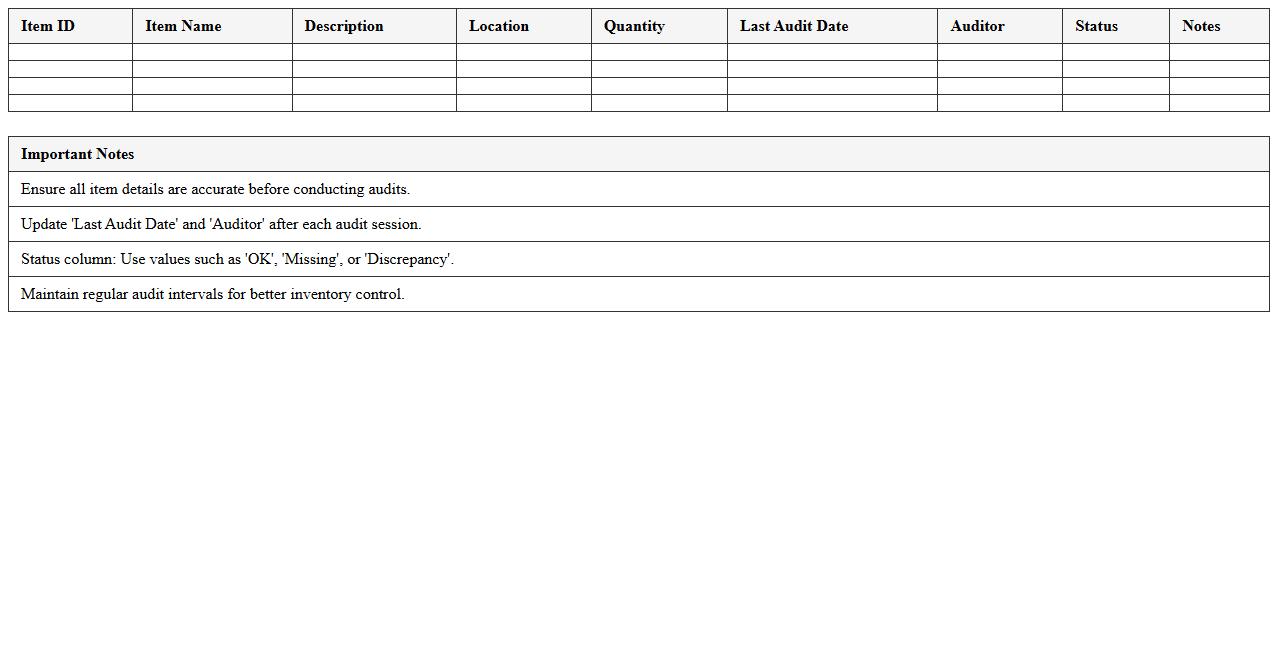
Item Location Audit Tracker Excel
The
Item Location Audit Tracker Excel document is a powerful tool designed to systematically monitor and verify the physical location of inventory items within warehouses or storage facilities. It enables organizations to maintain accurate records, reduce misplacement risks, and streamline inventory management processes. By providing real-time visibility into item whereabouts, this tracker enhances operational efficiency and supports timely decision-making in supply chain management.
Warehouse Cycle Count Log Template
The
Warehouse Cycle Count Log Template is a detailed record-keeping document used to track inventory counts within a warehouse on a recurring basis. It helps identify discrepancies between physical stock and inventory records, ensuring accurate stock levels and reducing errors in order fulfillment. Utilizing this template supports efficient inventory management, minimizes losses, and streamlines auditing processes for better operational control.
Inventory Verification Checklist Excel
An
Inventory Verification Checklist Excel document is a structured spreadsheet designed to systematically track and confirm the accuracy of stock levels during inventory audits. It helps businesses identify discrepancies between physical stock and recorded data, ensuring accurate asset management and reducing losses. By organizing item details, quantities, and verification status, this tool streamlines inventory control processes and enhances operational efficiency.
How to customize Inventory Audit Excel templates for perishable goods tracking?
To customize Inventory Audit Excel templates for perishable goods, start by adding columns for expiration dates and storage conditions. Use conditional formatting to highlight items nearing expiration to ensure timely audits. Integrate drop-down menus for easy status updates and streamline data entry.
What formulas optimize discrepancy detection in warehouse inventory letters?
Utilize SUMIF and VLOOKUP functions to compare recorded stock against physical counts efficiently. The IFERROR formula helps manage mismatches by highlighting inconsistencies within the inventory letters. Combining these formulas enhances accuracy in identifying inventory discrepancies.
How to automate audit trails in warehouse Inventory Audit Excel sheets?
Automate audit trails by enabling Excel's Track Changes feature to monitor edits in the Inventory Audit sheets. Incorporate timestamp functions like NOW() to log modification times automatically. Using macros can further streamline data logging for comprehensive audit trails.
Which Excel functions best validate batch numbers during inventory audits?
Functions like DATA VALIDATION with custom formulas ensure batch numbers conform to predefined formats. Utilize ISNUMBER and LEFT/RIGHT functions to verify numeric and text patterns within batch codes. These combined functions maintain batch number integrity during audits.
How to generate audit summary letters from real-time Excel inventory data?
Leverage Excel's PivotTables to summarize real-time inventory data efficiently for audit reports. Connect pivot summaries with mail merge in Word to automate the generation of audit summary letters. This approach ensures up-to-date, accurate communication from dynamic inventory datasets.
More Inventory Excel Templates