Basic Inventory Tracker for Ecommerce Excel Template
The
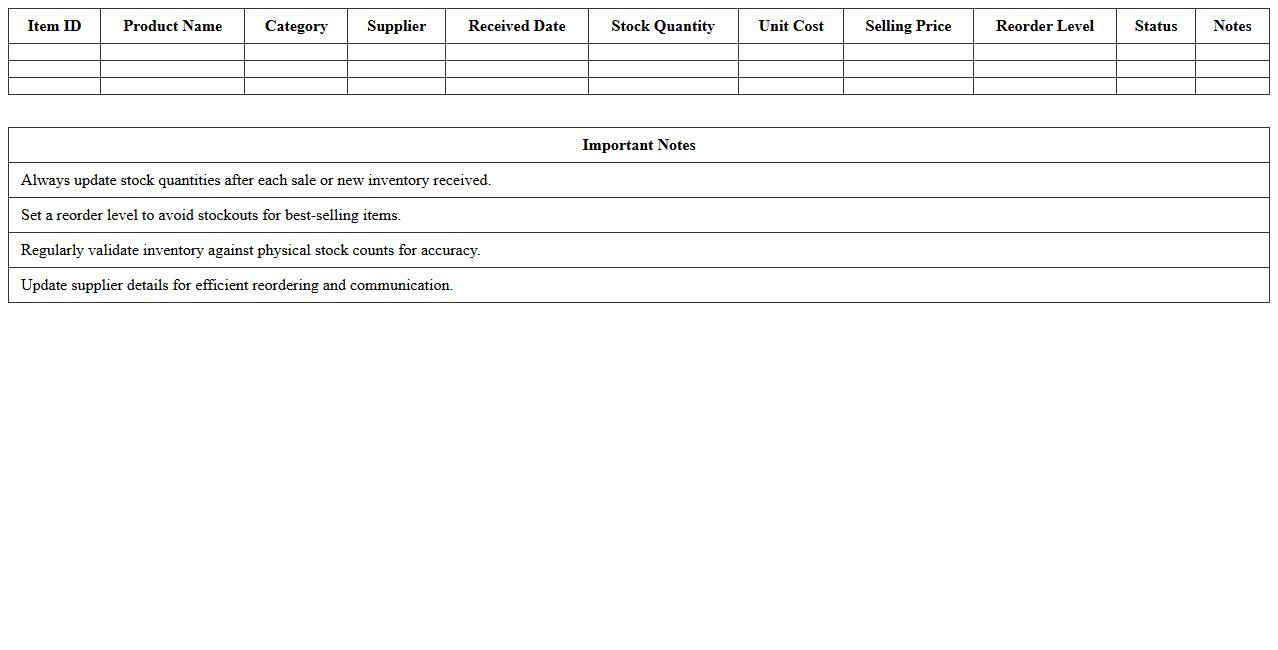
Basic Inventory Tracker for Ecommerce Excel Template is a structured spreadsheet designed to manage product stock levels, track sales, and monitor reorder points efficiently. It helps ecommerce businesses maintain accurate inventory records, reduce stockouts, and optimize order quantities by providing clear, real-time insights. Utilizing this template streamlines inventory management, enabling better decision-making and improved operational efficiency.
Stock Level Management Excel Sheet for Online Stores
A
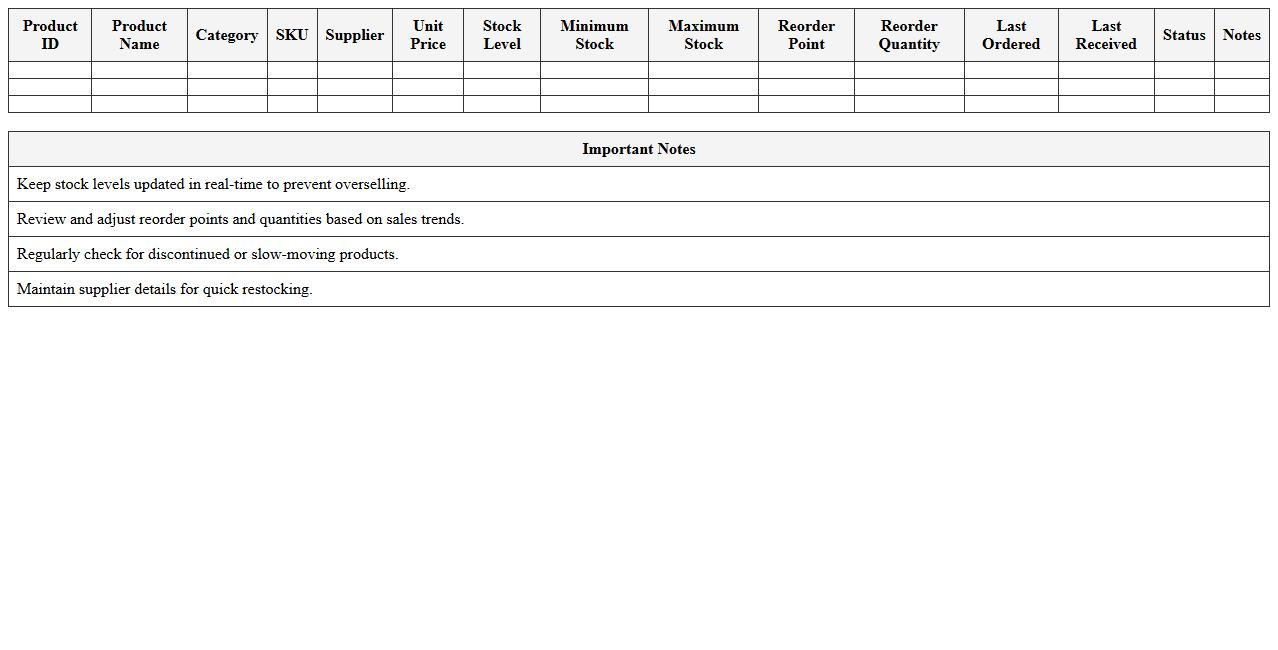
Stock Level Management Excel Sheet for online stores is a detailed spreadsheet designed to track inventory quantities, monitor product availability, and manage reorder points efficiently. It helps businesses maintain optimal stock levels, avoid overstocking or stockouts, and streamline order fulfillment processes. By providing real-time insights into stock status, this document supports better decision-making and enhances overall supply chain management for e-commerce operations.
Inventory Reorder Point Calculator Spreadsheet
An
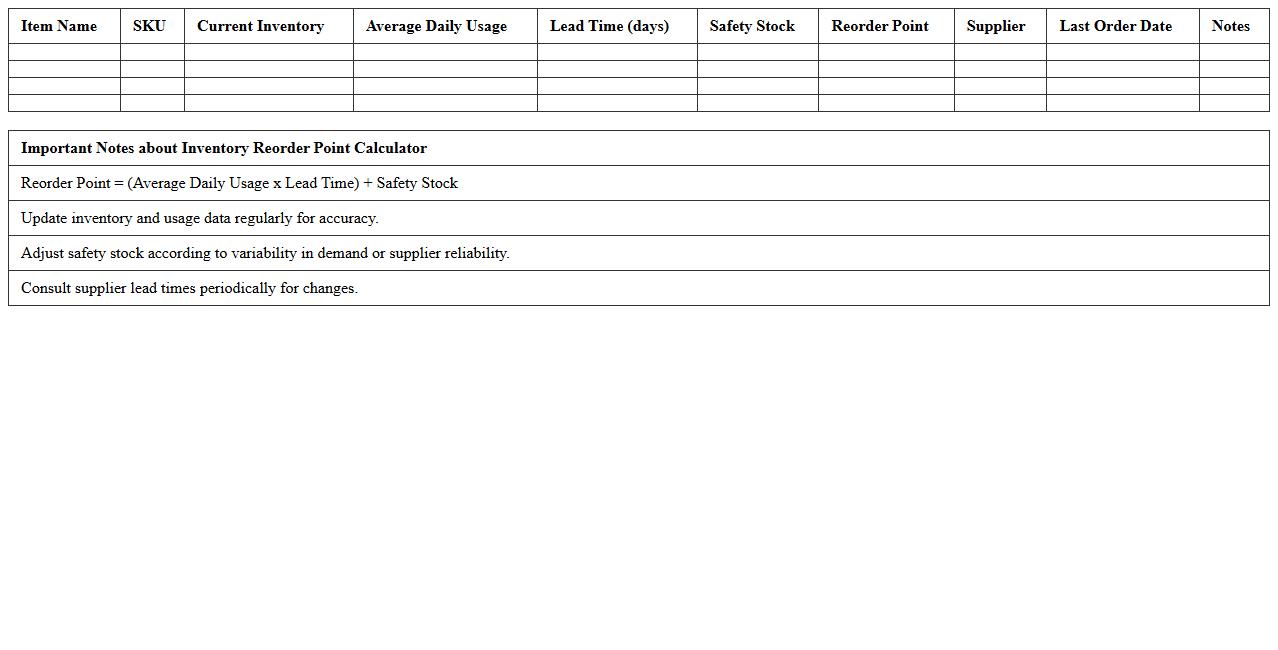
Inventory Reorder Point Calculator Spreadsheet is a tool designed to determine the optimal inventory level at which new stock should be ordered to avoid stockouts and overstocking. By analyzing sales data, lead times, and safety stock, it helps businesses maintain efficient inventory levels, reducing holding costs while ensuring product availability. This spreadsheet is useful for improving supply chain management, enhancing cash flow, and supporting data-driven purchasing decisions.
SKU-wise Inventory Register Template for Ecommerce
The
SKU-wise Inventory Register Template for ecommerce is a detailed spreadsheet designed to track stock levels, sales, and restocking needs for each individual SKU (Stock Keeping Unit). This template helps businesses maintain accurate inventory records, prevent stockouts, and optimize order fulfillment by providing clear visibility into product availability. Using this document enhances inventory management efficiency, reduces errors, and supports data-driven decision-making for ecommerce operations.
Product Movement and Stock Ledger Excel Template
The
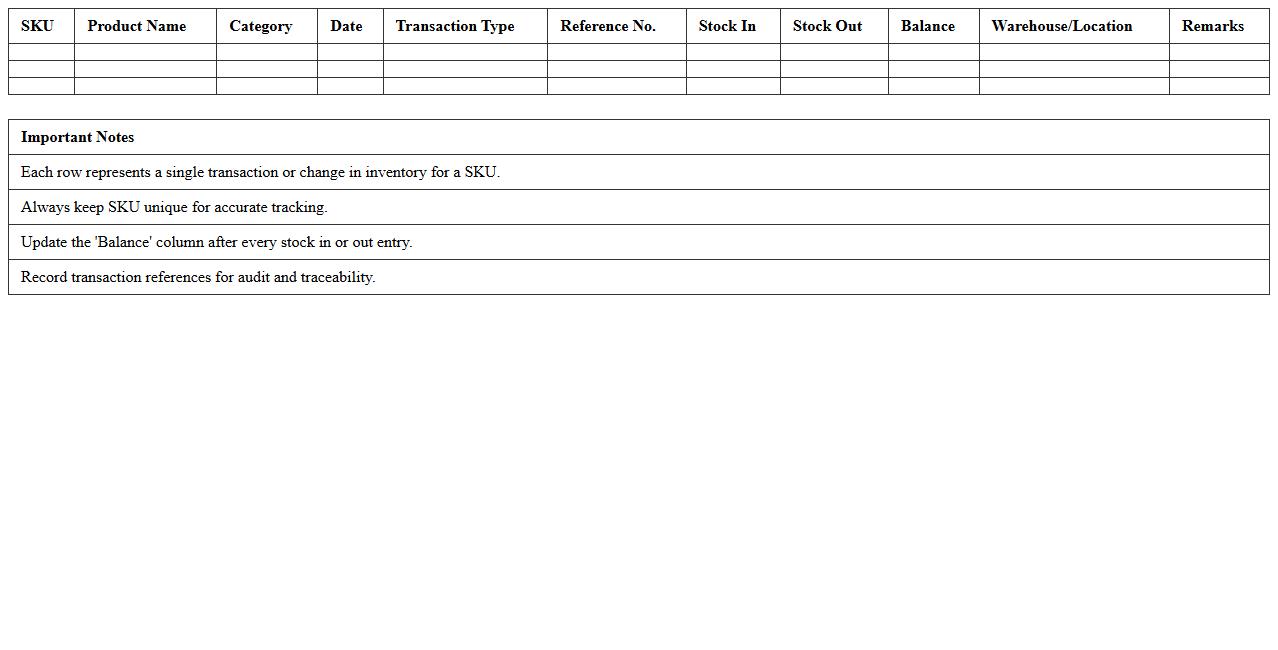
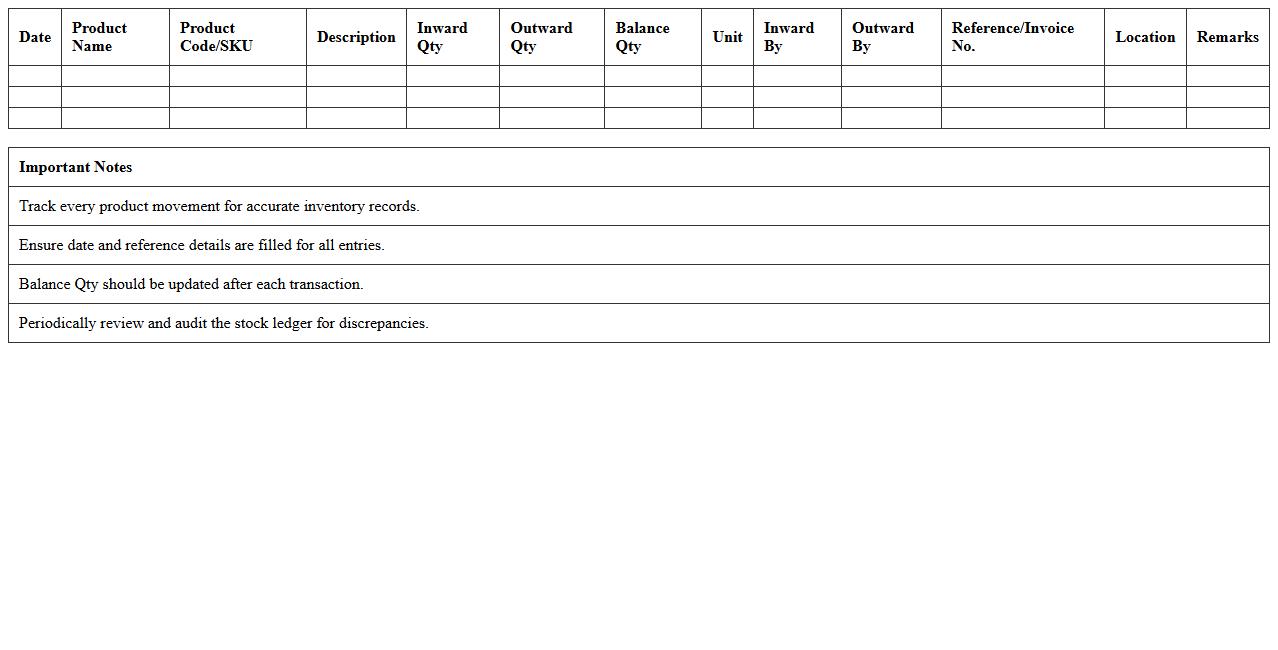
Product Movement and Stock Ledger Excel Template is a powerful spreadsheet tool designed to track inventory inflows, outflows, and current stock levels accurately. It systematically records product movements by date, quantity, and transaction type, enabling businesses to monitor stock trends and prevent shortages or overstock situations. This template enhances inventory management efficiency, supports informed decision-making, and reduces errors associated with manual record-keeping.
Multichannel Ecommerce Inventory Management Sheet
A
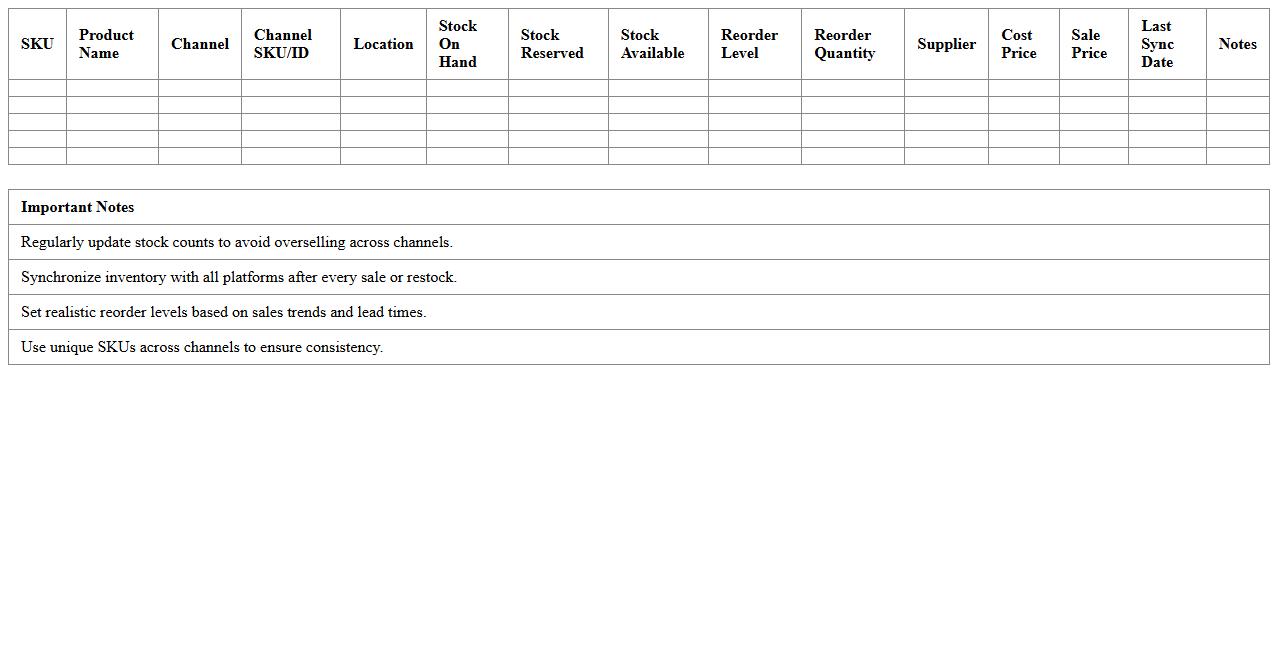
Multichannel Ecommerce Inventory Management Sheet is a structured document designed to track and organize inventory across various online selling platforms such as Amazon, eBay, and Shopify. It enables businesses to monitor stock levels, sales trends, and order fulfillment status in real-time, reducing the risk of overselling or stockouts. This sheet streamlines inventory control, improves accuracy, and supports efficient decision-making, ultimately enhancing operational efficiency and customer satisfaction.
Inventory Valuation and Cost Analysis Excel Template
The
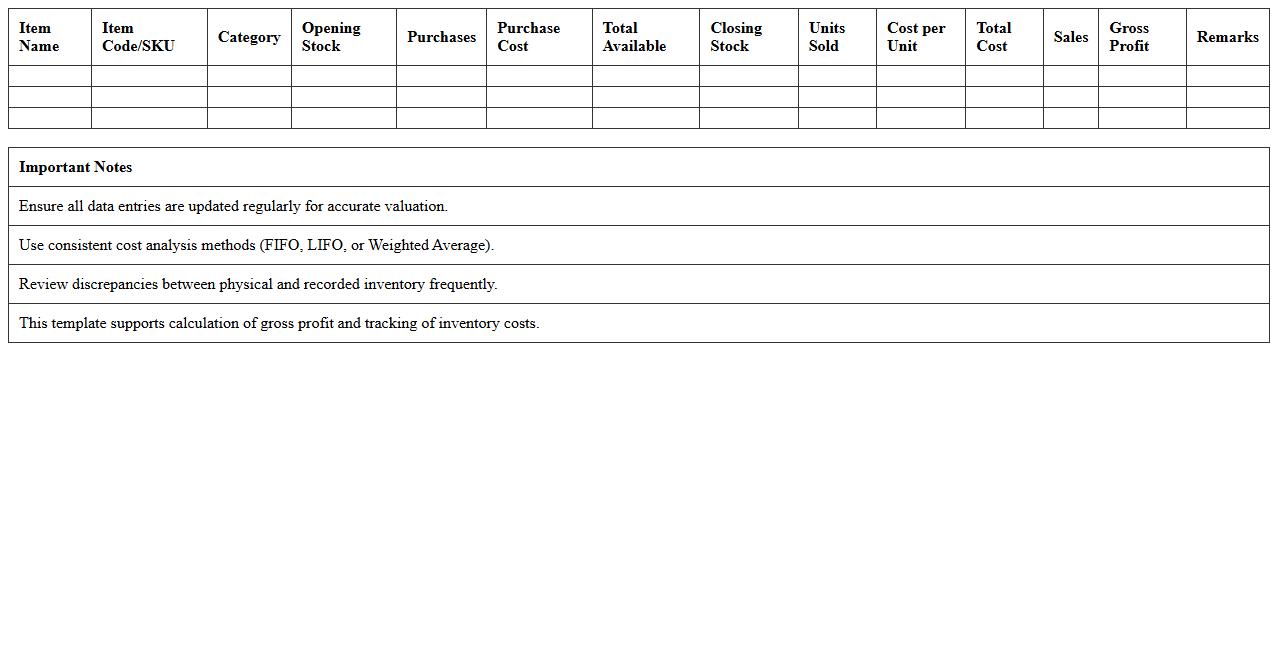
Inventory Valuation and Cost Analysis Excel Template document is a specialized tool designed to accurately track inventory levels, calculate product costs, and analyze financial performance. It enables businesses to maintain precise records of stock value, apply various valuation methods such as FIFO or LIFO, and identify cost-saving opportunities through detailed expense breakdowns. By using this template, companies can optimize inventory management, enhance budgeting accuracy, and make informed decisions to improve profitability.
Supplier and Purchase Order Tracker for Ecommerce Inventory
A
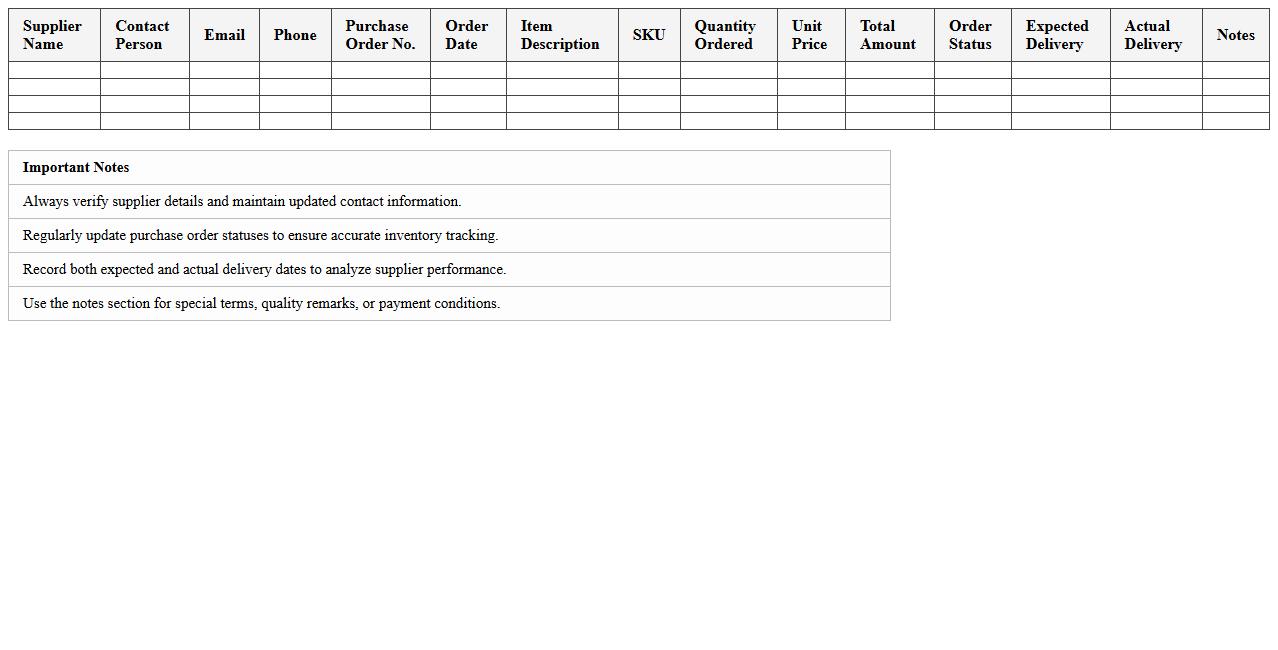
Supplier and Purchase Order Tracker for Ecommerce Inventory is a specialized document designed to monitor and manage supplier information and purchase orders efficiently. This tool helps ecommerce businesses maintain accurate records of order statuses, delivery timelines, and supplier performance, ensuring timely restocking and preventing inventory shortages. By streamlining communication and tracking, it enhances operational efficiency and supports informed decision-making for inventory management.
Stock Aging Analysis Report Excel for E-commerce
The
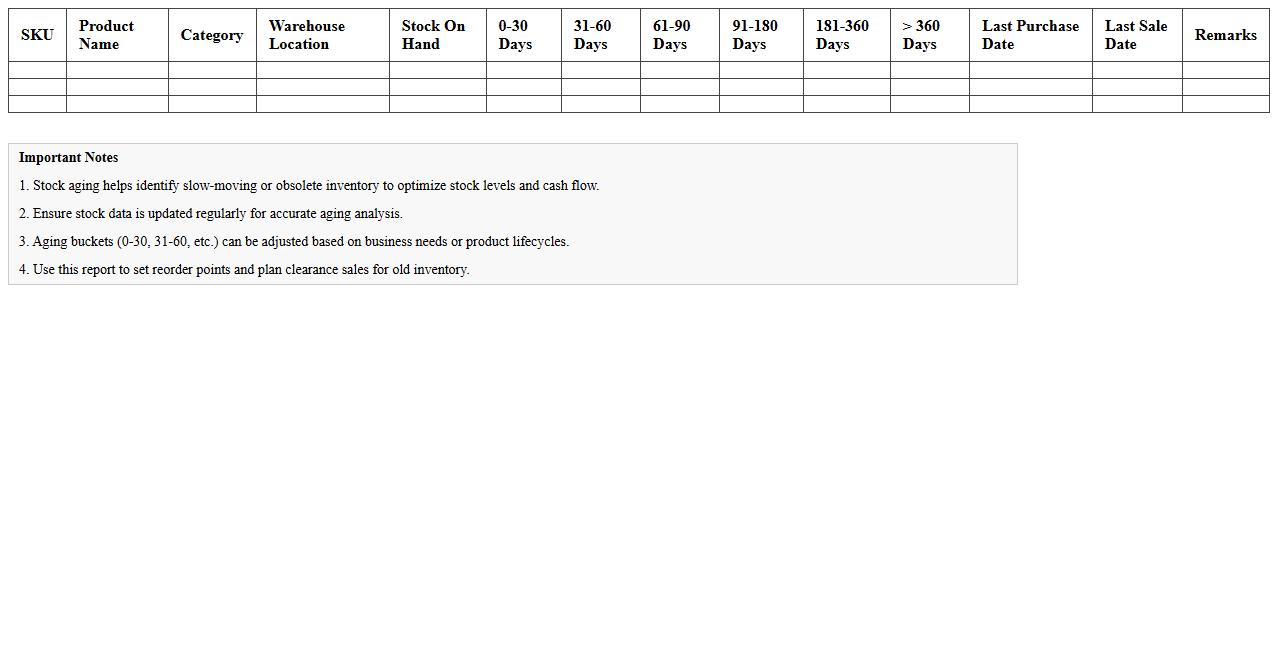
Stock Aging Analysis Report Excel for e-commerce documents helps businesses track inventory based on the time products have been in stock, categorizing items by age to identify slow-moving or obsolete stock. This report enables e-commerce managers to make data-driven decisions on inventory clearance, optimize storage costs, and improve cash flow by prioritizing the sale of older inventory. Utilizing such analysis supports efficient stock turnover and reduces losses associated with unsold products.
Sales and Inventory Reconciliation Excel Spreadsheet
A
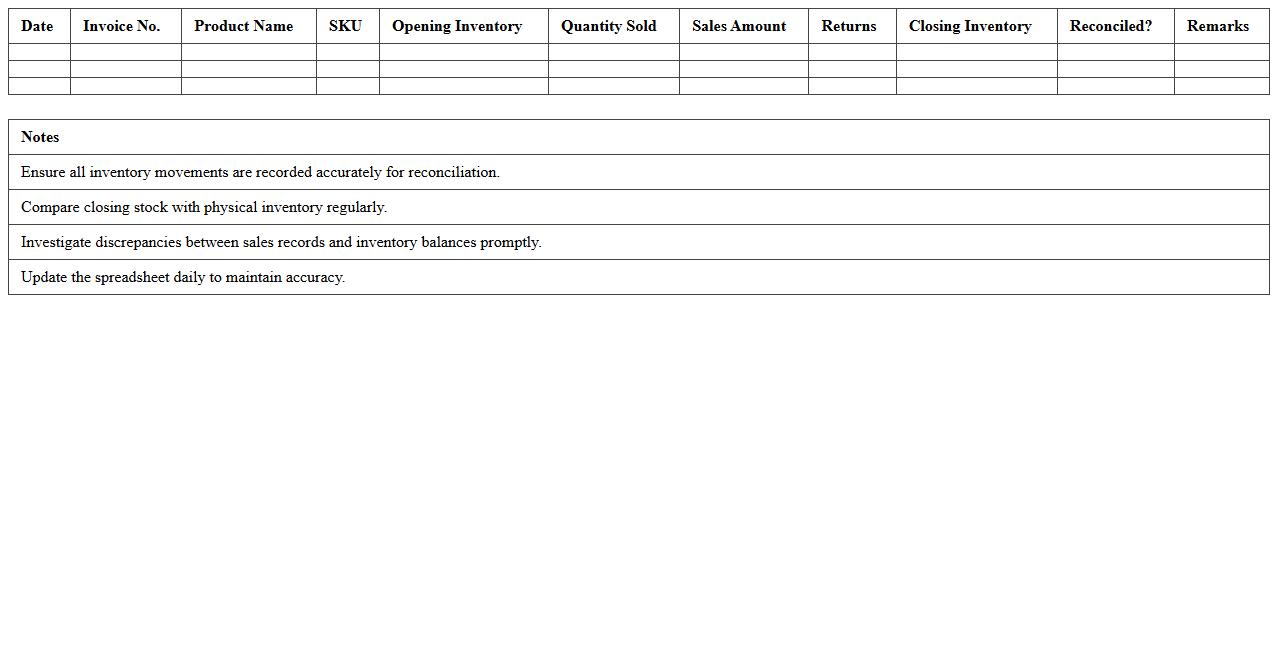
Sales and Inventory Reconciliation Excel Spreadsheet is a powerful tool that helps businesses track and compare sales data against inventory levels, ensuring accurate record-keeping and minimizing discrepancies. By automating calculations and providing clear visibility into stock movements, it supports efficient inventory management and prevents stockouts or overstock situations. This document is essential for maintaining financial accuracy, optimizing inventory turnover, and informing strategic purchasing decisions.
How can I automate low-stock alerts for SKUs in my inventory management Excel sheet?
To automate low-stock alerts in Excel, use Conditional Formatting to highlight SKUs when inventory falls below a set threshold. Combine this with the IF formula to create alert messages, such as "Reorder Needed". This method ensures you monitor stock levels effectively without manual checks.
What formulas track real-time stock levels after each e-commerce sale entry?
Use the SUMIF or SUMPRODUCT formulas to dynamically calculate real-time stock levels by subtracting sales quantities from stock entries. Linking your sales data in one sheet and inventory in another enables automatic updates per transaction. This setup provides an accurate inventory count after each sale.
How do I set up product variant tracking by size or color in Excel for my online shop?
Create separate columns or tables for each product variant attribute like size and color within your Excel inventory sheet. Use data validation dropdown menus to simplify input and reduce errors. This systematic approach allows precise tracking of each variant's stock availability.
Which Excel templates work best for integrating multi-channel e-commerce inventory?
Templates that include features for SKU management, sales channel segmentation, and real-time stock updates are ideal for multi-channel e-commerce inventory. Look for templates supporting data import/export and pivot table summaries. These enhance visibility and control across all your selling platforms.
How can I analyze dead stock or slow-moving items using pivot tables in my inventory sheet?
Create a pivot table summarizing sales volume and stock age to identify dead stock or slow-moving products. Filter by low sales and high inventory time to spot underperforming SKUs. This analysis helps optimize inventory by focusing on product turnover improvement.