Perishable Food Stock Inventory Spreadsheet
A
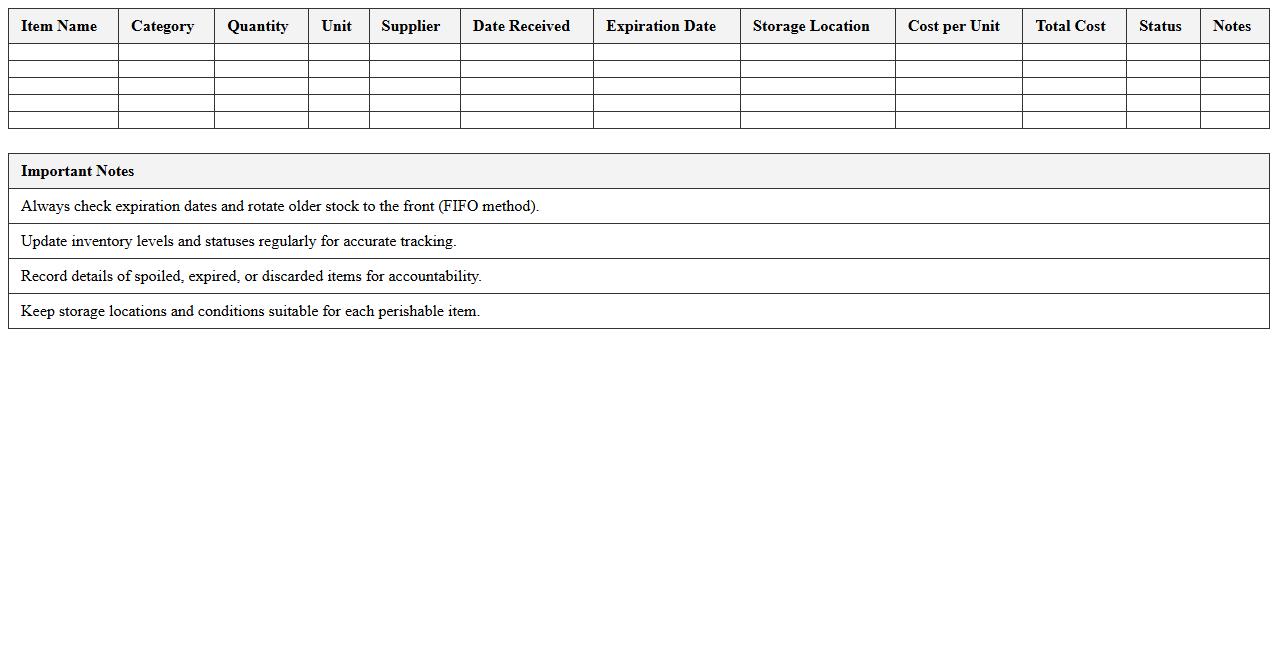
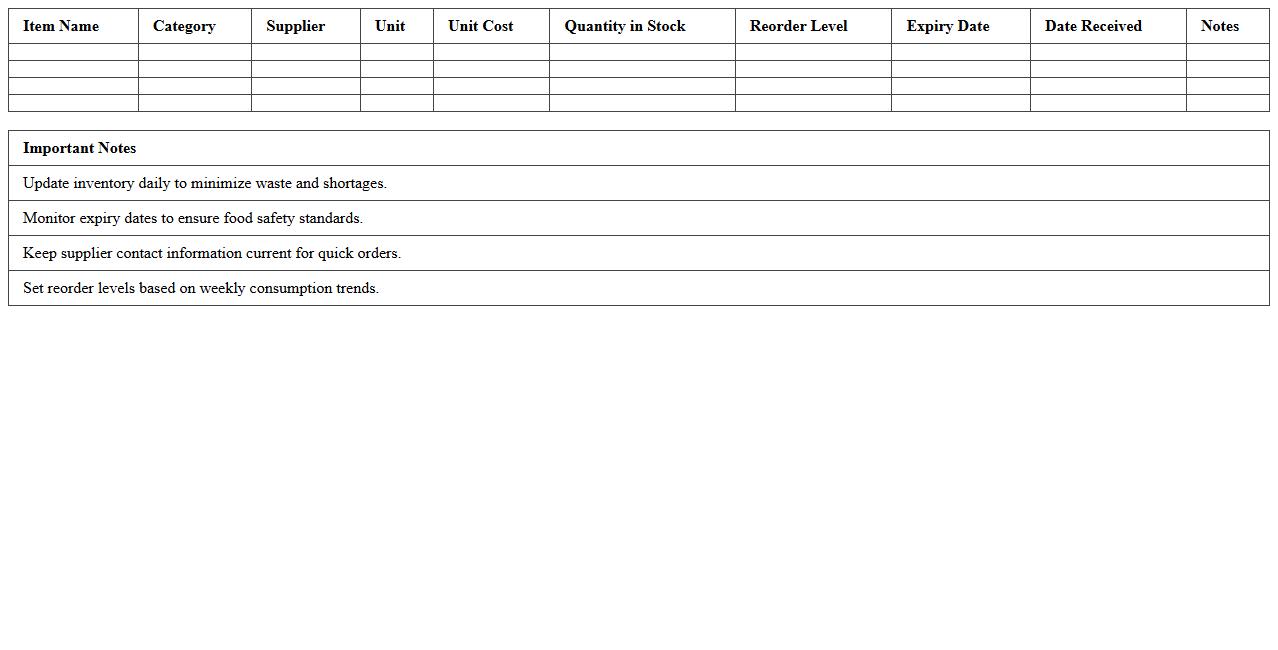
Perishable Food Stock Inventory Spreadsheet is a detailed document designed to track and manage the quantities, expiration dates, and storage conditions of perishable food items. It helps reduce food waste, ensures timely usage of products, and optimizes stock levels for businesses like restaurants, grocery stores, and food suppliers. This tool enhances inventory accuracy, improves cost control, and supports regulatory compliance by systematically monitoring perishable goods.
Daily Restaurant Ingredient Tracking Template
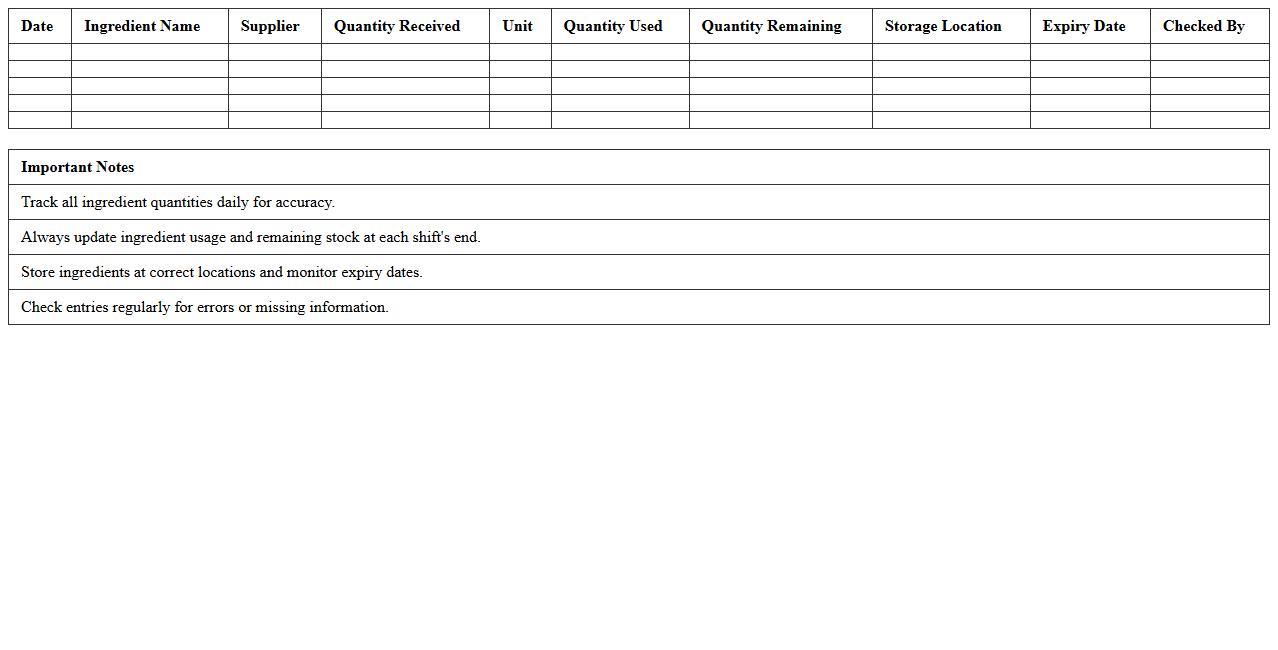
The
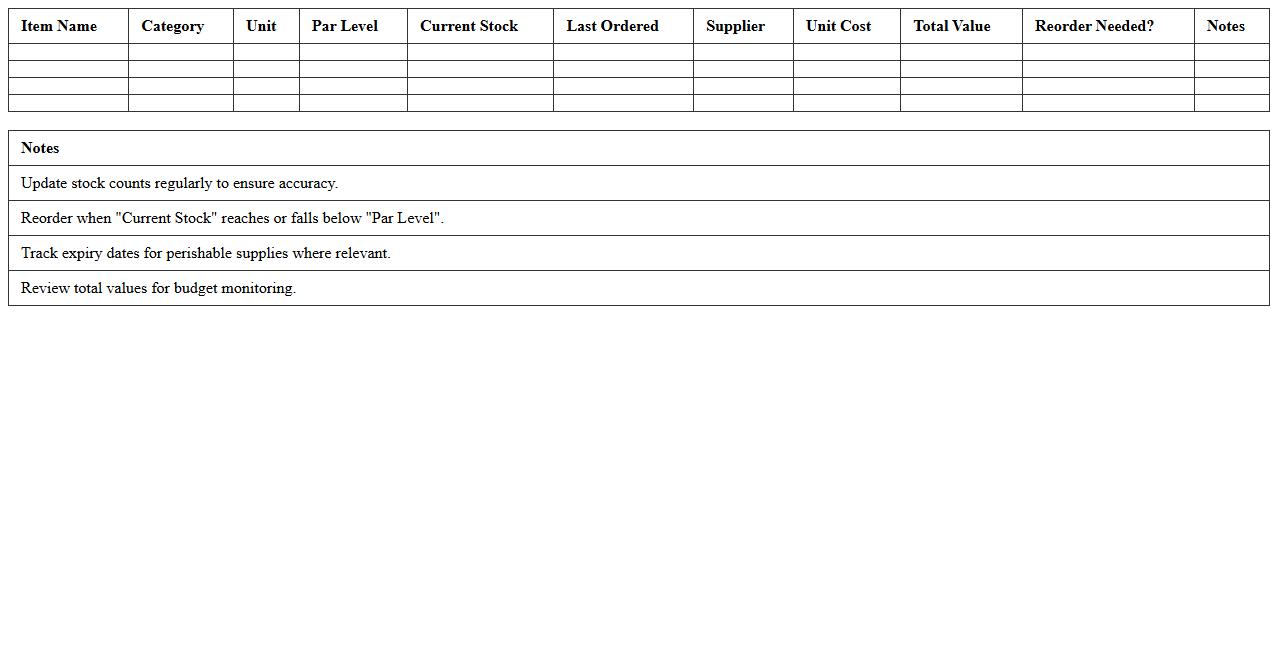
Daily Restaurant Ingredient Tracking Template is a document designed to systematically record and monitor the usage, delivery, and inventory levels of ingredients in a restaurant on a daily basis. This template helps ensure accuracy in stock management, reduces waste by tracking expiration dates and usage patterns, and aids in budgeting by providing clear data on ingredient costs and consumption rates. Utilizing this tool improves operational efficiency, streamlines ordering processes, and supports maintaining consistent food quality.
Monthly Food Inventory Management Sheet
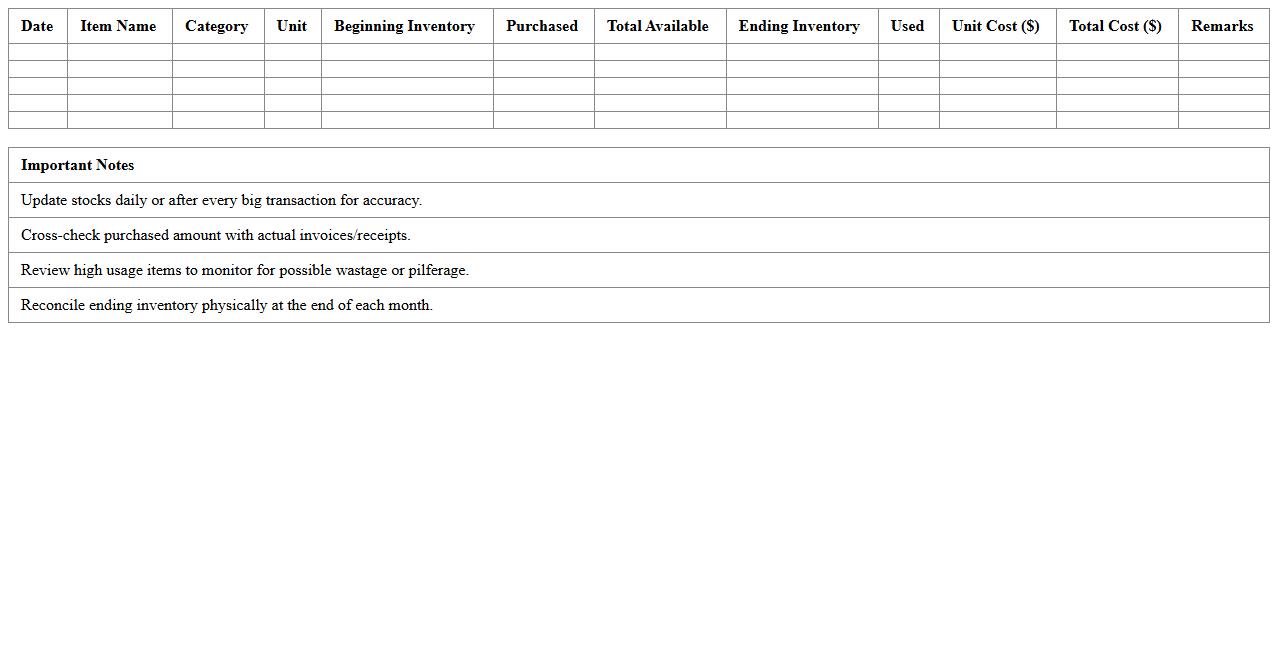
A
Monthly Food Inventory Management Sheet is a document designed to track and organize food stock levels, purchase dates, expiration dates, and usage rates over a monthly period. It helps businesses and households minimize waste, control food costs, and ensure timely replenishment of essential items. By providing a clear overview of inventory data, this sheet facilitates better decision-making and efficient food resource management.
Restaurant Pantry Inventory Excel Log
The
Restaurant Pantry Inventory Excel Log document is a systematic tool designed to track and manage all pantry supplies, including quantities, expiration dates, and supplier details. It helps restaurant managers maintain accurate stock levels, minimize food waste, and streamline ordering processes by providing real-time data on inventory status. This organized approach ensures cost efficiency, improves kitchen operations, and supports compliance with food safety standards.
Kitchen Supply Stock Control Workbook
The
Kitchen Supply Stock Control Workbook is a structured document designed to track inventory levels, monitor usage rates, and manage reorder points for kitchen supplies. It helps reduce waste, avoid stockouts, and maintain optimal inventory by providing clear visibility into stock flow and consumption patterns. By using this workbook, businesses can improve cost efficiency and streamline procurement processes in kitchen operations.
Restaurant Freezer Inventory Checklist
A
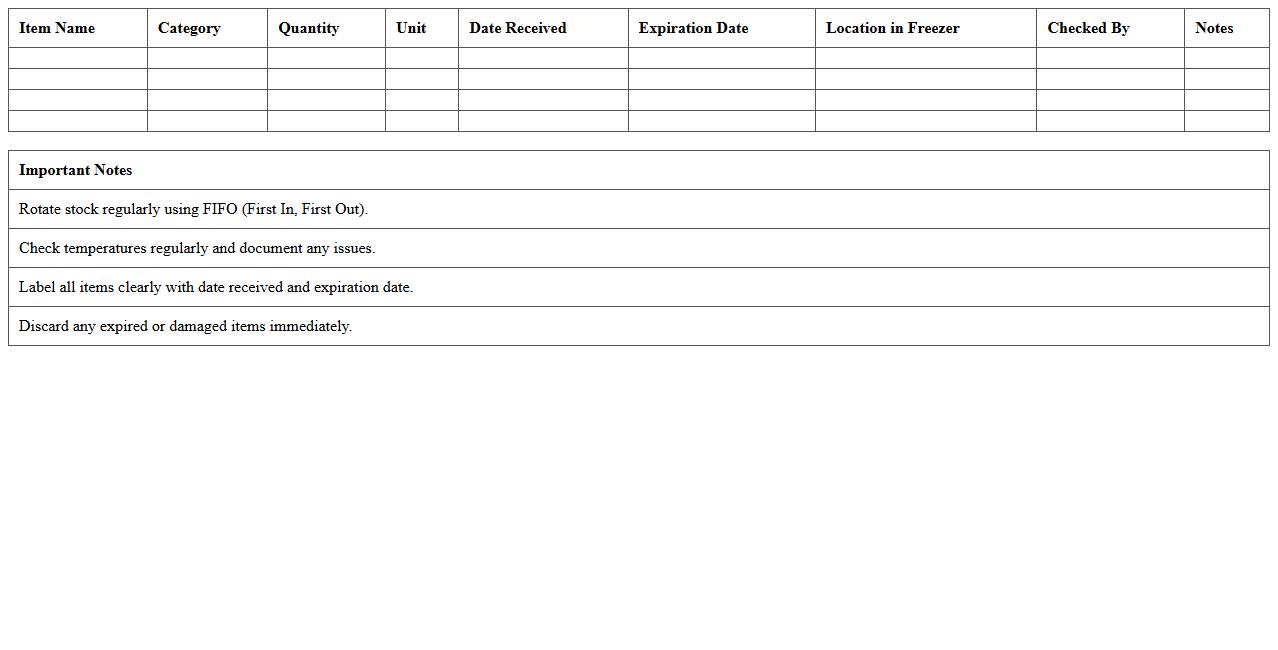
Restaurant Freezer Inventory Checklist is a detailed document used to track and manage all frozen food items stored in a restaurant's freezer. It helps maintain accurate stock levels, reduce waste, and ensure food safety by monitoring expiration dates and storage conditions. Utilizing this checklist improves operational efficiency and supports cost control by preventing over-ordering and spoilage.
Food Waste and Spoilage Monitoring Template
A
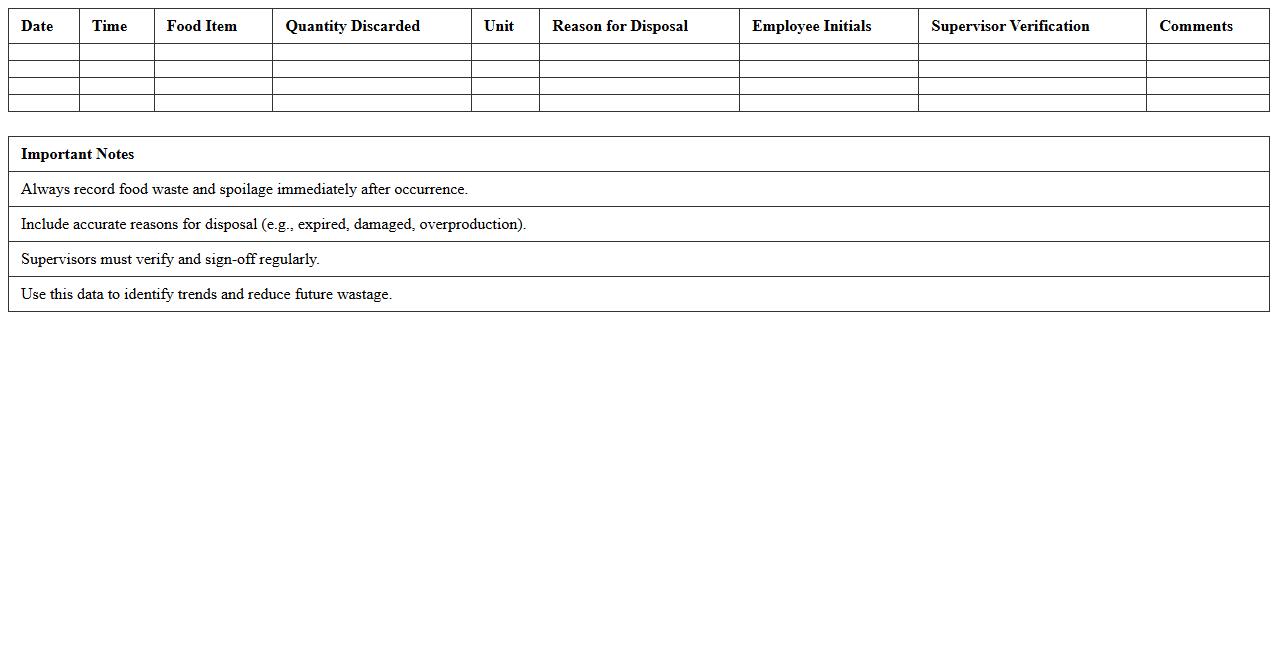
Food Waste and Spoilage Monitoring Template document systematically tracks the amount and causes of food waste and spoilage in various settings such as households, restaurants, or food production facilities. This tool enables users to identify patterns, reduce unnecessary waste, and implement targeted strategies to improve food management and sustainability. By analyzing this data, organizations can optimize inventory, cut costs, and contribute to environmental conservation efforts.
Weekly Restaurant Food Stocktaking Sheet
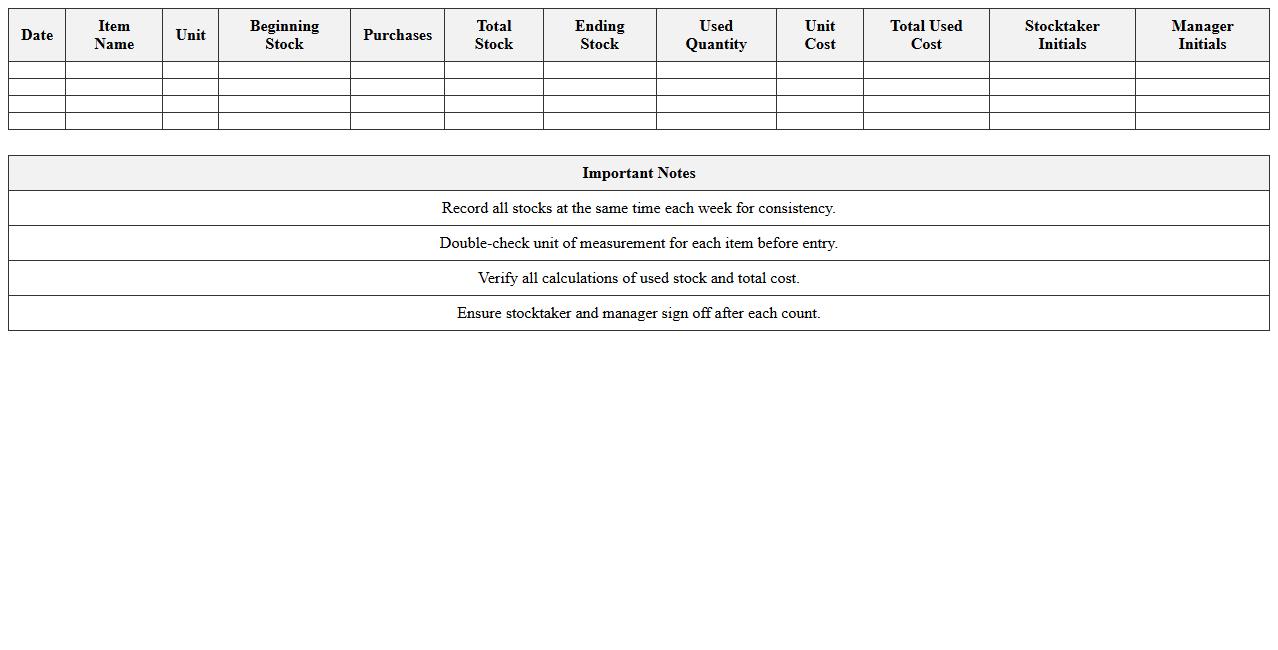
A
Weekly Restaurant Food Stocktaking Sheet is a detailed inventory document used to track and record the quantities of food items available in a restaurant over a specific week. This sheet helps managers monitor stock levels accurately, reduce food waste, and control costs by identifying usage patterns and discrepancies. Regular use of the stocktaking sheet enhances ordering efficiency and ensures that the kitchen maintains optimal ingredient availability.
Beverage and Food Supplies Excel Tracker
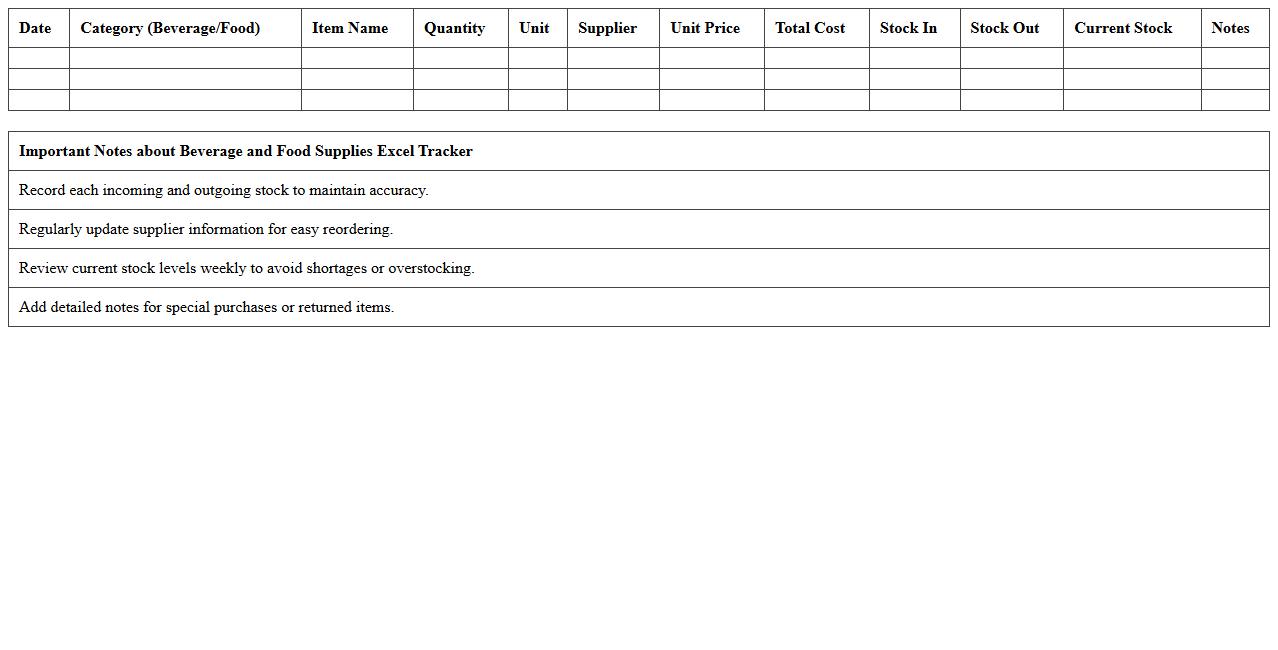
The
Beverage and Food Supplies Excel Tracker document is a comprehensive tool designed to monitor inventory levels, track purchase orders, and manage stock usage efficiently. It helps businesses in the hospitality and food service industries maintain accurate records, minimize waste, and optimize procurement processes. By providing real-time insights into supply status, this tracker ensures better cost control and seamless operations.
Restaurant Inventory Reorder Planning Sheet
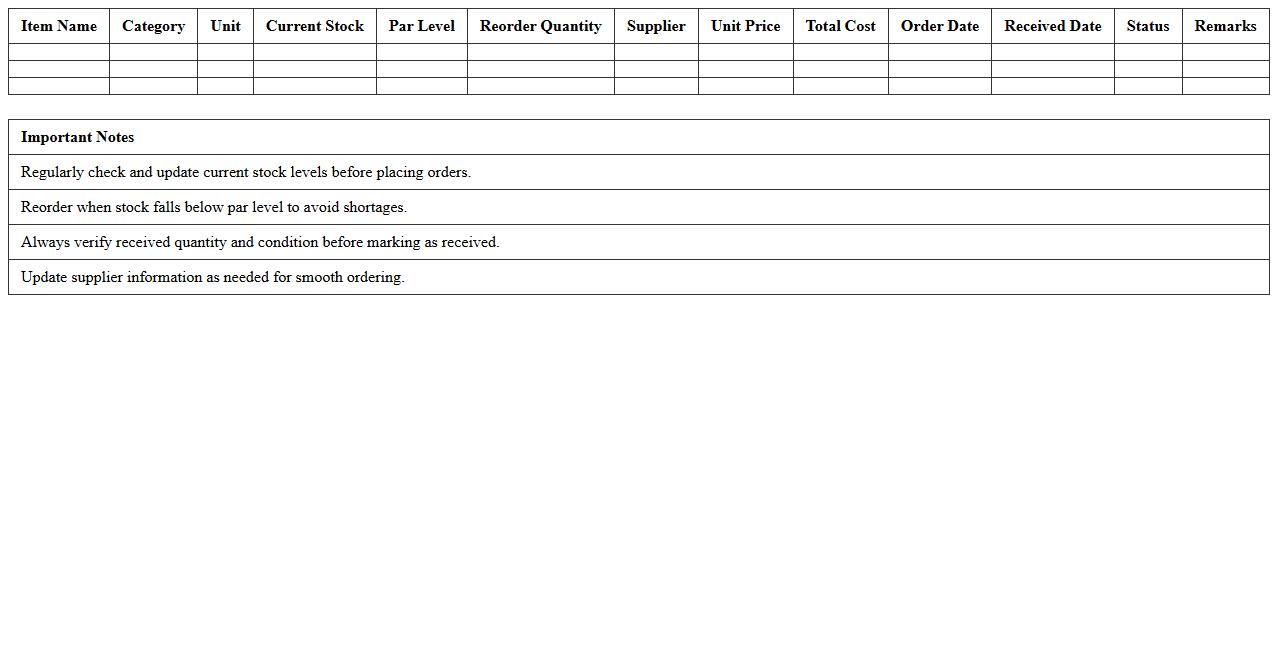
A
Restaurant Inventory Reorder Planning Sheet is a detailed document used to track stock levels, reorder points, and supplier information for food and beverage items. It helps restaurant managers maintain optimal inventory, prevent shortages, and reduce waste by ensuring timely restocking based on consumption patterns. Utilizing this sheet enhances cost control and operational efficiency, leading to smoother kitchen operations and improved profitability.
How can Inventory Excel track perishable stock expiration dates for restaurant food items?
Inventory Excel can efficiently track perishable stock expiration dates by utilizing date columns paired with conditional formatting. This setup highlights items nearing their expiration, ensuring timely usage or disposal. Implementing a clear date structure allows restaurant managers to maintain fresh inventory and reduce waste.
What formula best automates daily usage deduction for each food category?
The formula =PreviousStock - DailyUsage automates daily stock deduction within the Inventory Excel sheet. Using cell references and SUM or COUNTIF functions tailored to food categories streamlines inventory updates. This approach offers accurate real-time tracking of consumption per category.
How do you set up alerts for reorder points within an Inventory Excel sheet?
Reorder point alerts can be created using conditional formatting rules based on minimum stock levels. When inventory falls below these set thresholds, highlighted cells notify the manager to reorder supplies. This proactive alert system prevents stockouts and ensures uninterrupted kitchen operations.
Which Excel features help monitor cost fluctuations for bulk food items?
Excel's PivotTables and charting tools effectively monitor cost fluctuations for bulk food items over time. Linking price data with purchase dates allows trend analysis and budgeting insights. Utilizing these features helps restaurants manage food costs and optimize procurement strategies.
How to enable multi-location stock tracking for restaurant branches in one spreadsheet?
To track multi-location stock, create separate sheets or tables for each branch with a centralized dashboard summarizing overall inventory. Use Excel formulas such as SUMIFS to aggregate data across locations. This unified system provides comprehensive visibility into stock levels per restaurant branch.