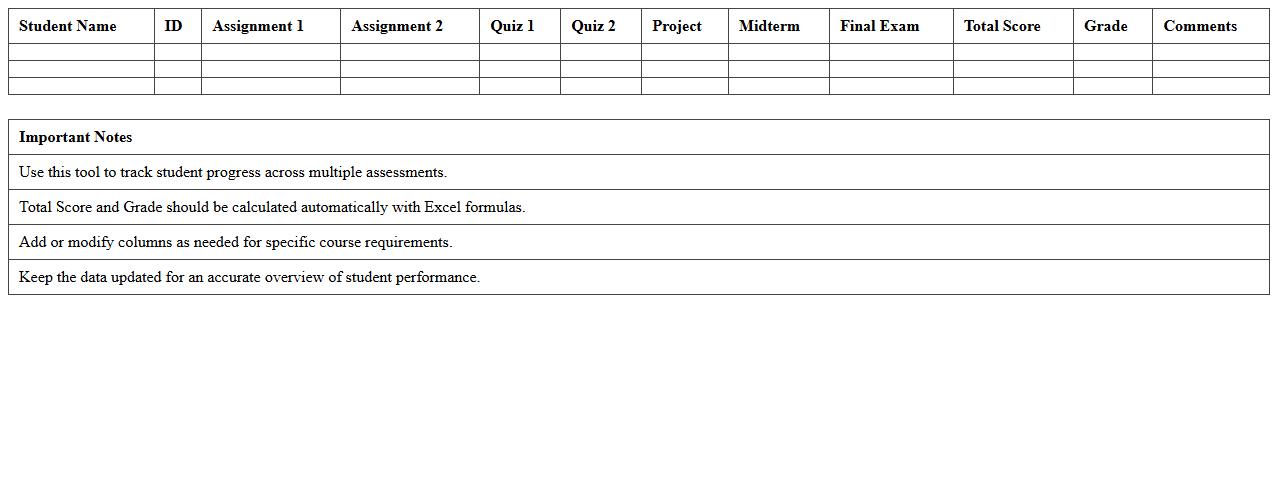
The School Gradebook Dashboard Excel Template for Teachers offers an efficient way to track and manage student grades with ease. It features customizable tables and visual charts that help teachers quickly analyze performance trends and identify areas needing improvement. This user-friendly tool streamlines grading processes, saving valuable time and enhancing classroom management.
High School Gradebook & Attendance Tracker Excel Template
The
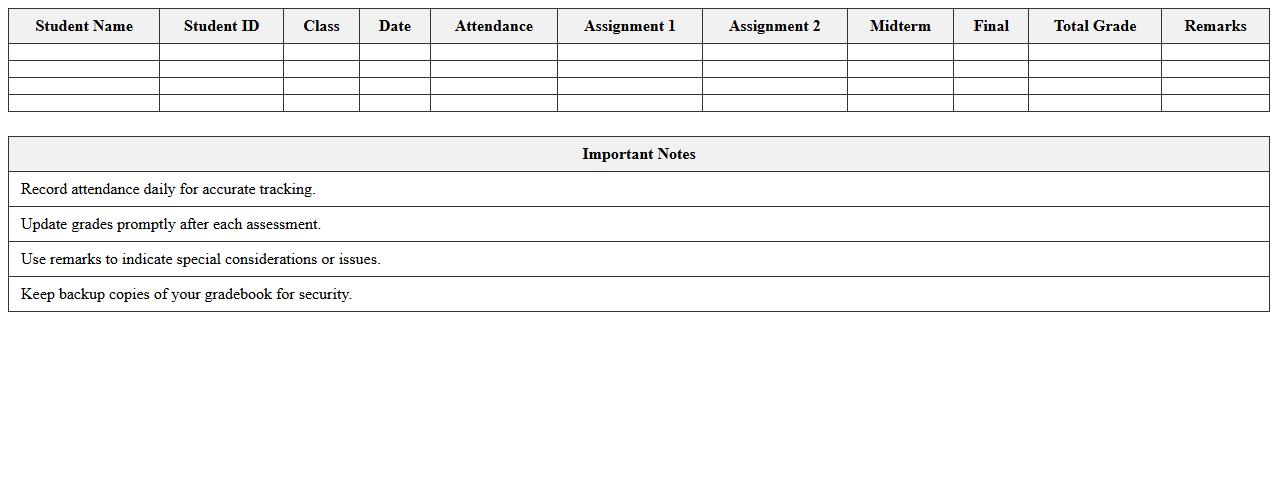
High School Gradebook & Attendance Tracker Excel Template is a comprehensive tool designed to efficiently record and manage student grades and attendance records. It streamlines the process of tracking academic performance and presence, allowing teachers to easily calculate averages, identify trends, and generate reports. This template improves organization and accuracy, saving time and ensuring reliable data for evaluations and parent communications.
Elementary School Gradebook Dashboard Spreadsheet
The
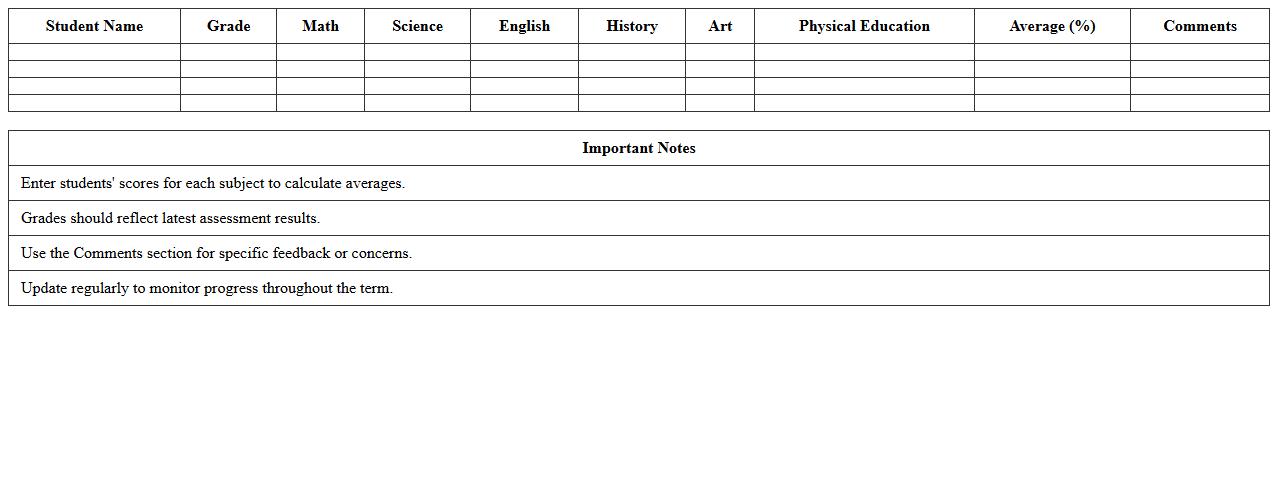
Elementary School Gradebook Dashboard Spreadsheet document is a digital tool designed to organize and track students' academic performance efficiently. It consolidates grades, attendance, and assignment statuses into an accessible format, allowing teachers to monitor progress and identify areas needing improvement quickly. This spreadsheet enhances classroom management by providing clear, real-time data that supports informed decision-making and targeted student support.
Middle School Subject Gradebook Analyzer Excel Sheet
The
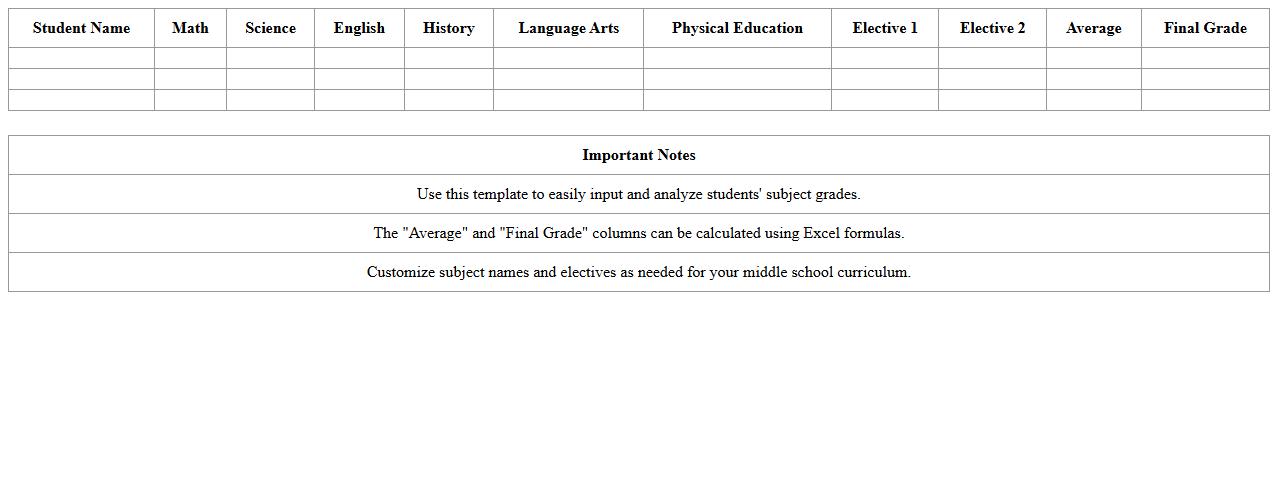
Middle School Subject Gradebook Analyzer Excel Sheet is a specialized tool designed to organize, track, and analyze student grades across various subjects efficiently. It helps educators identify academic trends, monitor student performance, and generate insightful reports to support data-driven decision-making. This document enhances grading accuracy and saves valuable time by automating calculations and visualizing progress.
Teacher’s Semester Grade Report Excel Template
The
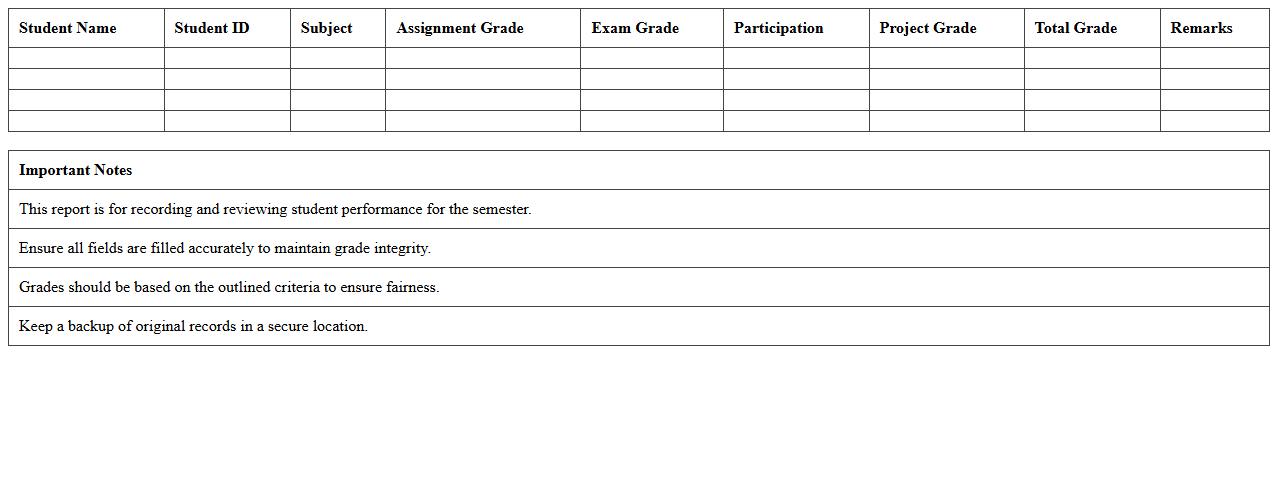
Teacher's Semester Grade Report Excel Template is a structured spreadsheet designed to help educators efficiently record, calculate, and analyze student grades over a semester. This document streamlines the grading process by automating grade calculations, ensuring accuracy, and providing clear visual summaries through charts or tables. It is useful for maintaining organized records, identifying trends in student performance, and facilitating transparent communication with students and parents.
Student Performance Tracking Gradebook Excel Tool
The
Student Performance Tracking Gradebook Excel Tool is a comprehensive digital document designed to monitor and analyze academic progress efficiently. It allows educators to record grades, track attendance, and identify trends in student performance over time, facilitating data-driven decision-making. By centralizing performance metrics, this tool enhances communication with students and parents while supporting personalized learning strategies.
Class Assessment Overview Dashboard Excel Template
The
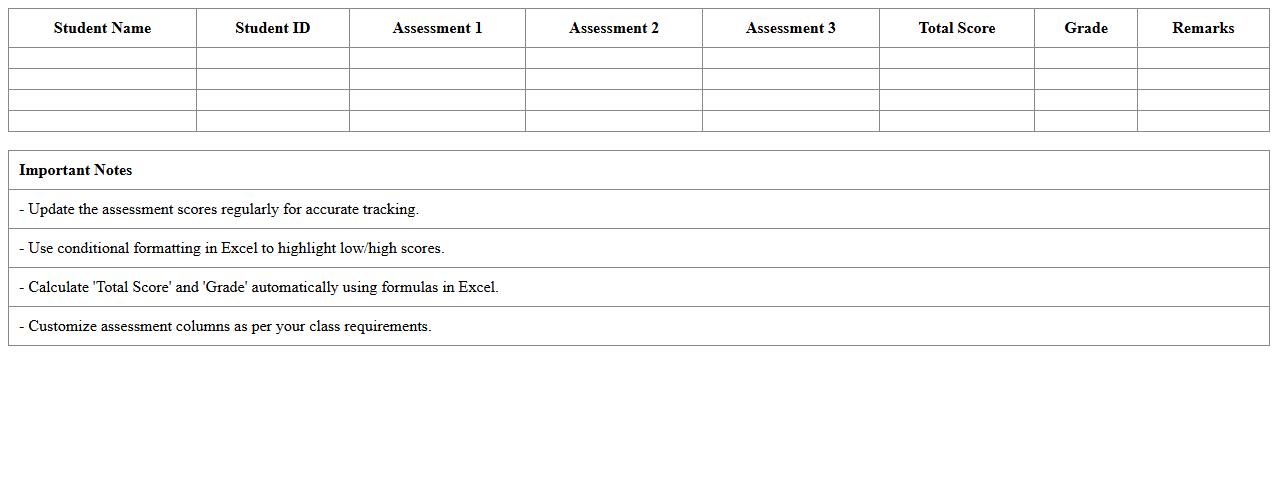
Class Assessment Overview Dashboard Excel Template is a dynamic tool designed to track and analyze student performance across multiple assessments in one consolidated view. It enables educators to visualize data trends, identify learning gaps, and make informed decisions to enhance instructional strategies efficiently. By streamlining the assessment process, this template improves both time management and educational outcomes.
Weekly Progress Gradebook Excel Spreadsheet
The
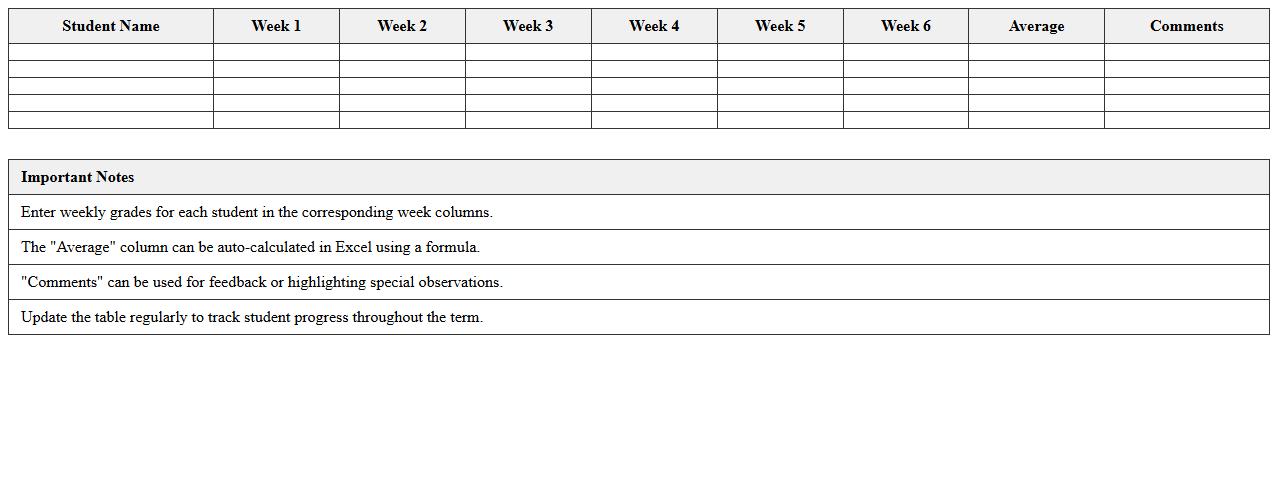
Weekly Progress Gradebook Excel Spreadsheet is a digital tool designed to track and evaluate students' academic performance on a weekly basis. It allows teachers to systematically record grades, monitor progress trends, and identify areas needing improvement efficiently. This spreadsheet enhances data organization and simplifies the grading process, enabling better-informed instructional decisions and timely feedback for students.
Standards-Based Grading Tracker Excel Form
The
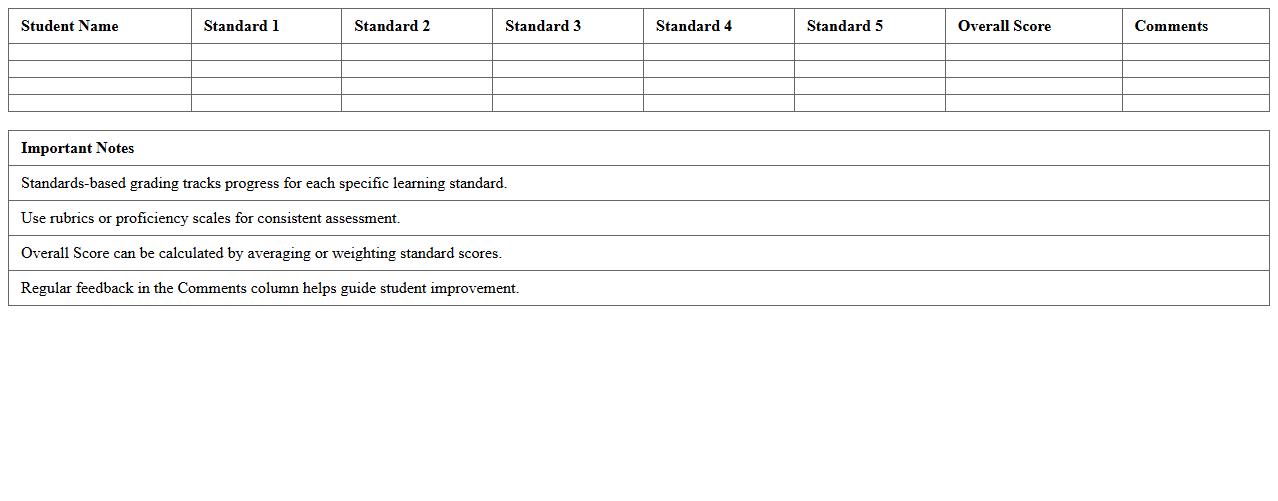
Standards-Based Grading Tracker Excel Form document is a digital tool designed to organize and monitor student performance according to specific learning standards rather than traditional grading methods. It allows educators to record, analyze, and visualize assessment data, making it easier to identify strengths and areas needing improvement for each student. This form enhances personalized instruction by providing clear, data-driven insights that support targeted teaching strategies and improved academic outcomes.
Customizable Gradebook & Analytics Dashboard Excel
The
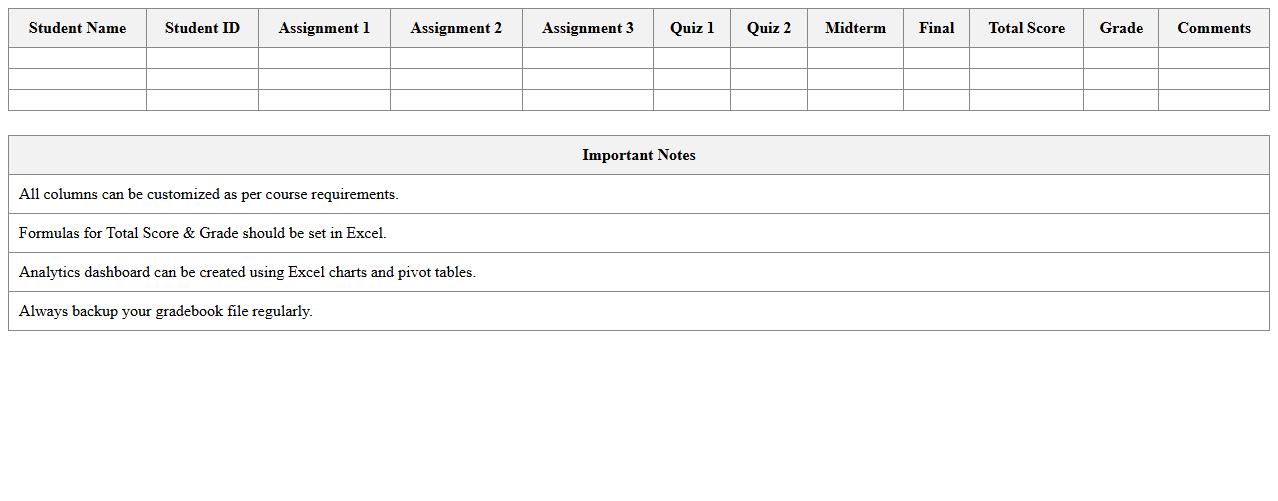
Customizable Gradebook & Analytics Dashboard Excel document is a powerful tool designed to track, analyze, and visualize academic performance data efficiently. It allows educators to input student grades, attendance records, and assignment scores while generating insightful charts and summaries that highlight trends and areas needing improvement. This adaptability enhances data-driven decision-making, boosts student performance monitoring, and streamlines administrative tasks in educational settings.
Assignment & Test Score Gradebook Excel Template
The
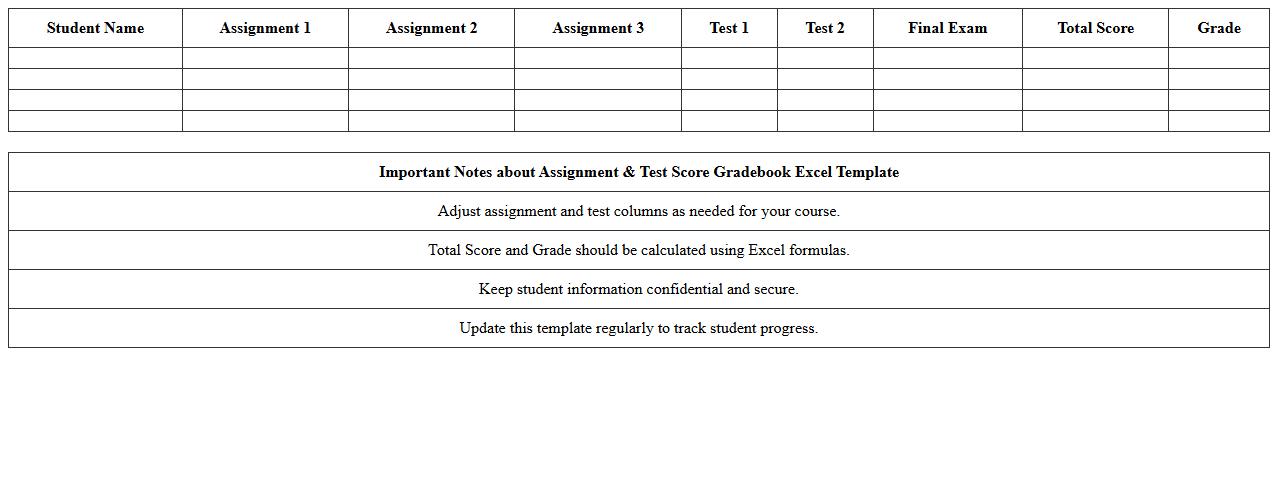
Assignment & Test Score Gradebook Excel Template is a structured spreadsheet designed to track and calculate student scores efficiently. It automates the grading process by allowing educators to input assignment and test scores, which are then compiled into an organized format to generate overall grades and performance insights. This tool enhances accuracy, saves time, and provides a clear overview of student progress for improved academic management.
How can teachers automate grade calculations in the School Gradebook Dashboard Excel?
Teachers can automate grade calculations by using Excel formulas such as SUM, AVERAGE, and IF to aggregate scores from various assignments. By setting up these formulas within the dashboard, total grades update automatically as new data is entered. This reduces manual effort and ensures accurate, real-time grade tracking.
What is the best way to track student attendance using a gradebook template?
The best way to track attendance is by creating a dedicated attendance sheet within the gradebook with dates as columns and students as rows. Teachers can mark presence or absence using standardized codes, which can then be summarized using COUNTIF functions. This method offers a clear, organized view of attendance patterns over time.
How do you customize grading scales for different subjects in the dashboard?
Customizing grading scales involves modifying Excel tables to reflect subject-specific criteria, such as weighting or grade thresholds. Teachers can create separate grading rubrics per subject and apply conditional formatting to highlight different grade categories. This approach ensures that each subject's unique evaluation standards are accurately represented.
Can progress reports be generated visually in the Excel gradebook?
Yes, progress reports can be generated visually by incorporating charts and graphs like bar charts, line charts, or sparklines within the dashboard. These visuals help convey student performance trends clearly and effectively over time. Conditional formatting can also be used to highlight areas needing improvement at a glance.
What formulas are most effective for detecting missing assignments in the gradebook?
The most effective formulas for identifying missing assignments include ISBLANK and IF combined with conditional formatting to flag empty score cells. A common approach is using =IF(ISBLANK(cell), "Missing", "Completed") to mark gaps in assignment submission. This instantly alerts teachers to missing data without manual scanning.
More Dashboard Excel Templates