The Sales Performance Dashboard Excel Template for Small Business offers an intuitive and visually appealing way to track sales metrics, monitor targets, and analyze trends. This template enables small businesses to quickly identify top-performing products, sales reps, and regions, improving decision-making with real-time data insights. Customizable charts and summaries deliver a clear overview of sales performance to boost growth and profitability.
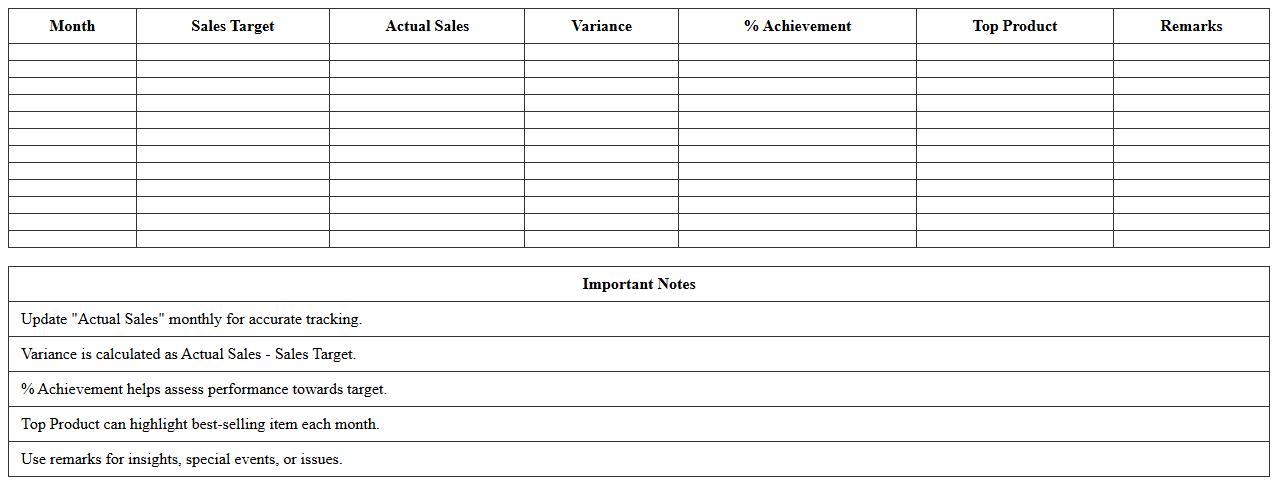
Monthly Sales Performance Tracker Excel Template
The
Monthly Sales Performance Tracker Excel Template is a comprehensive tool designed to monitor and analyze monthly sales data efficiently. It enables businesses to track key metrics such as total sales, revenue growth, and salesperson effectiveness, helping to identify trends and areas for improvement. Utilizing this template enhances decision-making by providing clear visualizations and organized data, ultimately driving better sales strategies and higher profitability.
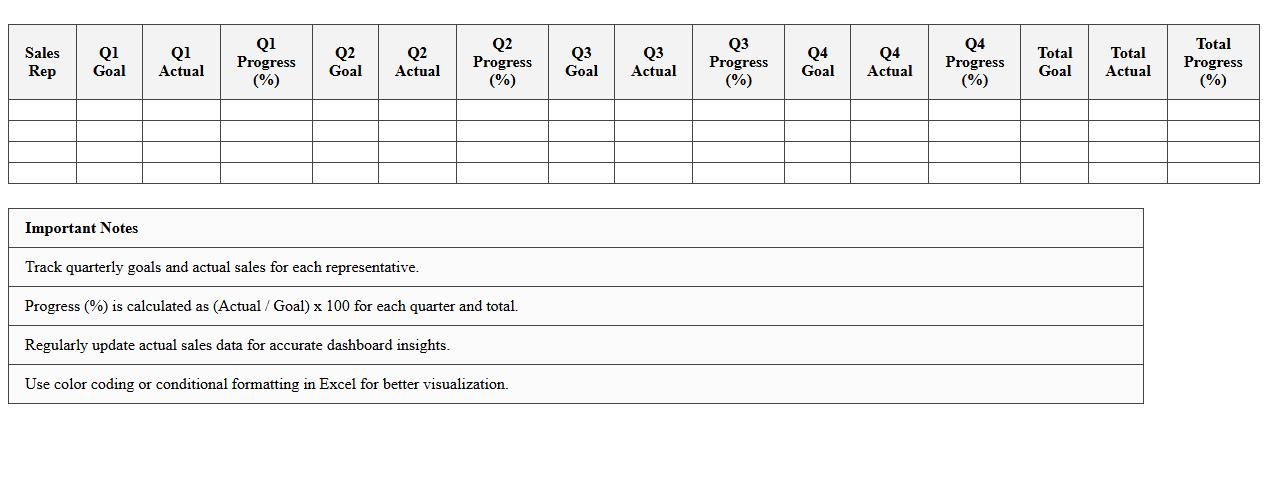
Quarterly Sales Goal Progress Dashboard
The
Quarterly Sales Goal Progress Dashboard is a dynamic document designed to track and visualize key sales metrics, enabling teams to monitor performance against set targets throughout the quarter. It consolidates data such as total revenue, sales growth, and individual team member achievements, providing clear insights that help identify trends and areas requiring attention. This tool facilitates informed decision-making, enhances accountability, and drives strategic adjustments to ensure quarterly sales objectives are met effectively.
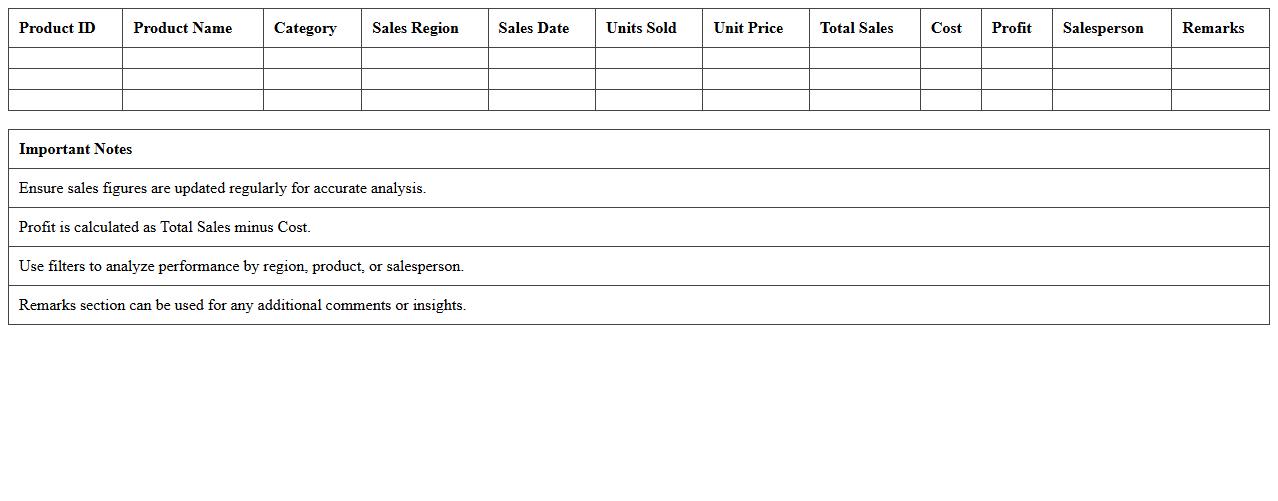
Product Sales Analysis Report Excel Sheet
A
Product Sales Analysis Report Excel Sheet is a comprehensive document that organizes sales data by product, allowing for detailed tracking of performance metrics such as revenue, units sold, and profit margins. It helps businesses identify top-selling items, seasonal trends, and underperforming products to optimize inventory and marketing strategies. By providing clear visualizations and data insights, this report enhances decision-making and drives more effective sales management.
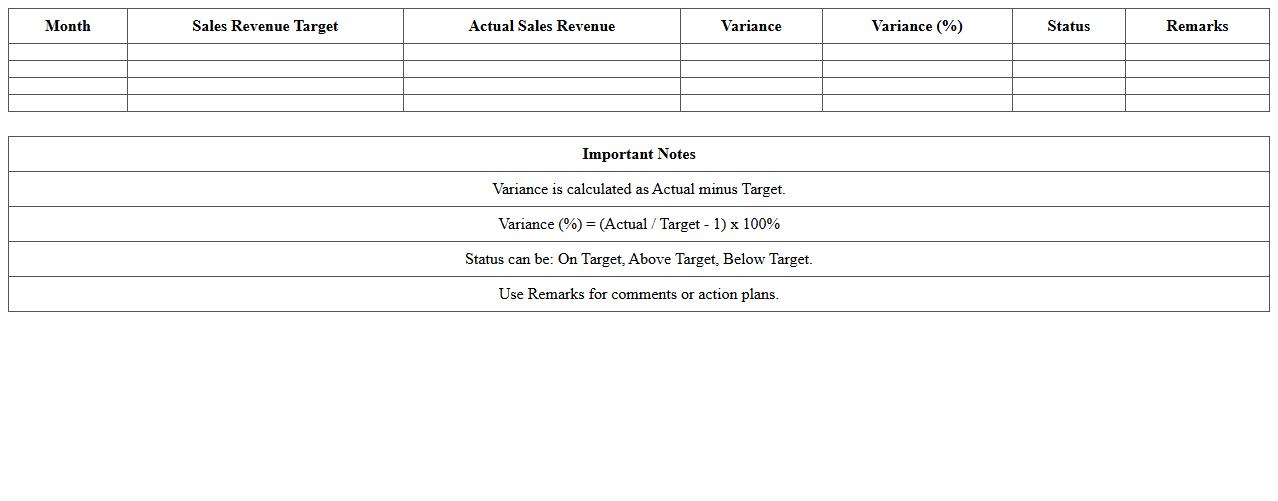
Sales Revenue vs Target Tracker Template
The
Sales Revenue vs Target Tracker Template document is a strategic tool designed to monitor and compare actual sales revenue against predefined targets over specific periods. It helps businesses identify performance gaps, analyze trends, and make data-driven decisions to enhance sales strategies effectively. By visualizing revenue achievements and shortfalls, the template supports timely adjustments and goal alignment across sales teams.
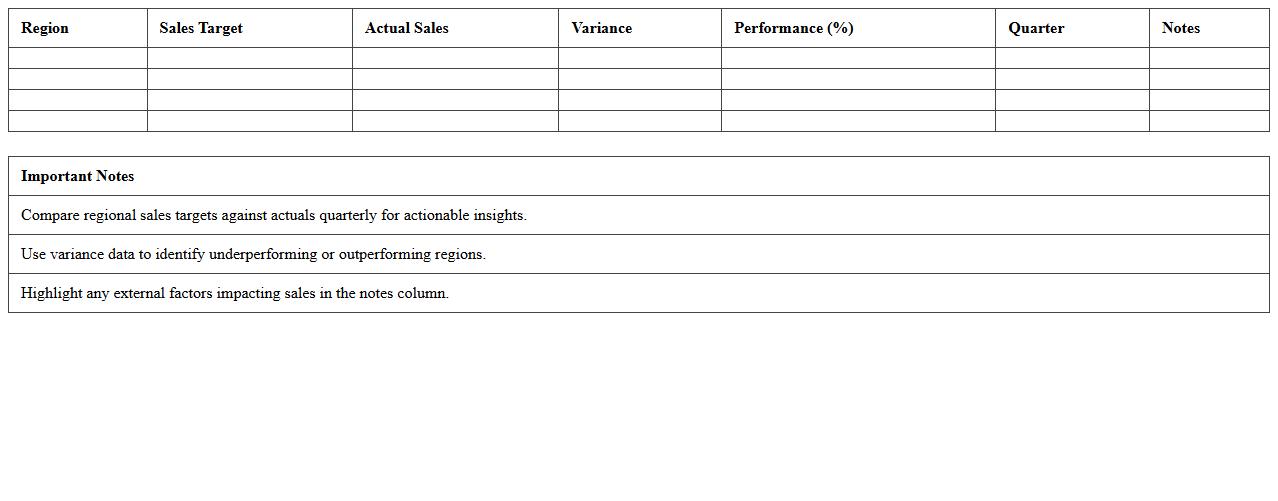
Regional Sales Performance Comparison Excel
The
Regional Sales Performance Comparison Excel document systematically organizes sales data across different regions, enabling clear analysis of performance metrics such as revenue, growth rate, and market share. This tool helps identify high-performing and underperforming areas, facilitating data-driven decision-making in sales strategies and resource allocation. By visualizing regional disparities, it supports targeted improvements and boosts overall sales efficiency.
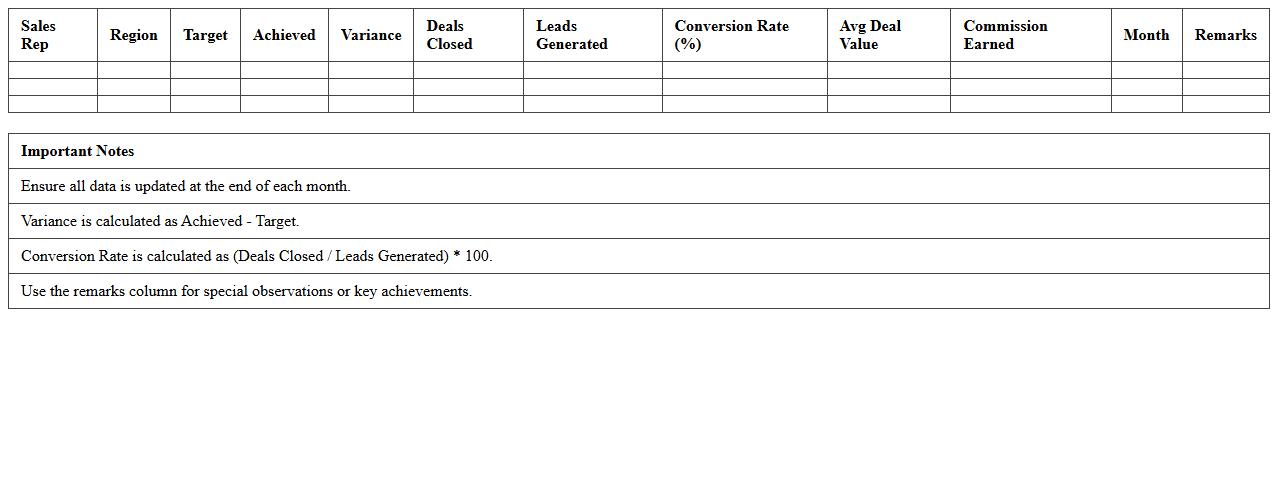
Sales Team Individual Performance Dashboard
The
Sales Team Individual Performance Dashboard document provides a detailed overview of each salesperson's key metrics such as sales volume, conversion rates, and customer interactions. It helps identify top performers, areas needing improvement, and track progress toward sales targets. This dashboard enables data-driven decision-making, boosts accountability, and drives overall sales efficiency.
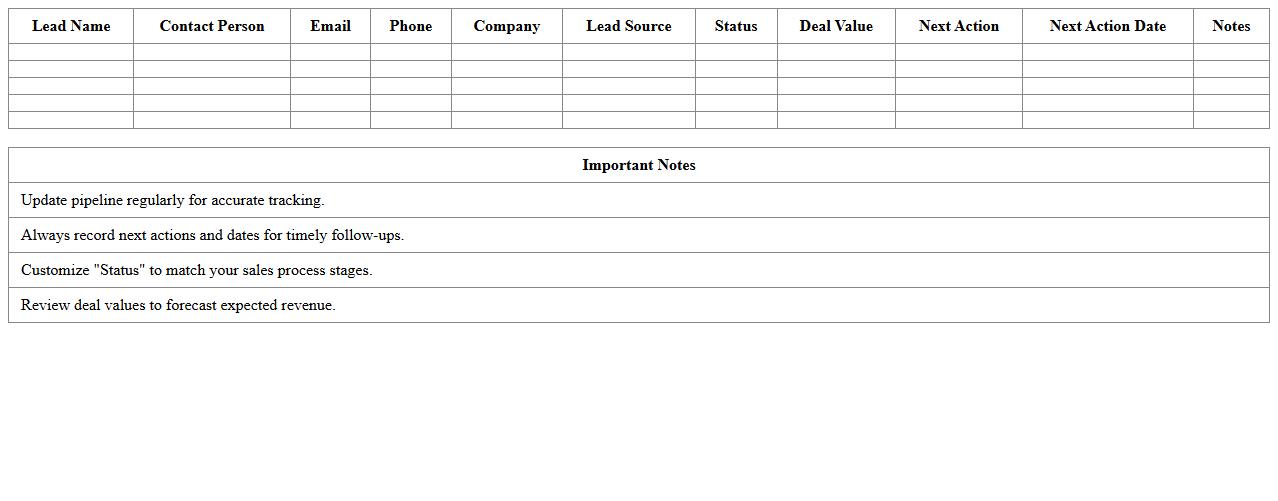
Sales Pipeline Tracker Excel Spreadsheet
A
Sales Pipeline Tracker Excel Spreadsheet is a powerful tool designed to organize and visualize all stages of the sales process, from lead generation to closing deals. It enables sales teams to monitor progress, prioritize opportunities, and forecast revenue accurately by tracking key metrics such as deal value, stage duration, and expected close dates. By maintaining real-time updates and clear data insights, this spreadsheet enhances decision-making, increases sales efficiency, and supports goal achievement.
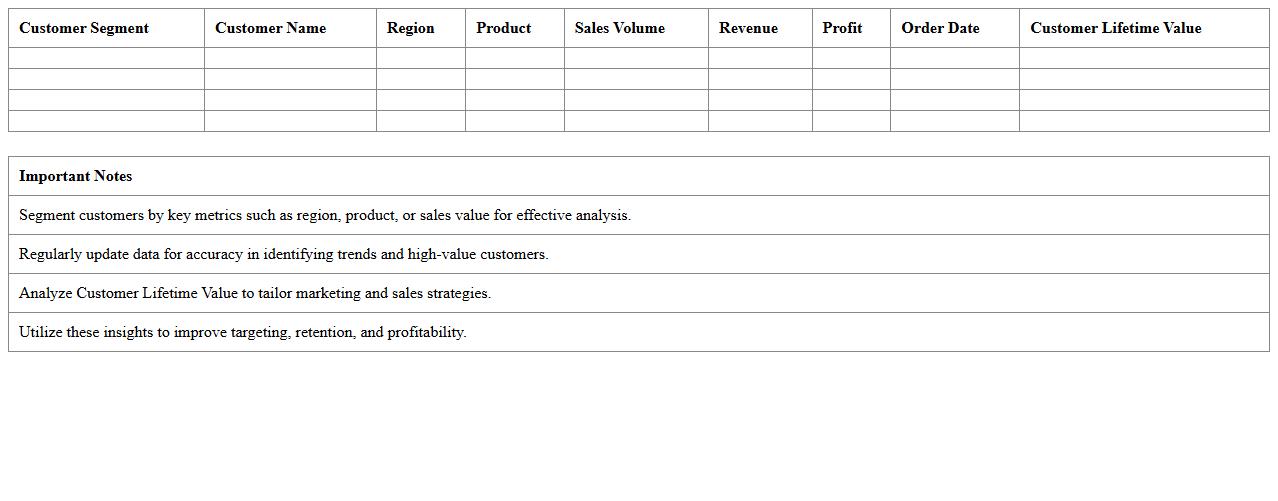
Customer Segmentation Sales Analysis Template
The
Customer Segmentation Sales Analysis Template document organizes sales data by distinct customer groups to identify patterns and preferences, enabling targeted marketing strategies. It helps businesses optimize resource allocation, improve customer retention, and boost revenue by tailoring sales efforts to specific segments. This template streamlines data analysis, facilitating actionable insights that drive strategic decision-making and enhance overall sales performance.
Yearly Sales Growth Trend Dashboard Excel
The
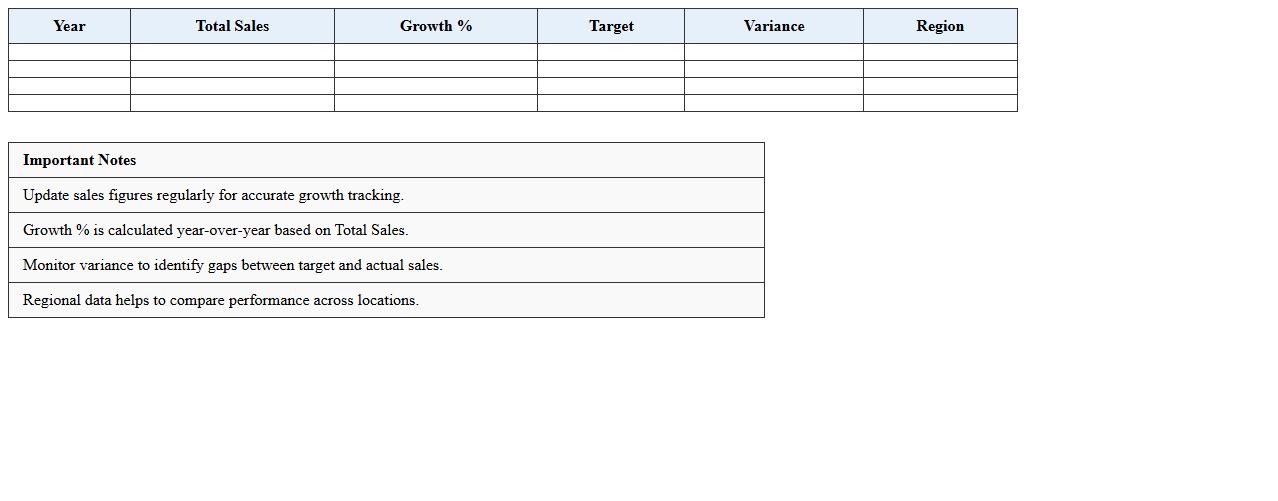
Yearly Sales Growth Trend Dashboard Excel document is a dynamic tool designed to visually track and analyze sales performance over multiple years, highlighting growth patterns and trends. It consolidates data into clear charts and graphs, enabling businesses to quickly identify peak sales periods, emerging markets, and potential areas for improvement. This dashboard is essential for strategic planning, allowing decision-makers to make informed choices based on historical sales growth and forecast future revenue trajectories.
Top-Selling Products Performance Excel Template
The
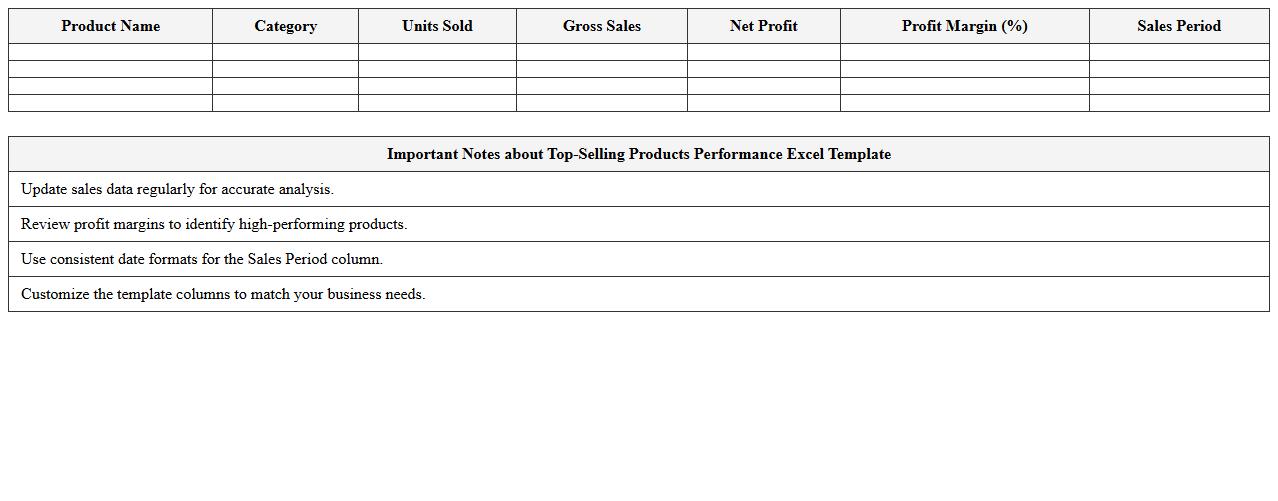
Top-Selling Products Performance Excel Template document provides a comprehensive framework for tracking and analyzing the sales performance of best-selling products, enabling businesses to identify trends and optimize inventory management. It consolidates sales data, generates visual reports, and highlights key metrics such as revenue, units sold, and profit margins, which supports informed decision-making. Utilizing this template helps improve marketing strategies, enhance product offerings, and boost overall sales efficiency.
How can I customize KPIs for small business sales tracking in the dashboard?
To customize KPIs for small business sales tracking, begin by identifying the most relevant metrics such as revenue, conversion rates, and customer acquisition costs. Use Excel's dynamic features like slicers and conditional formatting to tailor the dashboard visuals for these KPIs. Incorporating filters and updateable data ranges allows you to keep the sales tracking dashboard aligned with your specific business goals.
What formulas are used to calculate sales growth rate in this Excel template?
The sales growth rate in this Excel template is typically calculated using the formula: ((Current Period Sales - Previous Period Sales) / Previous Period Sales) * 100. This formula provides a percentage increase or decrease in sales over a specific period. It is essential to apply this formula consistently across your data range to ensure accurate trend analysis.
How does the dashboard visualize monthly vs. yearly sales trends for micro-enterprises?
The dashboard visualizes monthly vs. yearly sales trends by using a combination of line charts and bar graphs to illustrate temporal changes clearly. Monthly sales data is displayed with detailed granularity, while yearly trends show aggregated totals for broader insights. This dual visualization enables micro-enterprises to identify both short-term fluctuations and long-term growth patterns effectively.
Can the dashboard auto-segment sales data by product or region for detailed analysis?
Yes, the dashboard can auto-segment sales data by product or region using pivot tables and slicers within Excel. These tools enable dynamic filtering and grouping of data to generate segmented views without manual intervention. Auto-segmentation enhances detailed analysis and supports informed decision-making by isolating key contributors to sales performance.
What steps are required to import CRM sales data into this Excel performance dashboard?
To import CRM sales data into the Excel performance dashboard, start by exporting the data from your CRM system in a compatible format like CSV or XLSX. Next, use Excel's Power Query or built-in data import features to load and transform the data accordingly. Finally, refresh the dashboard connections to update visualizations and KPIs with the newly imported CRM sales data.
More Dashboard Excel Templates