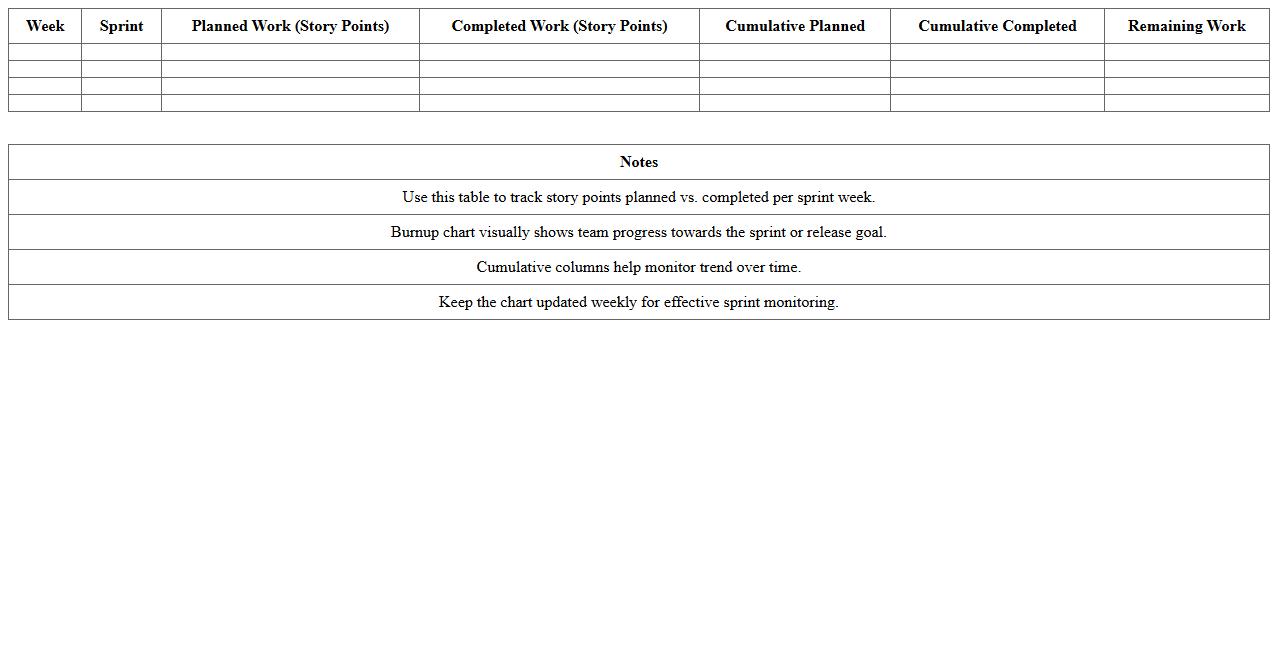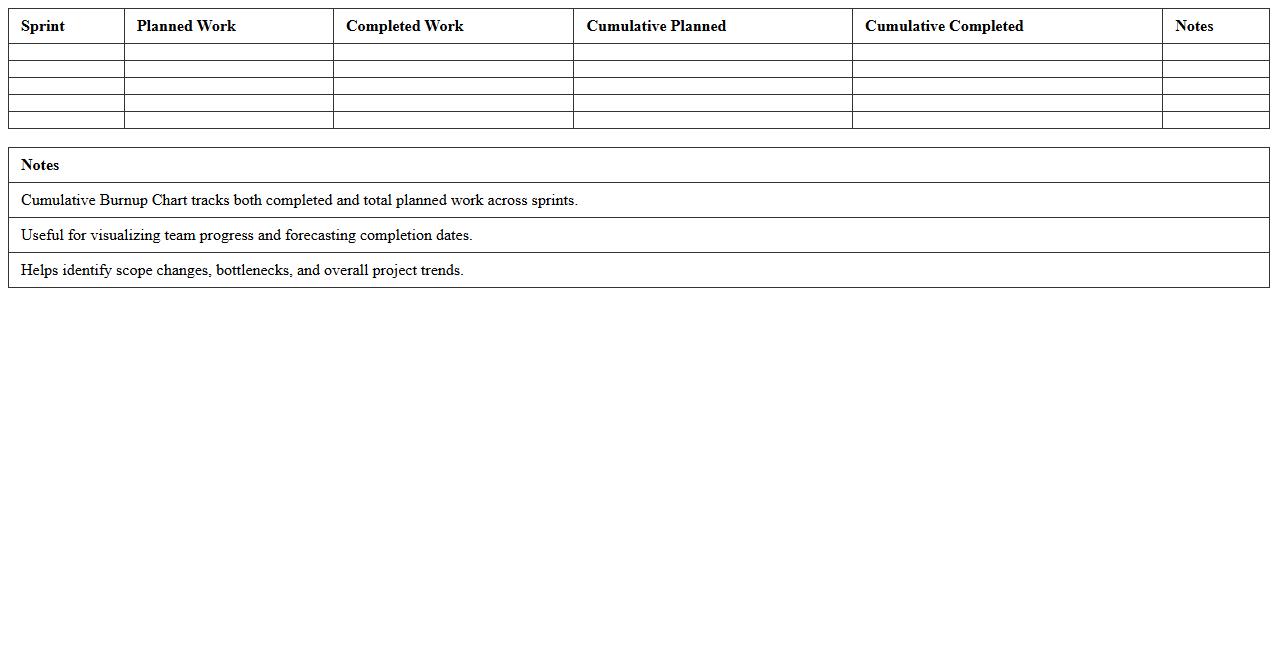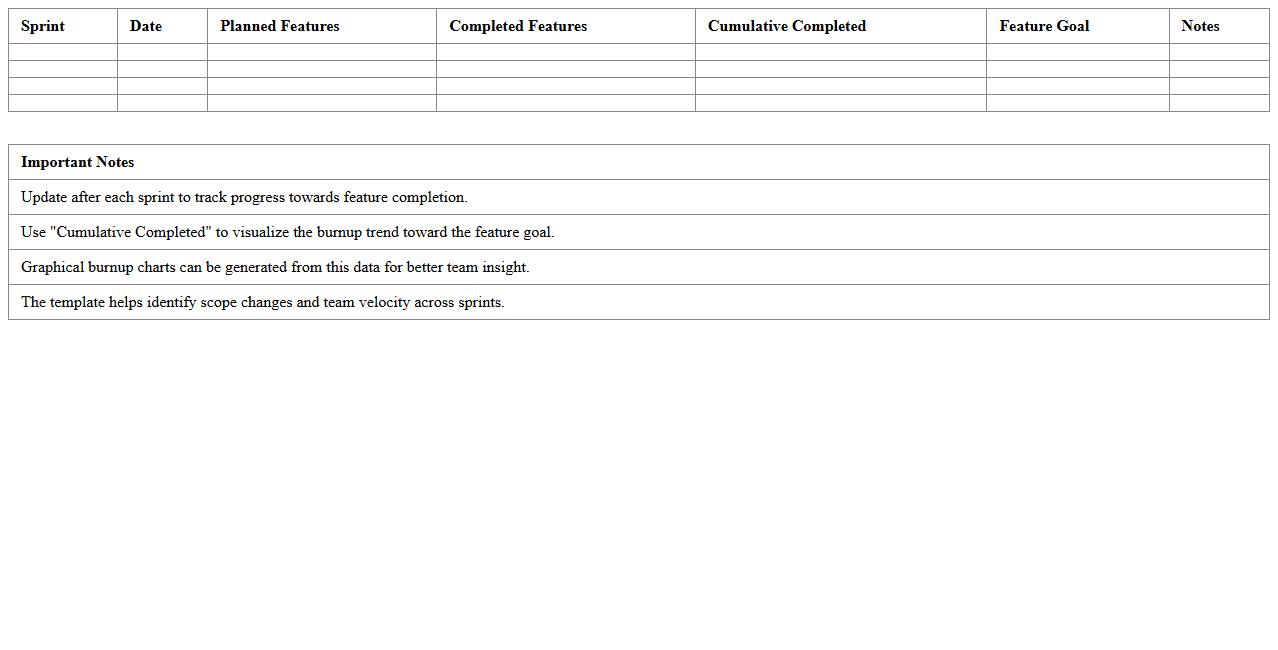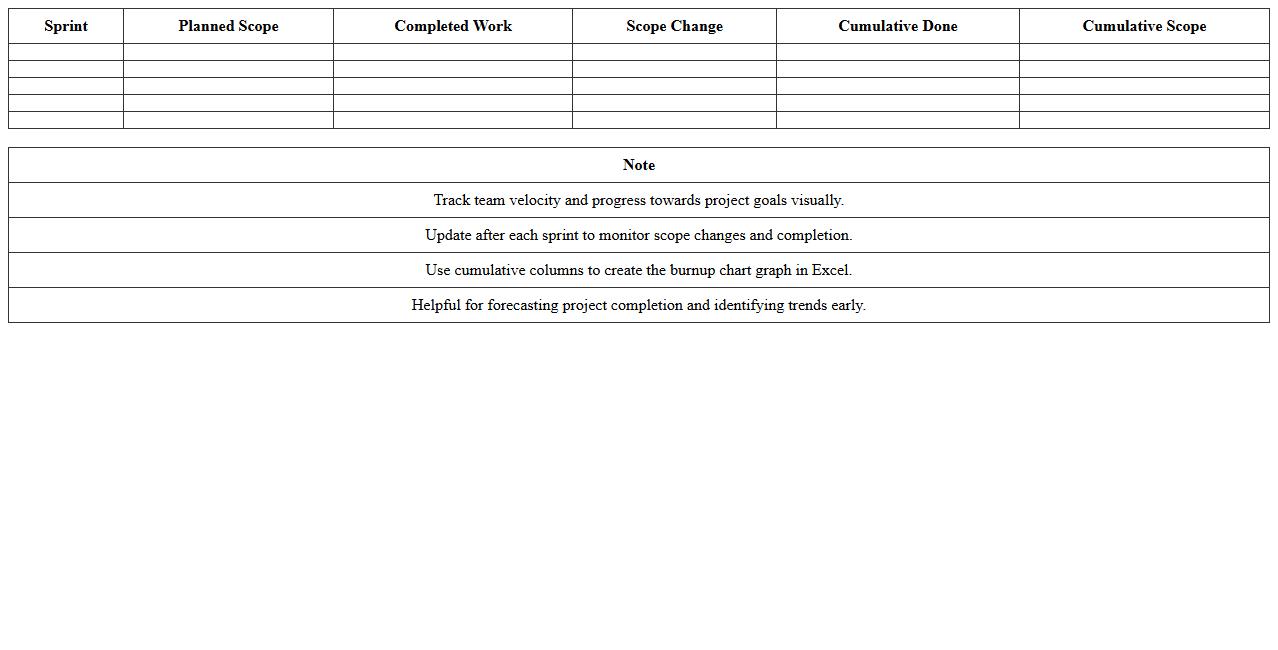
The Burnup Chart Excel Template for Scrum Teams helps visualize project progress by tracking completed work against total scope. It enables Scrum teams to monitor sprint performance and anticipate delivery timelines accurately. This template offers a clear, customizable way to improve agile project transparency and team coordination.
Sprint Burnup Chart Excel Template for Agile Teams
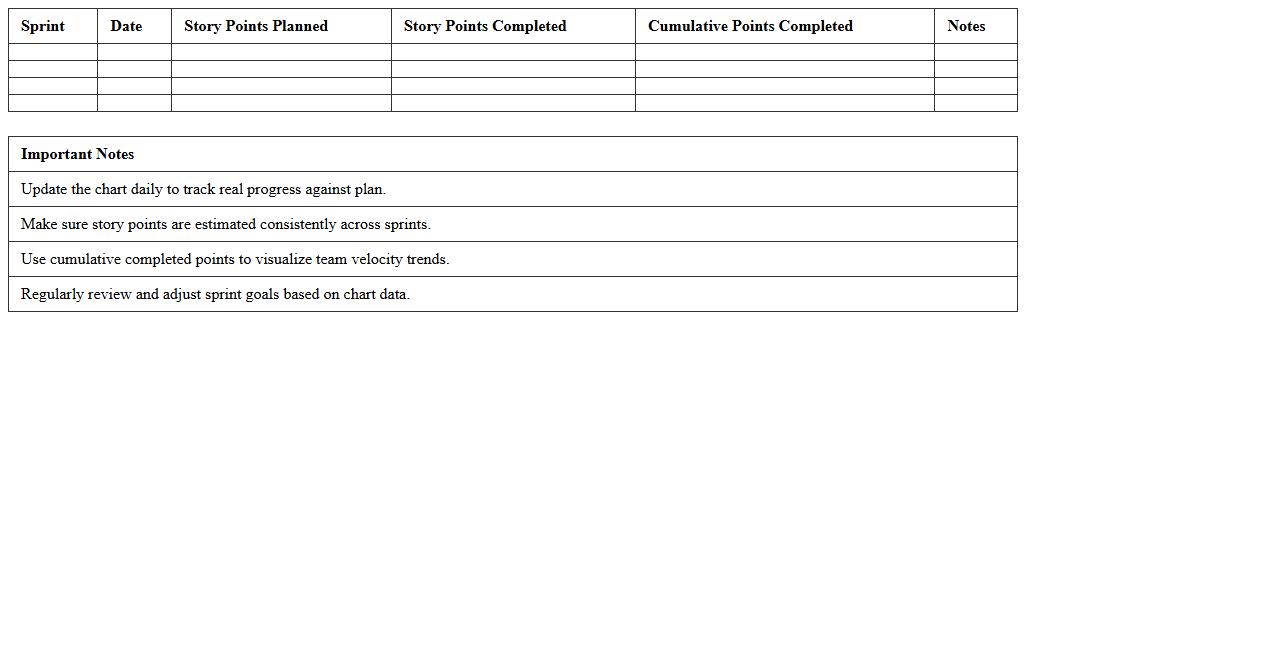
The
Sprint Burnup Chart Excel Template for Agile Teams is a visual project management tool that tracks the progress of completed work against the total project scope during a sprint. It helps teams monitor scope changes and work completed by displaying incremental progress, enabling precise forecasting and effective sprint planning. This template improves transparency, aids in identifying bottlenecks early, and supports consistent delivery of sprint goals.
Release Burnup Chart Excel Template for Project Tracking
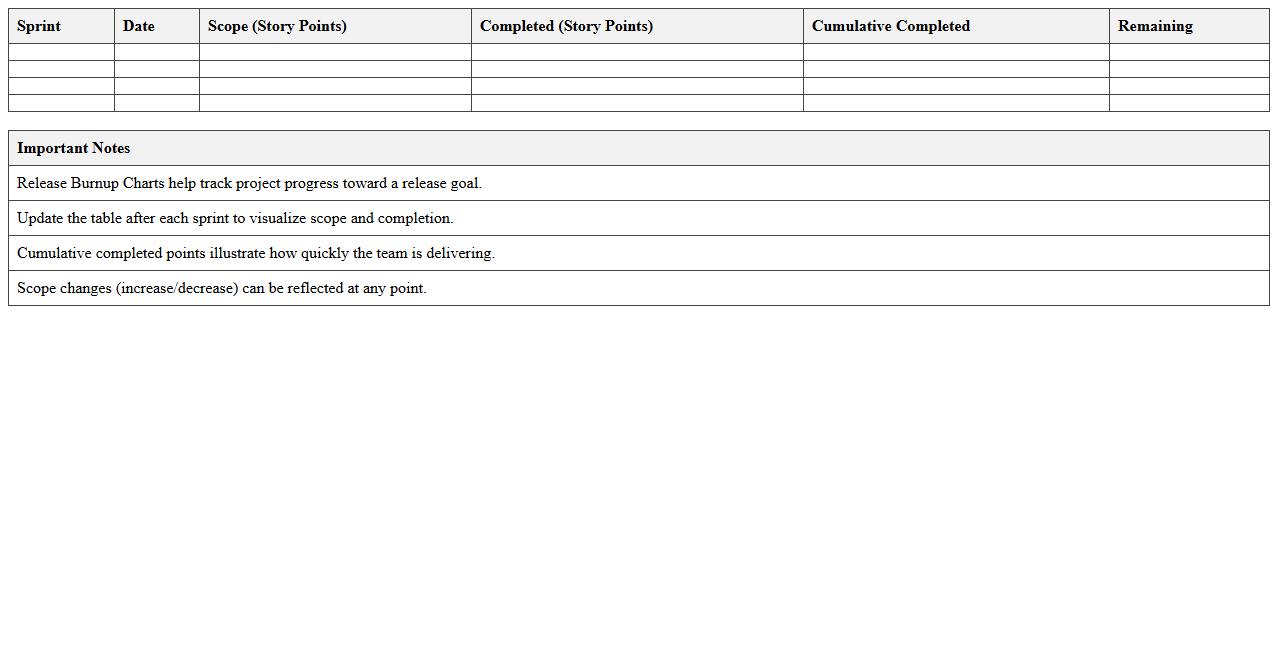
A
Release Burnup Chart Excel Template for Project Tracking is a visual tool that displays the progress of work completed against the total scope of a project release. It helps teams monitor project velocity and scope changes over time, enabling accurate forecasting and transparent communication with stakeholders. By providing clear insights into completed tasks and remaining work, this template supports effective decision-making and ensures project milestones are met on schedule.
Epic Burnup Chart Excel Template for Scrum Projects
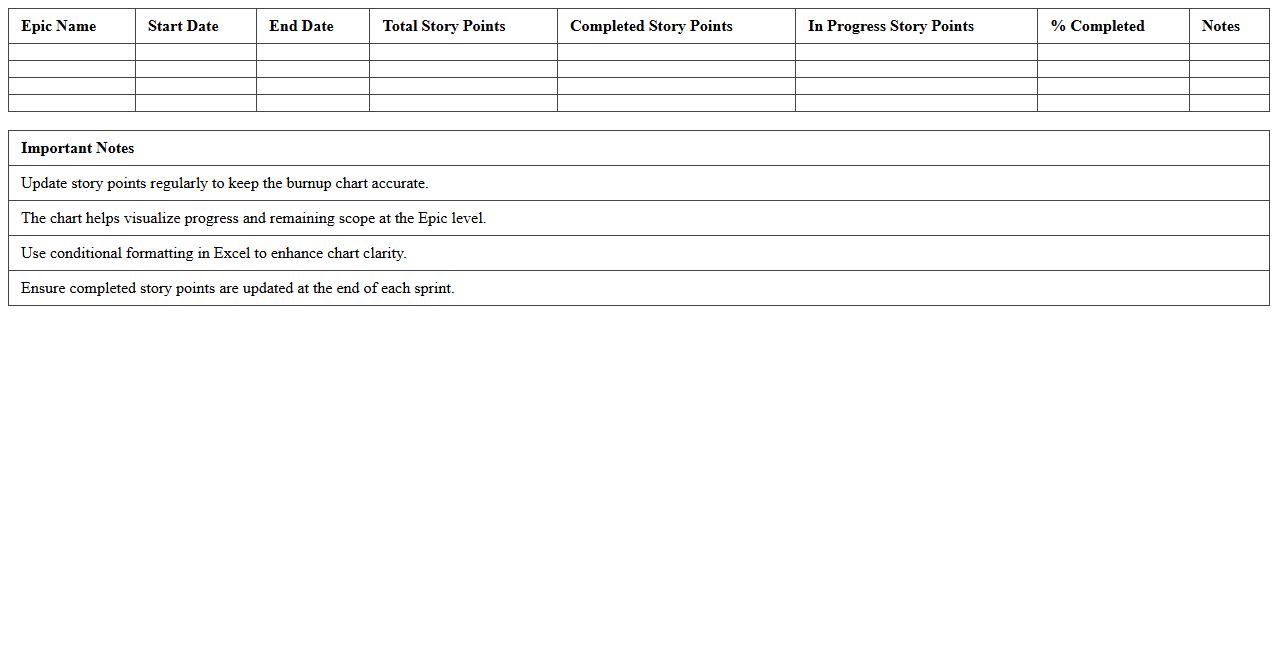
The
Epic Burnup Chart Excel Template for Scrum Projects is a dynamic tool designed to track the progress of large user stories or epics within Agile Scrum workflows. It visually displays completed work against the total scope over time, enabling teams to monitor velocity, identify scope changes, and forecast completion dates accurately. This template helps improve project transparency, supports data-driven decision-making, and enhances communication between stakeholders and development teams.
Product Backlog Burnup Chart Excel Template
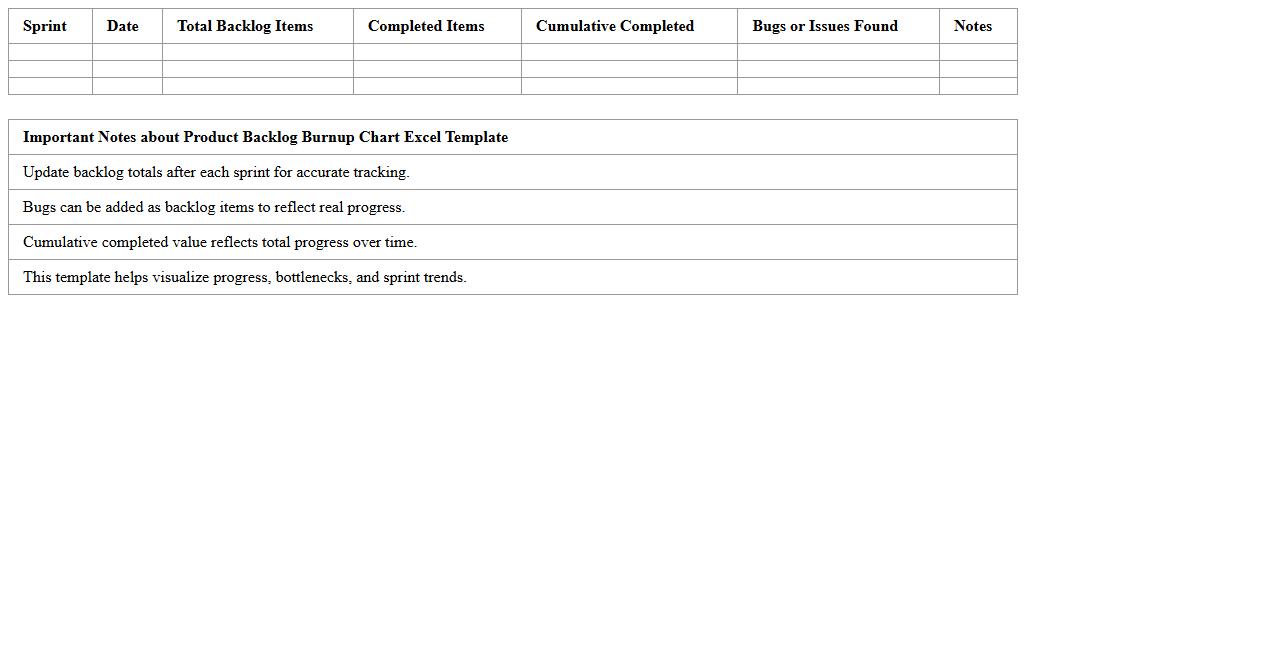
The
Product Backlog Burnup Chart Excel Template document tracks the progress of completed and remaining backlog items in agile projects through a visual graph. It provides clear insights into the rate of work completion, helping teams forecast project timelines and manage scope changes effectively. Using this template enhances transparency, supports proactive decision-making, and improves overall sprint planning and delivery accuracy.
Weekly Burnup Chart Excel Template for Scrum Sprints
The
Weekly Burnup Chart Excel Template for Scrum Sprints is a visual project management tool that tracks work completed against total work planned during each sprint. It helps Scrum teams monitor progress, identify scope changes, and forecast sprint completion with clarity and accuracy. Utilizing this template enhances transparency, facilitates agile iteration, and supports data-driven decision-making throughout the sprint lifecycle.
Cumulative Burnup Chart Excel Template for Scrum Metrics
The
Cumulative Burnup Chart Excel Template for Scrum Metrics is a visual tool that tracks the progress of completed work against the total scope over time, improving project transparency and performance analysis. It helps teams quickly identify scope changes, velocity trends, and potential delays, enabling data-driven decisions to enhance sprint outcomes. By utilizing this chart, Scrum teams can effectively monitor work completion rates and forecast project delivery dates with greater accuracy.
Feature Burnup Chart Excel Template for Agile Planning
The
Feature Burnup Chart Excel Template for Agile Planning document tracks completed features against total planned features, visually representing progress over time. It helps teams monitor scope changes, measure velocity, and predict release dates with greater accuracy. This tool enhances transparency and supports data-driven decisions in Agile project management.
Team Velocity Burnup Chart Excel Template for Scrum
The
Team Velocity Burnup Chart Excel Template for Scrum is a powerful tool designed to visually track the progress of completed work against the total project scope in Agile Scrum projects. It helps teams measure their velocity by showing cumulative work done over time, allowing for accurate forecasting and better sprint planning. This template enhances transparency, improves project tracking, and supports data-driven decision-making for Scrum teams.
Monthly Burnup Chart Excel Template for Scrum Progress
A
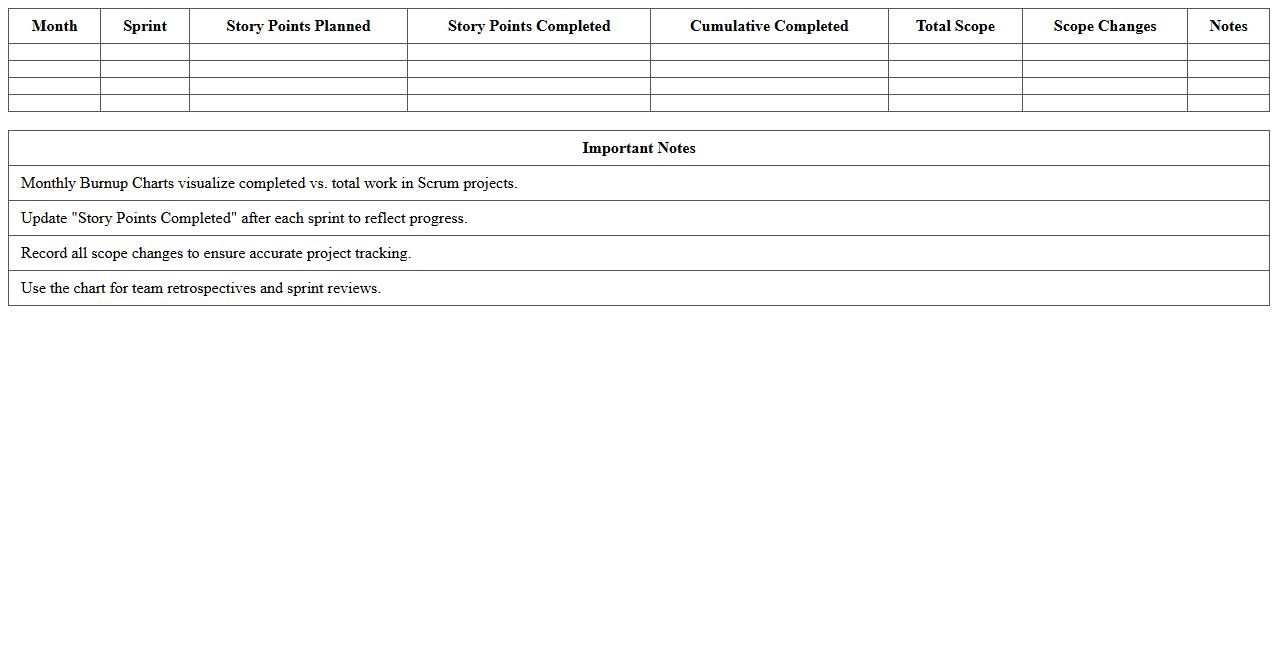
Monthly Burnup Chart Excel Template for Scrum Progress document visually tracks completed work against the total project scope over time, highlighting sprint achievements and scope changes. It helps Scrum teams monitor progress efficiently, identify bottlenecks early, and forecast project completion dates with accuracy. This template supports better sprint planning and stakeholder communication by providing clear, data-driven insights on work velocity and scope evolution.
Iteration Burnup Chart Excel Template for Agile Tracking
The
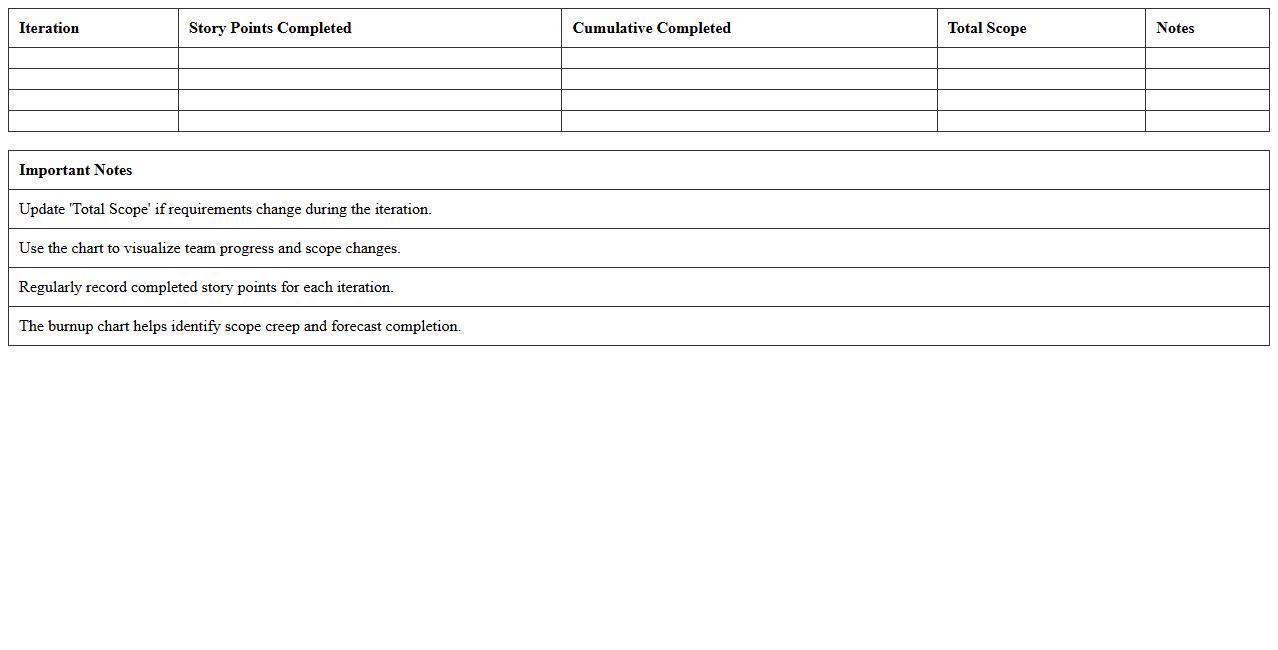
Iteration Burnup Chart Excel Template for Agile Tracking document visually represents work completed versus total work planned during an Agile sprint, allowing teams to monitor progress effectively. It helps identify scope changes, track velocity, and forecast project completion by displaying cumulative effort over time in a simple, customizable Excel format. This tool enhances transparency, supports data-driven decision-making, and facilitates communication among Agile stakeholders.
How to automate sprint progress updates in a Burnup Chart Excel template for Scrum teams?
To automate sprint progress updates in a Burnup Chart, link your Excel template to your sprint task tracking data. Use formulas like SUMIFS or dynamic tables to retrieve completed work automatically. Incorporate pivot tables or macros for real-time data refreshes, ensuring your chart updates with each sprint completion.
What are the best formulas for calculating scope change in Scrum Burnup Charts using Excel?
The best formulas for calculating scope change involve tracking total scope at sprint start versus current scope. Use formulas like =SUM(new backlog items) minus =SUM(completed items) to capture scope adjustments. Employ difference calculations between planned and actual scope using simple subtraction formulas to highlight scope creep or reduction.
How to visualize team velocity trends over multiple sprints in an Excel Burnup Chart?
Visualizing team velocity trends requires plotting completed story points sprint by sprint on your Burnup Chart. Insert a line graph or trendline to represent velocity changes over time. Adding moving averages or conditional formatting helps highlight velocity fluctuations clearly for retrospective analysis.
How to customize Excel Burnup Chart to track multiple backlogs in parallel Scrum teams?
To customize your Burnup Chart for multiple backlogs, create separate data tables for each Scrum team's backlog. Use distinct data series or color coding in your chart to differentiate between teams. Implement slicers or filters for interactive views of individual or combined team progress.
Which Excel data validation methods help prevent common input errors in Scrum Burnup Charts?
Data validation techniques such as dropdown lists for sprint names and numeric restrictions for story points limit input errors. Use custom validation rules to enforce logical constraints, like completion percentages between 0 and 100%. Conditional formatting warns users when data is inconsistent, maintaining chart accuracy.
More Chart Excel Templates