The Loan EMI Calculation Excel Template for Personal Finance simplifies monthly installment computations by automatically calculating Equated Monthly Installments based on principal, interest rate, and loan tenure. This user-friendly template helps individuals manage their budgets effectively by providing clear breakdowns of principal and interest components in each payment. It serves as an essential tool for planning and tracking loan repayments to maintain financial stability.
Home Loan EMI Calculation Excel Template
A
Home Loan EMI Calculation Excel Template is a pre-designed spreadsheet that helps users accurately compute Equated Monthly Installments (EMIs) for home loans based on principal amount, interest rate, and loan tenure. This template streamlines the process of loan planning by instantly providing detailed payment schedules and interest breakdowns, allowing borrowers to budget effectively. It is especially useful for comparing different loan offers and making informed financial decisions without the need for manual calculations or specialized software.
Car Loan EMI Calculation Excel Template
A
Car Loan EMI Calculation Excel Template is a pre-designed spreadsheet tool that helps users compute their Equated Monthly Installments (EMI) for car loans by inputting loan amount, interest rate, and tenure. This template simplifies complex calculations, providing a clear breakdown of payment schedules and interest amounts, enabling better financial planning. It is useful for prospective car buyers to evaluate affordability and manage their monthly budgets effectively.
Education Loan EMI Calculator Excel Sheet
An
Education Loan EMI Calculator Excel Sheet is a digital tool designed to help students and parents accurately calculate the monthly installment payments for education loans. By inputting loan amount, interest rate, and loan tenure, users can easily forecast their EMI obligations, facilitating better financial planning. This Excel-based calculator enhances budgeting efficiency and aids in managing loan repayment schedules effectively.
Business Loan EMI Calculation Excel Template
A
Business Loan EMI Calculation Excel Template document is a pre-designed spreadsheet that helps calculate the equated monthly installments (EMI) for business loans accurately and efficiently. It allows users to input loan amount, interest rate, and tenure to instantly determine monthly payment schedules, interest components, and outstanding balances. This tool is useful for business owners and financial planners to manage loan repayments, budget cash flow, and make informed financial decisions.
Personal Loan EMI Schedule Excel Template
A
Personal Loan EMI Schedule Excel Template document is a structured spreadsheet designed to calculate and display the Equated Monthly Installments (EMIs) for personal loans based on loan amount, interest rate, and tenure. It helps borrowers track repayment schedules, outstanding principal, and interest components efficiently, enabling better financial planning and timely payments. Using this template reduces errors and simplifies loan management by providing clear insights into monthly obligations and loan amortization.
Fixed vs Floating Rate Loan EMI Excel Template
A
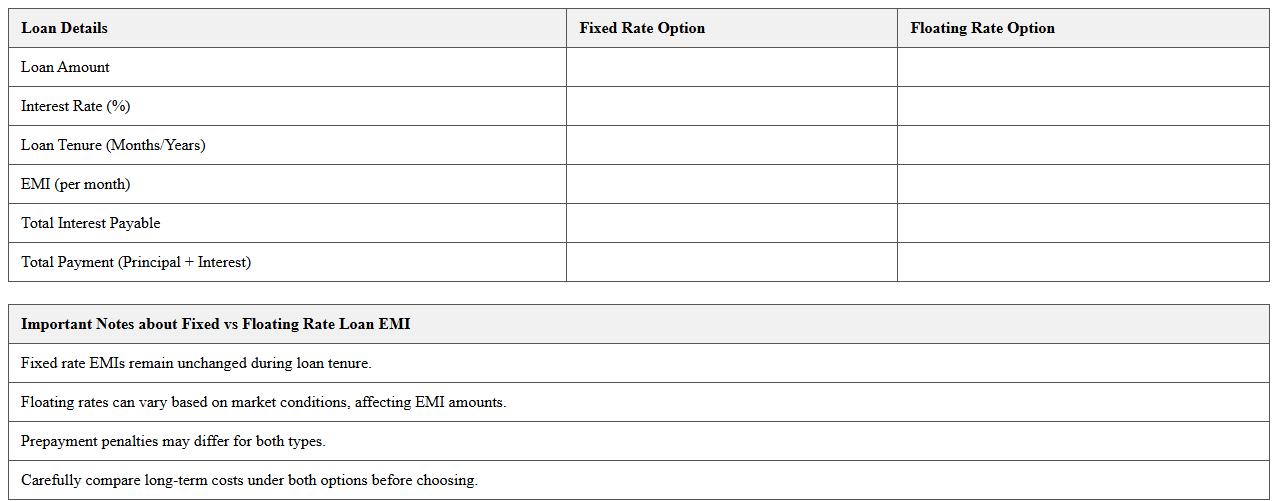
Fixed vs Floating Rate Loan EMI Excel Template document allows users to compare and calculate Equated Monthly Installments (EMI) for loans with fixed and floating interest rates efficiently. It enables detailed analysis of how interest rate fluctuations impact monthly payments, helping borrowers make informed financial decisions. This template is useful for budgeting, financial planning, and understanding long-term cost implications of different loan structures.
Mortgage Loan EMI Amortization Excel Template
The
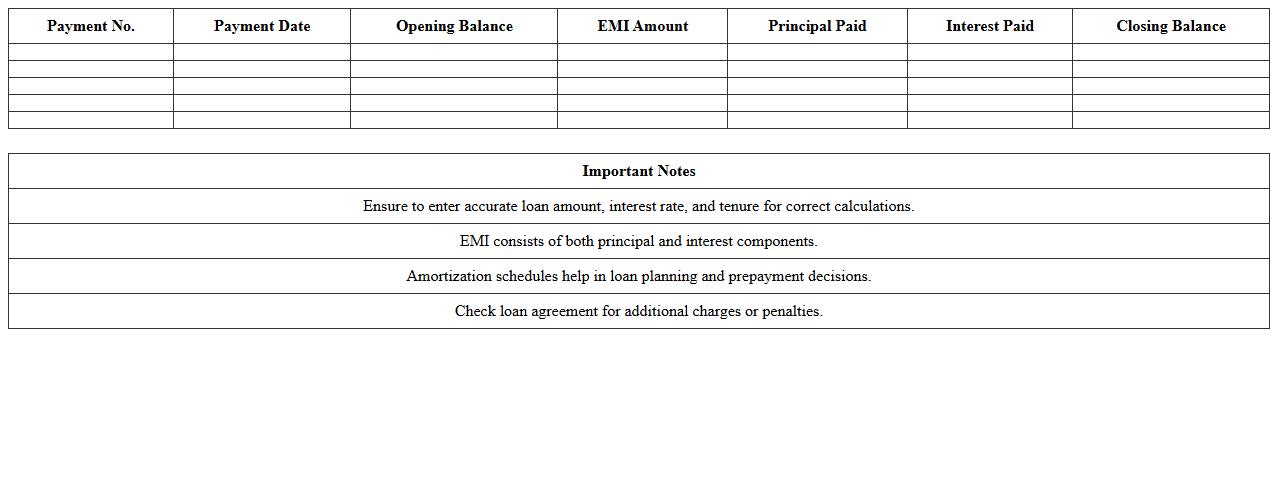
Mortgage Loan EMI Amortization Excel Template is a pre-built spreadsheet designed to calculate and track Equated Monthly Installments (EMIs) for mortgage loans, allowing users to visualize principal and interest breakdowns over the loan tenure. This document provides a clear amortization schedule, helping borrowers plan their finances by forecasting monthly payments and outstanding loan balances. It is useful for homeowners and financial planners seeking accurate loan repayment tracking and enhanced budgeting capabilities.
Loan EMI Comparison Excel Spreadsheet
A
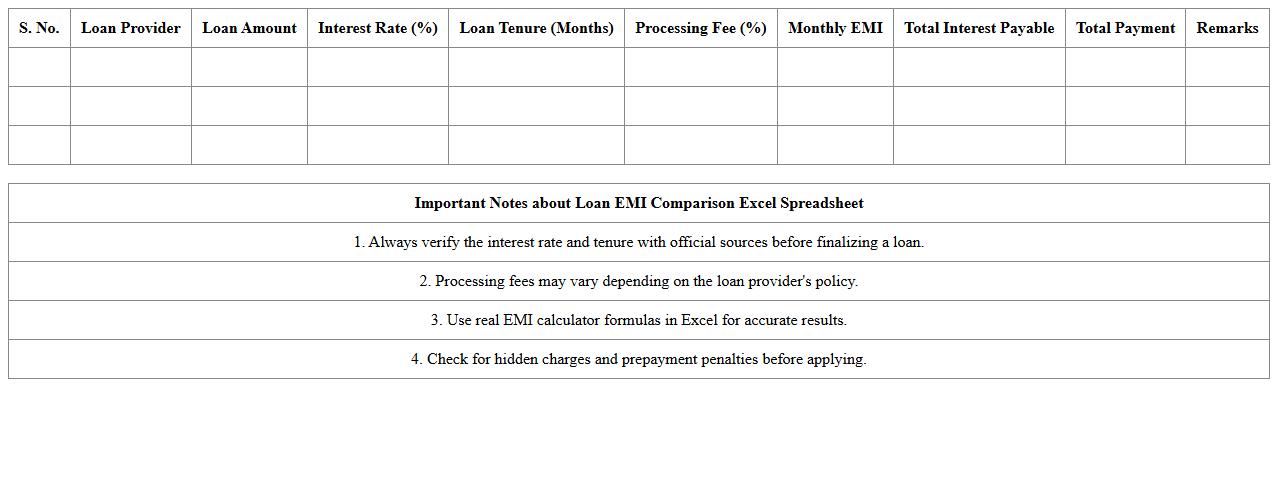
Loan EMI Comparison Excel Spreadsheet document is a tool designed to calculate and compare Equated Monthly Installments (EMIs) across different loan options based on interest rates, tenure, and principal amount. It helps users visualize monthly payment differences, total interest payable, and overall loan costs, enabling informed financial decisions. This spreadsheet simplifies complex calculations and aids in selecting the most cost-effective loan plan tailored to individual needs.
Prepayment Impact Loan EMI Excel Template
The
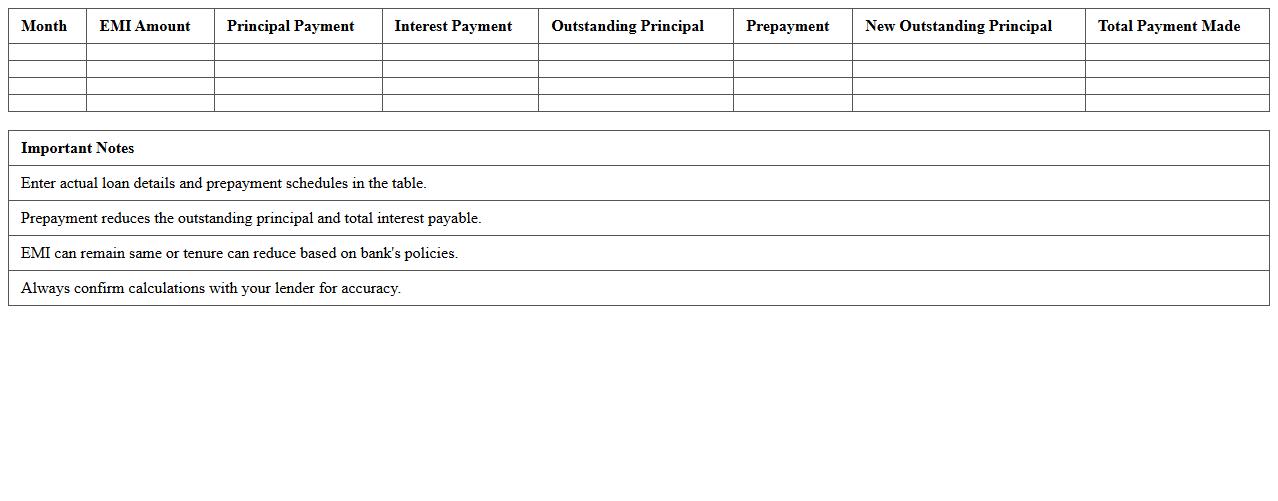
Prepayment Impact Loan EMI Excel Template is a comprehensive financial tool designed to calculate and analyze the effects of prepayments on loan EMIs and overall interest payments. This template helps users visualize how making extra payments toward the principal can reduce loan tenure and total interest, enabling better financial planning. It is especially useful for borrowers seeking to optimize loan repayment strategies and improve cash flow management.
Monthly Loan EMI Tracker Excel Sheet
The
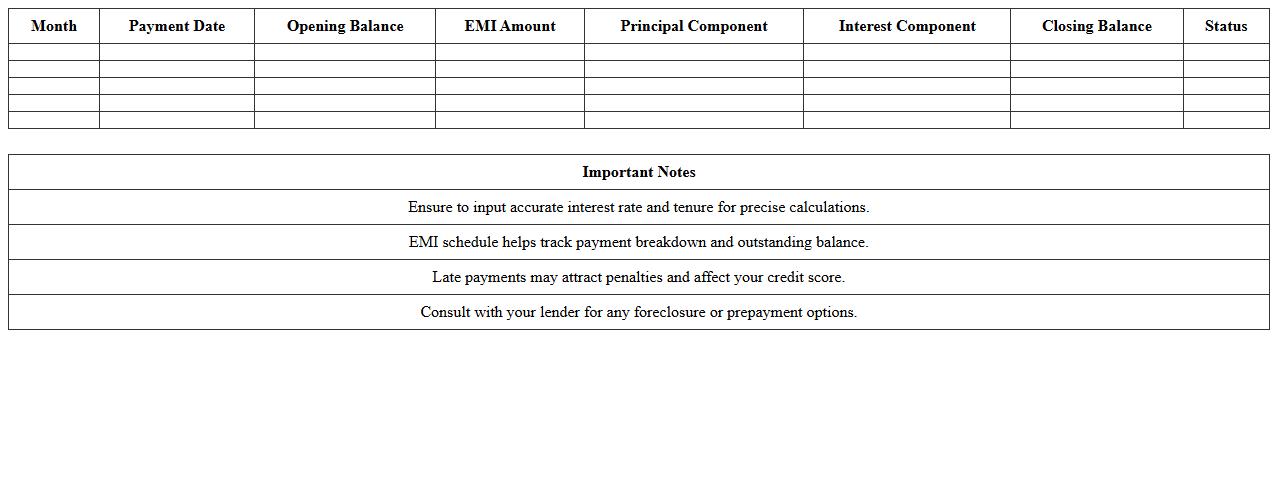
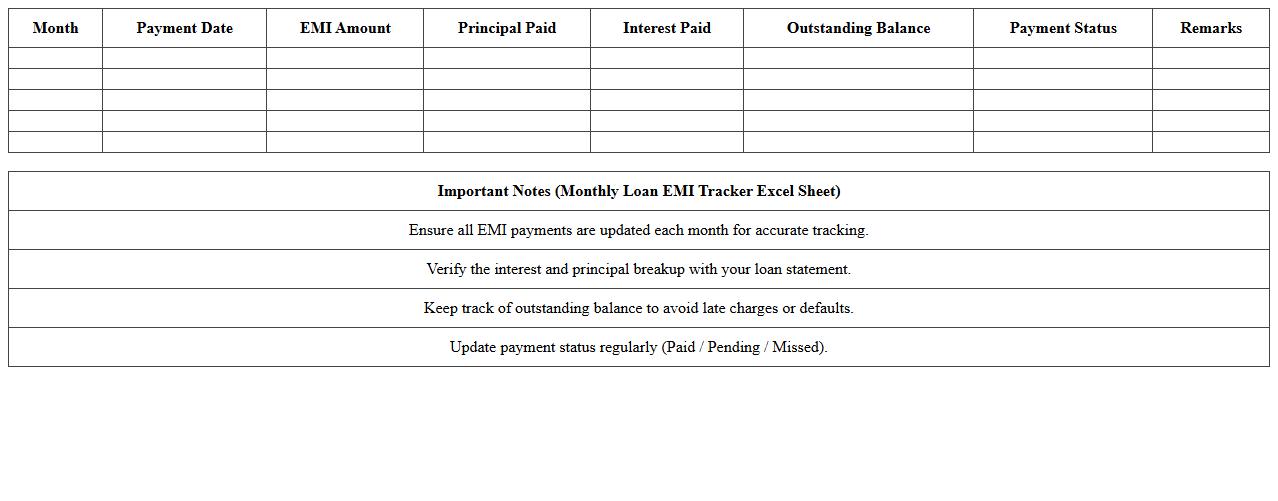
Monthly Loan EMI Tracker Excel Sheet is a digital tool designed to monitor and manage Equated Monthly Installments (EMIs) for various loans systematically. This document allows users to track payment due dates, amounts, outstanding balances, and interest components, enhancing financial planning and preventing missed payments. By organizing loan data efficiently, it helps individuals maintain clear visibility over their debt obligations, support budgeting efforts, and improve credit management.
How to automate loan EMI recalculations in Excel for variable interest rates?
To automate EMI recalculations for variable interest rates, use Excel's dynamic formulas coupled with data input cells for interest rates. Integrate the RATE function to calculate the current interest rate applicable per period, and link it to the EMI formula for real-time updates. This approach ensures your loan schedule reflects interest rate fluctuations without manual recalculations.
What advanced Excel formulas best track prepayment impacts on EMI schedules?
Advanced Excel formulas like OFFSET and INDEX can dynamically adjust EMI schedules based on prepayments. Using IF statements combined with cumulative SUM functions helps track reduction in principal, altering subsequent EMI and tenure. Such methods enable accurate reflection of prepayment effects on loan balances and interest calculations.
How can you visualize loan amortization in Excel for multiple concurrent loans?
Creating a multi-loan amortization visualization involves setting up separate amortization tables linked with dynamic charts like stacked bar or line charts. Utilize Excel's PivotTables and Slicers for interactive filtering of loans, showcasing combined or individual amortization timelines. This technique delivers clear comparative insights for concurrent loans.
Which Excel template efficiently compares fixed vs. reducing balance EMI methods?
An effective Excel template for comparing fixed and reducing balance EMIs includes separate calculation sheets and summary dashboards. Employ built-in formulas like PMT for fixed EMI and custom calculations for reducing balance methods to derive payment schedules. This setup facilitates easy side-by-side comparisons of impact on principal, interest, and tenure.
How to integrate custom penalty or late fee logic into a loan EMI calculator in Excel?
Integrating custom penalty or late fee logic involves adding conditional formulas that detect missed or delayed payments. Use IF and TODAY functions to calculate the overdue duration and apply penalty rates accordingly within the EMI calculator framework. This ensures your Excel model accurately reflects additional charges alongside regular EMI payments.
More Calculation Excel Templates