Freelance Monthly Income & Expense Tracker Excel
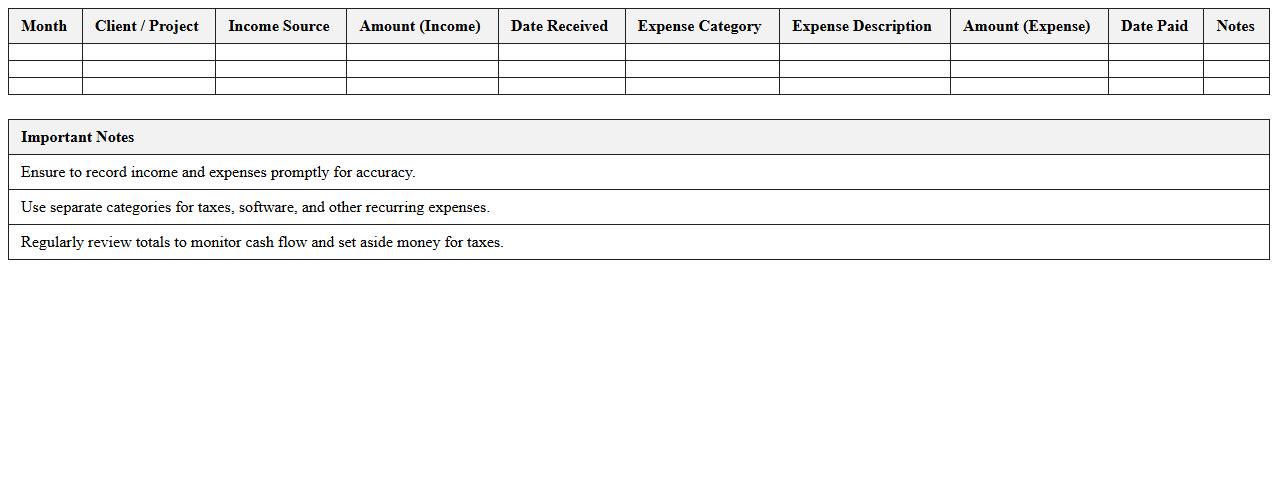
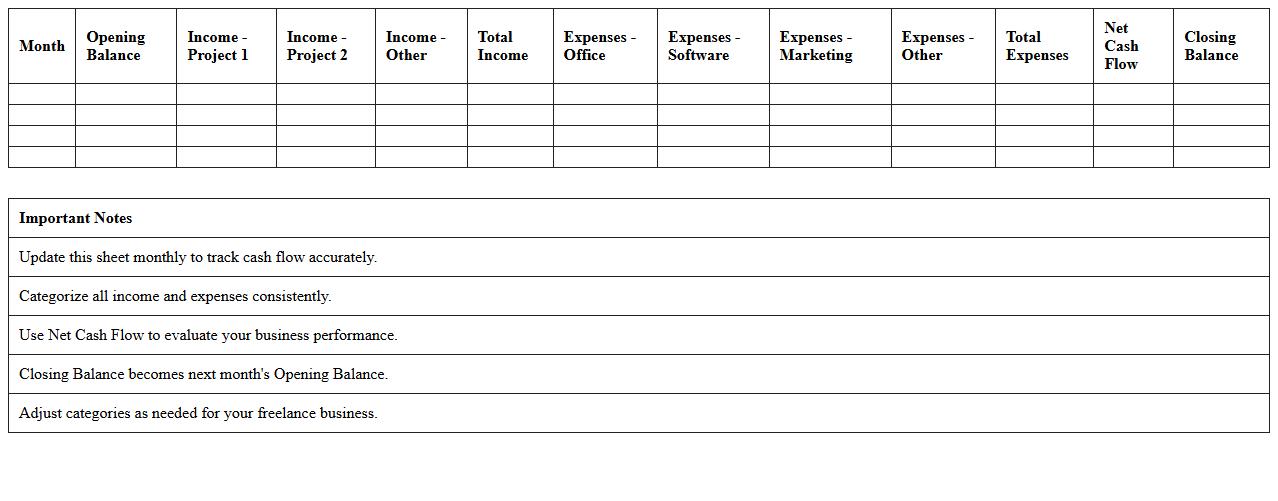
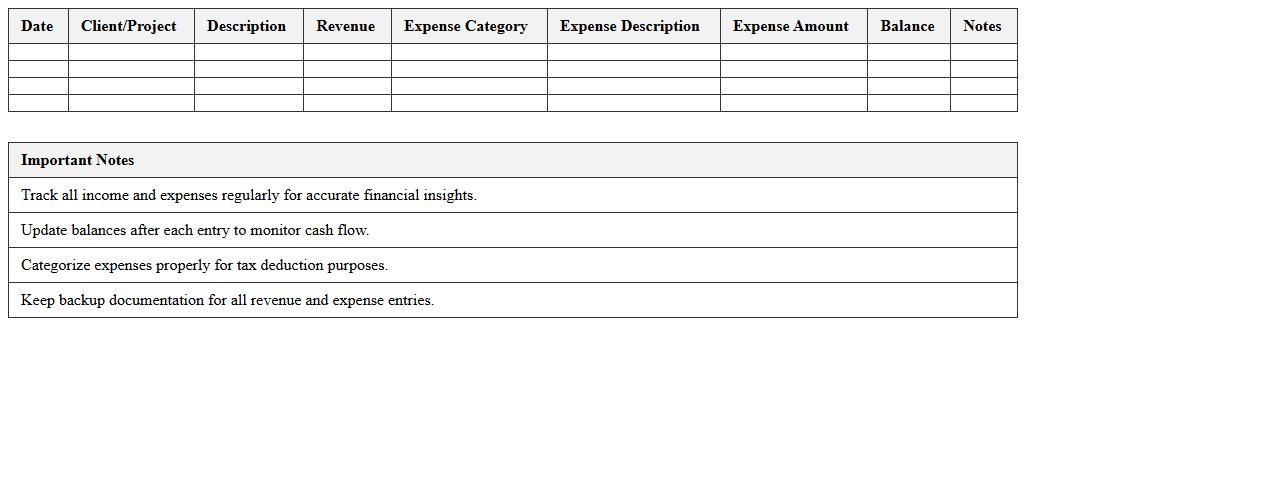
The
Freelance Monthly Income & Expense Tracker Excel document is designed to help freelancers systematically record and analyze their monthly earnings and expenses. It provides clear visibility into cash flow, enabling effective budgeting and financial planning by categorizing various income sources and expenditures. Using this tracker enhances financial organization, ensures timely tax preparation, and supports informed decision-making for sustainable freelance business growth.
Simple Freelance Budget Planner Spreadsheet
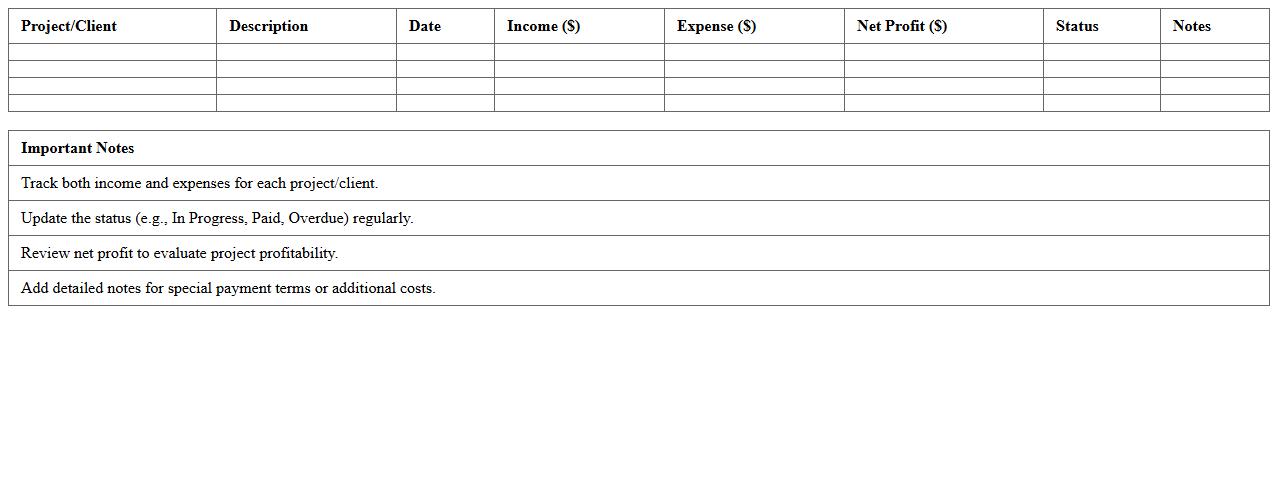
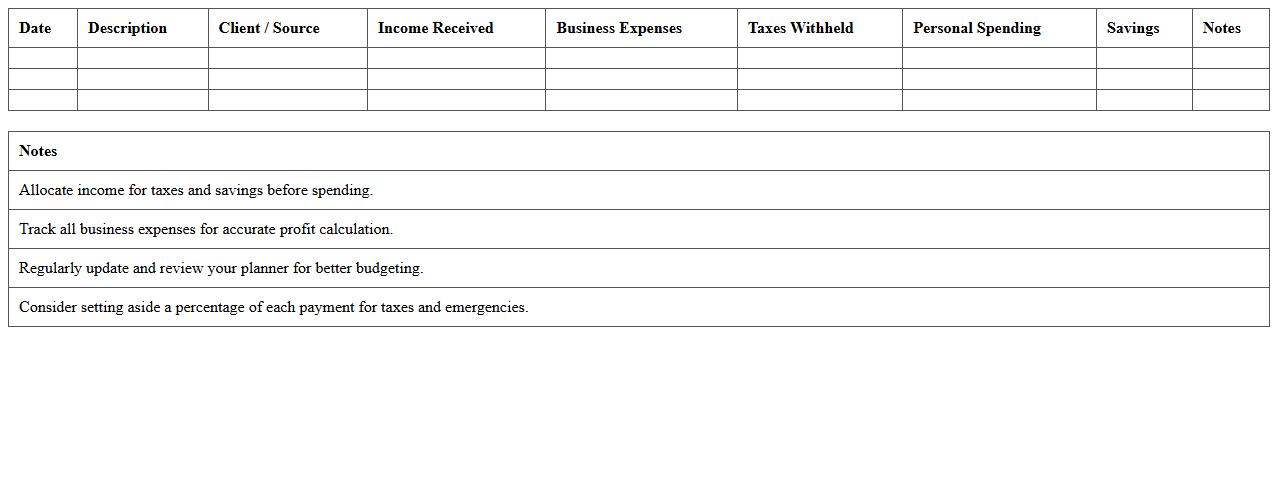
The
Simple Freelance Budget Planner Spreadsheet is a digital tool designed to help freelancers track income, expenses, and savings efficiently. By organizing financial data in a clear, structured format, it allows users to monitor cash flow, set realistic budgeting goals, and manage tax obligations accurately. This spreadsheet supports improved financial decision-making and helps maintain consistent profitability in freelance projects.
Freelancers' Project Earnings & Costs Sheet
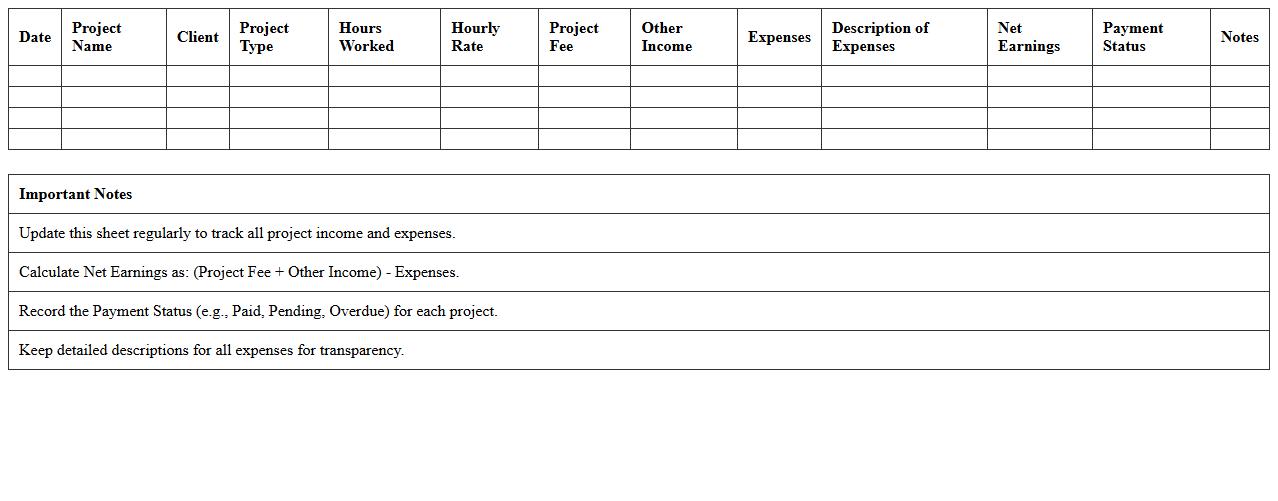
The
Freelancers' Project Earnings & Costs Sheet document tracks all income and expenses related to individual projects, providing a clear financial overview. It helps freelancers monitor profitability, budget effectively, and make data-driven decisions for future projects. By maintaining accurate records, it ensures better tax compliance and financial planning.
Personal Budget Tracking Template for Freelancers
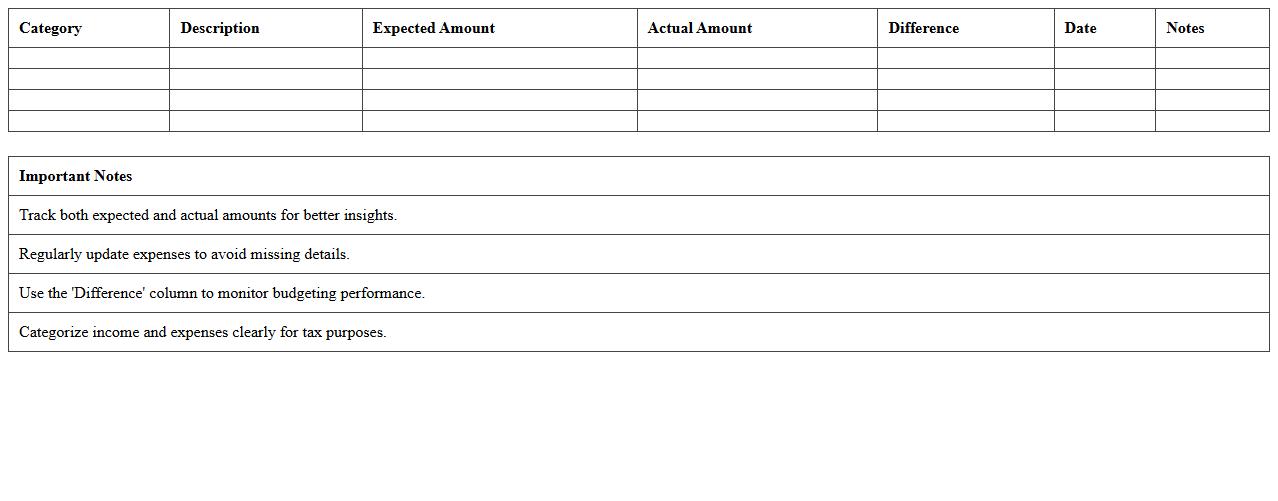
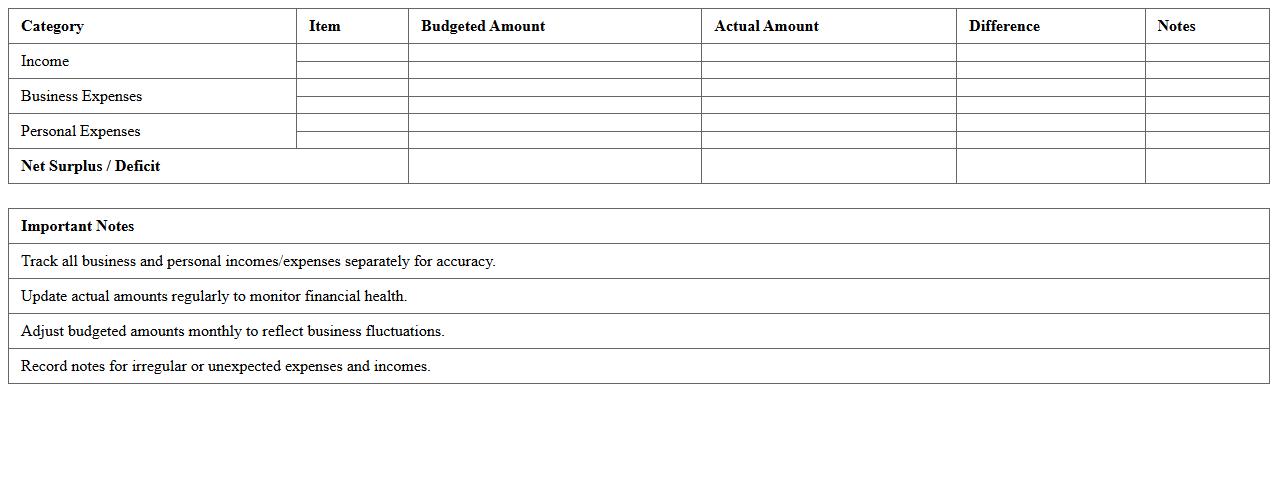
A
Personal Budget Tracking Template for Freelancers is a structured document designed to help independent workers monitor income, expenses, and savings efficiently. It allows freelancers to categorize costs, forecast cash flow, and maintain financial discipline, ensuring that irregular payments do not impact overall financial stability. Using this template improves financial clarity, aids in tax preparation, and supports informed decision-making for sustainable freelance business growth.
Monthly Cash Flow Excel Sheet for Freelancers
A
Monthly Cash Flow Excel Sheet for Freelancers is a detailed financial document designed to track income and expenses on a monthly basis, helping freelancers manage their unpredictable earnings effectively. It provides clear visualization of cash inflows and outflows, enabling better budgeting, tax preparation, and financial planning. By using this tool, freelancers can ensure timely payments, avoid cash shortages, and make informed decisions to enhance financial stability.
Freelance Income Allocation & Savings Planner
The
Freelance Income Allocation & Savings Planner document is a strategic financial tool designed to help freelancers manage irregular income streams by organizing earnings into specific categories such as expenses, taxes, and savings. By systematically allocating funds, it ensures consistent cash flow management and prepares freelancers for future financial obligations, reducing stress and increasing stability. This planner is essential for maintaining financial discipline, optimizing savings, and enhancing long-term financial security for independent professionals.
Client Payment and Expense Log for Freelancers
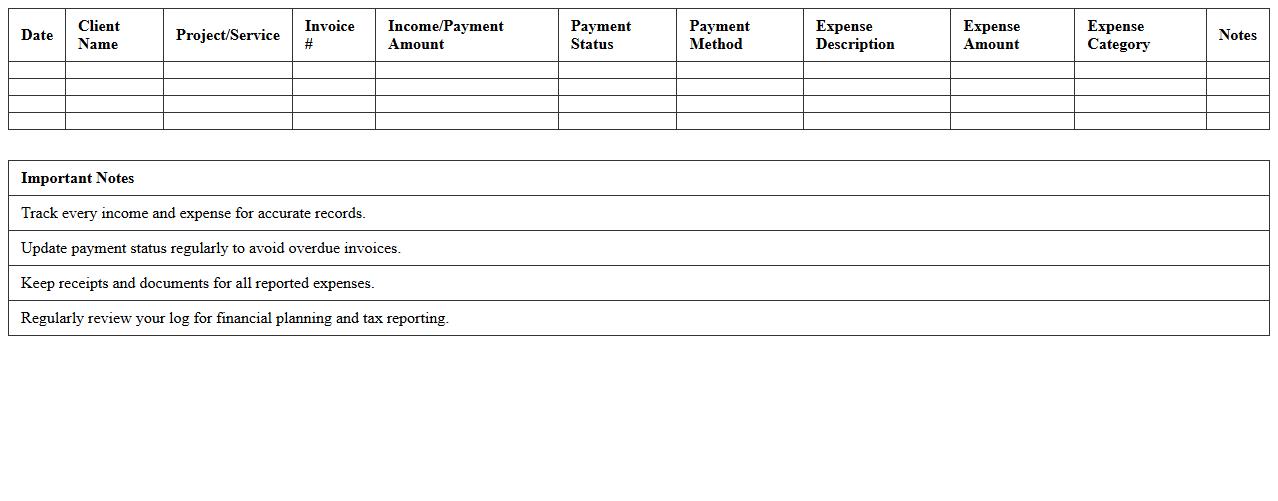
A
Client Payment and Expense Log for Freelancers is a detailed document that tracks all incoming payments from clients and outgoing expenses related to freelance projects. It helps freelancers maintain accurate financial records, monitor cash flow, and simplify tax reporting by consolidating payment dates, amounts, and expense categories in one place. Using this log improves budgeting, ensures timely invoice follow-ups, and enhances overall financial organization for sustainable freelance business growth.
Self-Employed Monthly Budget Excel Tool
The
Self-Employed Monthly Budget Excel Tool document is a comprehensive spreadsheet designed to help freelancers, entrepreneurs, and independent contractors manage their income and expenses effectively. It allows users to track cash flow, categorize spending, and forecast future financial needs, providing clear insight into budgeting and tax planning. This tool is essential for maintaining financial stability, optimizing savings, and making informed business decisions.
Freelancer Revenue vs Expenses Dashboard
The
Freelancer Revenue vs Expenses Dashboard document tracks and visualizes the income and costs associated with freelance projects, providing a clear overview of financial performance. It helps freelancers monitor cash flow, identify profit margins, and make informed budgeting decisions to optimize earnings. By consolidating revenue and expense data in one place, it simplifies financial management and enhances strategic planning for sustainable freelance success.
Freelancer Recurring Expenses & Profit Template
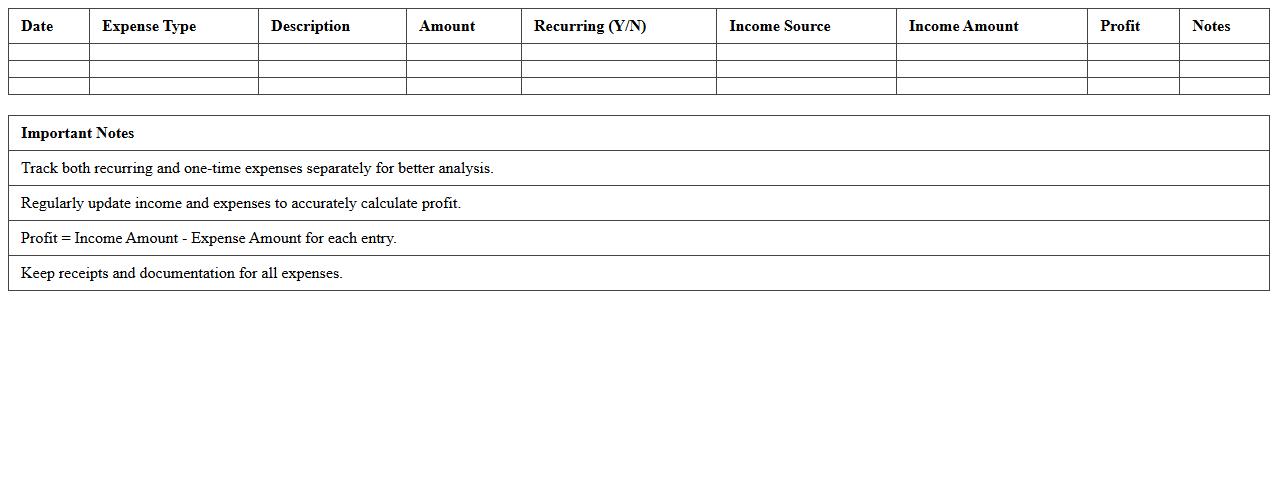
The
Freelancer Recurring Expenses & Profit Template document is designed to help freelancers systematically track their ongoing costs and calculate their net earnings accurately. By organizing data related to monthly expenses, such as software subscriptions, utilities, and marketing, this template enables clearer financial insights and improved budget management. Utilizing this tool enhances decision-making, ensuring freelancers maintain profitability while anticipating necessary financial adjustments.
How to automate recurring expenses in a monthly budget Excel for freelancers?
To automate recurring expenses in Excel, use the IF and TODAY functions to trigger expense entries on specific dates each month. Create a dedicated sheet for recurring costs and use cell references to link them into your monthly budget. This method ensures that regular bills are automatically updated without manual input.
What are the best formulas to track client payments in a budget spreadsheet?
Utilize the SUMIF and VLOOKUP functions to efficiently track client payments by matching payment dates and amounts. Employ a running balance formula to monitor outstanding invoices dynamically. These formulas help maintain an accurate and up-to-date payment tracking system for freelance finances.
How to categorize write-offs and tax deductions in an Excel monthly budget?
Create specific categories labeled as write-offs and tax deductions in your budget spreadsheet to separate them from regular expenses. Use the SUMIF function to total these categories automatically for tax season. This organization simplifies your financial reporting and ensures compliance with tax regulations.
What Excel templates best visualize irregular freelance income streams?
Select Excel templates featuring pivot tables and dynamic charts to manage and visualize irregular income streams effectively. Templates that include cash flow forecasting and income breakdowns offer clearer insight into fluctuating freelance earnings. These features help freelancers make informed financial decisions based on income variability.
How to forecast slow months using historical data in a freelance budget sheet?
Analyze past income data with Excel's trendline and moving average functions to predict slower months accurately. Incorporate conditional formatting to highlight periods of low income for better visualization. Using these techniques enhances foresight and encourages proactive budget adjustments during potential lean periods.