The Security Threat Assessment Excel Template for IT Professionals provides a structured framework to identify, evaluate, and prioritize potential security risks within an organization. This template helps streamline data collection and analysis, enabling IT teams to implement effective mitigation strategies. Its user-friendly design ensures comprehensive threat management, improving overall cybersecurity posture.
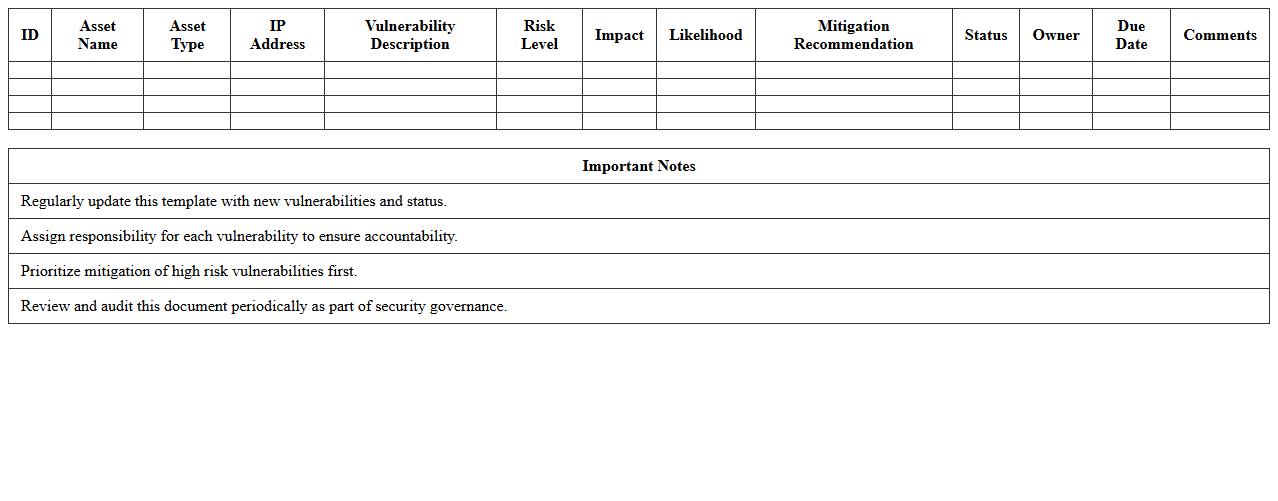
IT Network Vulnerability Assessment Excel Template
The
IT Network Vulnerability Assessment Excel Template is a structured document designed to systematically identify, evaluate, and prioritize security weaknesses within an organization's IT infrastructure. By consolidating vulnerability data and risk ratings into an easily accessible format, it enables IT teams to manage and track remediation efforts efficiently. This template aids in enhancing cybersecurity posture by providing clear insights into potential threats and facilitating informed decision-making for network protection.
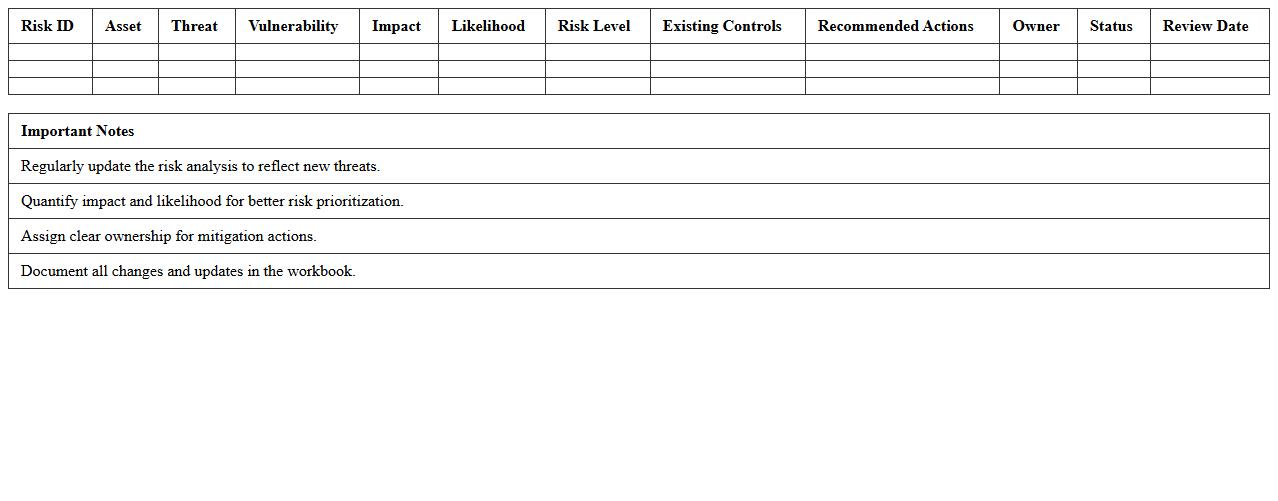
Cybersecurity Risk Analysis Excel Workbook
The
Cybersecurity Risk Analysis Excel Workbook document serves as a comprehensive tool for identifying, assessing, and prioritizing potential cybersecurity threats within an organization. It helps streamline the evaluation of vulnerabilities and the calculation of risk levels by incorporating qualitative and quantitative data, enabling informed decision-making for risk mitigation. This workbook enhances the efficiency of risk management processes by providing structured templates and automated calculations, making it invaluable for cybersecurity professionals and stakeholders.
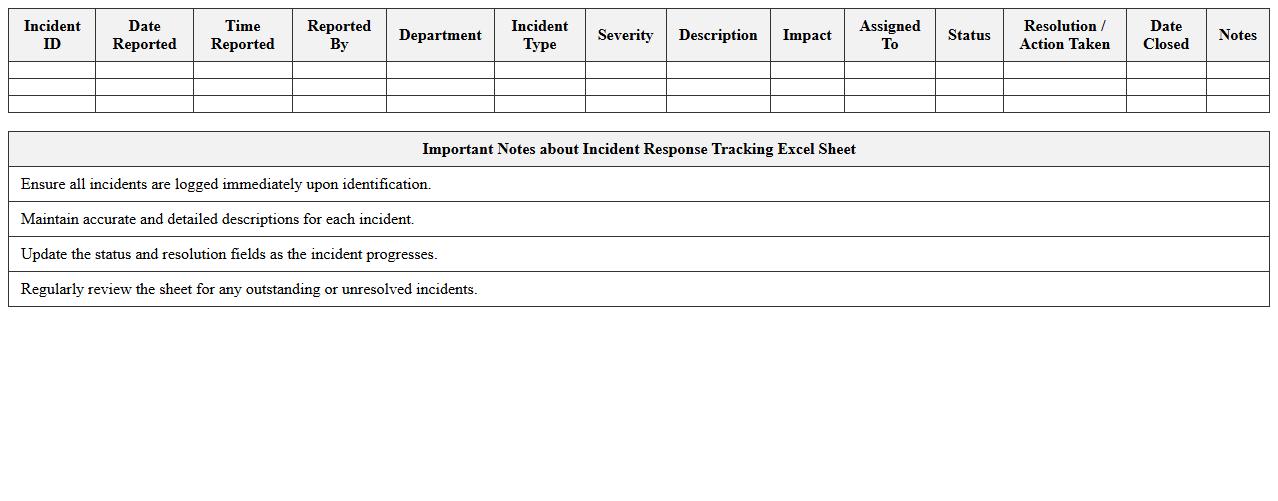
Incident Response Tracking Excel Sheet
An
Incident Response Tracking Excel Sheet document systematically records and monitors security incidents, enabling organizations to document details such as incident type, status, resolution steps, and responsible personnel. This tool enhances incident management efficiency by providing clear visibility into response timelines, identifying recurrent issues, and facilitating compliance with regulatory requirements. Using this sheet improves coordination among response teams and supports data-driven analysis to strengthen overall cybersecurity posture.
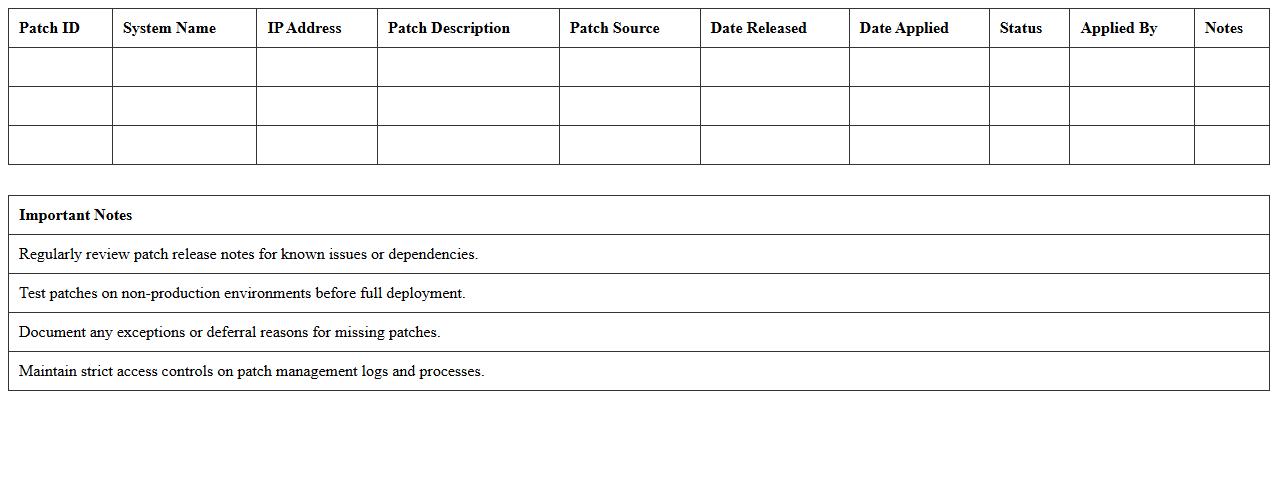
Security Patch Management Log Excel Template
The
Security Patch Management Log Excel Template is a structured document designed to track and record updates, vulnerabilities, and remediation actions systematically. It helps organizations monitor patch deployment status, ensuring timely updates to mitigate security risks and maintain compliance with IT policies. By centralizing patch information, this template enhances visibility, facilitates audit processes, and supports proactive threat management.
Access Control Audit Checklist Excel
An
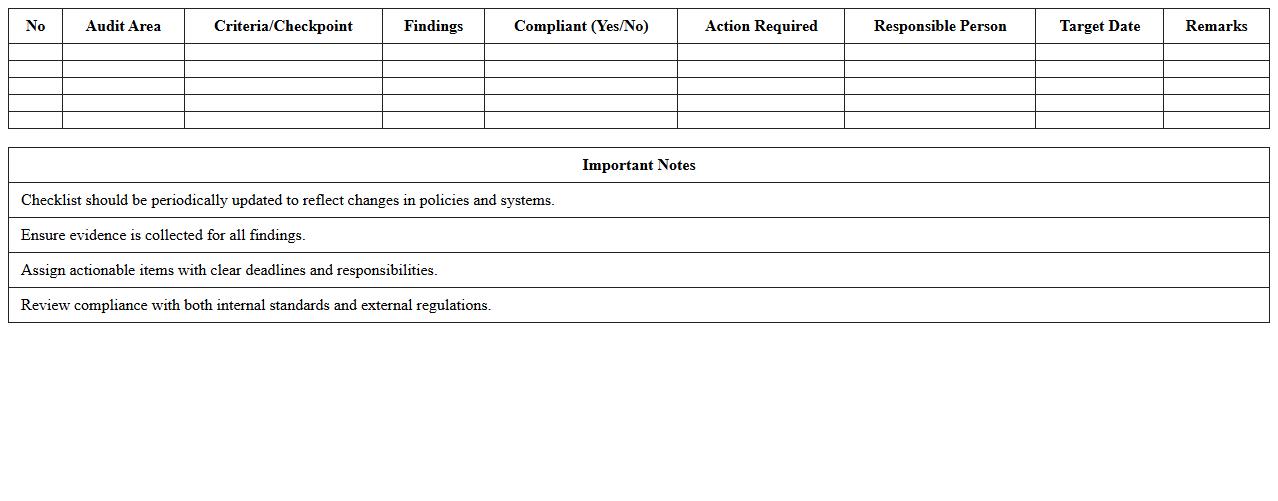
Access Control Audit Checklist Excel document is a structured tool designed to systematically evaluate and verify the effectiveness of access control mechanisms within an organization. It helps identify inconsistencies, unauthorized access points, and compliance gaps by documenting key areas like user permissions, authentication methods, and access logs. Using this checklist enhances security posture, ensures regulatory compliance, and assists in maintaining a detailed record of audit findings for continuous improvement.
Data Breach Impact Assessment Excel Template
The
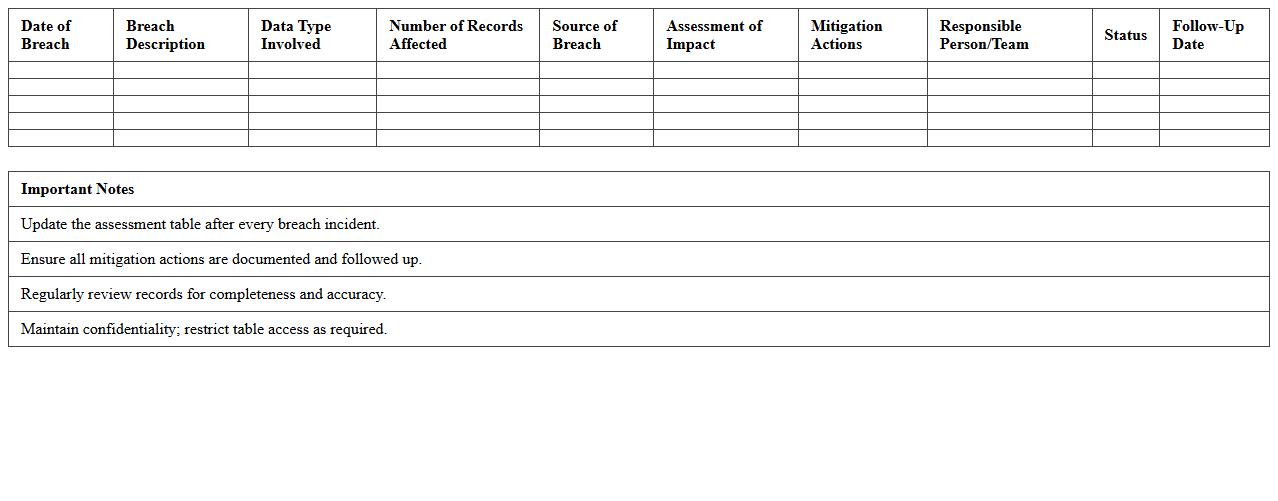
Data Breach Impact Assessment Excel Template is a structured tool designed to evaluate and quantify the consequences of a data breach, including financial losses, reputational damage, and regulatory fines. It helps organizations systematically document affected data, assess risk levels, and prioritize response efforts to mitigate harm effectively. Using this template streamlines incident analysis, supports compliance with data protection regulations like GDPR, and enhances overall cybersecurity preparedness.
Penetration Test Findings Report Excel
A
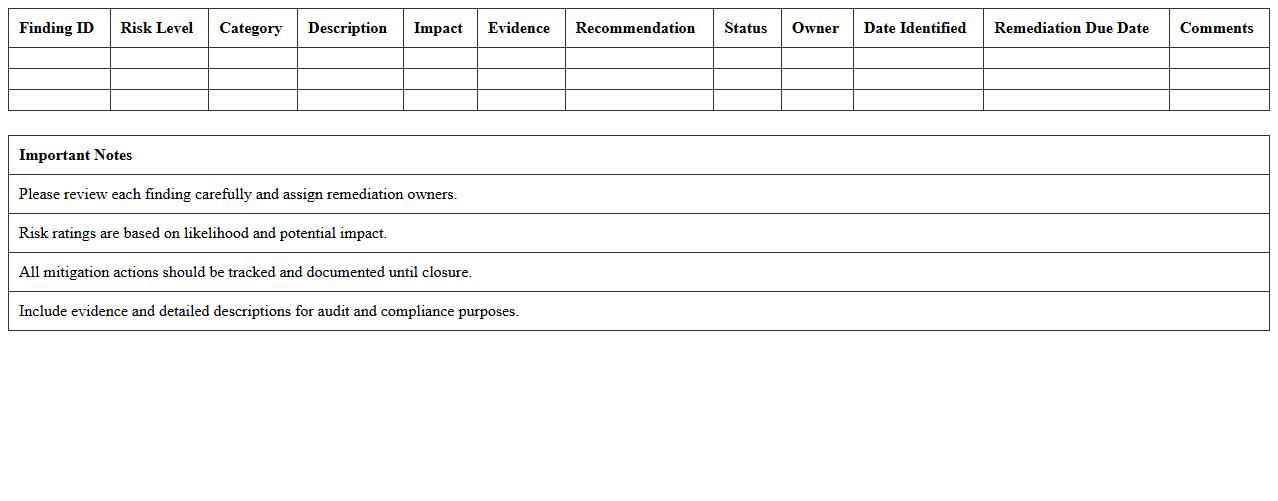
Penetration Test Findings Report Excel document systematically organizes vulnerabilities discovered during security assessments, categorizing issues by severity, affected systems, and remediation status. It serves as a valuable tool for cybersecurity teams to track, prioritize, and address security gaps efficiently while providing clear, actionable insights for stakeholders. By using this report, organizations can improve their security posture and ensure compliance with industry regulations.
IT Asset Security Inventory Excel Sheet
An
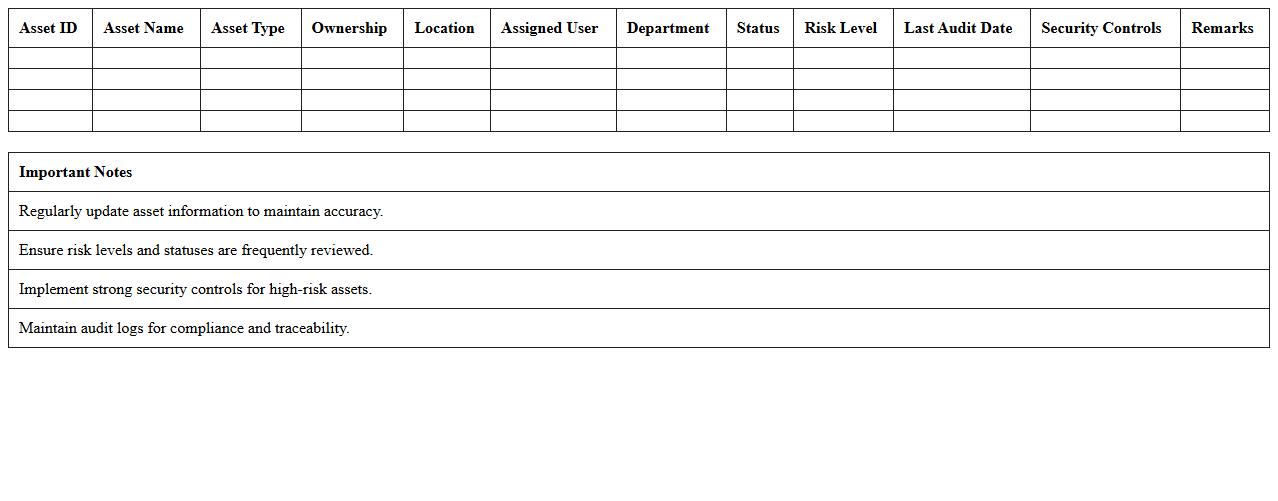
IT Asset Security Inventory Excel Sheet is a comprehensive document used to systematically track and manage all hardware, software, and network components within an organization's IT infrastructure. It provides detailed information on asset types, locations, ownership, and security status, enabling efficient risk assessment and compliance monitoring. By maintaining this inventory, organizations enhance asset visibility, streamline security audits, and ensure timely updates on vulnerabilities and asset lifecycle management.
User Privilege Review Tracker Excel
The
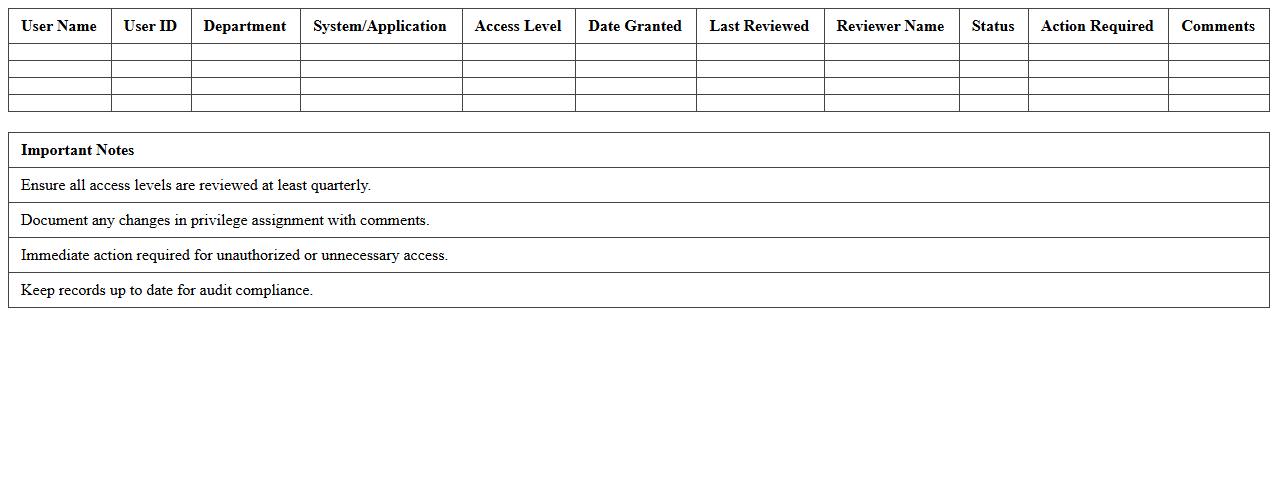
User Privilege Review Tracker Excel document is a tool designed to systematically monitor and manage user access rights within an organization. By maintaining a detailed record of user privileges, it helps ensure compliance with security policies, reduces the risk of unauthorized access, and supports audit requirements. This tracker facilitates regular reviews and updates of access permissions, enhancing overall cybersecurity and operational efficiency.
Firewall Configuration Audit Excel Template
The
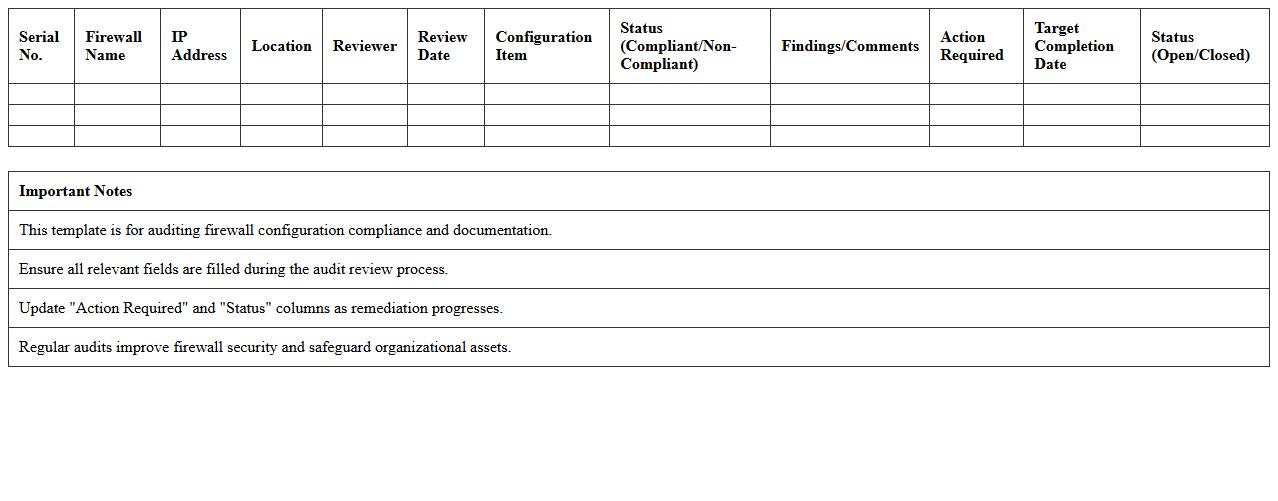
Firewall Configuration Audit Excel Template document is a structured tool designed to systematically review and document firewall settings, rules, and policies for security compliance. It helps organizations identify misconfigurations, redundant rules, and potential security gaps by providing a clear and organized overview of firewall parameters. This template enhances network security management by enabling efficient tracking, analysis, and reporting of firewall configurations, ensuring robust defense against unauthorized access and cyber threats.
What key Excel functions can automate vulnerability scoring in a Security Threat Assessment document letter?
Excel's VLOOKUP and IF functions are essential for automating vulnerability scoring by matching threat categories with predefined risk levels. The SUMPRODUCT function can calculate weighted scores based on multiple vulnerability factors, streamlining assessment results. Additionally, INDEX-MATCH combinations provide dynamic data retrieval, making the scoring process both accurate and efficient.
How can IT professionals use Excel to cross-reference threat sources within security documentation?
IT professionals rely on Excel's Data Validation and Drop-Down Lists to systematically cross-reference threat sources, ensuring consistency across security documents. Using the FILTER function, they can extract relevant threat data dynamically from large datasets for better analysis. Moreover, PIVOTTABLES enable summarizing and correlating threat information from multiple sources effectively.
Which Excel templates best support granular risk matrix creation for IT threat communication?
Templates featuring customizable Risk Matrices with color-coded cells and scoring grids facilitate clear visualization of IT threats by severity and likelihood. Pre-built Threat Assessment templates with integrated dropdowns and formula-based scoring automate granular risk evaluations. These templates help communicate risks succinctly, making them valuable for IT security stakeholders.
How can conditional formatting in Excel highlight critical threats in Security Assessment letters?
Conditional Formatting in Excel enables automatic highlighting of critical threats by applying color scales, data bars, or icon sets based on risk scores. Setting rule-based conditions allows immediate visual identification of high-risk vulnerabilities within Security Assessment letters. This visual emphasis improves focus and speeds up the decision-making process during threat evaluation.
What are best Excel practices for documenting threat mitigation actions in IT security letters?
Maintaining structured tables with columns for threat description, mitigation measures, responsible parties, and deadlines ensures comprehensive documentation in Excel. Utilizing Comments or Notes for additional context keeps threat mitigation actions clear and traceable. Regularly updating and protecting the worksheet prevents data loss and maintains the integrity of IT security records.
More Assessment Excel Templates