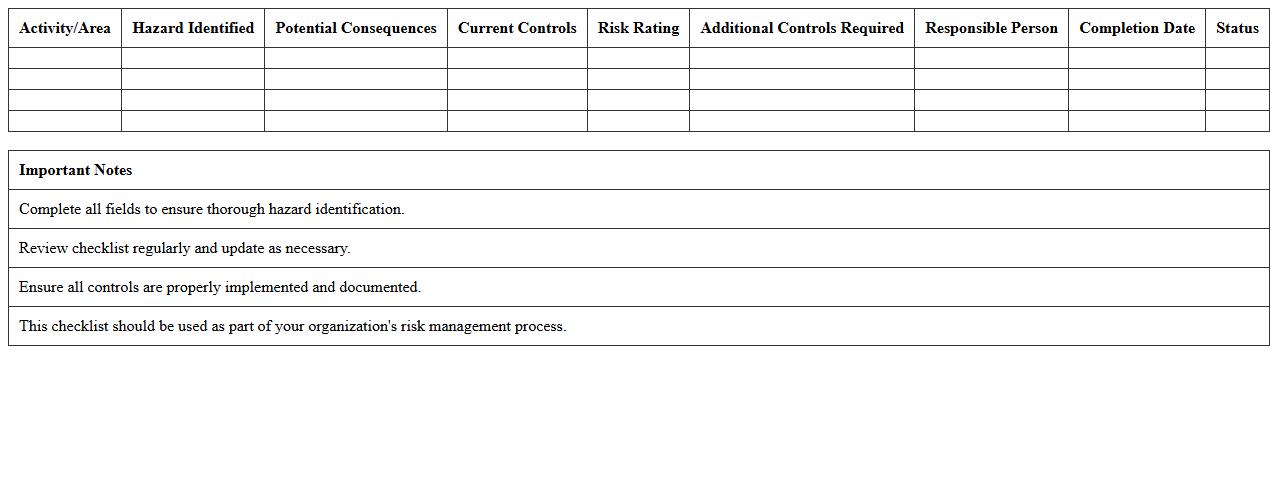
Hazard Identification Checklist Excel Template
The
Hazard Identification Checklist Excel Template is a structured document designed to systematically identify and record potential hazards in the workplace or project site. It streamlines risk assessment by providing a comprehensive list of common hazards, enabling safety teams to track issues, assign responsibility, and implement corrective actions efficiently. Using this template enhances workplace safety compliance, reduces accidents, and supports ongoing risk management efforts with clear, organized data.
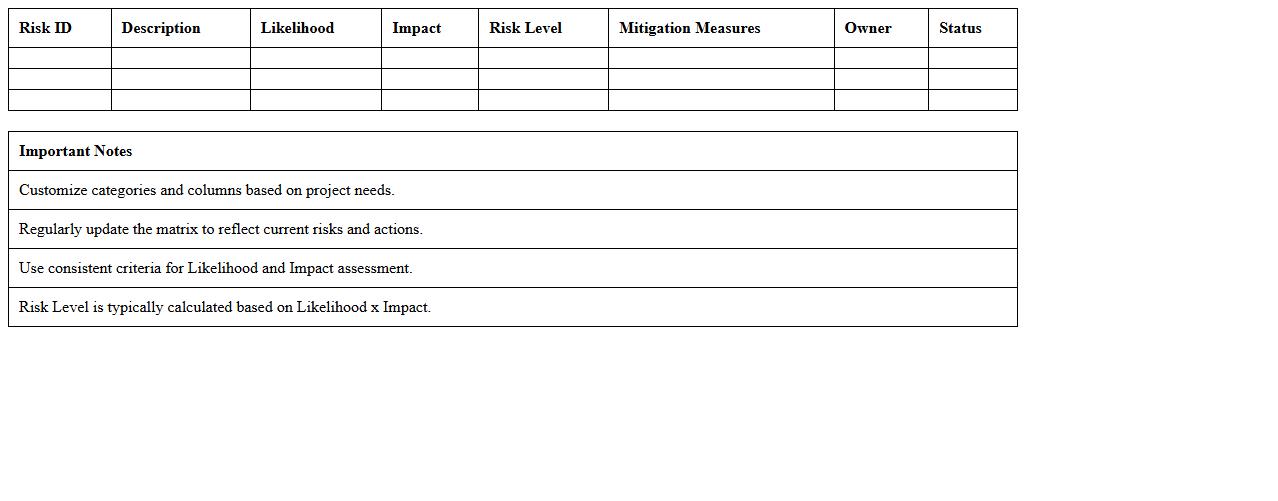
Risk Assessment Matrix Excel Template
A
Risk Assessment Matrix Excel Template document is a tool designed to identify, evaluate, and prioritize risks by mapping their likelihood against potential impact in a clear, visual format. It helps organizations systematically analyze risks to implement effective mitigation strategies, enhancing decision-making and resource allocation. Using this template streamlines the risk management process, ensuring consistent documentation and facilitating communication across teams.
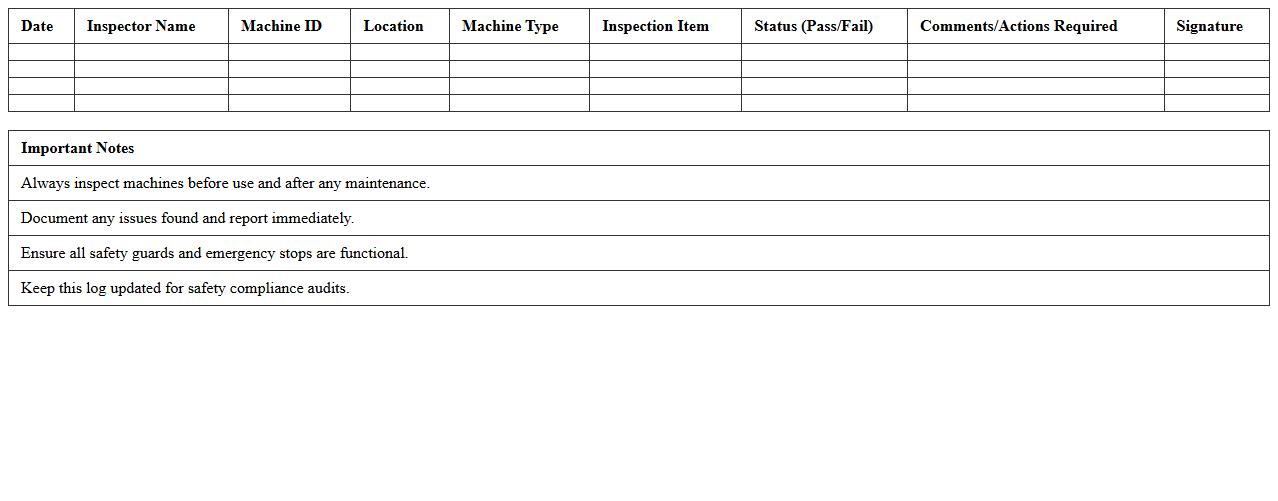
Machine Safety Inspection Log Excel Template
The
Machine Safety Inspection Log Excel Template is a structured document designed to record and track safety inspections of machinery systematically. It helps organizations maintain compliance with safety regulations by documenting inspection dates, identified hazards, maintenance actions, and responsible personnel. Utilizing this template enhances workplace safety, reduces equipment downtime, and supports regulatory audits through clear and organized record-keeping.
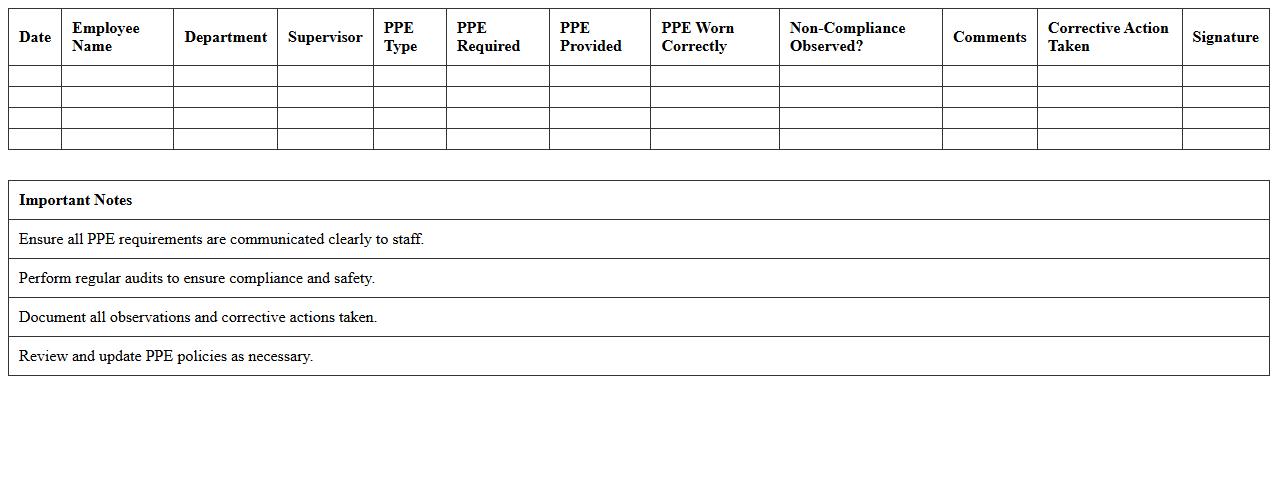
PPE Compliance Tracking Sheet Excel Template
The
PPE Compliance Tracking Sheet Excel Template is a structured document designed to monitor and record the use of personal protective equipment within an organization. It helps ensure adherence to safety protocols by tracking employee compliance, identifying non-compliance incidents, and facilitating timely corrective actions. This template enhances workplace safety management by providing clear data insights and streamlining reporting processes.
Safety Audit Findings Report Excel Template
The
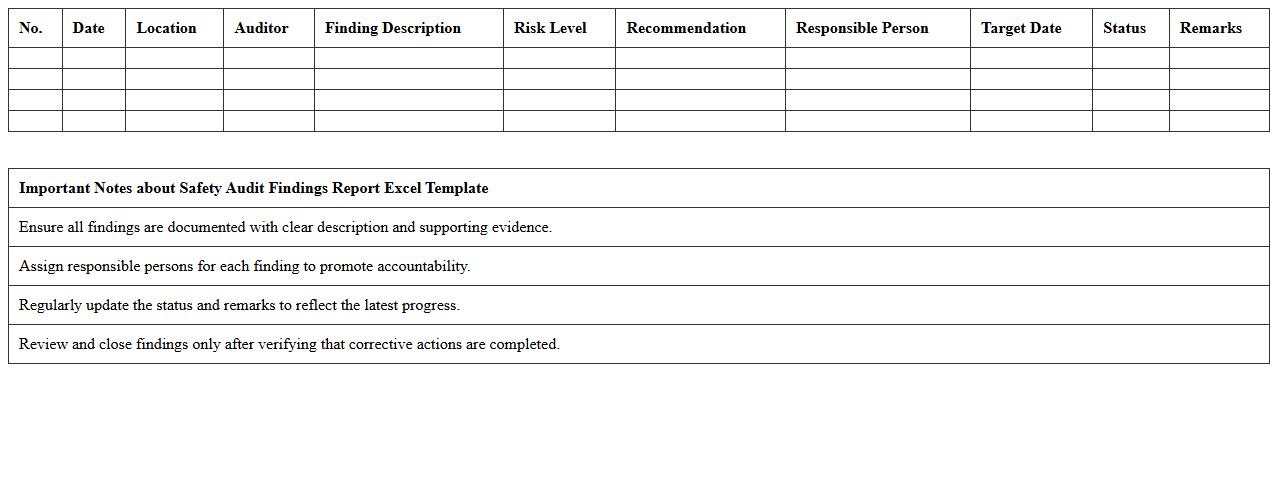
Safety Audit Findings Report Excel Template document is designed to systematically record and analyze safety inspection results, enabling organizations to identify hazards and non-compliance issues efficiently. It organizes data into clear categories such as observation details, risk levels, corrective actions, and responsible parties, facilitating easier tracking and follow-up. This template streamlines the audit process, enhances communication among safety teams, and supports regulatory compliance by providing a structured, easy-to-update format.
Incident Reporting Form Excel Template
The
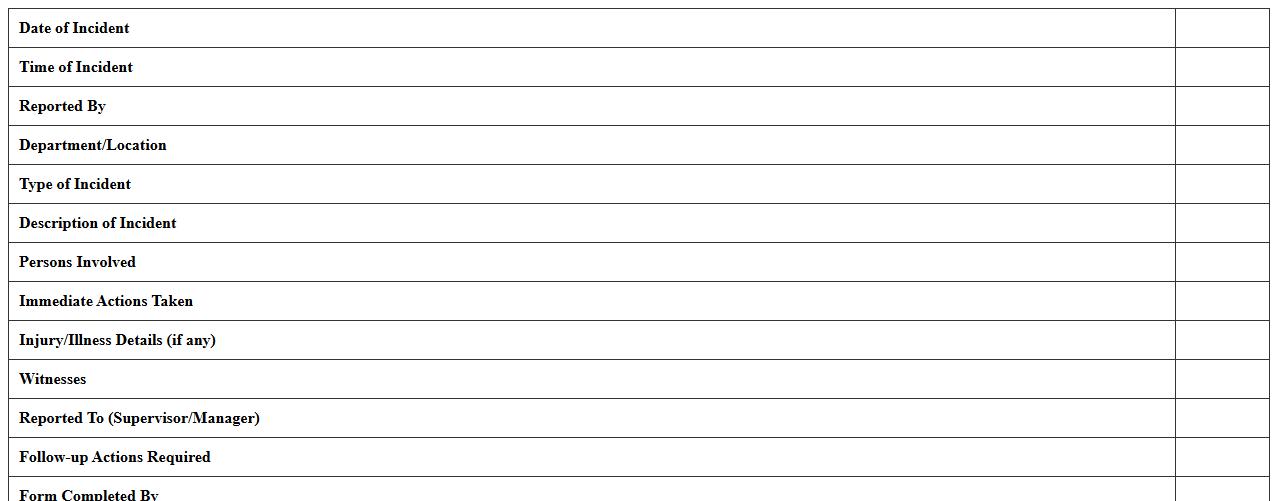
Incident Reporting Form Excel Template is a structured document designed to systematically record details of workplace incidents, including date, time, location, and involved parties. This template streamlines data collection, ensuring consistency and completeness, which aids in identifying patterns and preventing future incidents. Organizations benefit from improved compliance, faster response times, and enhanced safety management by using this customizable Excel tool.
Corrective Action Tracker Excel Template
The
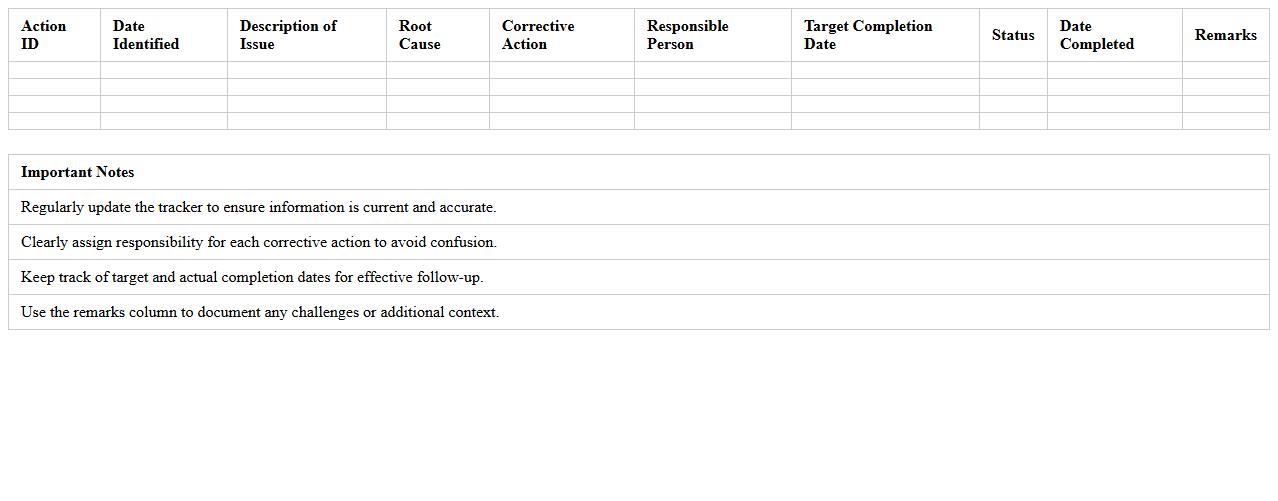
Corrective Action Tracker Excel Template is a structured spreadsheet designed to monitor, record, and manage corrective actions within a project or organization. It facilitates tracking of issues, assigning responsibilities, setting deadlines, and ensuring timely resolution, which improves accountability and process improvement. Using this template enhances operational efficiency by providing clear visibility into the status and progress of corrective measures.
Emergency Equipment Maintenance Log Excel Template
The
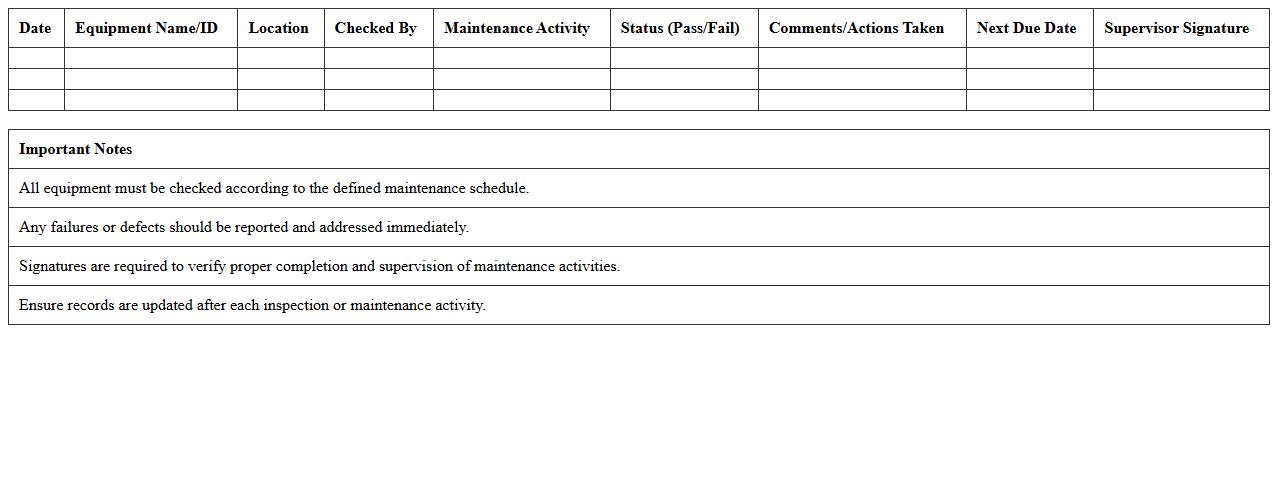
Emergency Equipment Maintenance Log Excel Template document systematically records maintenance activities, inspection dates, and equipment status to ensure operational readiness. It helps organizations track and schedule routine checks, preventing equipment failure during critical emergencies. Using this template enhances compliance with safety regulations and extends the life of emergency response tools.
Employee Safety Training Record Excel Template
The
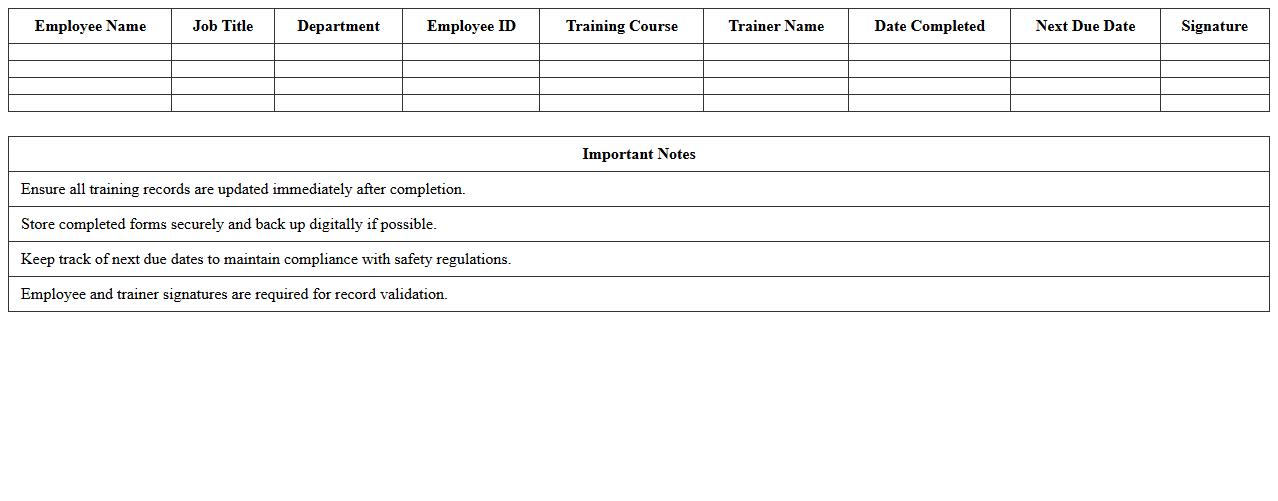
Employee Safety Training Record Excel Template document is a structured spreadsheet designed to track and manage employee safety training sessions, dates, and completion status efficiently. It helps organizations maintain compliance with workplace safety regulations, ensuring all staff members receive necessary training and certifications. By providing a clear overview of training history, this template supports risk management and promotes a safer work environment.
Chemical Inventory Safety Data Sheet Excel Template
A
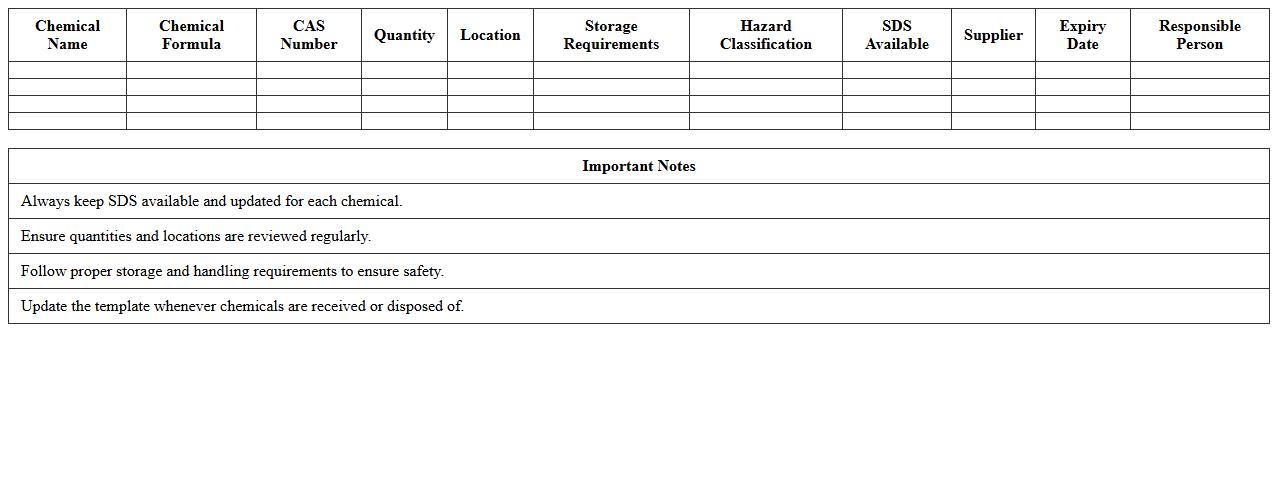
Chemical Inventory Safety Data Sheet Excel Template is a structured document designed to catalog and manage chemical substances, including detailed safety information, handling instructions, and regulatory compliance data. It helps organizations track chemical usage, ensure proper storage, and facilitate quick access to safety protocols, reducing risks of accidents and enhancing workplace safety. This template streamlines inventory management, supports environmental health and safety compliance, and improves emergency response efficiency by consolidating critical chemical data in one accessible platform.
What key parameters should be included in an Excel-based safety risk matrix for manufacturing plants?
An effective Excel-based safety risk matrix must include hazard severity, probability of occurrence, and risk level as its key parameters. Incorporating clear definitions for each severity and probability rating ensures consistent risk evaluation across the manufacturing plant. These parameters enable the matrix to effectively categorize risks and prioritize safety actions.
How can Excel formulas automate incident trend analysis in safety assessments?
Excel formulas like COUNTIFS and SUMIFS can automatically track and analyze incident frequency and severity over time. Implementing dynamic charts linked to these formulas allows for real-time visualization of trends, simplifying the identification of recurring safety issues. Automation reduces manual data processing and accelerates decision-making.
Which data validation methods ensure accurate hazard reporting in Excel safety assessment templates?
Utilizing drop-down lists and restrictive data validation rules in Excel templates helps maintain consistent input for hazard categories and risk levels. These methods prevent incorrect or freeform entries, significantly increasing the accuracy of safety data. Validation also improves data integrity for better risk management reporting.
What conditional formatting rules highlight non-compliance issues in manufacturing safety logs?
Conditional formatting rules that highlight cells based on values such as overdue inspections or high-risk levels trigger visual alerts. Using color codes like red for critical non-compliance draws immediate attention to urgent safety issues. These rules enhance the visibility of problem areas, facilitating prompt corrective action.
How does integrating Excel safety checklists streamline OSHA documentation for manufacturing sites?
Integrating Excel safety checklists with structured templates standardizes OSHA compliance documentation, making audits more efficient and accurate. Automated checklist updates ensure all safety requirements are addressed regularly without manual tracking. This integration minimizes errors and saves time during regulatory inspections.