The Publishing Timeline Excel Template for Book Authors helps writers organize and track their entire publishing process, from manuscript completion to book launch. It offers a clear, customizable schedule to manage important deadlines, tasks, and milestones efficiently. This tool enhances productivity and ensures timely progress throughout the publishing journey.
Book Release Schedule Excel Template
The
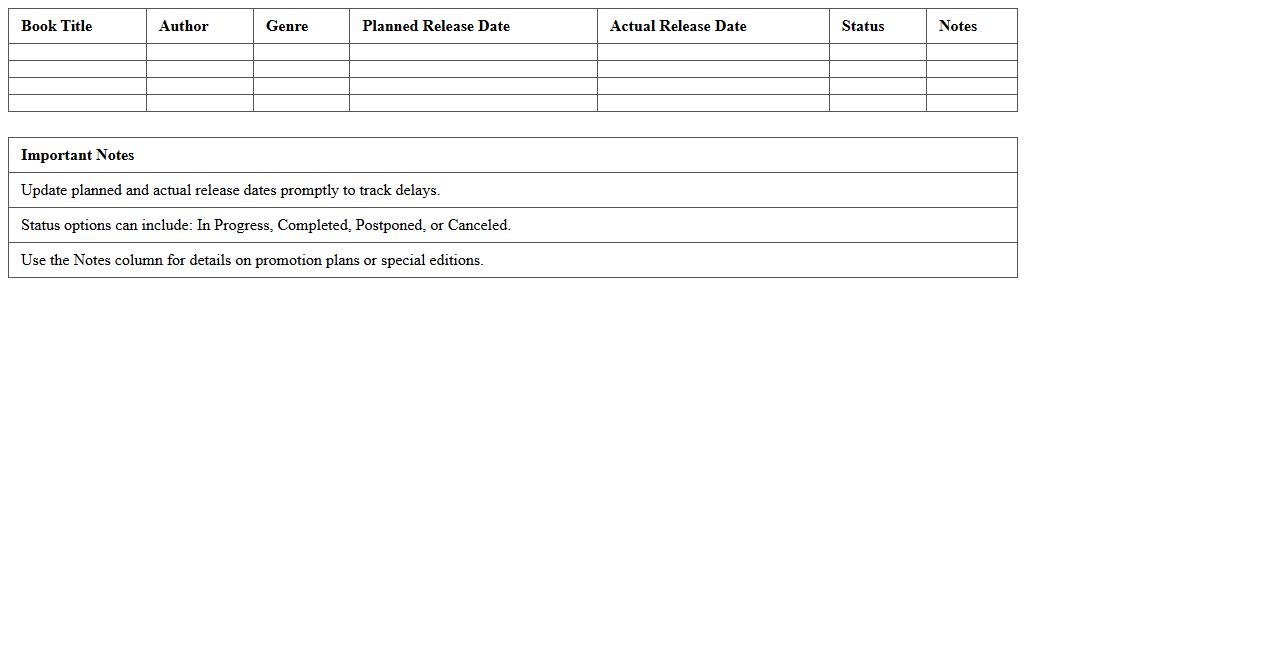
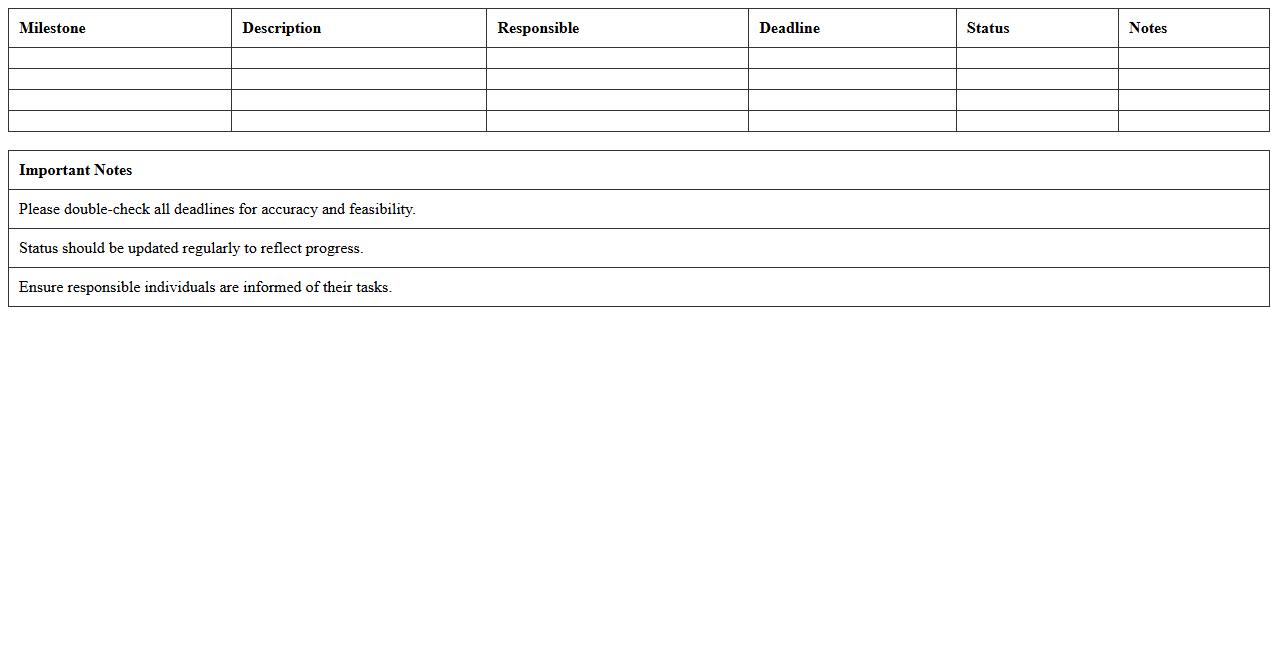
Book Release Schedule Excel Template is a structured spreadsheet designed to organize and track every stage of a book's publishing timeline, from manuscript completion to marketing launch dates. This template enhances productivity by providing clear deadlines, responsible parties, and progress updates, ensuring timely release and effective project management. Authors, publishers, and marketing teams benefit from its ability to streamline communication and maintain alignment on key milestones throughout the publishing process.
Author Book Launch Timeline Spreadsheet
The
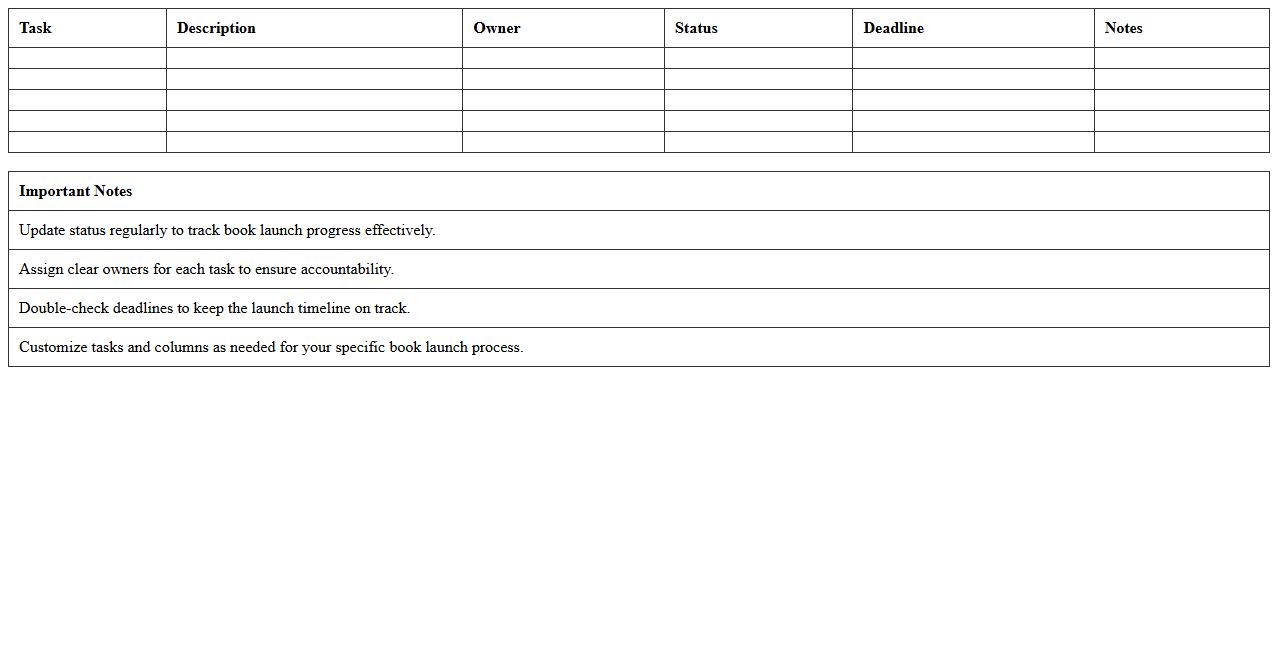
Author Book Launch Timeline Spreadsheet is a detailed planning tool designed to organize and track all critical tasks, deadlines, and milestones involved in a book launch. It helps authors manage schedules for writing, editing, marketing, and distribution activities, ensuring a smooth and timely release. This document increases efficiency by providing a clear roadmap and accountability, reducing the risk of overlooked details or last-minute rushes.
Manuscript Editing Progress Tracker
The
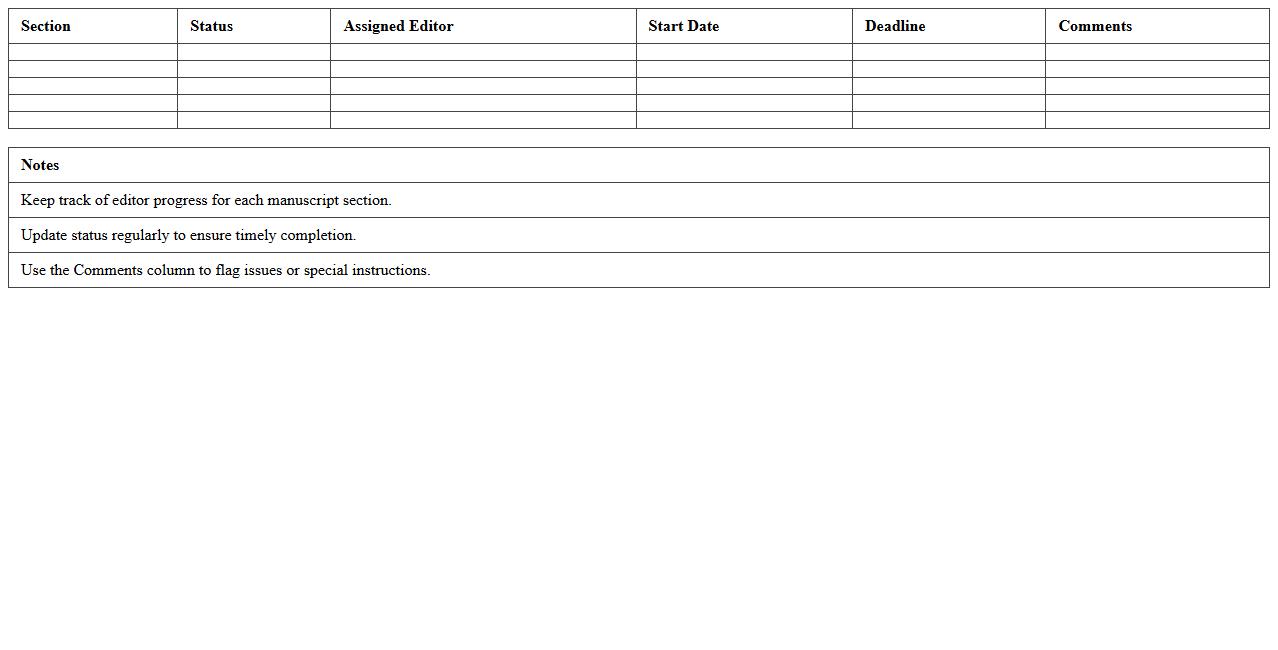
Manuscript Editing Progress Tracker document is a tool designed to systematically monitor each stage of the manuscript revision process, ensuring timely and organized updates. By logging edits, comments, and deadlines, it helps authors, editors, and reviewers maintain clarity and accountability throughout the editing workflow. This structured approach reduces errors, enhances collaboration, and accelerates the path to a polished, submission-ready manuscript.
Book Pre-Launch Marketing Calendar
A
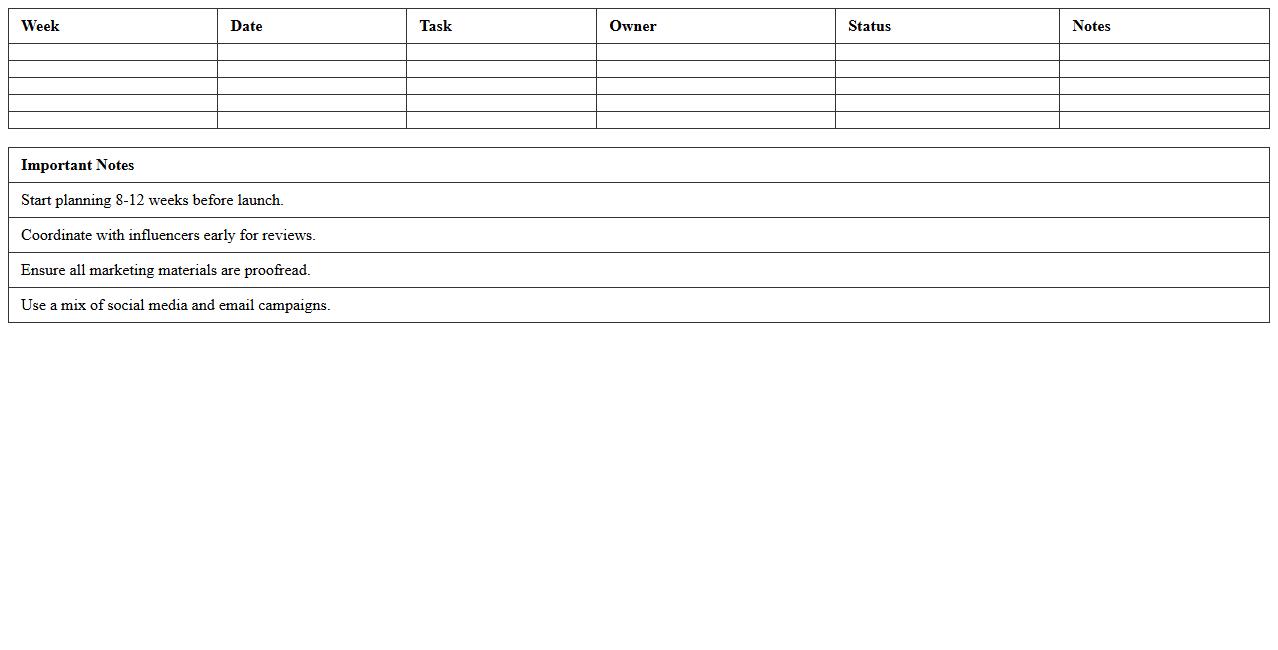
Book Pre-Launch Marketing Calendar document organizes all promotional activities leading up to a book's release, ensuring timely and strategic execution of marketing tasks. It helps authors and publishers track deadlines for content creation, social media campaigns, and outreach efforts, maximizing audience engagement before launch day. This structured timeline improves coordination and increases the potential for a successful book debut by building anticipation and visibility.
Publication Date Planner Excel Sheet
A
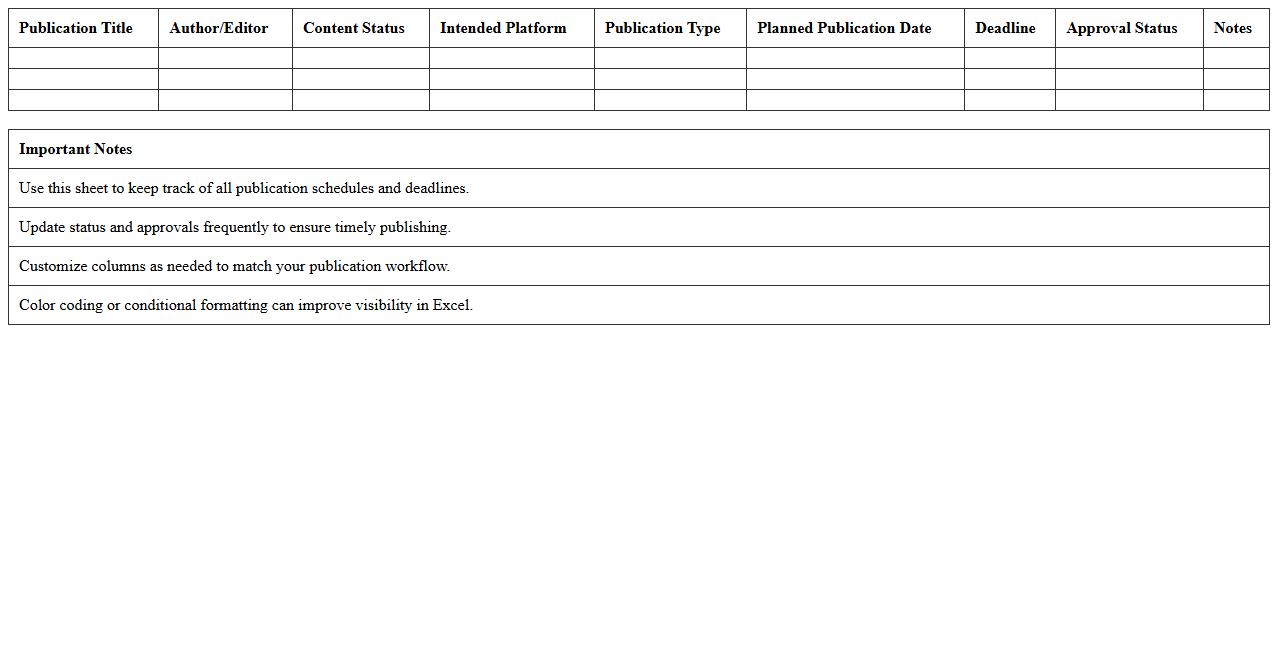
Publication Date Planner Excel Sheet is a structured document used to organize and schedule publication dates for content across various platforms. It helps track deadlines, coordinate with team members, and ensure timely releases, enhancing workflow efficiency. This tool is especially useful for marketers, content creators, and project managers aiming to maintain consistent publishing schedules and optimize audience engagement.
Self-Publishing Deadline Tracker Template
The
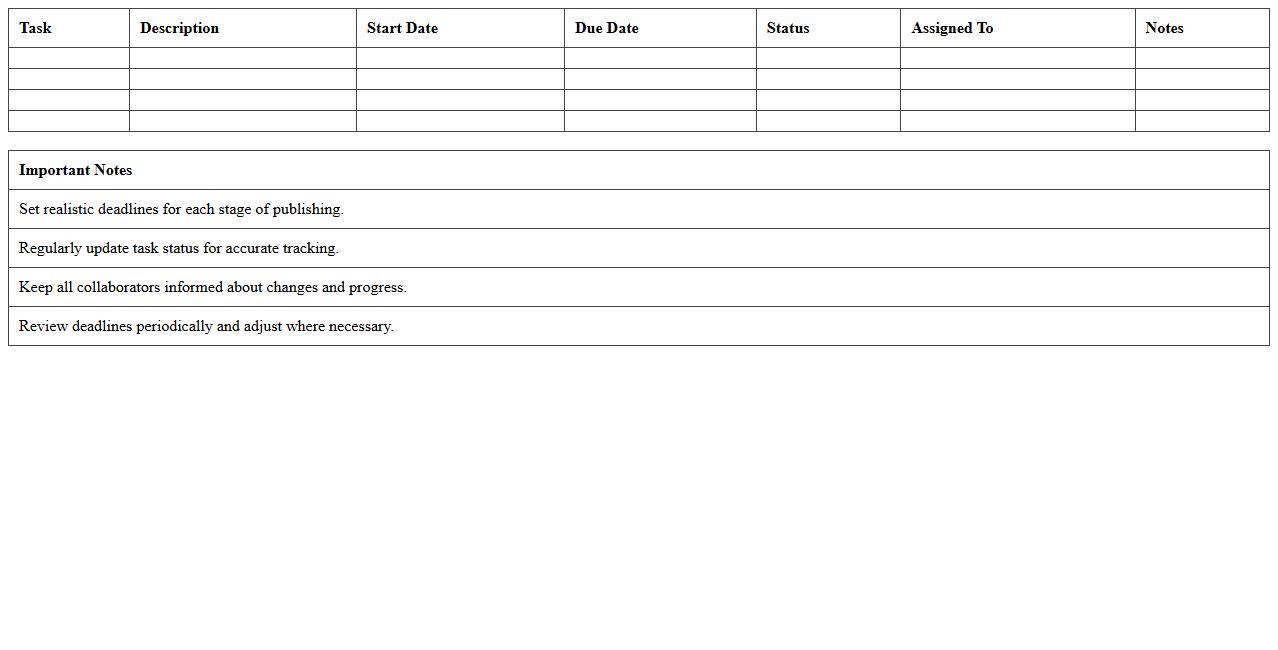
Self-Publishing Deadline Tracker Template document is a structured tool designed to help authors manage and monitor critical milestones in their self-publishing journey. It organizes key deadlines such as manuscript revisions, cover design, formatting, and marketing schedules, ensuring timely completion of each phase. By providing clear visibility of tasks and timelines, this template minimizes delays and enhances productivity for independent authors.
Editing and Proofreading Task Scheduler
The
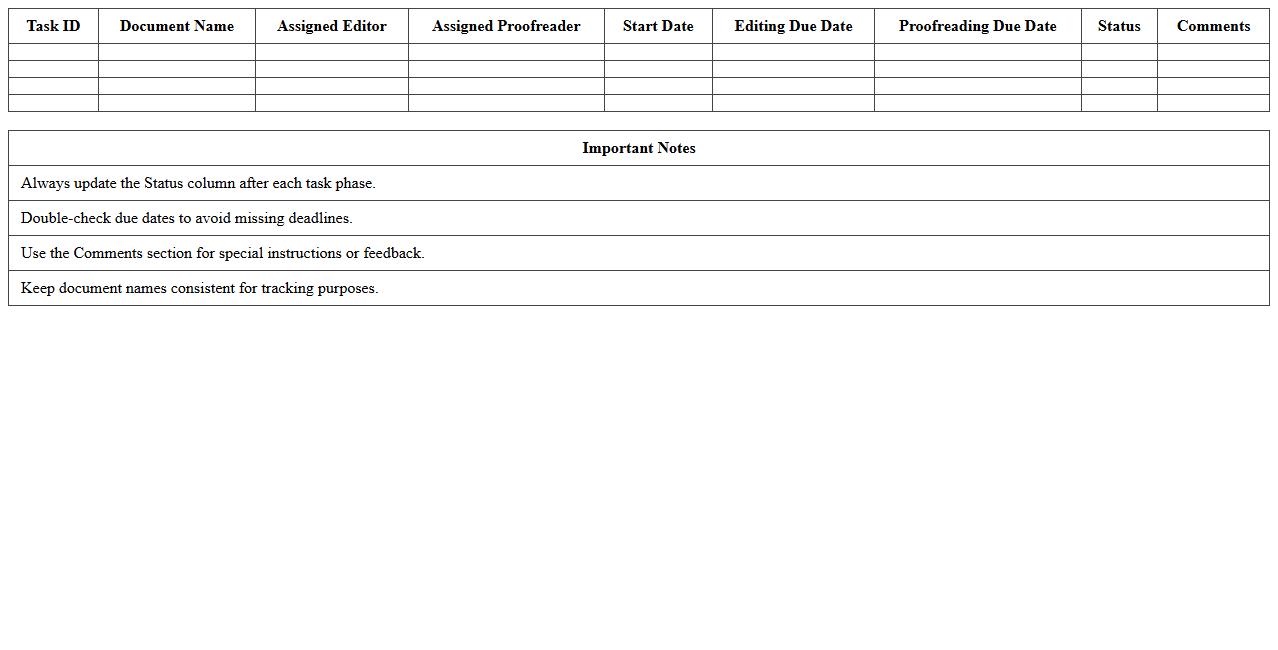
Editing and Proofreading Task Scheduler document organizes and tracks the progress of editing and proofreading activities, ensuring deadlines are met efficiently. It helps allocate resources effectively, reducing the risk of overlooked errors and improving overall content quality. Utilizing this scheduler enhances team coordination and streamlines the revision process, leading to consistently polished final documents.
Book Cover Design Workflow Timeline
The
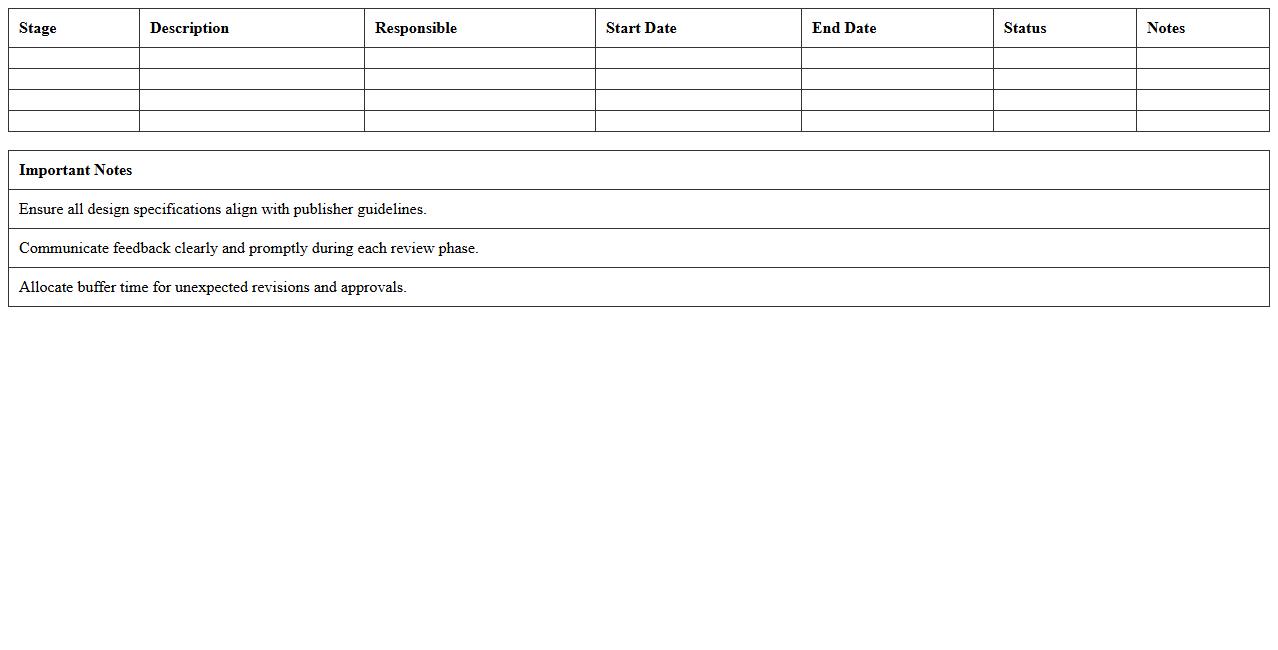
Book Cover Design Workflow Timeline document outlines each stage of the design process from concept development to final approval, ensuring timely progress and clear communication among all stakeholders. It serves as a strategic roadmap that helps designers, authors, and publishers coordinate tasks, manage deadlines, and allocate resources efficiently. By following this structured timeline, teams can avoid delays, maintain quality standards, and achieve a cohesive, market-ready book cover that effectively captures the target audience's attention.
Book Formatting Milestone Checklist Excel
The
Book Formatting Milestone Checklist Excel document is a structured tool designed to track and manage the progress of book formatting tasks efficiently. It organizes key milestones such as layout design, typography, image placement, and final proofing into a clear, actionable spreadsheet format. This checklist enhances productivity by providing visual progress updates and ensuring no crucial formatting steps are overlooked in the publishing process.
Author Media Outreach Planning Timeline
The
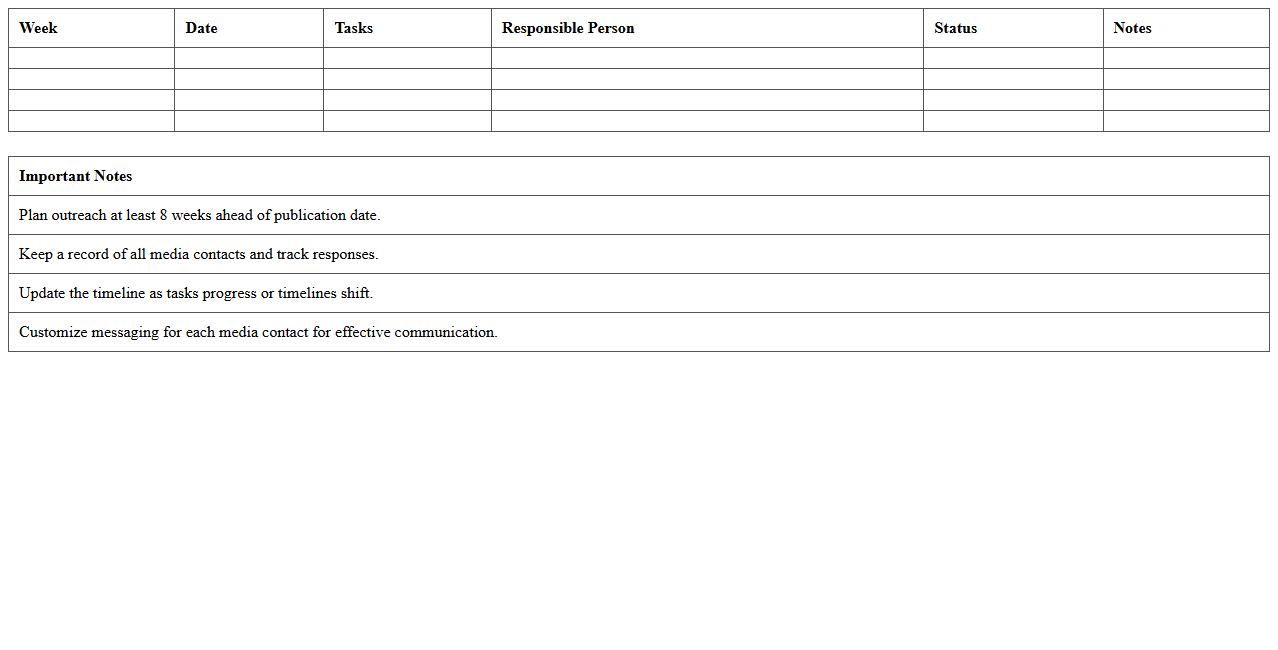
Author Media Outreach Planning Timeline document outlines a strategic schedule for coordinating media engagements, interviews, and promotional activities related to an author's work. It helps streamline communication efforts, ensuring timely collaboration with journalists, influencers, and media outlets to maximize publicity impact. By adhering to this timeline, authors and their teams can effectively manage deadlines, optimize resource allocation, and enhance overall campaign success.
How do I structure a Publishing Timeline Excel specifically for indie authors with tight deadlines?
Start by creating a clear timeline layout that lists all major milestones such as writing, editing, designing, and publishing in chronological order. Divide the timeline into weekly or daily increments to monitor progress within tight deadlines effectively. Use conditional formatting to highlight overdue tasks and keep track of urgent deadlines visually.
Which Excel formulas best track each manuscript revision phase in a book's publishing timeline?
Leverage the IF function combined with TODAY() to track if revision deadlines are met or overdue. The DATEDIF formula helps calculate the number of days spent in each revision phase for better time management. Employ COUNTIF to quantify completed and pending tasks in each manuscript revision stage efficiently.
What columns should be included to monitor editor, designer, and beta reader tasks in the timeline?
Include columns for Task Description, Assigned Person, Start Date, Due Date, Status, and Completion Date to monitor all participant roles clearly. Adding a column for Comments or Notes allows continuous updates regarding each editor, designer, or beta reader's progress. A Priority or Urgency column helps focus attention on critical tasks required for smooth publishing workflow.
How can authors automate reminder alerts in Excel for key publication milestones?
Use Excel's conditional formatting combined with the TODAY() function to highlight upcoming deadlines automatically. Create custom formulas that trigger color changes or symbols when a key milestone date approaches within a specified number of days. Consider using Excel's built-in Data Validation with pop-up alerts or integrating with Outlook for email reminders.
Which Excel templates offer the most efficient layout for self-publishing workflow management?
Templates designed specifically for project management or publishing schedules offer the most streamlined layouts. Look for templates featuring task dependencies, milestone tracking, and resource allocation to suit indie authors' needs. Customizable Gantt chart templates provide visual clarity on deadlines and overlapping publishing phases essential for efficient workflow management.
More Timeline Excel Templates