Pre-Production Planning Excel Template for Filmmakers
The
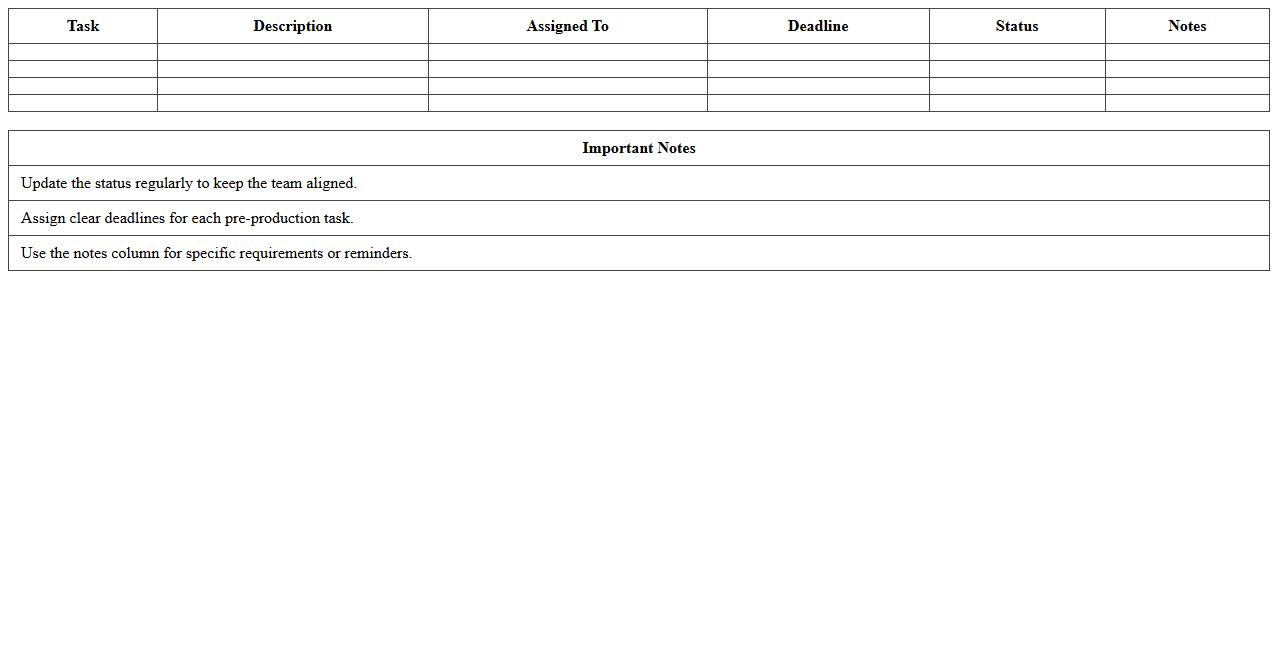
Pre-Production Planning Excel Template for Filmmakers is a comprehensive tool designed to organize and streamline the entire pre-production phase of filmmaking. It includes sections for budgeting, scheduling, shot lists, cast and crew details, and location management, ensuring that every critical element is accounted for before filming begins. Using this template helps filmmakers save time, avoid costly mistakes, and maintain clear communication throughout the production process.
Film Shooting Schedule Excel Template
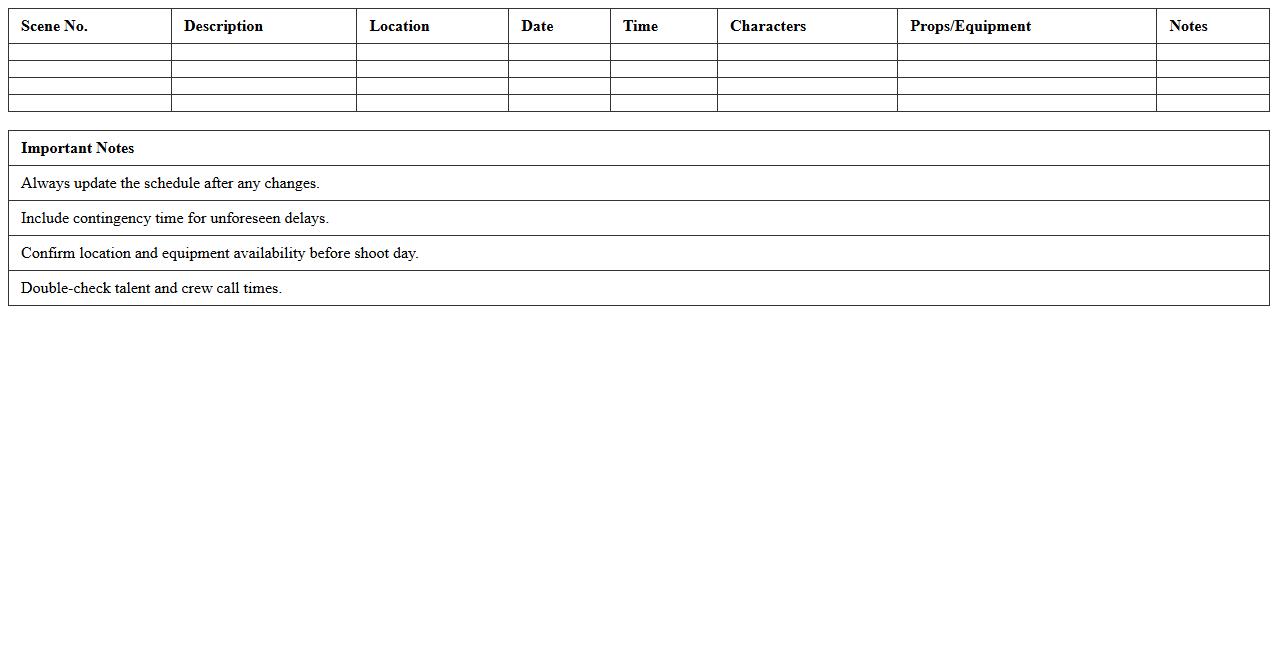
A
Film Shooting Schedule Excel Template is a structured spreadsheet designed to organize and plan daily shooting activities, including scenes, locations, cast, and equipment. It helps streamline the production process by providing a clear overview of timelines and resource allocation, reducing delays and improving communication among the crew. This template is essential for managing complex film projects efficiently and ensuring all tasks stay on track.
Video Production Budget Tracker Spreadsheet
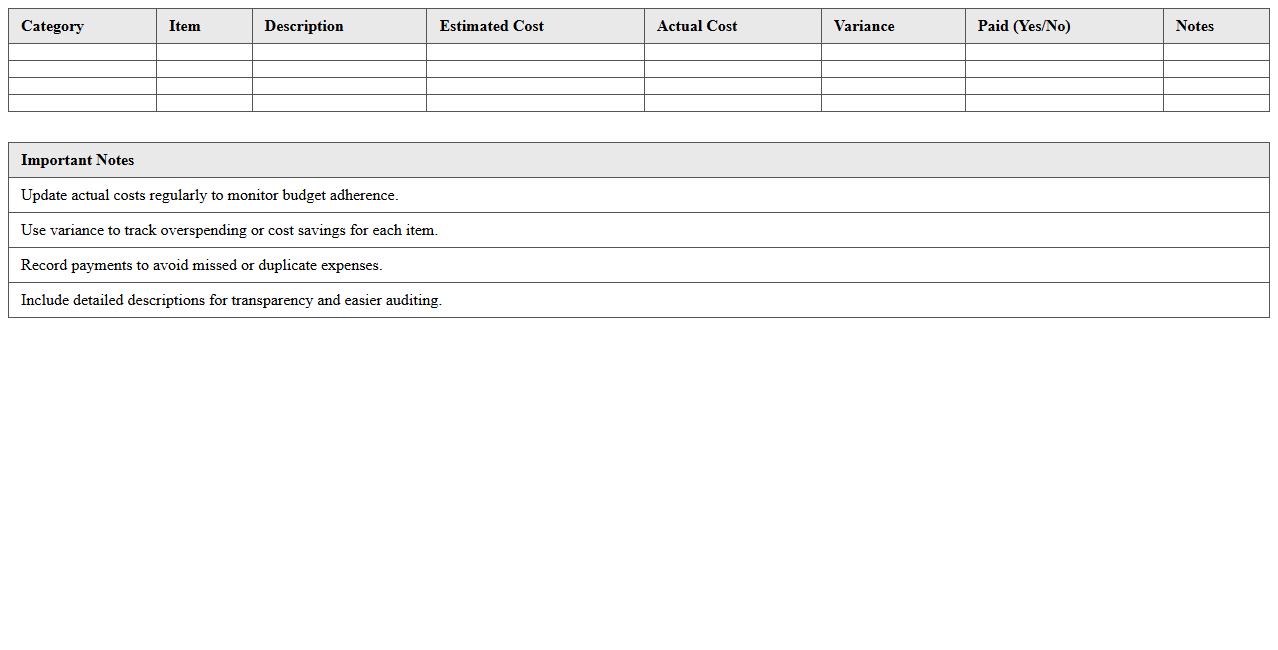
A
Video Production Budget Tracker Spreadsheet document is a detailed tool designed to organize and monitor all financial aspects of a video project, including equipment costs, talent fees, location expenses, and post-production charges. It enables producers and project managers to maintain precise control over expenditures, avoid overspending, and make informed decisions based on real-time budget data. This spreadsheet promotes transparency, efficiency, and accountability throughout the entire production process, ensuring the project stays within its allocated budget.
Script Breakdown Excel Sheet for Video Projects
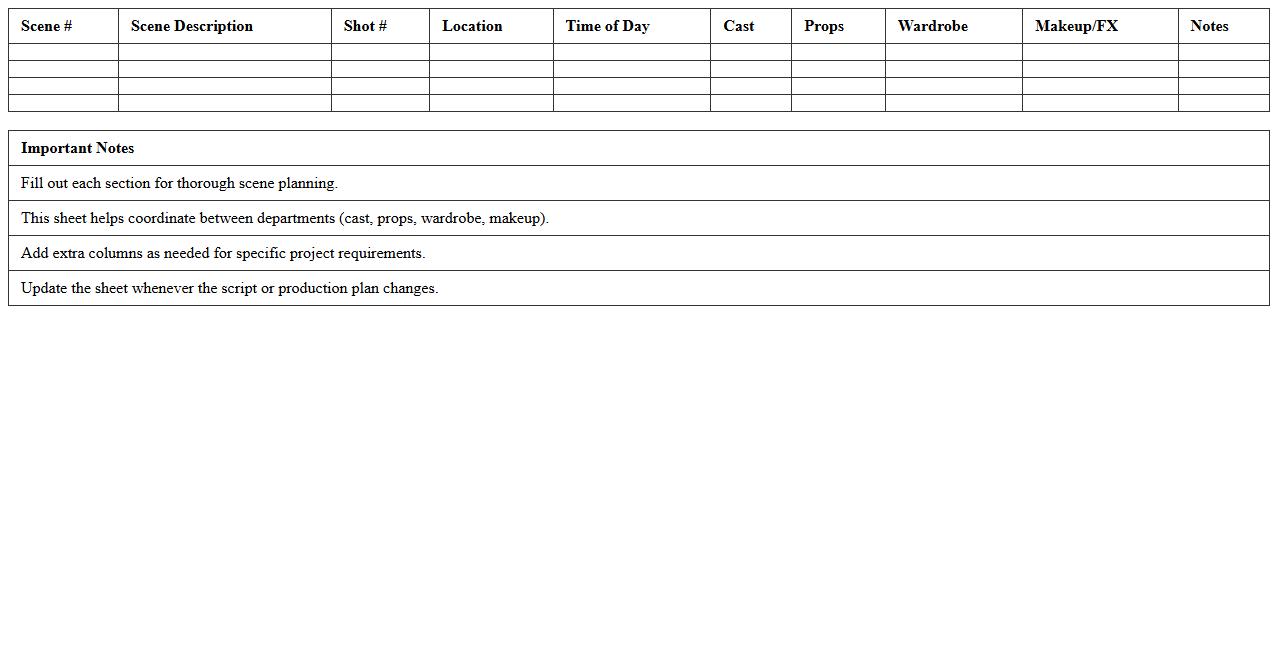
A
Script Breakdown Excel Sheet for video projects is a detailed document that organizes and categorizes every element required for production, such as scenes, characters, props, locations, and special effects. This tool streamlines the planning process by providing a clear overview of all components, enabling efficient scheduling, budgeting, and resource allocation. Using this sheet improves communication among team members and helps avoid costly oversights or delays during filming.
Film Crew Call Sheet Excel Template
A
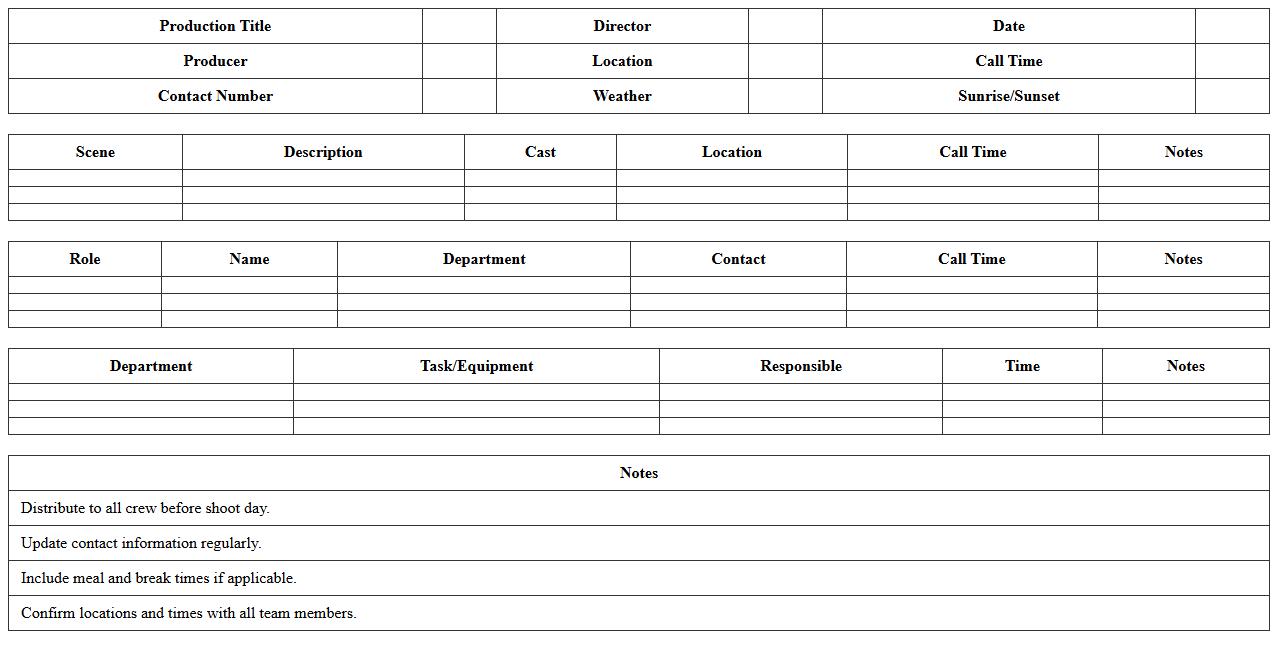
Film Crew Call Sheet Excel Template is a structured document used to organize and communicate essential details like shooting schedules, crew assignments, locations, and contact information for each day of production. It streamlines coordination by providing a clear, accessible format that helps ensure every team member knows where to be and when, reducing confusion and delays. This template enhances productivity and accuracy in managing film shoot logistics, making it an indispensable tool for filmmakers and production managers.
Storyboard Planner Excel Template for Video Projects
The
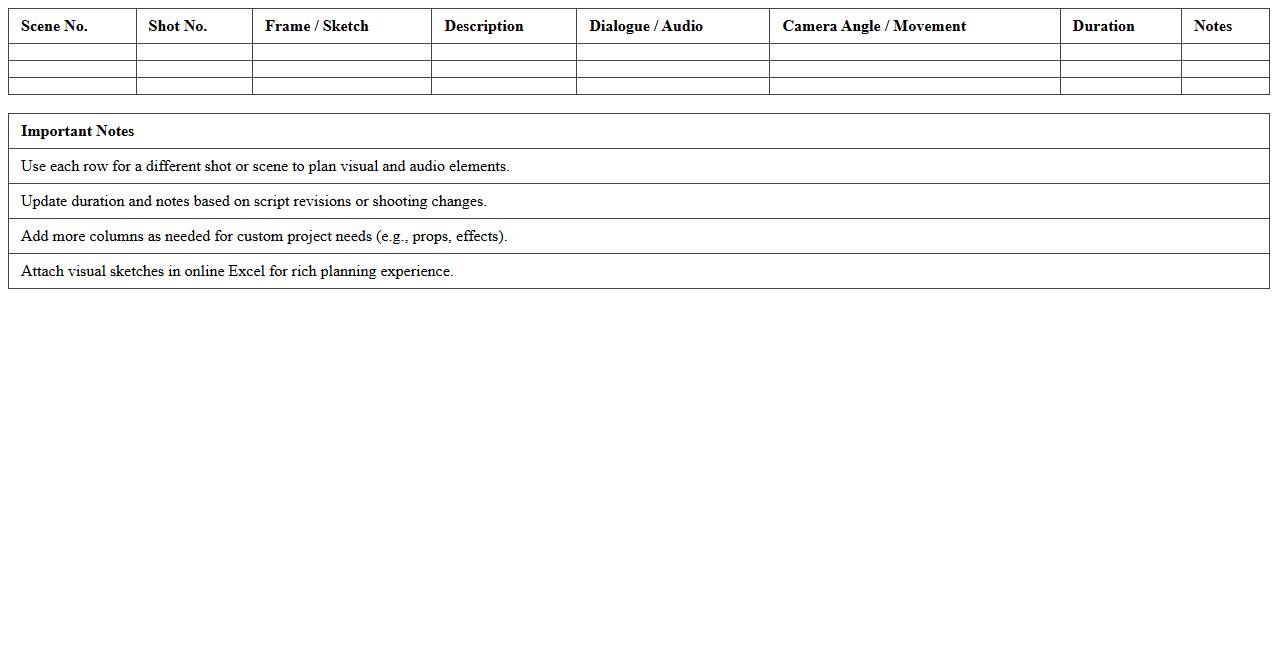
Storyboard Planner Excel Template for video projects is a structured digital tool that organizes scenes, shot descriptions, timings, and visual elements in a clear, tabular format. It enhances pre-production efficiency by enabling teams to visualize the narrative flow and coordinate tasks effectively, reducing errors and saving time. This template supports collaboration and ensures alignment across directors, producers, and editors, making video project management streamlined and professional.
Post-Production Workflow Excel Tracker
The
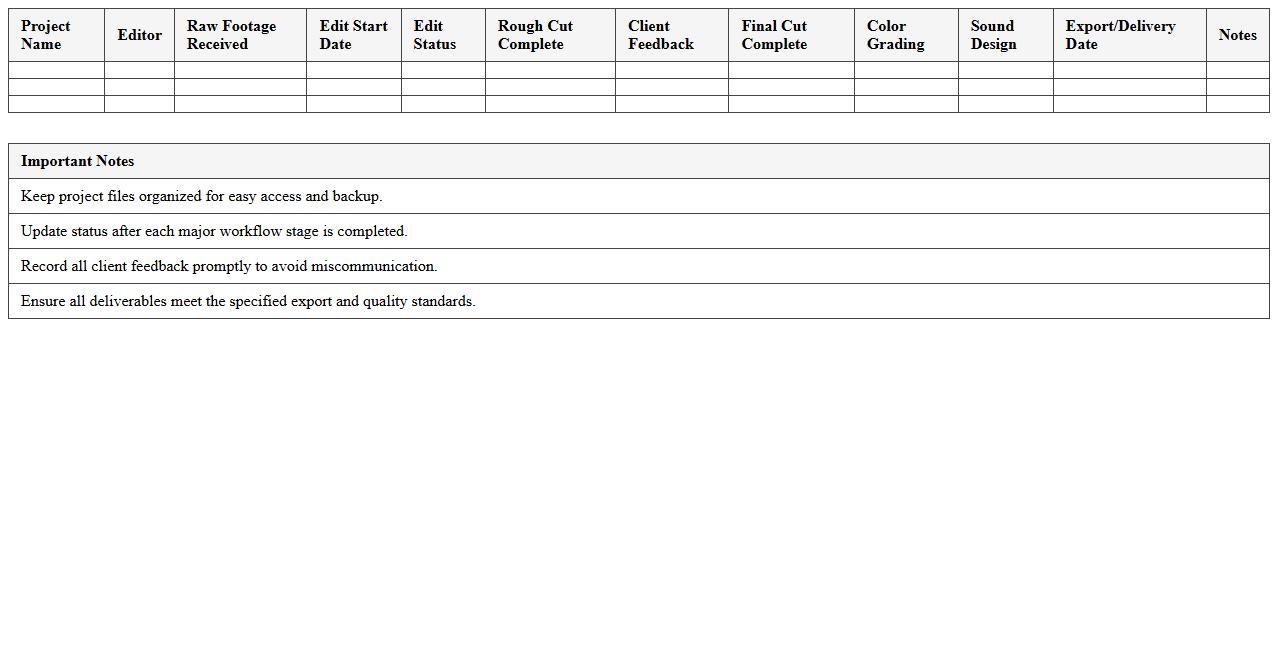
Post-Production Workflow Excel Tracker document is a structured spreadsheet designed to monitor and manage every stage of the post-production process, including editing, color grading, sound design, and visual effects. It helps teams maintain clear timelines, track task completion, allocate resources efficiently, and ensure consistent quality across projects. By consolidating critical data in one place, this tool enhances communication, reduces errors, and accelerates project delivery.
Equipment Inventory Excel Checklist for Film Shoots
An
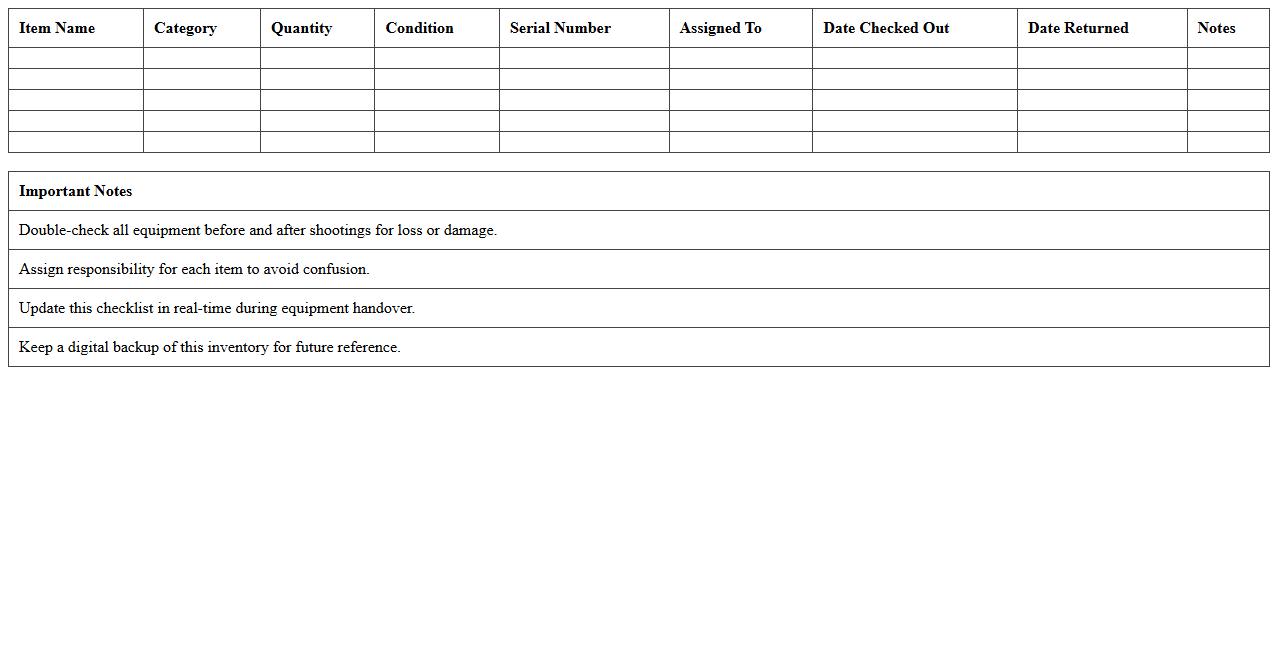
Equipment Inventory Excel Checklist for Film Shoots is a detailed spreadsheet designed to organize and track all necessary filming gear, including cameras, lighting, audio equipment, and accessories. This document ensures that every piece of equipment is accounted for before, during, and after a shoot, minimizing the risk of loss or damage. By streamlining inventory management, it enhances efficiency, saves time, and helps maintain budget control throughout the production process.
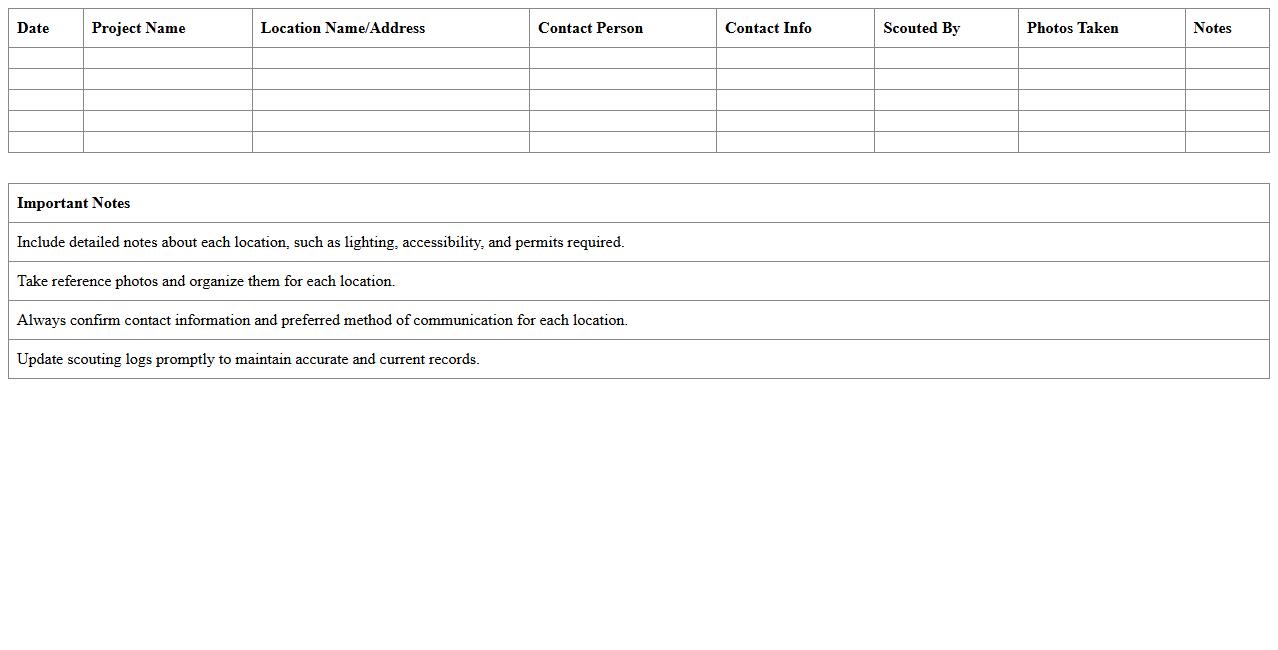
Location Scouting Log Excel Template
The
Location Scouting Log Excel Template is a structured document designed to systematically record and organize information about potential filming or event locations. It allows users to capture essential details such as address, environmental conditions, accessibility, permits, and contact information in one centralized spreadsheet. This template enhances efficiency during planning by enabling easy comparison, quick reference, and thorough documentation of scouting efforts.
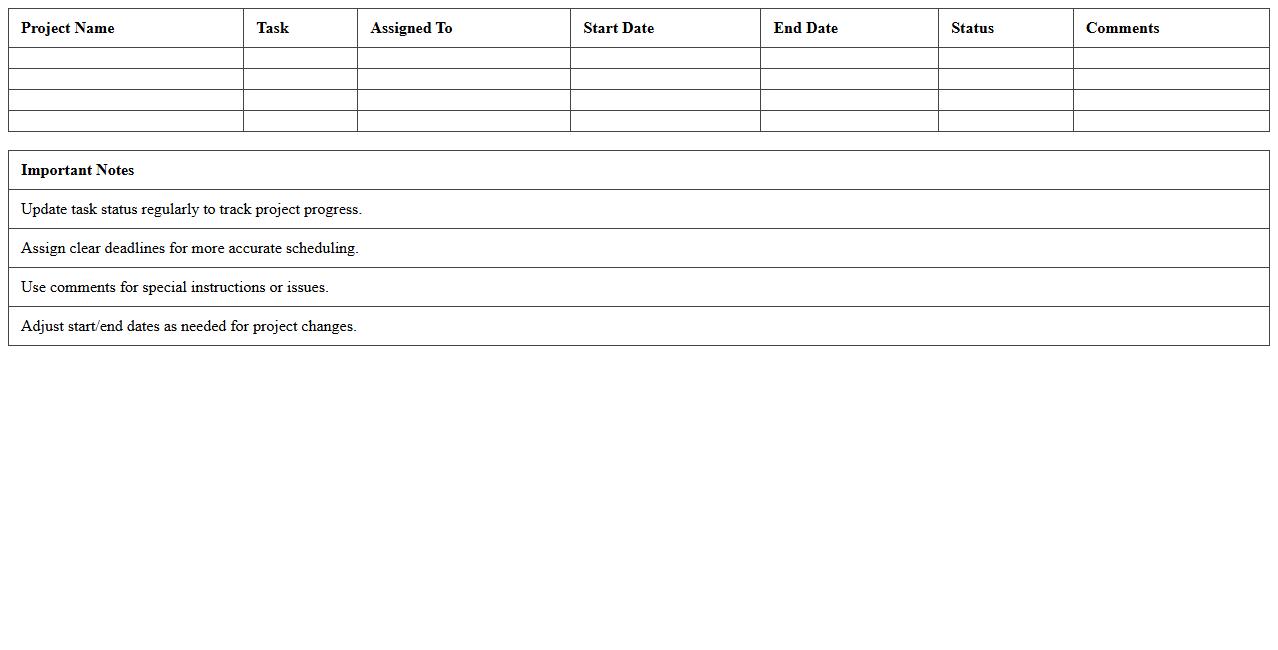
Video Project Delivery Timeline Excel Scheduler
The
Video Project Delivery Timeline Excel Scheduler document is a comprehensive tool designed to organize and track all phases of video production, from pre-production to final delivery. It allows users to set deadlines, assign tasks, and monitor progress in a structured timeline format, ensuring efficient project management. This scheduler enhances collaboration, reduces delays, and helps meet client expectations by providing clear visibility into the entire video project workflow.
How can I customize a Video Production Timeline Excel template for documentary projects?
To customize a Video Production Timeline Excel template for documentary projects, start by adding specific phases like research, interviews, and archival footage collection. Incorporate unique milestones relevant to documentary storytelling. Adjust the timeline view to reflect the extended timeframes typical of documentary production.
What key milestones should be included in a film maker's pre-production Excel schedule?
Essential pre-production milestones include script finalization, budget approval, casting, location scouting, and equipment booking. Each milestone should have assigned deadlines and responsible team members. Adding a column for status updates ensures proactive project tracking during pre-production.
Which Excel formulas automate task duration calculations for post-production phases?
Use the =DATEDIF formula to calculate the duration between start and end dates of post-production tasks. The =NETWORKDAYS function helps exclude weekends and holidays for accurate workday counts. Combining these formulas automates task duration tracking, improving schedule accuracy.
How can I track location-specific shoot dates in a multi-tab Excel document?
Assign each location a dedicated tab for detailed shoot dates and specific notes. Use a master summary tab with cell references or links to aggregate location-specific schedules. Conditional formatting highlights overlapping dates, optimizing location management across sheets.
What columns are essential for managing talent availability in production planning spreadsheets?
Include columns for talent name, role, availability dates, contact information, and any scheduling conflicts. Adding a status column for confirmations enables clear communication tracking. These columns streamline talent management, preventing scheduling conflicts effectively.