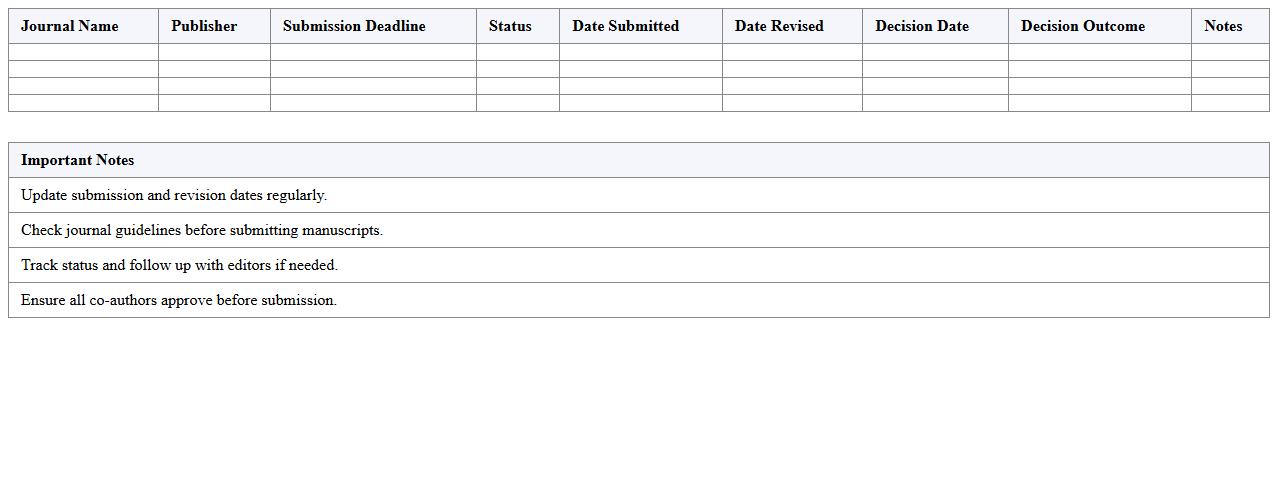
Manuscript Submission Tracker Excel Template
The
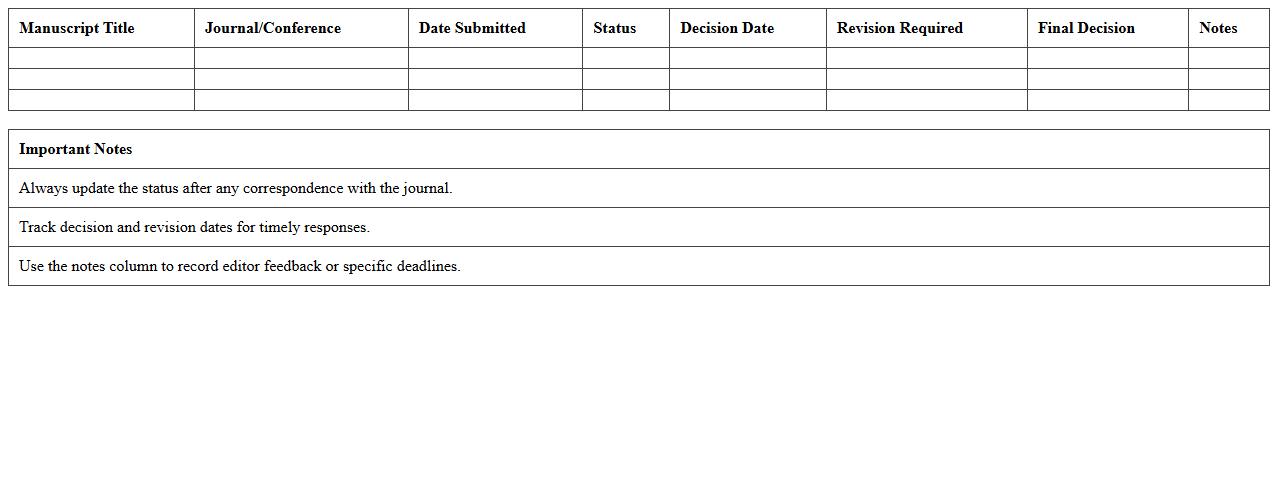
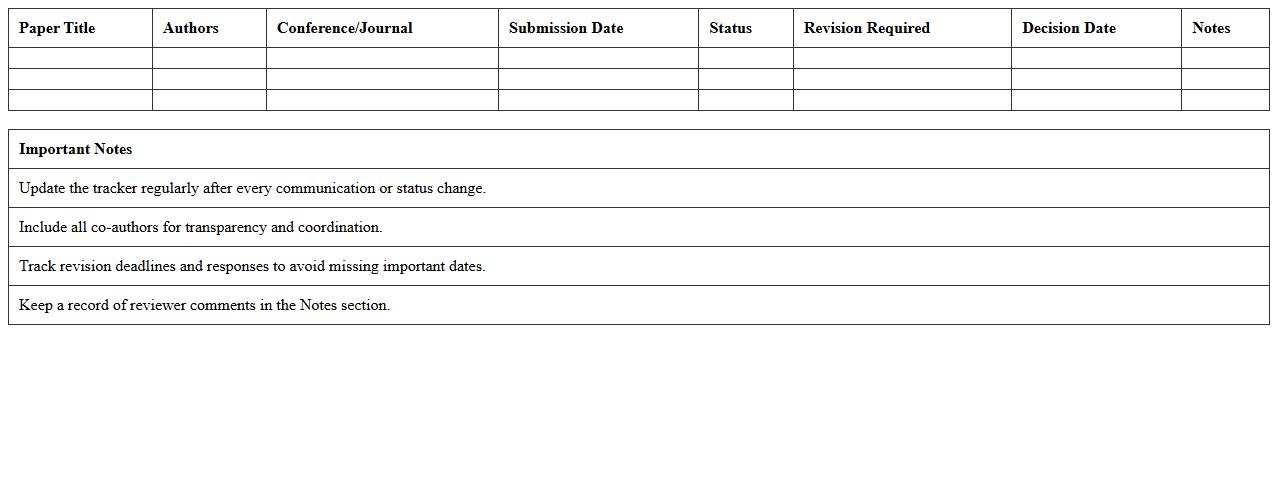
Manuscript Submission Tracker Excel Template is a comprehensive tool designed to organize and monitor the progress of academic or professional manuscript submissions across multiple journals or publishers. It allows users to systematically record details such as submission dates, journal names, status updates, reviewer comments, and revision deadlines, enhancing workflow efficiency and ensuring deadlines are met. This template is particularly useful for researchers, authors, and editors who manage multiple manuscripts, as it helps prevent missed communications and streamlines the publication process.
Journal Review Process Timeline Spreadsheet
A
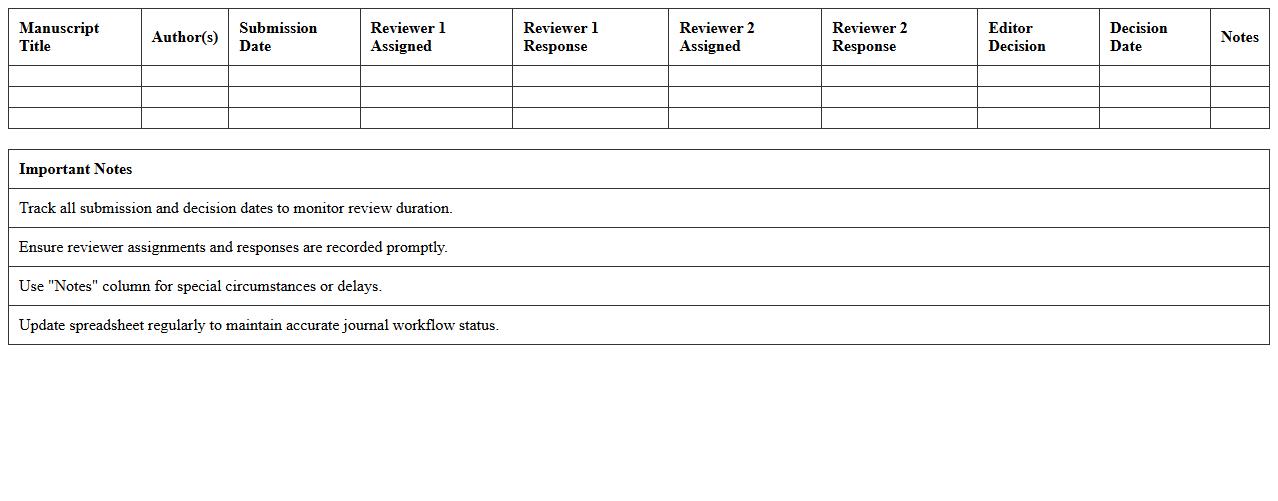
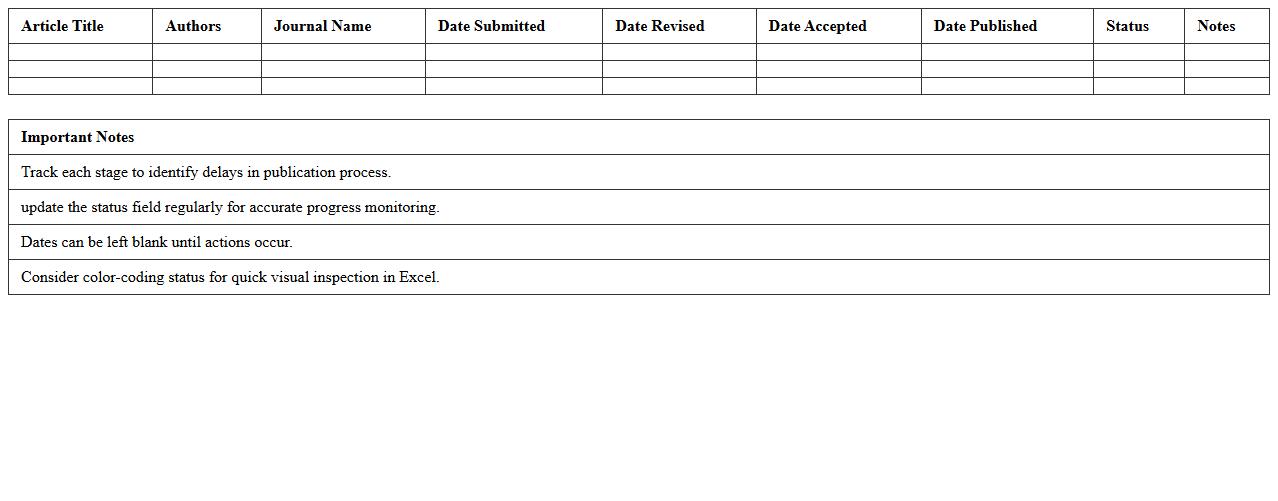
Journal Review Process Timeline Spreadsheet document organizes and tracks the stages of manuscript submission, peer review, revisions, and final decision in academic publishing. It helps researchers, editors, and authors visualize deadlines, identify delays, and manage multiple submissions efficiently. The spreadsheet enhances transparency and ensures timely communication throughout the publication workflow.
Academic Article Revision Schedule Workbook
The
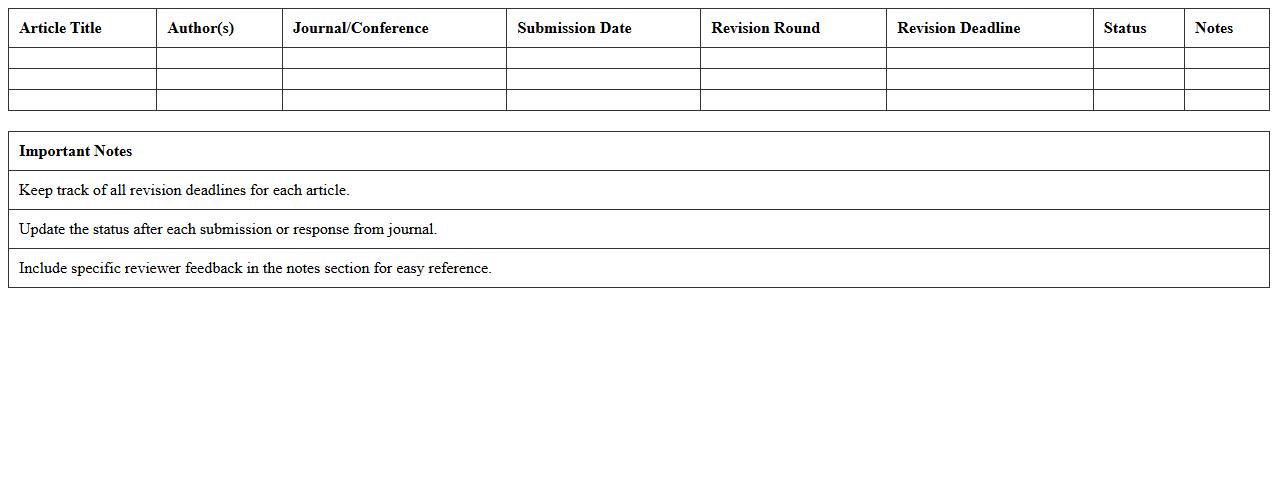
Academic Article Revision Schedule Workbook is a structured tool designed to help researchers and writers systematically plan and track the revision process of their academic manuscripts. It outlines specific tasks, deadlines, and goals, enabling users to manage time efficiently and ensure thorough, consistent improvements. This workbook enhances productivity by breaking down complex revision stages into manageable steps, ultimately improving the quality and clarity of the final academic article.
Publication Milestone Progress Excel Sheet
The
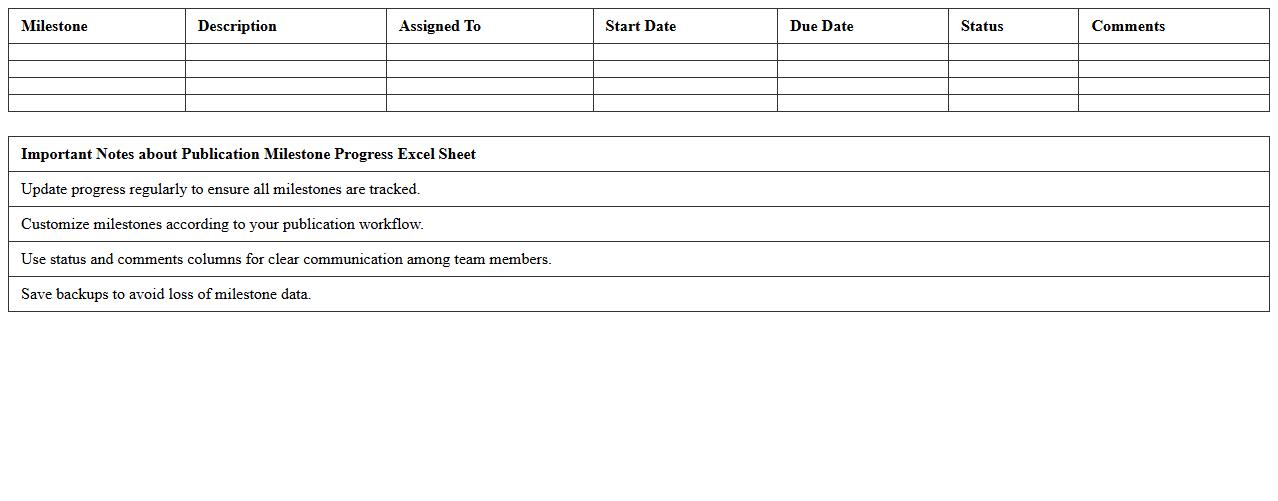
Publication Milestone Progress Excel Sheet is a detailed tracking document designed to monitor the stages of publication projects, from initial research to final release. It organizes critical data such as submission dates, review timelines, revision statuses, and approval checkpoints, enabling efficient workflow management. This Excel sheet enhances transparency and accountability, helping teams meet deadlines and ensuring the systematic progress of publications.
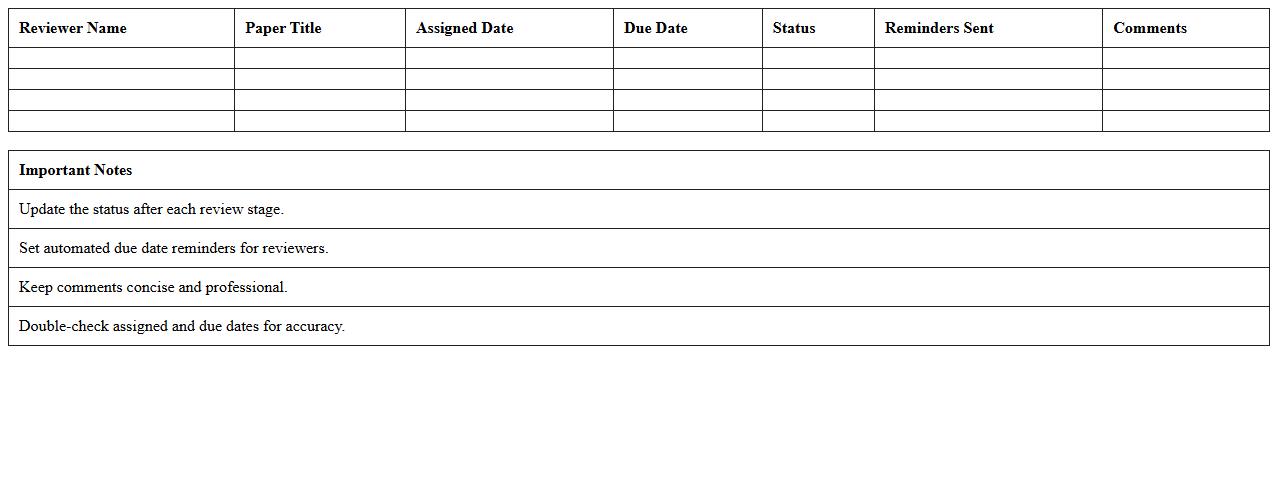
Peer Review Deadline Management Template
A
Peer Review Deadline Management Template document organizes and tracks the submission, review, and feedback timelines for academic or professional peer reviews. This template ensures timely completion of each review stage, improving workflow efficiency and accountability among reviewers. By providing clear deadlines and progress monitoring, it helps maintain the quality and consistency of the peer review process.
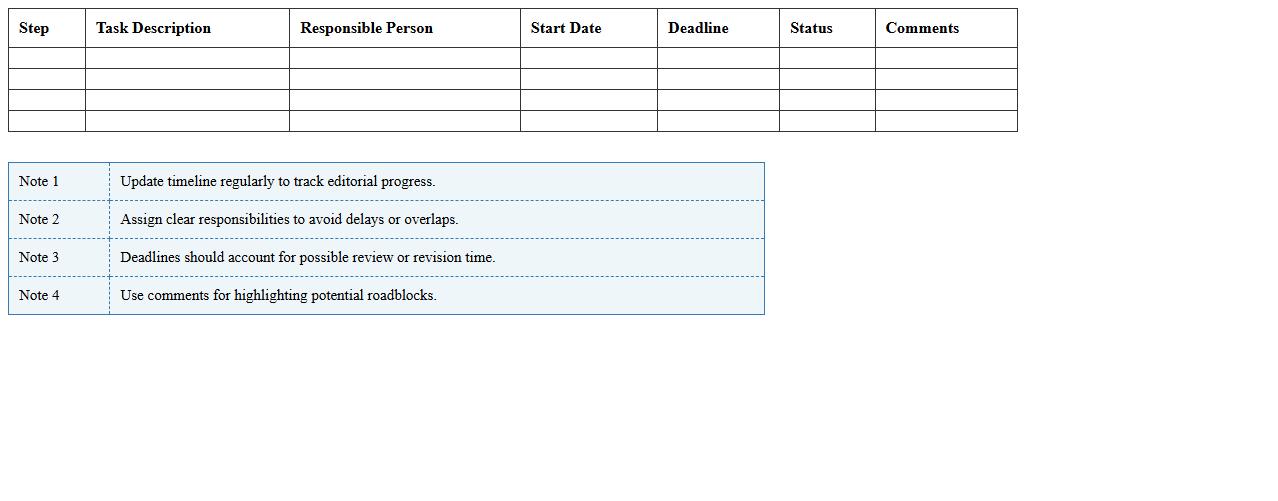
Editorial Decision Timeline Planner
The
Editorial Decision Timeline Planner document outlines key deadlines and approval stages for content development, ensuring timely publication and coordination among teams. It helps track progress, assign responsibilities, and avoid bottlenecks during the editorial process. Utilizing this planner increases efficiency, maintains consistent content quality, and improves project management within editorial workflows.
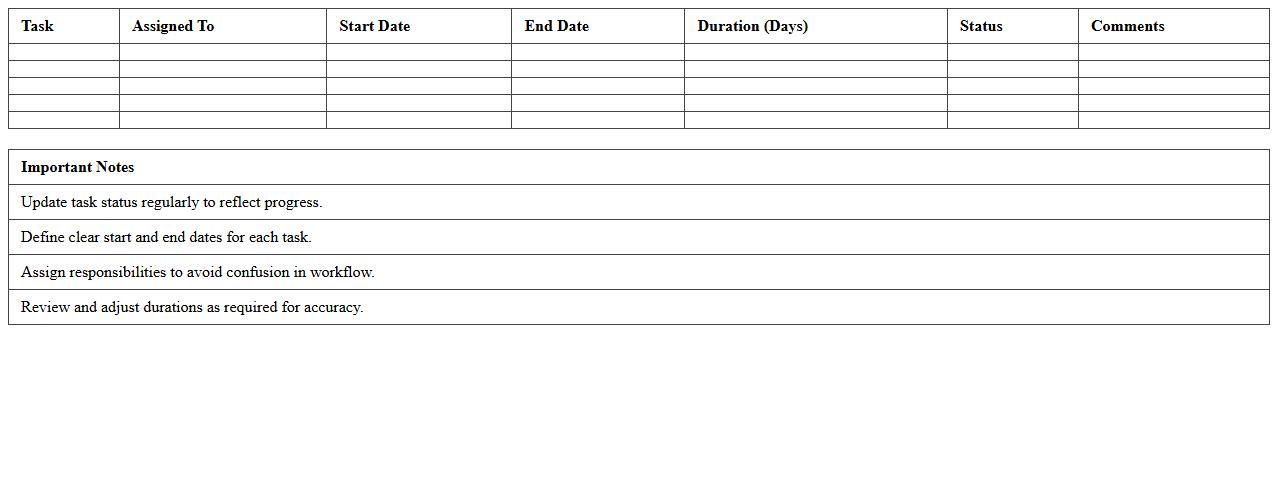
Publication Workflow Gantt Chart Excel
A
Publication Workflow Gantt Chart Excel document is a project management tool that visually outlines the timeline and sequence of tasks involved in the publication process. It helps teams track deadlines, assign responsibilities, and monitor progress for activities such as drafting, editing, reviewing, and publishing content. This organized approach improves efficiency, ensures timely delivery, and facilitates clear communication among stakeholders.
Academic Journal Submission Calendar Sheet
An
Academic Journal Submission Calendar Sheet is a strategic tool that organizes and tracks important deadlines for manuscript submissions, peer reviews, and publication dates across multiple journals. It helps researchers and authors efficiently manage their writing schedules, ensuring timely submissions and reducing the risk of missing critical deadlines. This sheet improves productivity by providing a clear overview of all upcoming journal-related tasks, enabling better planning and enhanced chances of publication success.
Research Paper Publication Status Tracker
A
Research Paper Publication Status Tracker document monitors the progress of academic manuscripts through various stages such as submission, peer review, revision, and final acceptance. It provides researchers with a clear overview of their publication timelines and helps in managing multiple submissions efficiently. This organized tracking reduces delays and enhances communication with journals, improving the chances of timely publication.
Journal Article Acceptance Timeline Excel
The
Journal Article Acceptance Timeline Excel document tracks the submission, review, revision, and acceptance dates of academic articles, providing a clear overview of the publication process. Researchers and authors use this tool to monitor progress, plan future submissions, and manage deadlines efficiently. This structured timeline helps increase transparency and reduces uncertainty in academic publishing workflows.
How can I automate data entry for publication timelines in Excel for multiple academic journals?
To automate data entry for publication timelines across multiple journals, use Excel's Power Query to import and transform data from external sources efficiently. Creating predefined templates allows consistent data input while Excel macros can automate repetitive tasks related to timeline updates. Combining drop-down lists and data validation ensures accuracy and reduces manual errors in entering critical publication dates.
What are the best practices for visualizing peer-review stage durations in an Excel document letter?
Use Excel's built-in Excel charts, such as Gantt charts or stacked bar charts, to visually represent the duration of peer-review stages clearly. Color-code each peer-review phase for quick differentiation and add data labels to highlight exact timeframes within your document. Consistently update charts with live data to provide stakeholders with accurate insights into the review process durations.
How do I link manuscript IDs to specific timeline milestones within an Excel-based publication tracker?
Linking manuscript IDs to timeline milestones can be achieved using unique identifier columns combined with Excel's VLOOKUP or INDEX-MATCH functions. Create relational tables for manuscript details and timeline checkpoints to maintain organized and accessible data. Additionally, using Excel tables enhances dynamic referencing, making milestone tracking more efficient and less prone to errors.
What custom Excel formulas can track revision deadlines across different journal submission cycles?
Custom formulas using combinations of IF, TODAY(), and DATE functions enable dynamic tracking of revision deadlines within Excel. For example, conditional formulas can calculate days remaining before deadlines or flag overdue submissions automatically. These formulas help manage different journal cycles by adapting to varied timelines through parameterized date inputs.
How can conditional formatting highlight delayed steps in the academic journal publication process in Excel?
Apply conditional formatting to key timeline columns to automatically flag delayed publication steps with distinct colors like red or orange. Set rules based on deadline comparisons and progress status to visualize bottlenecks promptly. This method improves tracking efficiency by emphasizing critical delays that require immediate attention in the publication workflow.