Project Meeting Minutes Summary Excel Template
The
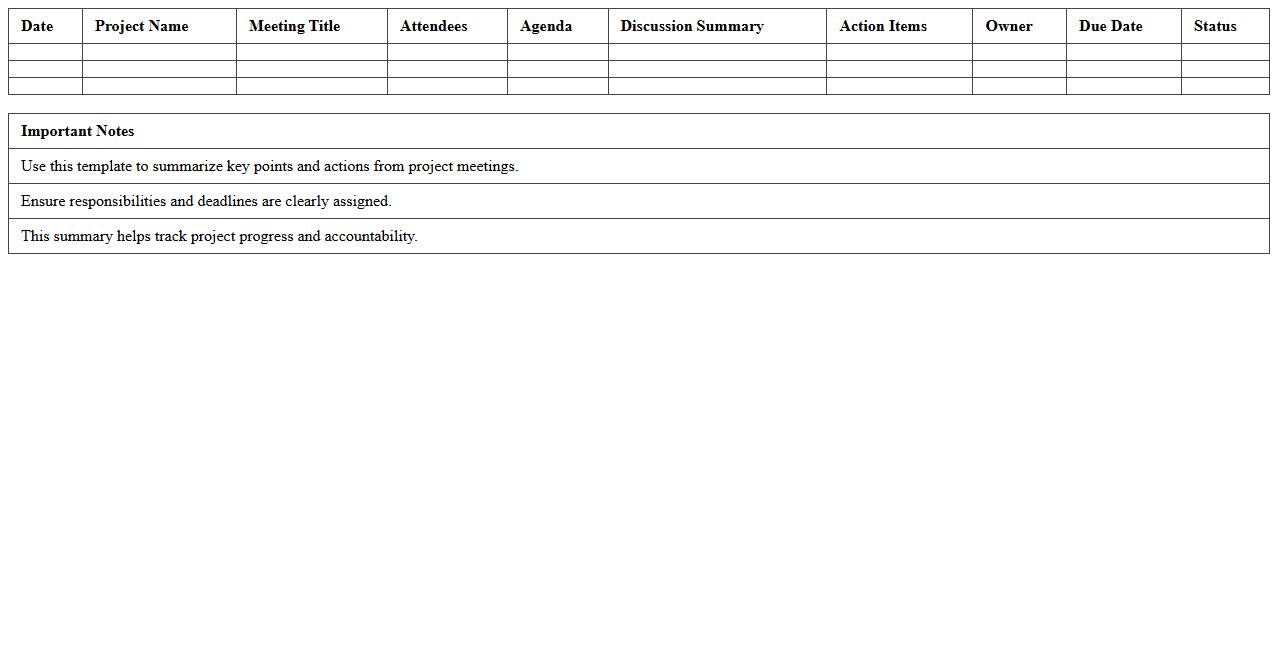
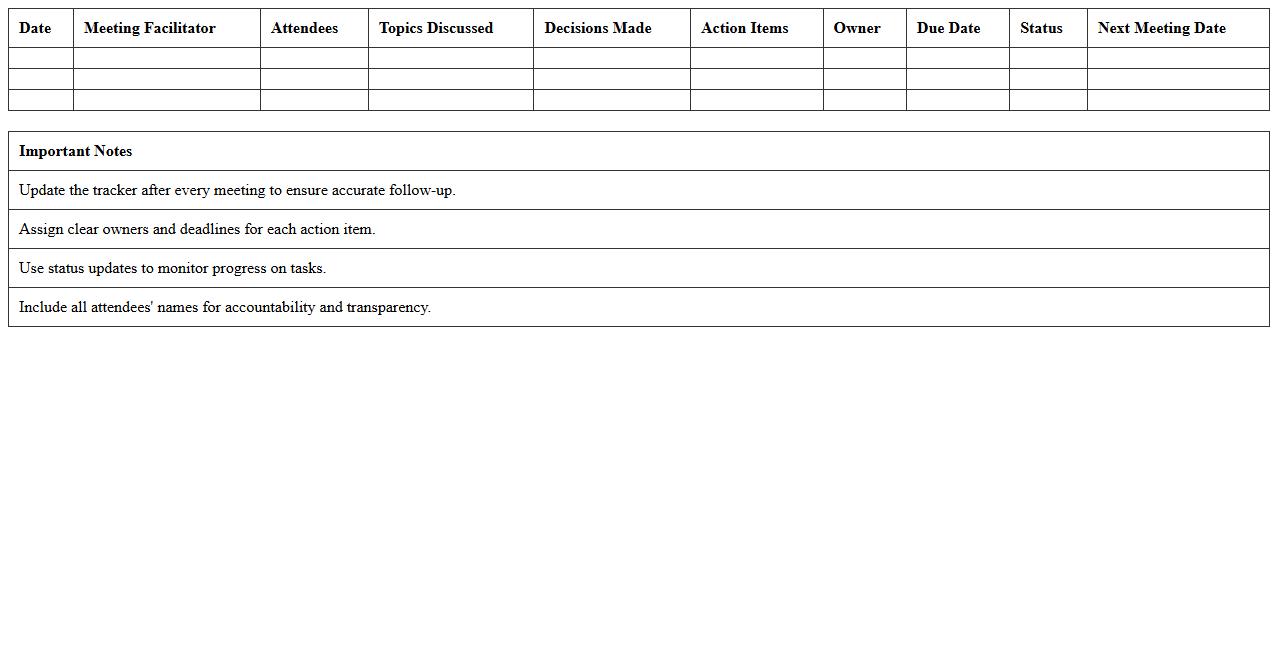
Project Meeting Minutes Summary Excel Template document provides a structured format to capture key discussion points, decisions, and action items from project meetings efficiently. It helps maintain organized records, enhances team communication, and ensures accountability by clearly outlining assigned responsibilities. Utilizing this template streamlines project tracking and facilitates effective follow-up on tasks, improving overall project management.
Weekly Team Meeting Minutes Summary Sheet
The
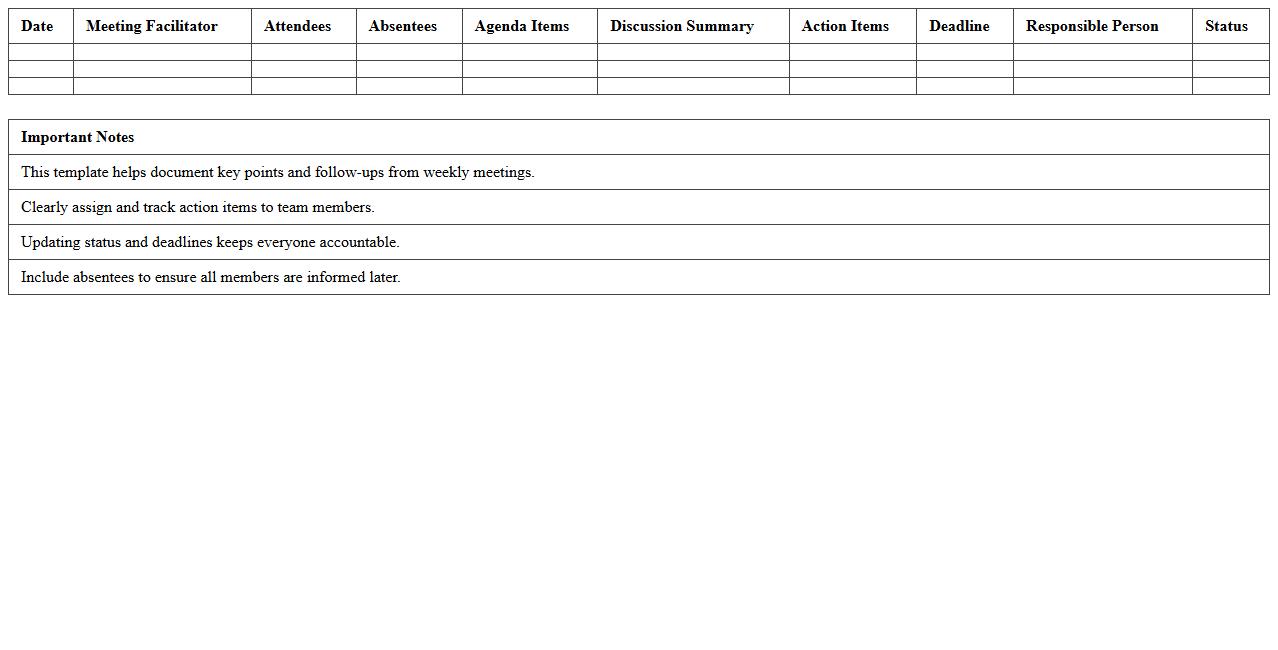
Weekly Team Meeting Minutes Summary Sheet is a concise document that captures key points, decisions, and action items from team meetings. It helps maintain clear communication, track progress, and ensure accountability among team members. By providing a structured summary, this sheet facilitates efficient follow-ups and improves overall team productivity.
Department Meeting Minutes Summary Excel Log
The
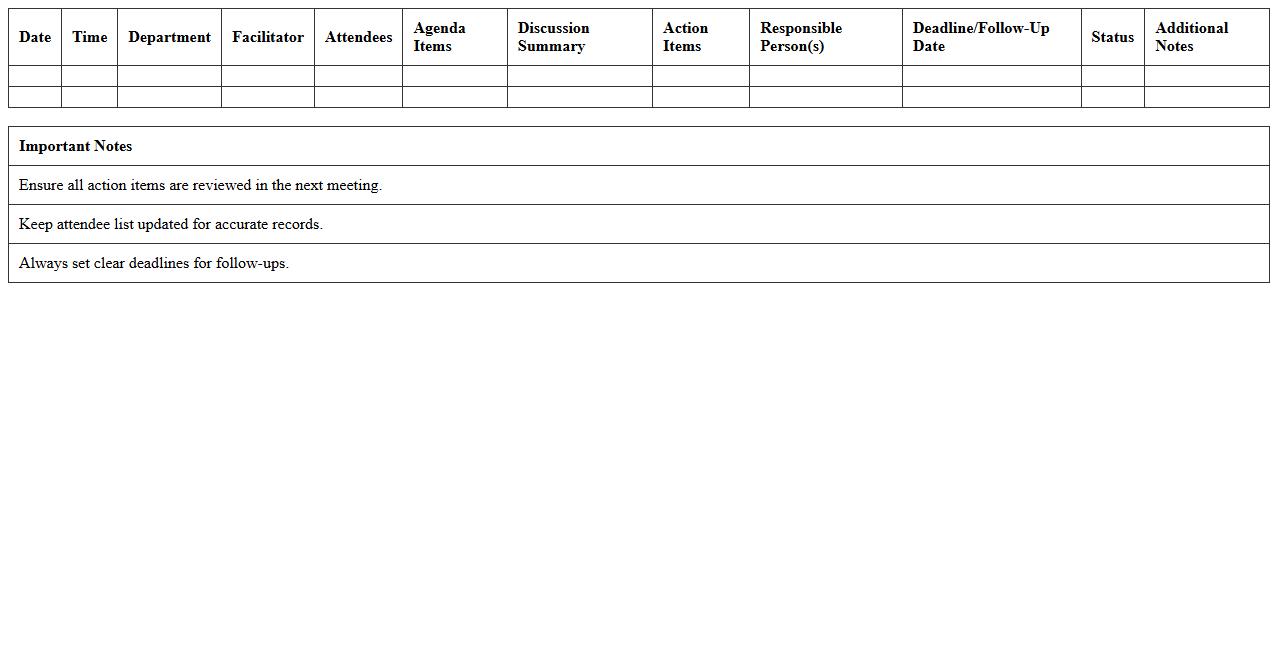
Department Meeting Minutes Summary Excel Log document serves as a comprehensive record of key discussions, decisions, and action items from departmental meetings, organized systematically for easy access and reference. It enhances team collaboration by providing a clear overview of meeting outcomes, tracking progress on tasks, and ensuring accountability among members. Utilizing this log improves communication efficiency, reduces the risk of misinterpretation, and supports informed decision-making within the department.
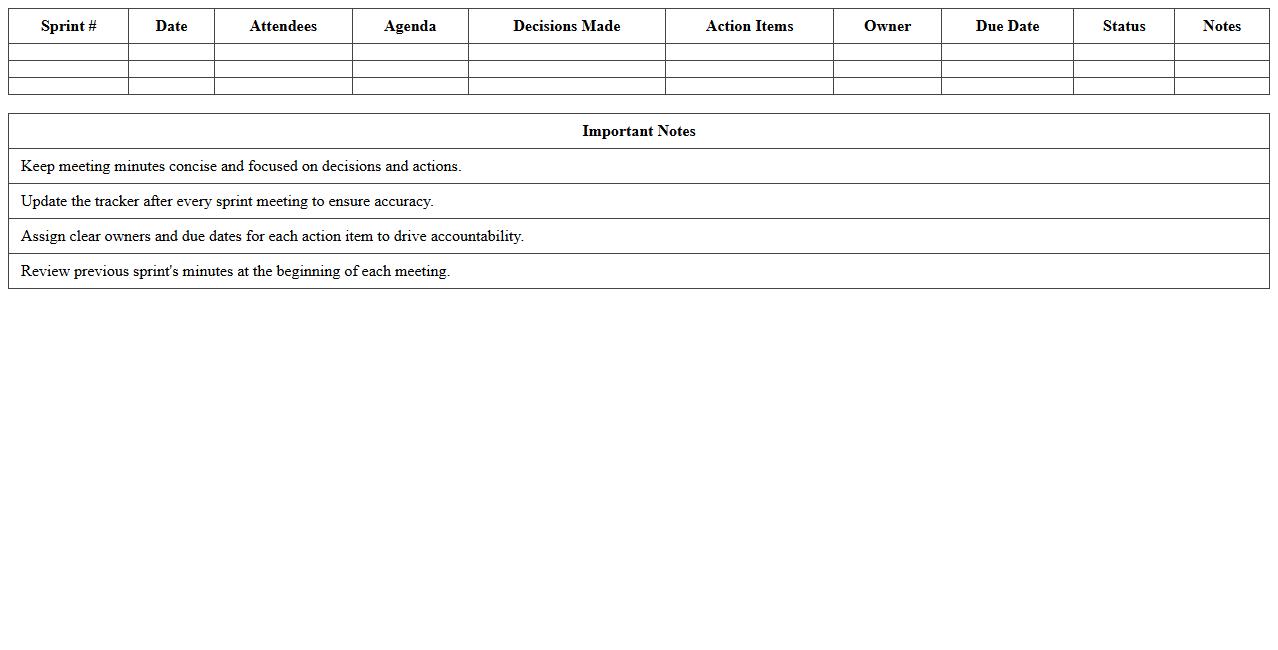
Agile Sprint Meeting Minutes Summary Tracker
The
Agile Sprint Meeting Minutes Summary Tracker document captures concise records of daily stand-ups, sprint planning, reviews, and retrospectives, ensuring all team members stay aligned on progress, impediments, and action items. This tracker enhances communication transparency, facilitates accountability, and provides a historical reference for continuous improvement in Agile project management. By consolidating key decisions and updates, it streamlines project workflows and supports timely delivery of sprint goals.
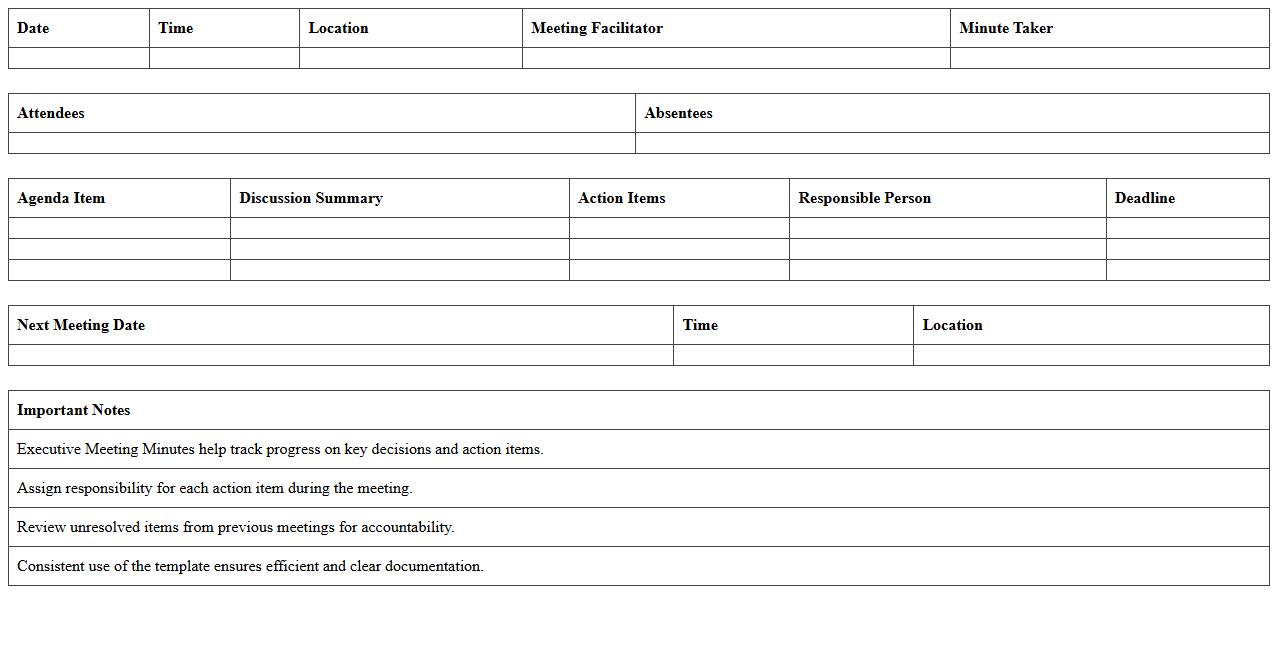
Executive Meeting Minutes Summary Excel Template
The
Executive Meeting Minutes Summary Excel Template is a structured document designed to capture and organize key points, decisions, and action items from executive meetings efficiently. It enables clear and concise record-keeping, facilitating easy reference and follow-up on strategic discussions and directives. This template improves communication among leadership teams, ensuring accountability and streamlined project management.
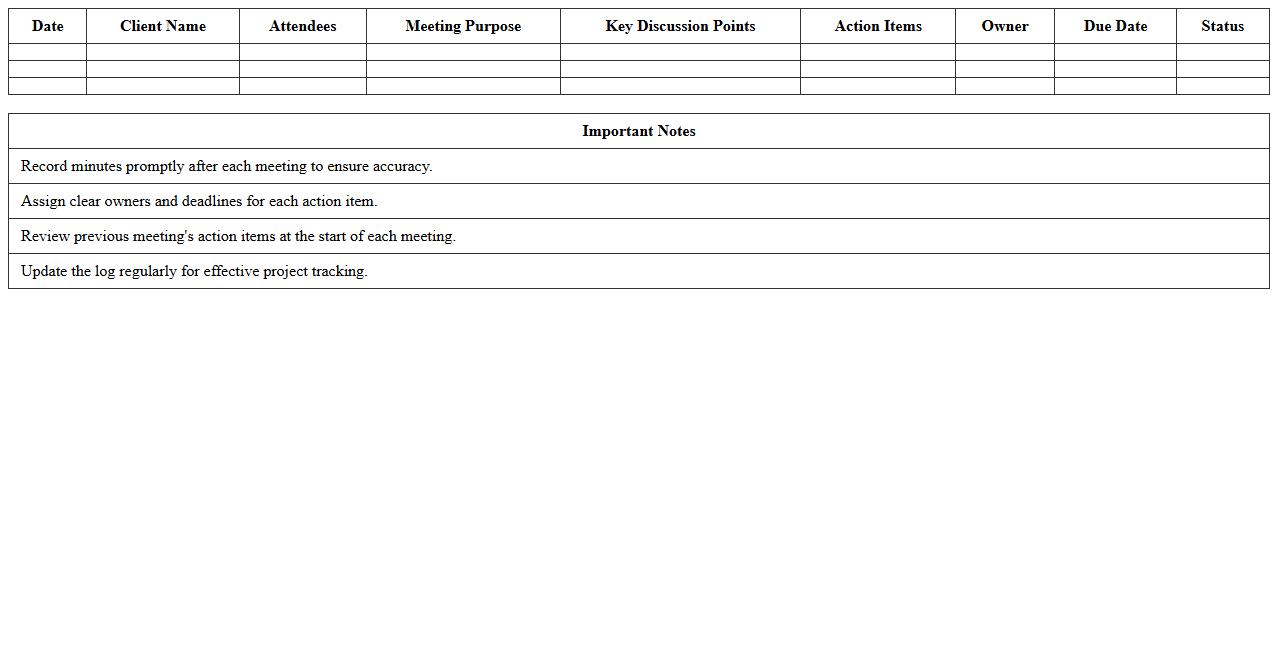
Client Meeting Minutes Summary Log Excel
A
Client Meeting Minutes Summary Log Excel document is a structured file used to record key points, decisions, and action items from client meetings in an organized manner. It facilitates easy tracking of meeting outcomes, follow-ups, and accountability by providing a centralized record accessible to all team members. This document improves communication efficiency, enhances project management accuracy, and supports informed decision-making by maintaining a clear history of client interactions.
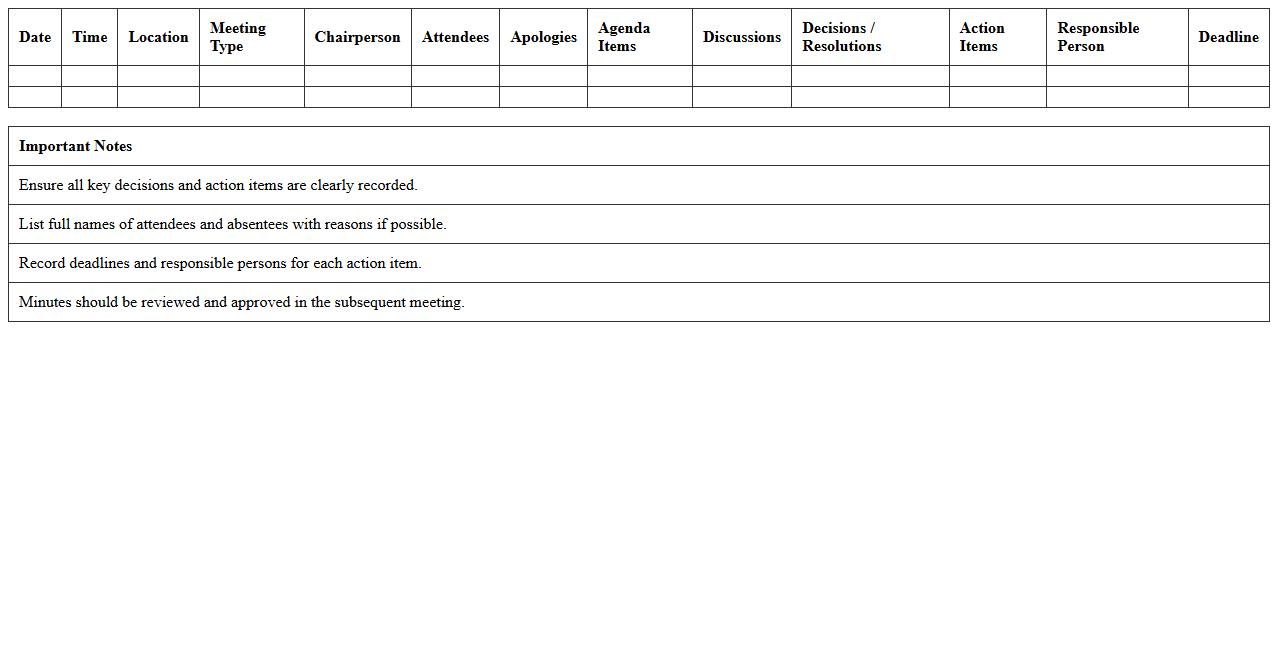
Board Meeting Minutes Summary Excel Sheet
A
Board Meeting Minutes Summary Excel Sheet document serves as a structured record that consolidates key decisions, action items, and discussion points from board meetings into an easily accessible spreadsheet format. This tool enhances organizational efficiency by enabling quick reference, tracking of follow-up tasks, and streamlined communication among stakeholders. Maintaining an accurate summary in Excel supports compliance, accountability, and informed decision-making across corporate governance processes.
Sales Team Meeting Minutes Summary Excel Tracker
The
Sales Team Meeting Minutes Summary Excel Tracker document is a detailed record-keeping tool that consolidates key discussion points, action items, and decisions from sales meetings into an organized spreadsheet format. It enhances team accountability by providing a clear reference of assigned tasks, deadlines, and follow-ups, facilitating efficient communication and progress tracking across the sales department. This tracker is essential for optimizing meeting productivity, improving data transparency, and ensuring alignment with sales goals and strategies.
Cross-Functional Meeting Minutes Summary Template
A
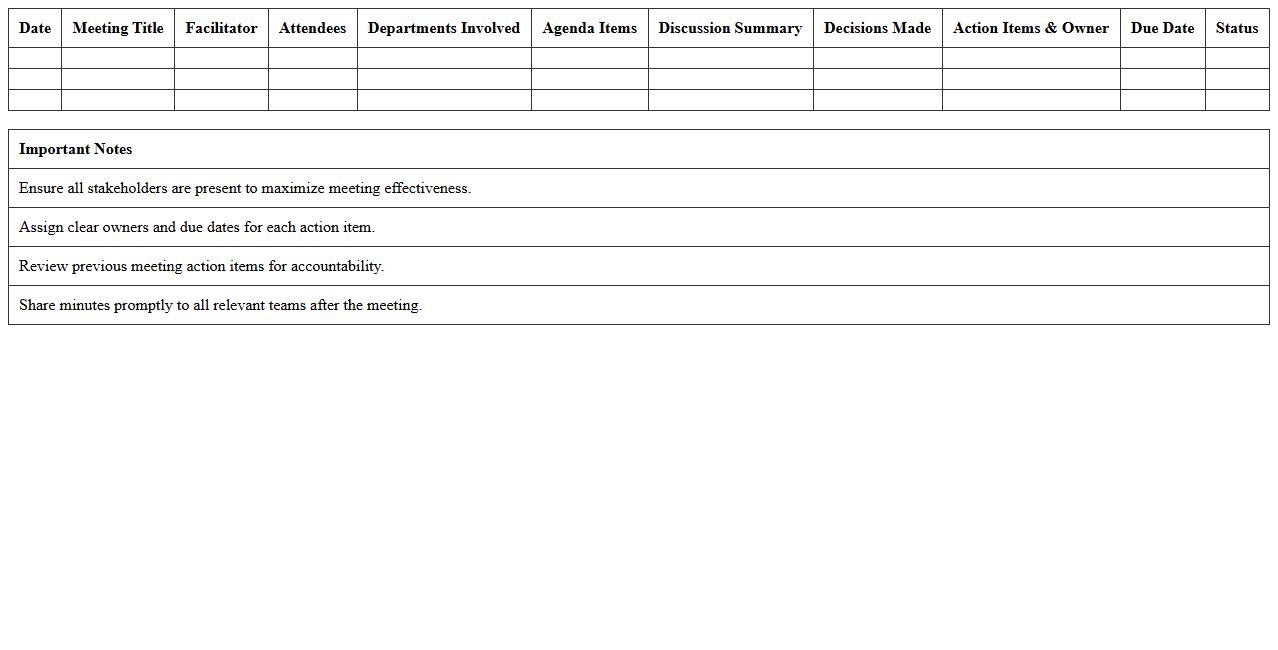
Cross-Functional Meeting Minutes Summary Template document captures key discussions, decisions, and action items from meetings involving multiple departments or teams. It ensures clear communication and alignment across different functional areas, reducing misunderstandings and enhancing collaboration. This template streamlines documentation, making follow-ups and accountability more efficient for project management and organizational goals.
Virtual Meeting Minutes Summary Excel Template
A
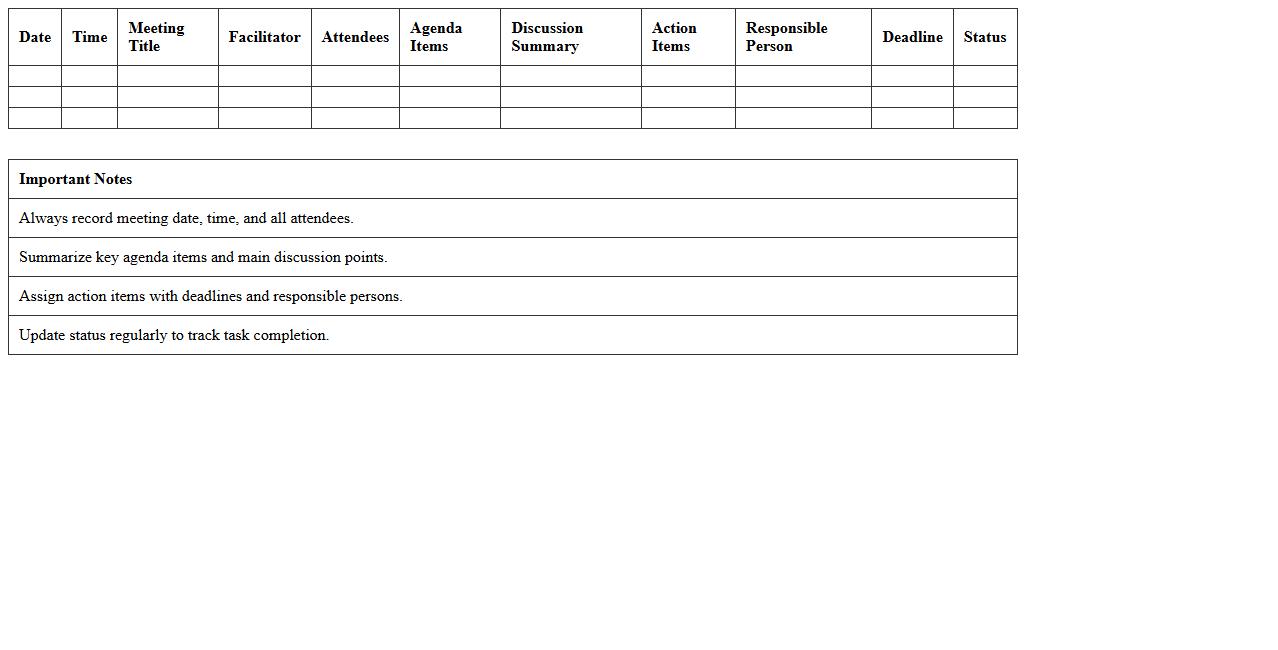
Virtual Meeting Minutes Summary Excel Template document is a structured tool designed to capture and organize key points, decisions, and action items from online meetings efficiently. It helps streamline the documentation process by providing pre-formatted sections for attendance, agenda topics, discussion highlights, and follow-up tasks, ensuring clarity and consistency across virtual meetings. This template enhances productivity by facilitating quick review and distribution of meeting outcomes, saving time and improving communication among remote teams.
How can you automate meeting minutes summary generation in Excel for Teams integration?
You can automate meeting minutes summary generation in Excel by using Microsoft Power Automate to connect Teams and Excel. This workflow allows automatic extraction of meeting chat and transcript data directly into an Excel workbook. Integration with Microsoft Graph API further enhances automation by pulling meeting details seamlessly.
What Excel templates best capture action items from Teams meeting minutes?
The ideal Excel templates for capturing action items include Task Tracker and Action Item Log templates. These templates provide predefined columns for task description, owner, due date, and status, streamlining follow-up processes. Using these templates ensures consistent documentation of actionable points from Teams meetings.
How to link Teams meeting attendance with meeting minutes summary in Excel?
You can link Teams meeting attendance to your Excel minutes by exporting attendance reports from Teams and importing them into your workbook. Utilizing Excel's Power Query allows dynamic connection and updating of attendance data alongside meeting notes. This approach provides a comprehensive view of participation linked to meeting content.
What are efficient formulas for summarizing discussion points in Excel meeting logs?
Efficient formulas include TEXTJOIN to combine multiple comments, SUMIF for tallying tagged issues, and FILTER for extracting specific discussion points. These formulas help condense verbose meeting notes into concise summaries. Applying conditional formatting can highlight critical points automatically for quick review.
How can you track follow-up tasks from Teams meetings using an Excel summary sheet?
Tracking follow-up tasks is streamlined by creating a dynamic task list using Excel tables with columns like Task, Owner, Deadline, and Status. Integrating data validation and reminders through conditional formatting keeps the sheet updated. Linking this sheet with Teams Planner via Power Automate ensures alignment across platforms.