Weekly Gym Class Timetable Excel Template
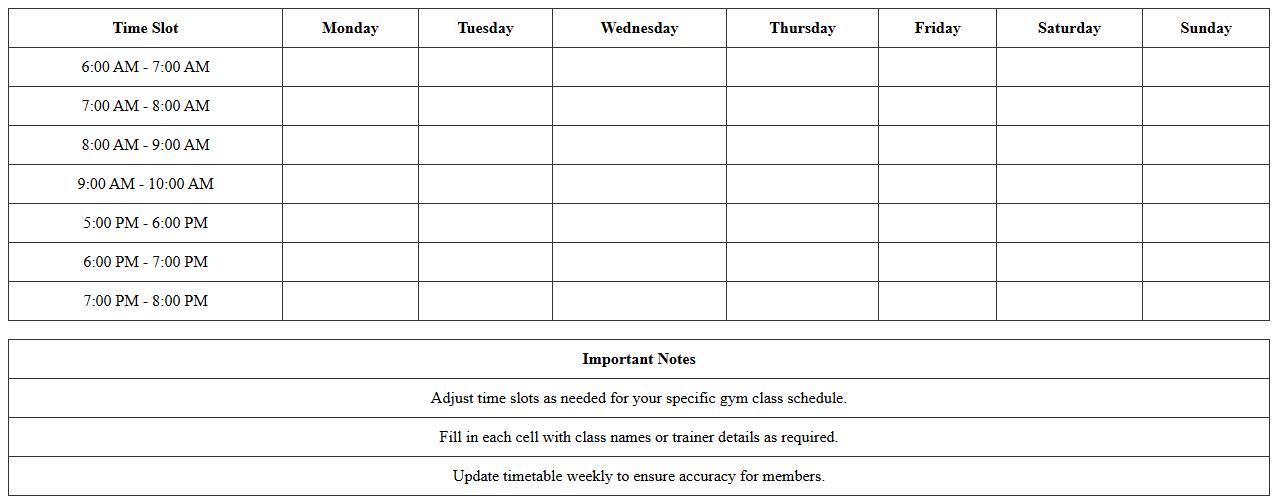
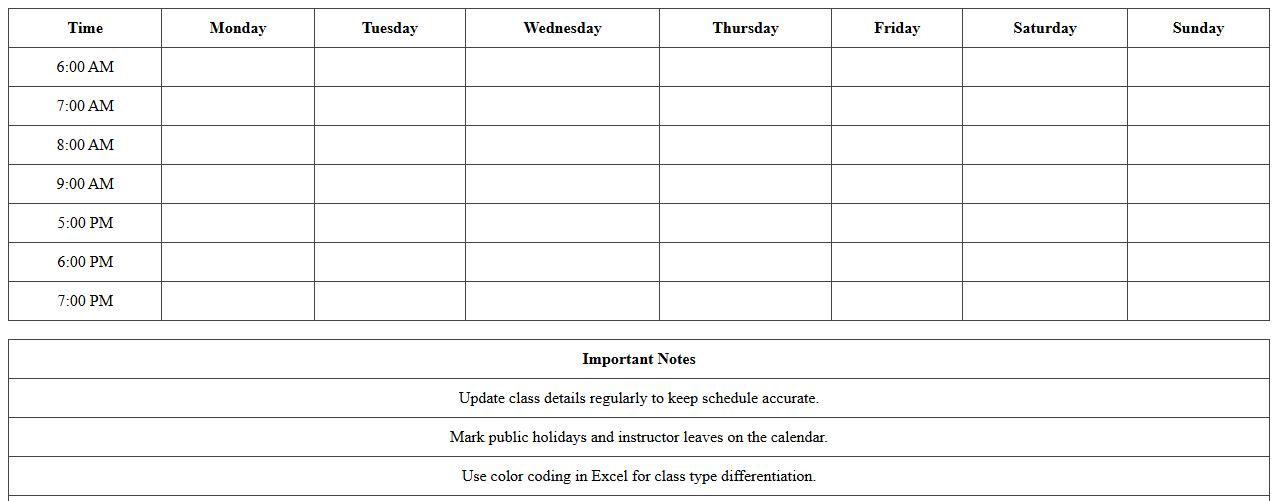
The
Weekly Gym Class Timetable Excel Template is a structured spreadsheet designed to organize and display gym class schedules efficiently. It allows gym owners and trainers to plan, update, and communicate class timings, types, and instructors clearly, ensuring smooth operation and maximizing member engagement. Using this template helps avoid scheduling conflicts, improves time management, and enhances the overall user experience for both staff and gym members.
Fitness Center Class Booking Schedule Spreadsheet
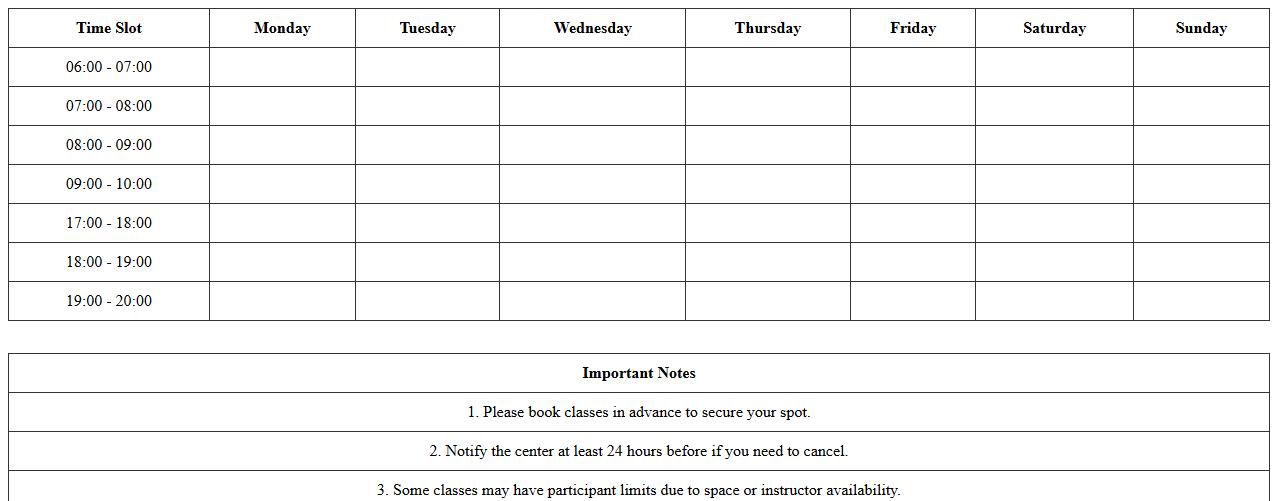
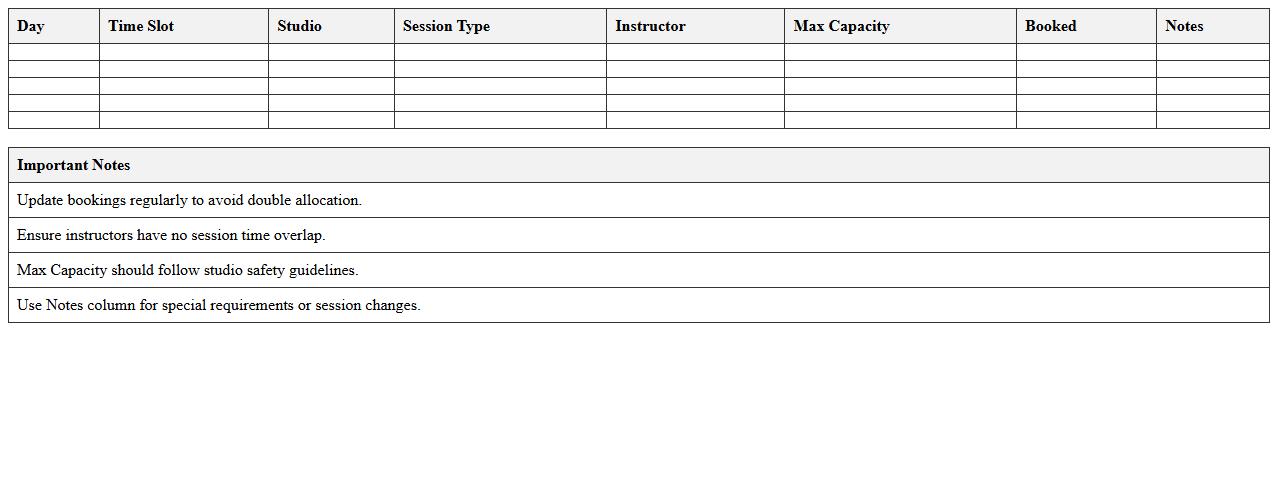
A
Fitness Center Class Booking Schedule Spreadsheet is a digital tool designed to organize and track class schedules, instructor availability, and participant bookings efficiently. It helps fitness centers manage resources, avoid overbooking, and ensure clients have clear visibility of class times and availability. By streamlining the booking process, it enhances customer experience and operational productivity.
Group Exercise Class Roster Excel Sheet
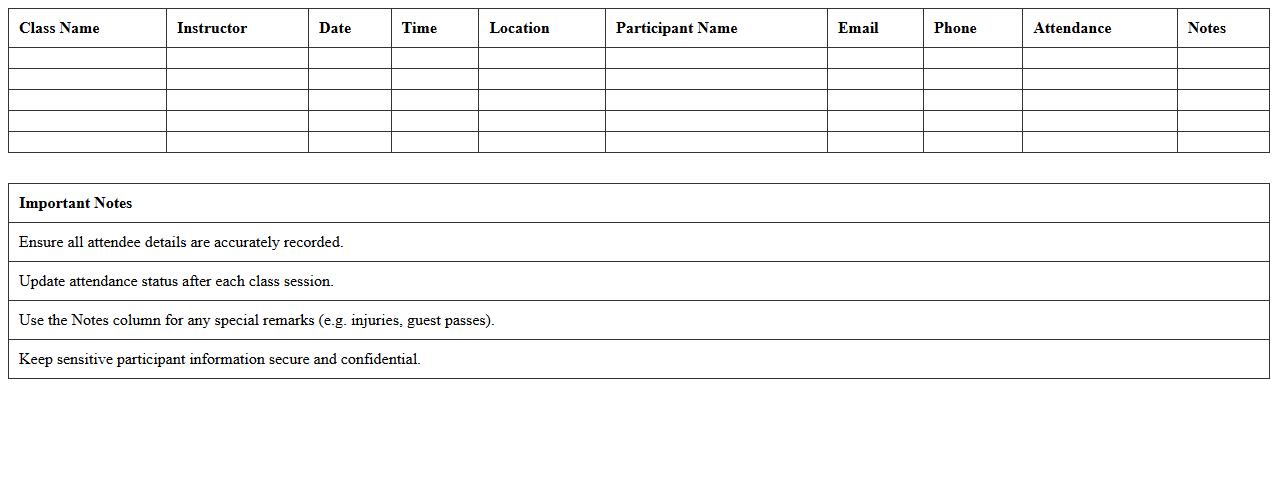
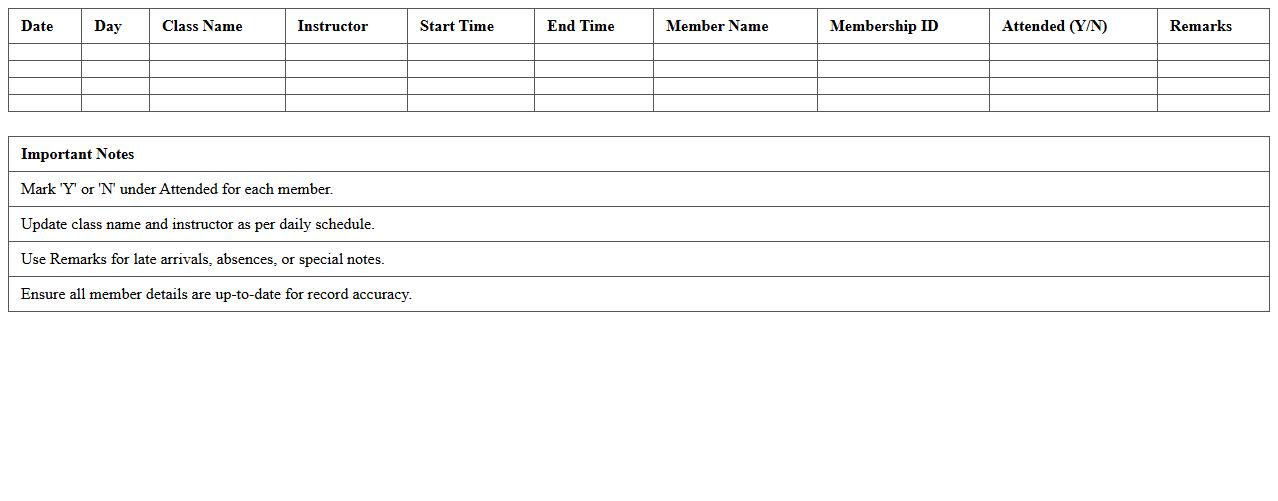
A
Group Exercise Class Roster Excel Sheet is a structured document that organizes participant information, schedules, and attendance records for fitness classes. It helps instructors and administrators efficiently manage class sizes, monitor member participation, and track progress over time. Using this Excel sheet enhances communication, streamlines administrative tasks, and supports data-driven decision-making for optimizing group exercise programs.
Gym Instructor Shift and Class Assignment Template
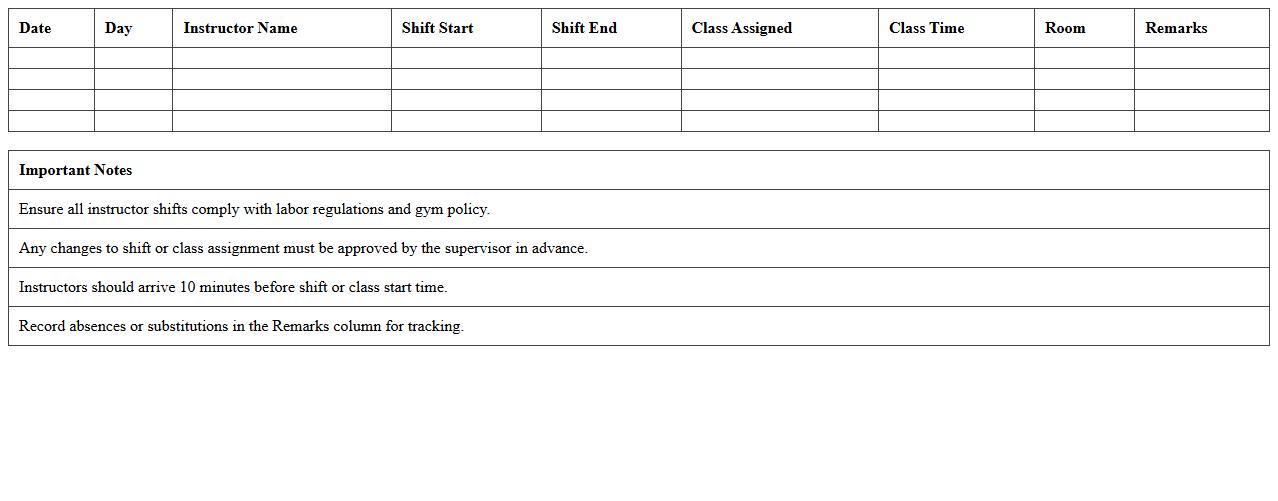
The
Gym Instructor Shift and Class Assignment Template document organizes instructor schedules and class allocations efficiently, ensuring smooth gym operations. It helps in managing workload distribution, preventing scheduling conflicts, and optimizing class coverage to enhance member experience. This template streamlines communication between staff and management, improving overall operational effectiveness.
Monthly Fitness Class Calendar Excel Format
The
Monthly Fitness Class Calendar Excel Format is a structured spreadsheet designed to organize and schedule fitness classes on a monthly basis, allowing users to easily track class timings, instructors, and participant details. This format enhances workout planning efficiency by providing a clear visual overview of all sessions, helping fitness centers and individuals stay consistent with their fitness routines. It also enables quick adjustments to class schedules and attendance monitoring, improving overall fitness management and goal achievement.
Gym Studio Session Allocation Excel Planner
The
Gym Studio Session Allocation Excel Planner document is a structured tool designed to efficiently organize and allocate workout sessions and instructor schedules within a gym studio. It helps in maximizing resource utilization by tracking class availability, instructor assignments, and client bookings, ensuring smooth operational flow and minimizing scheduling conflicts. This planner enhances productivity by providing clear visibility into session timings and capacity, enabling gym managers to optimize session planning and improve member satisfaction.
Daily Gym Class Attendance Tracker Spreadsheet
A
Daily Gym Class Attendance Tracker Spreadsheet is a digital tool designed to record and monitor the attendance of members in various gym classes on a day-to-day basis. It helps gym managers and instructors efficiently track participant numbers, identify popular classes, and manage member engagement. By providing organized, real-time data, this spreadsheet improves scheduling, resource allocation, and overall operational effectiveness.
Fitness Class Enrollment Management Sheet
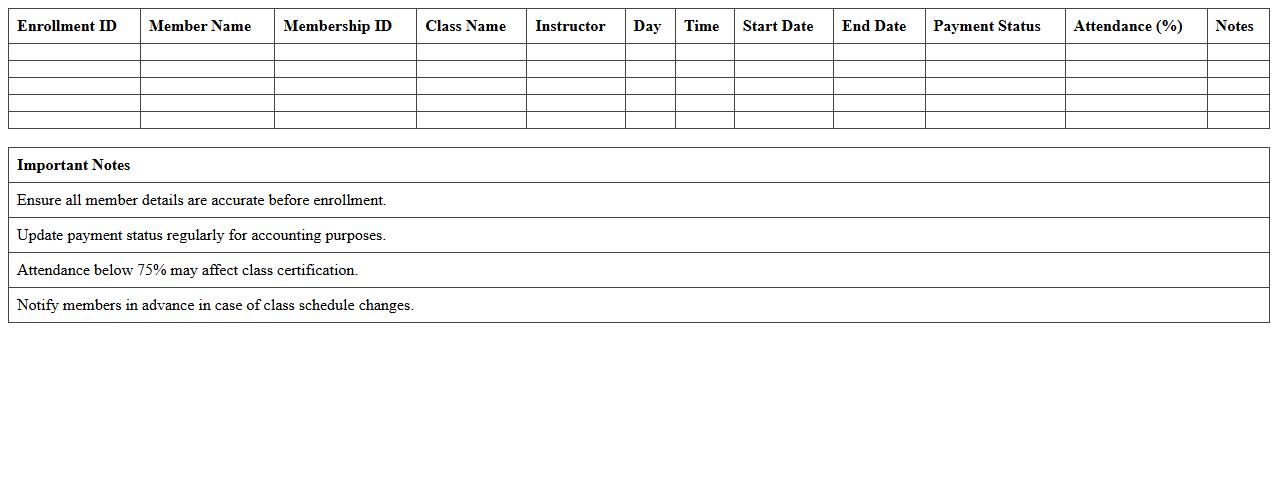
The
Fitness Class Enrollment Management Sheet is a detailed document used to track participants, class schedules, and payment statuses for fitness programs. It helps fitness centers efficiently manage member information, monitor attendance trends, and optimize class capacities. This sheet streamlines administrative tasks, ensuring smooth operations and improved customer service.
Multi-Room Gym Class Scheduling Template
The
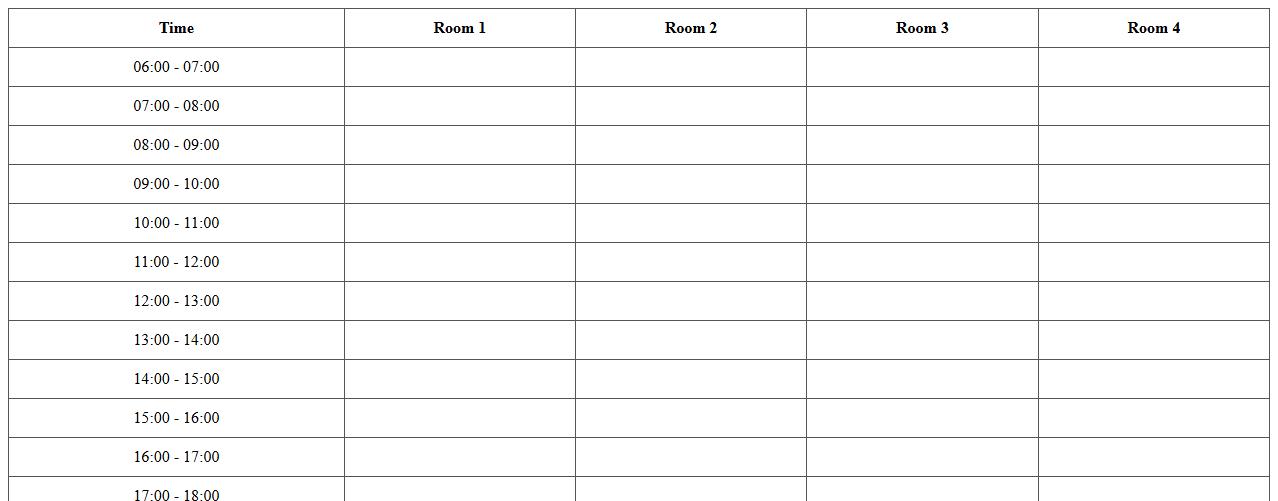
Multi-Room Gym Class Scheduling Template is a structured document designed to organize and manage multiple fitness classes across different rooms efficiently. It helps gym managers optimize space utilization, prevent booking conflicts, and streamline class timings for instructors and participants. By providing a clear overview of schedules, it enhances operational productivity and improves the overall member experience.
Personal Trainer Class Session Log Excel
The
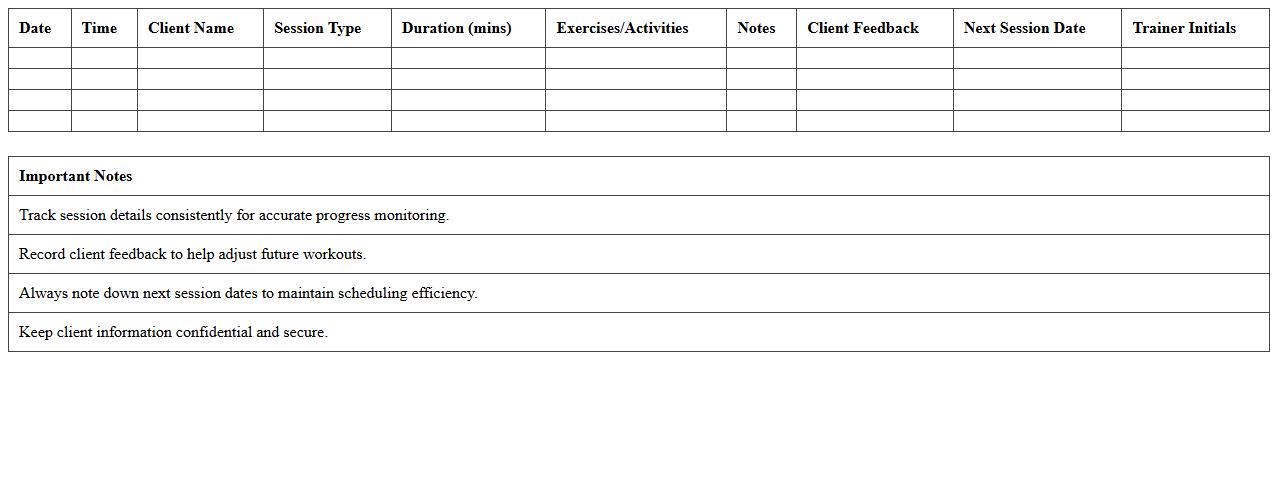
Personal Trainer Class Session Log Excel document is a structured tool that allows fitness professionals to systematically record attendance, workout details, client progress, and session outcomes. This log enhances organization by enabling trainers to track individual performance over time, tailor workout plans, and ensure consistent engagement. Utilizing this Excel document streamlines communication with clients, supports data-driven adjustments, and improves overall session management for optimized fitness results.
How can I automate class sign-up tracking in my Gym Class Schedule Excel sheet?
To automate class sign-up tracking, use data validation and dynamic named ranges for easy addition of participant names. Incorporate formulas like COUNTIF to track the number of sign-ups per class automatically. Combine these features with drop-down lists to streamline member registration within your schedule.
What Excel formulas optimize instructor assignment for overlapping fitness classes?
Use the COUNTIFS function to identify instructor overlaps by checking multiple conditions such as date, time, and instructor name. The INDEX-MATCH combination can help assign instructors to classes without conflicts efficiently. Leveraging these formulas ensures optimized scheduling and avoids double booking of instructors.
Which conditional formatting highlights overbooked gym classes in the schedule?
Apply conditional formatting rules using formulas like =COUNTIF(range, cell)>capacity to highlight overbooked gym classes in your schedule. Use distinct colors such as red or orange for visual alerts on overbooking. This approach allows quick identification and better management of class capacities.
How can I integrate member attendance analytics within the Excel class schedule?
Track attendance using checkboxes and link them to logical formulas like COUNTIF to calculate overall participation rates. Use additional columns for attendance dates and totals to analyze trends over time. Embedding attendance analytics directly into your schedule provides valuable insights for class performance.
What PivotTable setup best displays peak gym hours from class attendance data?
Configure a PivotTable with class times as rows and attendance counts as values to visualize attendance distribution. Add filters for dates or class types to refine data and identify peak hours effectively. This setup helps in strategic planning by highlighting the most popular gym hours.