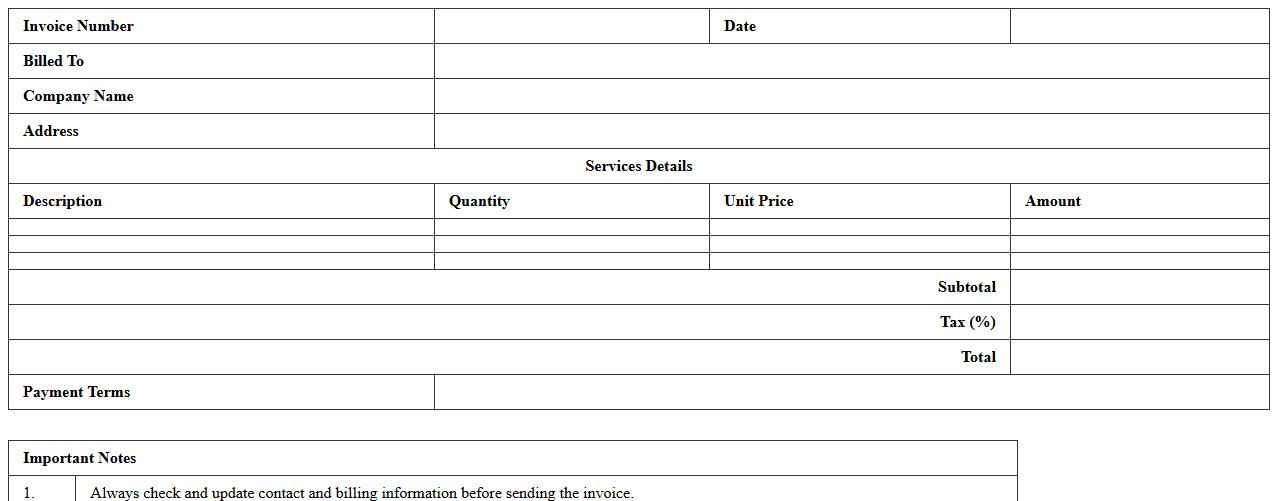
The Invoice Excel Template for Cleaning Businesses offers a professional and customizable solution to streamline billing processes. Designed specifically for cleaning services, it includes fields for client details, service descriptions, hours worked, and payment terms. This template helps ensure accuracy and efficiency in invoicing, saving time and improving cash flow management.
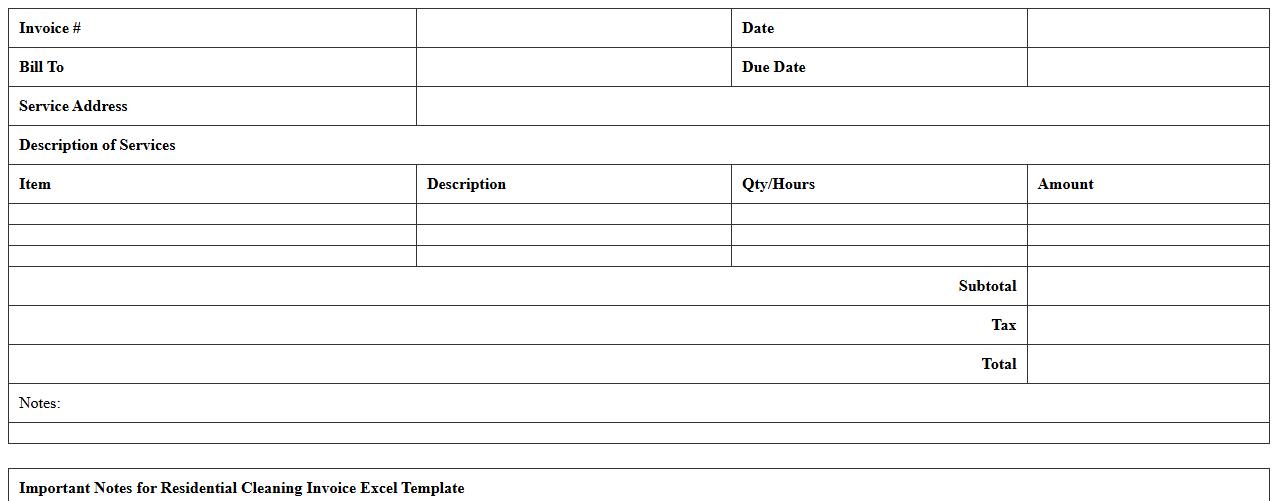
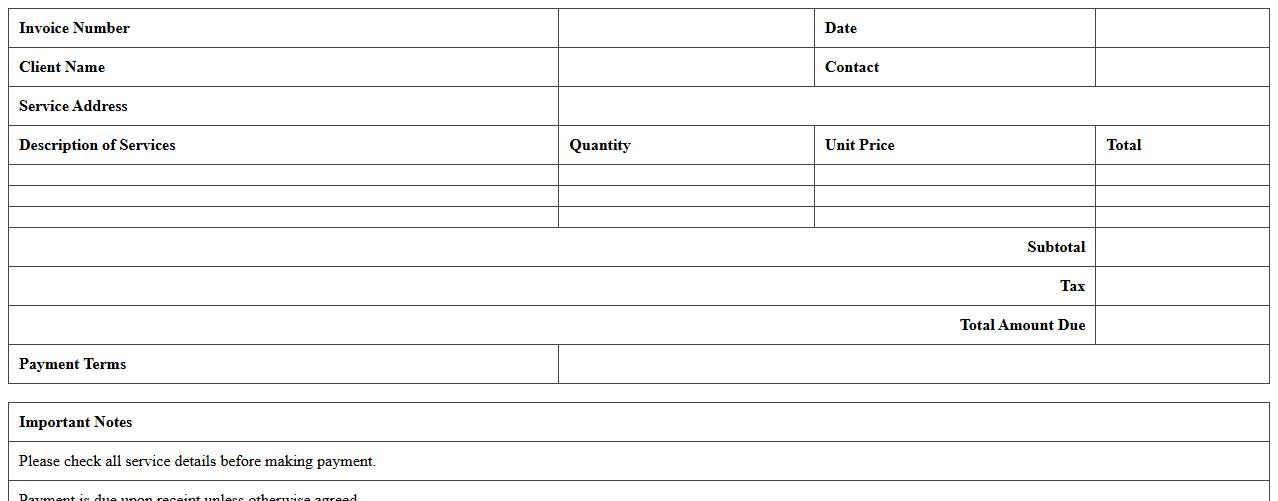
Residential Cleaning Invoice Excel Template
A
Residential Cleaning Invoice Excel Template is a pre-designed spreadsheet used to itemize and bill cleaning services provided to clients in a residential setting. It streamlines the invoicing process by capturing essential details such as service descriptions, hours worked, rates, and total charges, ensuring accurate and professional billing. Utilizing this template improves organization, reduces errors, and accelerates payment cycles for cleaning service providers.
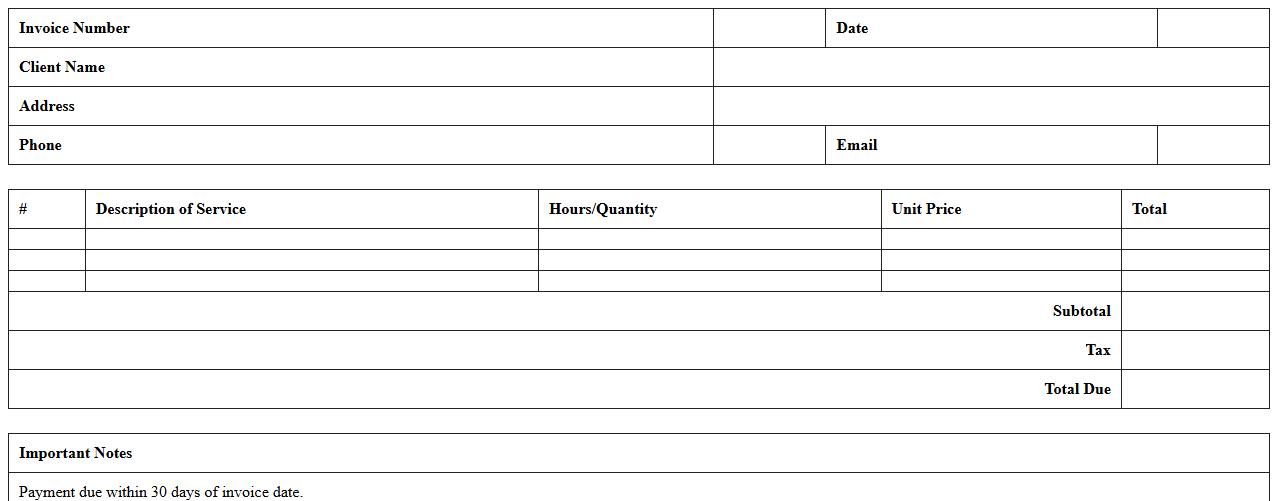
Commercial Cleaning Services Invoice Excel
A
Commercial Cleaning Services Invoice Excel document is a structured template designed to itemize cleaning services provided, detailing costs, service dates, and client information efficiently. This invoice facilitates accurate billing, streamlines financial tracking, and ensures clear communication between cleaning companies and their clients. Utilizing this document helps businesses maintain organized records and supports prompt payment processing.
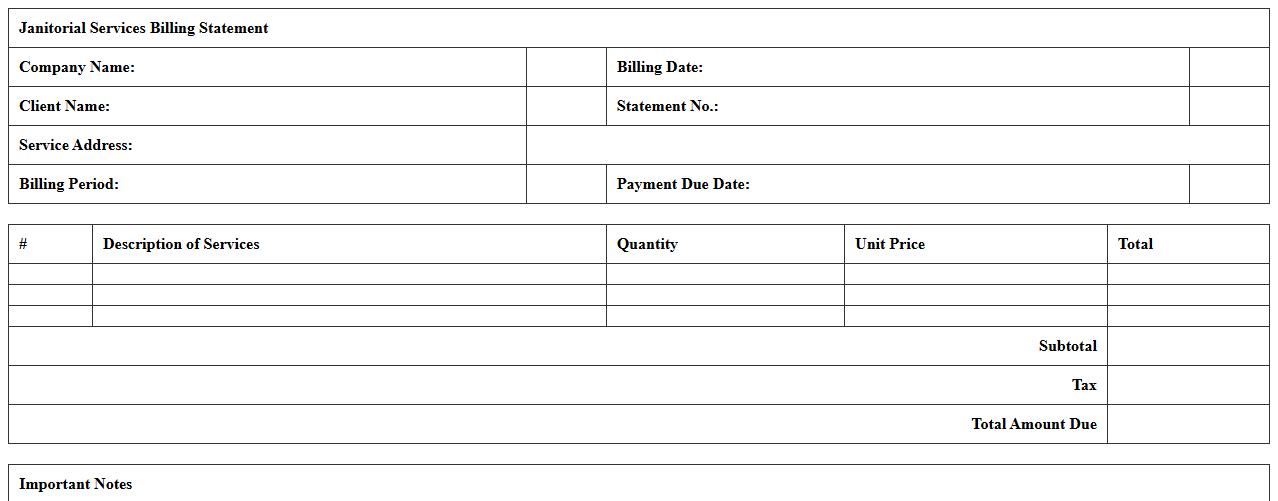
Janitorial Services Billing Statement Excel
A
Janitorial Services Billing Statement Excel document is a structured spreadsheet that itemizes cleaning tasks, service dates, rates, and total charges for janitorial work provided to clients. This document helps streamline invoicing and ensures accurate financial tracking by organizing detailed billing information in an easy-to-edit format. Using Excel's formulas and tables enhances efficiency, reduces errors, and supports clear communication between service providers and customers.
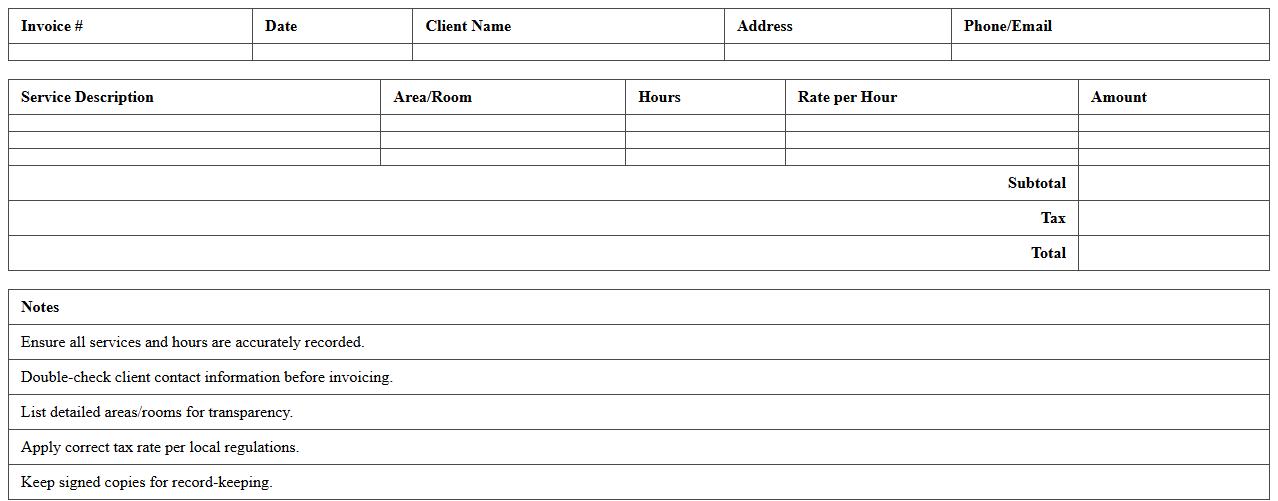
Deep Cleaning Job Invoice Spreadsheet
A
Deep Cleaning Job Invoice Spreadsheet document is a detailed record used to itemize and track charges, services, and client information related to deep cleaning projects. It helps streamline billing processes by organizing data such as labor hours, materials used, and payment status, ensuring accuracy and transparency. This document is essential for efficient financial management and provides a professional way to communicate costs to clients.
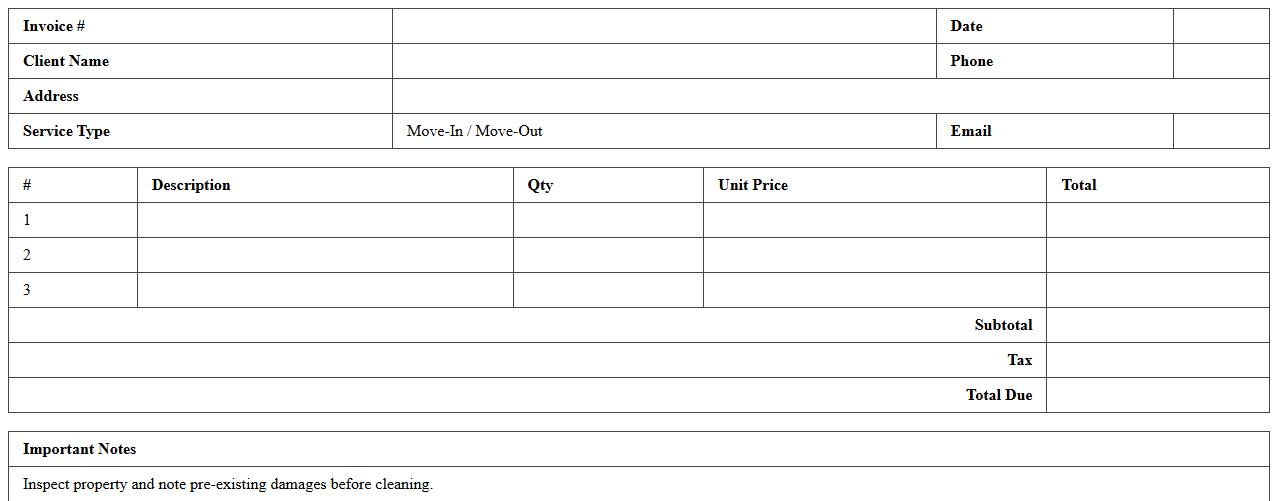
Move-In/Move-Out Cleaning Invoice Excel
A
Move-In/Move-Out Cleaning Invoice Excel document is a structured template designed to itemize and track cleaning services during residential or commercial property transitions. This document helps property managers, cleaning companies, and tenants ensure accurate billing, maintain transparency in service details, and streamline payment processes. Utilizing this Excel invoice minimizes disputes over charges, improves record-keeping, and enhances overall efficiency in move-related cleaning operations.
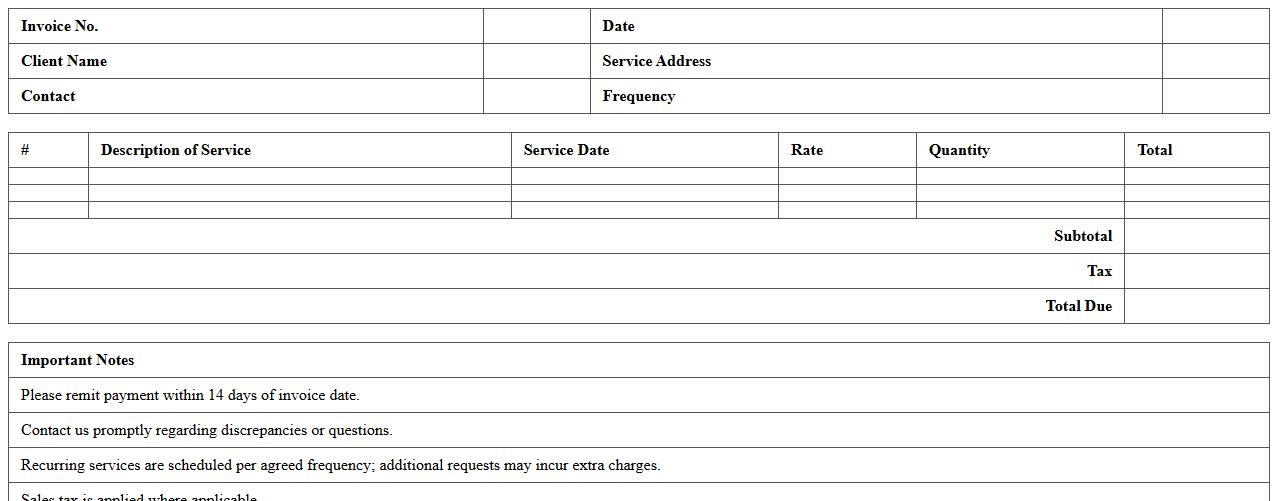
Recurring Cleaning Services Invoice Template
A
Recurring Cleaning Services Invoice Template is a pre-formatted document designed to streamline billing for regular cleaning jobs. It enables cleaning businesses to efficiently generate and send consistent invoices for ongoing services, ensuring timely payments and reducing administrative efforts. By using this template, businesses can maintain accurate financial records and improve cash flow management.
Window Cleaning Invoice Excel Document
A
Window Cleaning Invoice Excel Document is a structured template designed to itemize services, costs, and payment details for window cleaning jobs. This document streamlines billing processes, ensuring accurate invoicing and easy record-keeping for both service providers and clients. It also enhances financial tracking and professional communication, making business management more efficient.
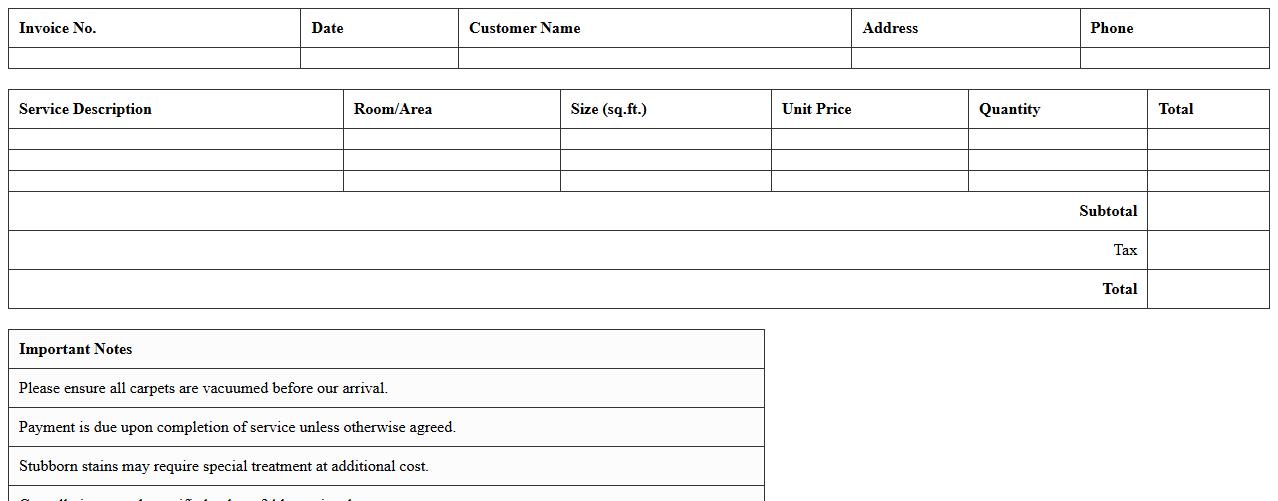
Carpet Cleaning Service Invoice Excel
A
Carpet Cleaning Service Invoice Excel document is a pre-formatted spreadsheet used to itemize and track charges for carpet cleaning services. It helps businesses maintain accurate billing records, manage customer payments efficiently, and provide clear, professional invoices. By automating calculations and standardizing entries, this tool simplifies financial management and improves client communication.
Post-Construction Cleaning Invoice Template
A
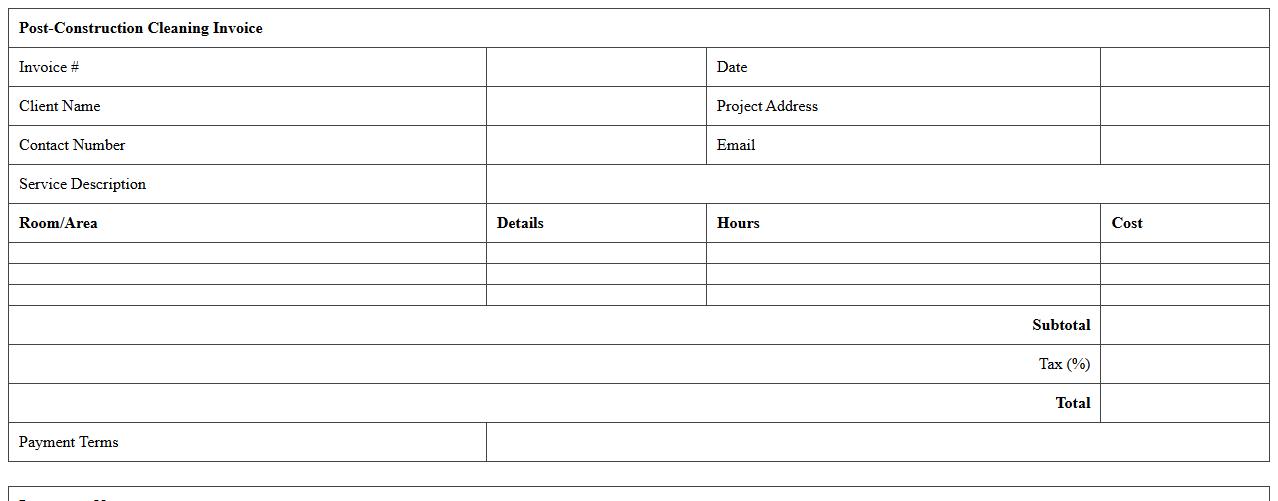
Post-Construction Cleaning Invoice Template is a standardized document used to itemize and bill cleaning services performed after construction or renovation projects. It helps contractors and cleaning companies present clear, professional invoices detailing labor, materials, and service costs, ensuring accurate payment and financial record-keeping. Utilizing this template streamlines the billing process, reduces errors, and improves cash flow management for post-construction cleaning businesses.
Office Cleaning Services Invoice Excel File
An
Office Cleaning Services Invoice Excel File document is a customizable spreadsheet designed to itemize cleaning services provided, track costs, and calculate total charges for billing purposes. It helps streamline financial record-keeping, ensuring accuracy in invoicing and facilitating easy tracking of payments and outstanding balances. Using this Excel file enhances efficiency in managing office cleaning contracts and supports transparent communication with clients.
How to automate recurring invoice Excel templates for cleaning schedules?
To automate recurring invoices in Excel, use template sheets combined with VBA macros or Excel's Power Query tool to update client data and billing dates automatically. Incorporate dynamic date functions like TODAY() and EDATE() to adjust invoice periods as needed. Setting up scheduled tasks in Windows can trigger Excel macros to generate new invoices on a regular basis without manual intervention.
What key line items should a cleaning business include in Excel invoices?
Key line items for a cleaning business invoice should include service description, quantity of hours or visits, and unit price per service type. Additional fields like equipment fees, special cleaning supplies, and any applicable taxes or discounts must also be itemized clearly. This transparency ensures clients understand the charges and facilitates smoother payment processing.
How to track payment status in Excel for multiple cleaning clients?
Use an Excel spreadsheet with columns for invoice number, client name, invoice date, due date, amount, and payment status. Implement conditional formatting to highlight overdue payments in red and paid invoices in green for visual tracking. To streamline updates, you can create data validation drop-down lists for payment status entries such as "Paid," "Pending," and "Overdue."
Which Excel formulas calculate cleaning service taxes and discounts on invoices?
Calculate taxes by multiplying the subtotal by the tax rate using formulas like "=SUBTOTAL*TaxRate". Discounts can be applied with formulas such as "=Subtotal*(1-DiscountRate)" to reduce the total amount. For more accuracy, combine nested formulas that first apply discounts and then add taxes, ensuring the invoice reflects correct final totals.
How to generate bulk client invoices in Excel for cleaning contracts?
To generate bulk invoices, use Excel's mail merge feature or Power Query to import client data and merge it with your invoice template. Pivot tables or VBA macros can automate invoice creation and export each client invoice as a separate file. This method significantly reduces manual work and improves consistency across multiple cleaning contracts.
More Invoice Excel Templates