The Patient Appointment Dashboard Excel Template for Private Clinics offers an intuitive interface for managing patient schedules efficiently. This template streamlines appointment tracking, reduces scheduling conflicts, and enhances patient management with real-time data visualization. Clinics benefit from improved organization and quick access to appointment details, ensuring optimal workflow and patient care.
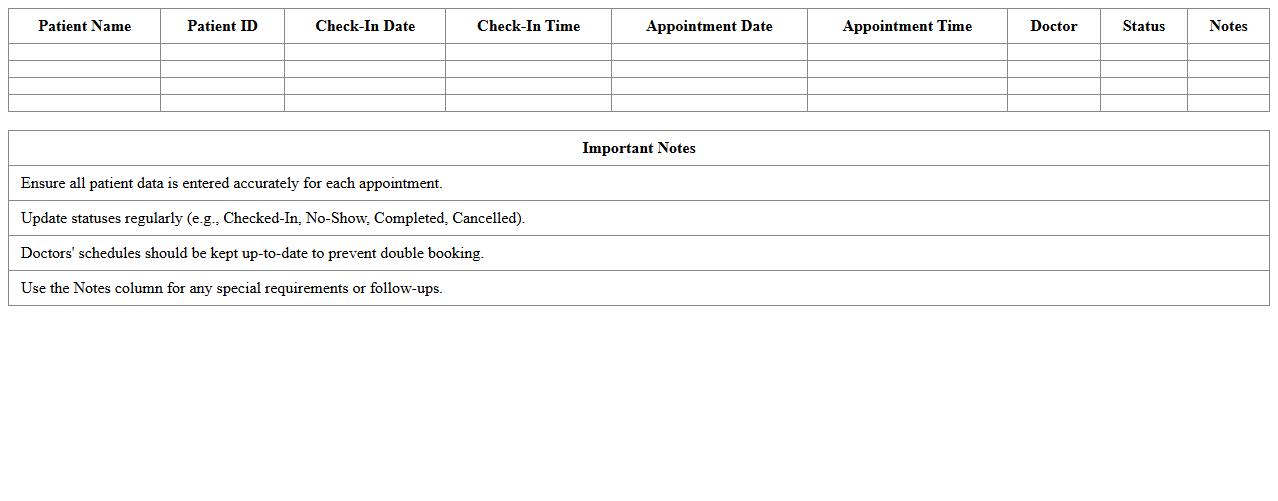
Patient Check-In and Appointment Tracker Excel Template
The
Patient Check-In and Appointment Tracker Excel Template is a comprehensive tool designed to streamline the management of patient appointments and check-in processes in healthcare settings. It allows healthcare providers to efficiently record patient information, appointment details, and track attendance, reducing administrative errors and wait times. By organizing data in a clear, accessible format, this template enhances workflow efficiency and improves patient service quality.
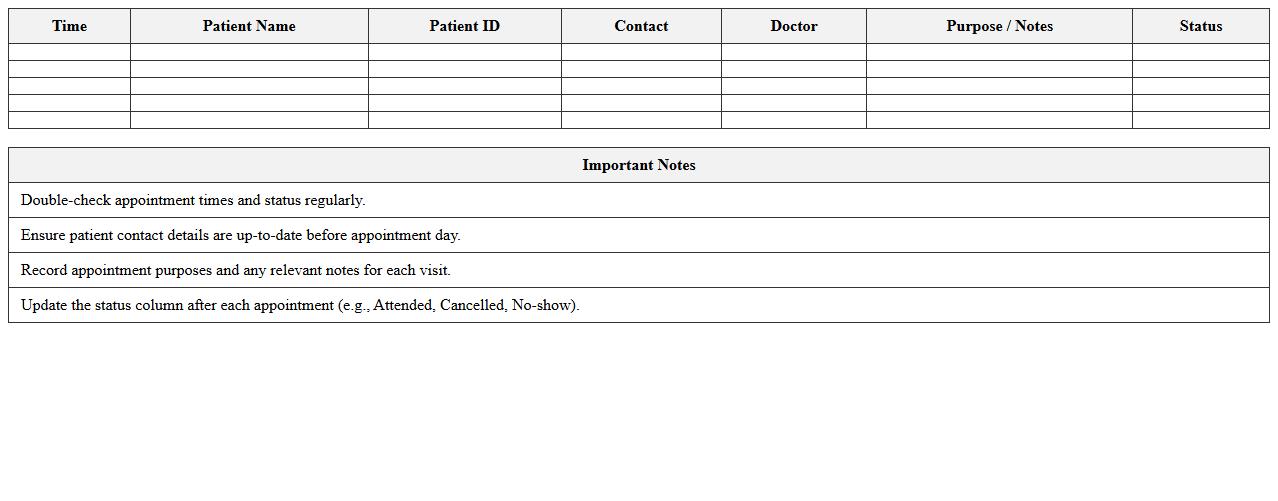
Daily Patient Appointment Schedule Excel Template
The
Daily Patient Appointment Schedule Excel Template is a structured spreadsheet designed to organize and track patient appointments efficiently within a healthcare setting. It helps medical staff manage time slots, patient information, and appointment statuses, reducing scheduling conflicts and enhancing patient flow. By streamlining appointment management, this template improves office productivity and ensures timely patient care delivery.
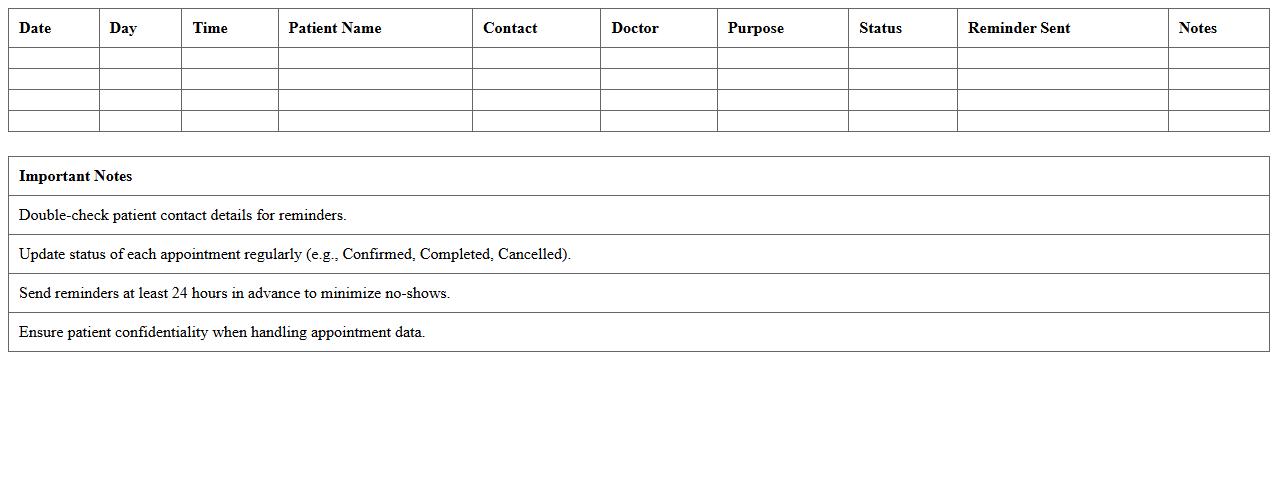
Clinic Appointment Calendar and Reminder Excel Template
The
Clinic Appointment Calendar and Reminder Excel Template is a digital scheduling tool designed to organize patient appointments efficiently while automatically generating reminders to reduce no-shows. This template enhances clinic workflow by allowing staff to track appointment dates, times, and patient details in one centralized document. Its use results in improved time management and increased patient adherence to scheduled visits, thereby boosting overall healthcare service quality.
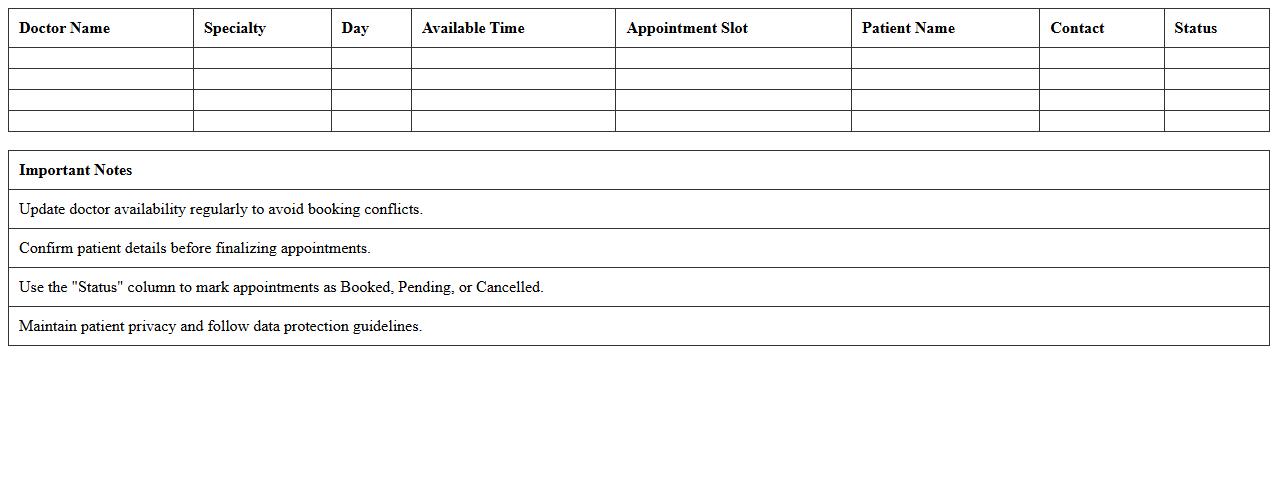
Doctor Availability and Appointment Booking Excel Template
The
Doctor Availability and Appointment Booking Excel Template is a comprehensive spreadsheet designed to manage and schedule medical appointments efficiently. It allows healthcare providers to track doctors' available times, manage patient bookings, and reduce scheduling conflicts in a centralized system. This template enhances organization, improves patient flow, and optimizes resource allocation in clinics and hospitals.
Patient Visit History and Scheduling Excel Template
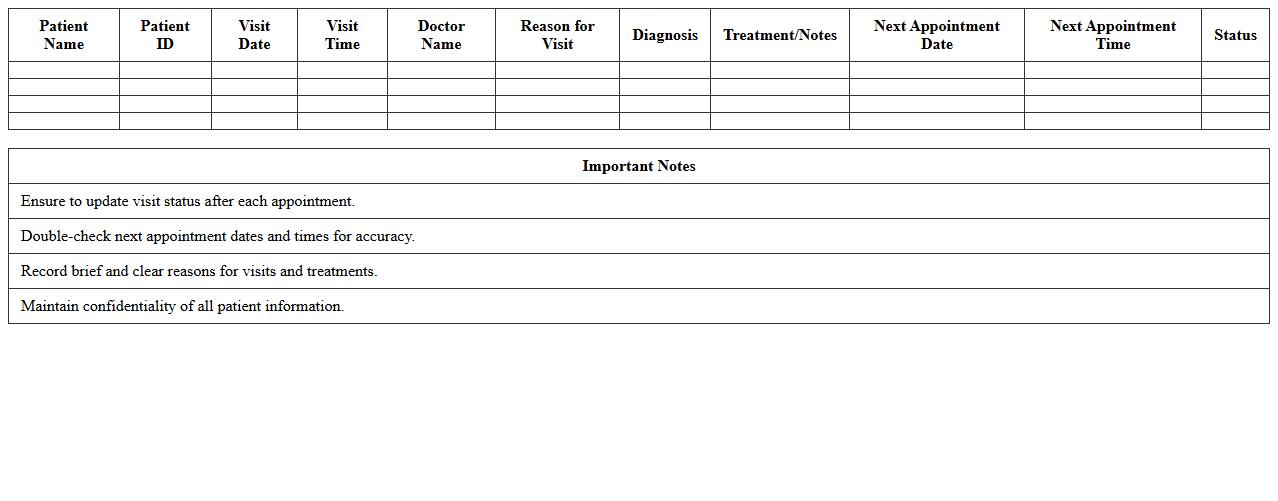
The
Patient Visit History and Scheduling Excel Template is a comprehensive tool designed to efficiently track patient appointments, medical history, and visit details in one organized spreadsheet. It helps healthcare providers streamline scheduling, reduce missed appointments, and maintain accurate records for improved patient care management. By using this template, clinics and medical offices can enhance operational efficiency and ensure timely follow-ups and better resource allocation.
Clinic Appointment Analytics Dashboard Excel Template
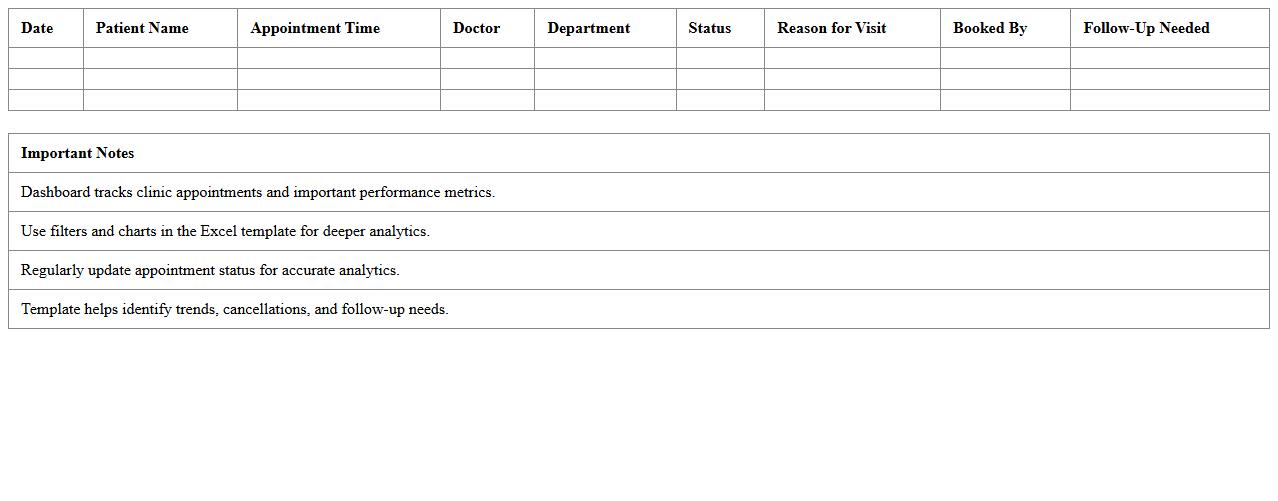
The
Clinic Appointment Analytics Dashboard Excel Template is a comprehensive tool designed to track and analyze patient appointments, cancellations, and no-shows efficiently. It enables healthcare providers to visualize appointment trends, optimize scheduling, and improve patient flow through intuitive charts and data summaries. By leveraging this dashboard, clinics can enhance operational efficiency, reduce wait times, and make informed decisions to boost overall patient satisfaction.
Weekly Patient Appointment Planner Excel Template
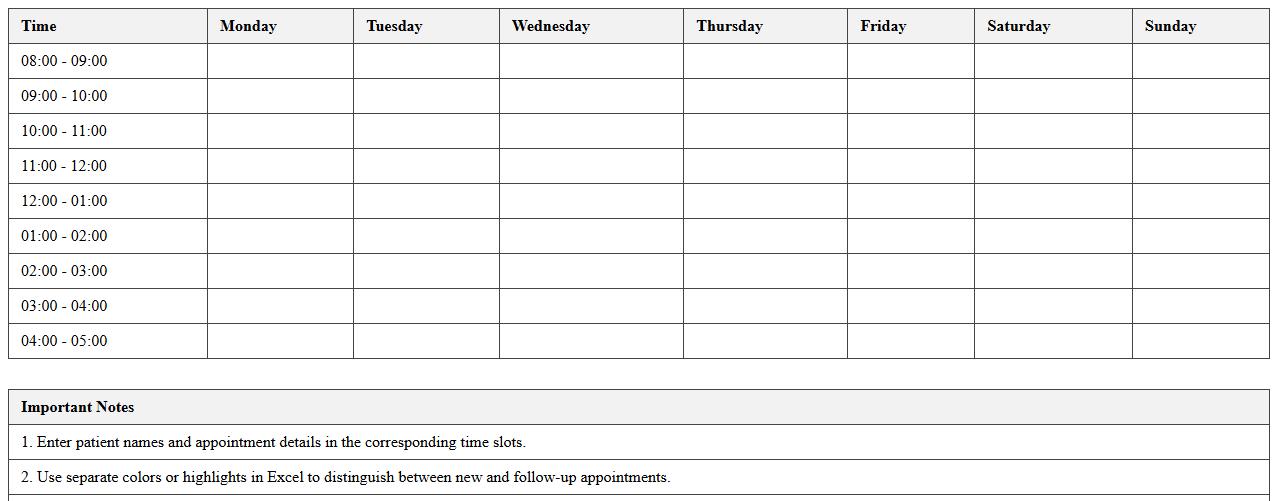
The
Weekly Patient Appointment Planner Excel Template is a structured spreadsheet designed to efficiently organize and track patient appointments on a weekly basis. It helps medical professionals manage schedules, reduce appointment overlaps, and improve patient flow within healthcare facilities. By using this template, clinics can enhance time management and ensure timely patient care.
Multiple Doctor Appointment Management Excel Template
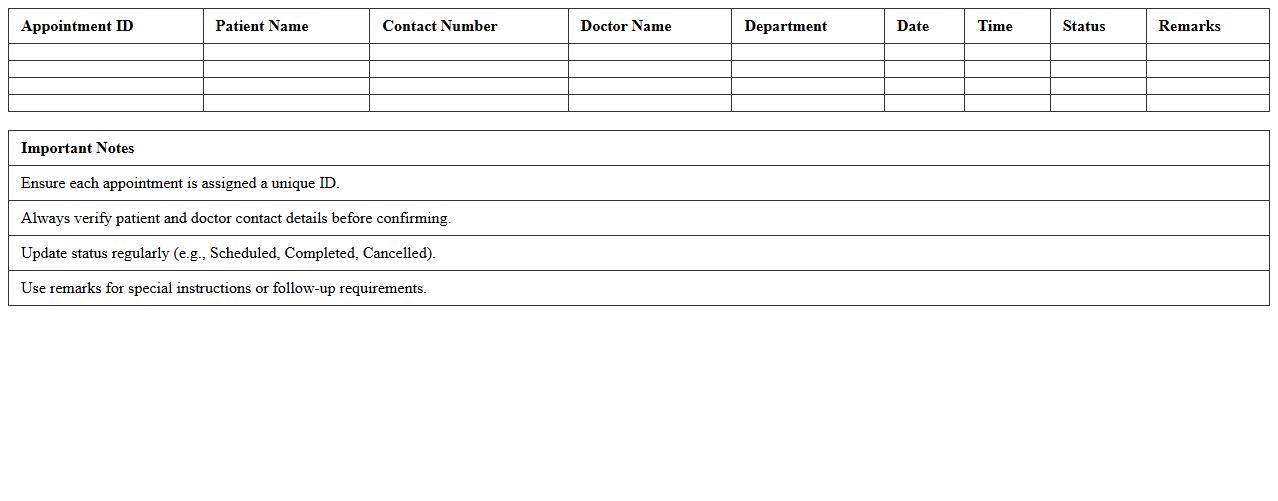
The
Multiple Doctor Appointment Management Excel Template is a comprehensive tool designed to efficiently schedule, track, and organize appointments for various doctors within a medical practice. It helps streamline patient booking processes, reduces scheduling conflicts, and improves overall clinic productivity by providing clear visibility of appointment dates, times, and patient details. This template facilitates better time management and resource allocation, ensuring a smoother workflow in healthcare settings.
Real-Time Appointment Status Excel Dashboard Template
The
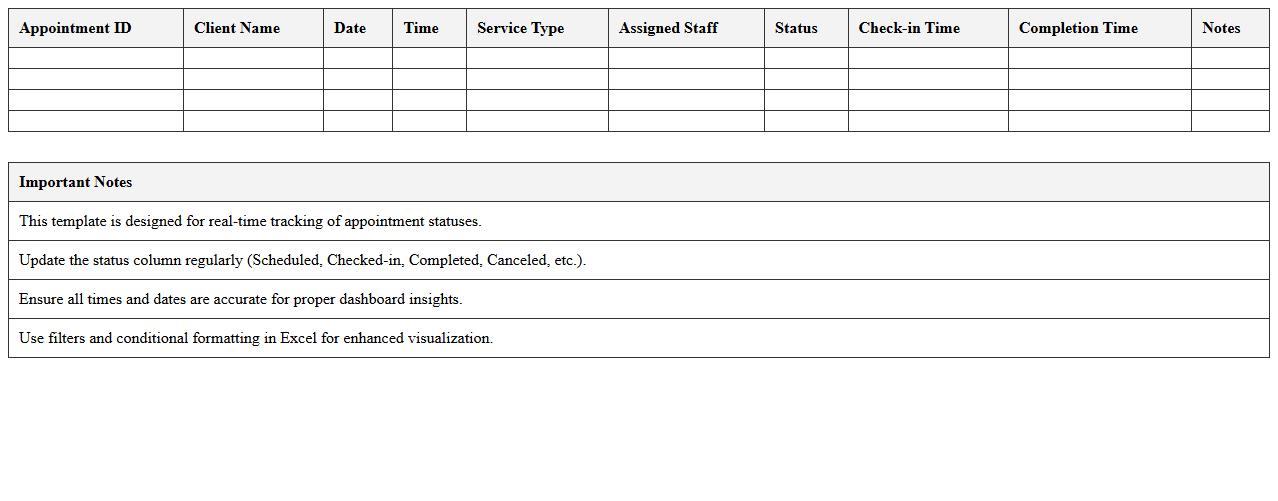
Real-Time Appointment Status Excel Dashboard Template is a dynamic tool designed to monitor and display live updates of appointment schedules, statuses, and cancellations within an Excel environment. It enables efficient tracking, improving time management and resource allocation by providing instant insights into appointment patterns and client engagement. Businesses and healthcare providers benefit from this dashboard by streamlining workflows and enhancing communication between teams through clear, visual data representation.
Missed and Rescheduled Appointment Log Excel Template
The
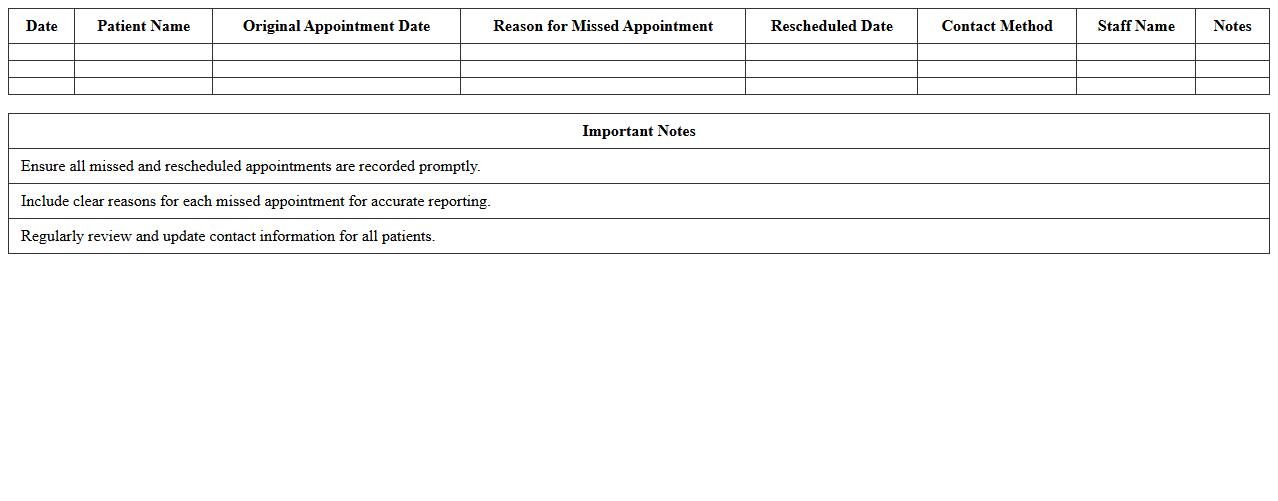
Missed and Rescheduled Appointment Log Excel Template is a structured spreadsheet designed to track and manage appointments that clients or patients miss or reschedule. It helps organizations maintain accurate records, identify patterns in cancellations, and improve scheduling efficiency. By using this log, businesses can reduce no-show rates, optimize resource allocation, and enhance customer service through proactive follow-up.
How can conditional formatting in Excel highlight upcoming patient appointments automatically?
Conditional formatting in Excel allows you to set rules that automatically highlight cells based on dates. By using a formula like =AND(A2>=TODAY(), A2<=TODAY()+7), you can highlight all appointments occurring within the next week. This visual cue helps healthcare staff stay aware of upcoming patient appointments effortlessly.
What formulas track appointment cancellations and reschedules efficiently in the dashboard?
Efficient tracking of appointment cancellations and reschedules can be achieved by using formulas such as =COUNTIF(StatusRange, "Cancelled") and =COUNTIFS(StatusRange, "Rescheduled", DateRange, ">="&TODAY()). These formulas dynamically count the status entries, providing real-time insights on appointment changes. Integrating them into the dashboard helps maintain an accurate and up-to-date appointment overview.
How to generate printable patient appointment letters directly from Excel sheets?
Printable patient appointment letters can be created using Excel's mail merge capabilities combined with Word or by using VBA macros within Excel. Templates with placeholders for patient data can auto-populate information from the sheet to produce personalized letters. This method streamlines communication by generating tailored appointment reminders ready for printing in bulk.
Which Excel features ensure patient data privacy within the dashboard?
Ensuring patient data privacy in Excel involves features like password protection, sheet locking, and data encryption. Utilizing Excel's Protect Workbook and Protect Sheet options restricts unauthorized access and editing. Additionally, limiting shared access and using secure environments enhances compliance with privacy standards.
Can the dashboard auto-populate appointment reminder letters based on scheduling data?
The dashboard can indeed auto-populate appointment reminder letters by linking cell data to formatted templates using formulas or VBA scripts. When new appointments are added, the letters update automatically with patient details and appointment specifics. This automation reduces manual errors and improves efficiency in patient communications.
More Dashboard Excel Templates