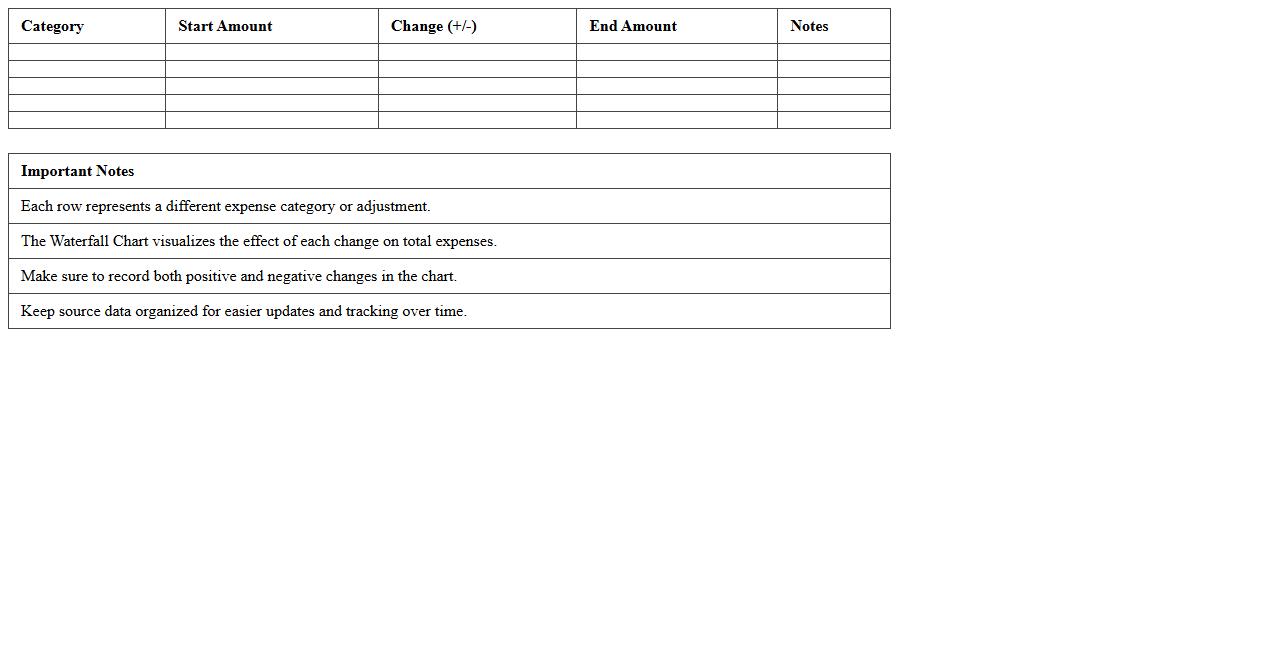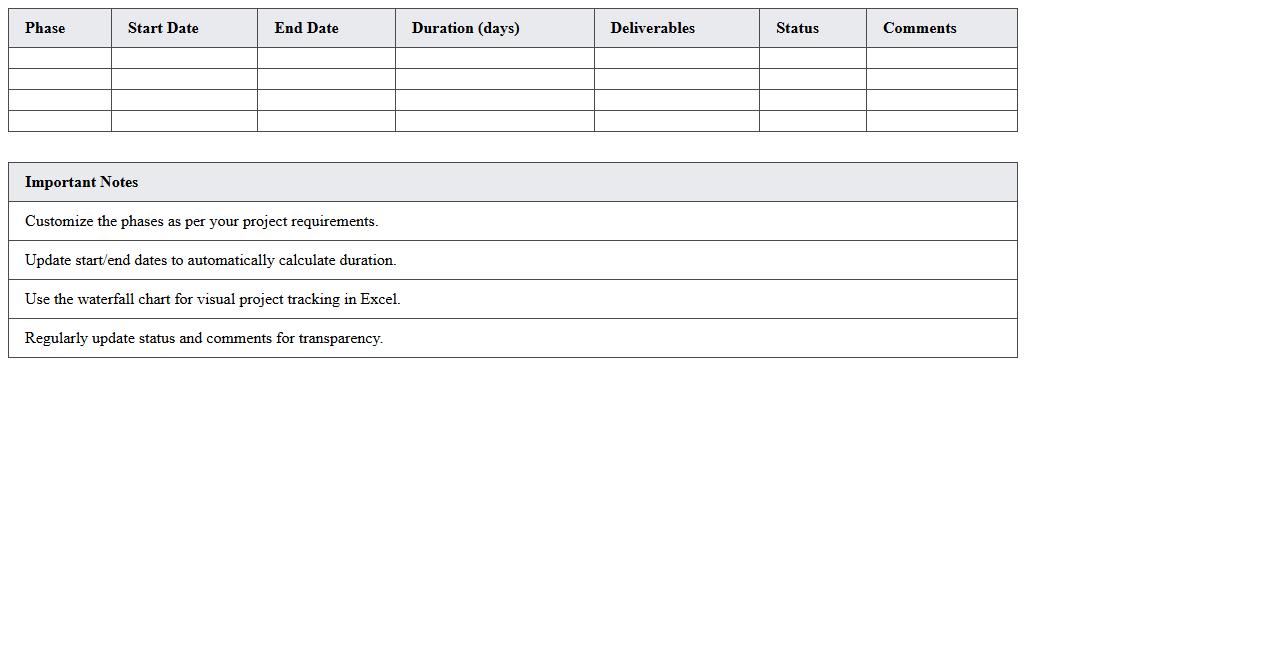
The Waterfall Chart Excel Template for Project Management provides a clear visual representation of project progress by illustrating cumulative impacts of sequential tasks. This template helps managers identify positive and negative contributions to the project timeline, making it easier to track milestone achievements and budget changes. Its customizable format allows users to adjust data inputs for precise project analysis and reporting.
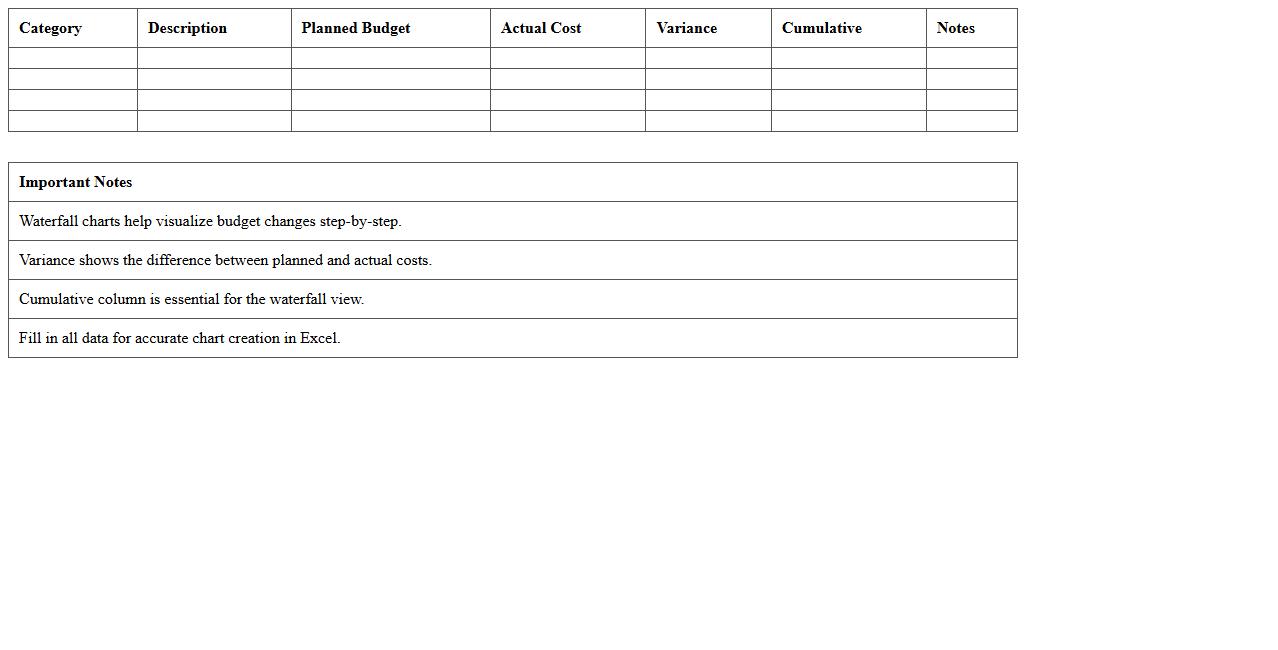
Project Budget Waterfall Chart Excel Template
The
Project Budget Waterfall Chart Excel Template is a visual tool that breaks down the step-by-step changes in a project's budget, highlighting increments and decrements over time. It provides clear insight into how various cost factors and adjustments influence the overall budget, enabling better financial tracking and decision-making during project execution. This template is essential for project managers seeking to maintain transparency and control over budget fluctuations while communicating financial status to stakeholders effectively.
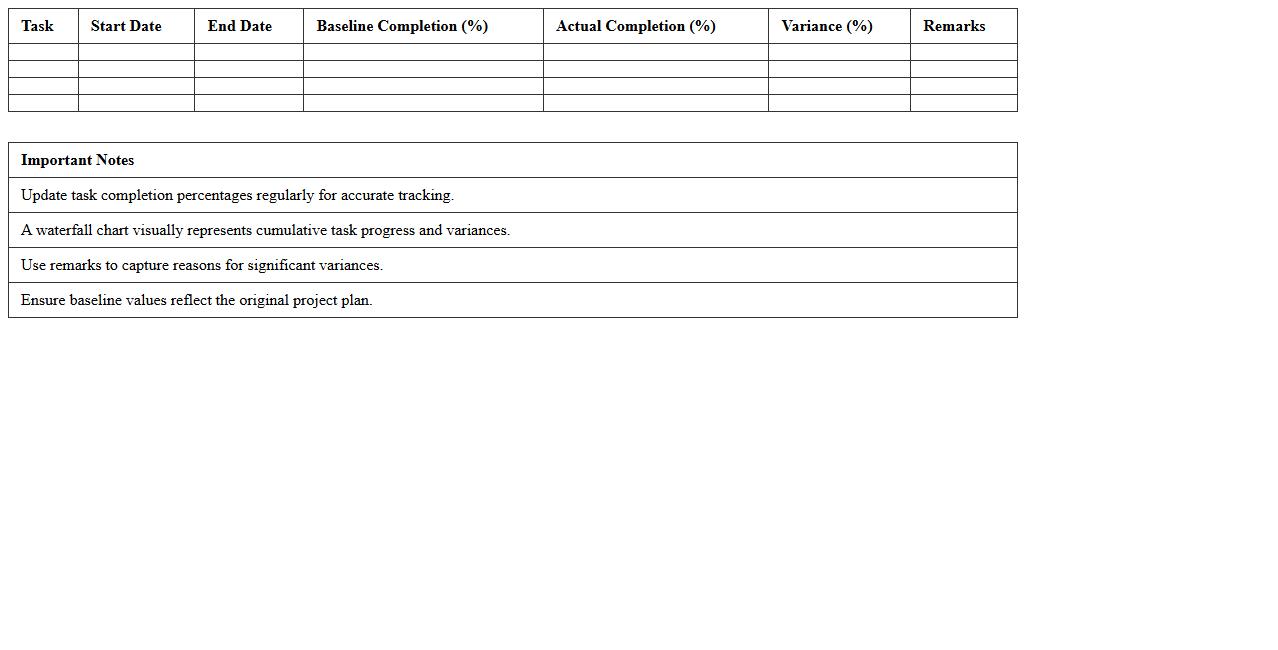
Task Completion Waterfall Chart Excel Template
The
Task Completion Waterfall Chart Excel Template is a specialized tool designed to visually track the progress of sequential tasks over time. It helps project managers and teams identify task dependencies, delays, and cumulative impacts on project timelines by clearly displaying incremental task completions. This template enhances workflow analysis and improves decision-making by providing a straightforward visual representation of task status and overall project progression.
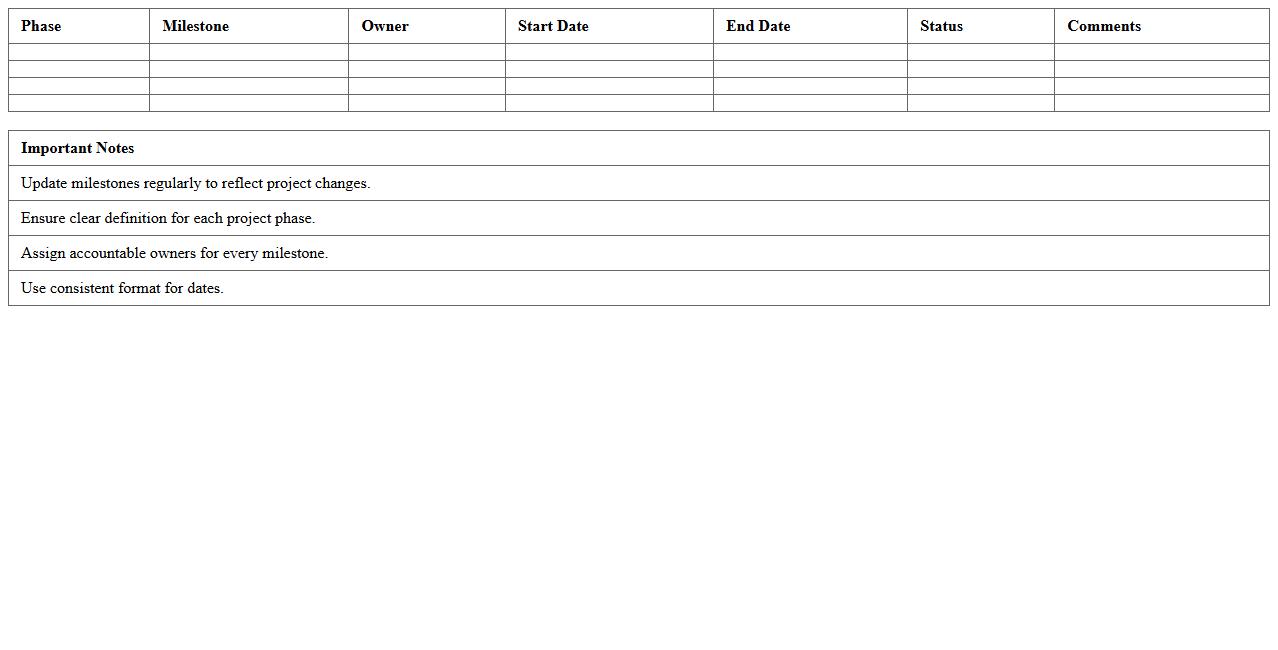
Project Timeline Milestone Waterfall Template for Excel
The
Project Timeline Milestone Waterfall Template for Excel is a structured tool designed to visually track project phases, deliverables, and key milestones using the waterfall methodology. It helps teams monitor progress by clearly outlining sequential tasks and deadlines, ensuring that each stage is completed before moving to the next. This template enhances project management efficiency by providing a straightforward, customizable format to maintain focus and accountability throughout the project lifecycle.
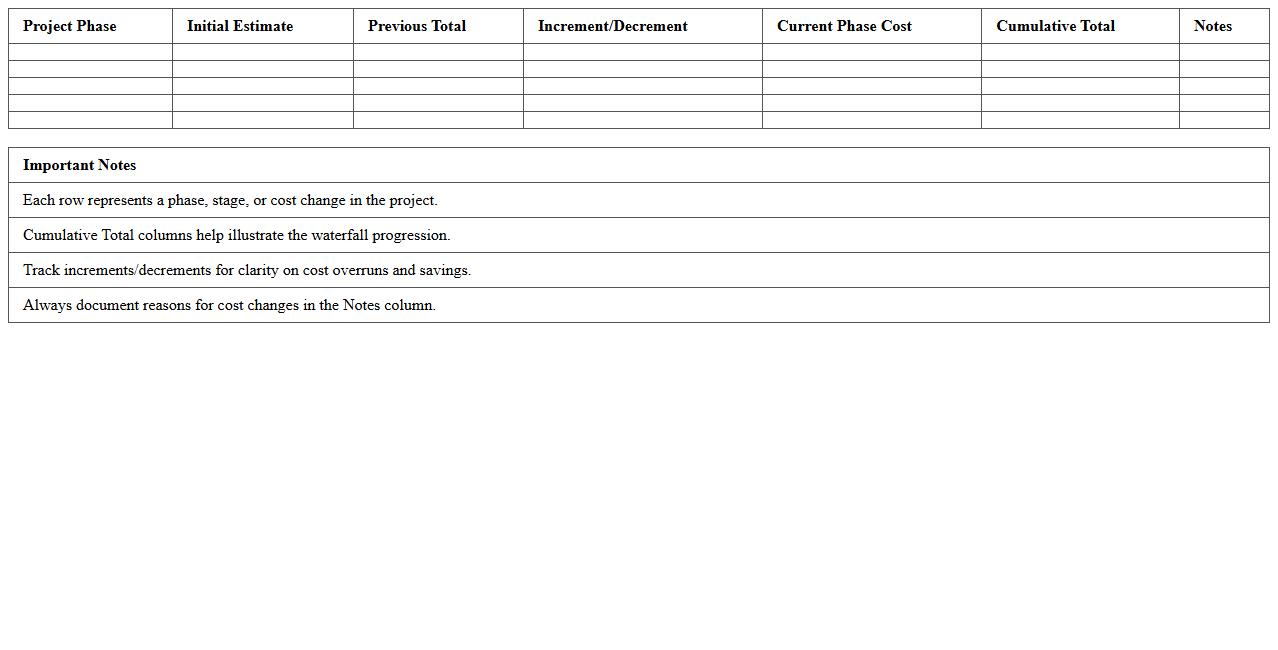
Project Cost Tracking Waterfall Chart Spreadsheet
A
Project Cost Tracking Waterfall Chart Spreadsheet document visually represents the progression of project expenses over time, highlighting increases and decreases in costs through a clear, step-by-step bar chart format. It enables project managers to monitor budget allocation, identify cost overruns early, and make informed financial decisions based on transparent data. This tool is essential for maintaining control over project finances and ensuring successful budget adherence throughout the project lifecycle.
Resource Allocation Waterfall Chart Excel Template
A
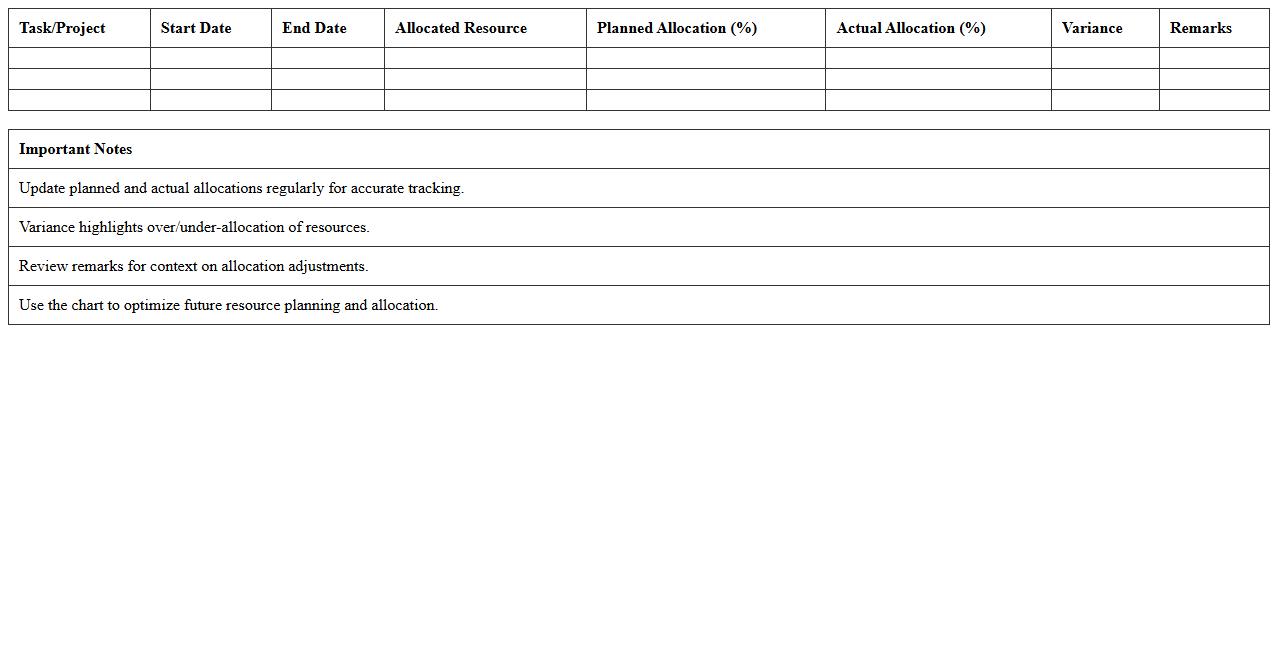
Resource Allocation Waterfall Chart Excel Template document visually represents the step-by-step changes in resource distribution across projects or departments. This tool helps identify resource utilization trends, allocation imbalances, and potential bottlenecks, allowing managers to make data-driven decisions for optimizing workforce and budget management. By simplifying complex resource shifts into an easy-to-understand format, it enhances project planning and financial forecasting accuracy.
Project Scope Change Waterfall Chart Excel
A
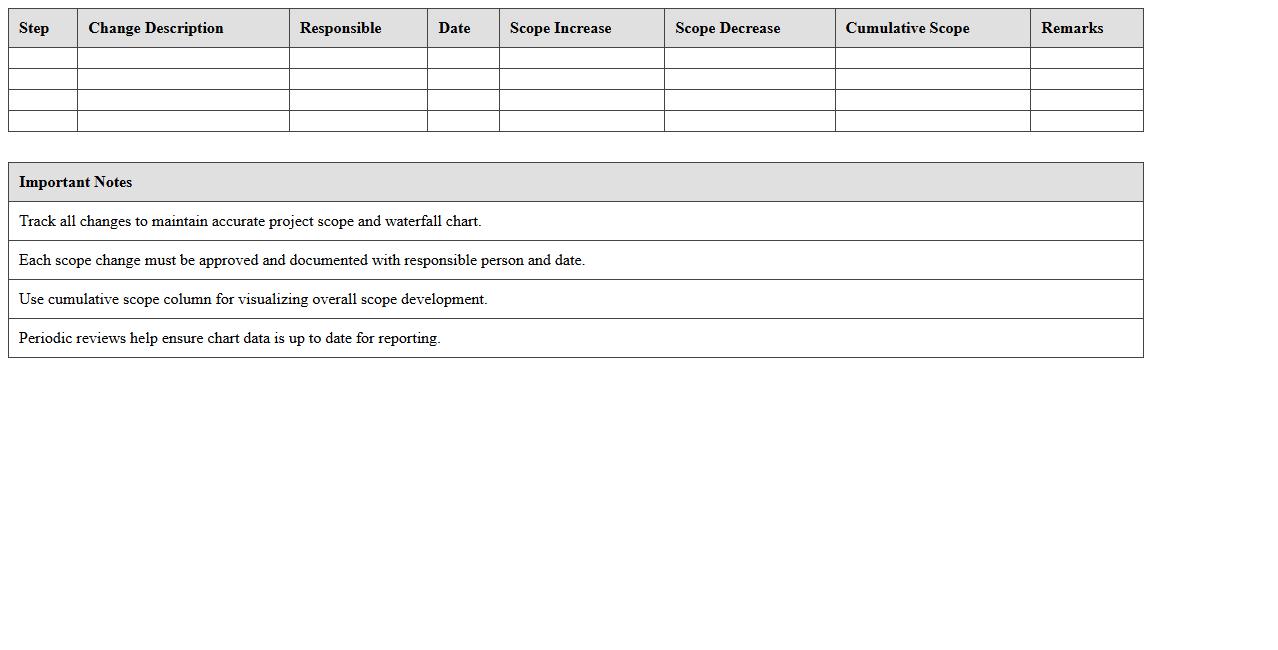
Project Scope Change Waterfall Chart Excel document visually tracks the cumulative impact of changes to a project's scope over time, highlighting additions and removals in a clear, sequential manner. This tool enables project managers to quantify how scope changes affect budget, schedule, and resource allocation, facilitating more informed decision-making. By analyzing these trends, teams can maintain better control over project objectives and mitigate risks associated with scope creep.
Gantt to Waterfall Excel Dashboard for Projects
The
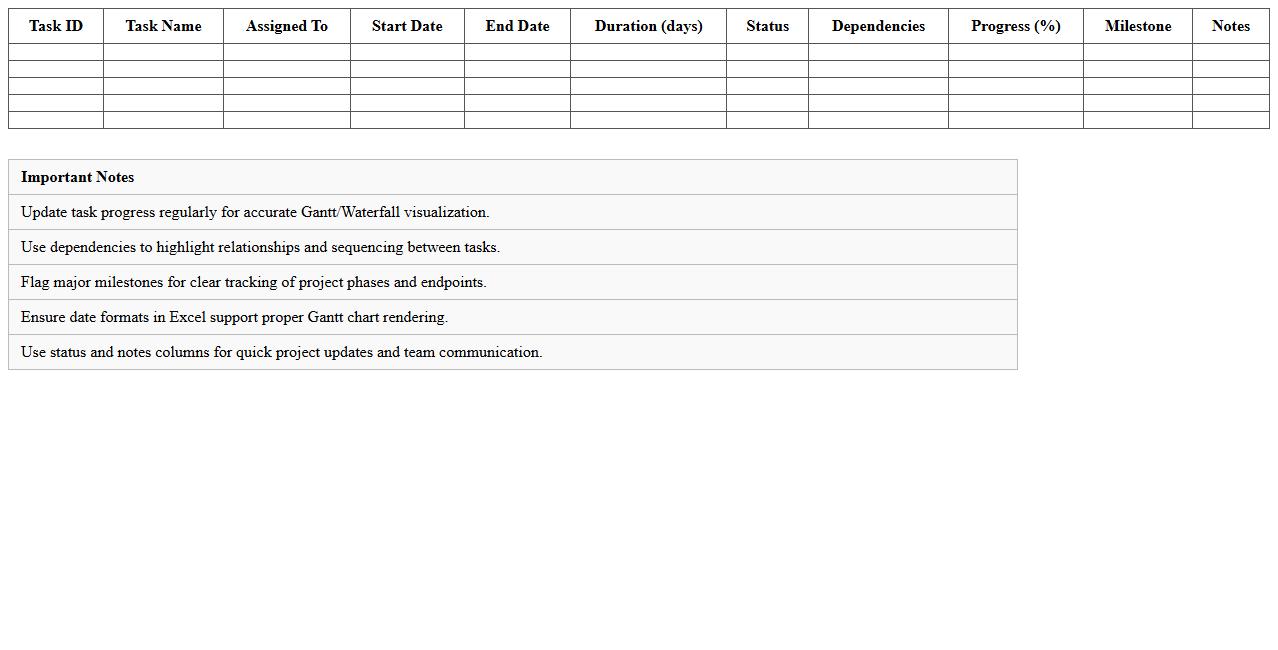
Gantt to Waterfall Excel Dashboard for projects is a dynamic visualization tool that combines Gantt charts and waterfall charts to track project timelines and financial impacts effectively. This dashboard allows project managers to monitor task progress alongside incremental budget changes, providing a comprehensive overview of scheduling and expenditures in one interface. Using this tool improves decision-making by highlighting potential delays and cost variations, ensuring better resource allocation and project control.
Weekly Progress Waterfall Chart Excel Template
The
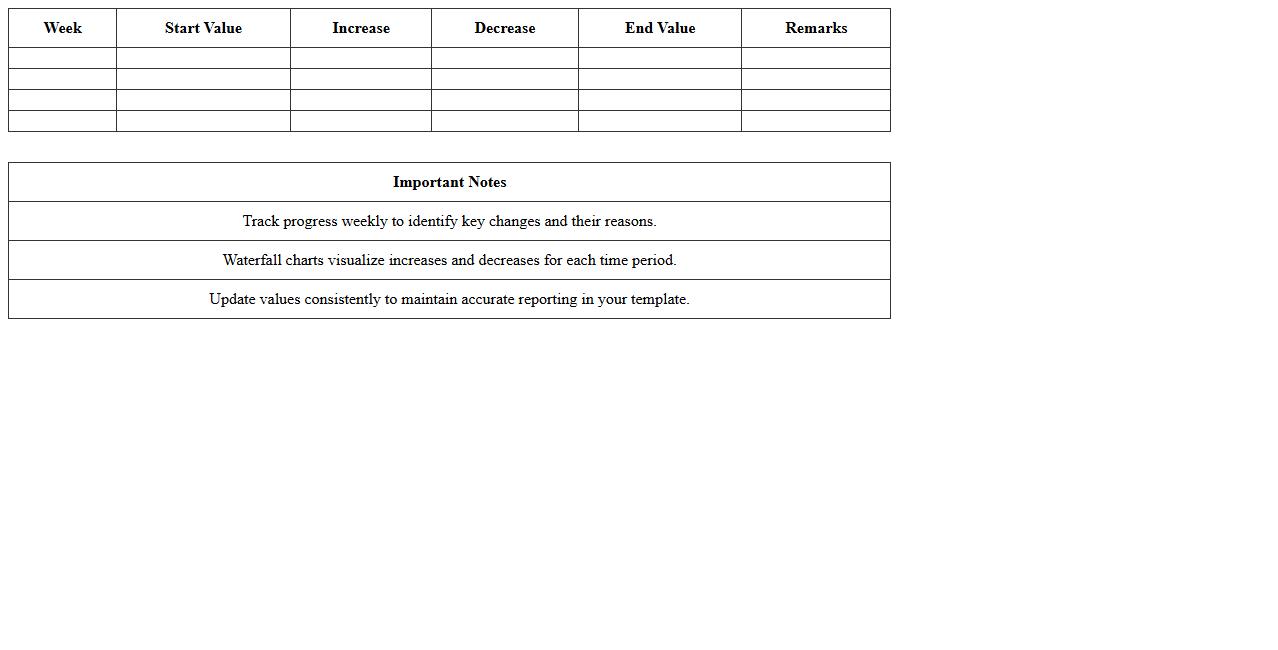
Weekly Progress Waterfall Chart Excel Template document visually tracks incremental changes in project metrics or financial data over a week, highlighting gains and losses. It helps users identify trends, measure performance, and pinpoint areas requiring attention, enabling informed decision-making. This template streamlines reporting by organizing complex data into an easy-to-understand format that improves project management and resource allocation.
Expense Breakdown Waterfall Chart Excel Spreadsheet
An
Expense Breakdown Waterfall Chart Excel Spreadsheet visually represents the cumulative impact of individual expense categories on the total budget, helping users track financial changes step-by-step. This tool simplifies complex expense data by clearly showing increases and decreases, making it easier to identify key cost drivers and areas for budget optimization. Utilizing this spreadsheet enhances financial analysis accuracy and supports more informed decision-making for managing expenses efficiently.
Project Phase Delivery Waterfall Chart Excel Template
The
Project Phase Delivery Waterfall Chart Excel Template document visually represents project progress through distinct phases, enabling clear tracking of task completion over time. It helps project managers identify bottlenecks, allocate resources efficiently, and communicate timelines effectively to stakeholders. This tool enhances project planning accuracy and supports timely delivery by providing a structured overview of sequential project milestones.
How do you customize milestone markers in a waterfall chart for project timelines in Excel?
To customize milestone markers in a waterfall chart in Excel, you first insert marker shapes like circles or diamonds at key data points. Right-click the chart series, select Change Series Chart Type, and choose markers that visually stand out. Adjust the marker size and color using Format Data Series options to highlight milestones effectively.
What's the best way to link task dependencies from a project plan to a waterfall chart in Excel?
Linking task dependencies requires creating a well-structured project plan table with start and end dates plus predecessor tasks. Use Excel formulas like WORKDAY or IF functions to automate dependency calculations. Then map these dependencies into the waterfall chart data to accurately show task progression and impacts.
How can cost overruns be visually differentiated in a waterfall chart for project budget tracking?
Cost overruns can be visually differentiated by applying distinct data point colors to segments exceeding budgeted amounts. Use conditional formatting or manual color changes for any bars representing overruns, typically with red or orange hues. Adding annotations or data labels further clarifies which phases have budget variances.
Which Excel formulas automate variance calculations within each project phase in a waterfall chart?
Formulas such as =Actual - Budgeted or =SUM across task ranges automate variance calculations efficiently. Using IF statements can flag phases where variances exceed thresholds. Embedding these formulas in your data source updates the waterfall chart dynamically with new variance insights.
How do you export and embed an Excel waterfall chart into a project report letter document?
To export an Excel waterfall chart, select the chart and use Copy or Save as Picture for high-quality image export. Paste it directly into your project report letter in Word or compatible software, resizing to fit the document layout. This maintains visual clarity and ensures the chart complements your project narrative.
More Chart Excel Templates