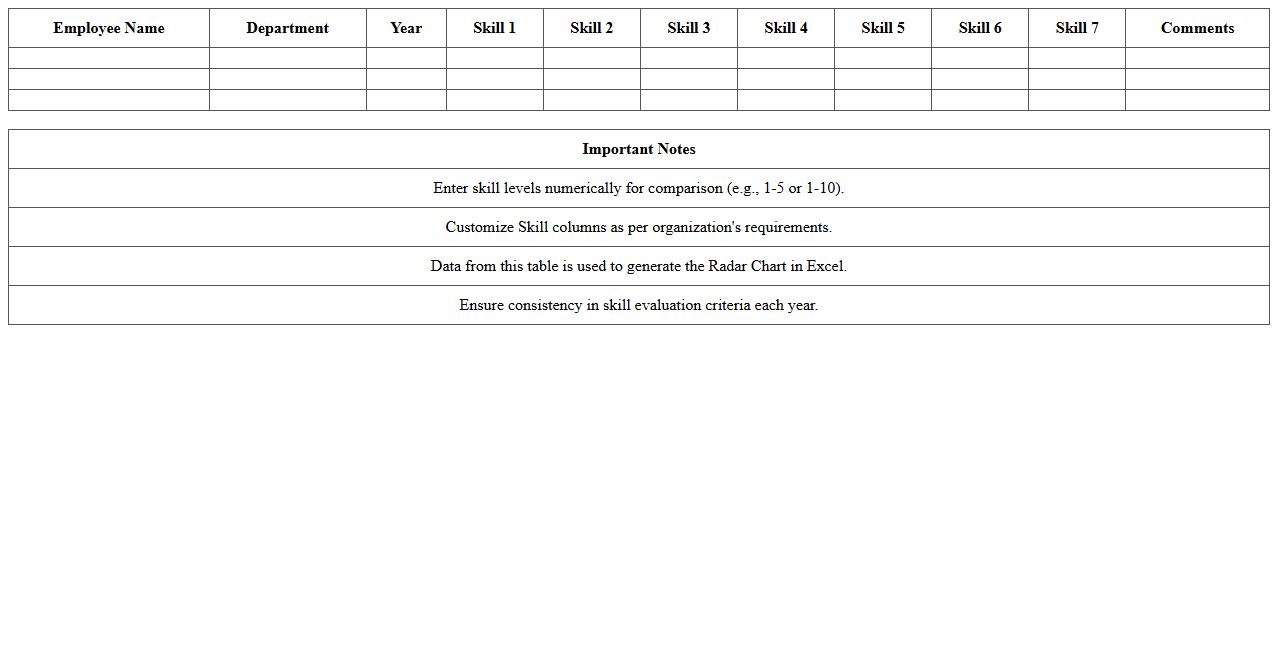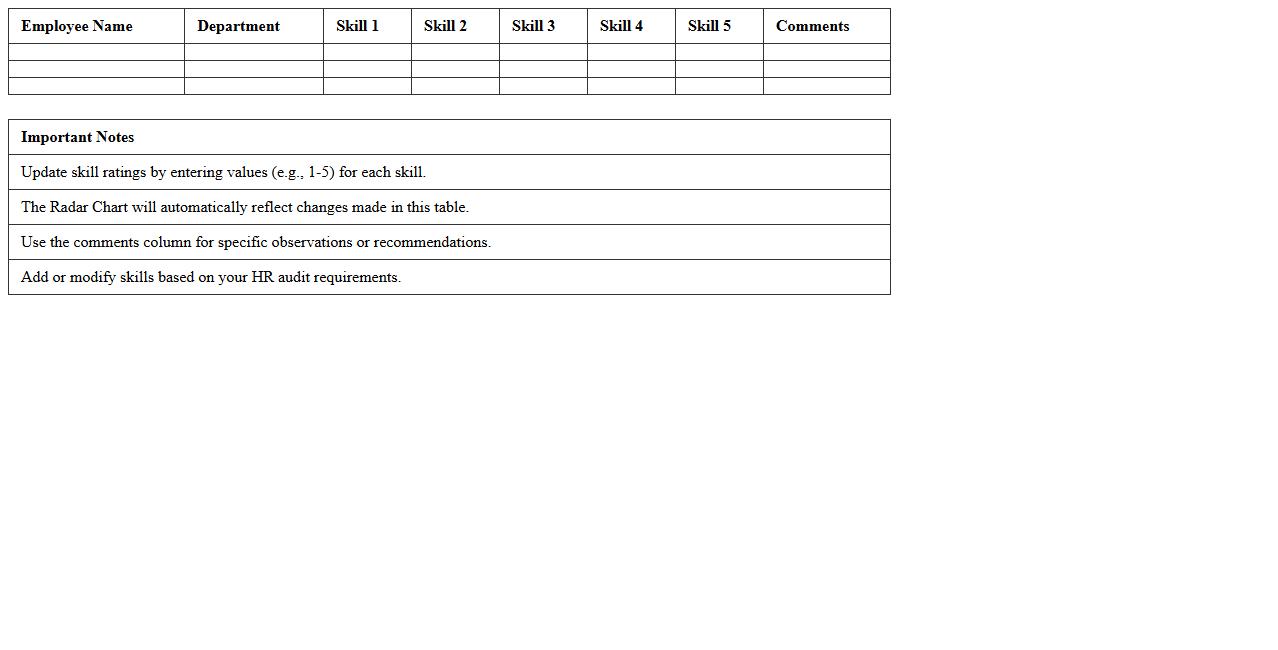
The Radar Chart Excel Template for Employee Skill Assessment offers a visually intuitive way to evaluate and compare multiple employee skills simultaneously. This template allows managers to identify strengths and areas for improvement through clear, customizable radar charts. It streamlines performance reviews by providing a comprehensive overview of individual and team capabilities in a single, easy-to-use Excel format.
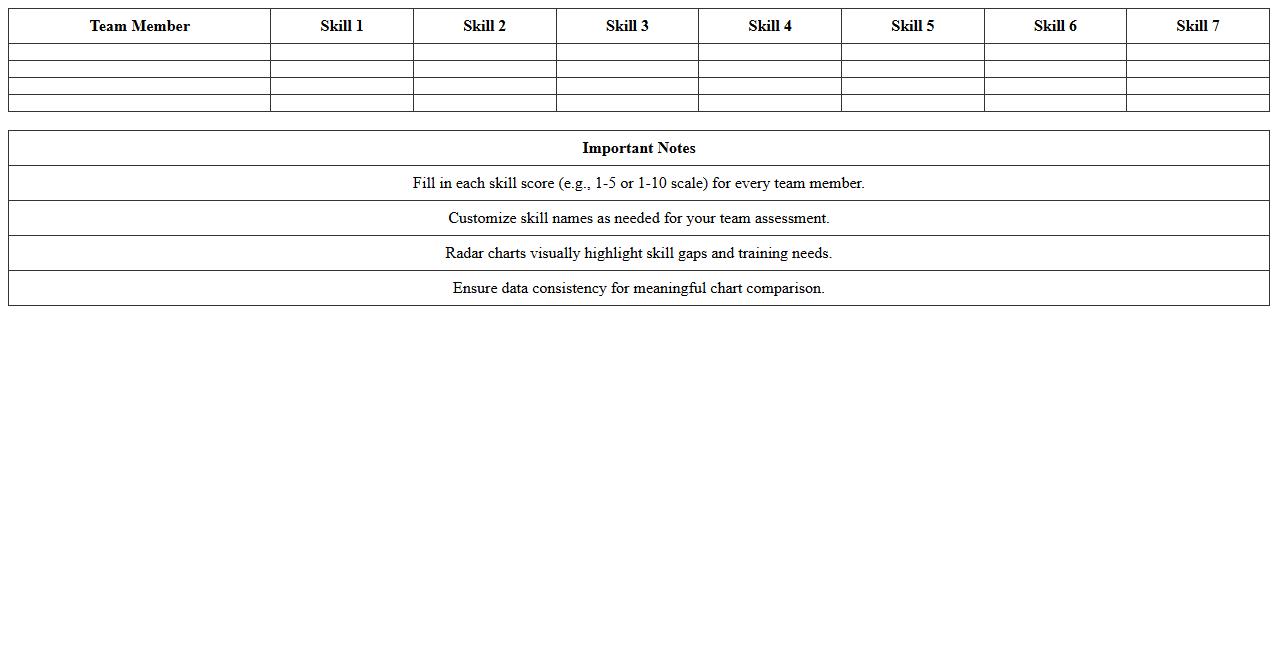
Radar Chart Excel Template for Team Skill Assessment
The
Radar Chart Excel Template for Team Skill Assessment is a visual tool that helps evaluate and compare multiple team members' competencies across various skill areas. It provides a clear, graphical representation of individual strengths and weaknesses, facilitating targeted training and balanced team development. This template enhances decision-making by enabling managers to identify skill gaps, allocate resources efficiently, and track progress over time.
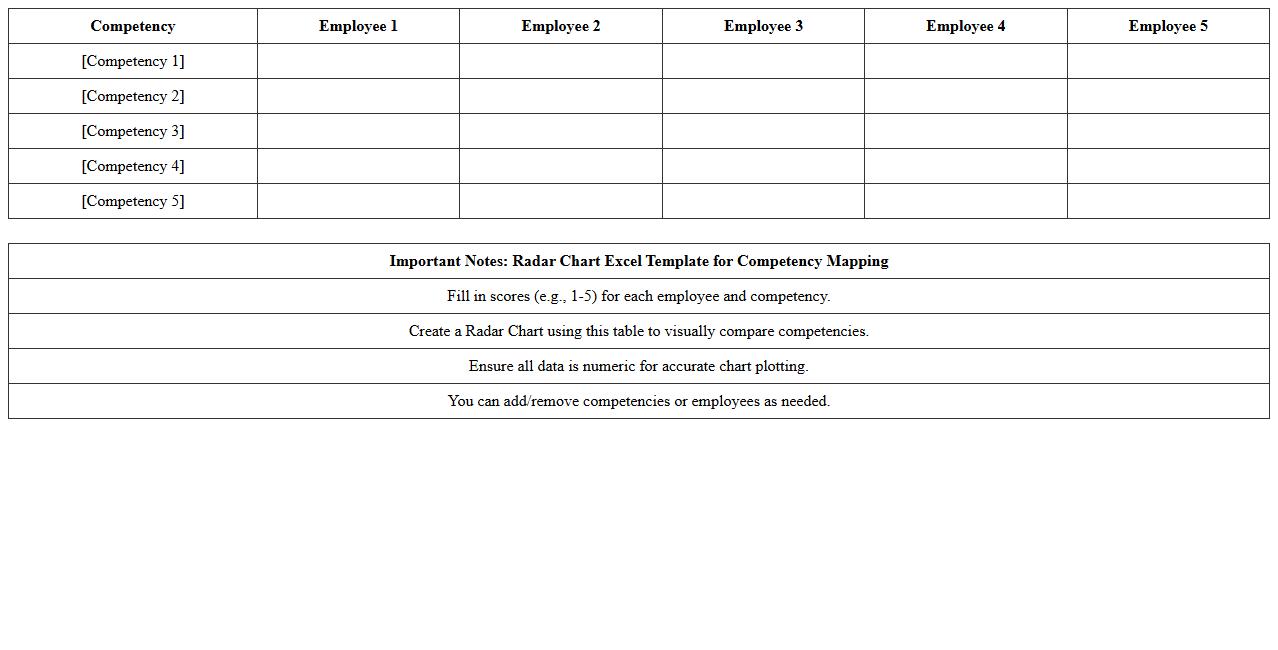
Radar Chart Excel Template for Competency Mapping
A
Radar Chart Excel Template for Competency Mapping is a dynamic tool that visually represents an individual's or team's skill levels across multiple competencies in a single, easy-to-read chart. It helps identify strengths and areas for improvement by plotting competencies on axes radiating from a central point, allowing organizations to tailor training and development plans effectively. This template enhances performance management and strategic workforce planning by providing clear, data-driven insights into competency gaps and progress.
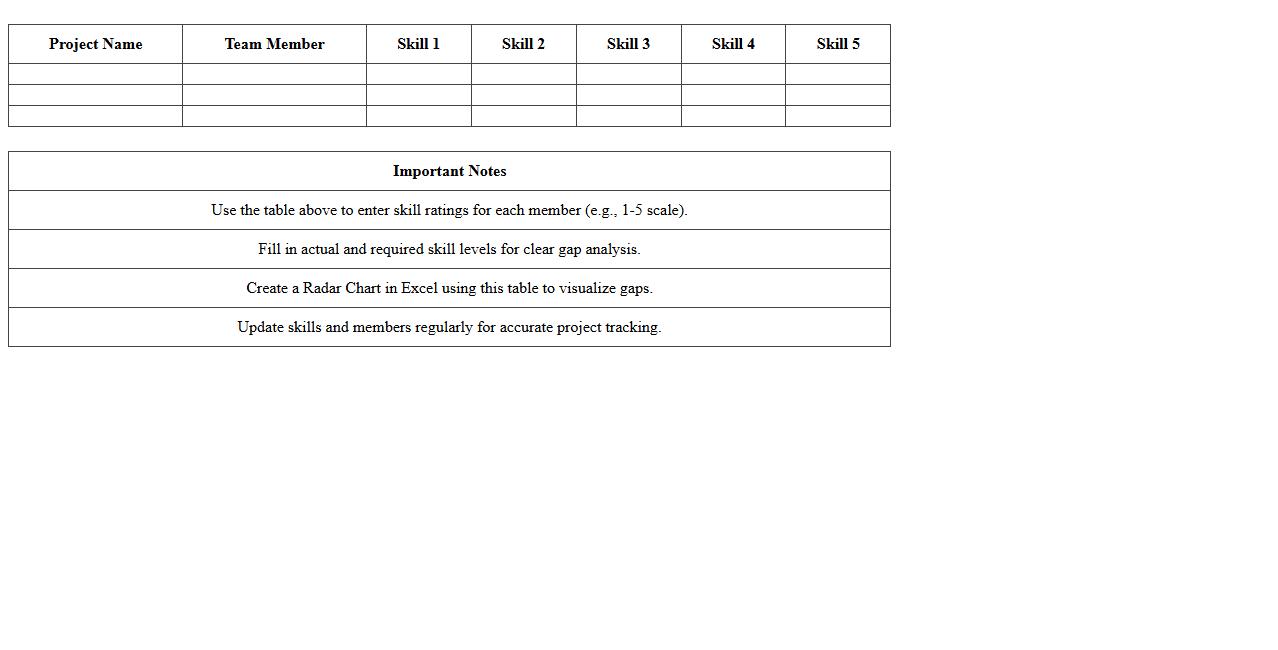
Radar Chart Excel Template for Project Skill Gap Analysis
A
Radar Chart Excel Template for Project Skill Gap Analysis visually represents the proficiency levels of team members across various skills compared to required competencies. This tool helps identify specific areas where skills are lacking, enabling targeted training and resource allocation to improve project outcomes. By simplifying complex data into a clear, comparative display, it facilitates informed decision-making and effective skill development planning.
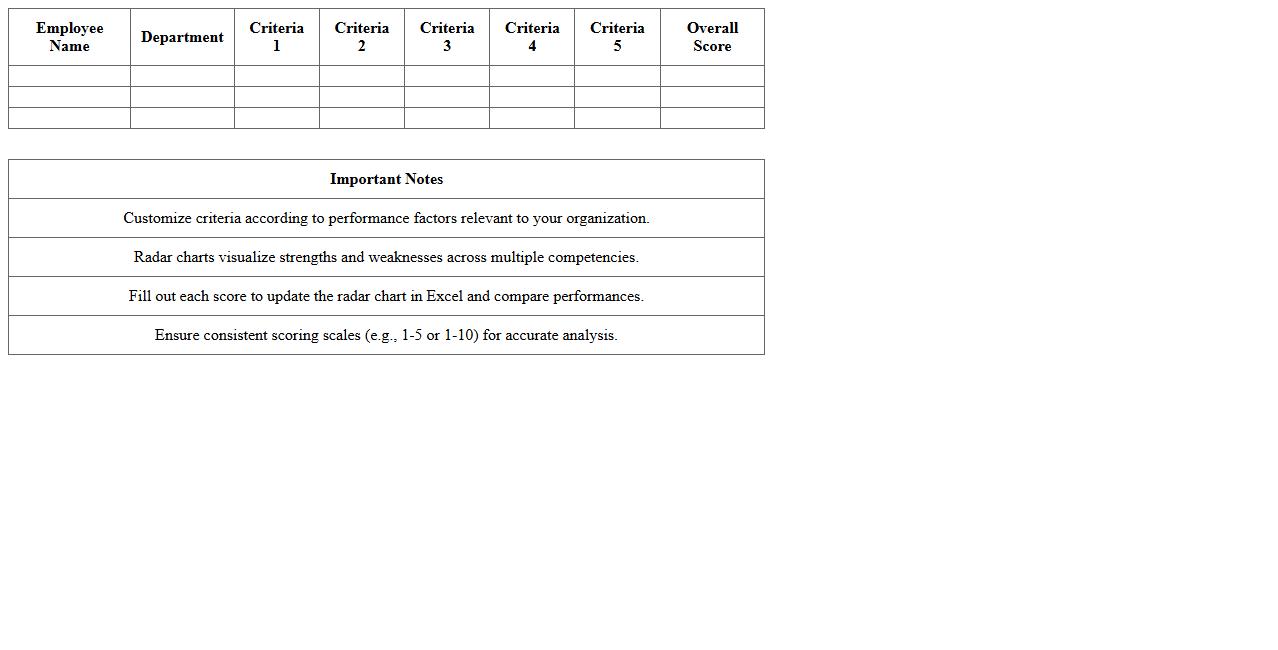
Radar Chart Excel Template for Employee Performance Review
A
Radar Chart Excel Template for Employee Performance Review is a visual tool that displays multiple performance metrics of an employee on a single, easy-to-read chart. This template helps managers quickly identify strengths and weaknesses across different skill areas, facilitating more objective and comprehensive evaluations. By organizing data in a clear format, it supports better decision-making for development plans and performance improvement initiatives.
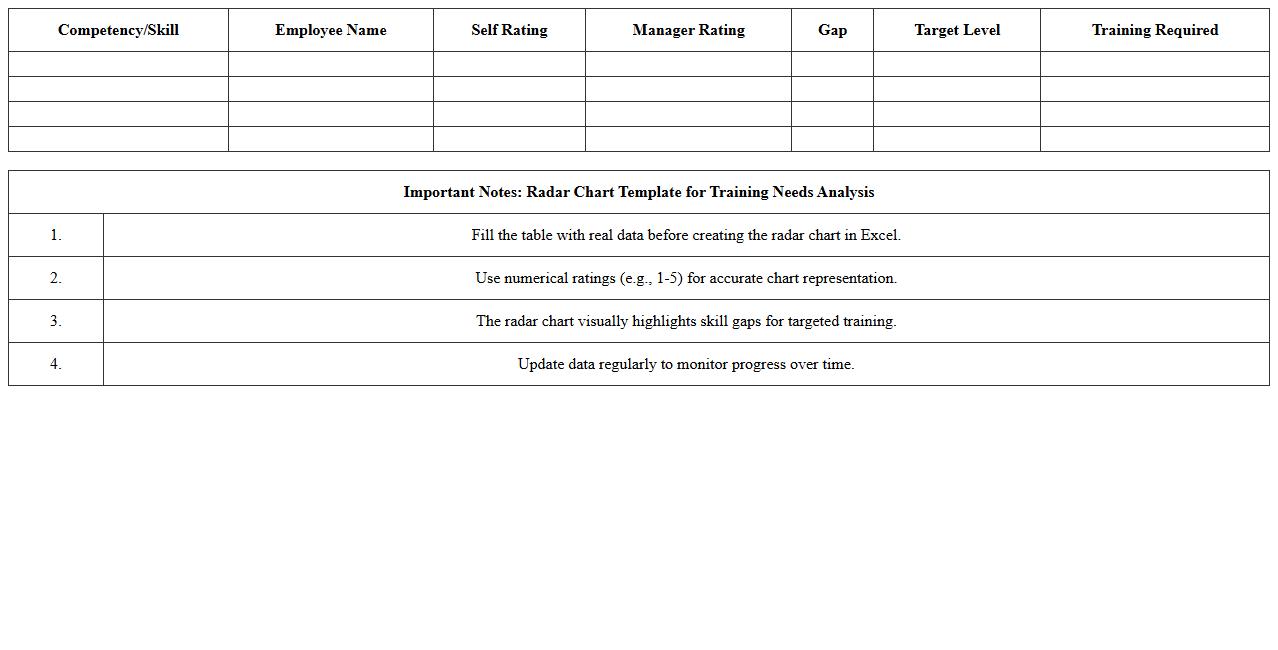
Radar Chart Excel Template for Training Needs Analysis
The
Radar Chart Excel Template for Training Needs Analysis visually represents multiple skill levels or competencies across different categories, enabling easy identification of gaps and priorities for employee development. It helps organizations compare current skillsets against desired proficiency levels, facilitating targeted training plans and resource allocation. This tool simplifies complex data into an intuitive format, enhancing decision-making in workforce development and performance improvement.
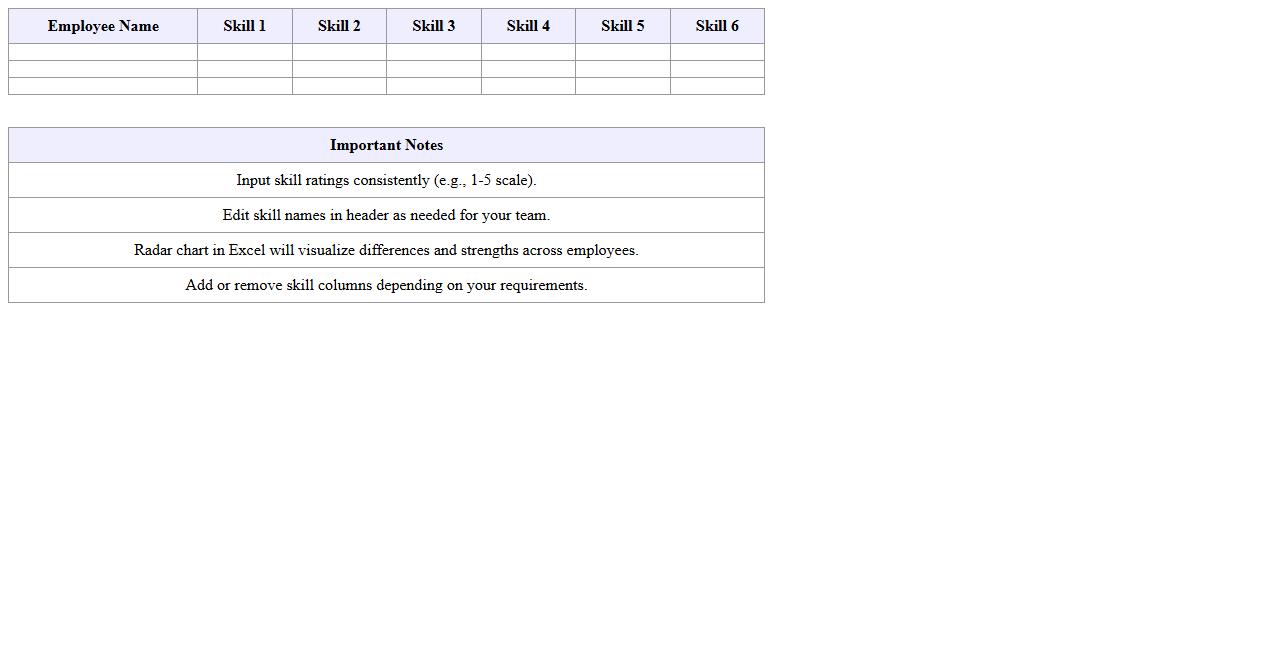
Radar Chart Excel Template for Multi-Employee Skill Comparison
The
Radar Chart Excel Template for Multi-Employee Skill Comparison is a visual tool designed to map and compare multiple employees' skills across various competencies simultaneously. It helps organizations identify skill gaps, strengths, and areas for development within teams by displaying data in an intuitive, multi-axis chart format. This template enhances decision-making in talent management, training prioritization, and resource allocation by providing clear, comparative insights into employee capabilities.
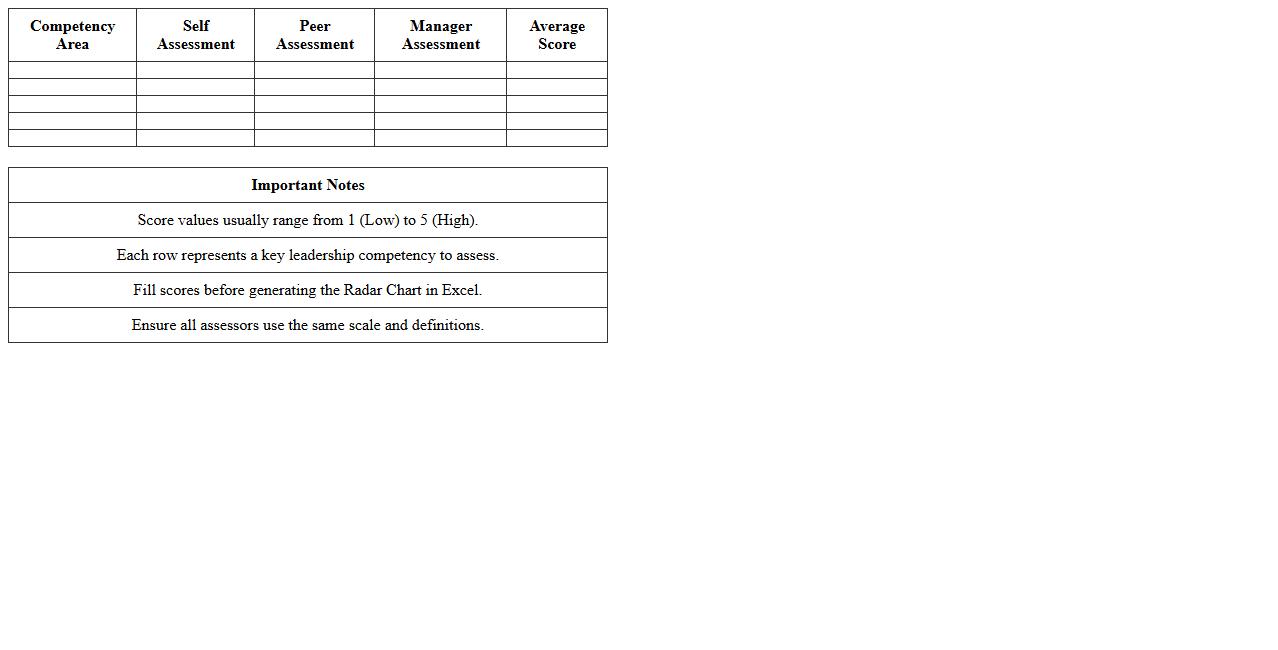
Radar Chart Excel Template for Leadership Competency Assessment
The
Radar Chart Excel Template for Leadership Competency Assessment is a specialized tool designed to visually map and evaluate various leadership skills across multiple dimensions. It enables organizations to identify strengths and development opportunities by comparing competencies such as communication, decision-making, and strategic thinking on a single, easy-to-interpret chart. This template aids in targeted leadership development, streamlined performance reviews, and data-driven succession planning.
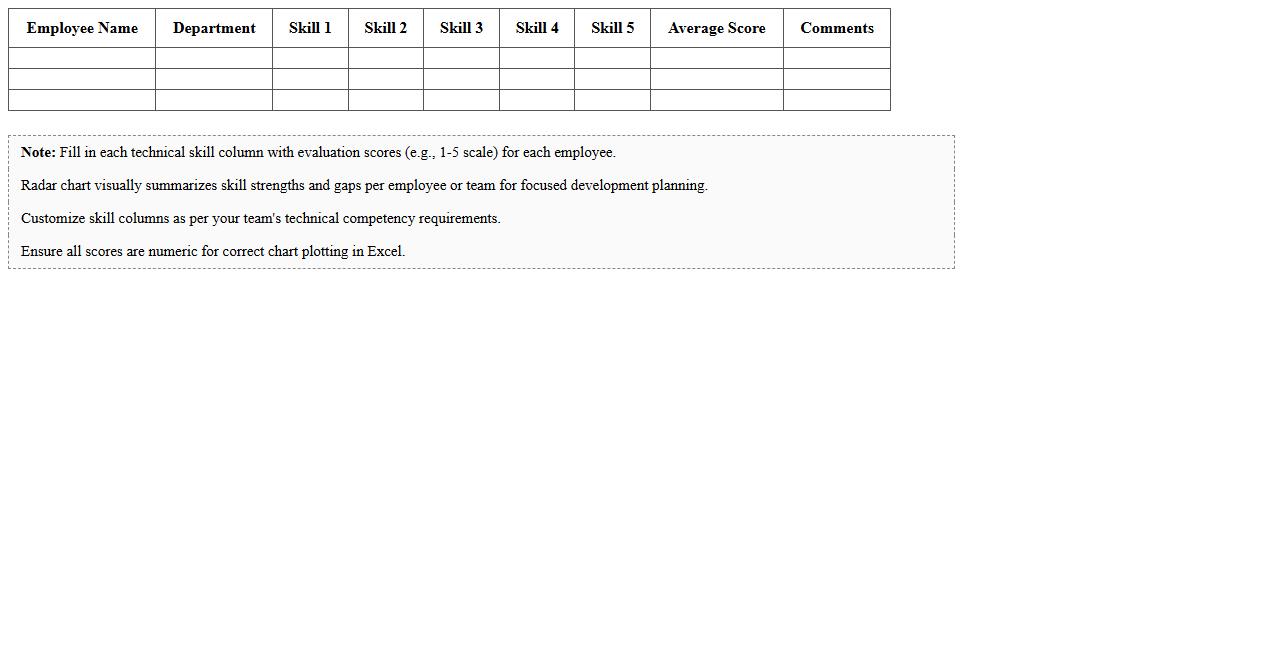
Radar Chart Excel Template for Technical Skill Evaluation
The
Radar Chart Excel Template for Technical Skill Evaluation is a dynamic tool designed to visually compare multiple technical skills across different individuals or teams within an organization. By plotting diverse skill levels on a radar chart, it helps identify strengths and weaknesses efficiently, facilitating targeted training and development programs. This template streamlines skill assessment processes, enabling data-driven decisions for enhancing workforce capabilities and aligning expertise with project requirements.
Radar Chart Excel Template for Annual Employee Skill Tracking
A
Radar Chart Excel Template for Annual Employee Skill Tracking is a visual tool designed to map and compare multiple skill levels of employees on a single, easy-to-read chart. This template enables managers to identify skill gaps, strengths, and development opportunities across teams, facilitating targeted training plans. By providing a comprehensive overview of employee competencies, it helps optimize workforce capabilities and supports strategic talent management.
Radar Chart Excel Template for HR Skill Audit
The
Radar Chart Excel Template for HR Skill Audit is a visual tool designed to assess and compare employee competencies across various skill sets within an organization. It provides a clear graphical representation of individual or team strengths and weaknesses, enabling HR professionals to identify skill gaps and tailor training programs effectively. This template streamlines data analysis, supports strategic workforce planning, and enhances decision-making for talent development and resource allocation.
How to automate radar chart updates from employee skill assessment data in Excel?
To automate radar chart updates, use Excel Tables for your employee skill data, enabling dynamic ranges as new data is added. Link your radar chart series to these tables to ensure charts update automatically. Additionally, utilize Excel formulas or VBA macros for advanced automation needs.
What are the best practices for normalizing skill scores for radar charts?
Normalizing skill scores involves scaling all data points within a consistent range, commonly from 0 to 1 or 0 to 100, to ensure fair comparisons. Use formulas like MIN-MAX normalization to adjust varied skill metrics uniformly. This approach maintains visual clarity and accuracy in radar chart representation.
How to compare multiple employees on one radar chart in Excel?
To compare multiple employees, add each employee's skill assessment data as a separate series in the radar chart. Ensure your data is organized with consistent skill categories across employees for proper alignment. Use distinct colors or markers for each series to improve visual differentiation.
How to customize radar chart axis labels for specific competency categories?
Customize radar chart axis labels by editing the category axis labels in the chart's data source to reflect your competency categories explicitly. You can also format axis text for better readability with font adjustments and label positioning. This ensures your chart clearly communicates specific skill areas.
How to export radar chart visuals for inclusion in skill assessment reports?
Export radar charts by selecting the chart and copying it as a picture or PDF for high-quality visuals. Alternatively, use Excel's export or save as features to generate images suitable for reports. Embedding these visuals enhances the professional presentation of skill assessment findings.
More Chart Excel Templates