A Budget Excel Template for Construction Projects streamlines cost tracking and financial planning by organizing expenses, materials, and labor in one place. This template helps project managers maintain accuracy and control over budgets, reducing the risk of overspending. Customizable features allow easy adjustments to suit specific project requirements and timelines.
Residential Construction Budget Excel Template
A
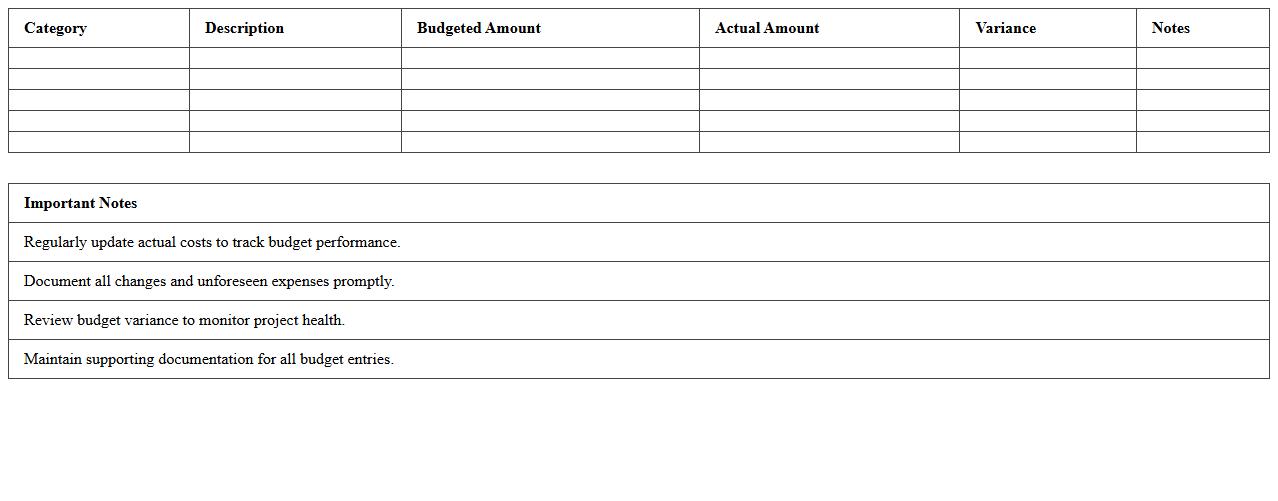
Residential Construction Budget Excel Template is a customizable spreadsheet designed to help homeowners, contractors, and project managers accurately estimate and track expenses throughout a residential building project. It organizes costs such as materials, labor, permits, and contingencies in a clear, structured format, enabling efficient financial management and preventing budget overruns. Using this template enhances project transparency, facilitates timely decision-making, and supports effective allocation of resources during construction.
Commercial Building Project Budget Spreadsheet
A
Commercial Building Project Budget Spreadsheet is a comprehensive financial tool designed to organize, track, and manage all costs associated with a commercial construction project. It helps project managers allocate funds to various categories such as materials, labor, permits, and contingencies, ensuring accurate budget forecasting and control. Using this spreadsheet enhances financial transparency, prevents cost overruns, and supports timely decision-making throughout the construction process.
Home Renovation Cost Estimator Excel Sheet
A
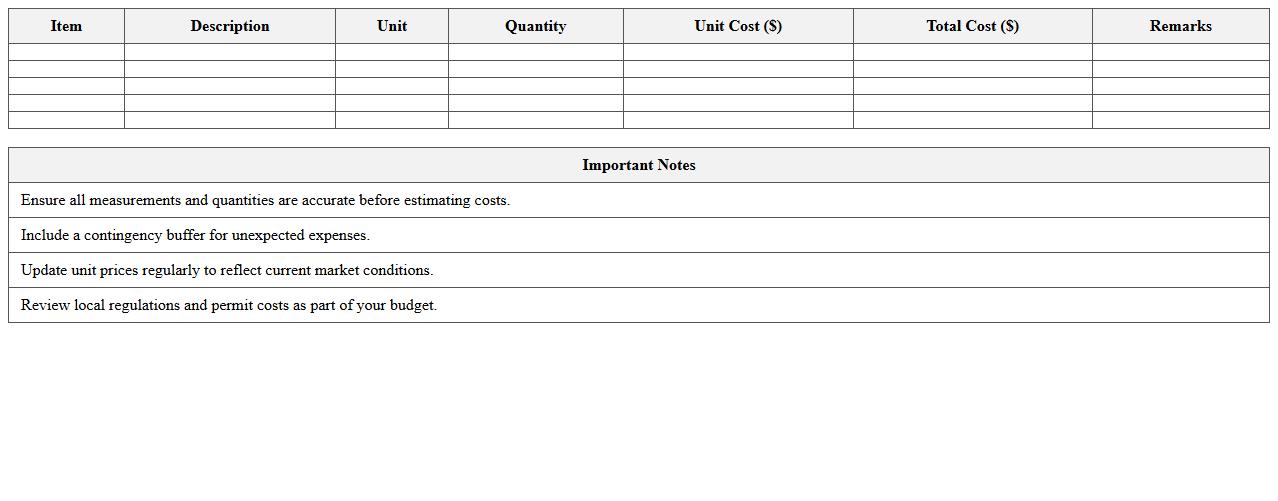
Home Renovation Cost Estimator Excel Sheet document is a detailed spreadsheet designed to calculate and track expenses related to home improvement projects. This tool helps homeowners and contractors budget accurately by organizing costs for materials, labor, permits, and contingencies in one place. It enables efficient financial planning, prevents overspending, and ensures transparency throughout the renovation process.
Construction Project Cash Flow Tracker Template
A
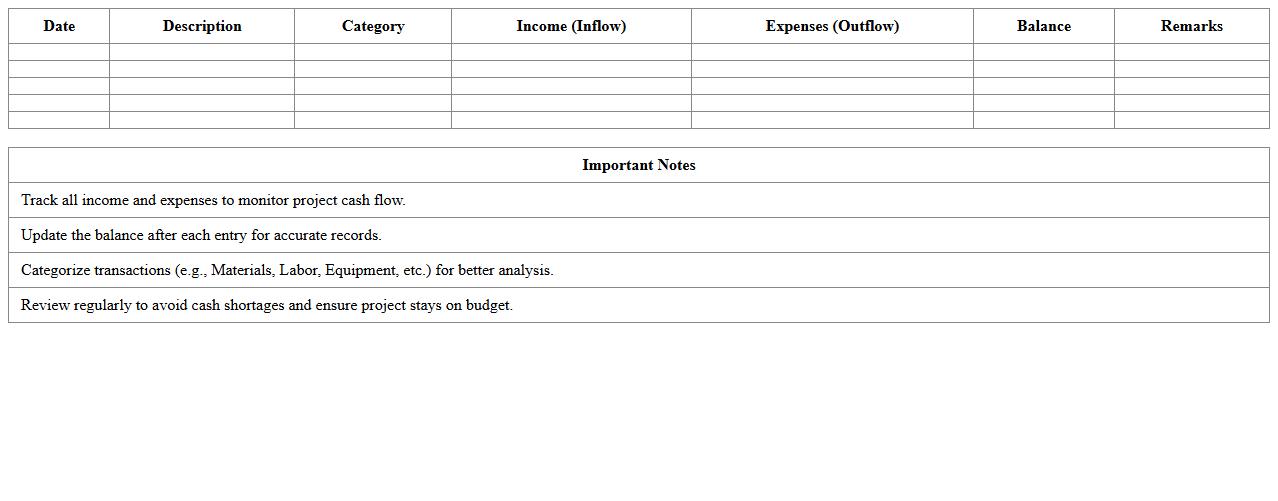
Construction Project Cash Flow Tracker Template is a detailed document designed to monitor and manage the inflow and outflow of funds throughout the lifecycle of a construction project. It helps project managers and accountants forecast expenses, track payments, and ensure budget adherence, reducing the risk of financial shortages or overruns. Using this template improves financial visibility, promotes timely decision-making, and enhances overall project profitability.
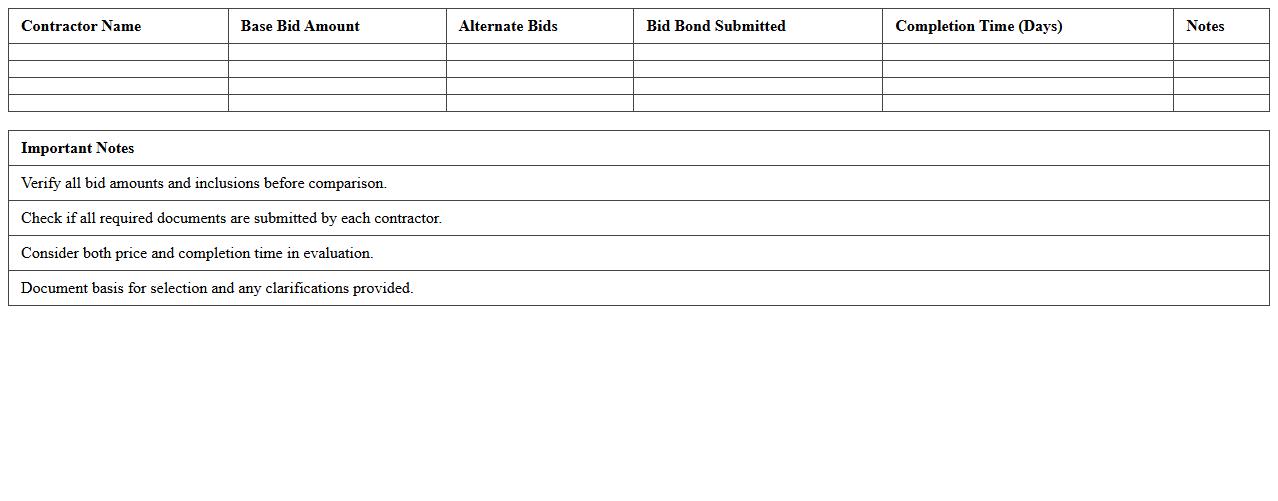
Contractor Bid Comparison Excel Table
A
Contractor Bid Comparison Excel Table is a structured spreadsheet designed to organize and evaluate multiple contractor bids based on cost, scope, timeline, and quality criteria. This document streamlines decision-making by providing a clear, side-by-side comparison that highlights the strengths and weaknesses of each bid. It helps project managers and stakeholders select the most suitable contractor, ensuring budget control and project efficiency.
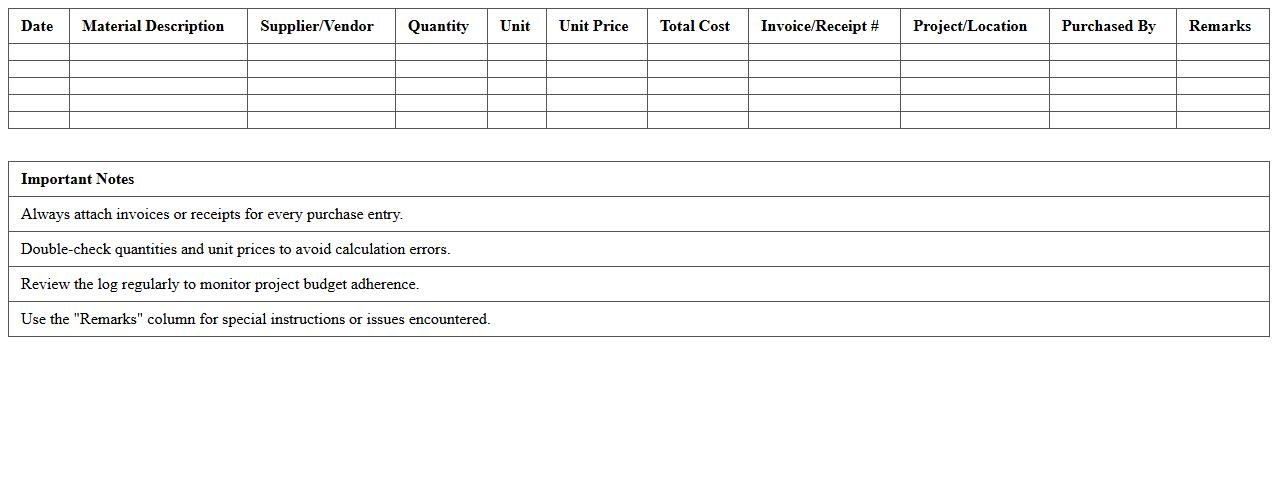
Building Material Expense Log Spreadsheet
A
Building Material Expense Log Spreadsheet is a detailed document used to track and manage costs associated with purchasing construction materials. It helps project managers and contractors monitor expenses in real-time, ensuring budgets are maintained and preventing cost overruns. By providing organized financial records, this spreadsheet improves decision-making, enhances transparency, and simplifies reporting for construction projects.
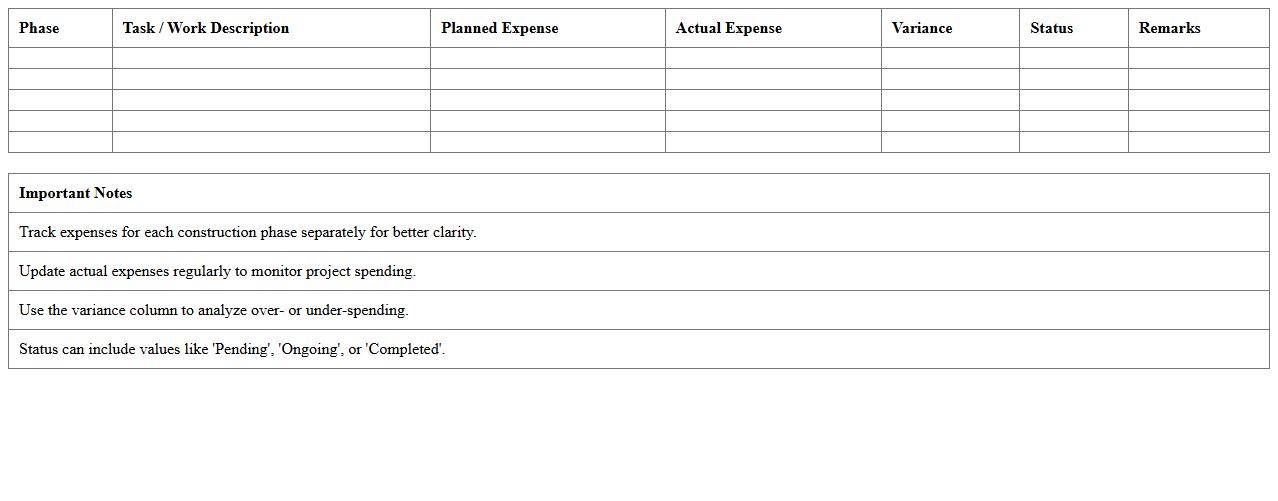
Construction Phase-Wise Expense Tracker Excel
The
Construction Phase-Wise Expense Tracker Excel document is a detailed spreadsheet designed to monitor and record expenses at each stage of a construction project, allowing precise budgeting and cost control. It helps project managers and contractors track material costs, labor charges, and overheads in distinct phases, facilitating timely financial adjustments and minimizing budget overruns. This tool improves transparency, accountability, and efficient resource allocation throughout the construction lifecycle.
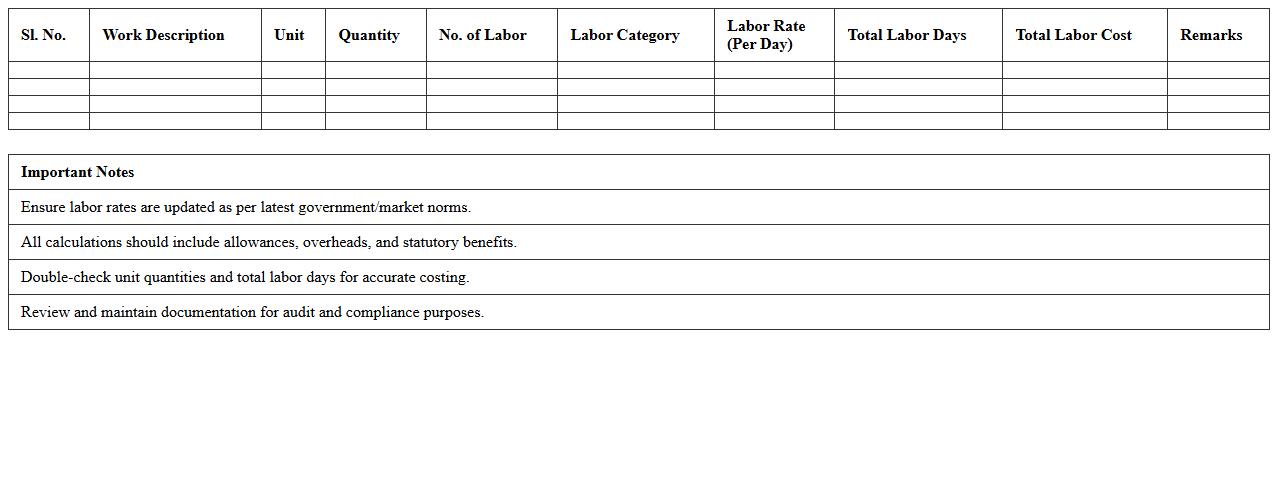
Labor Cost Calculation Sheet for Construction Projects
A
Labor Cost Calculation Sheet for construction projects is a detailed document that outlines the estimated and actual labor expenses involved in a project. It helps project managers and accountants monitor workforce costs, allocate budgets efficiently, and ensure financial control throughout the construction timeline. This sheet enhances cost forecasting accuracy and supports decision-making by providing clear visibility into labor cost drivers and variances.
Construction Equipment Cost Breakdown Excel
A
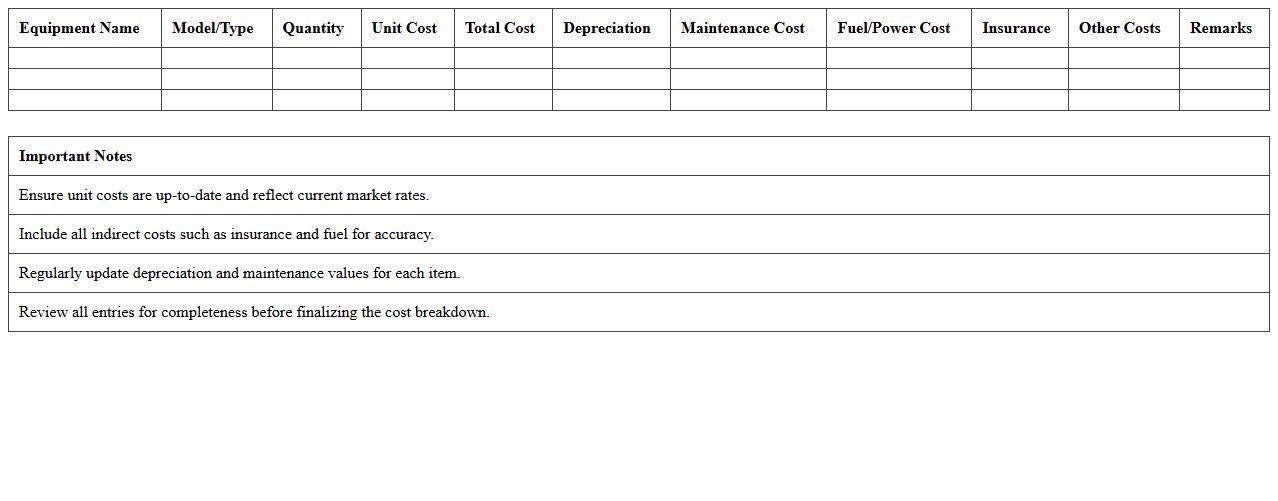
Construction Equipment Cost Breakdown Excel document details itemized expenses related to construction machinery, including purchase price, maintenance, fuel, and depreciation costs. This tool helps project managers and financial planners accurately budget and track equipment expenditures, ensuring efficient allocation of resources. Using this Excel sheet enhances cost control and supports informed decision-making throughout the construction project lifecycle.
Projected vs. Actual Construction Budget Template
A
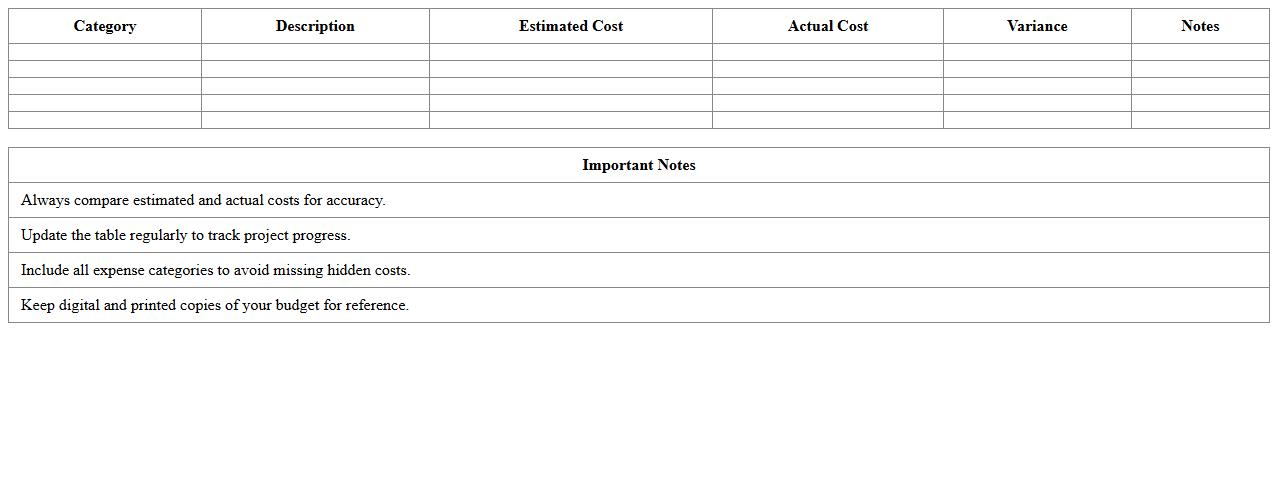
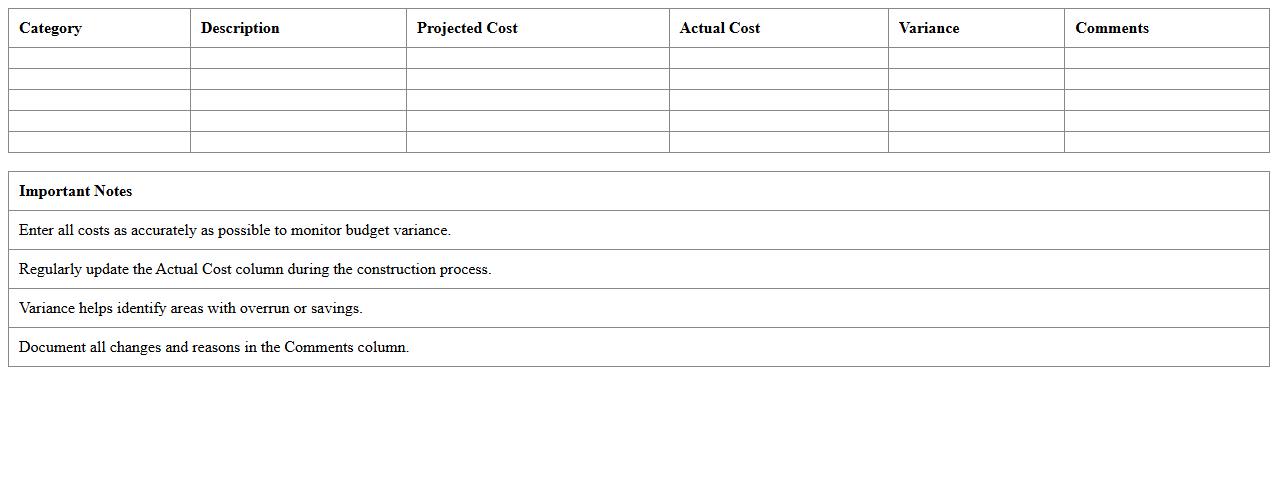
Projected vs. Actual Construction Budget Template document is a crucial tool for tracking and comparing estimated construction costs against real expenditures throughout a project's lifecycle. By providing clear visibility into variances, it helps project managers make informed decisions, control costs, and ensure financial accountability. This template streamlines budget monitoring, enhances resource allocation accuracy, and supports timely adjustments to keep construction projects within financial goals.
How do you itemize labor costs in a construction budget Excel template?
To itemize labor costs, start by listing each worker's role and hourly rate in separate rows. Include columns for hours worked, overtime, and total cost to capture detailed labor expenses. Ensure the template sums all labor costs to provide a clear overview of labor budgeting.
What columns are essential for tracking material expenses in construction spreadsheets?
Essential columns include item description, quantity, unit price, and total cost for accurate material expense tracking. Adding columns for supplier details and delivery dates helps in managing procurement timelines. These columns collectively provide transparency and control over material costs.
How do you link actual vs. projected costs for each project phase in Excel?
Use separate columns for projected costs and actual costs within each project phase section. Apply formulas to calculate variances, highlighting differences between expected and incurred expenses. This linkage enables real-time budget monitoring and adjustments.
What formulas help flag budget overruns in construction project spreadsheets?
Implement conditional formulas like =IF(actual_cost>budgeted_cost,"Overrun","Within Budget") to quickly identify overspending. Use SUM and SUMIF functions to aggregate costs and compare totals against budgets. Conditional formatting can visually flag overruns, enhancing spreadsheet usability.
How can you automate change order documentation in Excel budget letters?
Automate change order documentation by linking change order details to budget templates using data validation and dynamic cell references. Use macros or VBA scripts to generate update letters automatically when change orders are entered. This ensures consistent and efficient communication about project budget changes.
More Budget Excel Templates