The Budget Allocation Excel Template for Marketing Campaigns streamlines financial planning by providing a clear breakdown of expenses across various marketing channels. It enables marketers to track budgets, forecast costs, and adjust allocations dynamically to maximize campaign ROI. With customizable categories and automated calculations, this template ensures efficient resource management and better decision-making.
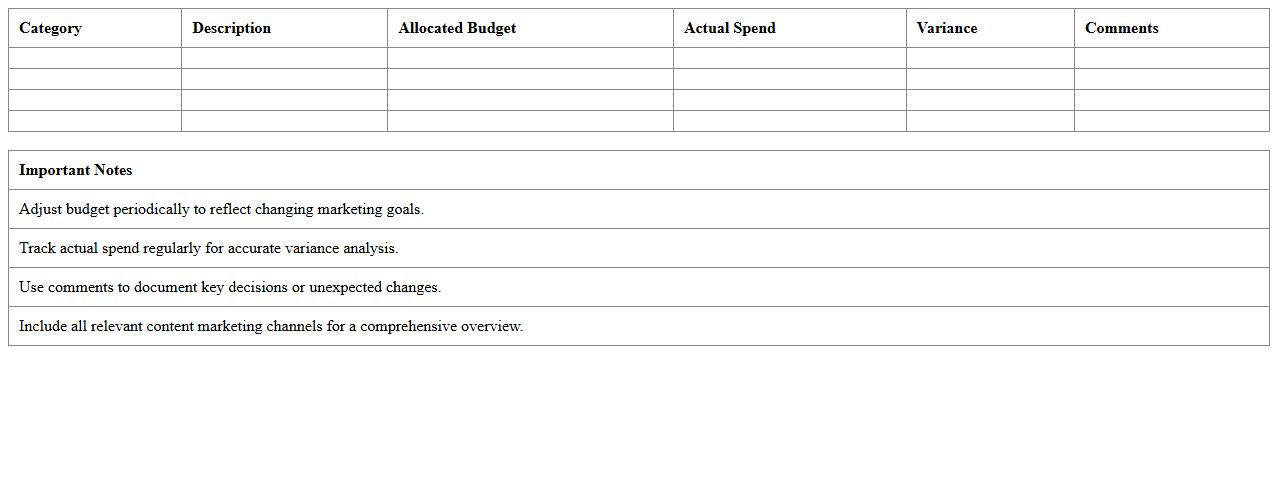
Content Marketing Budget Allocation Excel Template
The
Content Marketing Budget Allocation Excel Template is a structured tool designed to help businesses plan, track, and optimize their marketing expenses effectively. This template enables marketers to allocate funds across various content channels, monitor spending against budget, and forecast future financial needs with precision. Utilizing this document ensures better financial control, improves ROI analysis, and streamlines resource distribution for content marketing campaigns.
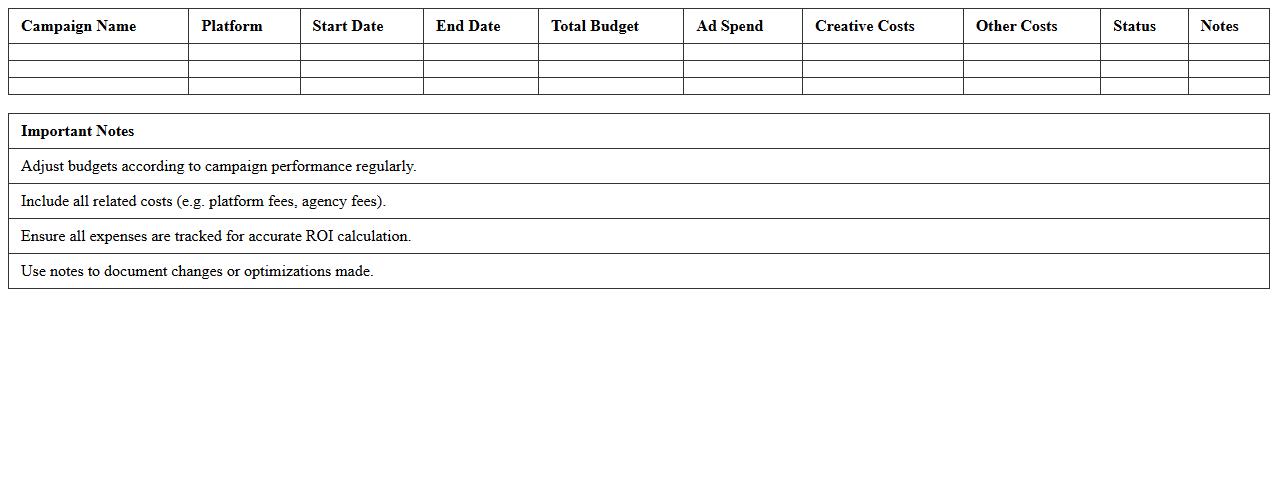
Social Media Campaign Budget Allocation Spreadsheet
A
Social Media Campaign Budget Allocation Spreadsheet document systematically organizes and tracks all expenditures related to social media marketing efforts, including ad spend, content creation, and management fees. It allows marketers to monitor budget distribution across platforms like Facebook, Instagram, and Twitter, ensuring optimal use of funds aligned with campaign goals. By using this tool, teams can analyze spending efficiency, forecast future budgets, and enhance decision-making based on real-time financial data.
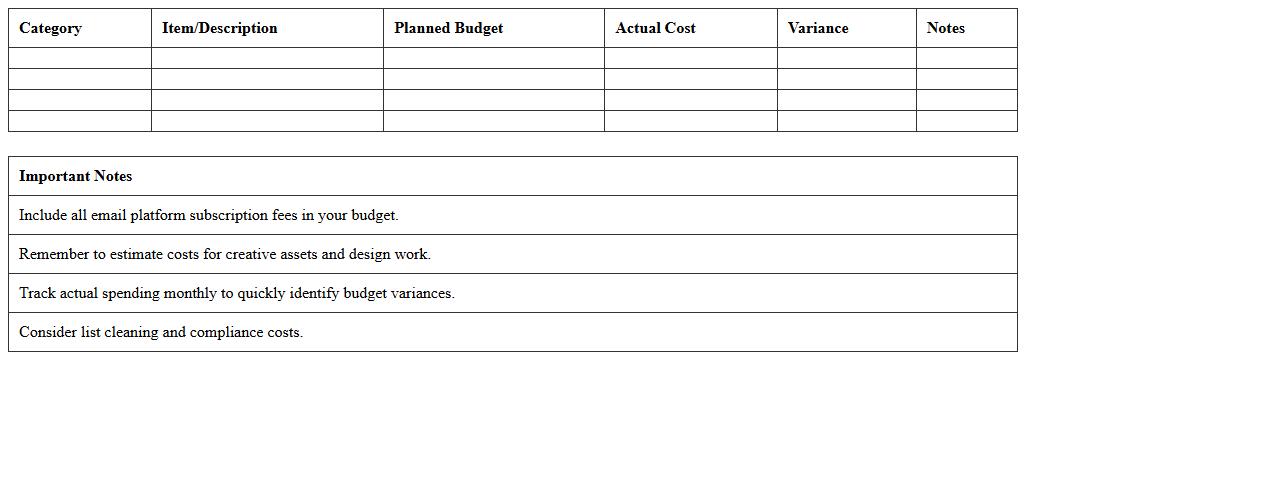
Email Marketing Budget Planning Excel Sheet
An
Email Marketing Budget Planning Excel Sheet is a structured document designed to organize and track all expenses related to email marketing campaigns, including software subscriptions, content creation, and distribution costs. It enables marketers to allocate resources effectively, monitor spending against set budgets, and identify cost-saving opportunities to maximize campaign ROI. Utilizing this tool helps businesses maintain financial control while optimizing email marketing performance and achieving strategic goals.
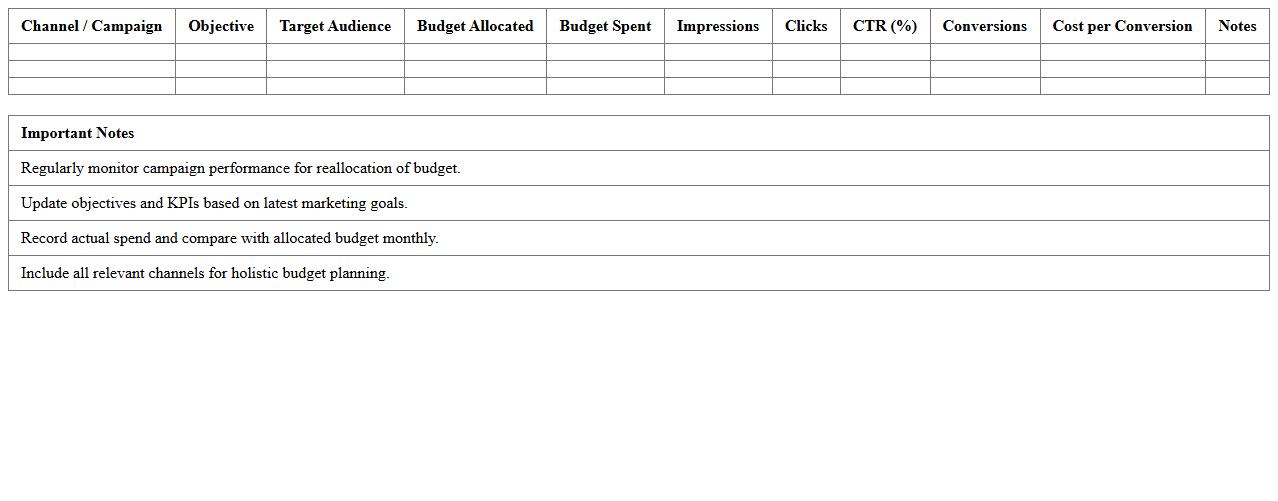
Digital Advertising Campaign Budget Allocation Template
A
Digital Advertising Campaign Budget Allocation Template document is a structured tool designed to help marketers and businesses systematically distribute their advertising funds across multiple channels and platforms. It enables precise tracking of budget allocation, helping to optimize spending and maximize return on investment by analyzing campaign performance data. This template is essential for maintaining financial control and ensuring that marketing resources are used efficiently to achieve targeted advertising goals.
Product Launch Marketing Budget Excel Template
A
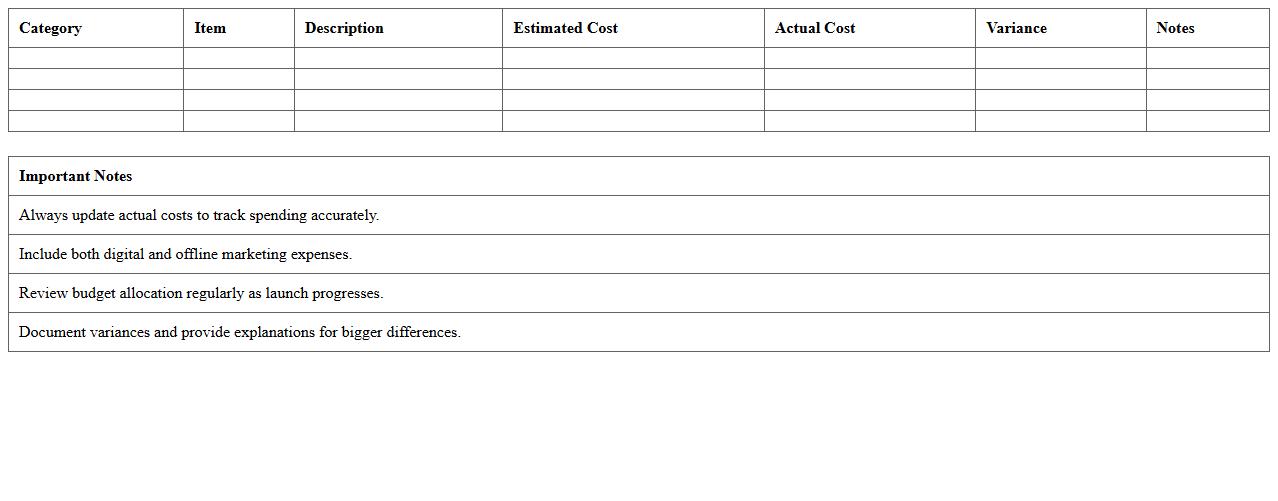
Product Launch Marketing Budget Excel Template is a detailed spreadsheet designed to help businesses plan and track marketing expenses associated with introducing a new product to the market. It allows users to allocate funds across various marketing channels, monitor budget adherence, and forecast costs, ensuring efficient resource management. Utilizing this template enhances financial control and supports data-driven decision-making throughout the product launch process.
Event Marketing Budget Allocation Tracking Sheet
The
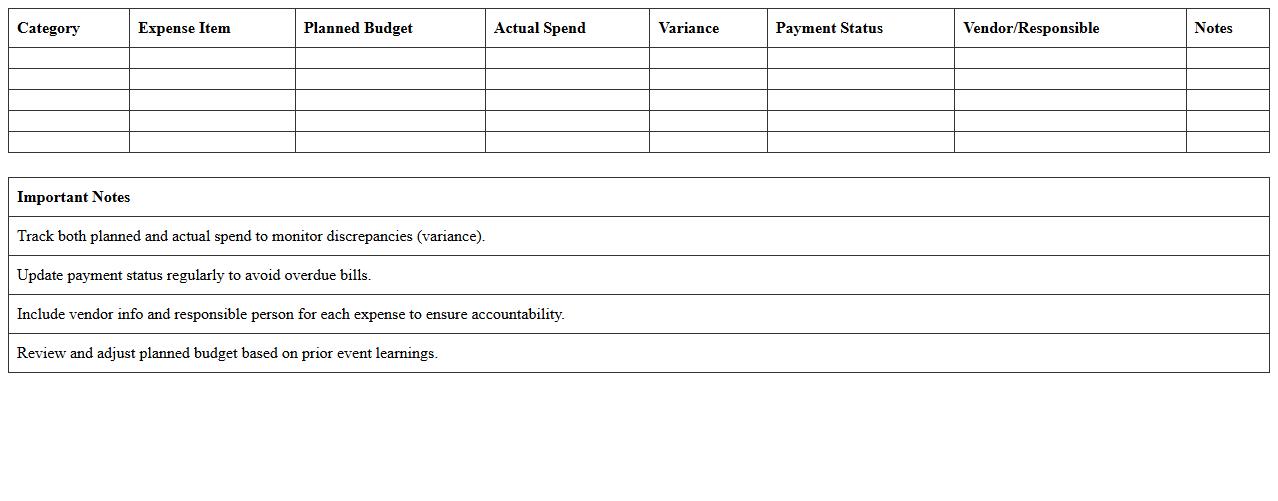
Event Marketing Budget Allocation Tracking Sheet is a detailed document designed to monitor and manage the distribution of funds across various event marketing activities. It helps ensure that financial resources are allocated efficiently by providing a clear overview of expenses, budget limits, and spending patterns in real-time. Using this tracking sheet allows teams to optimize budget usage, avoid overspending, and make informed decisions for future event planning.
PPC Marketing Campaign Budget Allocation Spreadsheet
The
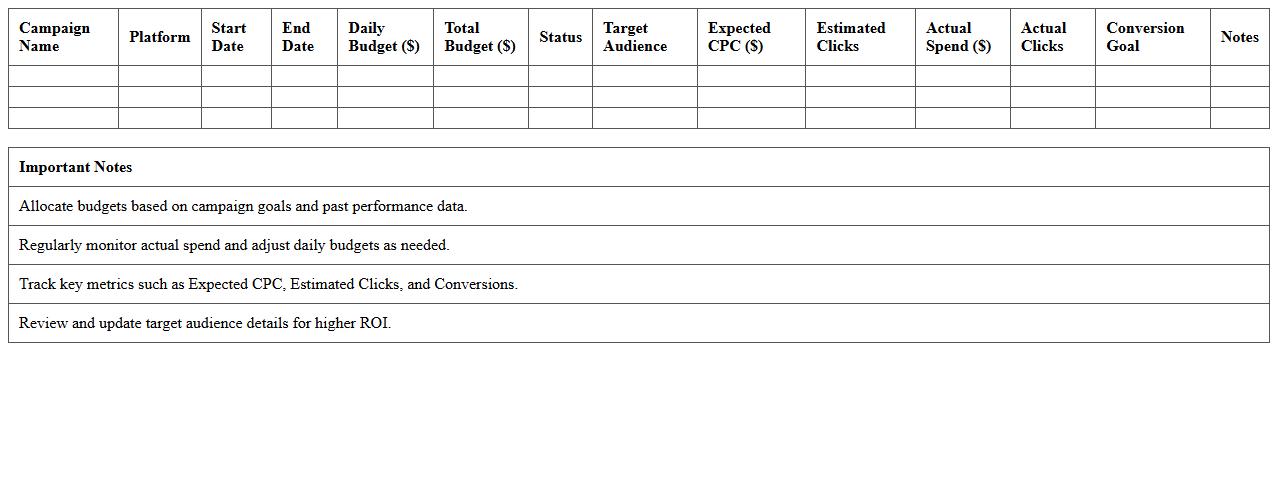
PPC Marketing Campaign Budget Allocation Spreadsheet is a structured tool designed to efficiently distribute advertising funds across various pay-per-click campaigns. It enables marketers to track spending, forecast costs, and optimize budget allocations based on performance data, ensuring maximum return on investment. This document is essential for maintaining financial control and improving the effectiveness of digital advertising strategies.
Annual Marketing Budget Allocation Excel Template
The
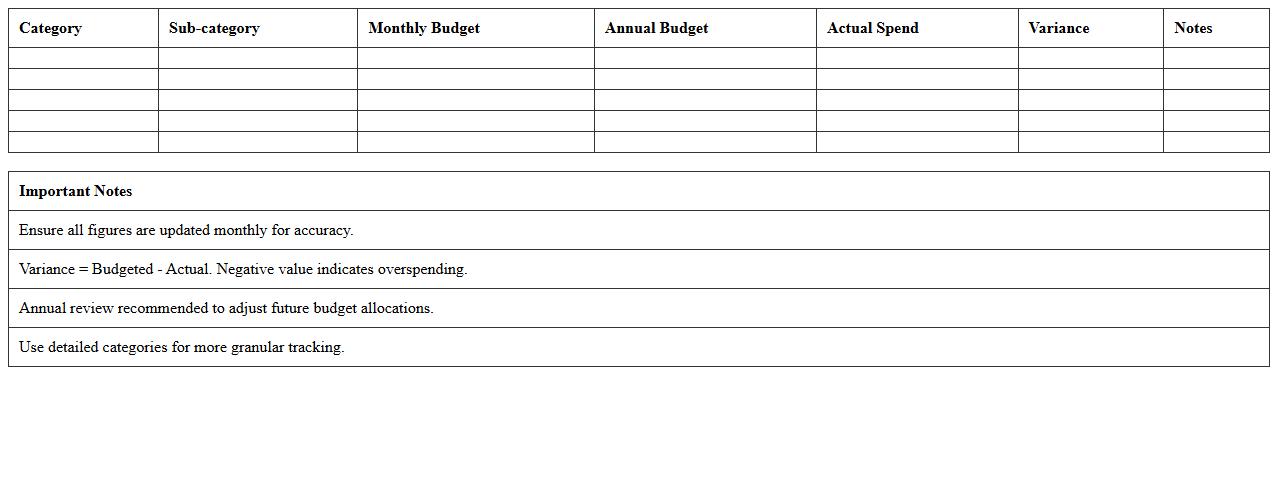
Annual Marketing Budget Allocation Excel Template is a structured spreadsheet designed to organize, track, and manage marketing expenses throughout the fiscal year. This document helps businesses allocate funds efficiently across various marketing channels, campaigns, and projects, ensuring optimal resource distribution. By using this template, companies can monitor spending in real time, analyze budget variances, and make data-driven decisions to maximize return on investment and improve overall marketing strategy.
Influencer Marketing Allocation Excel Template
The
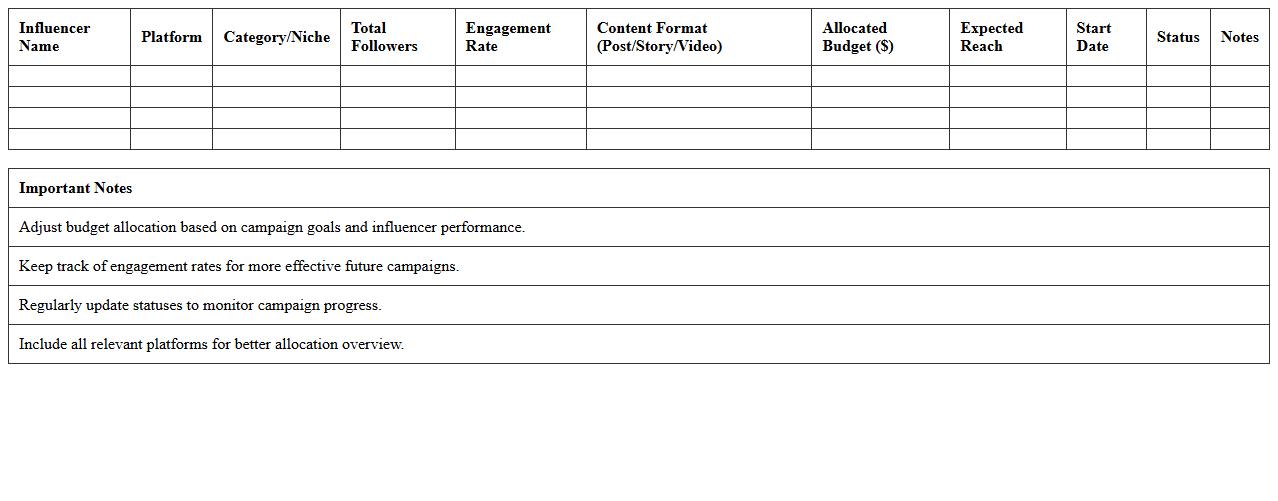
Influencer Marketing Allocation Excel Template is a structured spreadsheet designed to help marketers efficiently distribute budgets and resources across multiple influencer campaigns. It allows for detailed tracking of campaign performance, influencer engagement, and return on investment, enabling data-driven decisions. By providing clear visualization and organization of allocation metrics, it streamlines budgeting processes and maximizes the effectiveness of influencer partnerships.
Multi-Channel Marketing Campaign Budget Sheet
A
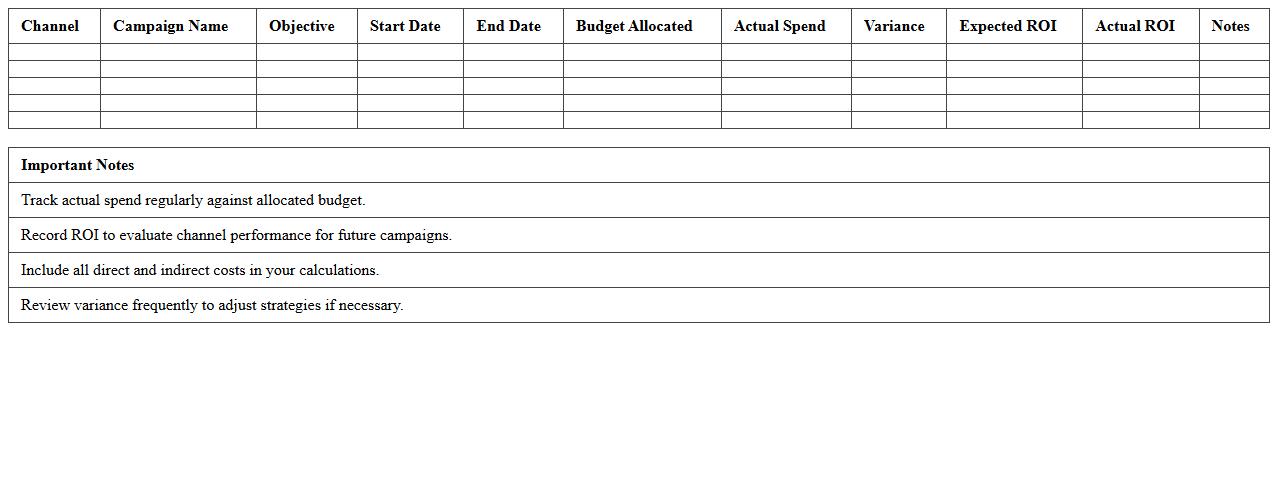
Multi-Channel Marketing Campaign Budget Sheet is a detailed document that outlines the financial plan for marketing activities across various platforms such as social media, email, search engines, and offline channels. It helps track expenses allocated to each channel, ensuring efficient budget management and alignment with campaign goals. By providing clear visibility into spending patterns, this sheet enables marketers to optimize resource distribution and improve return on investment.
How does the Budget Allocation Excel track multi-channel campaign spending versus projections?
The Budget Allocation Excel uses dedicated columns for each marketing channel to record actual spending and project budgets. By comparing these values side-by-side, it offers a clear view of spending performance across multiple channels. Conditional formatting highlights variances, ensuring quick identification of any budget overruns or underspending.
What formulas are used to automate ROI calculations per marketing tactic?
ROI calculations in the Excel sheet typically use the formula = (Revenue - Cost) / Cost for each marketing channel. This formula is embedded into each row or section representing different tactics, enabling automatic performance updates. Additional formulas aggregate these values to provide overall campaign ROI, helping marketers focus on high-performing tactics.
How can the Excel sheet accommodate real-time adjustments to allocation based on performance metrics?
The sheet incorporates dynamic tables and dropdown menus that allow users to quickly modify budget allocations. Performance metrics such as CTR or conversion rate can be linked to formulas that adjust recommended spend automatically. This ensures the budget remains flexible and aligned with ongoing campaign results for maximum efficiency.
Does the template support separate budget tracking for influencer partnerships within the campaign?
Yes, the template includes a dedicated section for influencer partnerships to track their unique budget lines separately. This enables clear visibility into spending, payouts, and ROI specifically related to influencer marketing efforts. Segmenting the budget helps optimize influencer ROI without mixing it with other channel expenses.
What error-checking mechanisms are built in to flag over-allocation or duplicate entries?
The Excel file uses data validation rules to prevent duplicate entries and ensure budget limits are not exceeded. Conditional formatting alerts users when allocation surpasses set thresholds or when duplicate campaign elements are detected. These features maintain data integrity and help avoid costly budgeting errors.
More Budget Excel Templates