Monthly Sales Performance Dashboard Excel Template
The
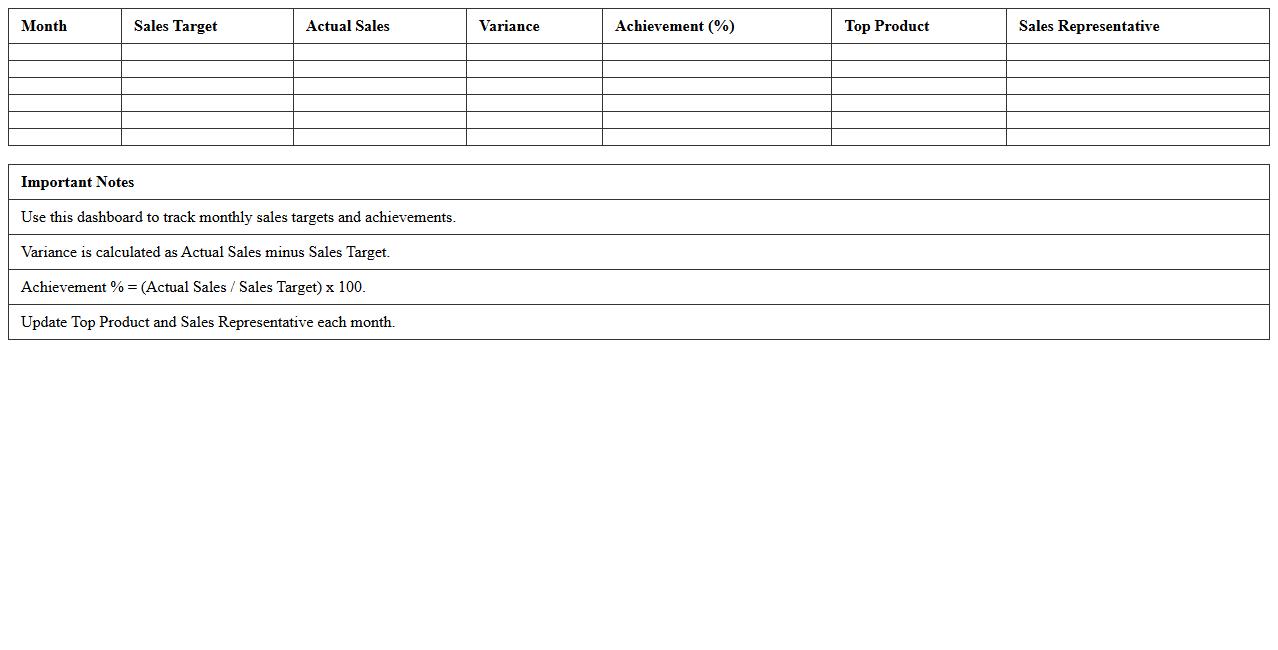
Monthly Sales Performance Dashboard Excel Template is a comprehensive tool designed to track, analyze, and visualize sales data on a monthly basis, enabling businesses to monitor key performance indicators such as revenue, units sold, and sales growth. It provides customizable charts and tables that facilitate quick identification of trends, sales targets achievement, and areas needing improvement, enhancing decision-making accuracy. Using this template increases productivity by consolidating data in one accessible location, supporting strategic planning and boosting sales team effectiveness.
Regional Sales Comparison Analysis Excel Sheet
The
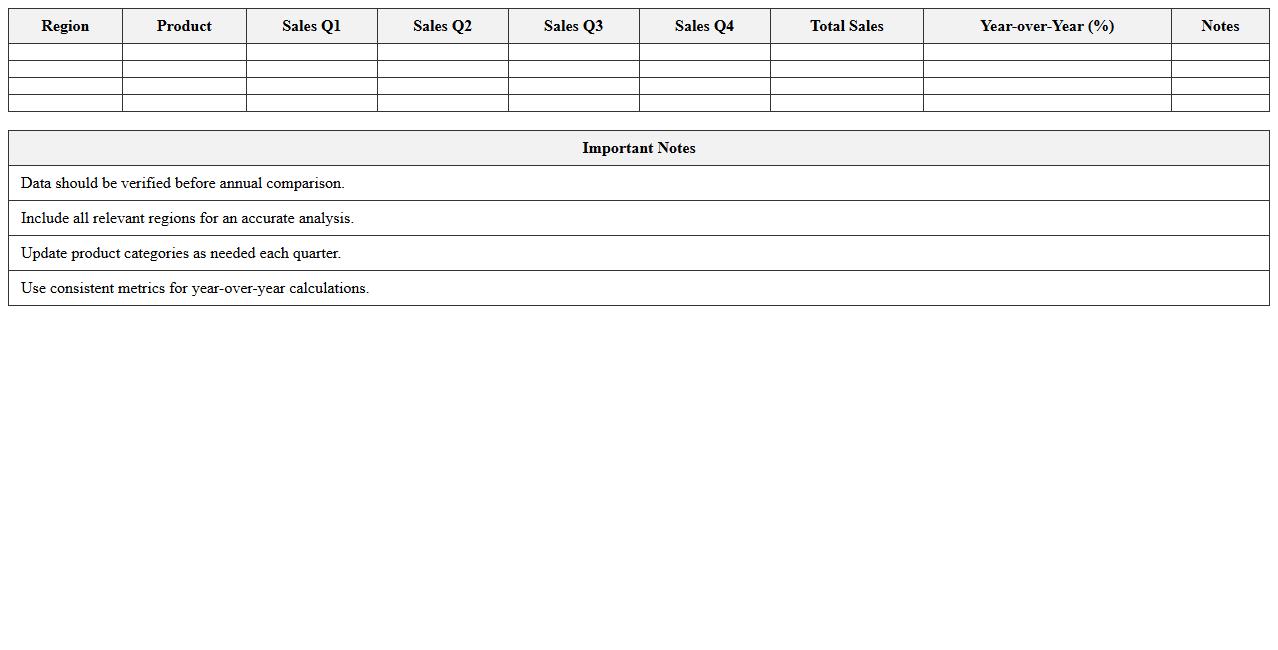
Regional Sales Comparison Analysis Excel Sheet is a structured document designed to compile and analyze sales data across different geographic regions. It enables businesses to identify sales trends, compare performance metrics, and make data-driven decisions to optimize regional strategies. Using this tool helps improve resource allocation, enhance market understanding, and boost overall sales effectiveness.
Product-Wise Sales Tracking Excel Template
The
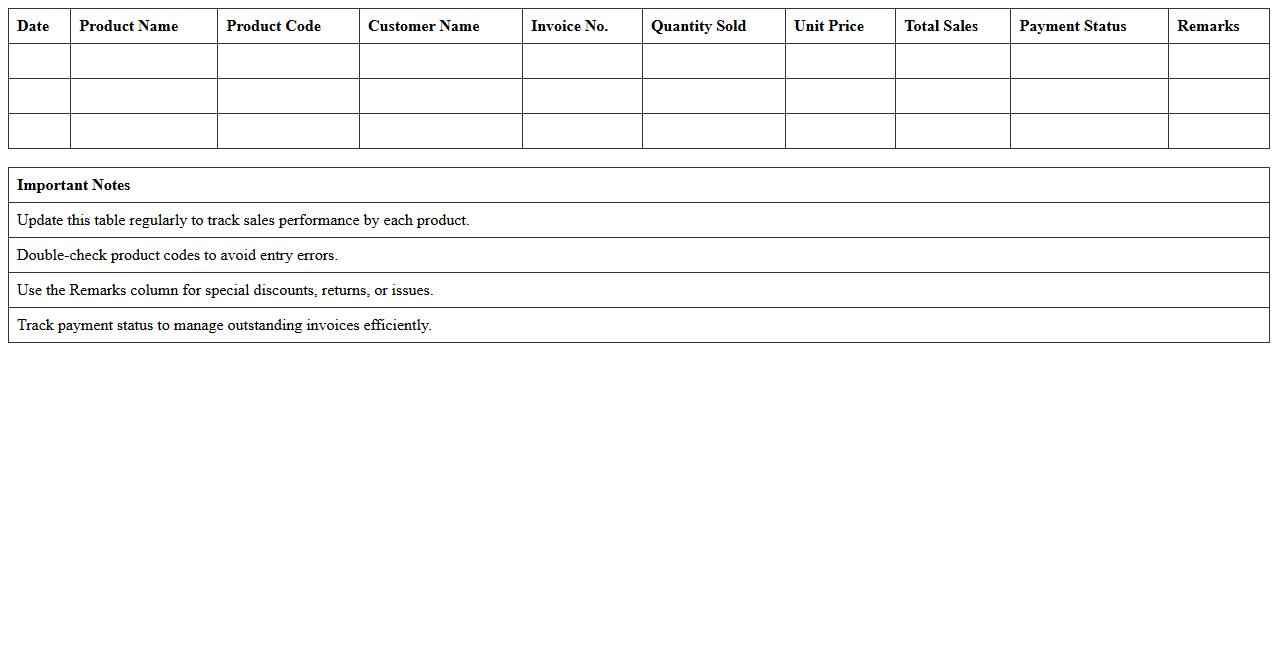
Product-Wise Sales Tracking Excel Template is a comprehensive tool designed to monitor and analyze sales data for individual products efficiently. It enables businesses to track sales volume, revenue, and trends over time, facilitating informed decision-making and inventory management. By consolidating sales information in one organized spreadsheet, this template helps identify top-performing products and areas needing improvement, ultimately driving better sales strategies.
Sales Revenue Progress Report Excel Sheet
A
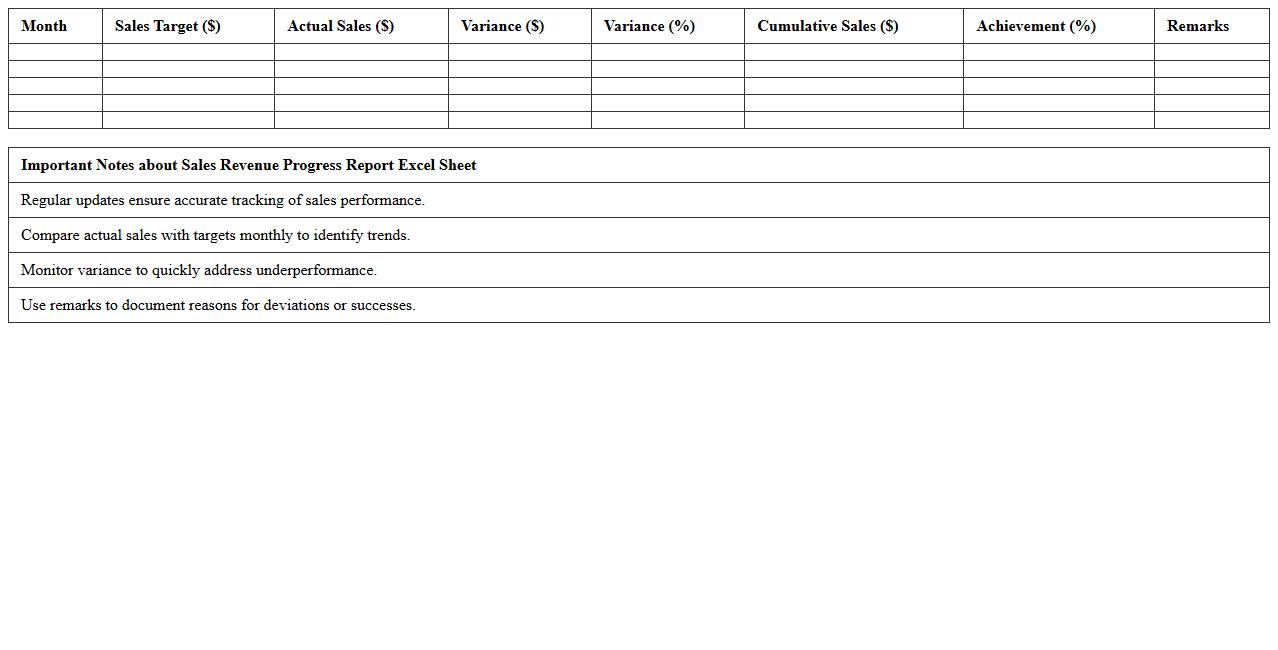
Sales Revenue Progress Report Excel Sheet is a detailed document that tracks and analyzes sales income over specific periods, allowing businesses to monitor performance against targets. It helps identify trends, measure growth, forecast future revenue, and make informed decisions to optimize sales strategies. Utilizing this report enhances financial transparency and supports effective resource allocation for increased profitability.
Yearly Sales Performance Review Excel Template
The
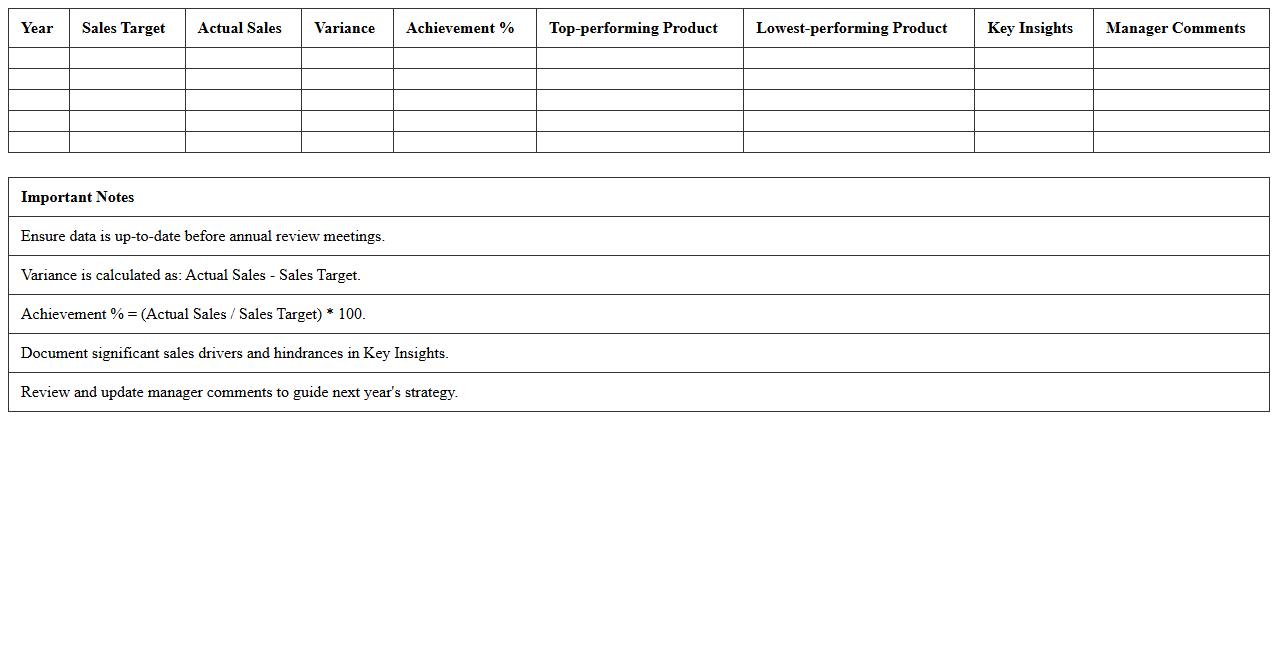
Yearly Sales Performance Review Excel Template is a structured spreadsheet designed to track, analyze, and visualize annual sales data efficiently. It enables businesses to monitor key performance indicators (KPIs) such as revenue growth, sales targets, and individual salesperson performance in one organized file. Utilizing this template helps identify trends, set realistic goals, and make data-driven decisions to enhance overall sales strategy.
Sales Target vs Actual Excel Analysis Sheet
The
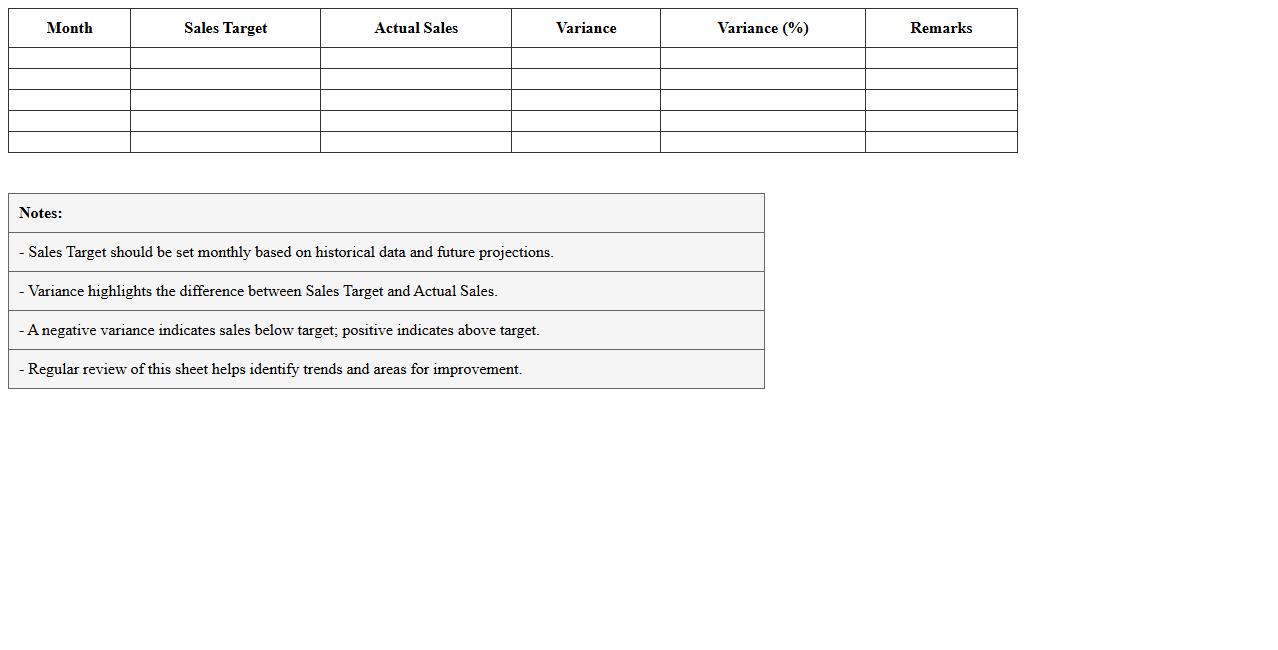
Sales Target vs Actual Excel Analysis Sheet is a comprehensive tool that tracks and compares projected sales goals against real sales performance over specific periods. By organizing data into clear tables and visual charts, it enables businesses to identify gaps, monitor progress, and adjust strategies to achieve revenue objectives. This analysis sheet enhances decision-making by providing actionable insights into sales trends, efficiency, and forecasting accuracy.
Sales Growth Trend Analysis Excel Template
The
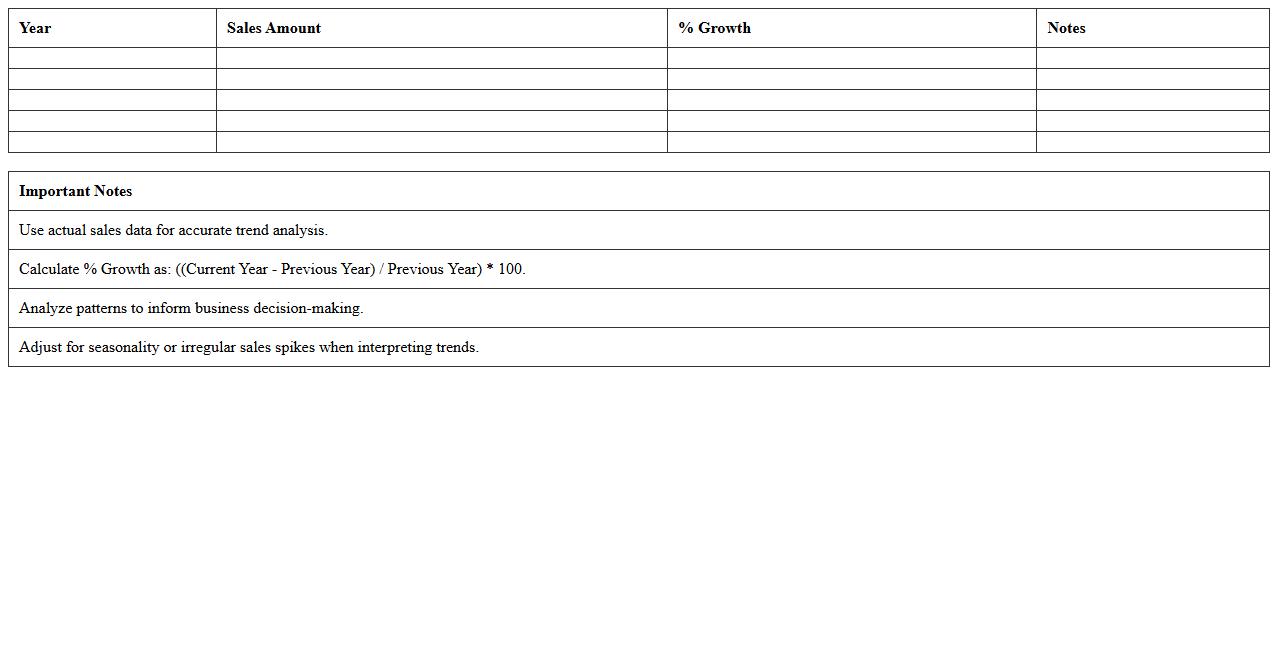
Sales Growth Trend Analysis Excel Template document is a powerful tool designed to track and visualize sales performance over time, highlighting patterns and fluctuations in revenue. It enables businesses to make data-driven decisions by providing clear insights into growth rates, seasonal trends, and market behavior. Using this template helps identify opportunities for expansion and areas needing improvement, boosting overall sales strategy effectiveness.
Top Customers Sales Performance Excel Report
The
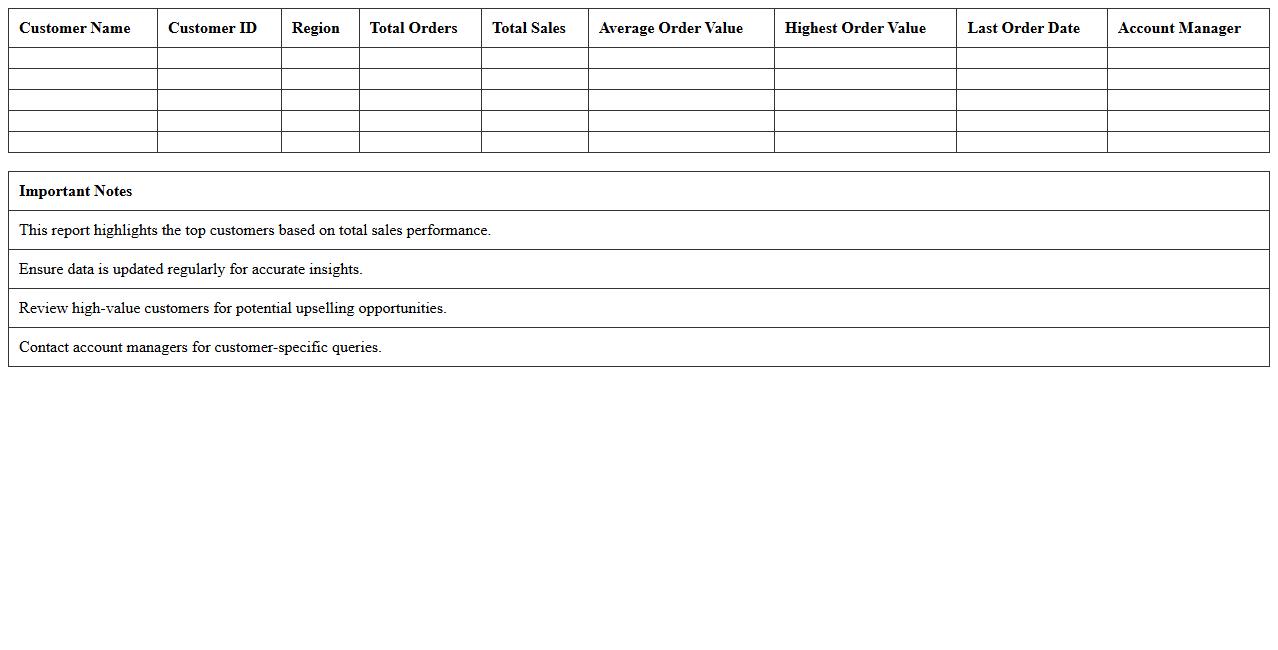
Top Customers Sales Performance Excel Report document provides a detailed analysis of sales data categorized by top customers, highlighting their purchase patterns, revenue contributions, and growth trends. This report is essential for identifying high-value clients, tracking sales performance over time, and making informed decisions to tailor marketing and sales strategies. By utilizing this data, businesses can enhance customer retention, optimize resource allocation, and boost overall profitability.
Sales Representative Performance Tracker Excel
The
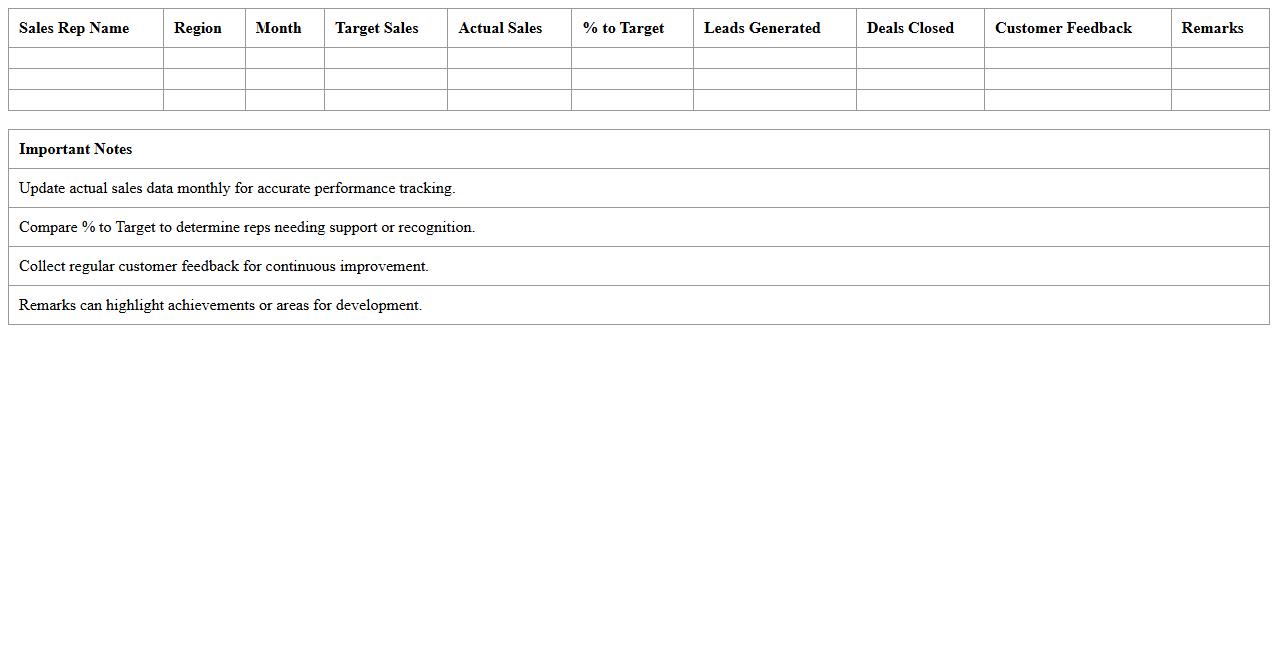
Sales Representative Performance Tracker Excel document is a comprehensive tool designed to monitor and evaluate individual sales agents' productivity by recording key metrics such as sales volume, conversion rates, and customer interactions. It enables managers to identify high performers, track progress towards targets, and pinpoint areas requiring improvement. This organized data facilitates strategic decision-making, enhances team accountability, and drives overall sales growth.
Sales Pipeline Performance Analysis Excel Template
A
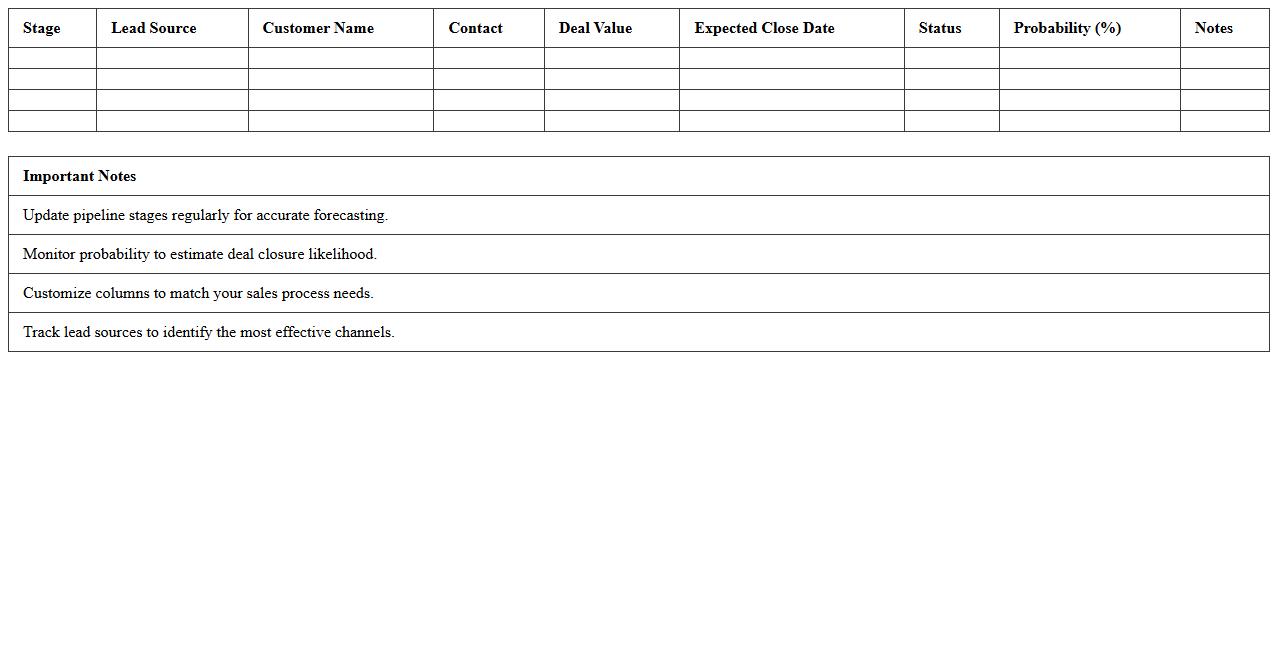
Sales Pipeline Performance Analysis Excel Template document is a structured tool designed to track and evaluate the efficiency of sales activities by visualizing each stage of the sales process. It enables sales teams to identify bottlenecks, forecast revenue accurately, and make data-driven decisions to improve conversion rates. By consolidating sales metrics and progress into one accessible format, this template enhances pipeline transparency and drives better strategic planning.
How to automate monthly sales trend graphs in Excel for small business reports?
Start by creating a dynamic data range using the OFFSET and COUNTA functions to ensure your sales data updates automatically. Use Excel Tables for structured data that automatically expands when new monthly data is added. Then, insert a Line Chart linked to your dynamic range to visualize the monthly sales trends effortlessly.
Which Excel formulas best identify underperforming products in sales data?
IF and SUMIFS formulas are effective in pinpointing underperforming products by comparing individual sales against set targets. Use the AVERAGEIFS formula to find products consistently below average sales levels. Combining these with conditional checks allows you to flag products that require immediate attention.
What conditional formatting highlights declining sales regions in an Excel dashboard?
Apply Color Scales to instantly visualize regions with decreasing sales figures, using red shades for decline and green for growth. Utilize formulas like =B2 in conditional formatting to specifically highlight cells showing a month-over-month decrease. This approach helps managers quickly identify and address declining sales regions.
How to integrate customer segmentation with sales data analysis in Excel?
Combine customer segmentation data columns with sales figures by using VLOOKUP or XLOOKUP functions to align segments with sales records. Create PivotTables that group sales data by customer segments for detailed performance insights. This integration enables customized marketing strategies and targeted sales campaigns within Excel.
What Excel pivot table layout optimizes small business sales performance review?
Arrange your PivotTable with Product Categories as rows and Months as columns to track sales trends effectively. Place Sales Amount in the values area and add calculated fields for profit margins or growth rates. This layout provides a clear, concise overview, enhancing decision-making in small business sales reviews.