The Classroom Roster Excel Template for Teachers simplifies student management by organizing names, grades, and contact information in one easy-to-use spreadsheet. This template enhances efficiency, allowing teachers to track attendance and performance seamlessly. Customizable fields ensure it meets the unique needs of any classroom setting.
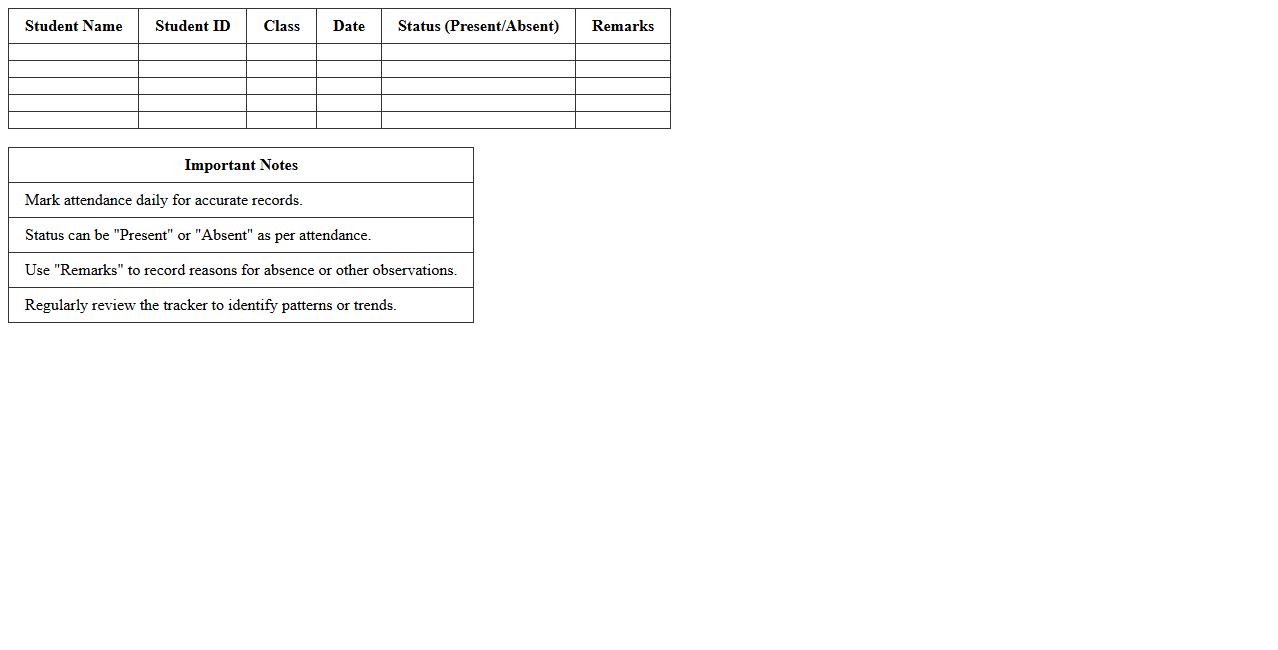
Student Attendance Tracker Excel Template
The
Student Attendance Tracker Excel Template is a structured spreadsheet designed to efficiently record and monitor student attendance over a specified period. It helps educators and administrators maintain accurate attendance records, identify patterns of absenteeism, and generate reports for parent meetings or school compliance. By streamlining attendance management, this template saves time and ensures better student engagement and academic performance tracking.
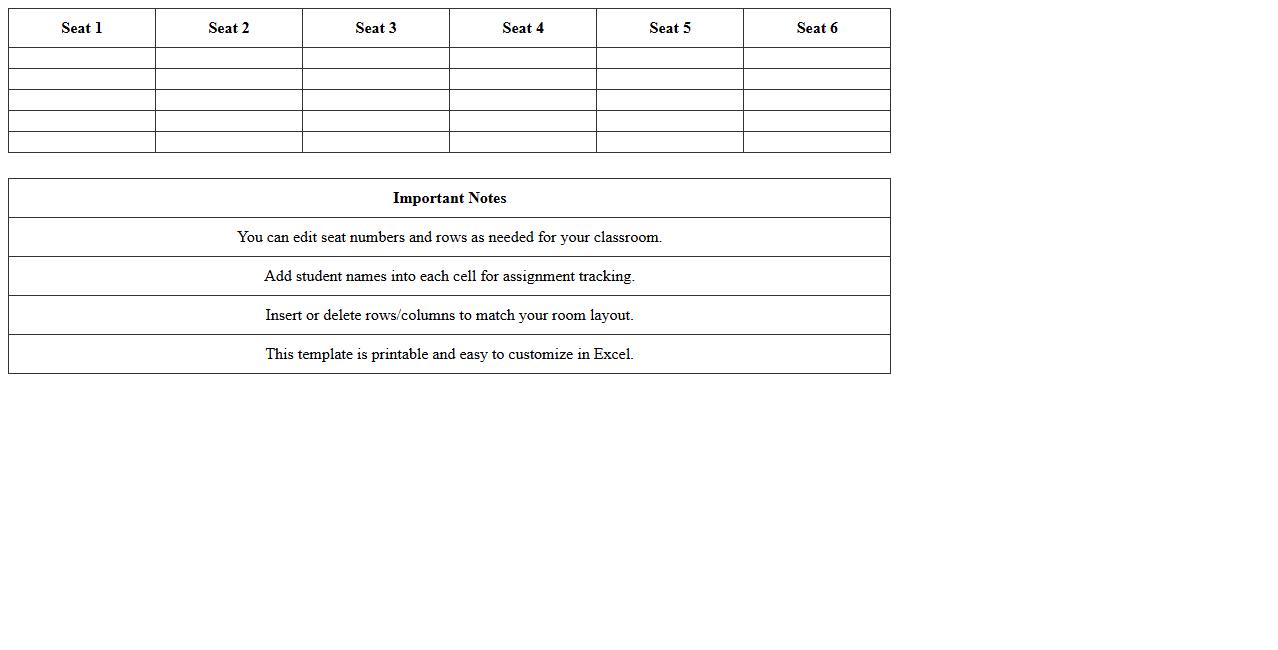
Classroom Seating Chart Excel Template
A
Classroom Seating Chart Excel Template is a digital tool designed to organize and manage student seating arrangements efficiently. It helps teachers visualize classroom layouts, track student attendance, and facilitate group activities by easily updating seating positions. This template enhances classroom management by saving time and improving communication between educators and students.
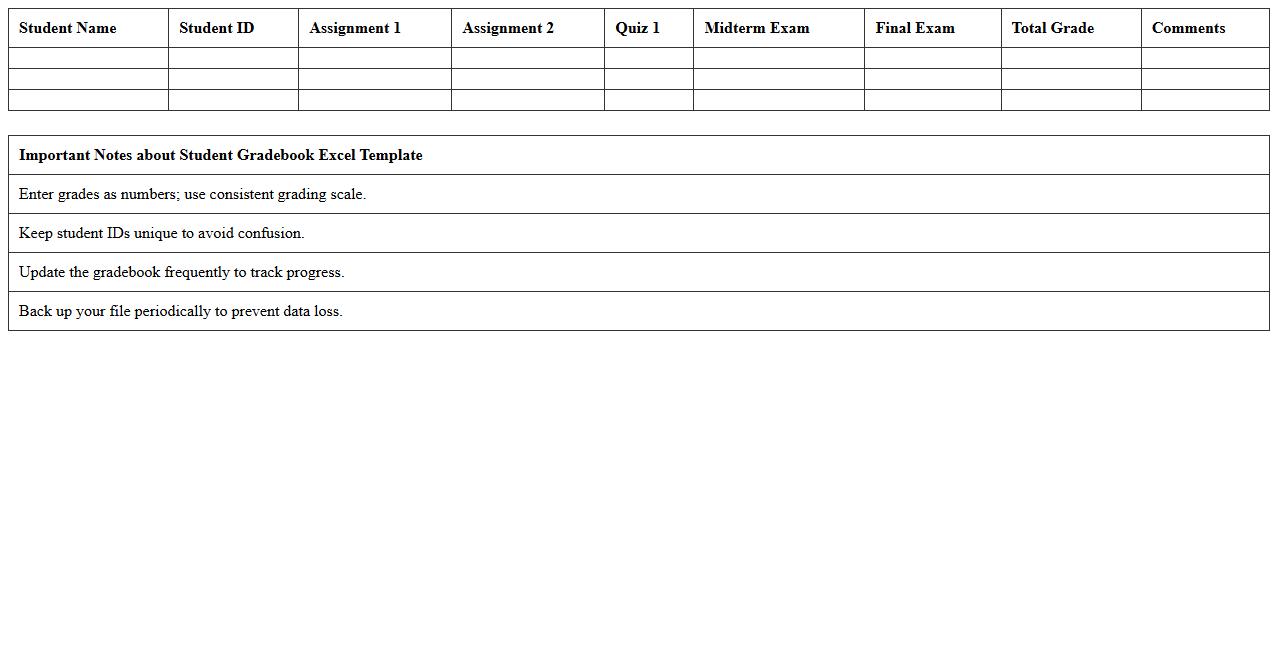
Student Gradebook Excel Template
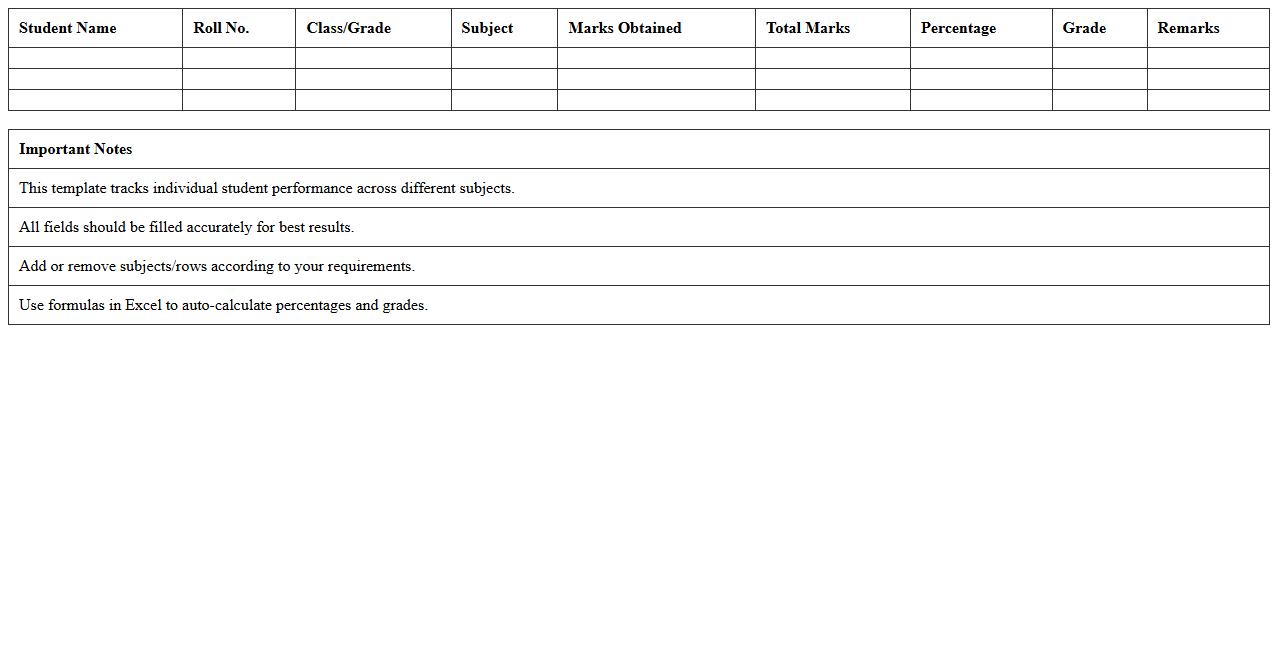
A
Student Gradebook Excel Template is a digital tool designed to organize and track students' academic performance efficiently. It allows educators to input, calculate, and analyze grades quickly, ensuring accurate record-keeping and easy progress monitoring. This template streamlines the grading process, saving time while enhancing data clarity and student performance insights.
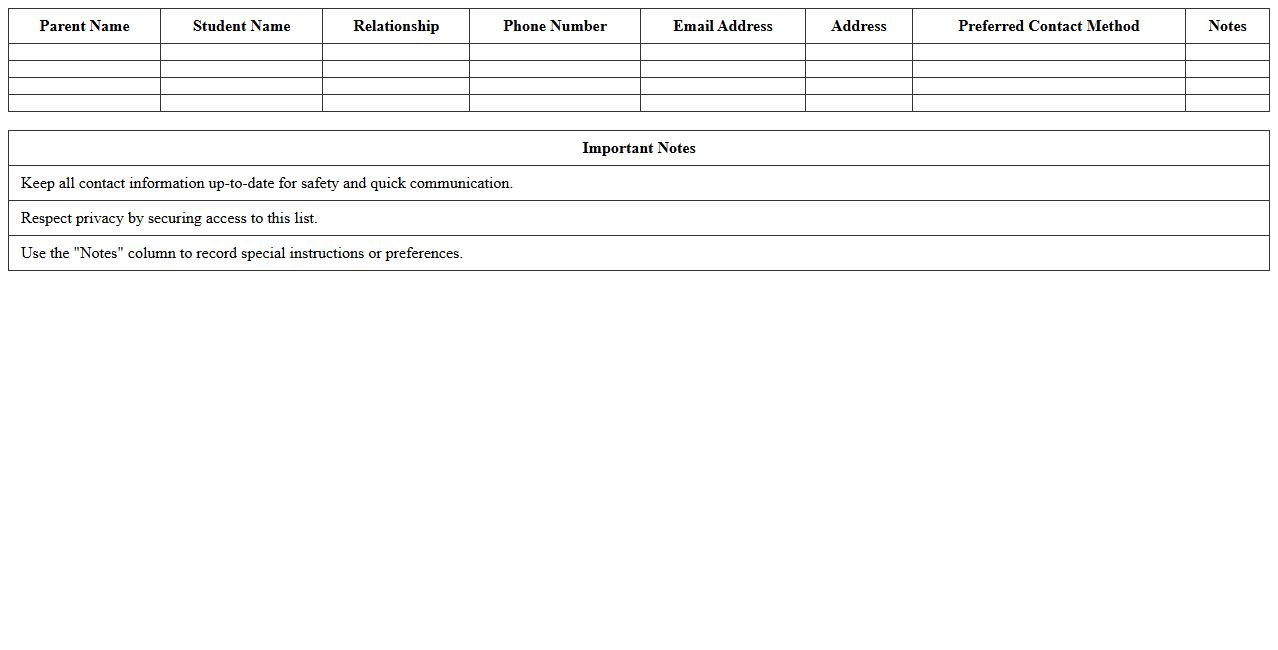
Parent Contact List Excel Template
The
Parent Contact List Excel Template is a structured spreadsheet designed to organize and store essential contact information of parents, including names, phone numbers, email addresses, and emergency contacts. It streamlines communication between schools, teachers, and parents, enabling quick access to relevant data during meetings, events, or emergencies. This template enhances efficiency in managing parent information, supports timely notifications, and improves overall parent-teacher collaboration.
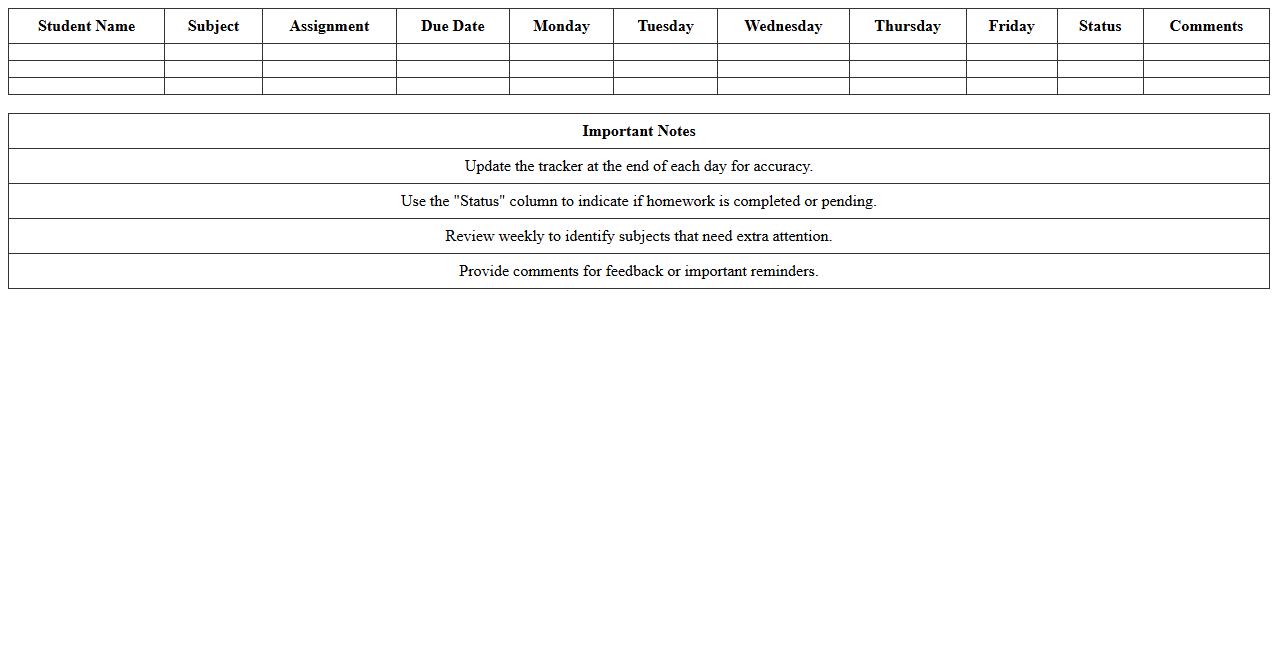
Weekly Homework Tracker Excel Template
The
Weekly Homework Tracker Excel Template is a structured digital tool designed to organize and monitor homework assignments on a weekly basis. It helps students, teachers, and parents keep track of deadlines, subjects, and completion statuses, promoting better time management and academic responsibility. Utilizing this template streamlines task prioritization and enhances productivity by ensuring no assignments are overlooked.
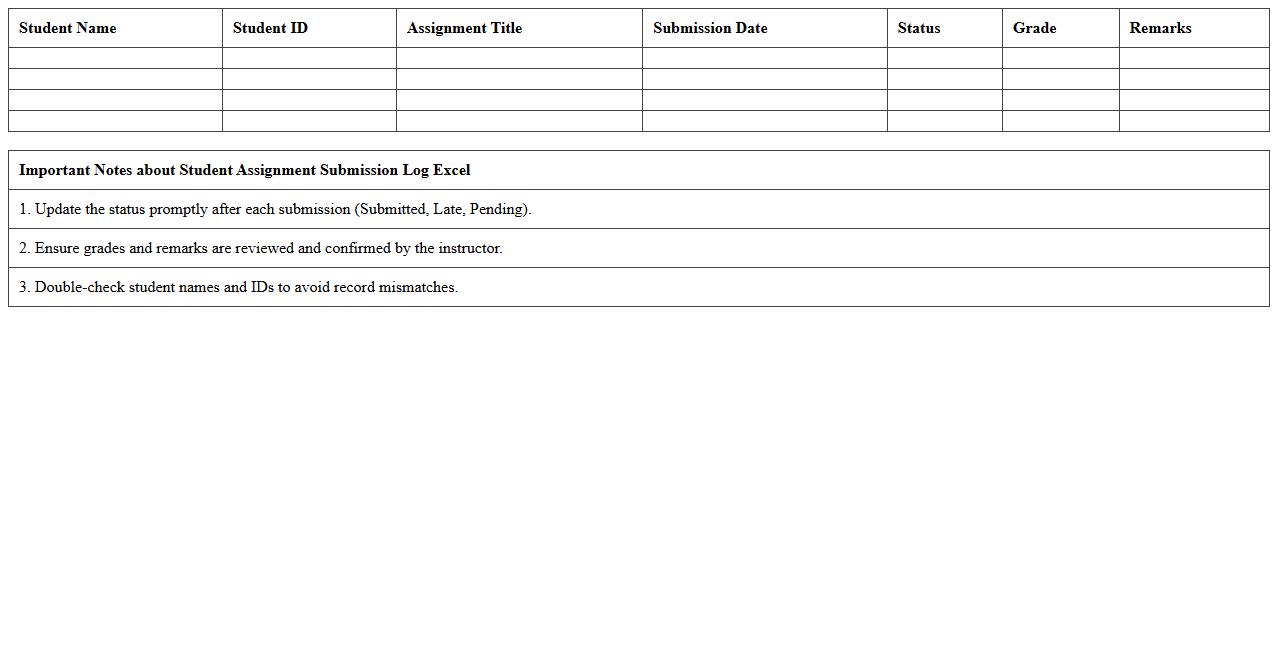
Student Assignment Submission Log Excel
The
Student Assignment Submission Log Excel document is a structured spreadsheet designed to track and record students' assignment submission dates, statuses, and grades efficiently. This tool helps educators monitor timely submissions, identify late or missing assignments, and maintain organized academic records for better assessment and communication with students. Utilizing this log enhances accountability and makes it easier to generate reports on student progress and performance trends.
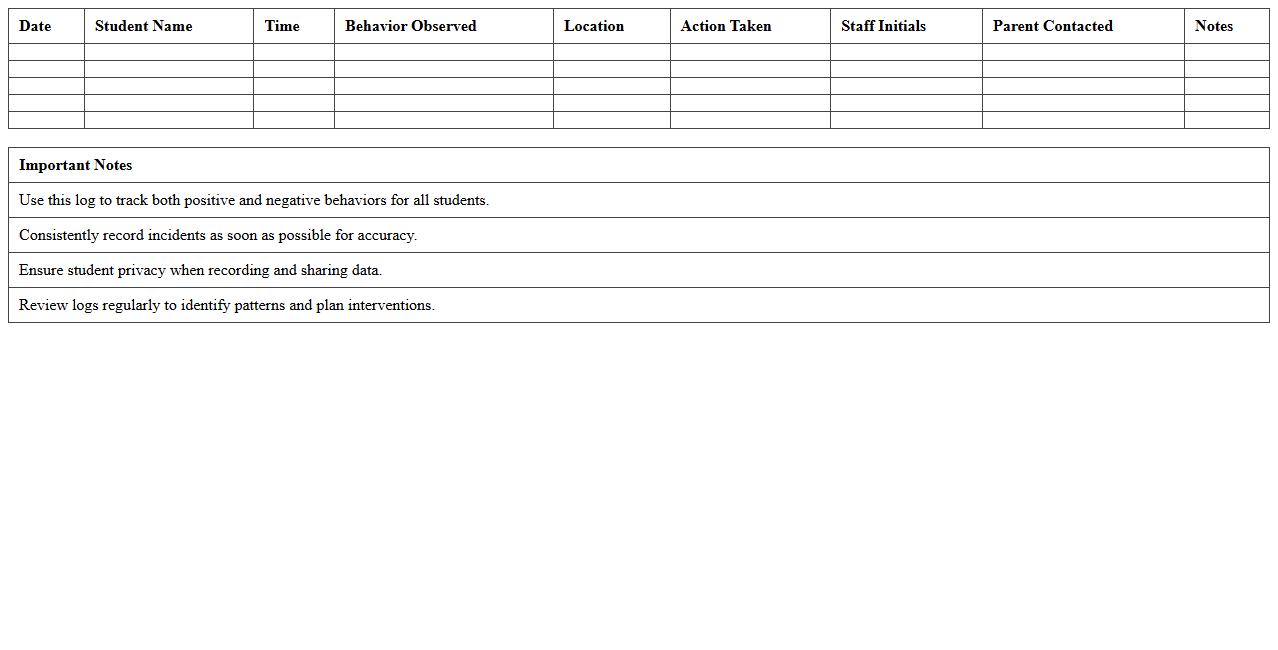
Classroom Behavior Log Excel Template
The
Classroom Behavior Log Excel Template is a structured digital tool designed to record and monitor student behavior efficiently. It allows educators to track incidents, note patterns, and maintain detailed behavioral records, which helps in identifying students needing additional support or intervention. This organized documentation supports data-driven decisions for improving classroom management and enhancing overall student outcomes.
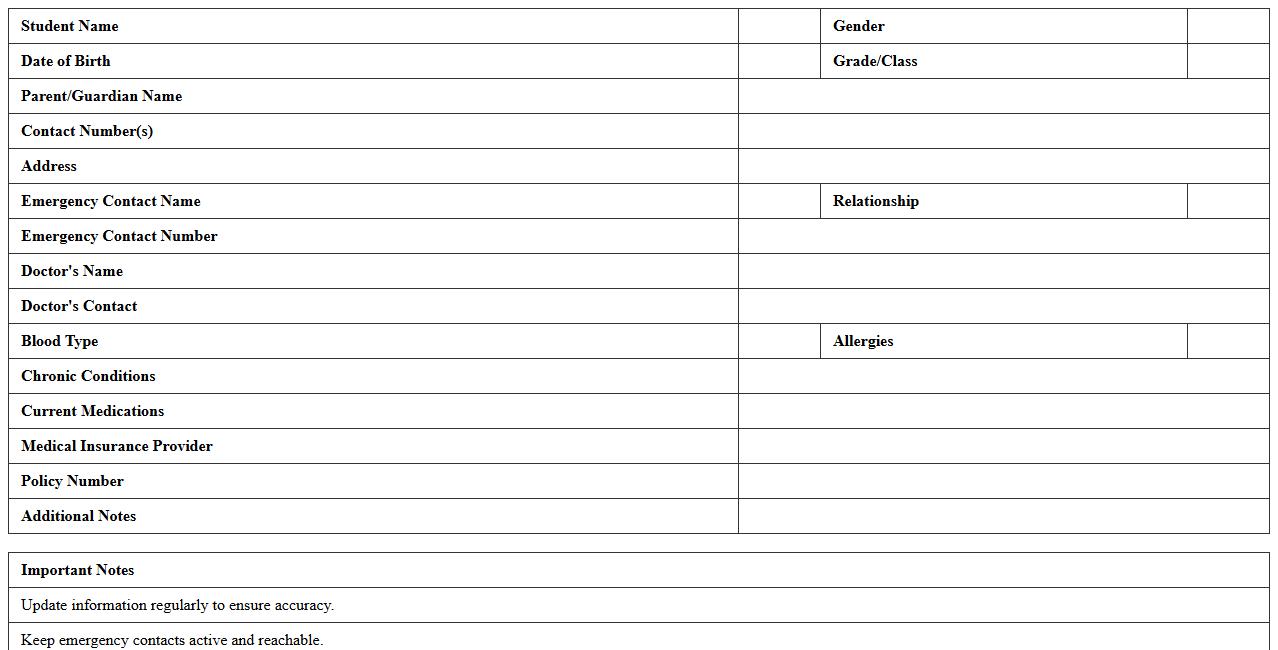
Student Medical Information Sheet Excel
The
Student Medical Information Sheet Excel document is a structured spreadsheet designed to collect and organize vital health data for students, including allergies, medications, emergency contacts, and medical conditions. This centralized format enables educators and healthcare providers to quickly access critical medical information, ensuring appropriate care and safeguarding student well-being during school activities or emergencies. Its use enhances communication, streamlines record-keeping, and supports compliance with health and safety regulations in educational settings.
Student Progress Report Excel Template
The
Student Progress Report Excel Template is a structured digital tool designed to track and analyze students' academic performance and attendance over time. It allows educators to input grades, monitor improvements, and identify areas needing support, enabling data-driven decisions to enhance learning outcomes. This template streamlines report generation, saves time, and ensures organized, clear communication between teachers, students, and parents.
Class Schedule Planner Excel Template
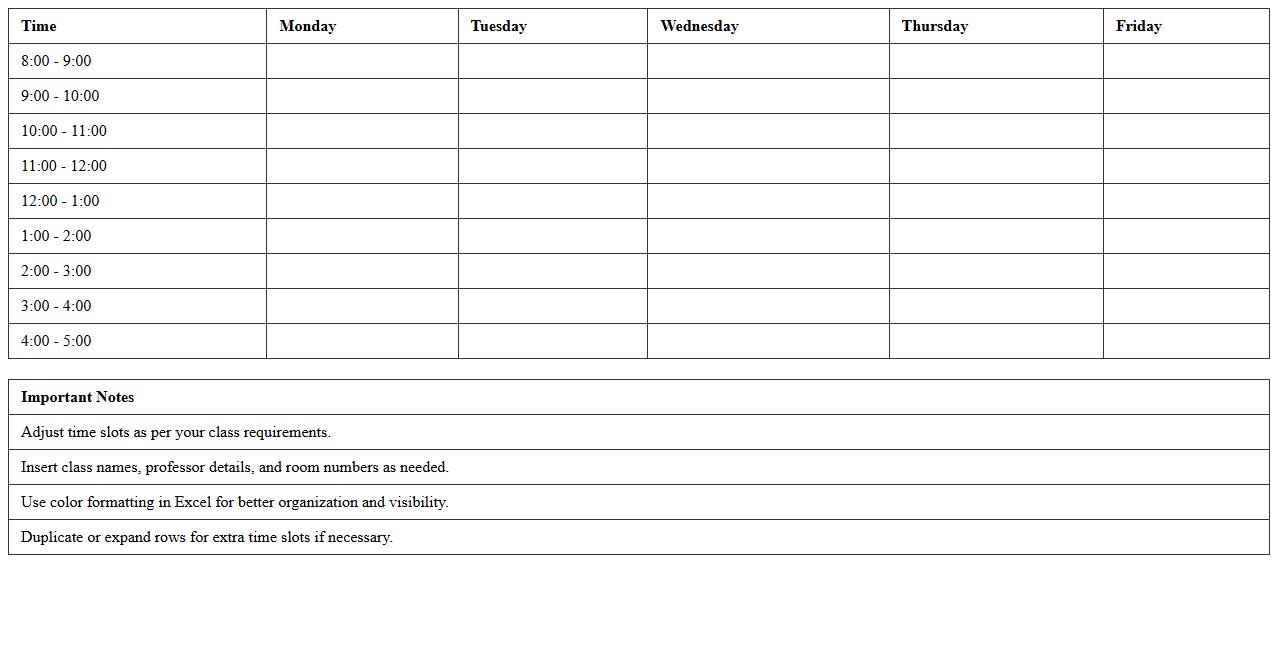
The
Class Schedule Planner Excel Template is a customizable spreadsheet designed to organize courses, timings, and locations efficiently. It helps students and educators manage their weekly schedules by allowing easy input of classes, breaks, and extracurricular activities, ensuring optimal time management. This tool enhances productivity by providing a clear visual overview of commitments, reducing conflicts and missed sessions.
How can I auto-generate student email lists from a Classroom Roster Excel sheet?
To auto-generate student email lists, use Excel formulas like CONCATENATE or the "&" operator to combine student names with email domains. For example, the formula =LOWER(A2)&"."&LOWER(B2)&"@school.edu" creates an email from first and last names in columns A and B. This automates email generation for all students in the list efficiently.
What formulas track attendance trends in an Excel-based classroom roster?
Attendance trends can be tracked using formulas like COUNTIF to count present or absent days. Using =COUNTIF(range, "Present") or =COUNTIF(range, "Absent") helps summarize attendance data. Adding AVERAGE or SUM functions enables further trend analysis over time.
How do I securely share an Excel roster with co-teachers while protecting student data?
To securely share rosters, password-protect the Excel file via File > Info > Protect Workbook. Additionally, use Excel's sheet protection to restrict editing of sensitive columns like student IDs or grades. Sharing via secure platforms like OneDrive or Google Drive ensures controlled access and data safety.
Which conditional formatting highlights missing assignments in a classroom roster Excel file?
Use conditional formatting rules to highlight missing assignments by setting a rule based on cell values such as "Missing" or blank cells. For example, apply a custom formula like =ISBLANK(C2) to highlight empty assignment cells in red. This visual cue quickly identifies students needing follow-up.
How can I integrate parent contact info into an existing roster template for teachers?
To integrate parent contact info, add new columns labeled Parent Name, Phone, and Email next to student data columns. Import or copy their contact details carefully ensuring correct alignment with each student record. Utilize Excel's Data Validation to maintain consistent formatting for phone numbers and emails.
More Roster Excel Templates