The Client Communication Record Excel Template for Law Firms is designed to streamline the tracking of all interactions between attorneys and clients. It enables efficient organization of meeting notes, call logs, and correspondence details, ensuring accurate record-keeping. This template helps law firms maintain clear communication histories, improving client management and case preparation.
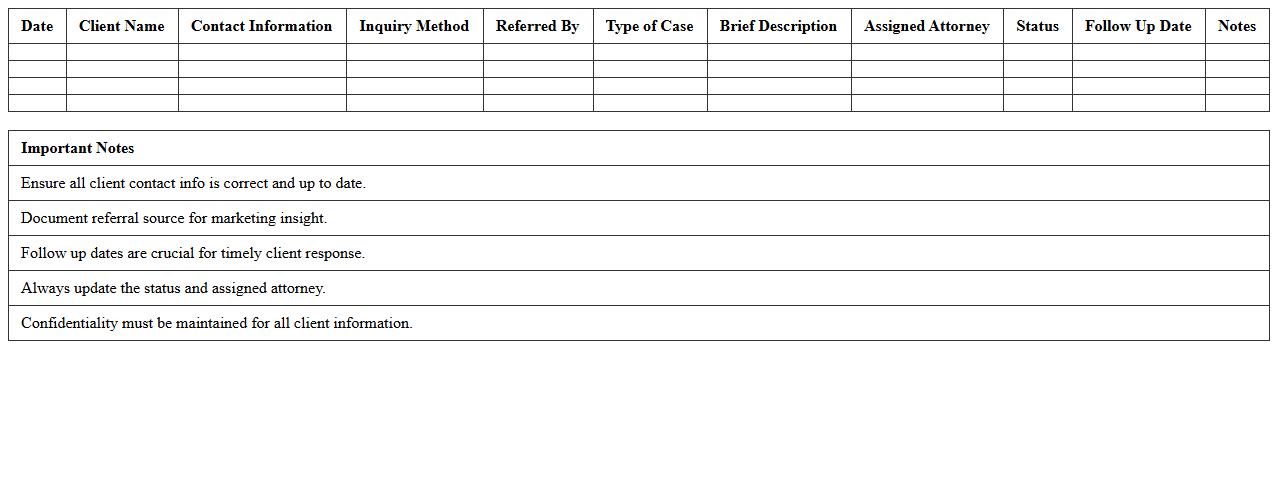
Initial Client Inquiry Log Excel Template for Law Firms
The
Initial Client Inquiry Log Excel Template for Law Firms is a structured document designed to systematically record and track prospective client inquiries, capturing essential details such as contact information, case type, inquiry date, and follow-up status. This template enhances client management efficiency by providing a centralized, easily accessible database that improves response times and ensures no inquiry is overlooked. By streamlining the intake process, law firms can boost client satisfaction and optimize business development efforts.
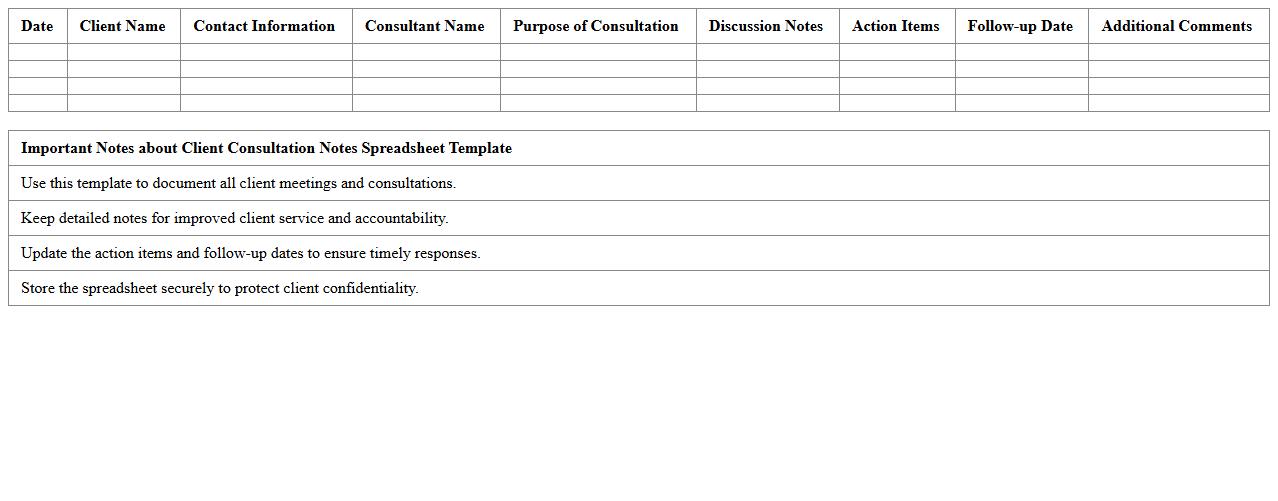
Client Consultation Notes Spreadsheet Template
The
Client Consultation Notes Spreadsheet Template is a structured document designed to efficiently capture and organize detailed information from client meetings, including preferences, concerns, and action items. This template enhances productivity by providing a clear, consistent format that facilitates easy tracking of client interactions and follow-ups, reducing the risk of miscommunication. Using this spreadsheet helps professionals maintain accurate records, streamline communication, and improve client relationship management across various industries.
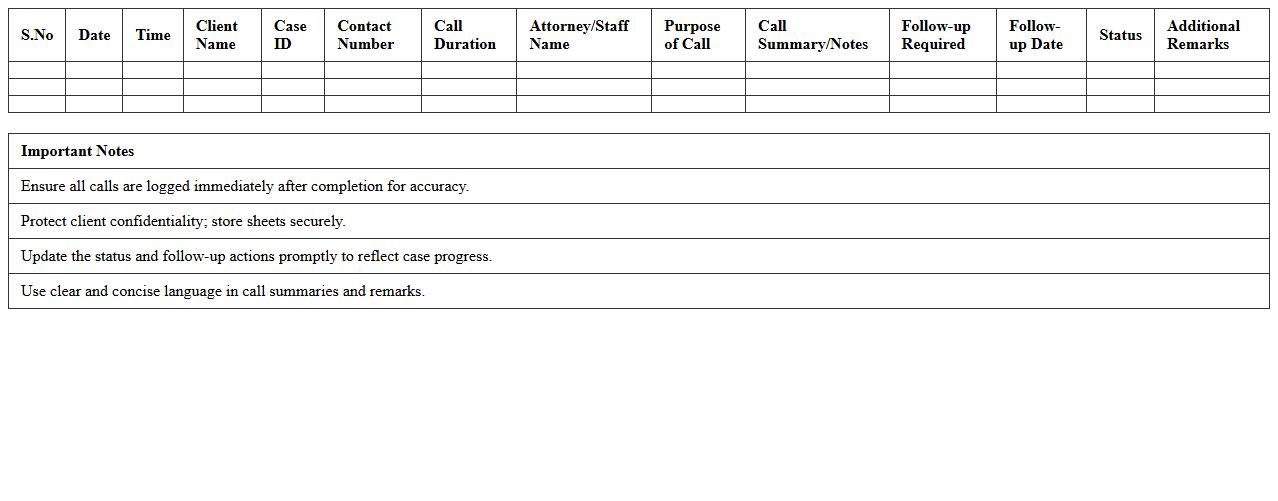
Legal Case Client Call Record Excel Sheet
The
Legal Case Client Call Record Excel Sheet document is a structured tool used to systematically log and track client communications in legal cases. It helps organize call dates, times, client details, and key discussion points, ensuring accurate record-keeping for reference during case management and court proceedings. This document enhances accountability, improves case follow-up efficiency, and supports compliance with legal documentation standards.
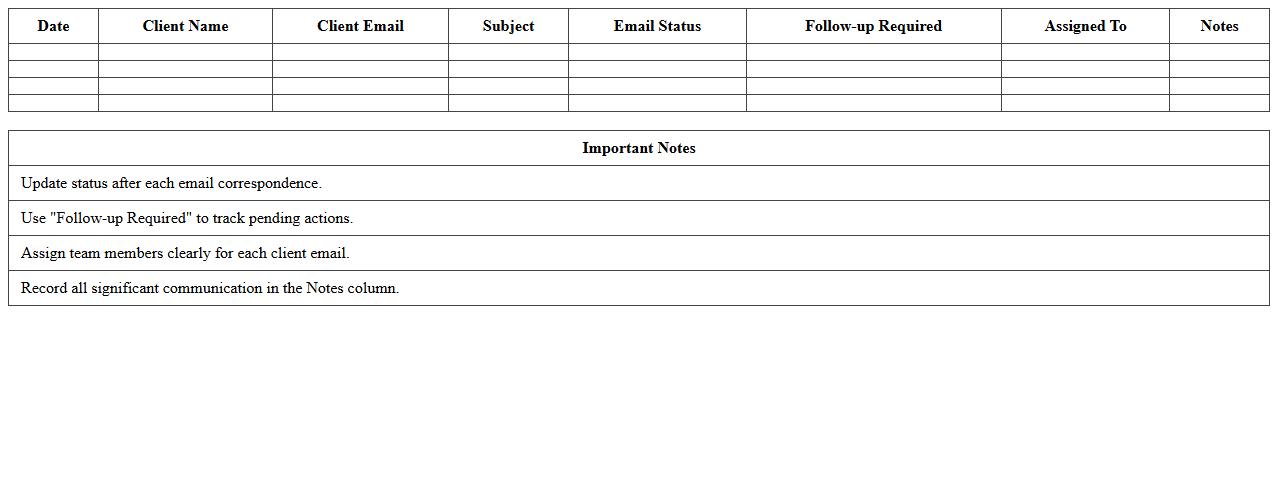
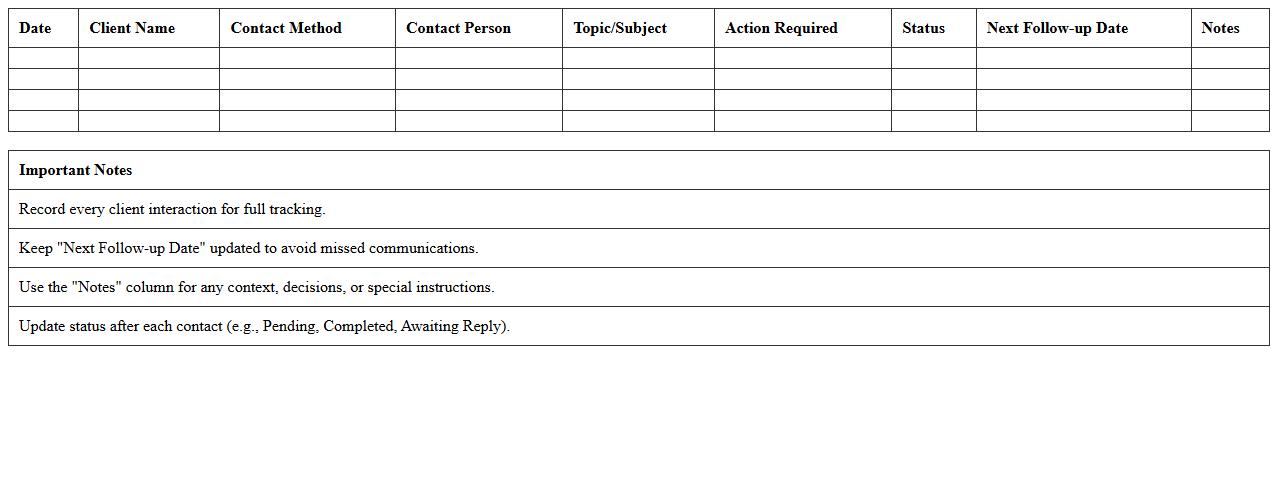
Client Email Correspondence Tracker Template
The
Client Email Correspondence Tracker Template document is a structured tool designed to organize and monitor all email communications with clients efficiently. It helps businesses maintain accurate records of conversations, ensuring timely follow-ups and improved customer relationship management. By using this template, teams can enhance communication transparency, avoid missed messages, and streamline workflow across departments.
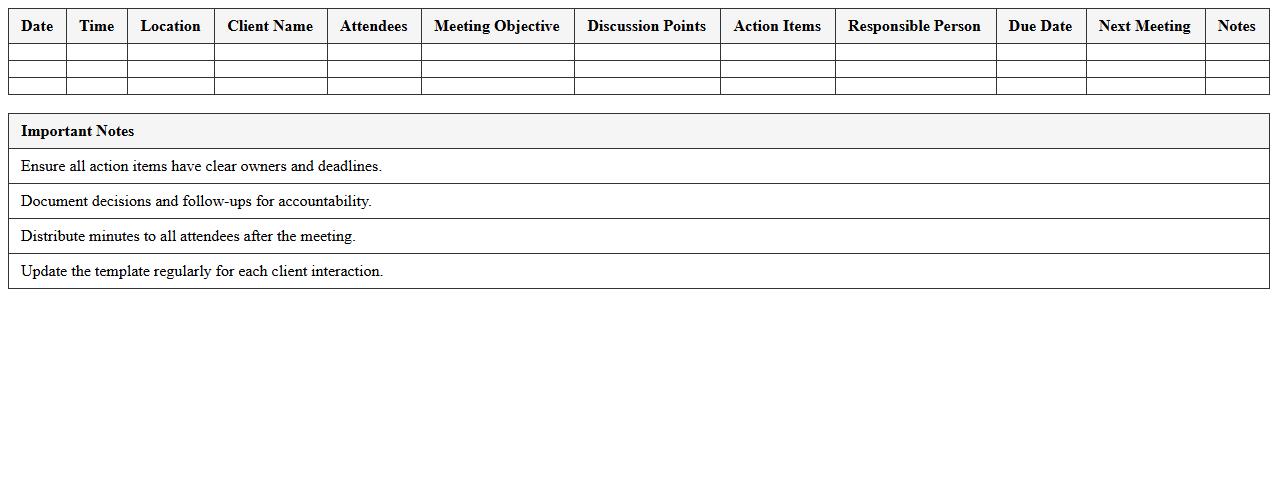
Client Meeting Minutes Excel Template
The
Client Meeting Minutes Excel Template is a structured document designed to record key discussion points, decisions, and action items during client meetings. It helps organize information efficiently, ensuring clarity and accountability in follow-ups and project management. Using this template enhances communication between teams and clients, streamlining record-keeping and improving overall productivity.
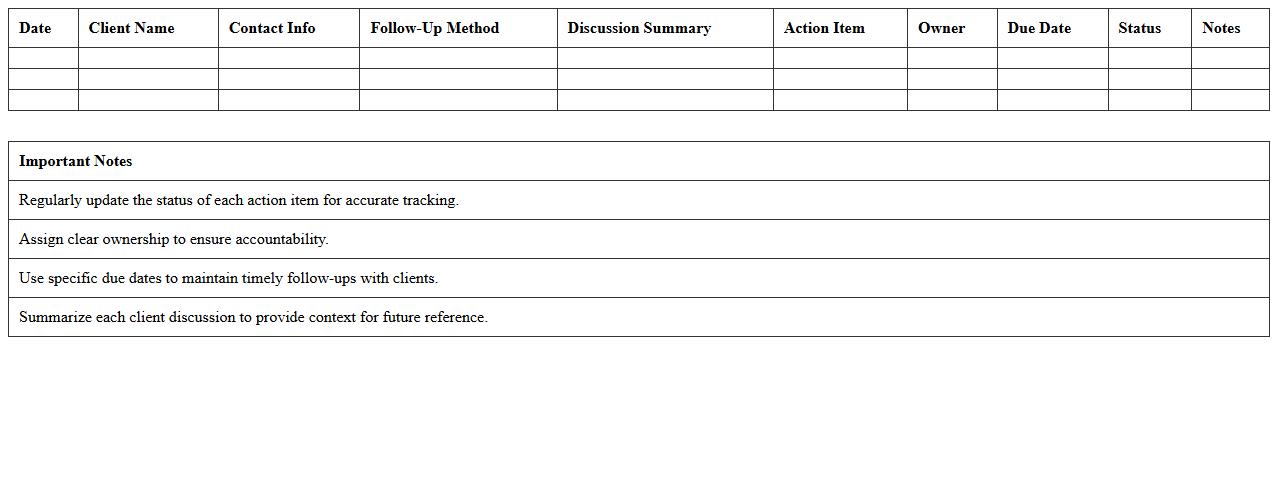
Client Follow-Up Action Items Log
A
Client Follow-Up Action Items Log document systematically tracks all post-meeting tasks, ensuring accountability and timely completion of client-related activities. It enhances communication by providing a clear record of assigned responsibilities and deadlines, preventing tasks from being overlooked. This organized approach improves client satisfaction and streamlines project management by maintaining transparency and progress visibility.
Client Communication Timeline Excel Template
The
Client Communication Timeline Excel Template is a structured document designed to track and organize all interactions with clients over a specified period. This template helps businesses maintain clear records of meetings, emails, calls, and follow-ups, ensuring timely responses and enhancing client relationship management. By using this tool, teams can improve communication efficiency, avoid missed deadlines, and provide consistent, professional engagement with clients.
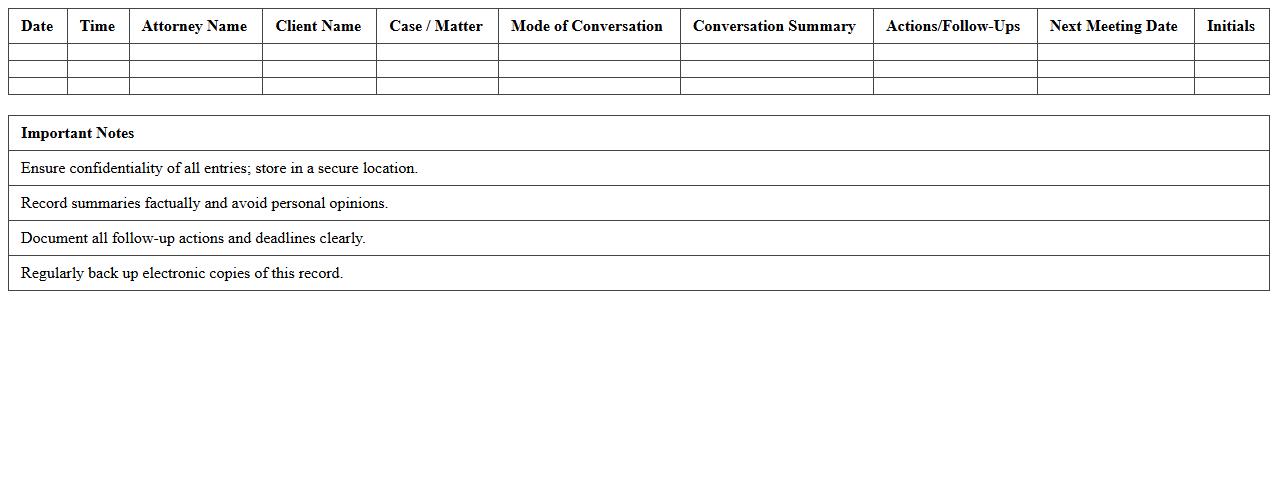
Attorney-Client Conversation Record Spreadsheet
The
Attorney-Client Conversation Record Spreadsheet is a detailed document that organizes and logs all communications between attorneys and their clients, ensuring accurate tracking of discussion points, decisions, and follow-ups. This spreadsheet enhances case management by offering a centralized, easily accessible record for reviewing client interactions, improving transparency, and maintaining compliance with legal documentation standards. It helps legal teams streamline workflow, reduce miscommunication, and support effective case strategy development through systematic data recording.
Client Document Submission Tracking Excel Sheet
The
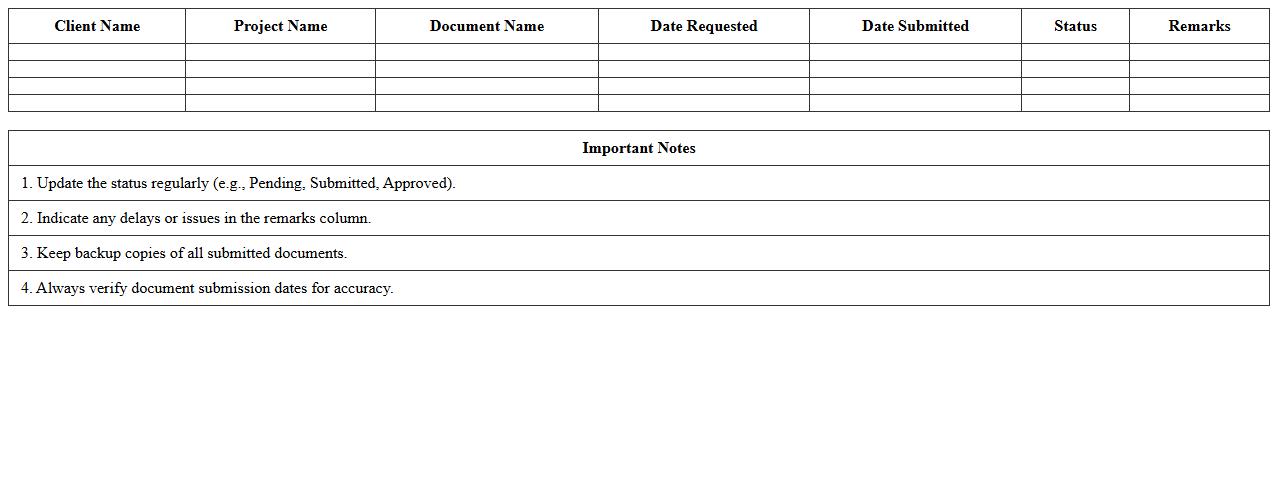
Client Document Submission Tracking Excel Sheet is a detailed tool designed to monitor the status and progress of client-submitted documents efficiently. It allows users to organize, update, and verify document submissions, ensuring timely follow-ups and reducing the risk of missing critical paperwork. This sheet enhances transparency and streamlines communication between clients and teams, improving overall project management and compliance.
Client Feedback and Complaint Log Template
A
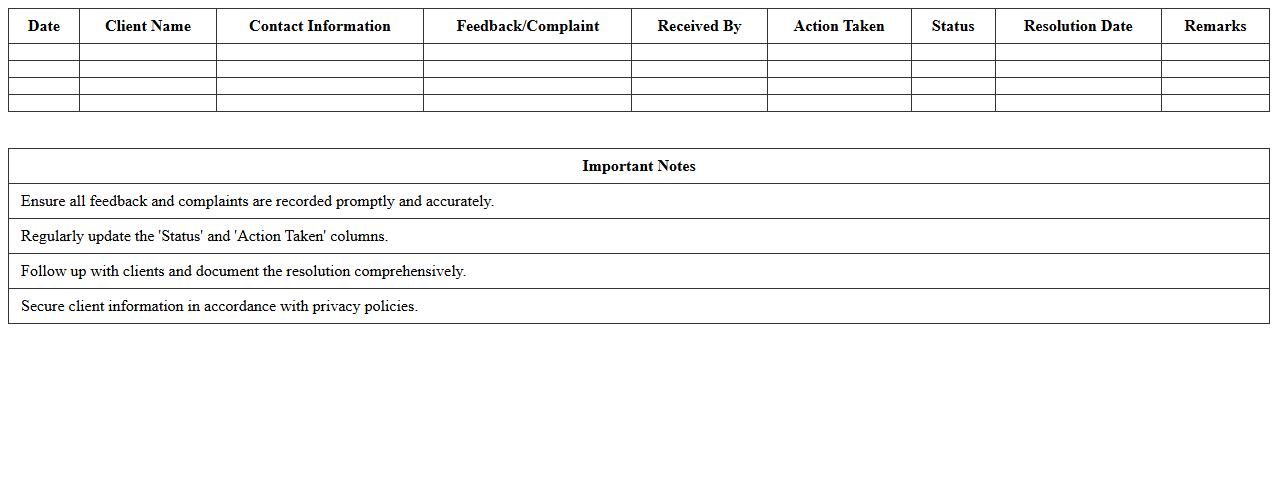
Client Feedback and Complaint Log Template document systematically records customer comments, suggestions, and grievances to enhance service quality and satisfaction. It enables businesses to track recurring issues, analyze trends, and implement effective resolutions, leading to improved client relationships and operational efficiency. Using this template ensures consistent documentation, swift response times, and valuable insights for continuous improvement.
How to track client response times in a communication record Excel for law firms?
To track client response times, begin by recording the date and time of each communication in separate columns. Use Excel formulas like =B2-A2 to calculate the duration between attorney messages and client replies. This method helps monitor responsiveness and improve client service efficiency.
What formula highlights overdue client follow-ups in the sheet?
Use conditional formatting with the formula =AND(TODAY()>DueDateCell, ISBLANK(ResponseCell)) to automatically highlight overdue client follow-ups. This visually flags entries where no response has been received past the expected follow-up date. It keeps attorneys alert and ensures timely client engagement.
Which columns best categorize attorney-client privilege notes efficiently?
Include columns labeled "Communication Type", "Confidentiality Level", and "Privilege Status" to categorize attorney-client privilege notes efficiently. These headings help differentiate privileged information from routine correspondence. Proper categorization supports compliance with legal confidentiality requirements.
How to auto-generate summary reports for each client's correspondence?
Utilize Excel's Pivot Tables to summarize correspondence by client, date, and communication type automatically. Linking data through client IDs allows dynamic report generation with minimal manual input. This approach streamlines the review of client interactions for case analysis.
What template structure ensures compliance with legal record-keeping standards?
A compliant template includes fields for client identifiers, communication dates, contact methods, and detailed notes with privilege flags. Additionally, maintaining an audit trail of edits and user access controls enhances record integrity. Such structure aligns with legal regulatory and ethical standards.
More Record Excel Templates