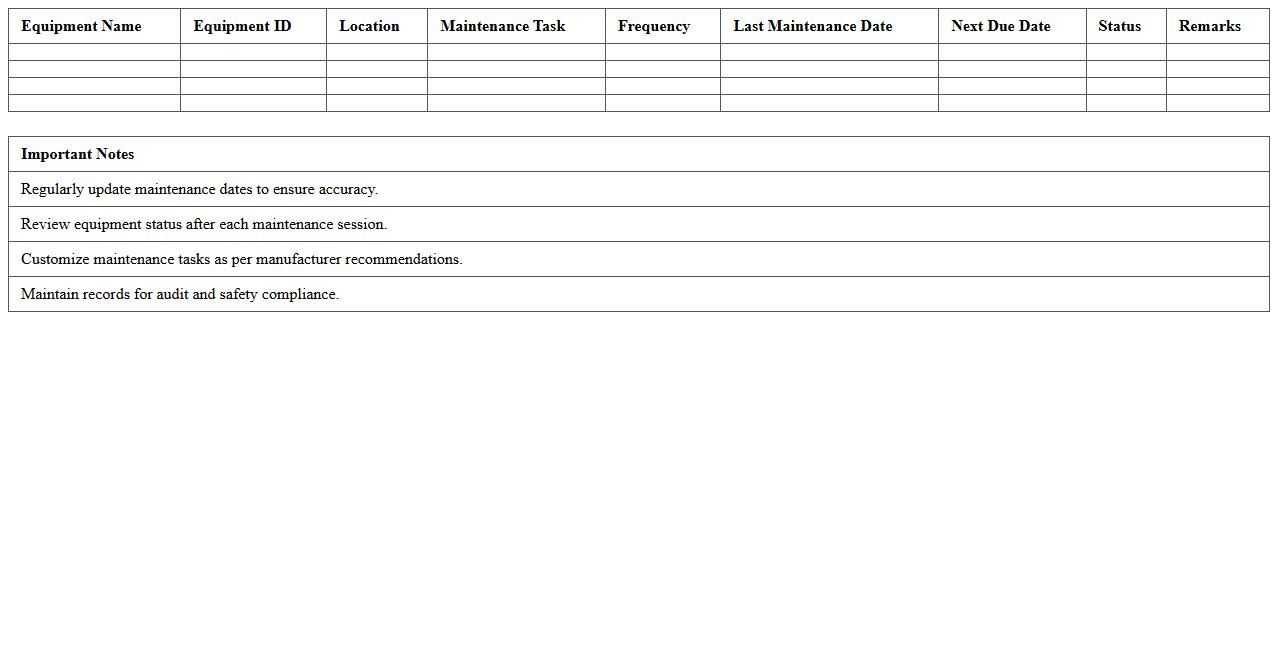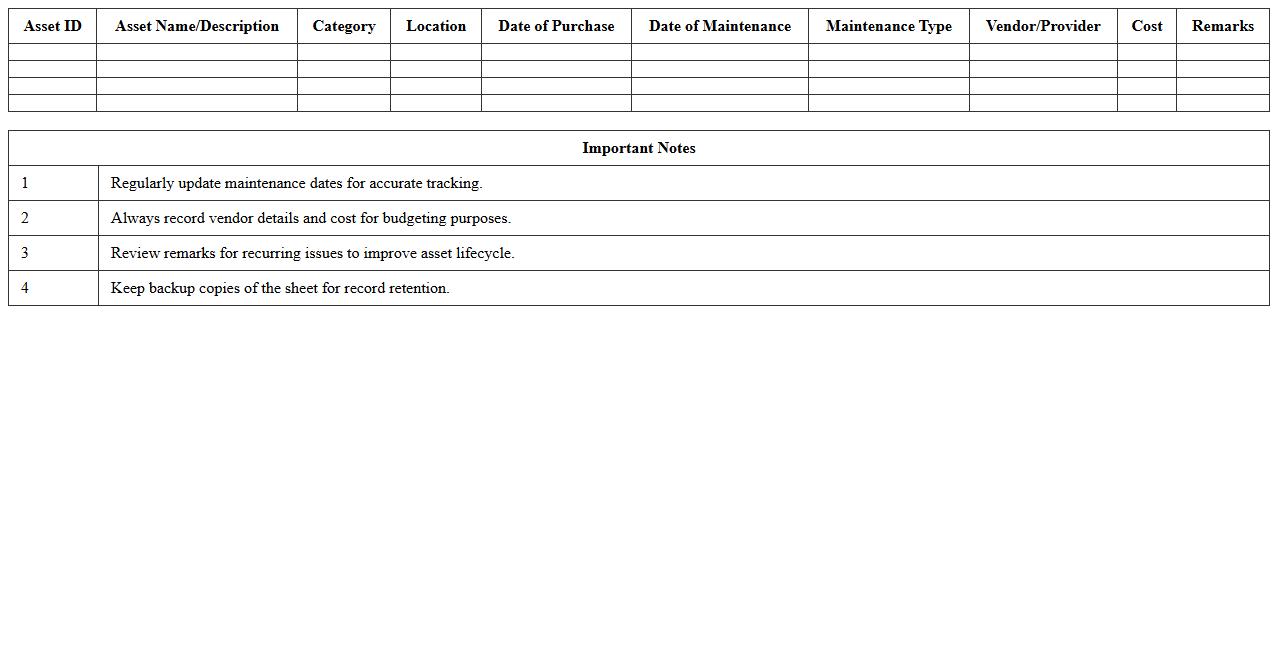
The Equipment Maintenance Log List Excel Template for Factories provides a streamlined way to track and schedule routine maintenance tasks, ensuring optimal machinery performance and minimizing downtime. This template helps factory managers record detailed information such as equipment IDs, maintenance dates, performed tasks, and technician notes. Utilizing this tool enhances operational efficiency and extends the lifespan of industrial equipment.
Preventive Equipment Maintenance Schedule Excel Template
The
Preventive Equipment Maintenance Schedule Excel Template is a structured tool designed to organize and track routine maintenance tasks for machinery and equipment. It helps businesses minimize downtime, extend equipment life, and ensure compliance with safety standards by scheduling timely inspections and repairs. Utilizing this template improves asset management efficiency and reduces unexpected breakdown costs.
Factory Machine Maintenance Tracking Spreadsheet
A
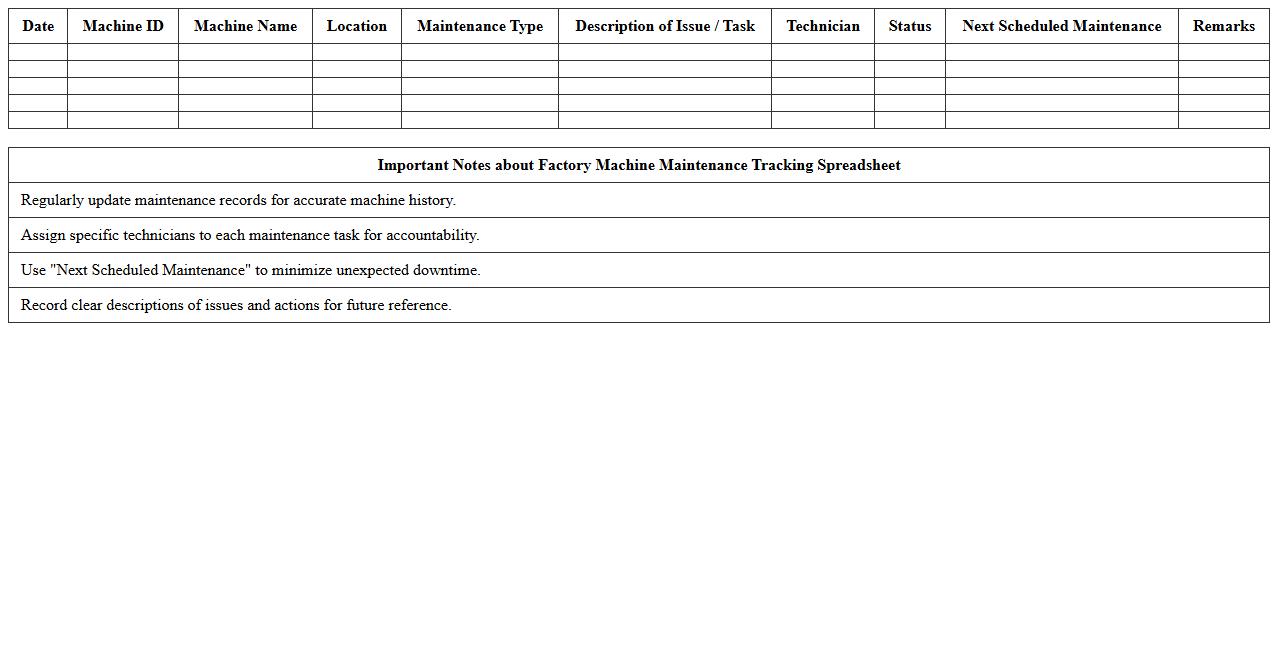
Factory Machine Maintenance Tracking Spreadsheet is a document designed to monitor and record the maintenance schedules, repairs, and operational status of machinery in a manufacturing facility. It helps in organizing maintenance tasks, tracking machine downtime, and predicting when equipment requires servicing to prevent costly breakdowns. Utilizing this spreadsheet ensures optimized machine performance, extends equipment lifespan, and reduces unexpected operational disruptions.
Equipment Service History Log Excel Sheet
An
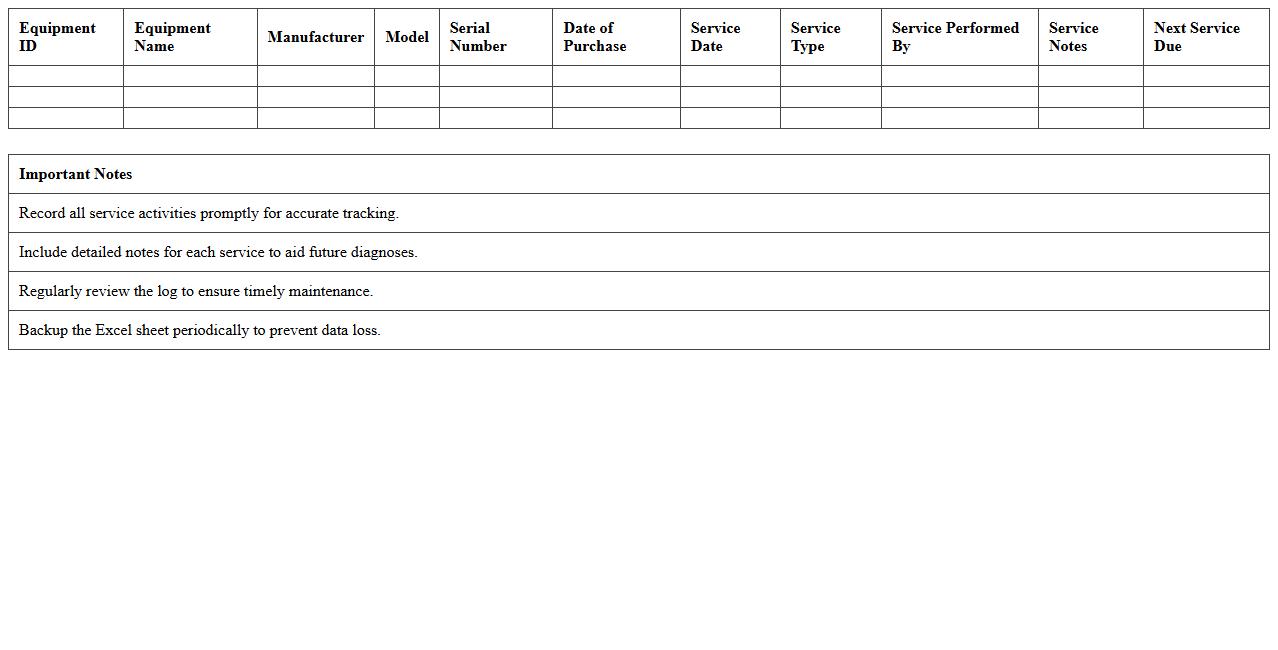
Equipment Service History Log Excel Sheet document systematically records maintenance, repairs, and servicing dates for machinery and tools. It helps track the lifespan, identify recurring issues, and schedule preventative maintenance efficiently to reduce downtime and extend equipment durability. Using this log enhances asset management accuracy and supports compliance with safety and operational standards.
Industrial Equipment Downtime Log Template
The
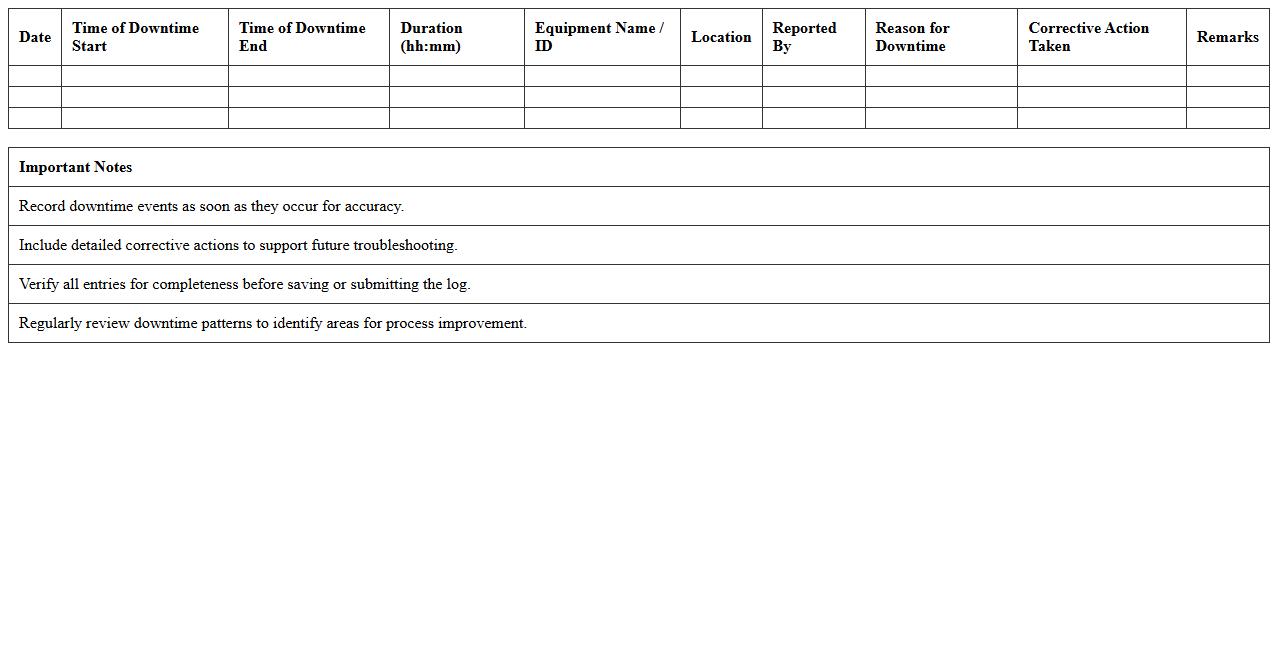
Industrial Equipment Downtime Log Template is a structured document designed to record and track periods when machinery is non-operational, including the reasons and duration of each downtime event. This log helps maintenance teams identify patterns, improve equipment reliability, and minimize operational disruptions by providing clear data for analysis. Using this template enhances decision-making processes and supports preventive maintenance strategies, ultimately increasing productivity and reducing costly breakdowns.
Maintenance Task Checklist Excel for Factory Assets
A
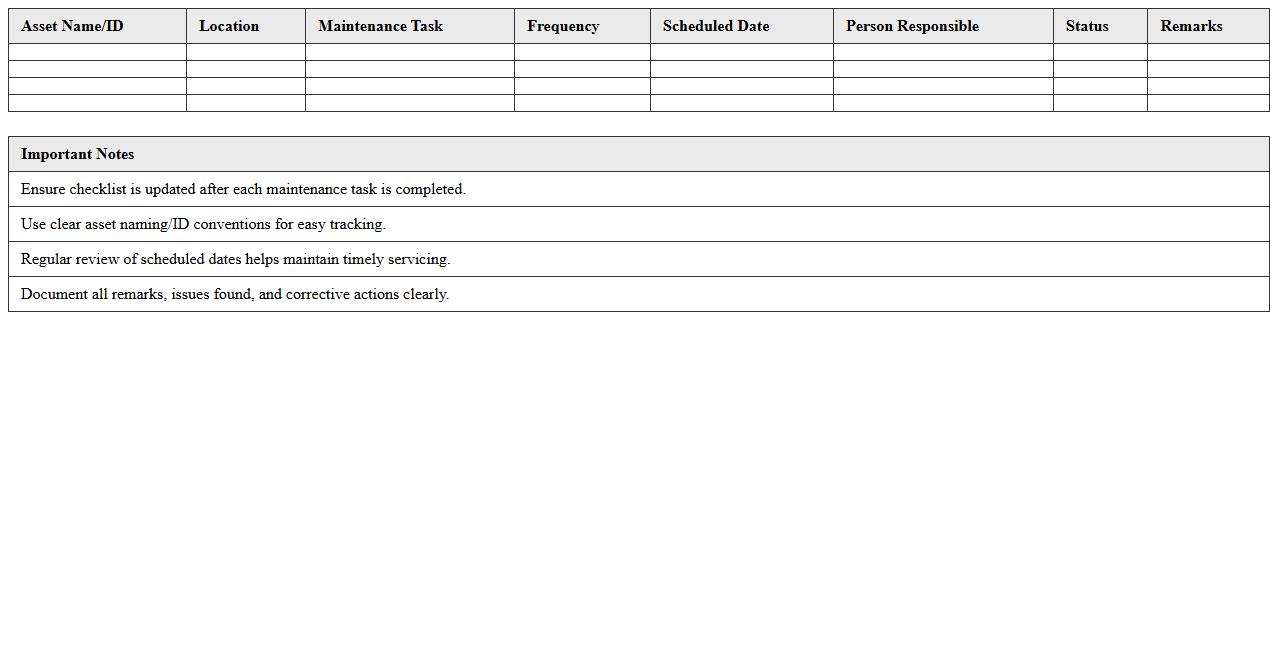
Maintenance Task Checklist Excel for Factory Assets is a structured spreadsheet used to organize, track, and manage routine maintenance activities for industrial equipment. It ensures systematic inspection, timely repairs, and preventive care, reducing downtime and extending asset lifespan. This document enhances operational efficiency by providing clear maintenance schedules, task statuses, and historical data for informed decision-making.
Equipment Inspection Report Excel Template
An
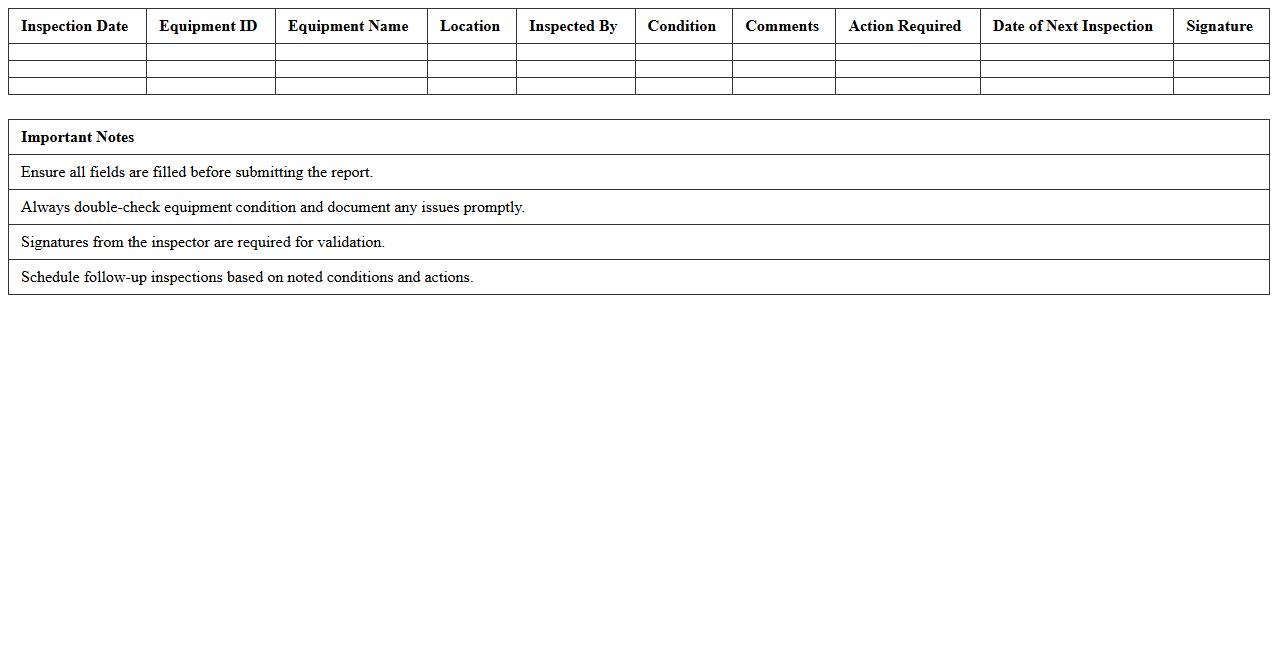
Equipment Inspection Report Excel Template is a pre-designed spreadsheet used to systematically document the condition and maintenance status of machinery or tools. It helps track inspection dates, identify defects, and ensure compliance with safety regulations, thereby minimizing downtime and enhancing operational safety. Using this template streamlines reporting processes and fosters organized record-keeping for equipment management.
Factory Equipment Repair Log Spreadsheet
A
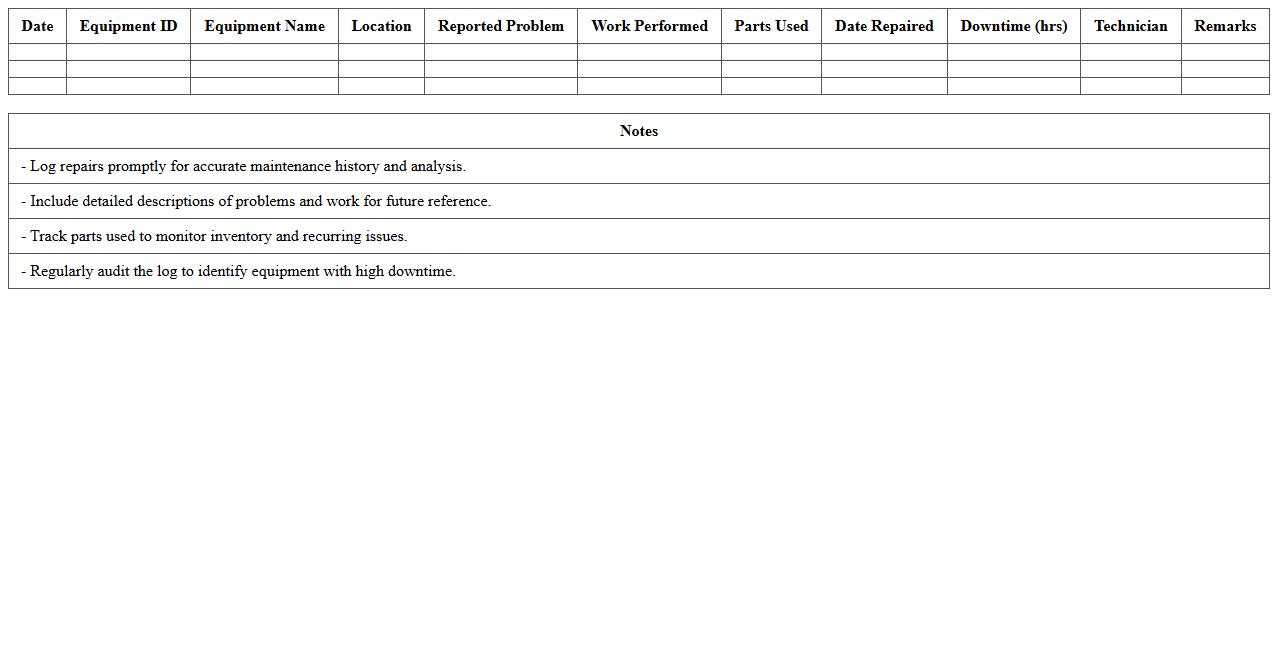
Factory Equipment Repair Log Spreadsheet document systematically tracks maintenance and repair activities for machinery, recording dates, issues, repairs conducted, and associated costs. This spreadsheet enhances operational efficiency by organizing repair histories, facilitating timely maintenance, and minimizing equipment downtime. By maintaining accurate records, it supports decision-making for budgeting and lifecycle management of factory assets.
Maintenance Work Order Dashboard Excel
The
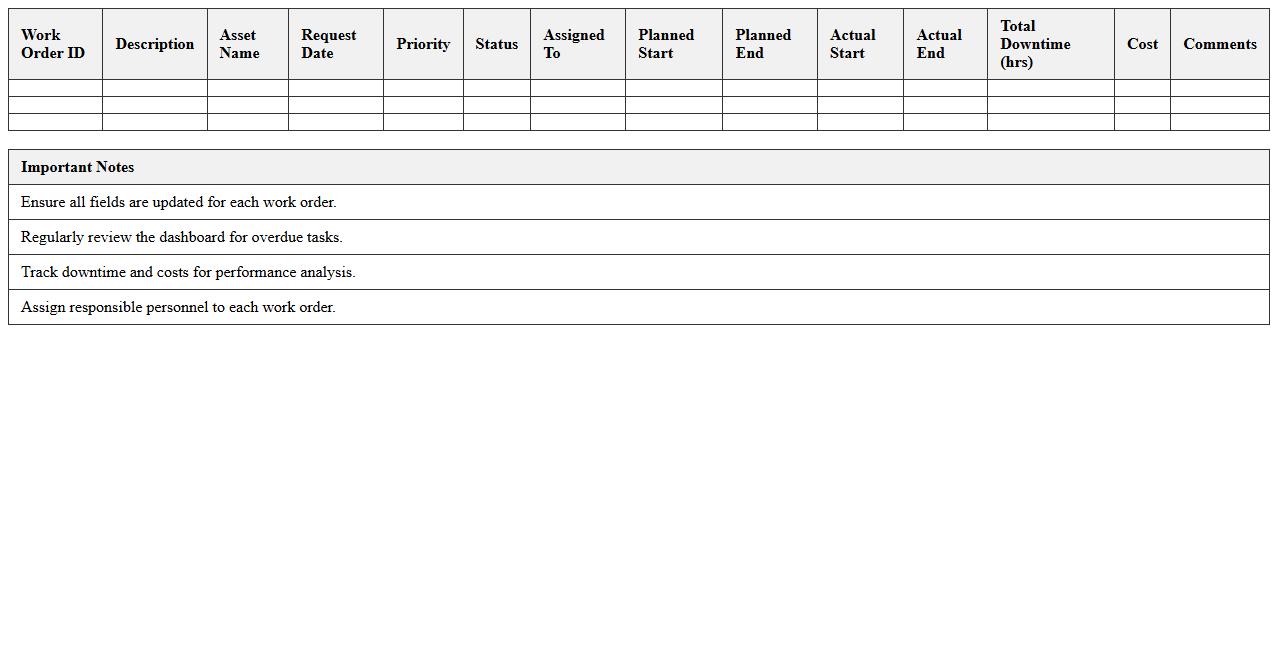
Maintenance Work Order Dashboard Excel document is a dynamic tool designed to track, organize, and analyze maintenance tasks efficiently. It consolidates work order data, allowing users to monitor job status, prioritize urgent repairs, and allocate resources effectively. This dashboard enhances decision-making by providing real-time insights into maintenance performance, reducing downtime, and ensuring optimal asset management.
Asset Maintenance Cost Tracking Excel Sheet
An
Asset Maintenance Cost Tracking Excel Sheet is a specialized document designed to monitor and record all expenses related to the upkeep of physical assets, such as machinery, vehicles, or equipment. It helps businesses identify patterns in maintenance costs, schedule timely servicing, and allocate budgets more effectively. By providing clear visibility into maintenance expenditures, this tool supports better decision-making and enhances asset lifecycle management.
Equipment Calibration and Maintenance Log Template
An
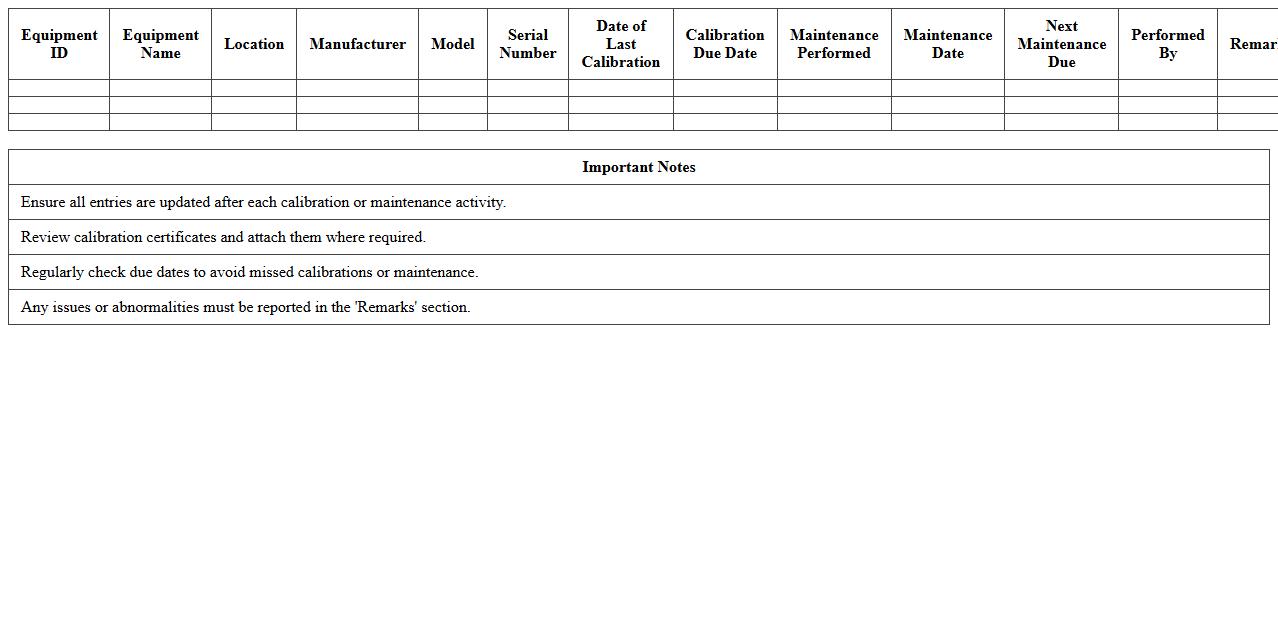
Equipment Calibration and Maintenance Log Template is a structured document used to systematically record the calibration dates, maintenance activities, and performance checks of various equipment. This template ensures precise tracking of equipment health, compliance with industry standards, and helps prevent unexpected failures by scheduling timely servicing. Utilizing such logs improves operational efficiency, extends equipment lifespan, and supports quality assurance processes in manufacturing, laboratories, or technical environments.
How to Automate Alerts for Overdue Equipment Maintenance in Excel Logs?
To automate alerts, use conditional formatting to highlight overdue maintenance dates. Combine this with Excel's IF and TODAY functions to trigger alerts based on the current date. Additionally, use VBA macros to create pop-up alerts or send email notifications when maintenance is overdue.
What Are Key Columns for Tracking Factory Equipment Maintenance History in Excel?
Essential columns include Equipment ID, Maintenance Date, and Maintenance Type to represent key activity details. Include Technician Name, Equipment Status, and Next Scheduled Maintenance for comprehensive data tracking. Adding Comments or Issues helps document irregularities or repairs.
How to Link Document Attachments (Manuals, Reports) Within Excel Equipment Logs?
Use the Insert Hyperlink feature to link external documents directly in Excel cells. Store documents in a centralized folder and use relative paths for easy access and portability. Alternatively, embed objects if you want to keep the files within the Excel workbook.
Which Excel Formulas Best Calculate Maintenance Intervals for Multiple Machines?
Use the DAYS function to calculate the interval between consecutive maintenance dates. Combine with MINIFS or MAXIFS to find the earliest or latest maintenance per equipment. The AVERAGEIFS formula helps calculate average intervals across multiple machines for trend analysis.
How to Filter and Generate Reports for High-Frequency Breakdown Equipment in Excel?
Apply PivotTables to summarize breakdown counts by equipment and identify high-frequency issues. Use filters to isolate machines with breakdowns exceeding a set threshold. Automatically generate reports using Excel's Power Query to refresh filtered data regularly and monitor equipment performance.
More List Excel Templates