Residential Construction Invoice Excel Template
A
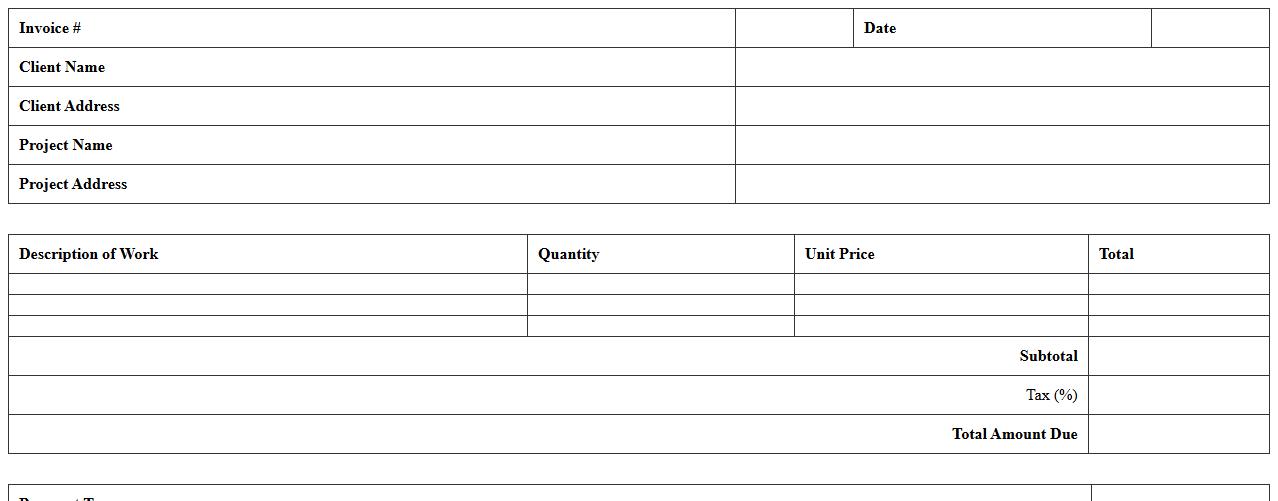
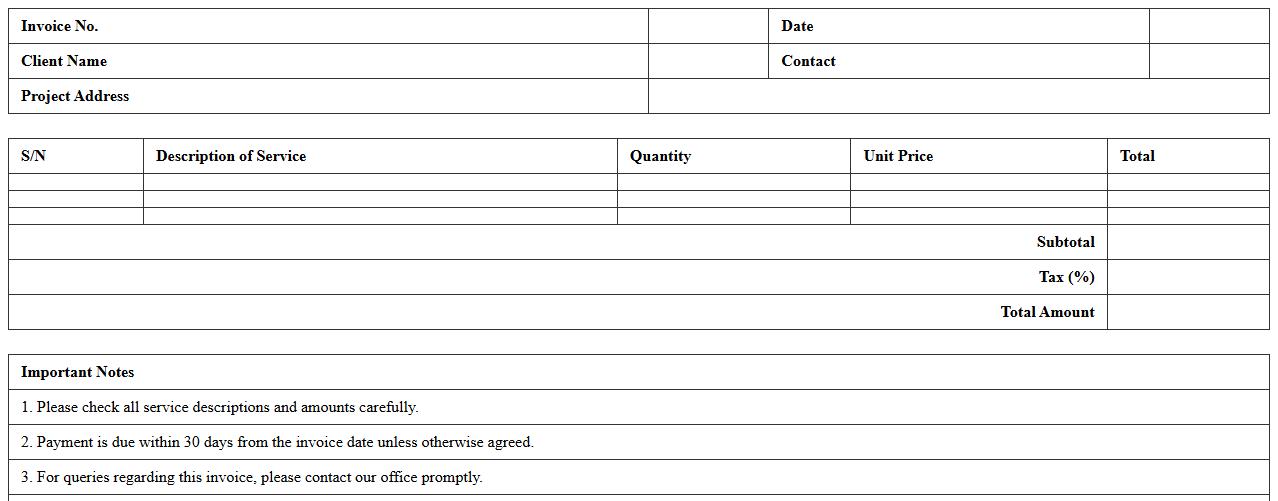
Residential Construction Invoice Excel Template is a pre-designed spreadsheet tailored for billing clients in the home building and renovation sector. It streamlines the invoicing process by automatically calculating costs, taxes, and payment terms, ensuring accurate and professional financial documentation. This template enhances organization, reduces errors, and speeds up payment cycles for contractors and builders.
Commercial Construction Invoice Spreadsheet
A
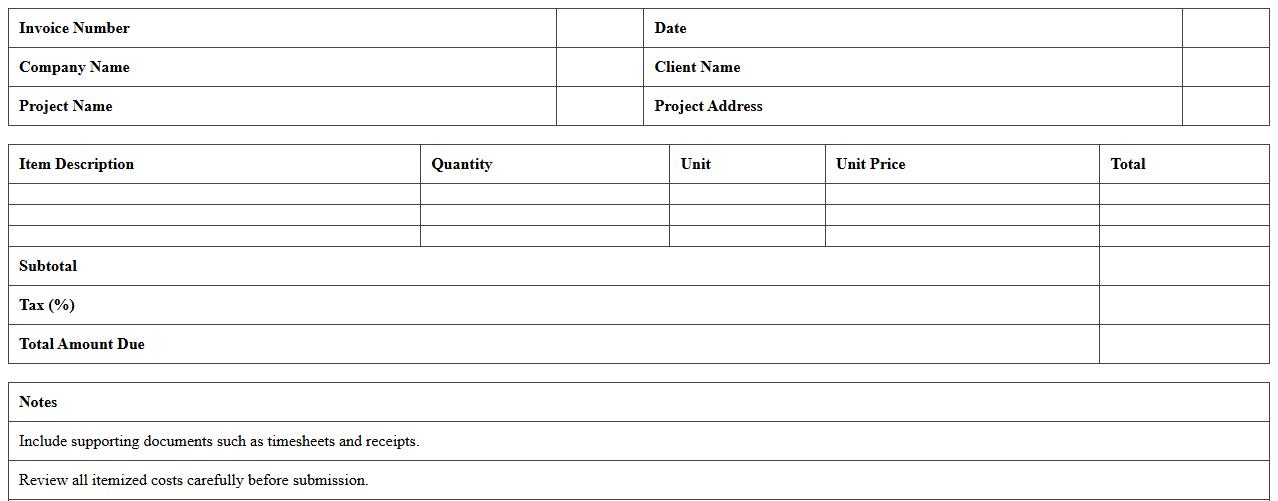
Commercial Construction Invoice Spreadsheet is a detailed financial document used to track and itemize billing for construction projects, including labor, materials, and equipment costs. This spreadsheet enhances accuracy and transparency by organizing invoices, payment schedules, and outstanding balances, which helps contractors and clients maintain clear financial records. Utilizing this tool streamlines project management, improves budgeting, and ensures timely payments, thereby reducing disputes and delays.
Contractor Progress Billing Invoice Template
A
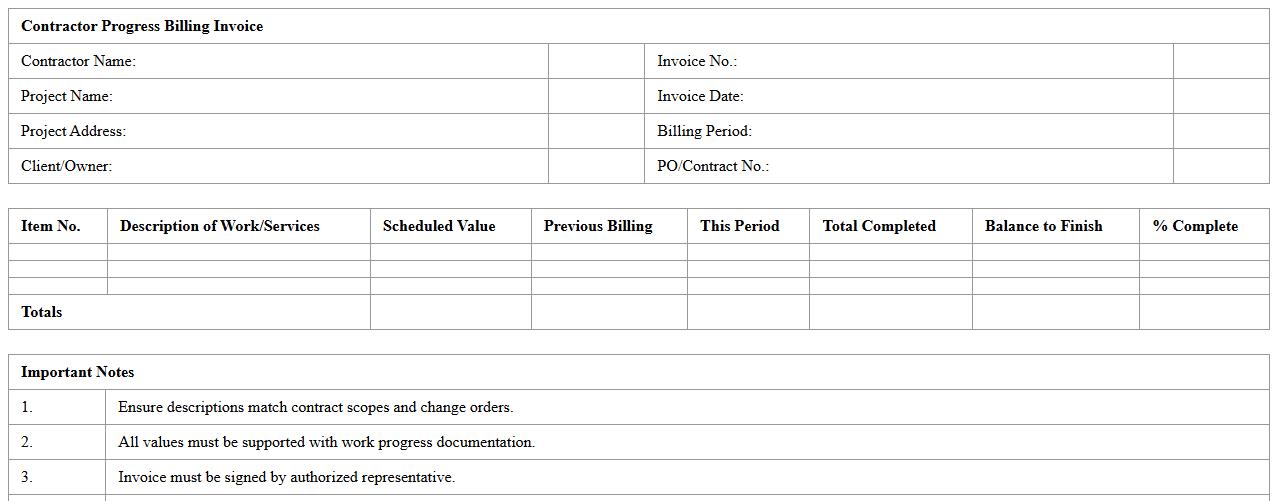
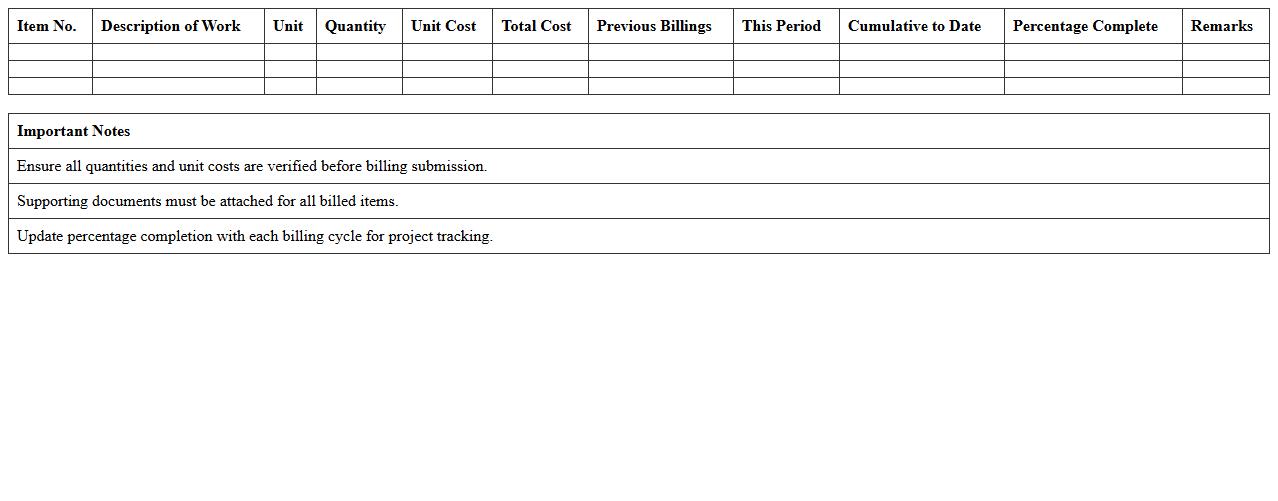
Contractor Progress Billing Invoice Template is a structured document used by contractors to invoice clients incrementally for work completed during a project. This template helps systematically track project milestones, payments due, and ensures clear communication between contractors and clients regarding the financial status of ongoing construction or service projects. Utilizing this template enhances payment accuracy, improves cash flow management, and provides a transparent record for both parties throughout the project lifecycle.
Subcontractor Payment Application Sheet
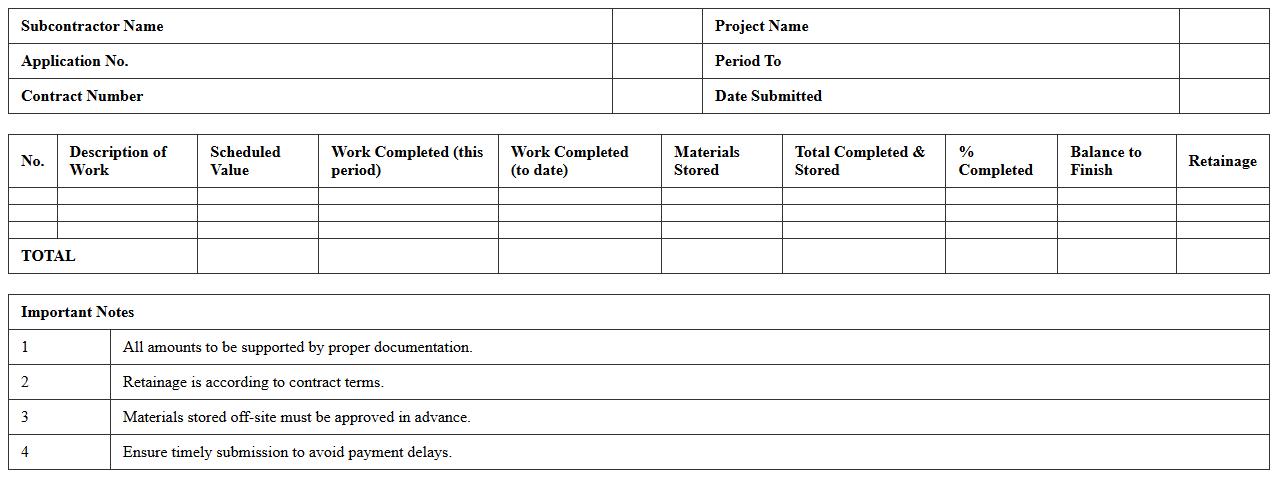
The
Subcontractor Payment Application Sheet is a detailed document used to request payment for completed work or materials supplied by a subcontractor on a construction project. It outlines the scope of work completed, the amount due, and any retainage withheld, ensuring transparency and accurate financial tracking between contractors and subcontractors. This document is essential for managing cash flow, verifying work progress, and maintaining organized payment records throughout the project lifecycle.
Material and Labor Cost Invoice Template
A
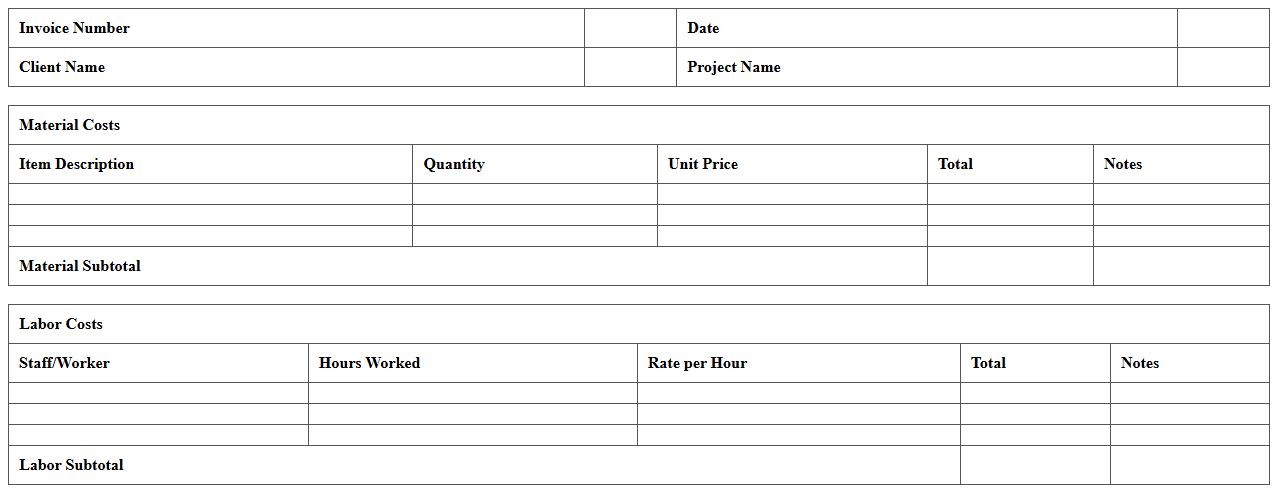
Material and Labor Cost Invoice Template is a structured document that itemizes expenses related to materials and labor used in a project, providing clear breakdowns for accurate billing. This template enhances financial transparency and simplifies the invoicing process for contractors, subcontractors, and clients by standardizing cost reporting. Utilizing this document helps ensure timely payments, better budget tracking, and improved record-keeping for construction or service-related projects.
Detailed Construction Project Billing Excel
A
Detailed Construction Project Billing Excel document is a comprehensive spreadsheet designed to track, organize, and manage all billing aspects within a construction project, including labor costs, material expenses, subcontractor fees, and progress payments. This tool allows project managers and accountants to monitor cash flow, ensure accurate invoicing, and maintain transparent financial records, reducing errors and disputes. By providing real-time visibility into billing details, it enhances budgeting accuracy and supports timely decision-making for project cost control.
Progress Payment Construction Invoice Template
A
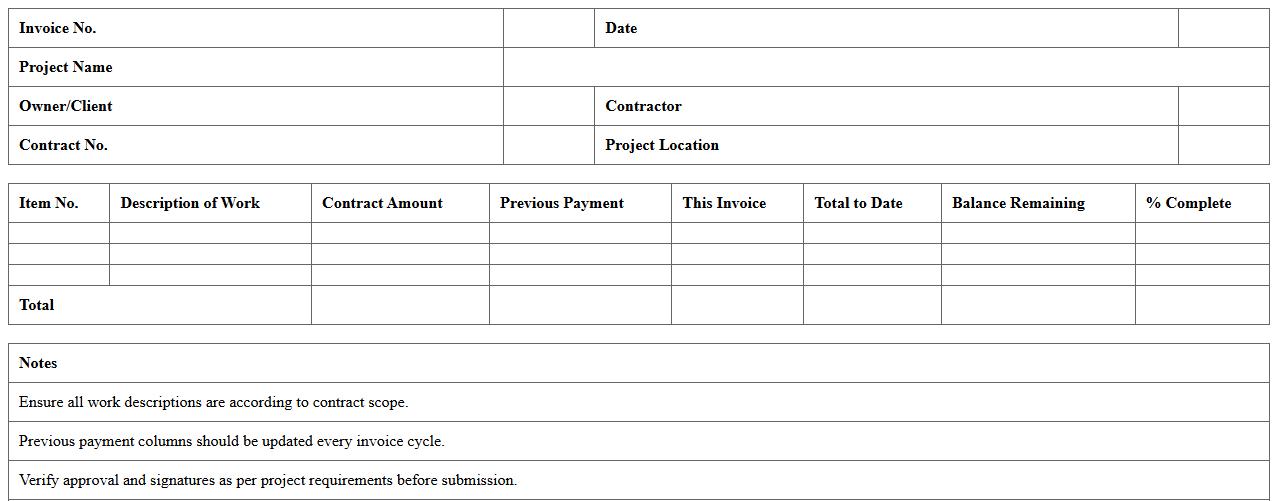
Progress Payment Construction Invoice Template is a pre-formatted document designed to streamline the billing process for construction projects by itemizing work completed at various stages. This template helps contractors and project managers systematically request payments based on project milestones, ensuring clear communication and accurate financial tracking. Utilizing this document reduces errors, accelerates invoice processing, and improves cash flow management for construction businesses.
Renovation Services Invoice Excel Sheet
A
Renovation Services Invoice Excel Sheet is a detailed document used to itemize costs, labor, and materials involved in renovation projects, serving as a transparent billing record. This Excel sheet streamlines expense tracking and payment processing by providing organized columns for service descriptions, quantities, rates, and total costs. Utilizing this tool enhances financial accuracy, facilitates client communication, and supports efficient project management for contractors and homeowners alike.
Time and Materials Construction Invoice Template
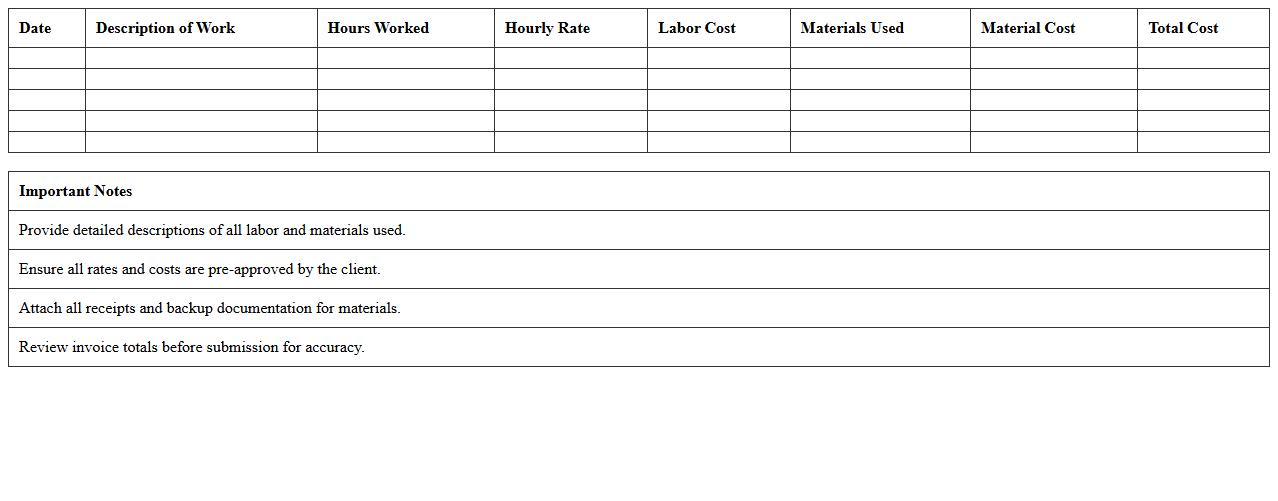
A
Time and Materials Construction Invoice Template is a document designed to accurately record labor hours, material costs, and other expenses related to a construction project. It streamlines billing by itemizing each category with clear descriptions and rates, ensuring transparency between contractors and clients. This template is essential for managing project budgets, tracking costs in real-time, and facilitating prompt payment processes.
Construction Change Order Invoice Spreadsheet
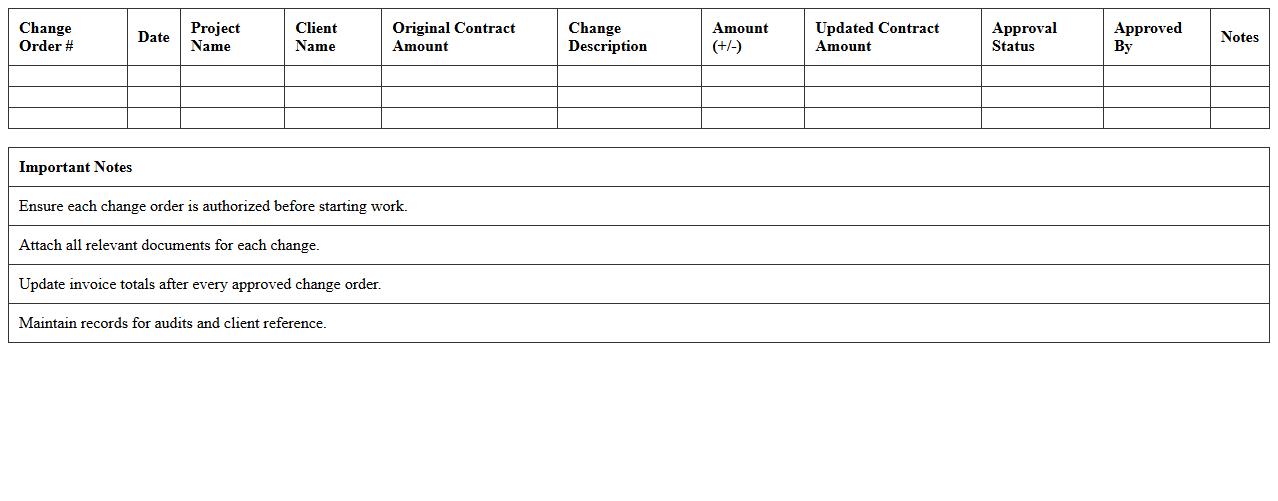
A
Construction Change Order Invoice Spreadsheet is a detailed document used to record and manage modifications in construction project costs and schedules. It helps track expenses related to change orders, ensuring accurate billing and budget control throughout the project lifecycle. Utilizing this spreadsheet enhances transparency, reduces disputes, and streamlines communication between contractors, clients, and project managers.
How can retention amounts be automated in construction project invoice Excel templates?
Retention amounts in construction invoices can be automated using Excel formulas that calculate a percentage of the total invoice amount. Typically, a formula like =TotalAmount*RetentionRate is used to dynamically compute the retention. Integrating this formula ensures accurate retention tracking without manual calculation errors.
What formula tracks change order adjustments in construction invoices?
A common formula to track change order adjustments is =OriginalContractAmount+SUM(ChangeOrders), which adds all change orders to the original contract sum. Using the SUM function provides real-time updates when new change orders are entered. This ensures your invoice reflects the most current project value including all modifications.
How to link Excel invoice items to specific project milestones?
Linking invoice items to project milestones can be effectively done using Excel's VLOOKUP or INDEX-MATCH functions to cross-reference items with milestone tables. This method allows for automatic retrieval of milestone data based on the invoice item description or code. Establishing this dynamic connection improves accuracy in milestone-based billing.
Which Excel functions validate subcontractor billing accuracy?
Key Excel functions such as IF, SUMIF, and COUNTIF are used to validate subcontractor billing by comparing billed amounts to agreed budgets or contract terms. These functions automatically highlight discrepancies or overbilling instances. Utilizing conditional formatting alongside these functions further enhances error detection.
How to generate progress billing summaries in Excel for construction phases?
Progress billing summaries are generated by aggregating invoice data using SUMIFS and PivotTables to group costs by construction phase and billing period. These tools offer a clear overview of billings versus project progress for easy monitoring. Creating dynamic summaries facilitates timely financial reporting and cash flow management.