The Supply Chain Forecast Excel Template for Logistics Companies streamlines demand planning by providing accurate, data-driven insights. This customizable template enables logistics professionals to track inventory levels, predict future demand, and optimize transportation schedules efficiently. Its user-friendly interface supports better decision-making for supply chain management and operational cost reduction.
Demand Planning Forecast Excel Template for Logistics
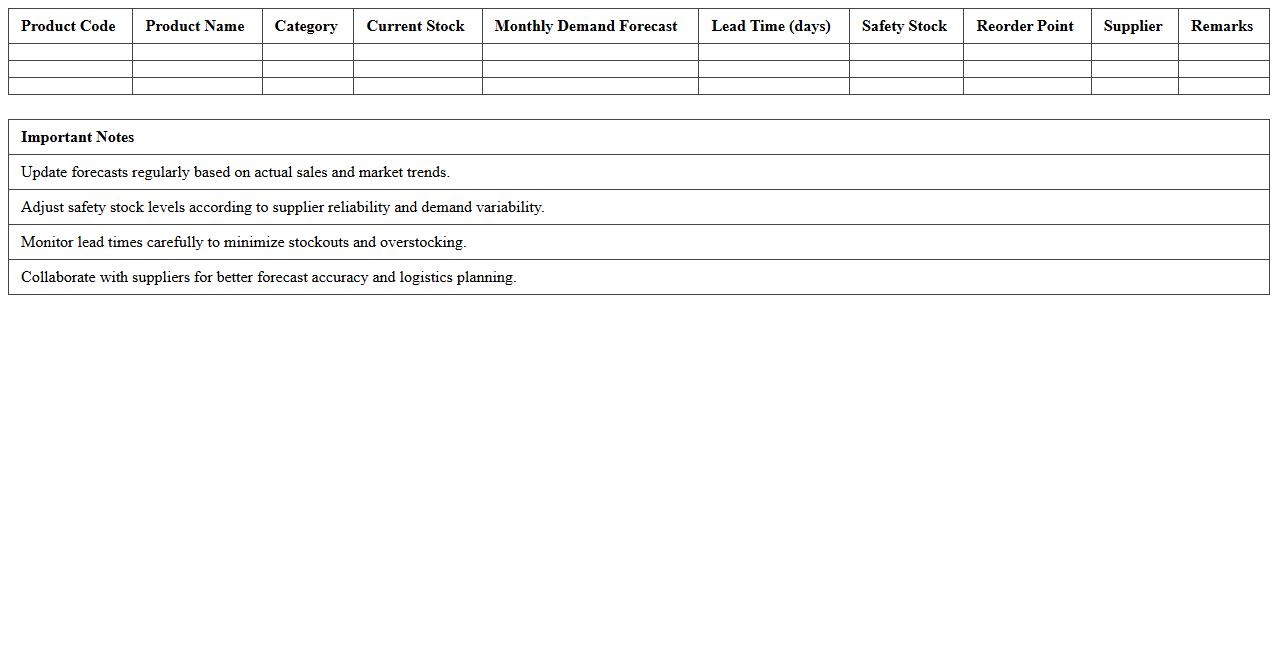
A
Demand Planning Forecast Excel Template for logistics is a tool designed to predict future product demand by analyzing historical sales data, inventory levels, and supply chain variables. It helps logistics managers optimize stock levels, reduce excess inventory, and improve order fulfillment rates by providing accurate and data-driven forecasts. This template enhances decision-making efficiency, streamlines supply chain operations, and minimizes costs associated with overstocking or stockouts.
Inventory Replenishment Forecast Excel Template for Logistics
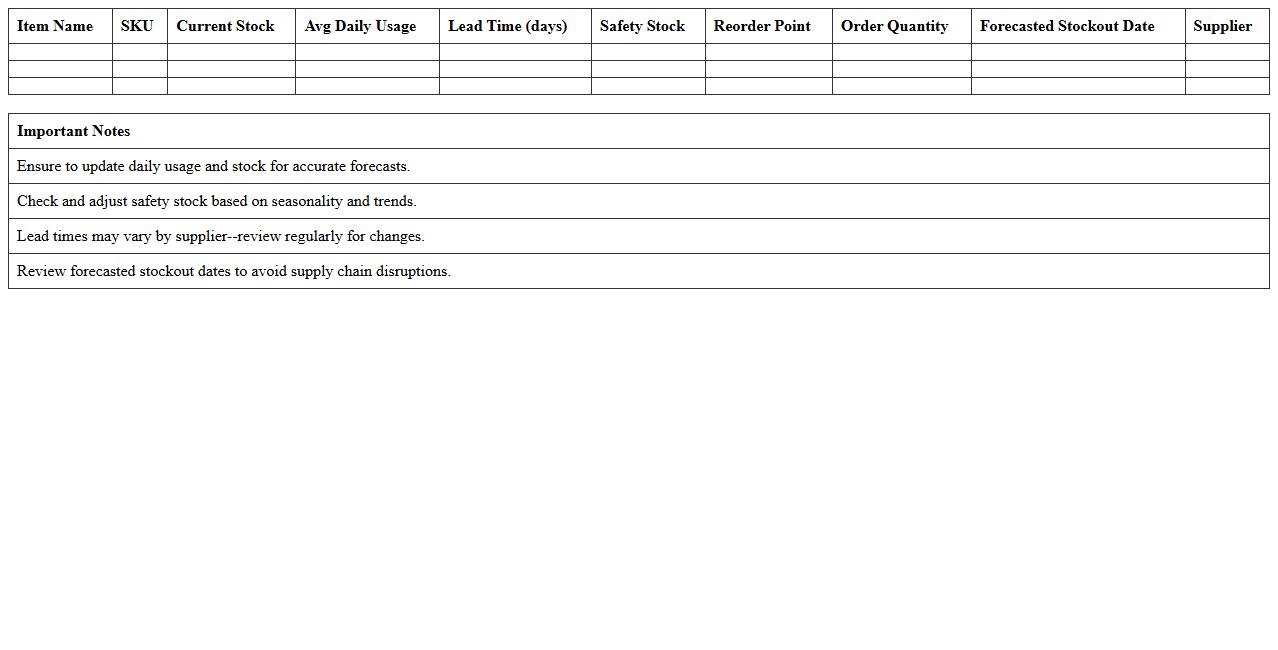
The
Inventory Replenishment Forecast Excel Template for logistics is a powerful tool designed to predict stock requirements and optimize inventory levels based on historical sales data and demand patterns. It helps logistics managers reduce stockouts and overstock situations by providing accurate forecasts, enabling efficient supply chain planning and cost savings. This template enhances decision-making by offering clear insights into reorder points, lead times, and optimal order quantities.
Procurement Planning Forecast Excel Template for Logistics
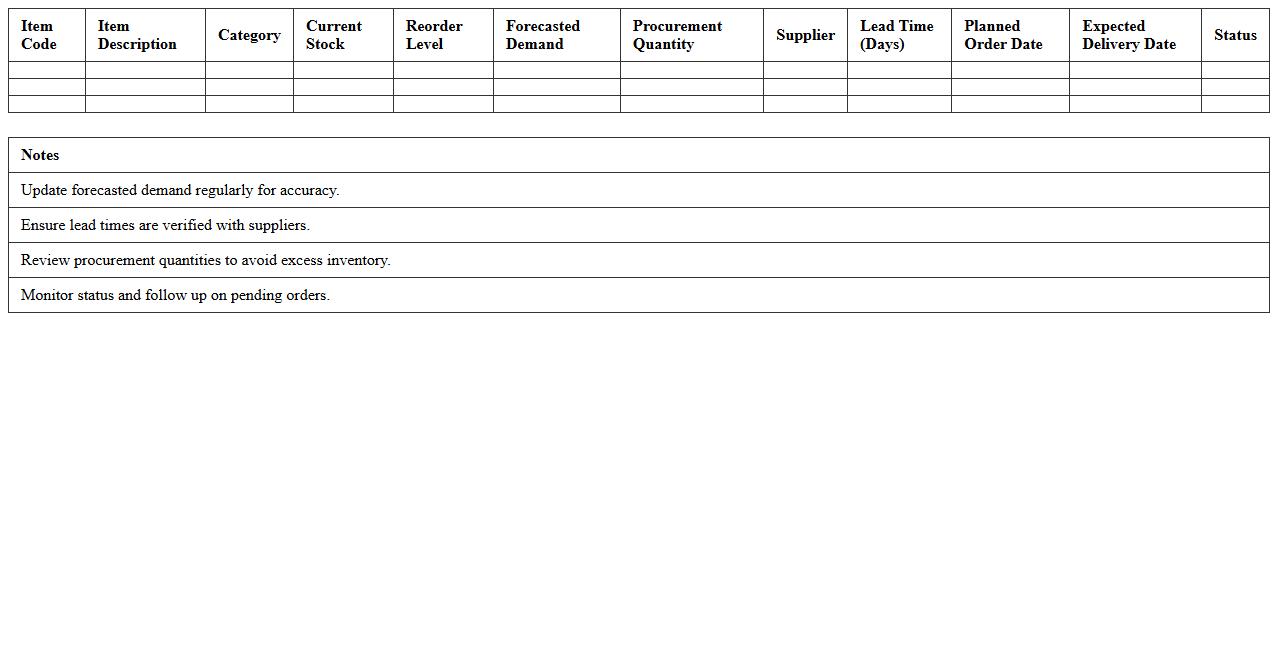
The
Procurement Planning Forecast Excel Template for Logistics is a specialized tool designed to streamline the forecasting and management of procurement activities within the logistics sector. It enables accurate prediction of material and inventory needs, aligning supply chain operations with demand fluctuations to reduce costs and prevent stockouts. Utilizing this template enhances decision-making efficiency by providing structured data analysis and visualization, ensuring timely procurement and optimized resource allocation.
Distribution Center Volume Forecast Excel Template for Logistics
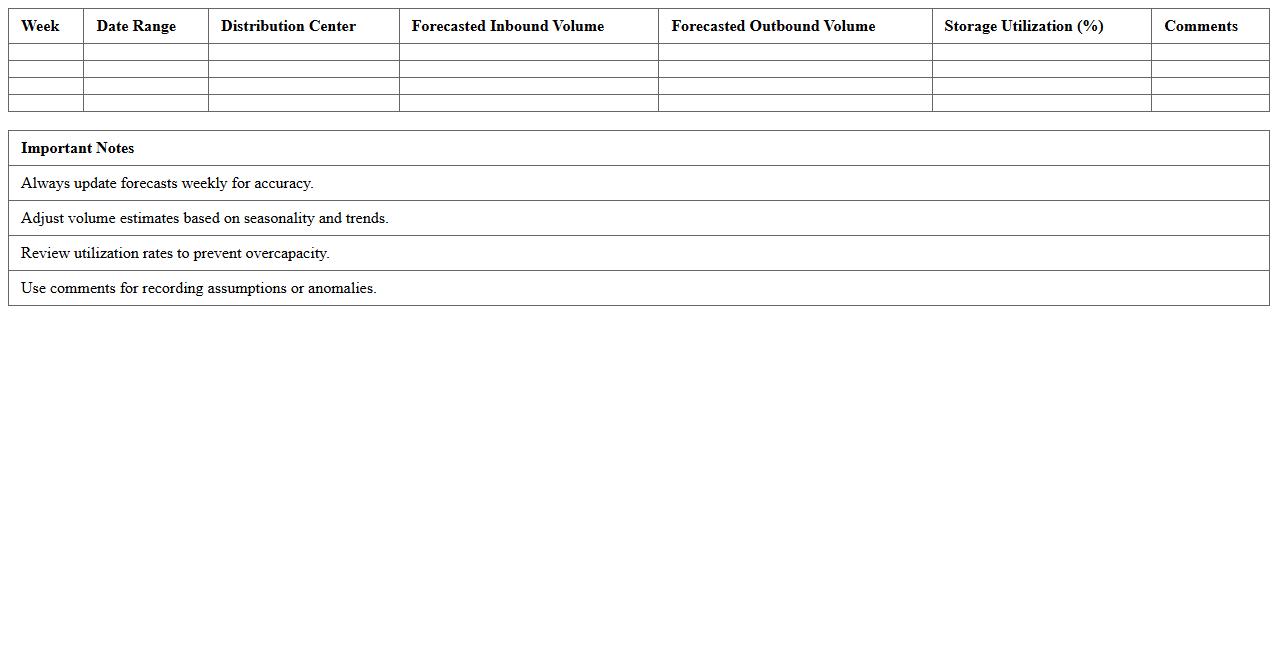
A
Distribution Center Volume Forecast Excel Template is a structured spreadsheet tool designed to predict inbound and outbound shipment quantities at distribution centers. It helps logistics managers analyze historical data and seasonal trends to accurately estimate future volumes, enhancing inventory management and workforce planning. This template streamlines data organization, supports decision-making, and optimizes resource allocation to improve overall supply chain efficiency.
Production Scheduling Forecast Excel Template for Logistics
The
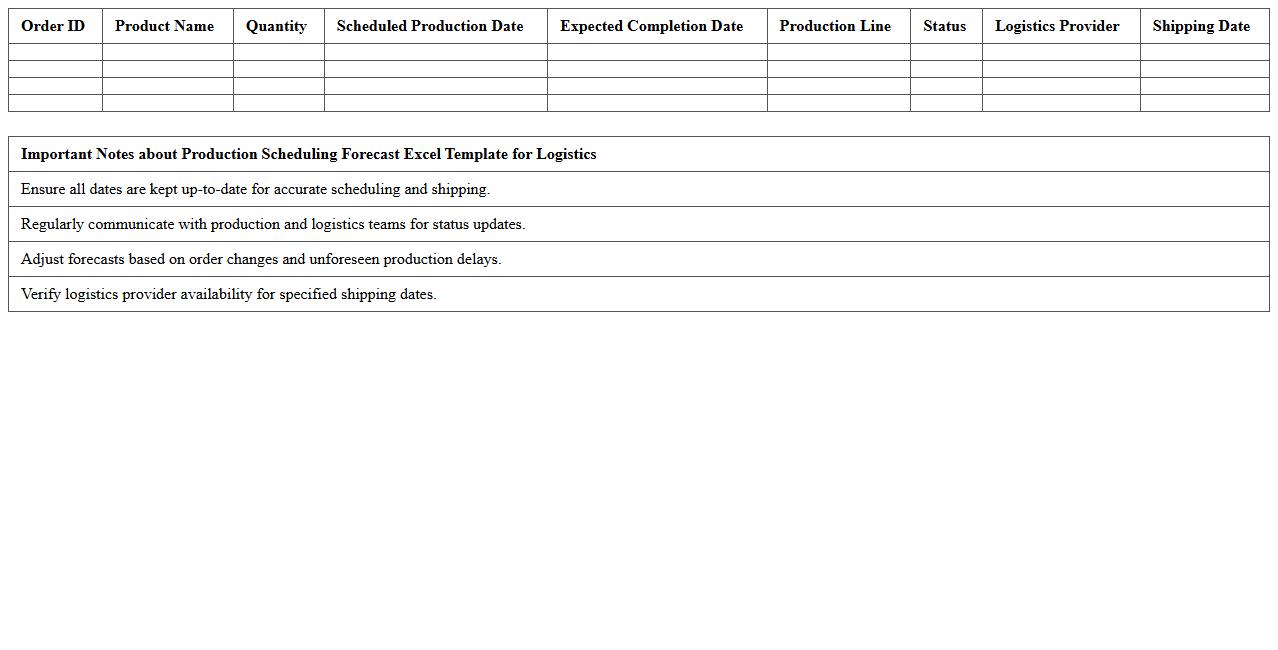
Production Scheduling Forecast Excel Template for logistics is a powerful tool designed to streamline and optimize the planning of production timelines, inventory levels, and supply chain coordination. It enables businesses to accurately predict future production needs, manage resource allocation, and reduce delays by visualizing demand patterns and capacity constraints. Using this template enhances operational efficiency, minimizes costs, and improves decision-making through data-driven scheduling insights.
Transportation Capacity Forecast Excel Template for Logistics
The
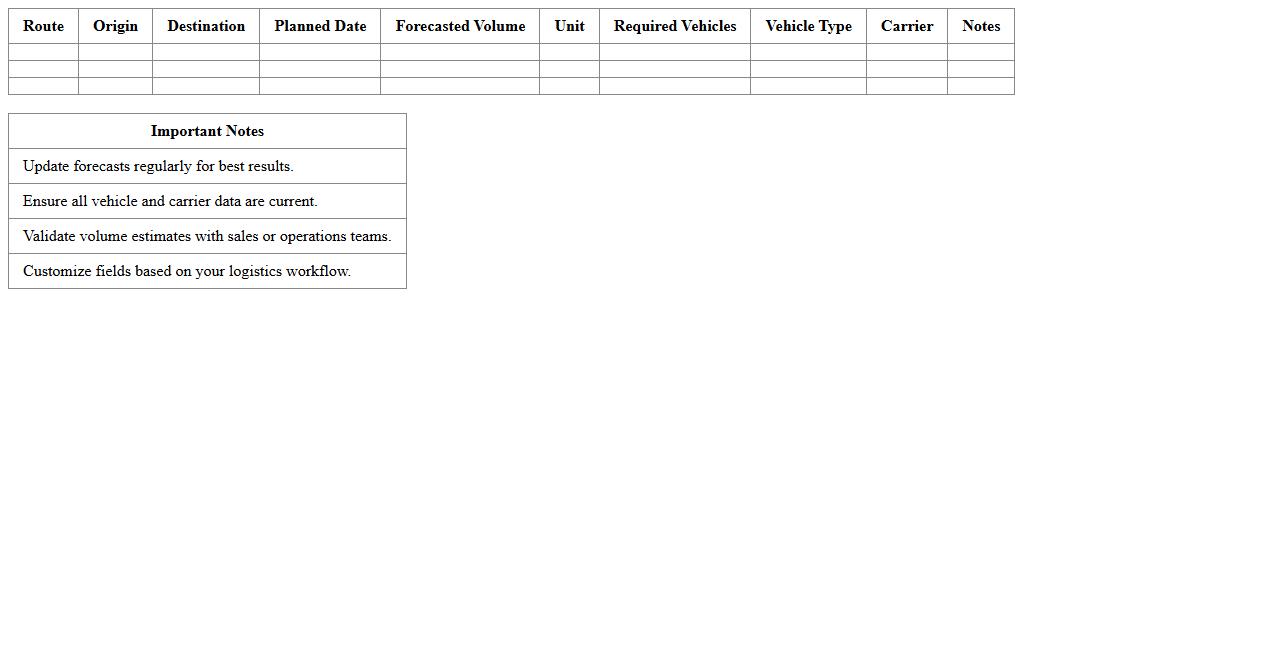
Transportation Capacity Forecast Excel Template for logistics is a tool designed to predict future transportation needs based on historical data and market trends, enabling efficient resource allocation. It helps logistics managers optimize fleet usage, reduce costs, and avoid bottlenecks by providing clear visibility into expected shipping volumes. This template supports data-driven decision-making, improving supply chain reliability and overall operational efficiency.
Supplier Lead Time Analysis Excel Template for Logistics
The
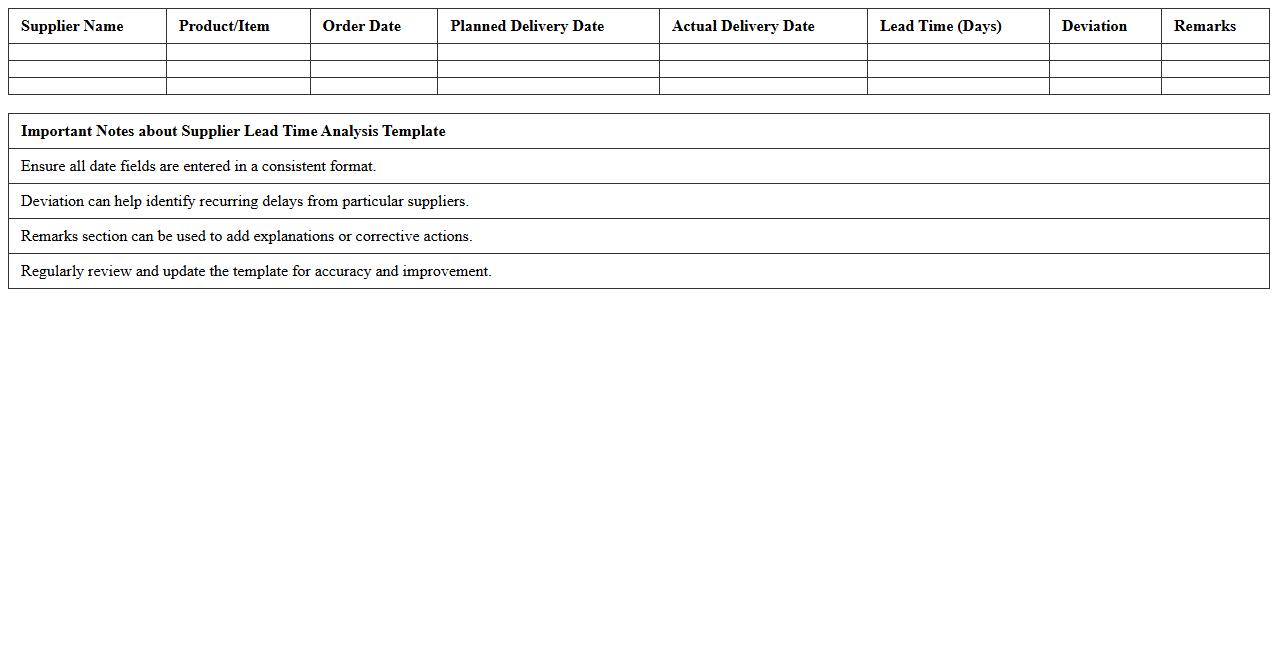
Supplier Lead Time Analysis Excel Template for logistics is a structured tool designed to track and evaluate the time taken by suppliers to deliver goods from order placement to receipt. It helps logistics managers identify delays, optimize ordering schedules, and improve supply chain efficiency by providing clear visibility into supplier performance metrics. This analysis enables businesses to reduce inventory costs, enhance forecasting accuracy, and maintain smooth operational flow.
Sales and Operations Forecast Alignment Excel Template for Logistics
The
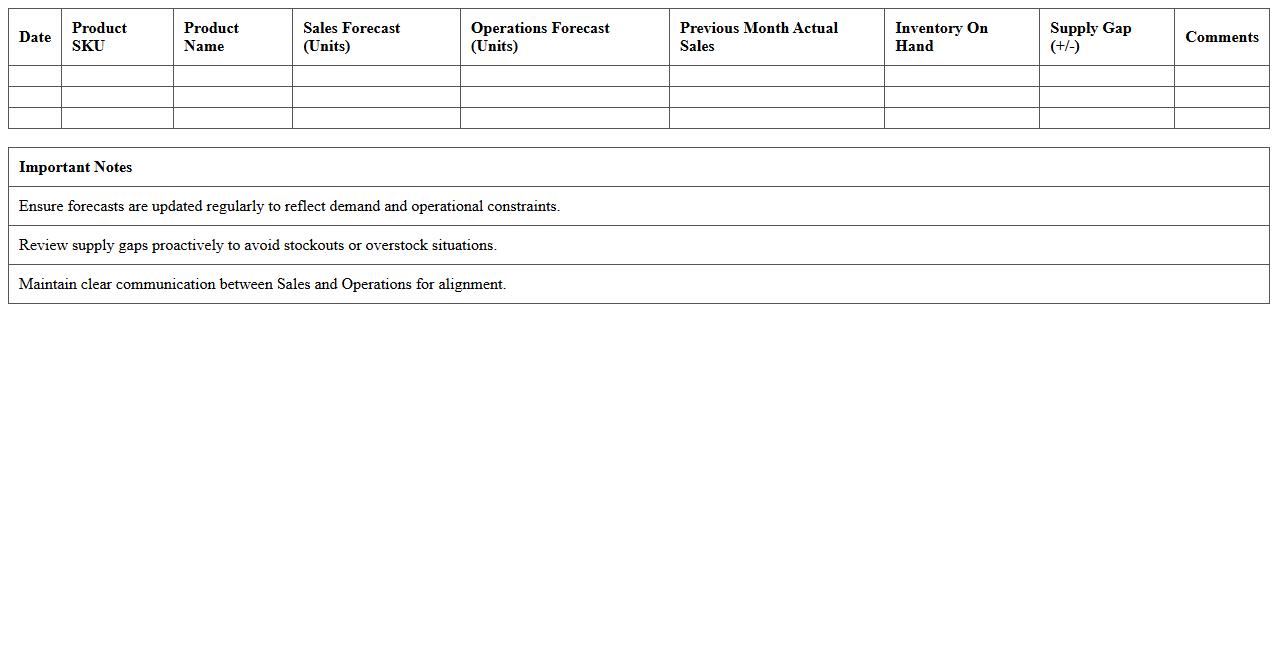
Sales and Operations Forecast Alignment Excel Template for Logistics is a powerful tool designed to integrate sales forecasts with operational planning, ensuring accurate demand prediction and inventory management. It enables logistics teams to streamline supply chain processes by aligning sales data with production and distribution schedules, reducing stockouts and overstock scenarios. This template enhances decision-making by providing clear visibility into forecast accuracy, helping businesses optimize resource allocation and improve customer satisfaction.
Logistics Cost Forecasting Excel Template for Supply Chain
The
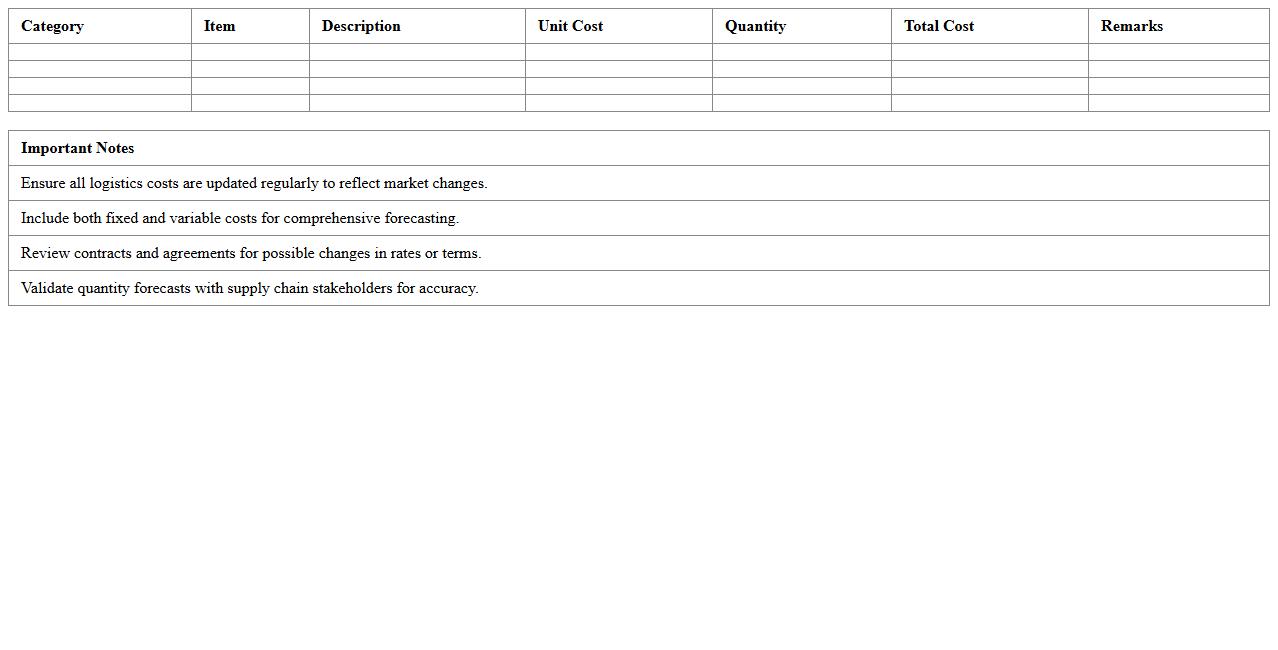
Logistics Cost Forecasting Excel Template for Supply Chain is a powerful tool designed to estimate and manage transportation, warehousing, and inventory costs accurately. It helps supply chain managers analyze historical data and predict future expenses, enabling better budgeting and resource allocation. Utilizing this template improves decision-making by providing clear visibility into cost trends and potential savings opportunities.
Warehouse Space Utilization Forecast Excel Template for Logistics
The
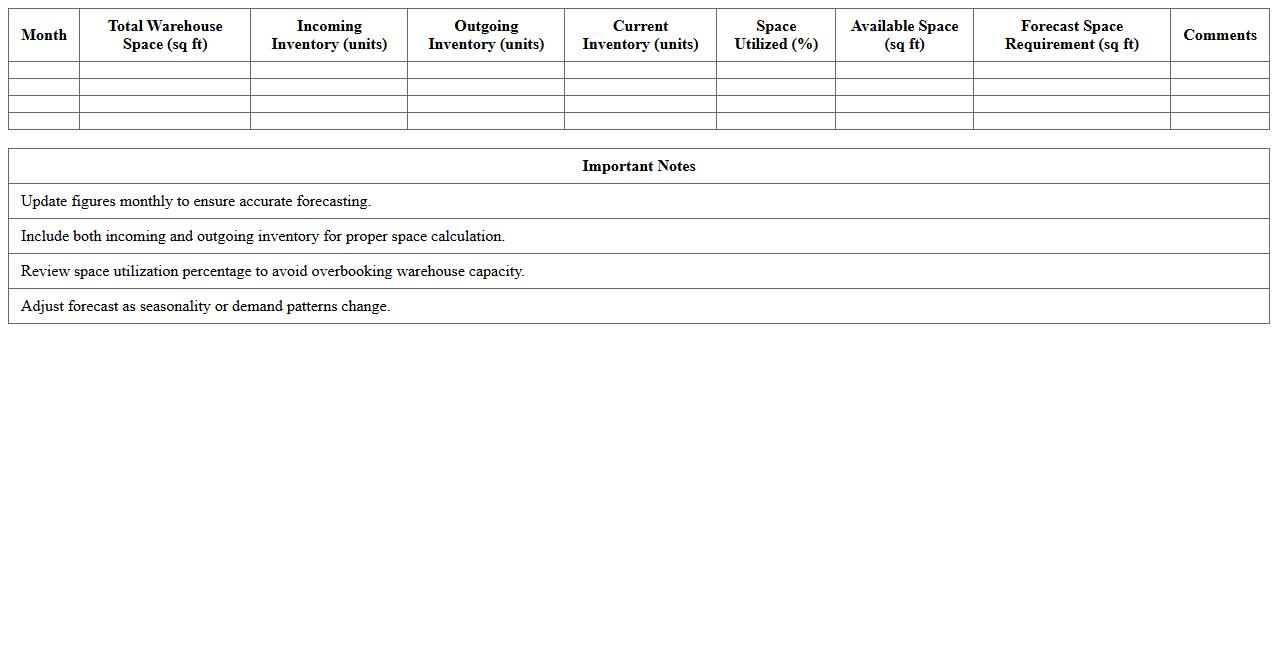
Warehouse Space Utilization Forecast Excel Template for logistics is a data-driven tool designed to analyze and predict storage capacity needs by tracking inventory levels, shipment schedules, and space usage trends. It enables logistics managers to optimize warehouse layouts, prevent overstocking or underutilization, and improve operational efficiency by providing clear visualizations and forecasts. This template supports strategic planning by offering actionable insights into future space requirements based on historical data and forecasted demand.
How can historical demand data be integrated into a Supply Chain Forecast Excel model for logistics optimization?
To integrate historical demand data into a Supply Chain Forecast Excel model, begin by importing the relevant datasets using Excel's Power Query or data import tools. This ensures that all historical sales and shipment records are consolidated in a structured format for analysis. Next, apply time series analysis or moving averages within your model to identify demand patterns and seasonality for precise logistics optimization.
Which advanced Excel formulas or macros enhance predictive accuracy in logistics forecasting?
Advanced Excel formulas like FORECAST.ETS, INDEX-MATCH combinations, and dynamic array formulas significantly enhance predictive accuracy in logistics forecasting. Macros can automate repetitive forecasting tasks and integrate complex calculations, improving efficiency and reducing human error. Utilizing VBA scripts further allows sophisticated scenario modeling and real-time data updates within your forecasting sheets.
What key metrics should be tracked in an Excel dashboard for transportation lead time forecasting?
An effective Excel dashboard for transportation lead time forecasting must track average lead time, variability in delivery times, and on-time delivery rates. Including metrics such as delay causes, transit time distribution, and order fulfillment rate provide deeper operational insights. Visual tools like sparklines and conditional formatting can highlight trends and anomalies for quick decision-making.
How can Excel templates be customized for multi-location warehouse inventory projections?
Customizing Excel templates for multi-location warehouse inventory projections involves creating location-specific data inputs and applying aggregation formulas like SUMIFS and INDIRECT. Incorporate dynamic drop-down menus for selecting warehouse locations and automated inventory reorder alerts to streamline inventory controls. Additionally, use pivot tables to consolidate inventory status across all locations for consolidated forecasting.
What methods in Excel support real-time supplier performance tracking in logistics forecasts?
Real-time supplier performance tracking in Excel can be supported by connecting to live data sources via Power BI or Microsoft Flow integrations. Implementing dynamic dashboards with formulas like COUNTIFS for defect tracking and AVERAGEIFS for performance metrics enables timely insights. Furthermore, macros automate data refresh and alert generation to maintain an up-to-date view of supplier reliability.
More Forecast Excel Templates