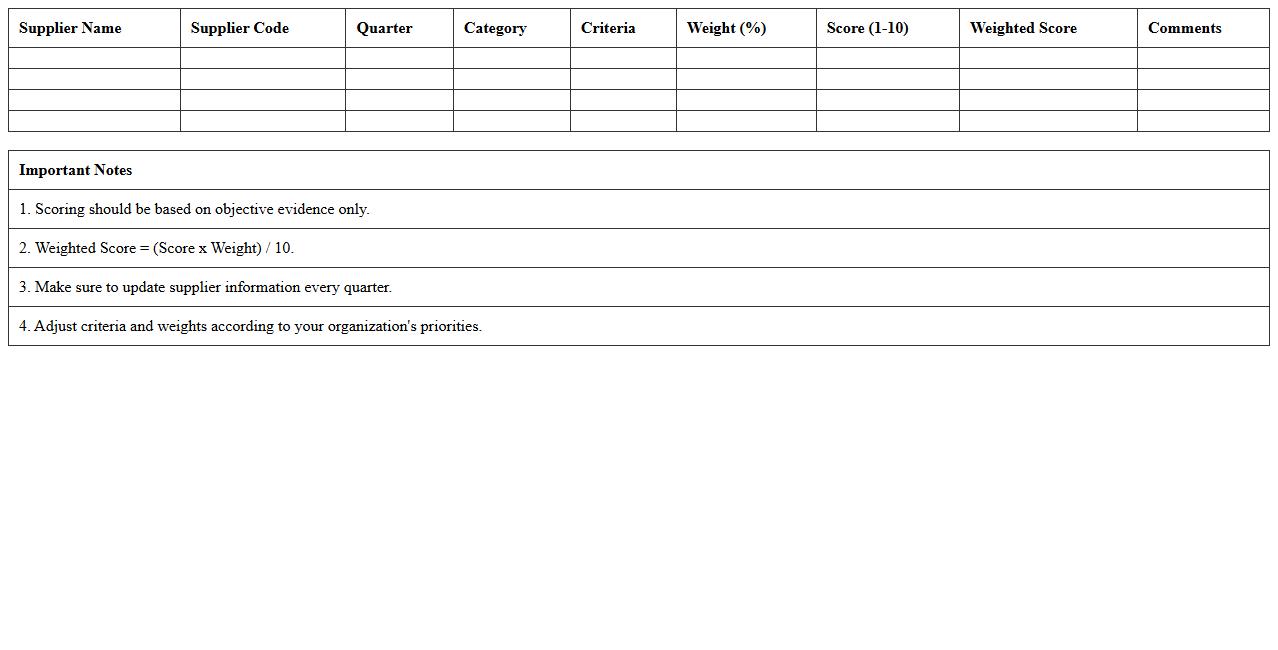
The Supplier Performance Analysis Excel Template for Manufacturing provides a structured tool to evaluate supplier reliability, quality, and delivery performance. It enables manufacturers to track key metrics such as defect rates, lead times, and compliance scores efficiently. This template enhances decision-making by offering clear visualizations and data-driven insights to optimize supplier relationships.
Supplier Quality Scorecard Excel Template
The
Supplier Quality Scorecard Excel Template is a comprehensive tool that enables businesses to evaluate and monitor supplier performance based on key quality metrics such as defect rates, on-time delivery, and compliance standards. It streamlines data collection and analysis, providing clear visualizations that help identify areas for improvement and ensure consistent supplier reliability. Using this template enhances decision-making processes by fostering accountability and promoting strategic supplier management aligned with organizational quality goals.
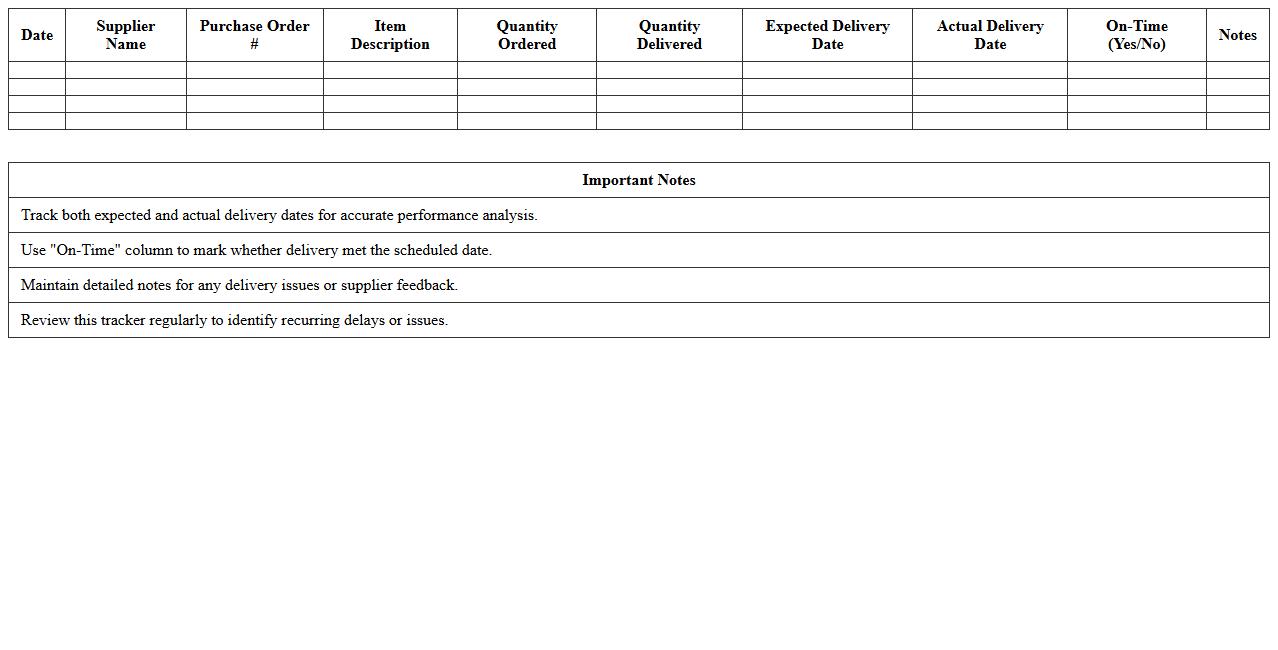
Supplier Delivery Performance Tracker
The
Supplier Delivery Performance Tracker document monitors and evaluates the punctuality, accuracy, and quality of deliveries from suppliers, enabling businesses to maintain reliable supply chain operations. By systematically recording delivery dates, quantities, and discrepancies, this tracker helps identify patterns of delays or errors, facilitating timely corrective actions. Optimizing supplier performance through this tool enhances inventory management, reduces operational disruptions, and supports informed decision-making for procurement strategies.
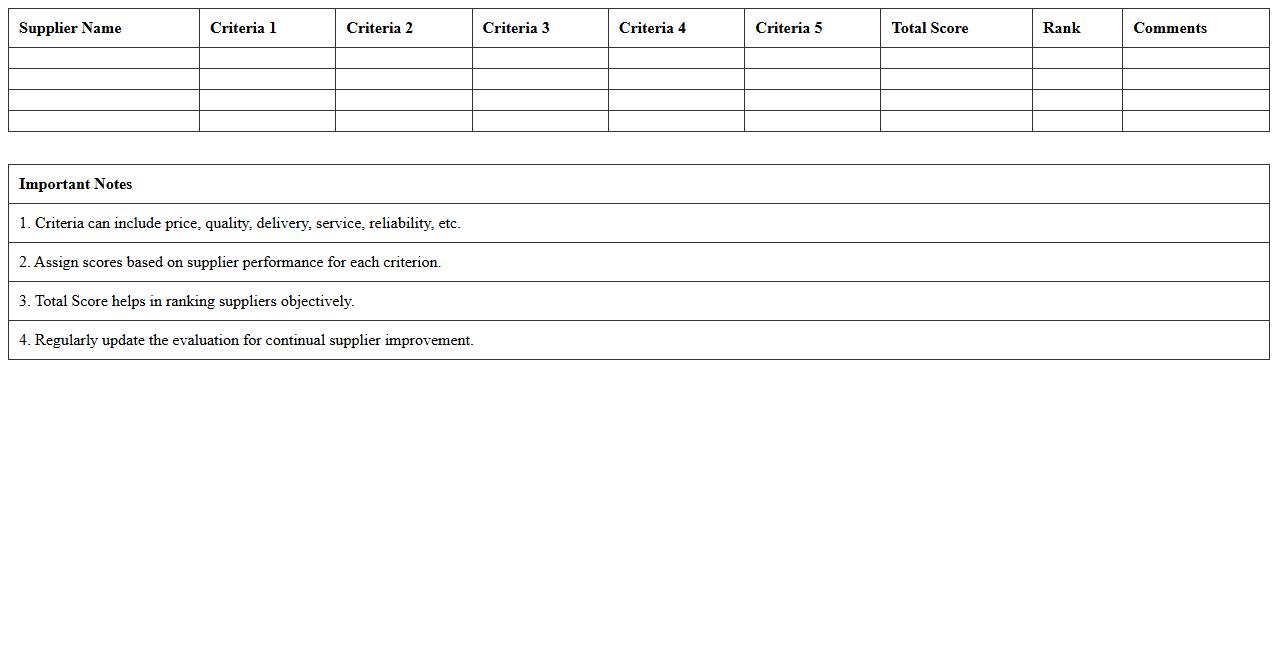
Supplier Evaluation Matrix Spreadsheet
The
Supplier Evaluation Matrix Spreadsheet is a tool used to systematically assess and compare suppliers based on critical criteria such as price, quality, delivery time, and service. This document helps businesses identify the most reliable and cost-effective suppliers, enabling data-driven procurement decisions. By organizing supplier information in a structured format, it improves vendor management and ensures consistent performance monitoring.
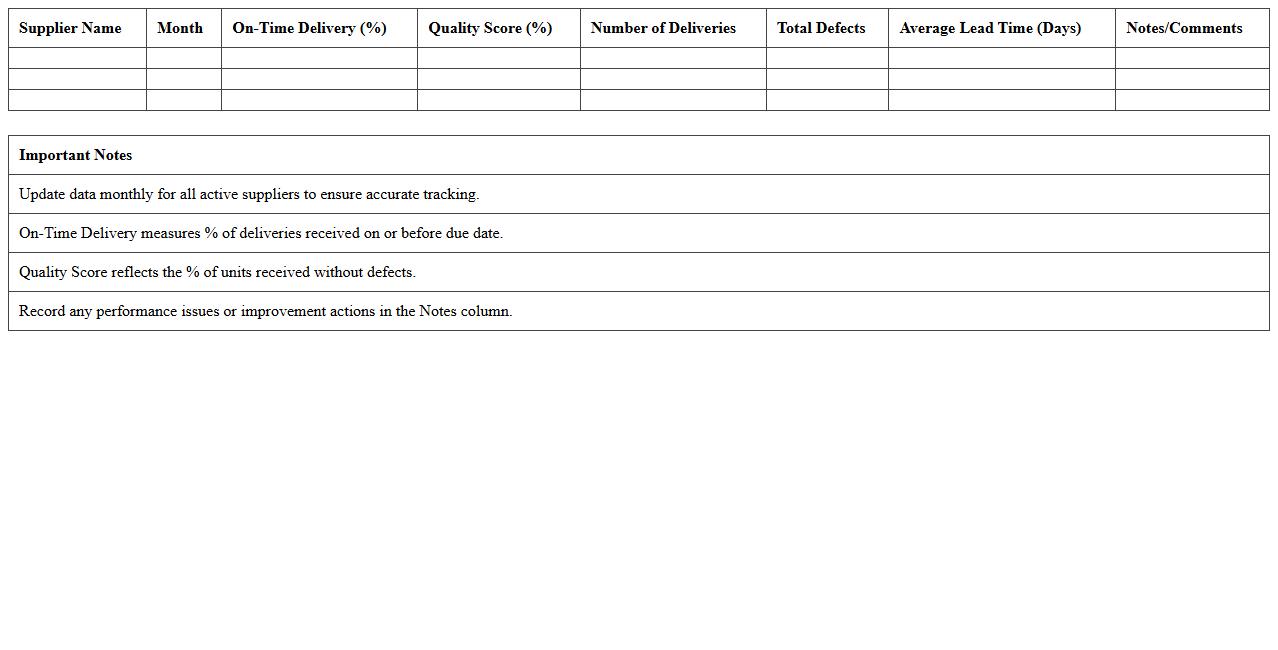
Monthly Supplier Performance Dashboard
The
Monthly Supplier Performance Dashboard document consolidates key metrics such as delivery timeliness, quality defect rates, and cost variances to provide a comprehensive overview of supplier performance. This dashboard enables procurement teams to identify trends, address issues proactively, and drive supplier improvements. By facilitating data-driven decisions, it enhances supply chain efficiency and fosters stronger collaboration with suppliers.
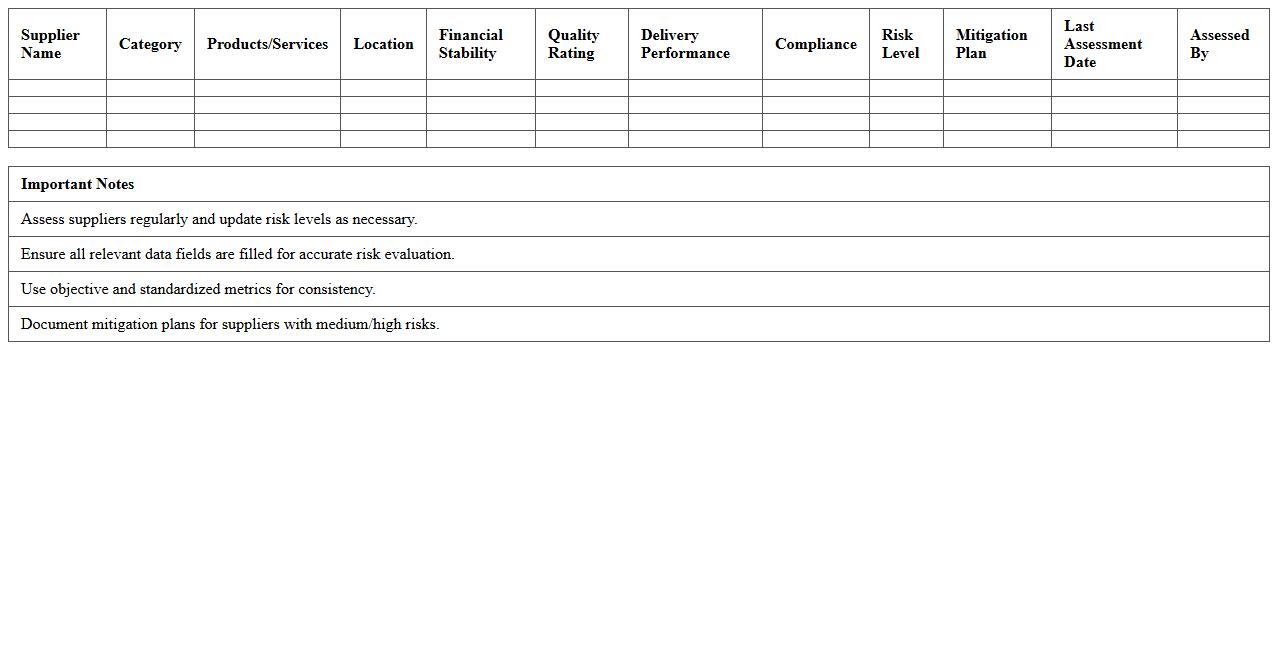
Supplier Risk Assessment Excel Sheet
A
Supplier Risk Assessment Excel Sheet is a structured document used to evaluate and monitor the potential risks associated with suppliers, including financial stability, compliance, operational performance, and delivery reliability. This tool allows organizations to systematically score and prioritize suppliers based on risk factors, aiding in proactive decision-making and risk mitigation. By using this Excel sheet, businesses can enhance supply chain resilience, reduce disruptions, and improve strategic supplier management.
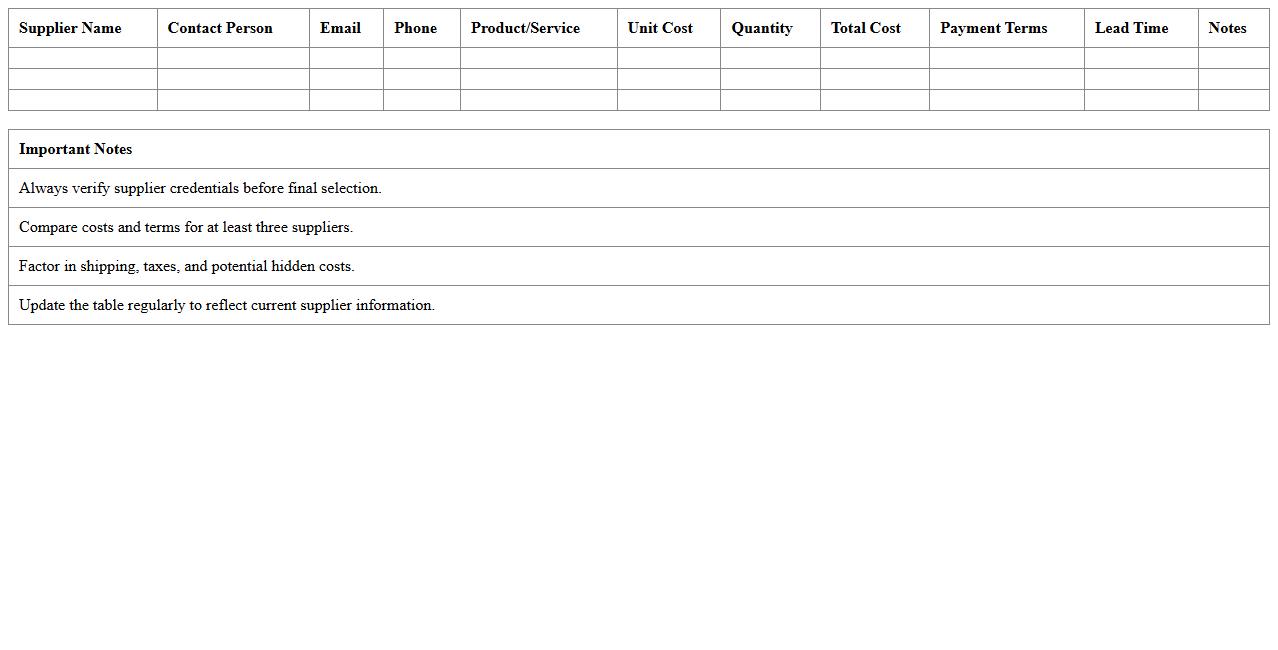
Supplier Cost Analysis Template
A
Supplier Cost Analysis Template document is a structured tool designed to evaluate and compare the costs associated with various suppliers, enabling businesses to identify the most cost-effective sourcing options. It helps in organizing data on pricing, transportation, taxes, and other relevant expenses, providing a clear overview of total supplier costs. Utilizing this template supports informed decision-making, improves budgeting accuracy, and enhances negotiation strategies with suppliers.
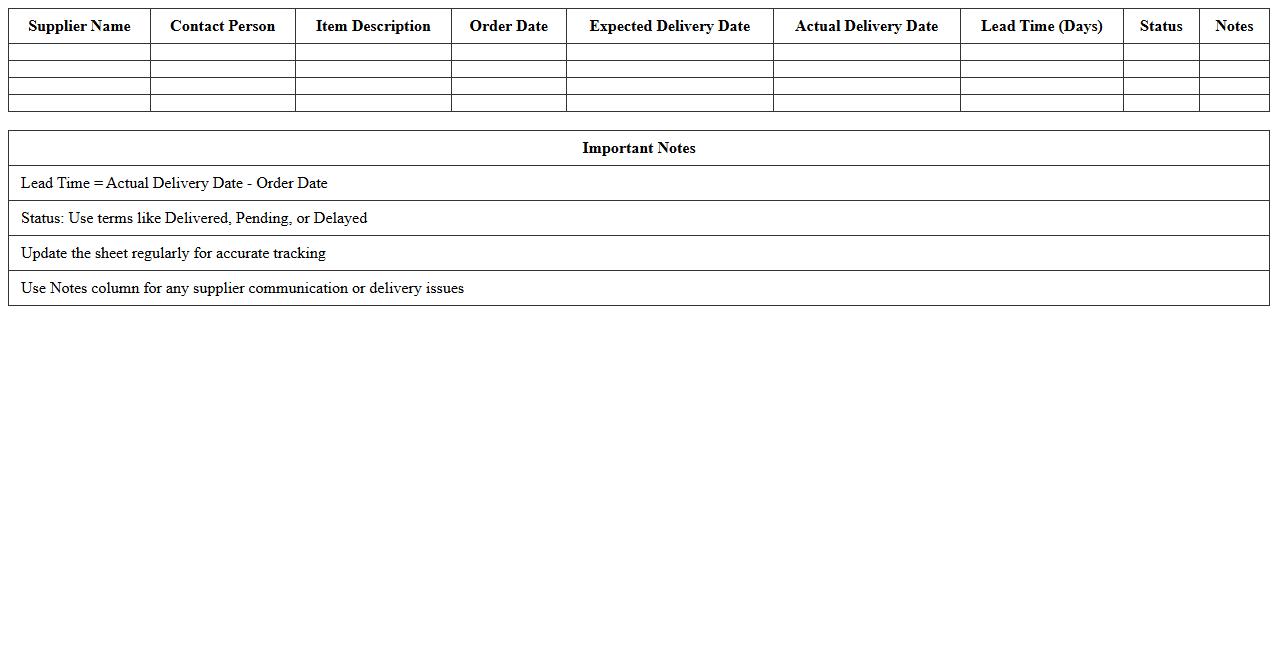
Supplier Lead Time Tracking Spreadsheet
A
Supplier Lead Time Tracking Spreadsheet document is a tool designed to monitor and record the time taken by suppliers to fulfill orders from the date of purchase to delivery. This tracking system helps businesses identify delays, optimize inventory management, and improve supply chain efficiency by providing accurate lead time data. Utilizing this spreadsheet enables organizations to make informed decisions, reduce stockouts, and enhance overall supplier performance.
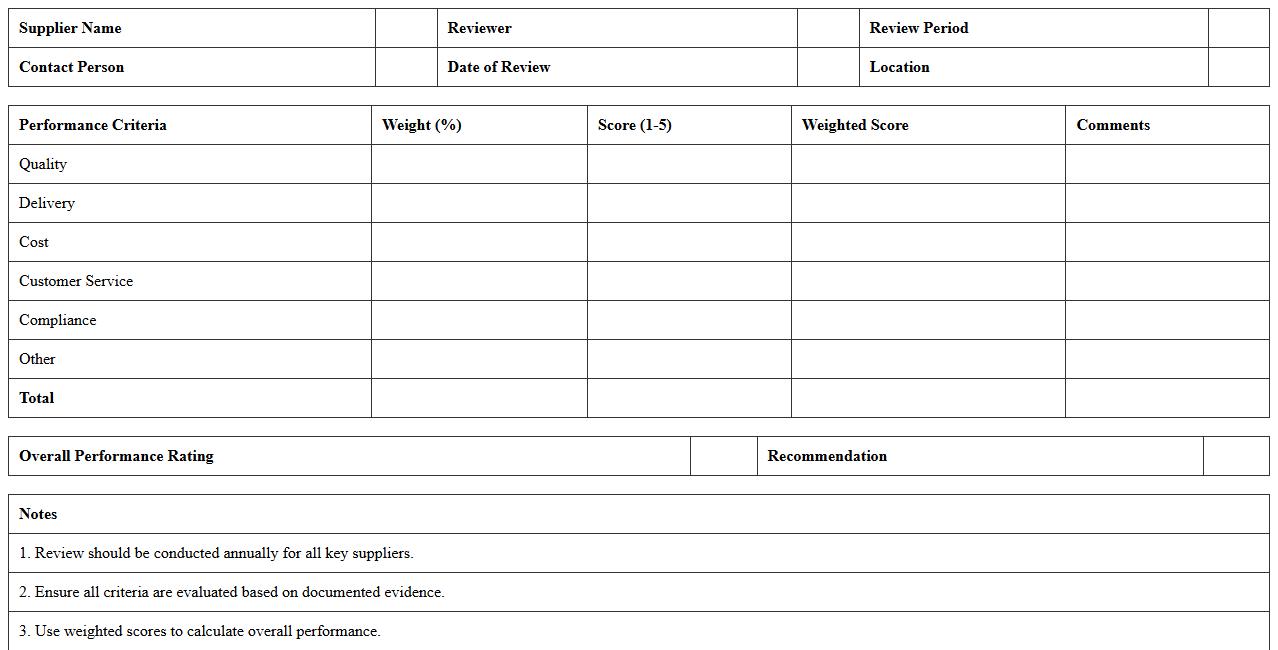
Annual Supplier Performance Review Worksheet
The
Annual Supplier Performance Review Worksheet is a structured document used to evaluate and track supplier performance metrics over a year, including delivery time, quality, compliance, and cost efficiency. It helps organizations identify strengths and weaknesses in their supply chain, enabling data-driven decisions to improve supplier relationships and overall procurement strategy. This worksheet supports continuous improvement by facilitating transparent communication and accountability between buyers and suppliers.
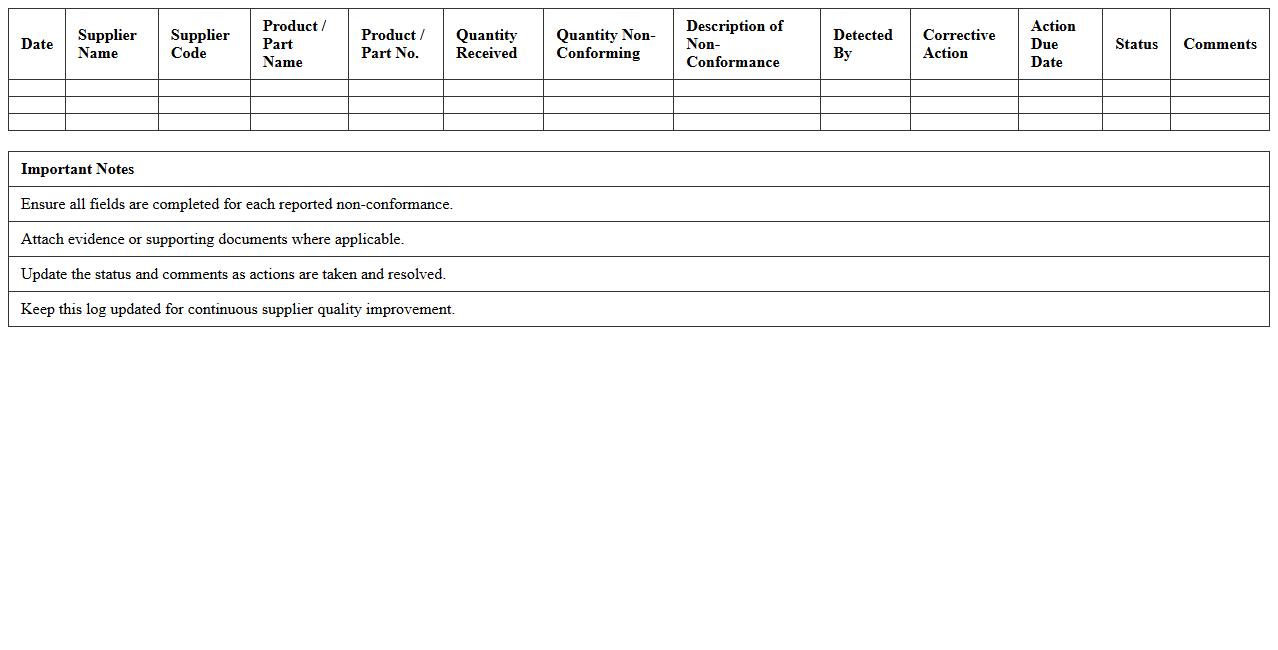
Supplier Non-Conformance Log Template
The
Supplier Non-Conformance Log Template document is a structured tool designed to record and track instances where supplier products or services fail to meet specified quality or contractual standards. It helps organizations systematically document defects, analyze recurring issues, and communicate effectively with suppliers for corrective actions. Utilizing this template improves supplier performance management, reduces operational risks, and enhances overall supply chain quality control.
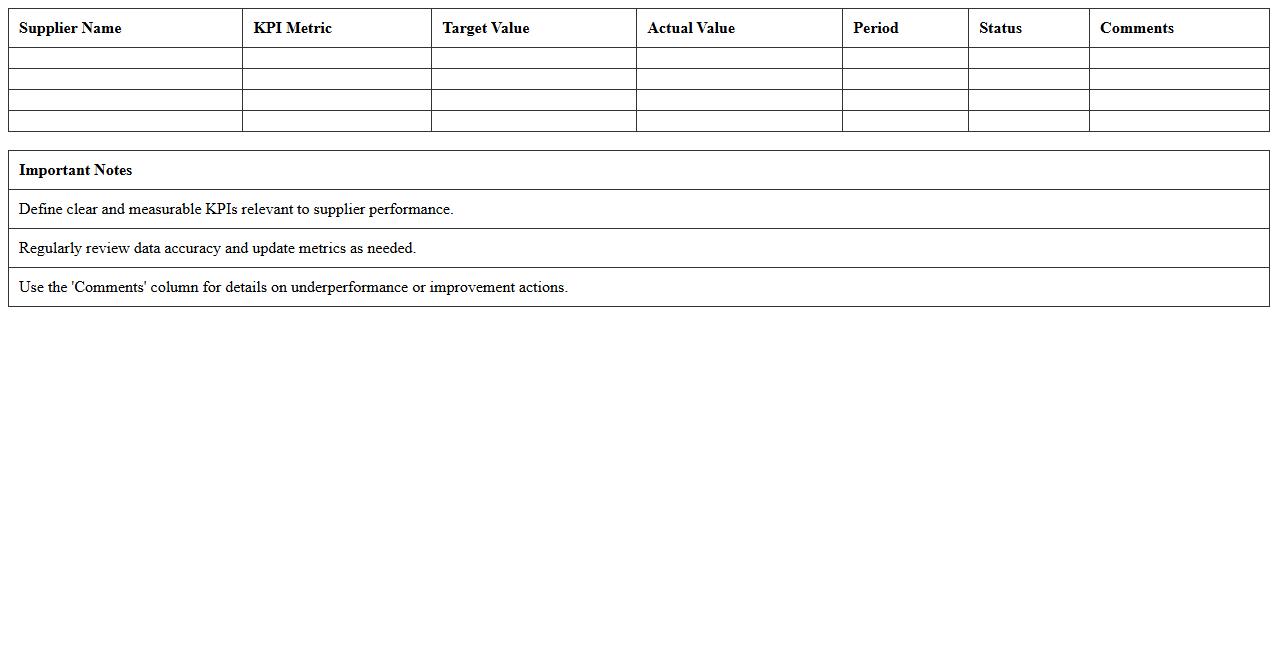
Supplier KPI Metrics Excel Template
The
Supplier KPI Metrics Excel Template document is a powerful tool designed to track and measure supplier performance through key performance indicators such as delivery time, quality, and cost efficiency. By organizing data into a clear, customizable spreadsheet, this template helps businesses identify strengths and areas for improvement in their supply chain operations. Using this document enables improved decision-making, enhanced supplier relationships, and optimized procurement strategies.
How to automate KPI scoring in a Supplier Performance Analysis Excel for manufacturing orders?
To automate KPI scoring, first establish clear metrics such as delivery timeliness, quality, and cost efficiency. Use Excel functions like IF, VLOOKUP, and INDEX-MATCH to dynamically calculate scores based on raw supplier data. Integrate conditional formatting to visually highlight performance thresholds and automate alerts for underperforming metrics.
What Excel formulas best track late deliveries by supplier in manufacturing?
Track late deliveries using the formula =IF(DeliveryDate > DueDate, 1, 0) to flag late shipments. Summarize these with COUNTIFS to count late deliveries per supplier over a specified date range. Combine this with AVERAGEIFS to assess average delay duration, providing a comprehensive performance snapshot.
How to visualize supplier defect rates monthly using Excel dashboards?
Create a dynamic dashboard using PivotTables summarizing monthly defect counts per supplier. Use line charts or bar graphs with slicers for interactive filtering by month and supplier. Apply data labels and color coding to emphasize trends in supplier defect rates for quick visual analysis.
What pivot table structures help compare supplier cost impacts in manufacturing?
Design PivotTables with suppliers as rows and cost categories as columns to compare cost components effectively. Include calculated fields to analyze total cost per supplier and variance against budgeted costs. Incorporate filters for time periods and manufacturing orders to refine supplier cost impact assessments.
How to integrate supplier audit checklist results into Excel scorecards?
Import audit checklist data into Excel by mapping audit criteria as columns and suppliers as rows. Use weighted scoring formulas to quantify compliance levels and aggregate into overall scores. Present results in a scorecard format with icon sets to quickly identify areas of concern in supplier audit results.
More Analysis Excel Templates