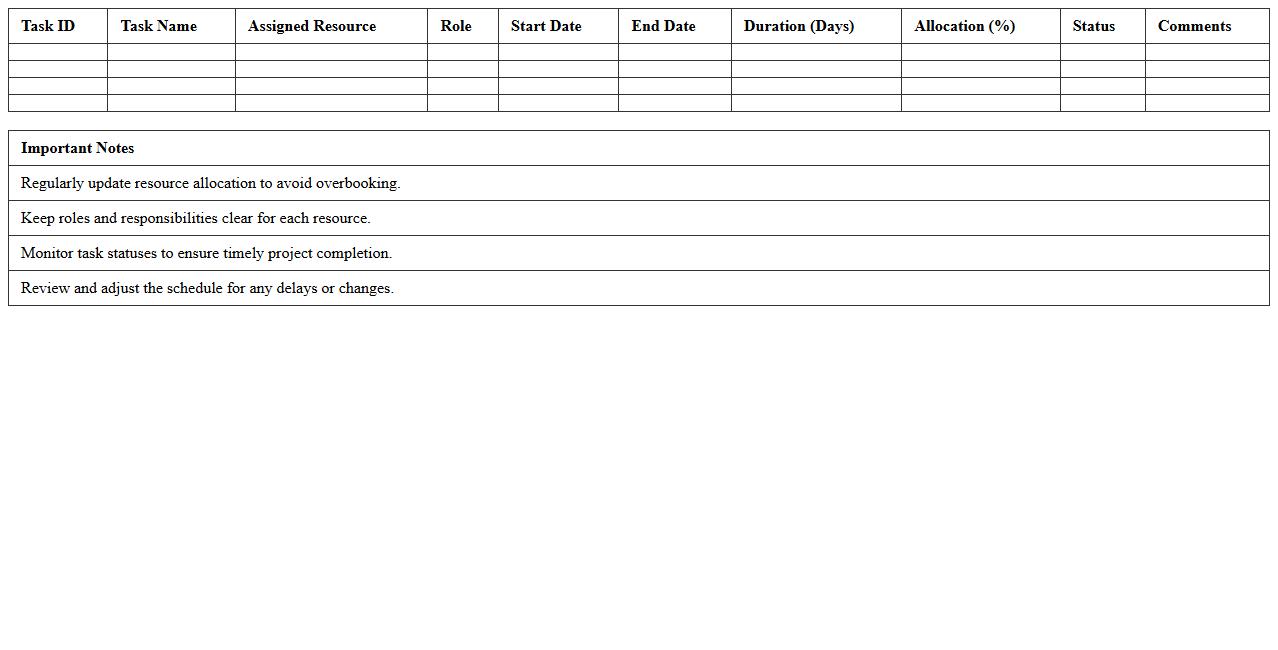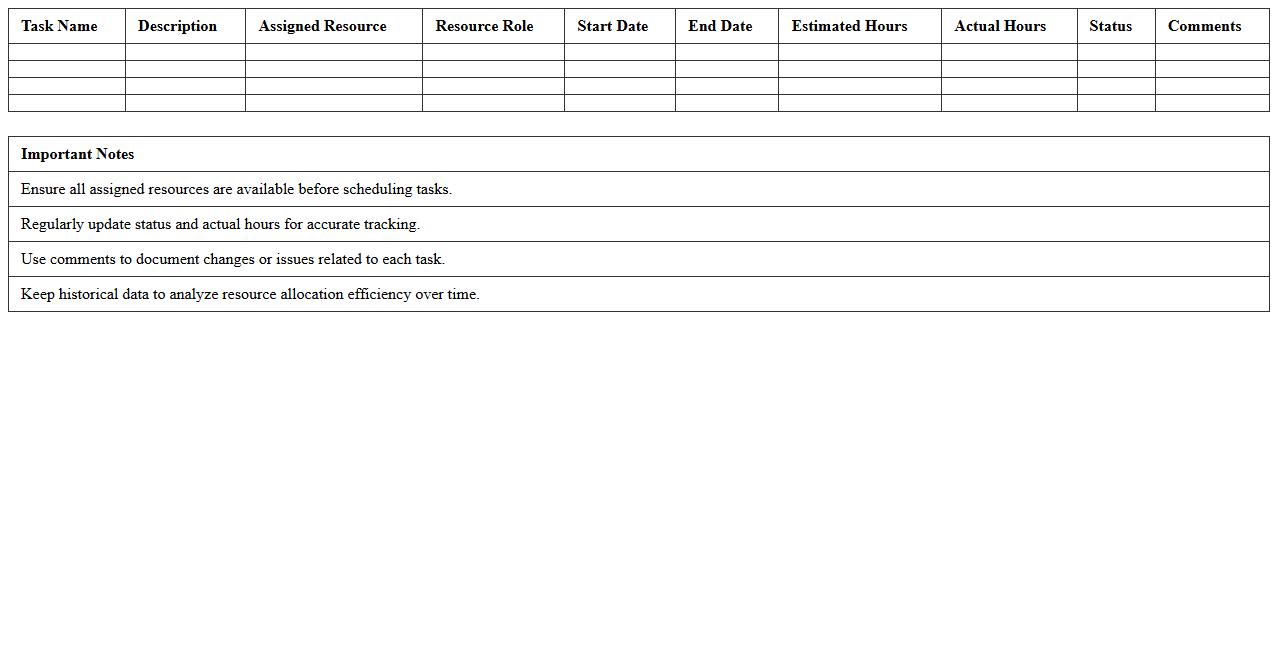
The Resource Allocation Excel Template for Project Managers streamlines the process of assigning tasks, tracking team availability, and managing workloads efficiently. It provides a clear visual overview of resource usage, helping project managers avoid overbooking and ensure optimal productivity. Customizable features allow seamless adaptation to various project scales and timelines.
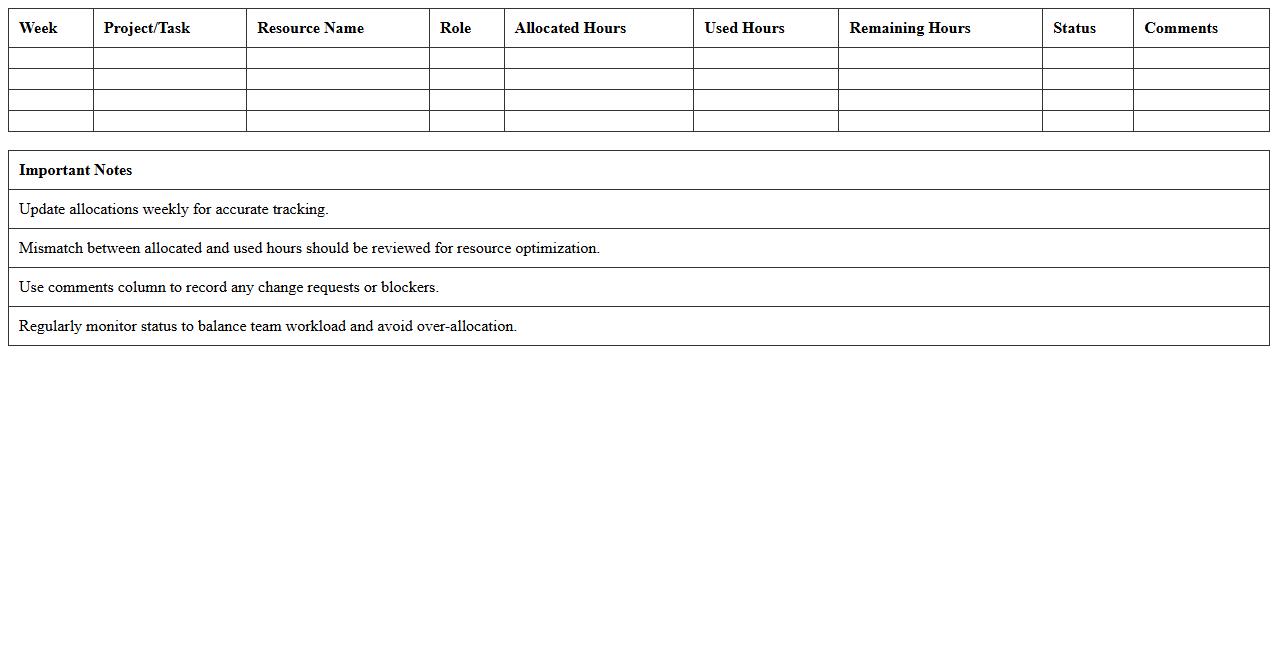
Weekly Resource Allocation Tracker Excel Template
The
Weekly Resource Allocation Tracker Excel Template is a powerful tool designed to monitor and manage the distribution of resources across various projects and tasks on a weekly basis. It helps project managers and team leads optimize workload, prevent overallocation, and ensure efficient utilization of personnel, equipment, and budget. By providing clear visibility into resource availability and assignment, this template enhances project planning accuracy and supports timely decision-making.
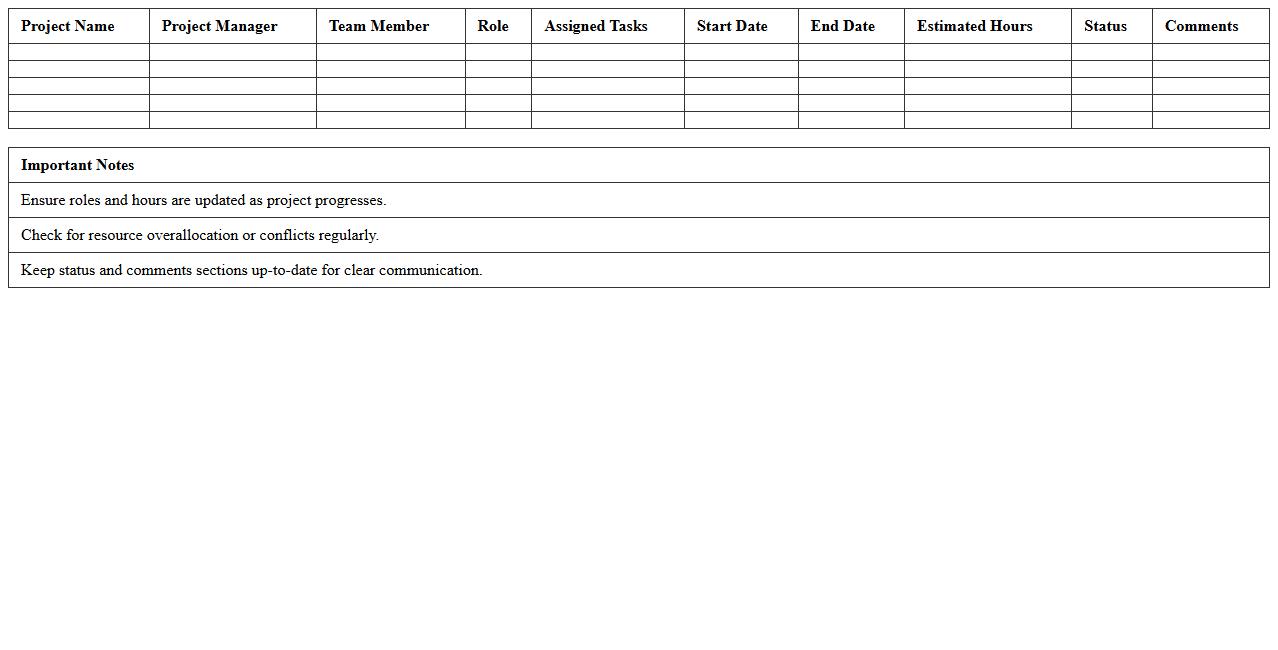
Project Team Resource Assignment Spreadsheet
A
Project Team Resource Assignment Spreadsheet is a vital tool for organizing and tracking the allocation of team members to specific project tasks and roles. It provides clear visibility into resource availability, skill sets, and workload distribution, enabling efficient project planning and preventing overallocation. This document improves communication, enhances productivity, and ensures that project milestones are met by aligning the right people with the right responsibilities.
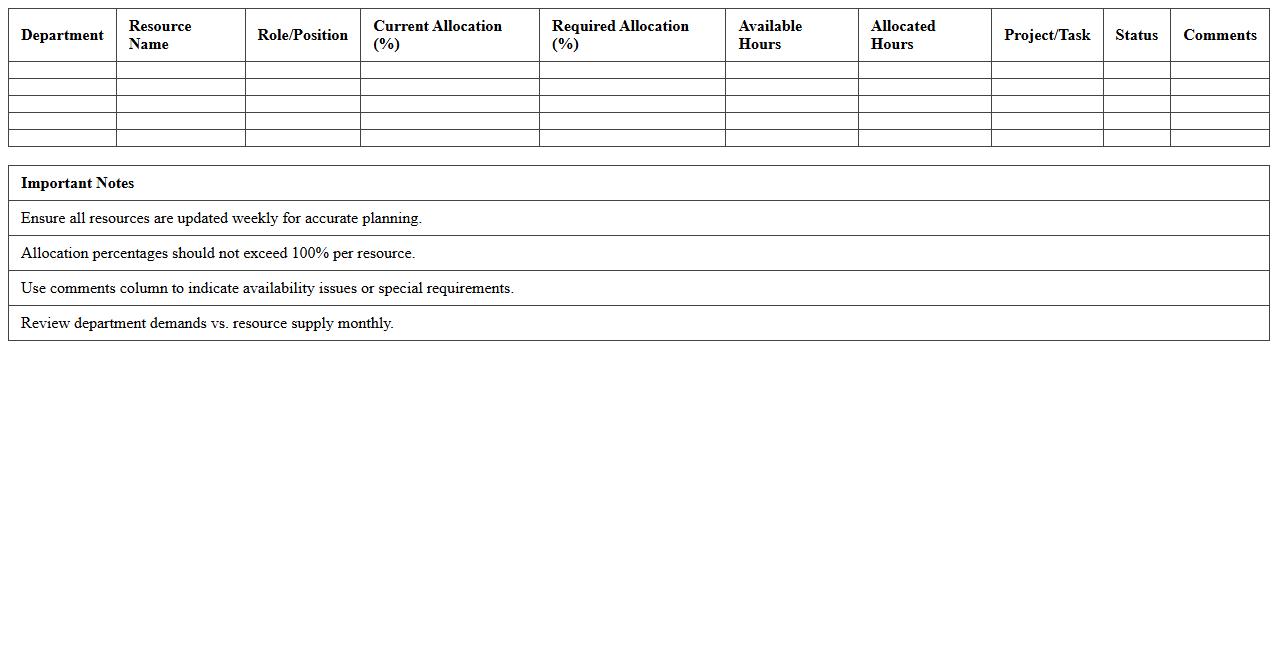
Departmental Resource Planning Excel Sheet
The
Departmental Resource Planning Excel Sheet document is a comprehensive tool designed to organize, allocate, and track resources within various departments efficiently. It helps optimize workforce distribution, budget management, and project timelines by providing a clear overview of available resources and their utilization. This leads to improved decision-making, enhanced productivity, and effective resource management across the organization.
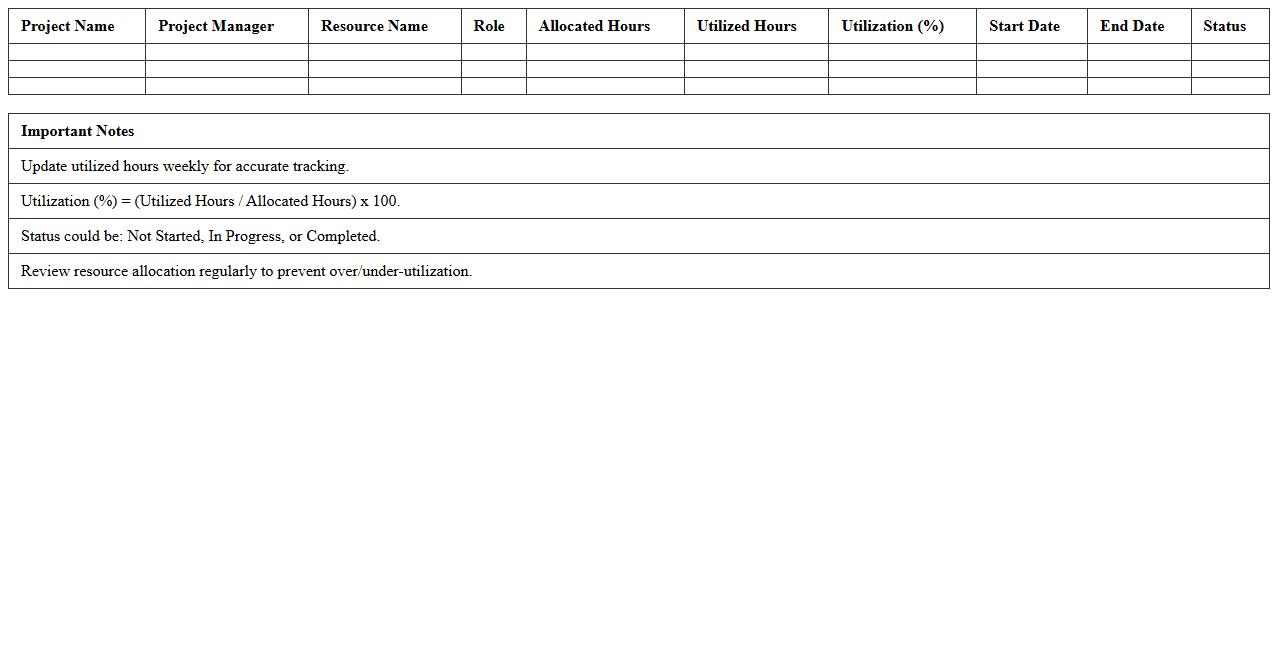
Project Resource Utilization Dashboard Template
The
Project Resource Utilization Dashboard Template document provides a visual framework to track and analyze how project resources are allocated and used over time. It helps project managers identify underutilized or overburdened team members, optimize resource allocation, and improve overall project efficiency. This tool enhances decision-making by offering real-time insights into workforce productivity and capacity planning.
Multi-Project Resource Allocation Matrix Excel
The
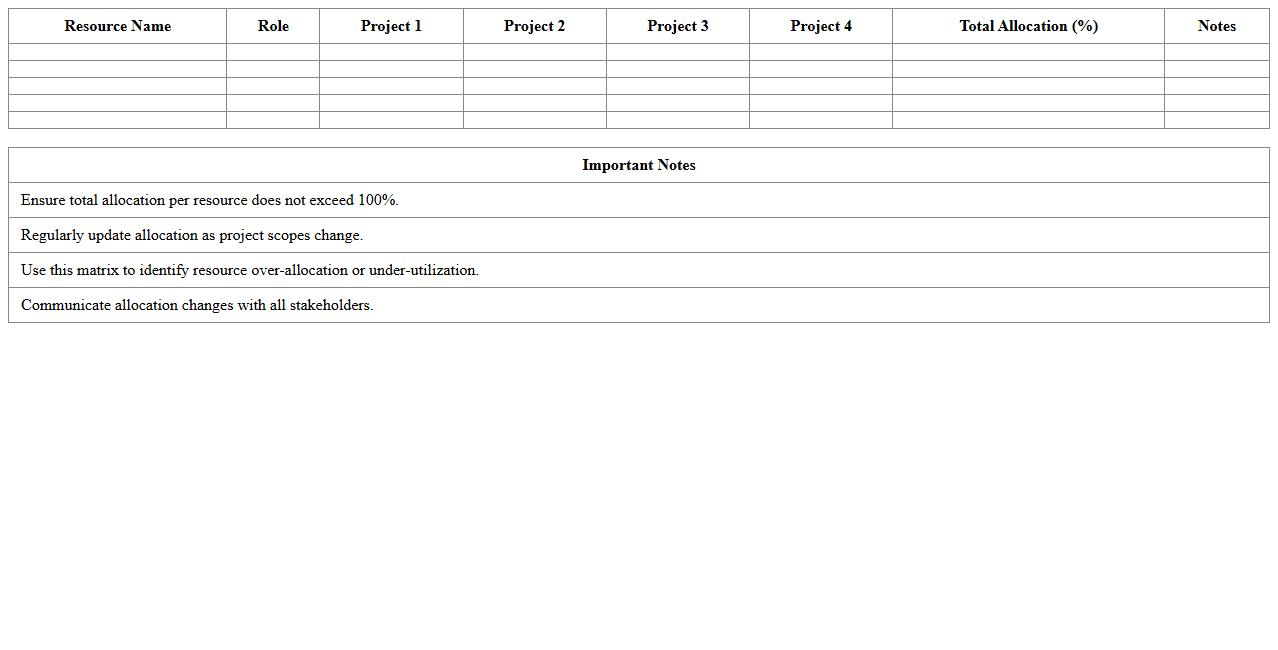
Multi-Project Resource Allocation Matrix Excel document is a detailed tool that tracks and manages resource distribution across multiple projects, ensuring optimal utilization of personnel, equipment, and budget. It helps project managers visualize resource availability, identify overallocation or conflicts, and make data-driven decisions to enhance project efficiency and timelines. This matrix improves collaboration, reduces bottlenecks, and streamlines resource planning for complex project portfolios.
Resource Capacity vs Demand Analysis Excel Template
The
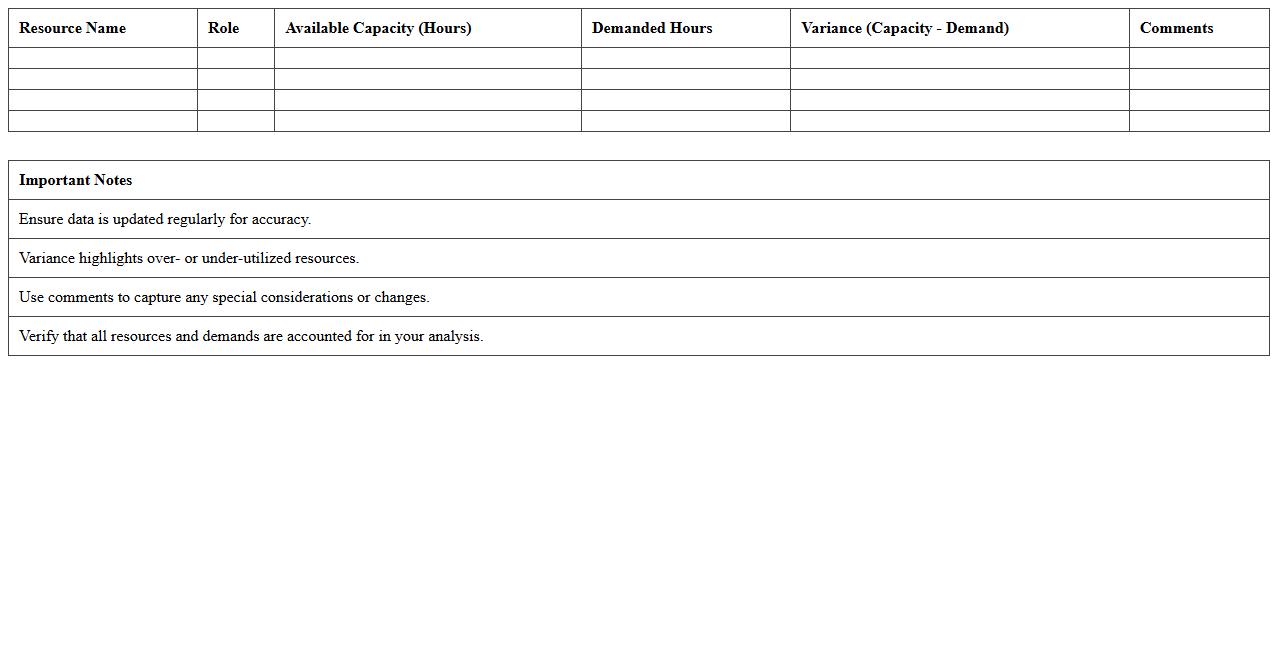
Resource Capacity vs Demand Analysis Excel Template is a powerful tool designed to compare available resources against project or operational demands, enabling efficient workload management. It helps identify resource shortages or surpluses by visually mapping capacity against demand, facilitating informed decision-making to optimize resource allocation. This template supports improved project planning, reduces bottlenecks, and enhances overall productivity by ensuring the right resources are available when needed.
Employee Workload Allocation Excel Sheet
An
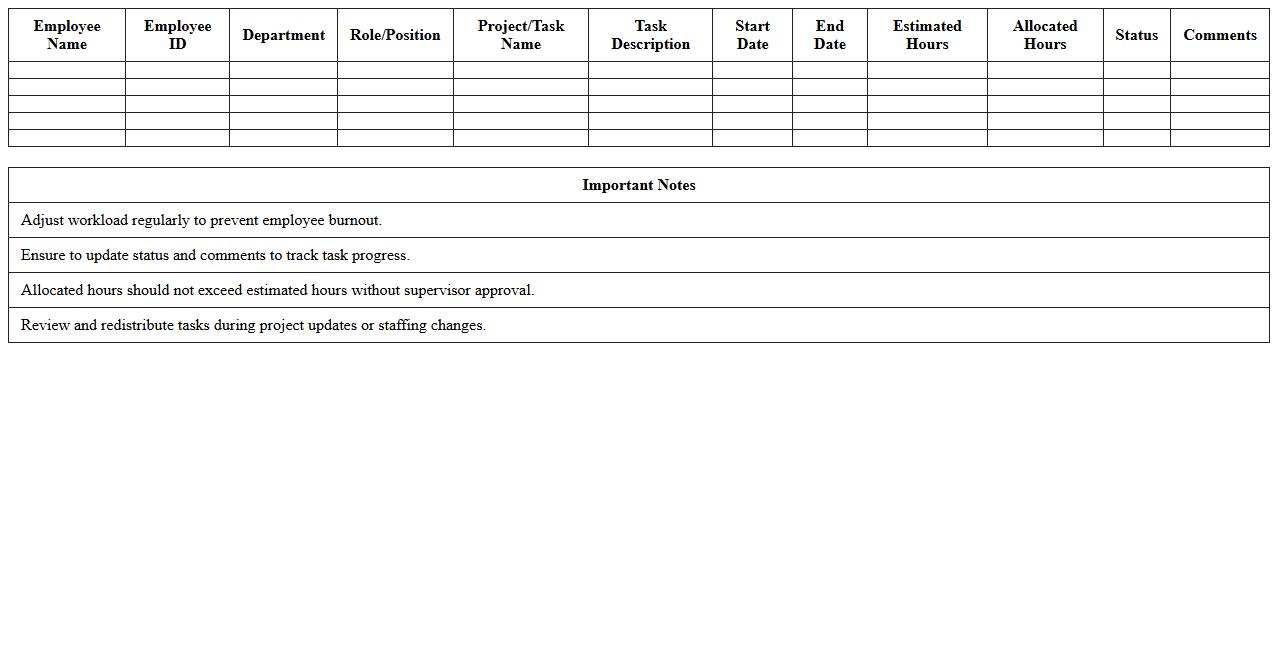
Employee Workload Allocation Excel Sheet document systematically organizes and tracks employee tasks, hours, and project assignments to ensure balanced distribution of work. It enhances productivity by preventing employee burnout and identifying capacity gaps within teams. This tool supports data-driven decision-making for resource planning and optimization in workforce management.
Resource Availability Calendar Excel Template
The
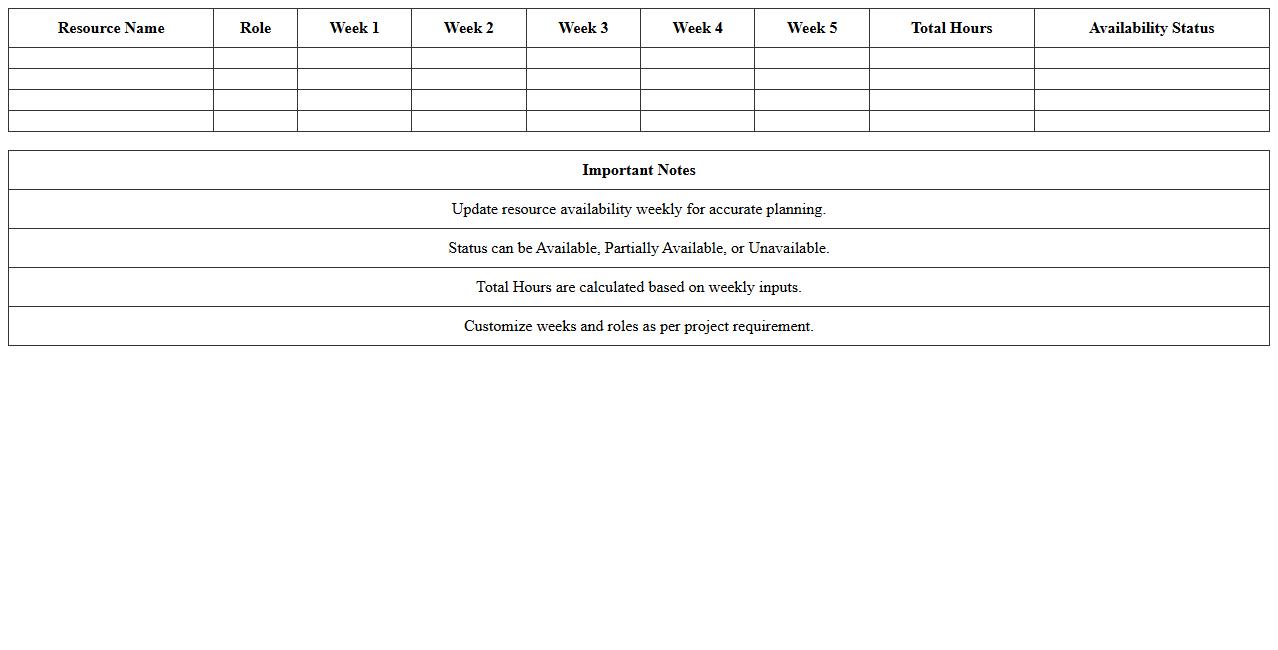
Resource Availability Calendar Excel Template document is a powerful tool designed to track and manage the availability of team members, equipment, or other resources across specific dates. It enables project managers and coordinators to visualize resource allocation, identify potential scheduling conflicts, and optimize workload distribution. By streamlining resource planning, this template enhances productivity and ensures timely project delivery.
Project Resource Schedule Planner Spreadsheet
A
Project Resource Schedule Planner Spreadsheet is a detailed document that organizes and allocates resources such as personnel, equipment, and materials across project tasks and timelines. It enables efficient tracking of resource availability, helps prevent overallocation, and ensures timely completion of project milestones. Using this planner enhances project management by optimizing resource utilization and improving coordination among team members.
Task-Based Resource Distribution Excel Template
The
Task-Based Resource Distribution Excel Template document is a structured spreadsheet designed to allocate resources efficiently across various tasks in a project or organization. It enables users to track resource assignments, monitor workloads, and ensure optimal utilization of personnel, time, and materials. By providing a clear overview of resource distribution, it helps improve project management, reduce bottlenecks, and enhance team productivity.
How can conditional formatting in Excel highlight overallocation in project resources?
Conditional formatting in Excel helps identify overallocation by highlighting cells that exceed set thresholds. You can apply custom formulas to compare resource hours against available capacity. This visual cue allows project managers to quickly spot and address resource conflicts.
What formulas track resource utilization percentages across multiple projects?
Formulas such as =SUM() and =SUMIF() aggregate hours assigned per resource across projects. Calculating utilization percentages involves dividing allocated hours by total available hours with formulas like =AllocatedHours/AvailableHours. These calculations enable monitoring of individual resource utilization efficiently.
How to automate resource availability updates in a shared allocation sheet?
Using Excel tables with dynamic ranges ensures automatic inclusion of new data entries. Connecting sheets with cell references or using Power Query allows real-time updates across shared files. Automating this process minimizes manual errors and maintains consistent resource availability records.
Which Excel pivot table setup best visualizes resource allocation by skill set?
Create a pivot table with skill sets in the rows and resources or projects in the columns. Use allocation hours or percentages as the pivot values to summarize allocation efficiently. Incorporating slicers for projects or time periods enhances interactive visualization of resource distribution.
What VBA scripts streamline reassigning resources within an allocation tracker?
VBA scripts can automate tasks such as updating resource names, reallocating hours, and validating availability quickly. A well-designed macro reduces repetitive manual adjustments by using input forms and conditional checks. This enhances accuracy and speeds up workload management in resource allocation tracking sheets.
More Allocation Excel Templates