The Budget Allocation Excel Template for Small Businesses simplifies financial planning by organizing income, expenses, and savings in one spreadsheet. It helps small business owners track spending, monitor cash flow, and make informed decisions to enhance profitability. Customizable categories and automated calculations save time and improve budgeting accuracy.
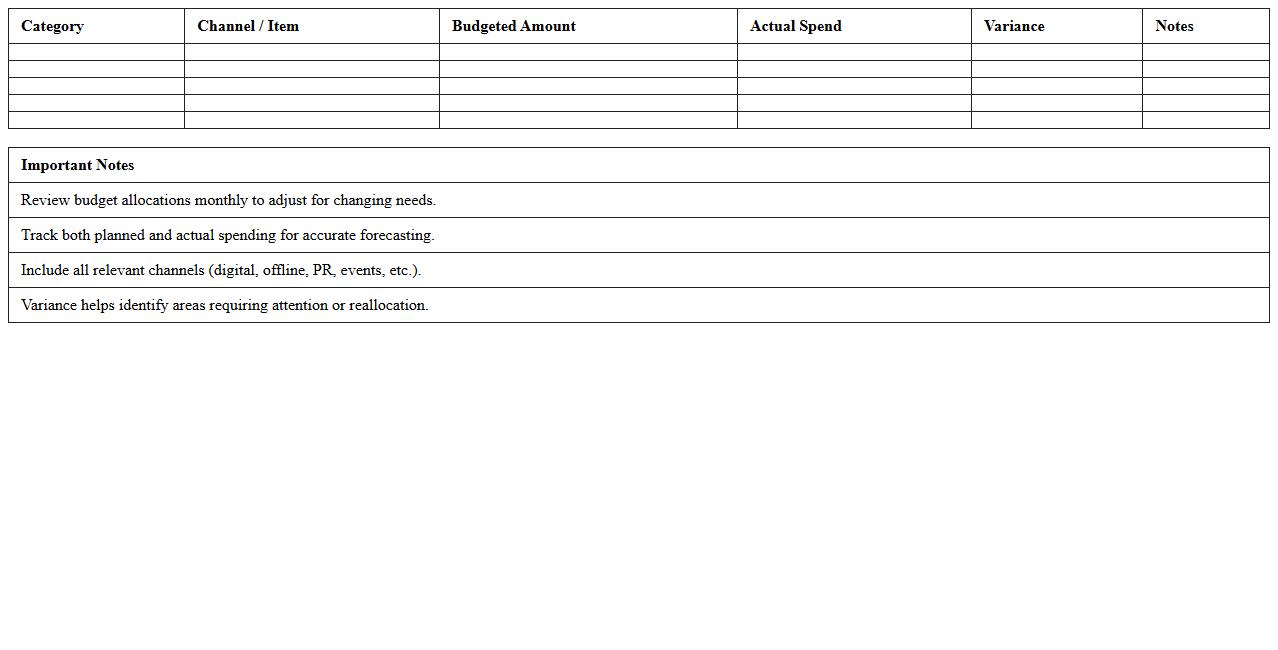
Marketing Budget Allocation Excel Template for Startups
The
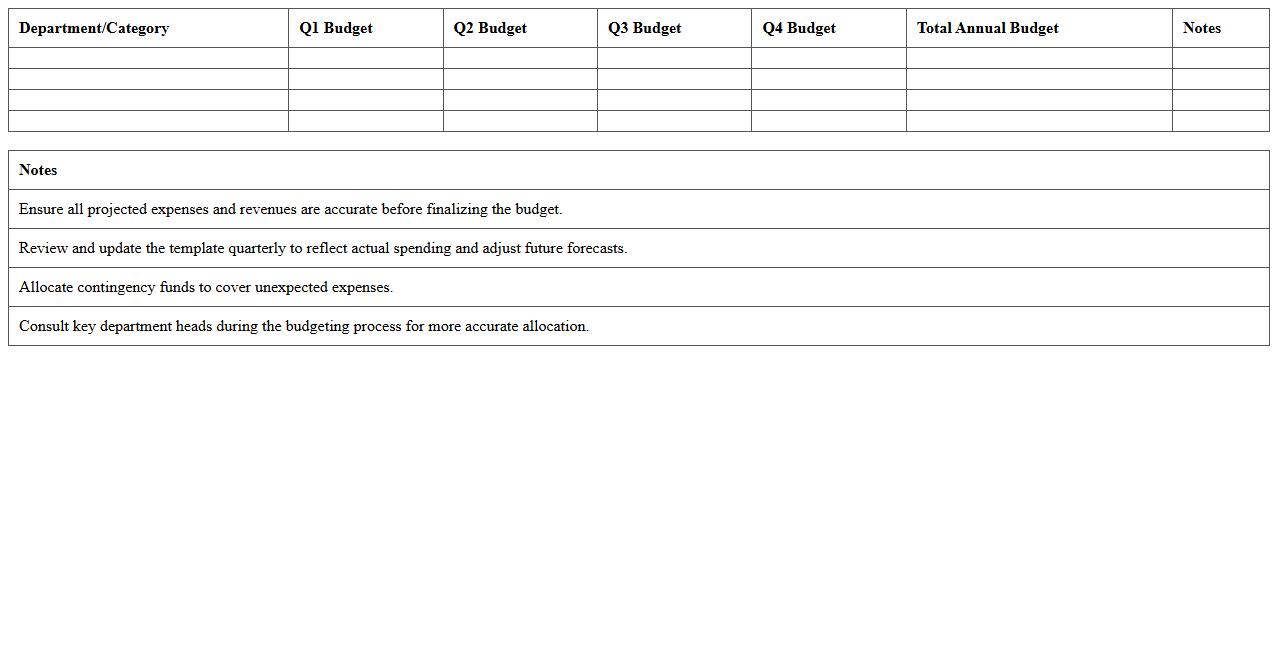
Marketing Budget Allocation Excel Template for Startups is a structured tool designed to help new businesses efficiently plan and distribute their marketing funds across various channels. It enables startups to track expenses, forecast costs, and analyze the effectiveness of different marketing strategies, ensuring optimal use of limited resources. This template simplifies financial management, enhances budget transparency, and supports data-driven decision-making to drive better marketing ROI.
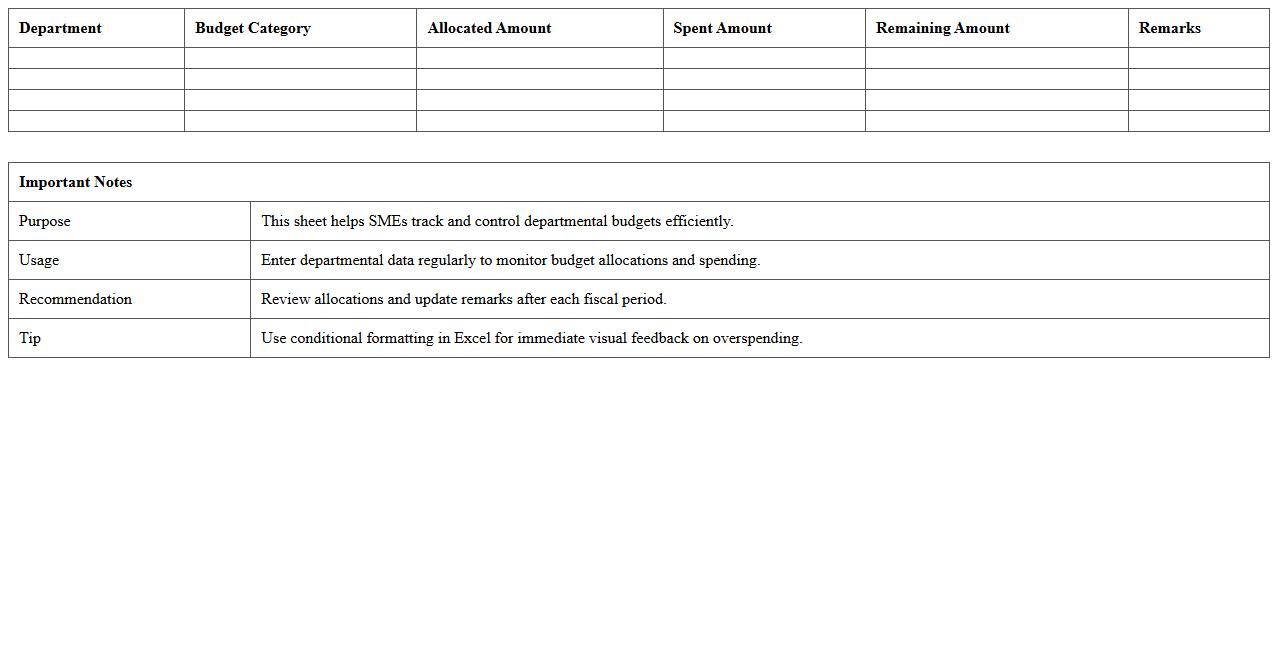
Departmental Budget Allocation Excel Sheet for SMEs
A
Departmental Budget Allocation Excel Sheet for SMEs is a structured financial planning tool designed to distribute budget resources across various business departments efficiently. This document enables small and medium-sized enterprises to monitor, control, and optimize their spending by providing clear visibility into departmental expenses and budget limits. It supports better decision-making, enhances cost management, and ensures alignment of financial resources with organizational goals.
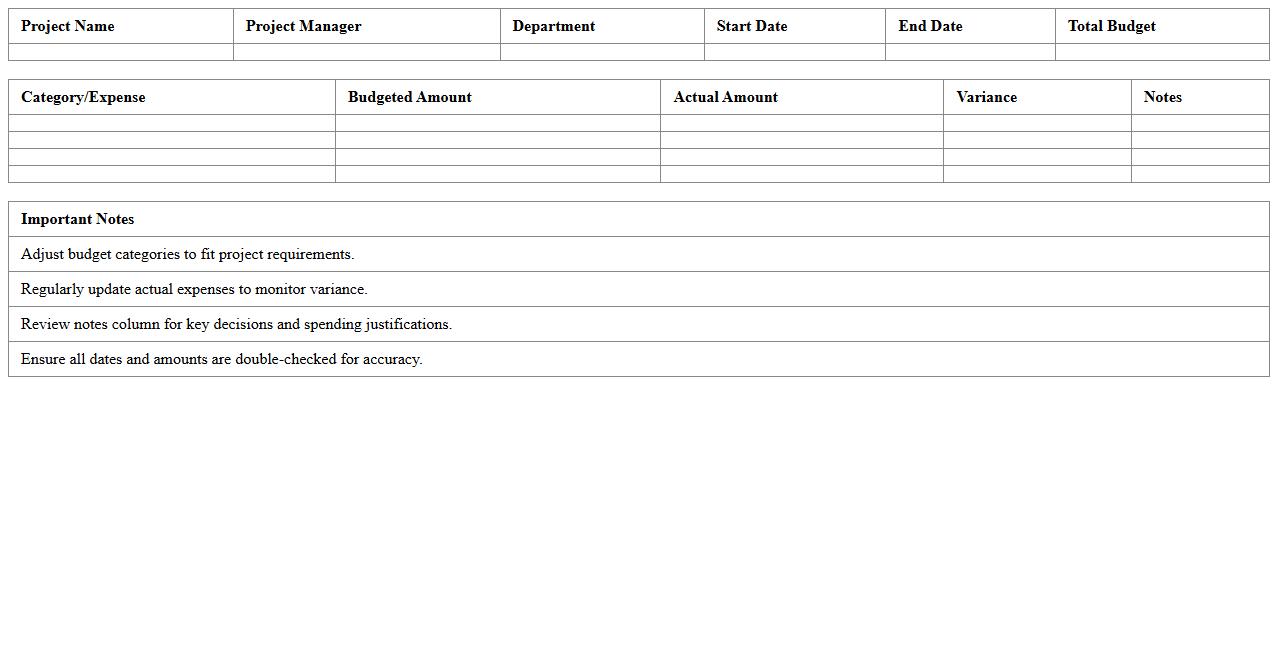
Project-Based Budget Allocation Template in Excel
A
Project-Based Budget Allocation Template in Excel is a structured tool designed to manage and distribute financial resources across various project components efficiently. It enables detailed tracking of expenses, ensuring that funds are allocated according to project priorities and timelines, which reduces the risk of overspending. Utilizing this template helps organizations maintain financial control, improve transparency, and make informed decisions during project execution.
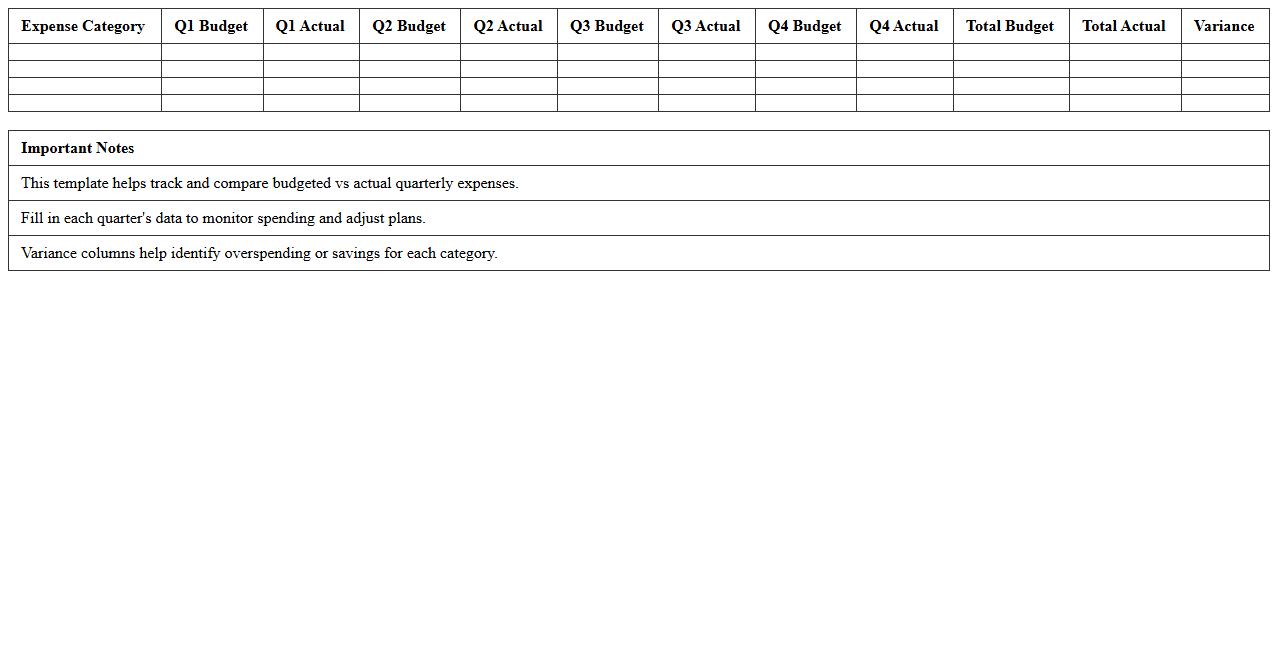
Quarterly Expense Allocation Excel Template for Small Firms
The
Quarterly Expense Allocation Excel Template for small firms is a structured spreadsheet designed to track and organize business expenses over each quarter, helping managers allocate costs accurately across departments or projects. It enables precise budgeting, financial analysis, and cash flow management by categorizing expenses and generating summaries that facilitate informed decision-making. Small firms benefit from this tool by improving financial transparency, reducing errors in expense reporting, and streamlining quarterly accounting processes.
Annual Budget Distribution Excel Template for Business
The
Annual Budget Distribution Excel Template for Business is a structured spreadsheet designed to allocate and track financial resources across different departments, projects, or time periods within a fiscal year. It enables businesses to manage revenues, expenses, and cash flow effectively, promoting better financial planning and resource optimization. Using this template streamlines budget analysis, helps identify spending patterns, and supports strategic decision-making by providing a clear overview of budget commitments and variances.
Team-Specific Budget Allocation Excel Spreadsheet
The
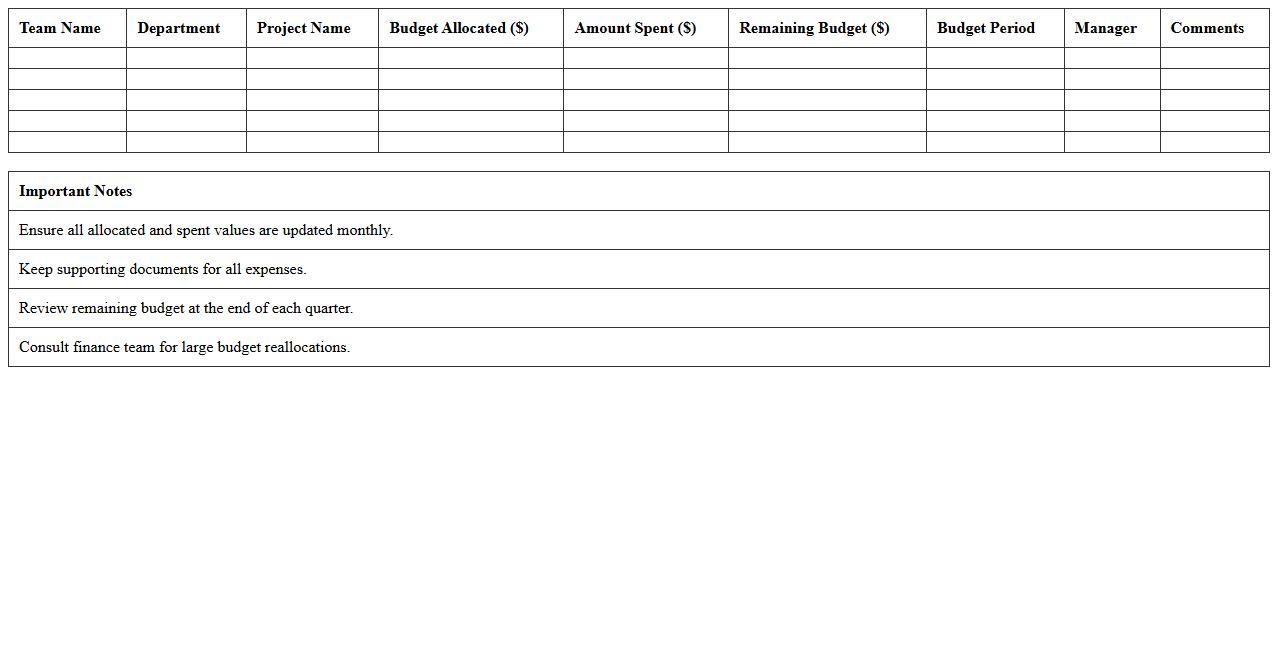
Team-Specific Budget Allocation Excel Spreadsheet document is a structured tool designed to track and manage financial resources assigned to different teams within an organization. It enables precise monitoring of expenditures, forecasting of budget needs, and ensures accountability by clearly outlining allocated amounts per team. This spreadsheet enhances financial transparency and aids in optimizing resource distribution to support project goals and operational efficiency.
Monthly Operating Expenses Allocation Excel Template
The
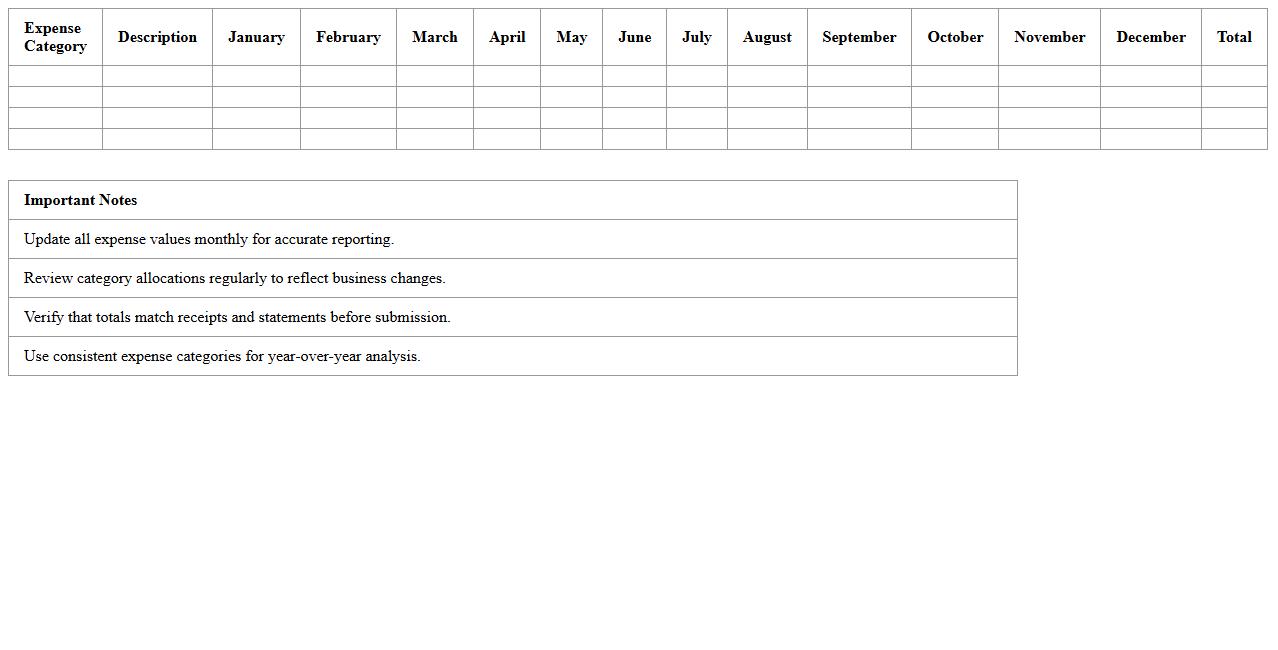
Monthly Operating Expenses Allocation Excel Template is a structured spreadsheet designed to help businesses systematically track and allocate their monthly operating costs across various departments or projects. It enables clear visibility into spending patterns, facilitating better budgeting, cost control, and financial planning. By using this template, organizations can efficiently monitor expenses, optimize resource allocation, and improve overall financial management.
Resource Allocation Budget Excel Template for Entrepreneurs
The
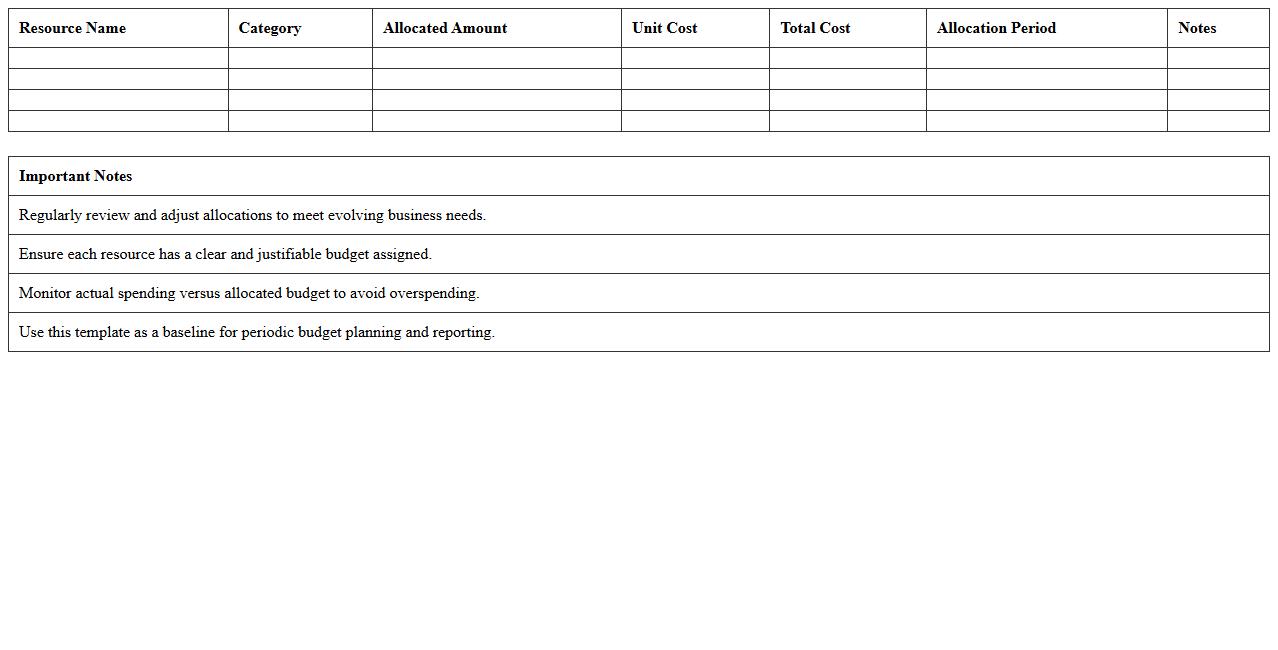
Resource Allocation Budget Excel Template for entrepreneurs streamlines the process of managing financial resources by providing a clear, customizable framework to track and allocate budgets across various business functions. It enables efficient monitoring of expenses, optimizing fund distribution to meet project goals and improve cash flow management. This tool enhances decision-making by offering detailed insights into resource utilization, helping entrepreneurs maximize profitability and minimize waste.
Cost Center Budget Allocation Excel Tracking Sheet
A
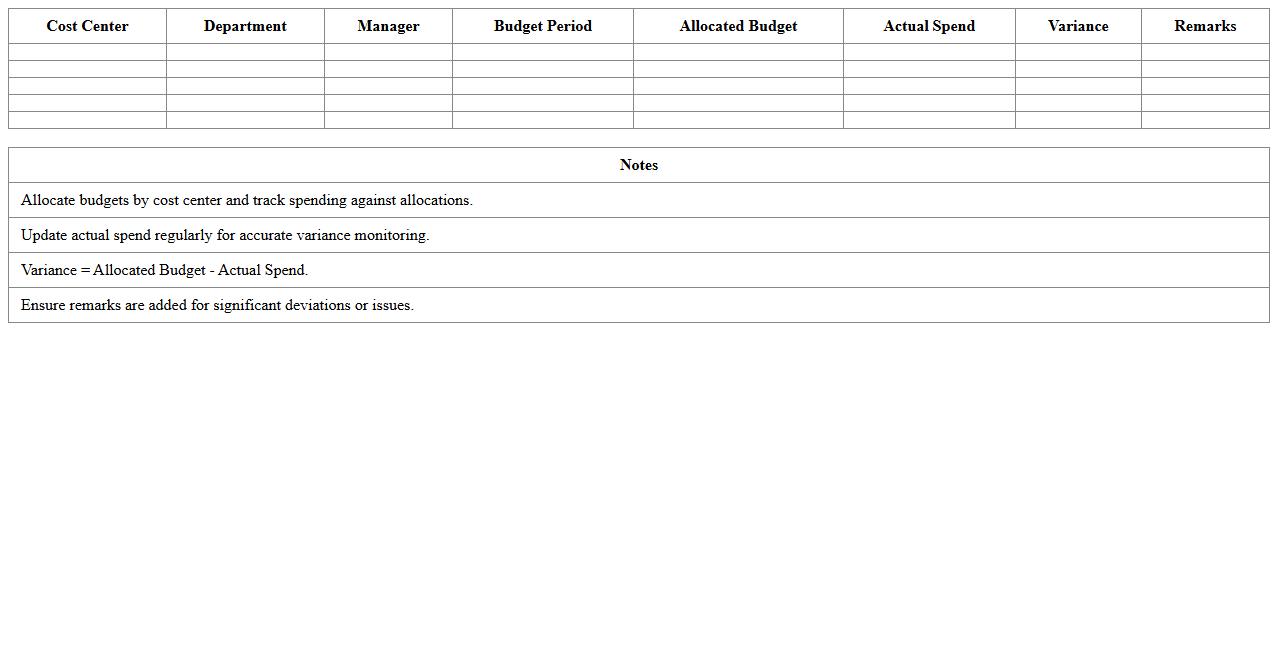
Cost Center Budget Allocation Excel Tracking Sheet is a structured spreadsheet designed to monitor and manage the distribution of financial resources across different departments or cost centers within an organization. It provides clear visibility into budgetary limits, actual expenses, and variance analysis, enabling efficient financial control and accountability. This tool helps businesses optimize resource allocation, prevent overspending, and enhance strategic financial planning through real-time data tracking and reporting.
Employee Expense Allocation Excel Template for Small Businesses
The
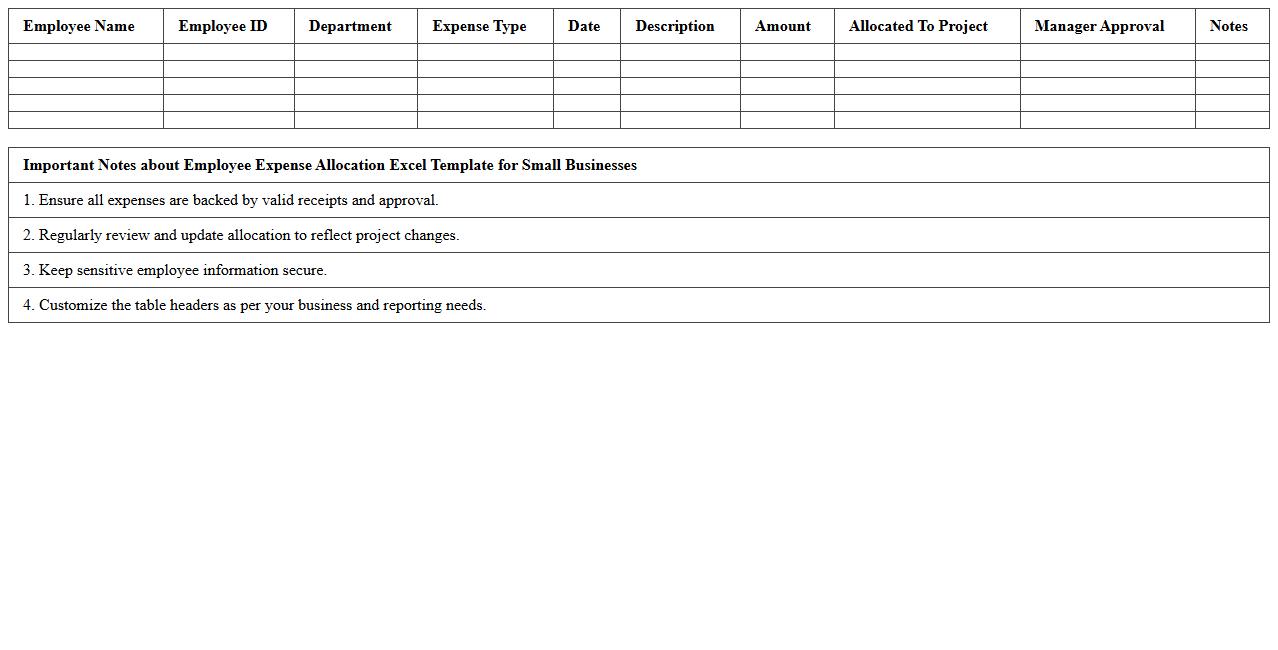
Employee Expense Allocation Excel Template for small businesses is a customizable spreadsheet designed to track and manage employee-related expenses efficiently. It helps organizations accurately allocate costs such as travel, meals, and office supplies to specific departments or projects, ensuring precise budgeting and financial reporting. Using this template streamlines expense monitoring, reduces errors, and supports better decision-making in managing business finances.
How can I automate monthly budget variance tracking in my Excel template?
To automate monthly budget variance tracking, use Excel's built-in formulas like SUMIFS and VLOOKUP to compare actual expenses against budgeted amounts. Incorporate conditional formatting to highlight variances that exceed predefined thresholds automatically. Additionally, using PivotTables can help summarize data dynamically, making it easy to view variances by category or month.
What formulas optimize expense category forecasting for small businesses in Excel?
Key formulas for optimizing expense category forecasting include TREND, FORECAST.LINEAR, and AVERAGEIFS, which allow you to analyze historical data and predict future expenses accurately. Using dynamic named ranges combined with these formulas ensures your forecasts adjust as new data is entered. Integrating these formulas with charts provides clear visual insights into expected costs per category.
How do I integrate cash flow projections with budget allocation spreadsheets?
Integrate cash flow projections by linking relevant expense and income data from your budget allocation spreadsheet using cell references and formulas like SUM and IF statements. Create a separate cash flow tab that pulls summarized data, enabling real-time updates whenever your budget changes. Use Excel's Data Validation and tables to ensure your data inputs remain consistent and easy to manage across sheets.
What Excel functions best highlight overspending trends in my budget allocations?
Excel functions such as IF, CONDITIONAL FORMATTING, and SPARKLINE are excellent for highlighting overspending trends in your budget allocations. Use IF formulas to flag entries where expenses exceed budget limits, and apply conditional formatting for visual alerts like color changes. Sparklines can provide mini trend charts next to categories, making it easy to spot overspending patterns at a glance.
How can I securely share budget allocation Excel files with remote team members?
To securely share budget allocation Excel files, use cloud services like OneDrive or SharePoint with appropriate access controls and permissions. Enable features such as protected sheets and password encryption within Excel to prevent unauthorized edits. Implementing version control and regular backups further ensures that data integrity is maintained while facilitating collaboration among remote team members.
More Allocation Excel Templates